

アバター用 NPC Pet 簡単なNPCペット Simple NPC Pet 【Modular Avatar非対応 / MA not compatible】
- ダウンロード商品¥ 2,000
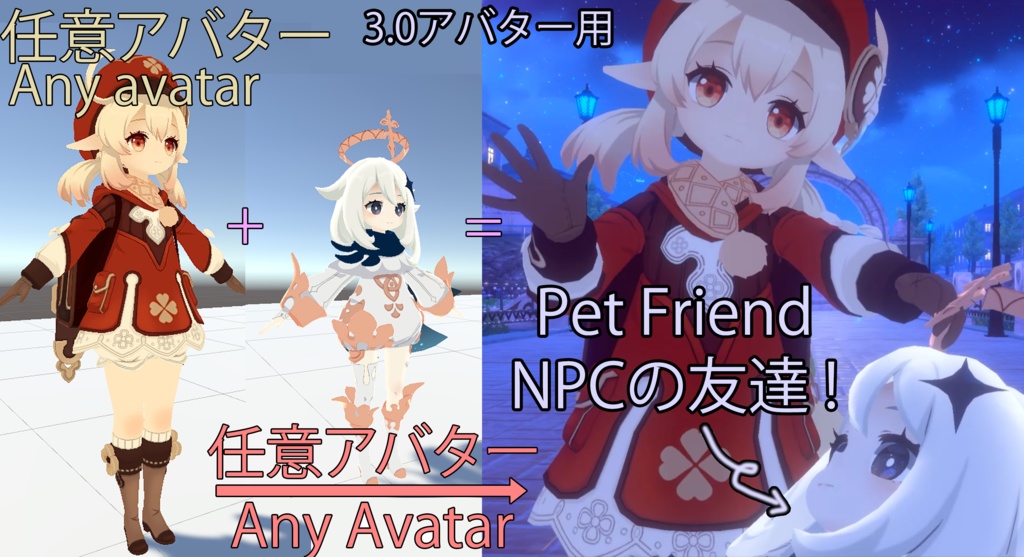
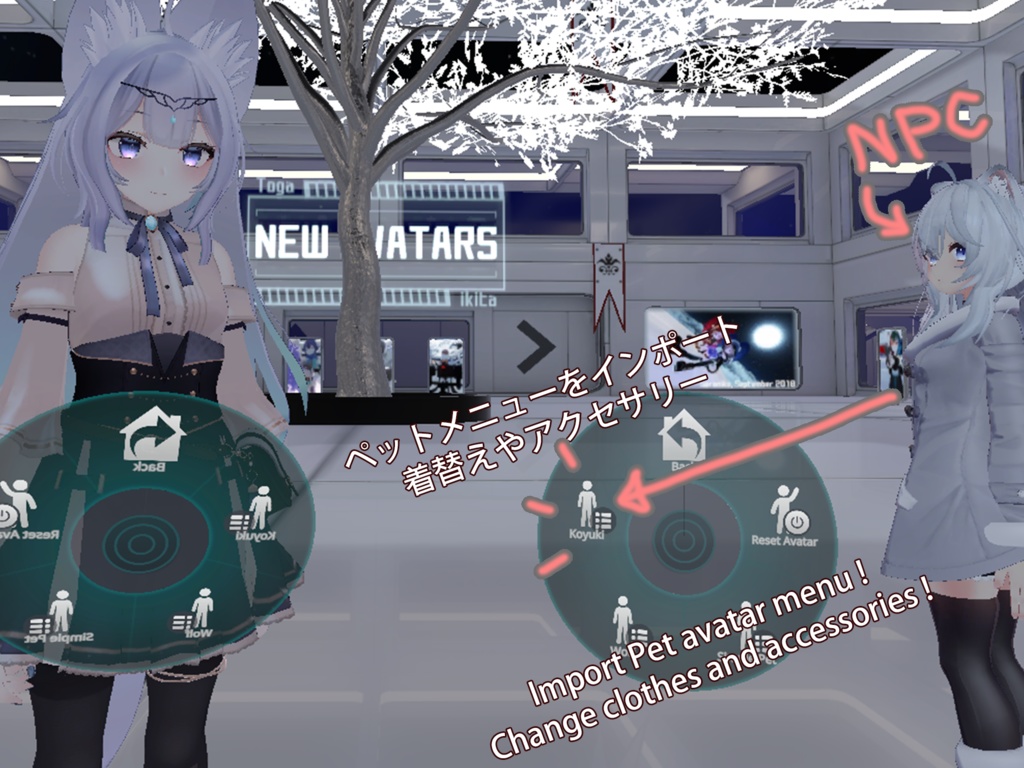
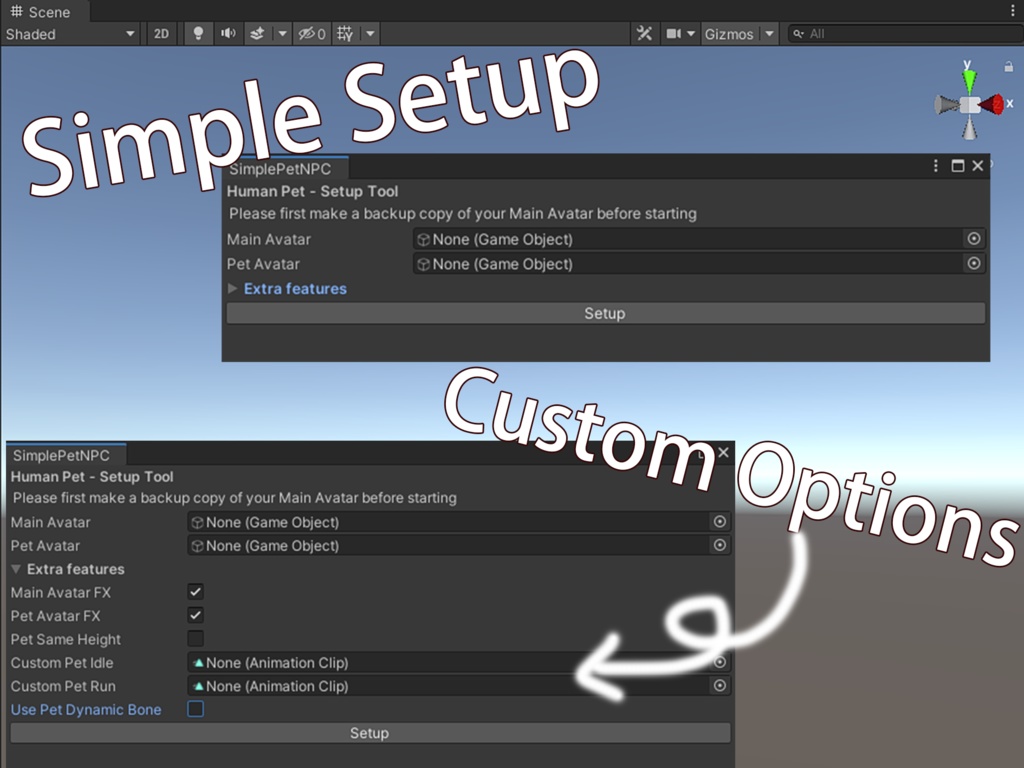


【Modular Avatar非対応 / MA not compatible】 ✦ 簡単なNPCペット (Simple NPC Pet) ✦ アバターに追従する、自分だけの小さなコンパニオンを追加できるシンプルなエディタツールです。 ✦ A simple editor tool to add your own little companion that follows your avatar. ✦ 紹介動画 (Video Showcase): https://youtu.be/40Ictz2o1XQ ✦ ユーザーマニュアル (User Manual): https://youtu.be/vml_pJLDJRA
要件 / Requirements
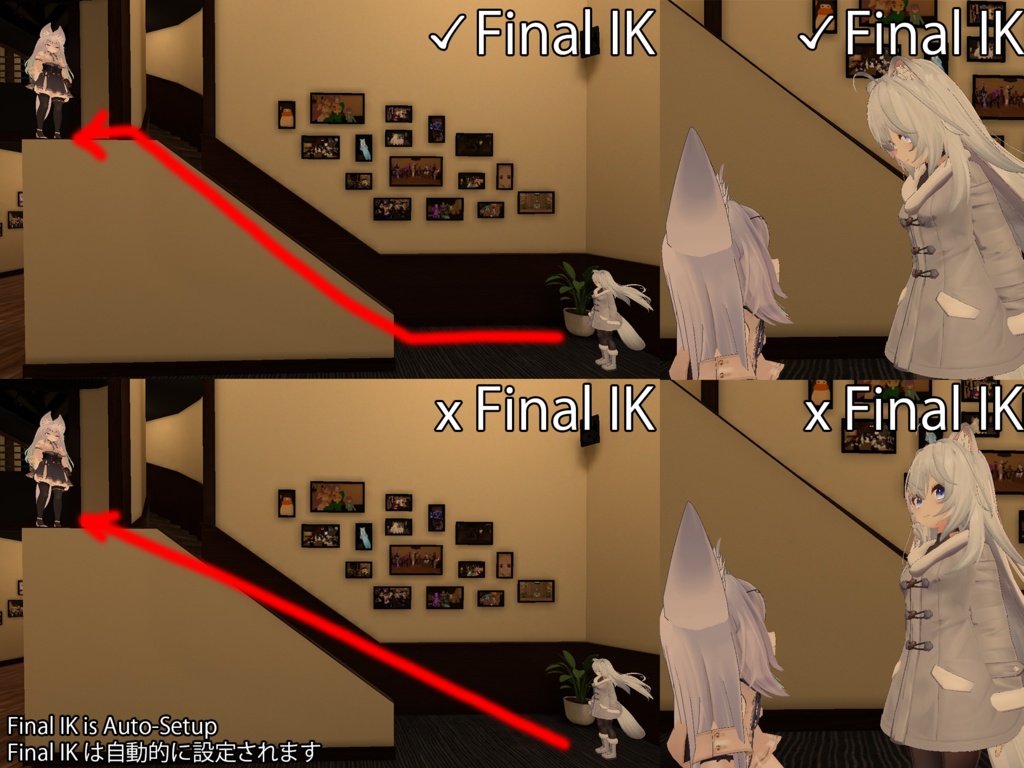
✦ Unity: 2019.4.31f1 以降 (Unity 2022.3.6f1で動作確認済み) ✦ VRChat SDK: VRCSDK3 - Avatars ✦ ペットのアバター: Humanoidリグであること (A Humanoid rig is required for the pet avatar) ※ Dynamic Bones、Final IKは不要です。 ※ Dynamic Bones and Final IK are not required.
導入方法 / How to Install
✦ 1. VRChat Creator Companion (VCC) を利用して、最新のVRCSDKを含むUnityプロジェクトを作成します。 ✦ 2. 本製品(SimplePetNPC_vXXX.unitypackage)をUnityプロジェクトにインポートしてください。 ✦ 1. Create a new Unity Project with the latest VRCSDK using the VRChat Creator Companion (VCC). ✦ 2. Import this asset (SimplePetNPC_vXXX.unitypackage) into your Unity project.
他のアセットとの併用 / Compatibility with Other Assets
✦ Modular Avatar (MA) や VRCFury をお使いの場合、本ツールを適用する前に以下の手順を行ってください。 ✦ If you use Modular Avatar (MA) or VRCFury, please follow the steps below before using this tool. ✦ Modular Avatar: 1. アバターのコピーを作成します。 2. コピーしたアバターを右クリックし、ModularAvatar -> Manual bake avatar を選択します。 3. ベイクされたアバターに本ツールを使用してください。 ✦ VRCFury: 1. アバターを選択し、Unity上部メニューの Tools -> VRCFury -> Build an Editor Test Copy を選択します。 2. 生成されたアバターのコピーを選択し、ルートオブジェクトからVRCFuryコンポーネントを削除します。
既知の制限事項 / Known Limitations
✦ 予期せぬエラーを防ぐため、可能であれば新しいUnityプロジェクトで試すことをお勧めします。 We recommend testing in a new Unity project to prevent unexpected errors. ✦ セットアップ時、ペットのアバターはTポーズである必要があります。 The pet avatar must be in a T-Pose during setup. ✦ メインアバターとペットに全く同じアバターを使用すると、FXレイヤーが正常に動作しない場合があります。 Using the exact same avatar for both the main avatar and the pet may cause issues with the FX layer. ✦ ペットのボーンに直接コンストレイントを設定することはできません。 Constraints cannot be placed directly on the pet's bones.
内容物 / Package Contents
✦ SimplePetNPC_vXXX.unitypackage ✦ Editor Tool (ikita/Simple Pet NPC): SetupHumanPet.cs
更新履歴 / Update History
15/09/2026 (v025): 最新のModular Avatar / NDMFとの競合で発生するエラーを修正。 / Fixed errors caused by conflicts with the latest Modular Avatar / NDMF versions. 30/11/2023 (v024): 最新のVRCSDKでPhysBoneが検出されず、髪などがずれる問題を修正。 17/08/2023 (v023): ダイレクトコントロール中にアバターの頭部が破綻するVRChatのアップデートに対応。 06/12/2023 (v022b): 全機能においてFinalIKが不要になりました。 05/12/2023 (v022): ペットが動かない問題を修正。 23/07/2022 (v020): Armature内にMesh Rendererを持つ特殊なアバター構造に対応。 11/07/2022 (v019): 特定のアバターで発生する問題を修正。 03/07/2022 (v018): PhysBoneに関するエラーを修正。 13/06/2022 (v017): VRChat Creator Companion (VCC) および新SDKに対応。 11/05/2022 (v016): Write Defaults Offに対応。Dynamic Bonesが不要になりました。 07/02/2022 (v015): ペットの追従機能を改善。 06/02/2022 (v014): 6点トラッキング(フルトラッキング)に対応。 05/02/2022 (v013): Mixamoリグとの互換性を向上、無限にコピーされる問題を修正。 04/02/2022 (v012): MeshCombinerとの互換性を向上。 03/02/2022 (v011): 髪の毛の位置がずれる不具合を修正。 03/02/2022 (v010b): AvatarToolsとの互換性を向上。 03/02/2022 (v009): アバター名に特殊文字が含まれる場合の不具合を修正。 03/02/2022 (v008): 非ヒューマノイドペット用のオプションを追加。 02/02/2022 (v004-7): 各種不具合修正。 31/01/2022 (v003): 初版リリース。
利用規約 / Terms of Use
許可事項 (Allowed): - 本アセットの改変 (Modification) - 本アセットを導入したアバターのVRChatでの利用 (Use in VRChat) - 商業利用(動画、配信など) (Commercial use, such as videos and streaming) 禁止事項 (Prohibited): - 本アセットおよびその改変物の再配布・再販売は禁止します。 - Redistribution or resale of this asset or any modified version of it is strictly prohibited.
連絡先
Discord: ikita#0029
Modular Avatar / VRCFury をご利用の方へ / Notice for Modular Avatar & VRCFury Users
本ツールは、Modular Avatar (MA) や VRCFury が普及する以前に設計・開発されたものです。 そのため、これらの非破壊ツールとの完全な互換性は保証されておらず、サポートも限定的となります。 MAやVRCFuryで構成されたアバターに本ツールを使用する場合、そのままでは動作しません。 必ず以下の手順でアバターを**「Bake(焼き込み)」**し、標準的な状態にしてから本ツールを適用してください。 ● Modular Avatar: Manual bake avatar を実行し、生成されたアバターに使用する。 ● VRCFury: Build an Editor Test Copy を実行し、生成されたアバターからVRCFuryコンポーネントを削除して使用する。 上記の手順やUnityの基本操作にご不安がある場合は、導入が難しい可能性があります。あらかじめご了承ください。 This tool was designed and developed before the release of Modular Avatar (MA) and VRCFury. Therefore, full compatibility with these non-destructive frameworks is not guaranteed, and support for them is limited. If you attempt to use this tool directly on an avatar set up with MA or VRCFury, it will not work. You must "Bake" (flatten) your avatar into a standard state before applying this tool, using the following methods: ● Modular Avatar: Use Manual bake avatar and apply the tool to the baked copy. ● VRCFury: Use Build an Editor Test Copy, remove the VRCFury component from the root, and apply the tool to that copy. Please understand these limitations and ensure you are comfortable with these Unity operations before purchasing.