


Winter Company 'Cosy Room' 20MB PC & Quest World *NO SETUP NEEDED*
- ダウンロード商品¥ 8,115
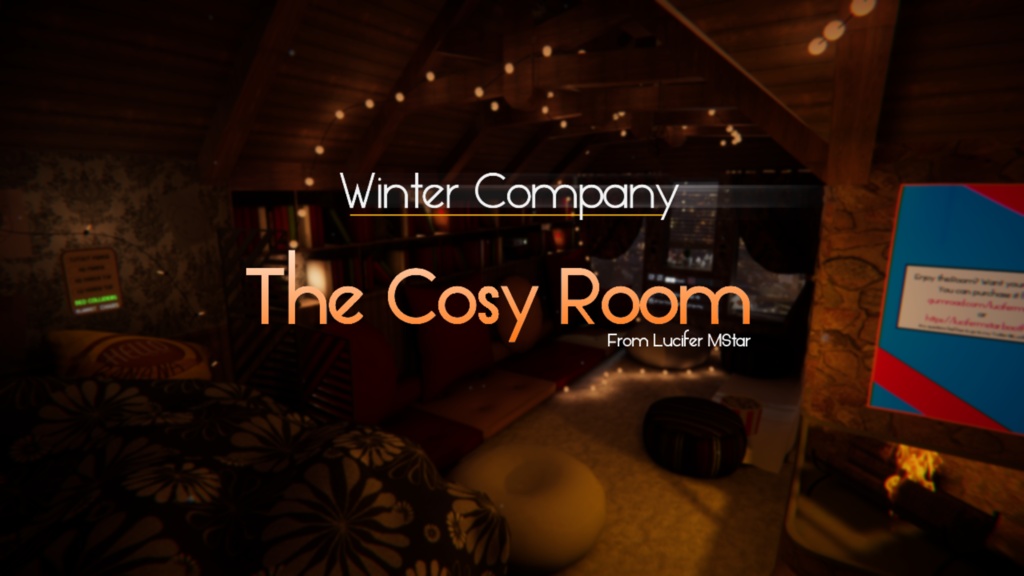
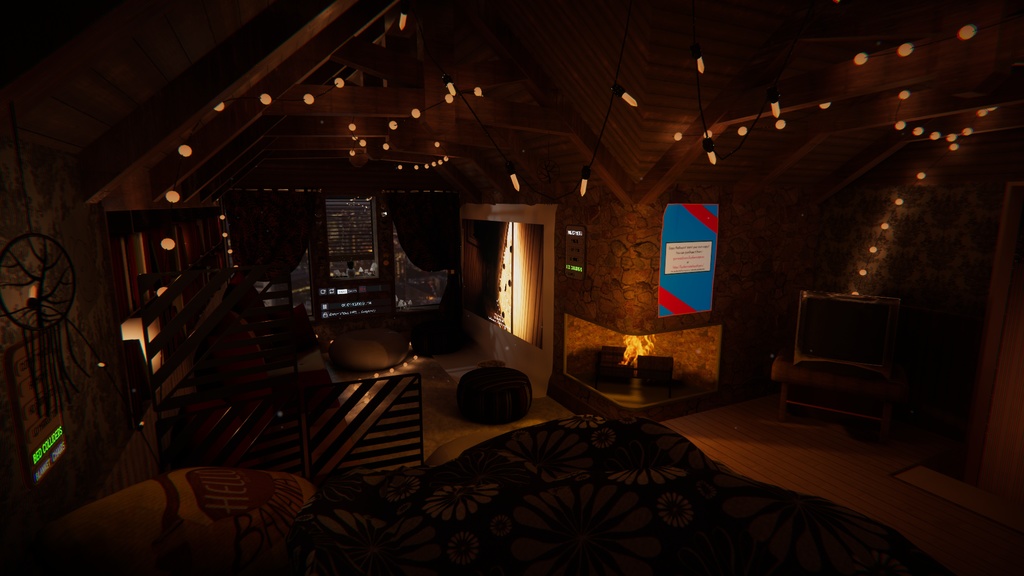
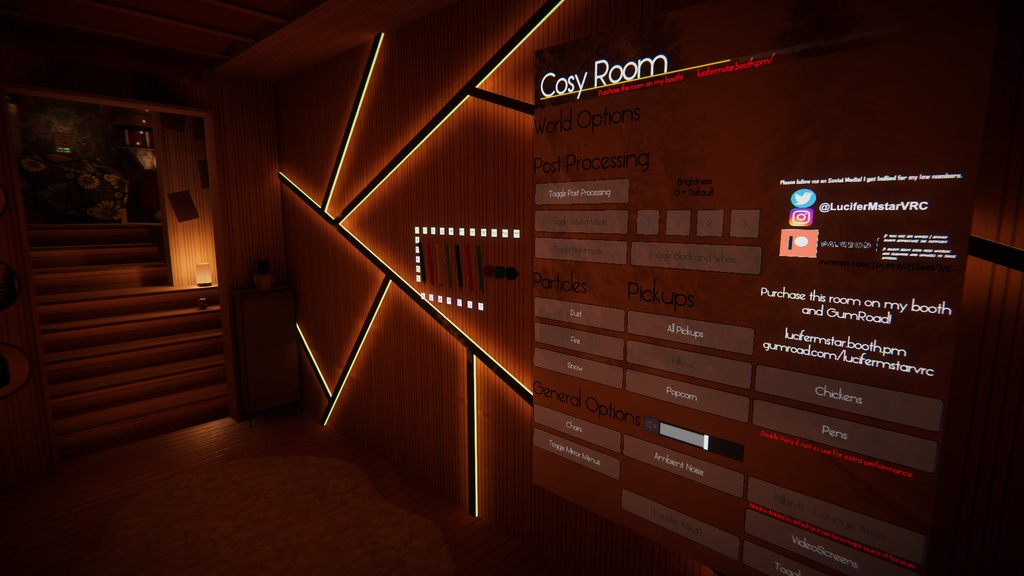
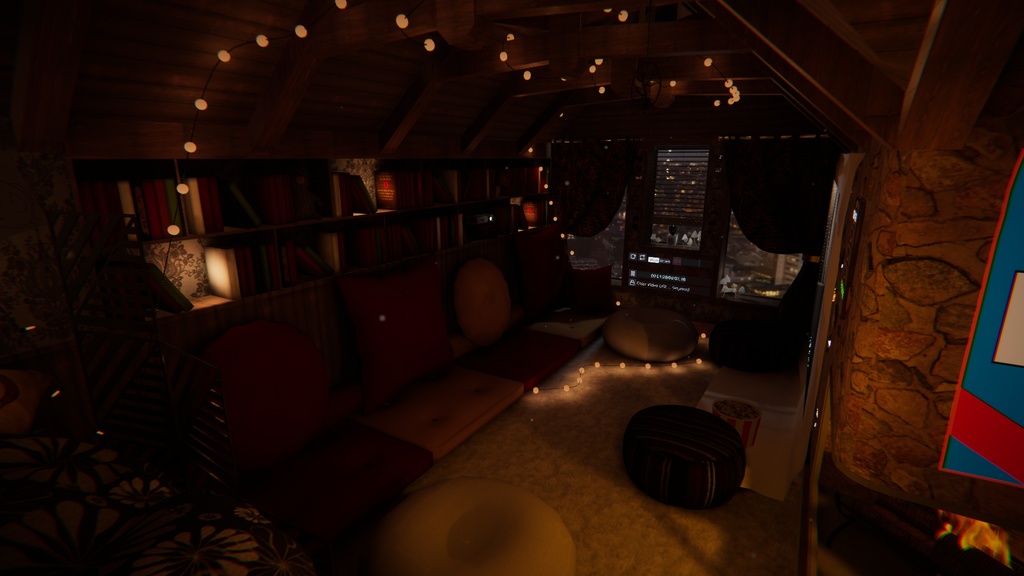
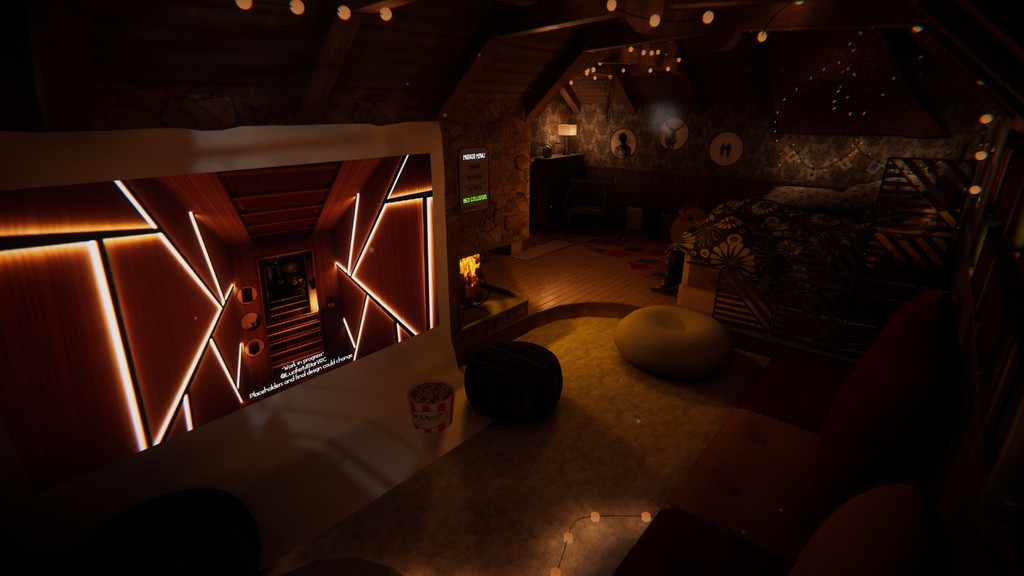


Original created as the 'cosy room' for Winter Company. You can now purchase this room on its own and customise it to your hearts content! Disclaimer: Worlds may or may not be updated to the currently unity and or packages may be outdated. I do not currently support worlds anymore. BUY AT YOUR OWN RISK. World made using Udon 1/2.0 if they ever change this I will not support more than this SDK. No Refunds. Thank you. *NO SETUP NEEDED* *20mb is how big the world will be on VRChat. The download package is considerably larger.* Please note first time opening the project may take a few minutes as it needs to build the library as I did not include this for filesize upload reasons. All original models and assets. Video player Pens Mirrors Bed and Seating areas Pillows Multiple customisable photo frames. Custom High Quality Skybox Customise the ENTIRE world. -------------------------------------------- IMPORTANT TO NOTE - This is not an exact copy of the original from winter company as there are copyrighted assets used which I could not include in this package. Most notably is the projector. I left references to it in the project so it should be a simple download and import situation. You can buy the projector here - https://booth.pm/en/items/1782044 In its place I have a video screen which also looks great if you do not wish to purchase the projector. Pens are also referenced but must be downloaded and imported separately from here - https://65536.booth.pm/items/1555789 -------------------------------------------- -------------------------------------------- Instructions -------------------------------------------- PC Instructions Easy to set up! The world is already set up! I didn't package it so you only have unzip the project and open the folder using Unity Hub! Quest Instructions Easy to set up! The world is already set up! I didn't package it so you only have unzip the project and open the folder using Unity Hub! FYI - Quest version takes longer to open as it has to rebuild the library as it was to large for booth. Make sure you open it as an Android project! -------------------------------------------- -------------------------------------------- -------------------------------------------- -------------------------------------------- *I try to keep the product up to date so check before you follow these instructions* Need to update the SDK? (These are official update steps from VRChat please always backup) 1. Create a new scene in the project name it anything you like. 2. Save the scene and close the project 3. open up the project folder and delete VRCSDK, udon, vrchat examples folders. (Delete any other assets that need updating at this point too) 4. Open the project and reimport all the updated content 5. Open the original scene and clear the console for errors (if any stay something might be broken) -------------------------------------------- -------------------------------------------- -------------------------------------------- -------------------------------------------- -------------------------------------------- -------------------------------------------- Check out a preview of the world here - https://vrch.at/meal-performancestriped-2c7a9 -------------------------------------------- -------------------------------------------- -------------------------------------------- 3rd party assets used - -------------------------------------------- VRCEBillards Udonsharp USharpVideoplayer QVPens CyanTriggers CyanEmu *I will not help you set this up* *While I have made this as easy as possible please note you do need unity knowledge to know how to edit, update and upload this package* *Please make sure to be using the latest version of SDK 3 and the assets used. Follow the official instruction found on VRChat.net to update your SDK!*