
桜吹雪 Falling cherry blossoms
- ダウンロード商品¥ 100
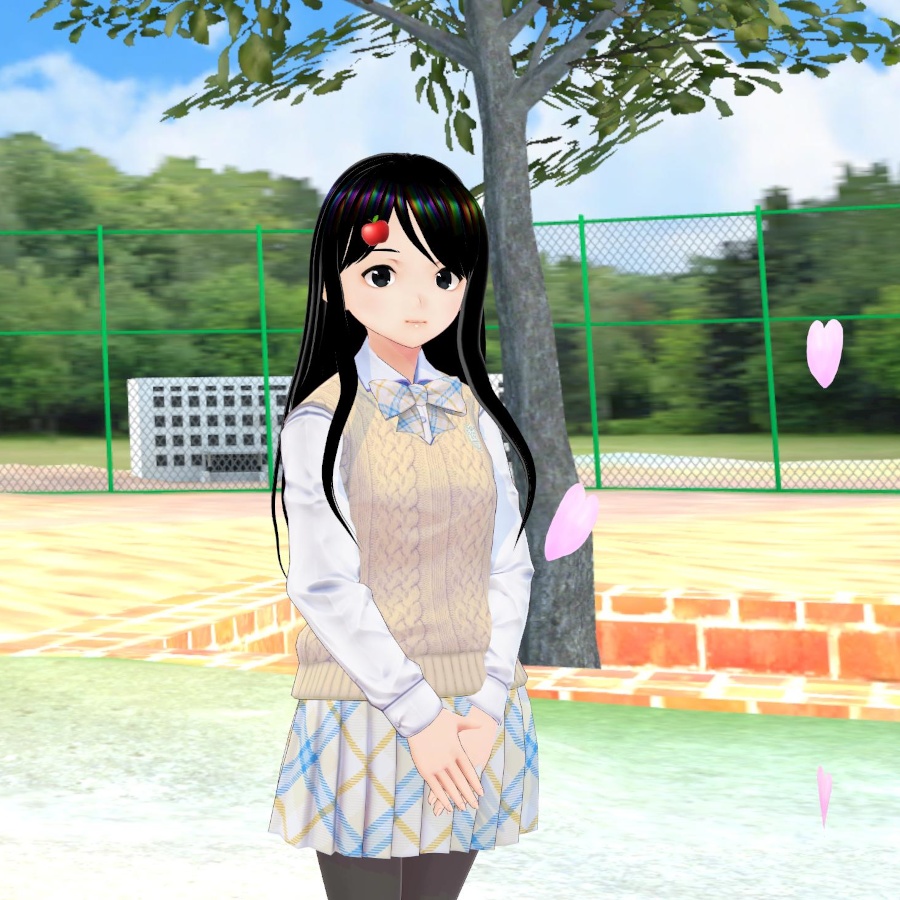
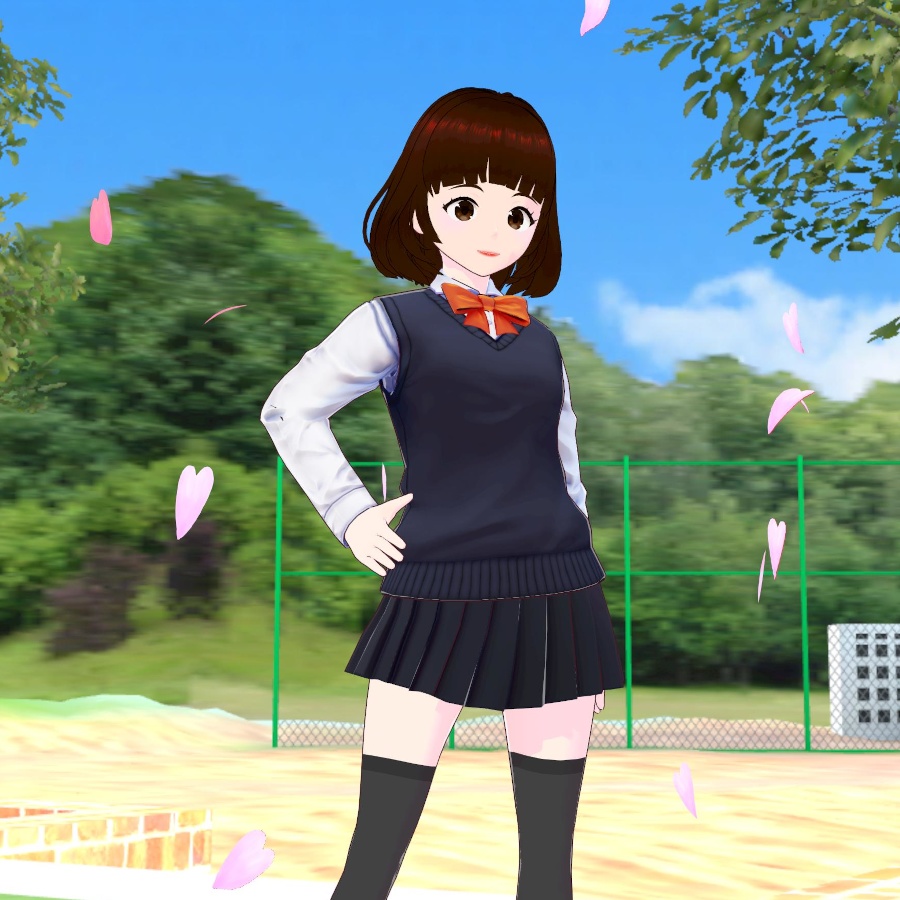
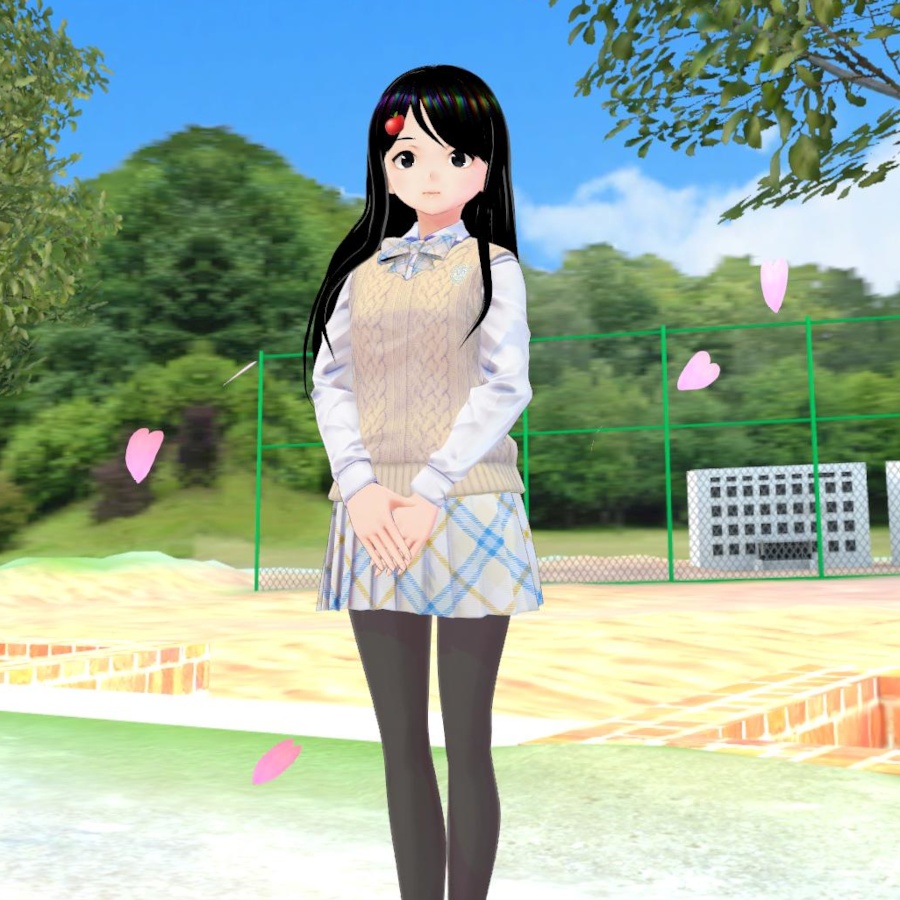


VRiod「桜吹雪」無料配布です。桜吹雪は,髪型でできていて,テクスチャをスクロールしてアニメーションします。アニメーションの設定は,WebブラウザだけでRingoのスクリプトを使ってできますので,BlenderやUnityは不要です。配布用にシーナに装着してみましたが,いつものTシャツではしっくりこないので,β版の標準制服付きです。 This is a free distribution of Falling Cherry Blossoms hair style which automatically falling down by animating UV Coordinates of MToon shader implemented in VRM files. It is possible to set the animation properties up by using a web application released on Ringo's website without Blender or Unity. The hair style is put on Shina in the distributed VRoid file. Moreover, Shina also wears the standard school uniform converted from VRoid beta in this package. 使用しているモデル https://hub.vroid.com/model_assets/3734249
使い方
桜吹雪の髪型はシーナに装着していますので,アイテムを右クリックで新規アイテムとして保存して,ご自分のモデルに装着して,スクリプトでアニメーション設定してください。 桜吹雪:髪型→はね毛 桜吹雪を装着しただけでは,アニメーションしません,下記のスクリプトで設定してください。 UVスクロール設定付きテクスチャ交換Javascript https://ringo.ciao.jp/cont/tc/ 1. VRoid studioでVRMをエクスポート。「透明メッシュを削除する」のチェックをオフにして下さい。 2. Webブラウザで上記URLにアクセス 3. エクスポートしたVRMファイルを選択 4. モデルが表示されたら,Show images ボタンをクリック 5. UV scroll の Yに 0.2 を設定。 6. Close をクリック 7. ExportボタンをクリックしてVRMファイルを保存 UV scroll の Y の数値はアニメーションのスピードです。1秒間に0.2,つまり1回が5秒の設定です。お好みで調整してください。
Usage
Falling Cherry Blossoms hairstyle is put on Shina. You can save it as a new item, and then, put it on your models. After that you need to apply animation setting to the hairstyle by using web browser. Falling Cherry Blossoms: Hairstyle → Extra The following process is required to complete the animation setting: Texture changer javascript with uv scroll setting: https://ringo3apples.gq/cont/tc/uv.php 1. Export VRM file of your model from VRoid studio. Then you need to turn off “delete transparent meshes” option in “reduce polygon.” 2. Access the URL using a web browser. 3. Select your VRM file. 4. Click "Show images" button when your model appears. 5. Set the UV scroll Y to 0.2 as an example. 6. Click "Close" button. 7. Click "Export" button to save the modified VRM file. Note: The UV scroll Y values mean the scroll speed of the texture in Y direction. In the case of the above example, the texture moves with a 0.2 (20%) of its vertical length in one second. In other words, it takes 5 seconds for one rotation.
注意
この配布物には,VRoid studioβ版・正式版のプリセットを含んでいますので,使用者はVRoid stadio個別規約等に従う必要があります。この配布物や改変した物を商用,営利目的にかかわらず,写真や動画,ライブ配信等にクレジットなしで使用することができます。ただし,この配布物および改変した物の再配布,販売,12歳以上の他者への利用提供*はできません。 *NFTやご家族の場合も含みます。中学生になったら自分でダウンロードや設定など頑張ってほしいとの思いからです。
Note
Since this content includes the presets of VRoid studio beta and stable, the users need to follow the VRoid license and related agreements. You can use the contents for photos, video clips, streamings, and so on irrespective of commercial or non commercial use. But redistribution, selling, and service for other person 12+ are disallowed including the modified one.
あとがき
透明メッシュを削除にチェックが入っていると、花びらが途切れ途切れになってしまいますので、このオプションはオフにして下さい。 あと、βの標準制服も折角なので、他の子にも着せるなど使って下さい。シーナも自由に使ってもらって結構ですが、人前に出す時は何か可愛い服を着せてあげてね。