


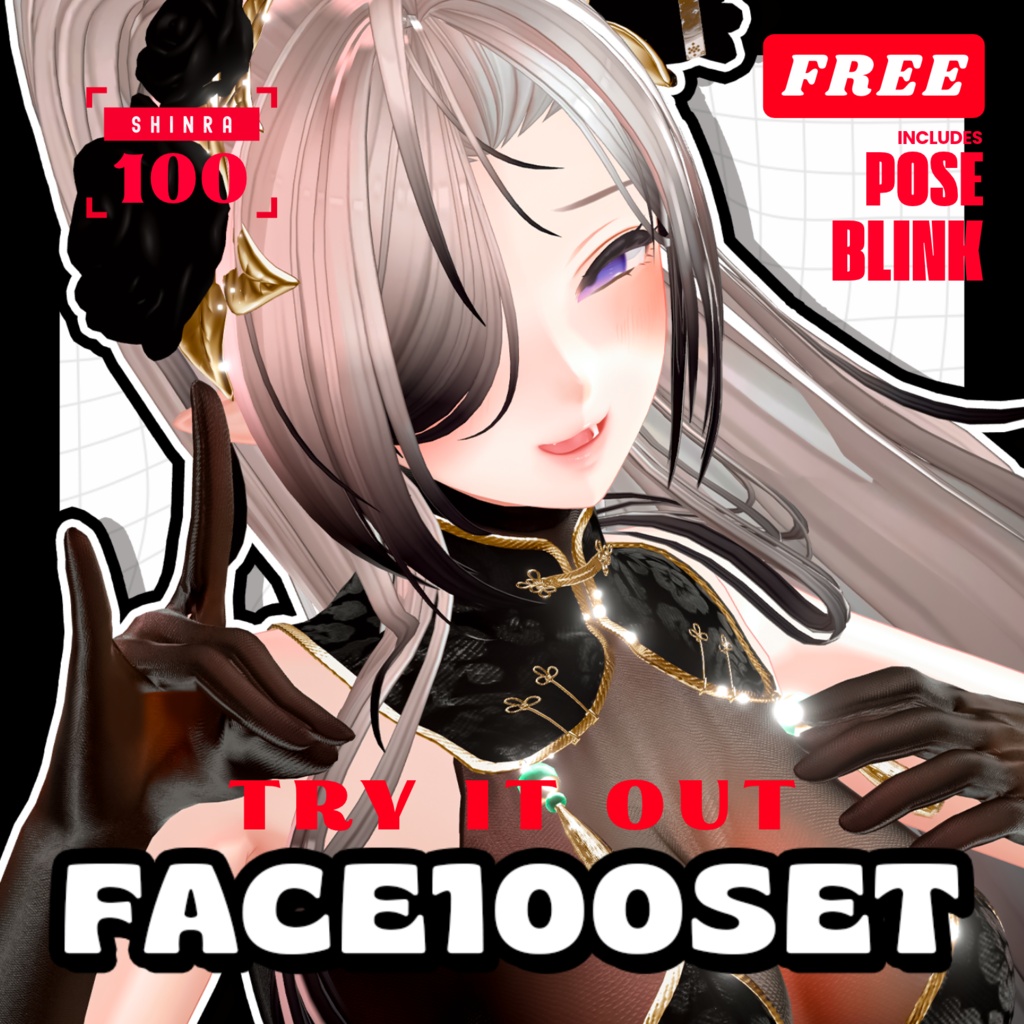
💟10.23更新【 FREE - 無料 】✦✦ Shinra100FACE⁺POSE⁺まばたきアニメーション
- 💝𝐅𝐮𝐥𝐥“𝐌𝐚𝐱𝟏𝟎𝟎”⁺Blinkダウンロード商品¥ 1,200
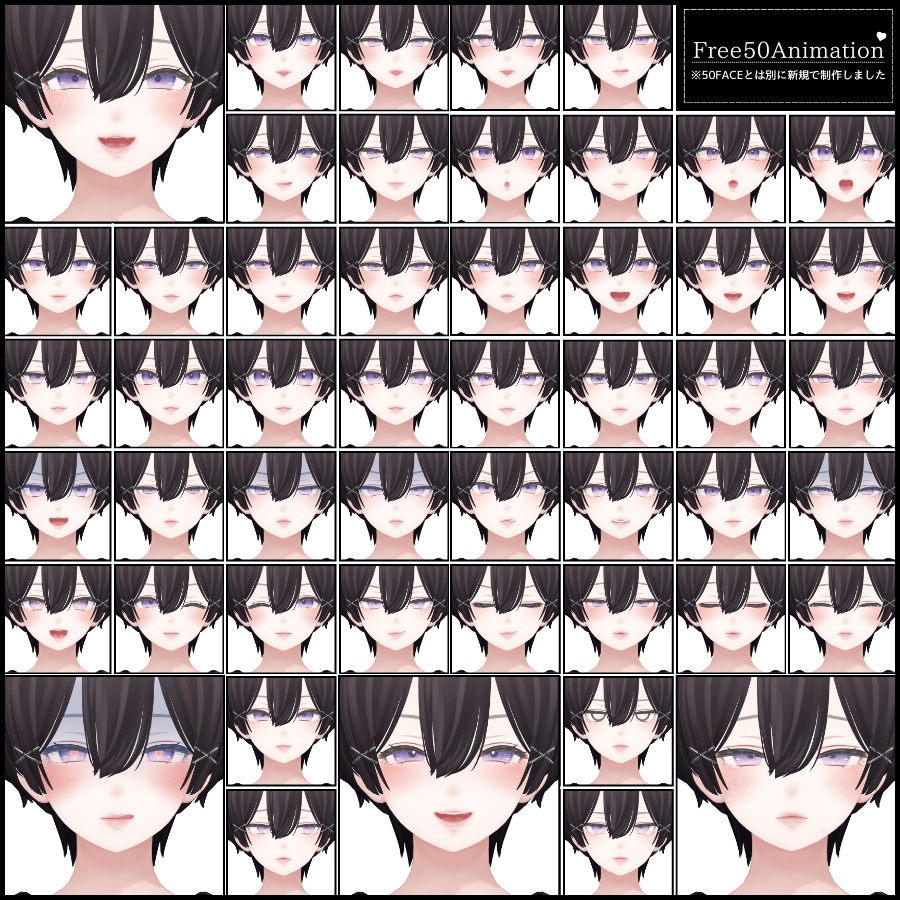
- Face50Typeダウンロード商品¥ 600
- BlinkAnimation♥2Typeダウンロード商品¥ 300
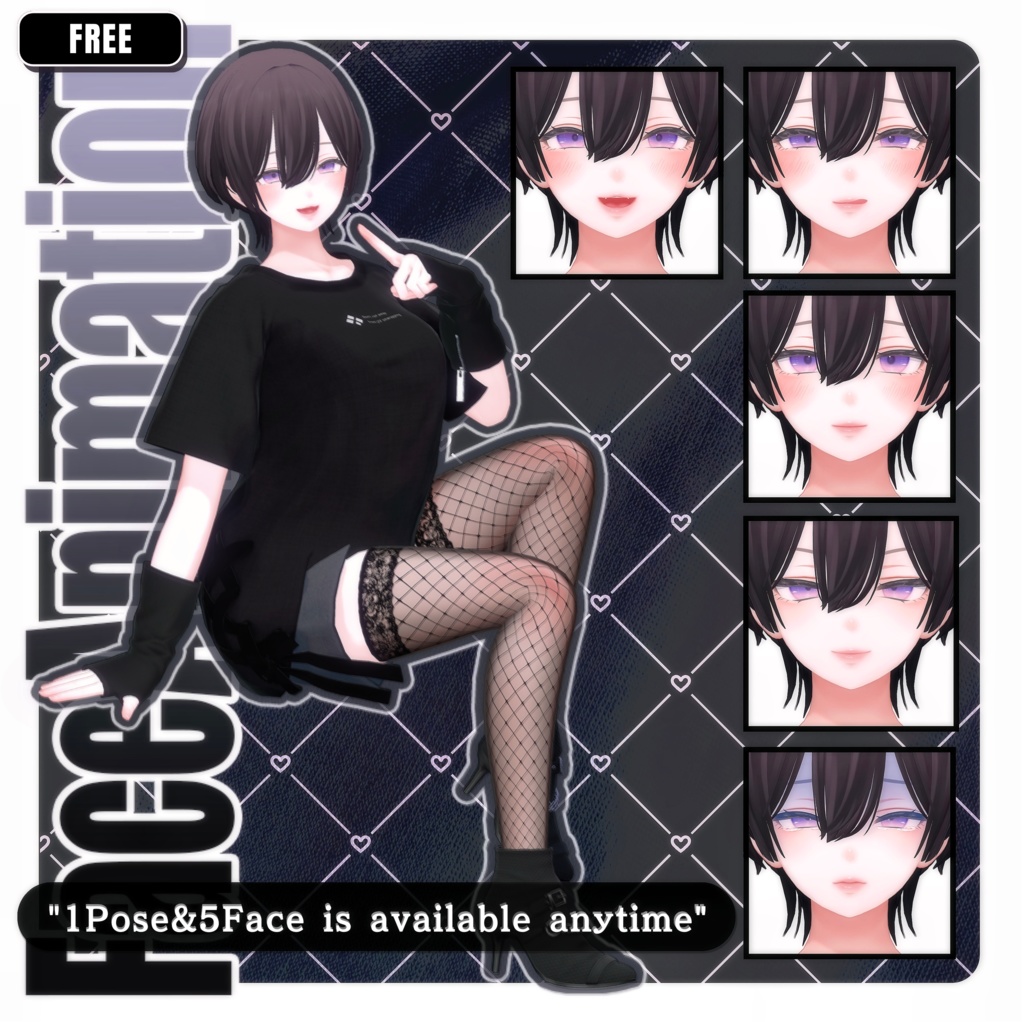
- 【 FREE 】5FaceAnimation⁺1Poseダウンロード商品¥ 0
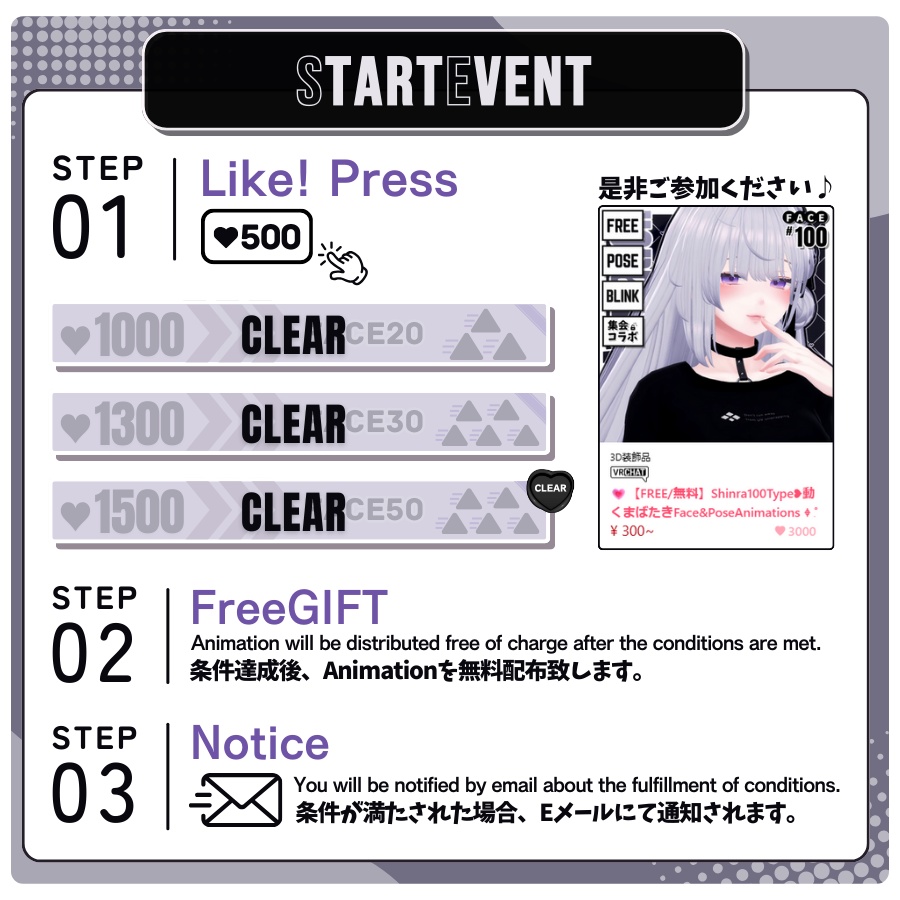
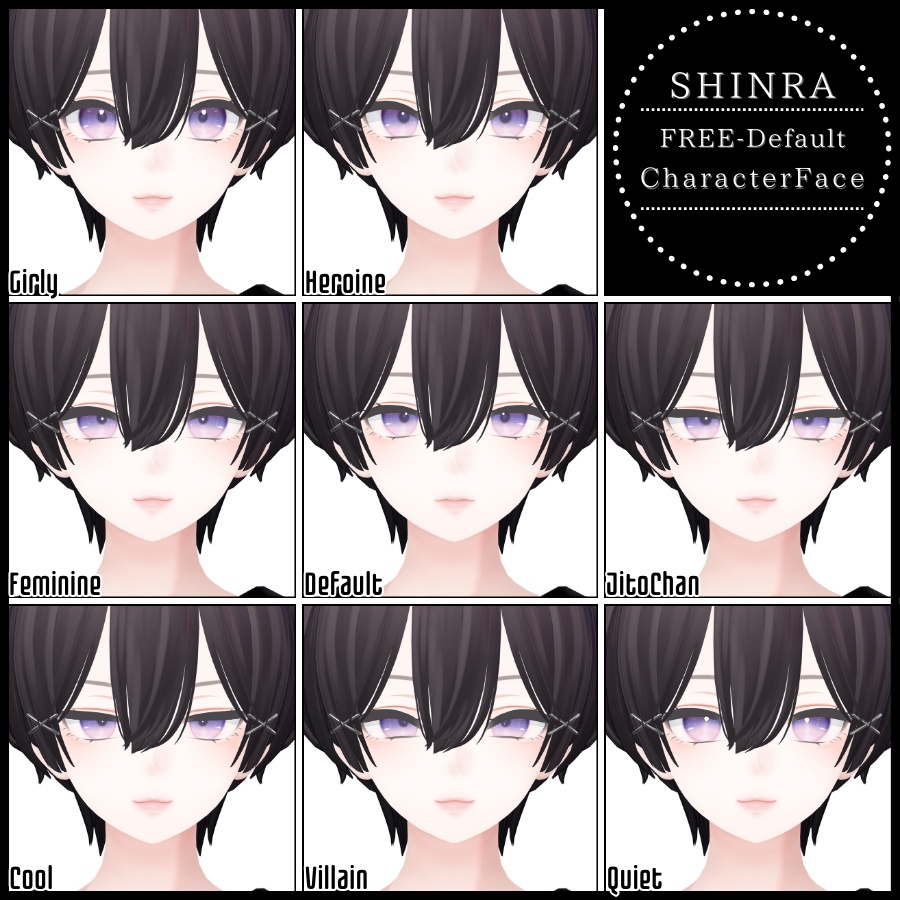
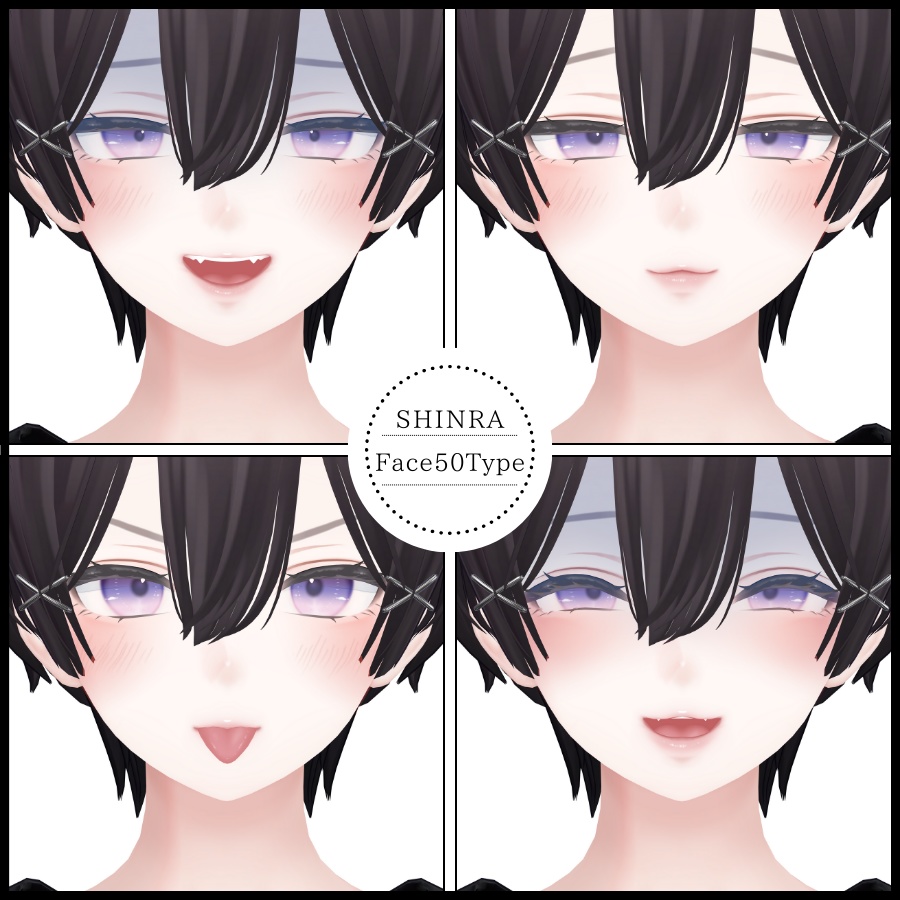
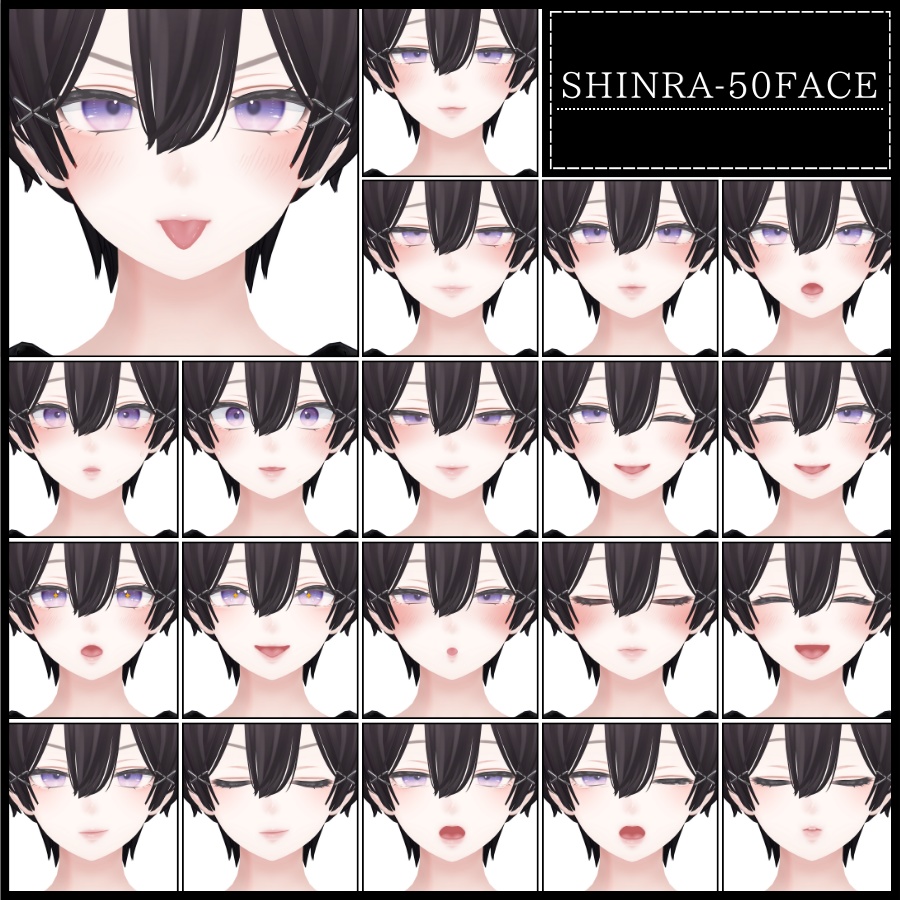
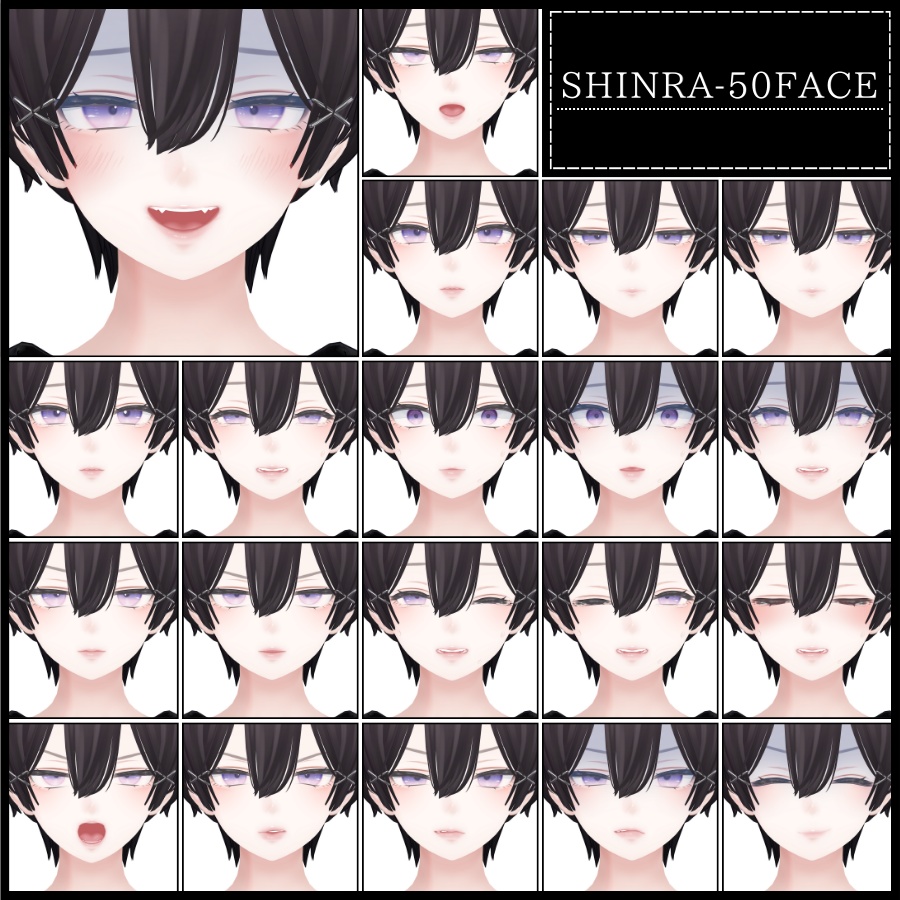
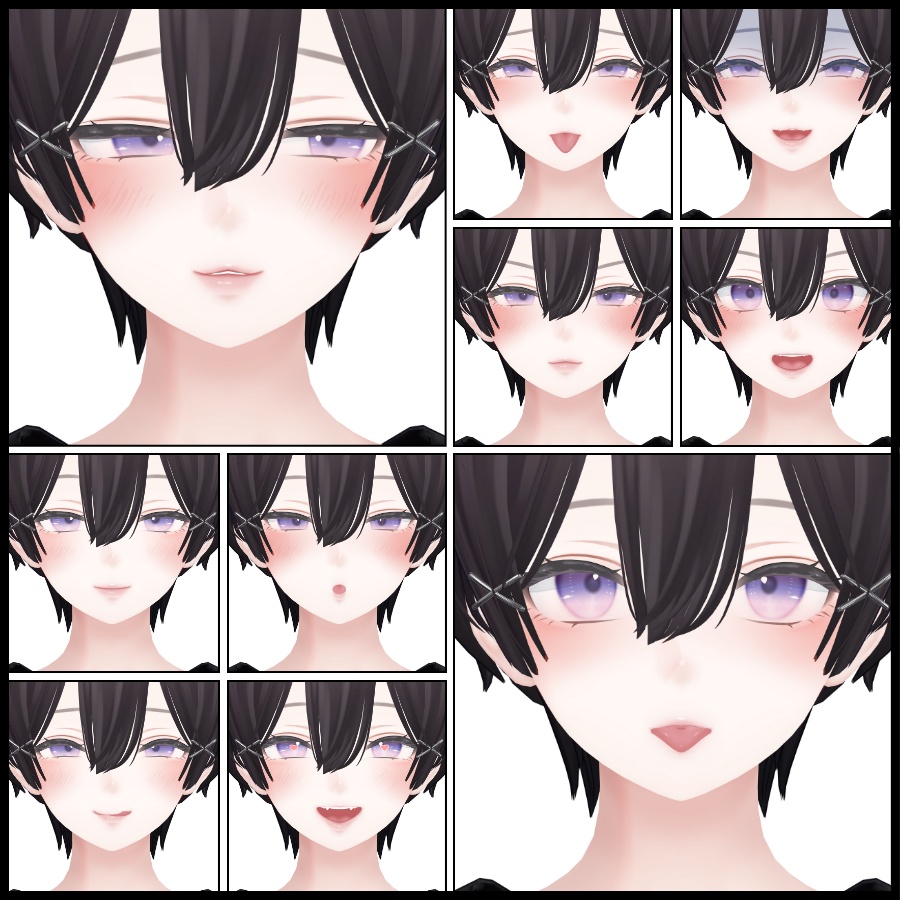
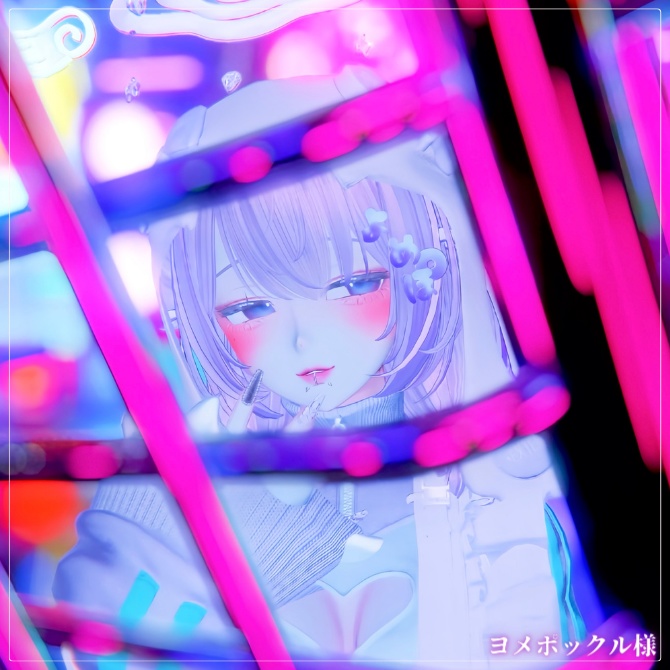
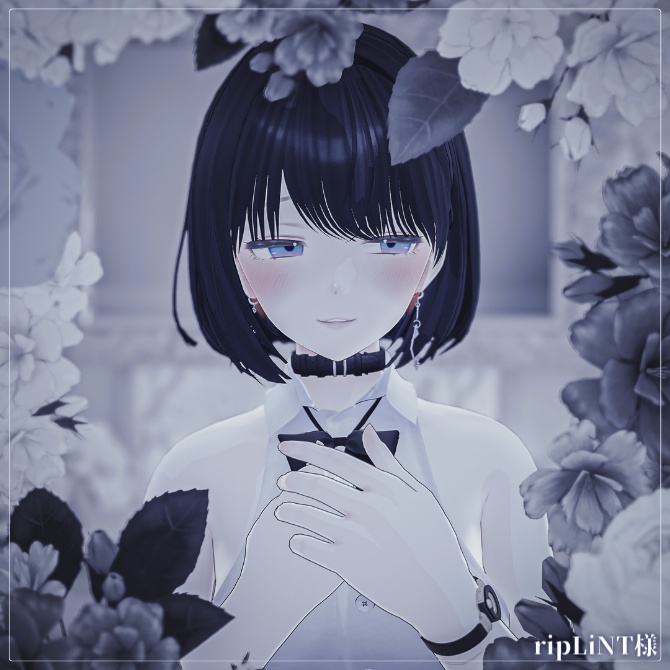
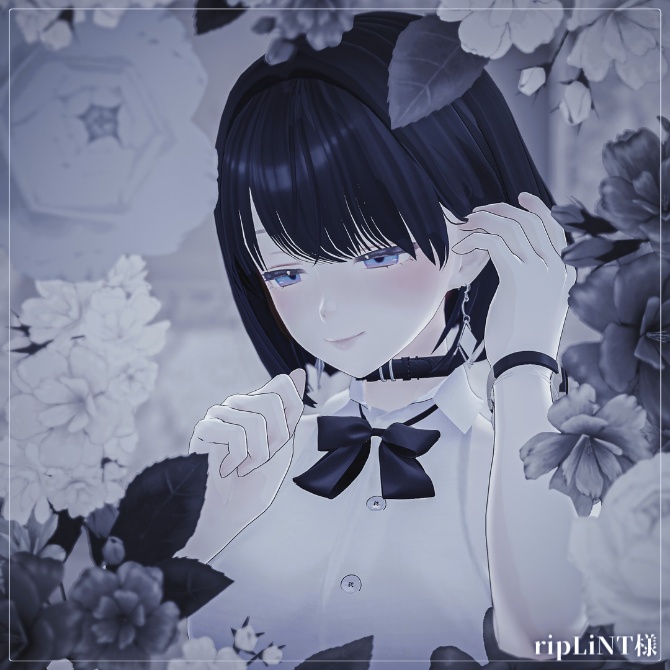
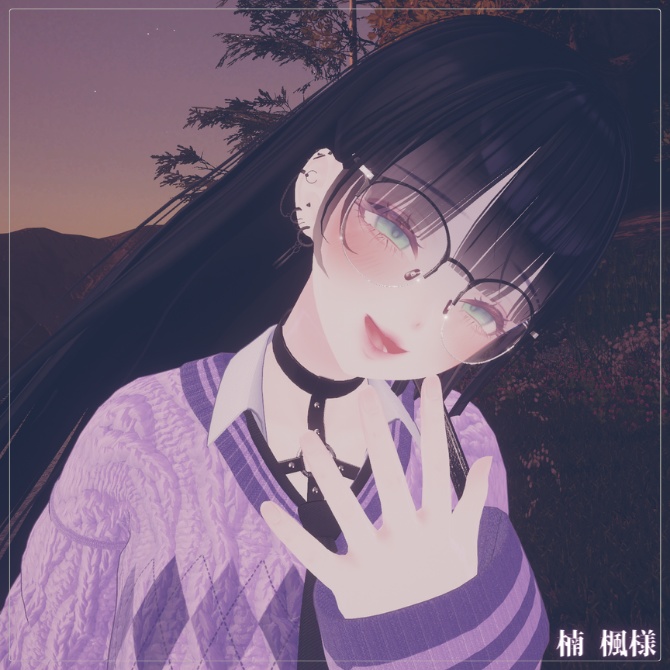
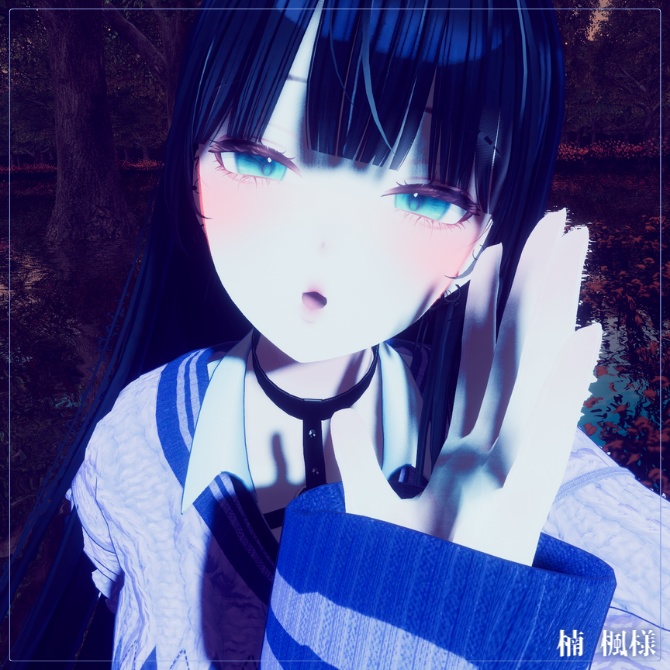
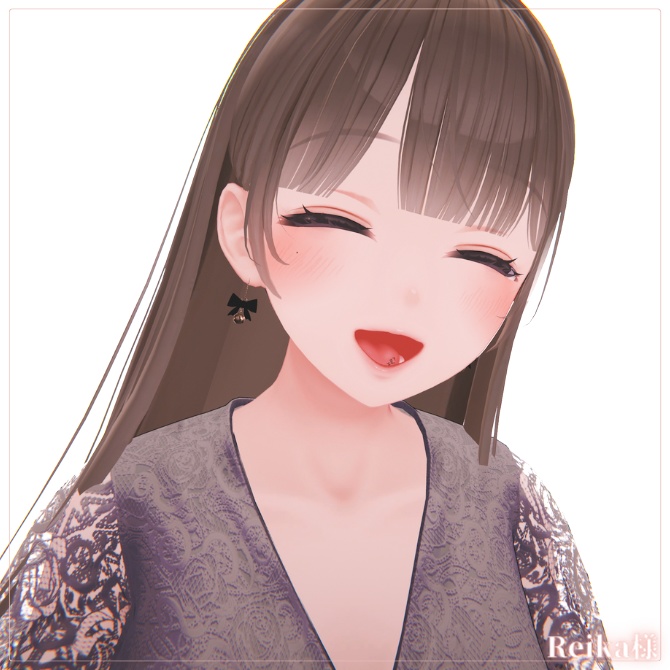
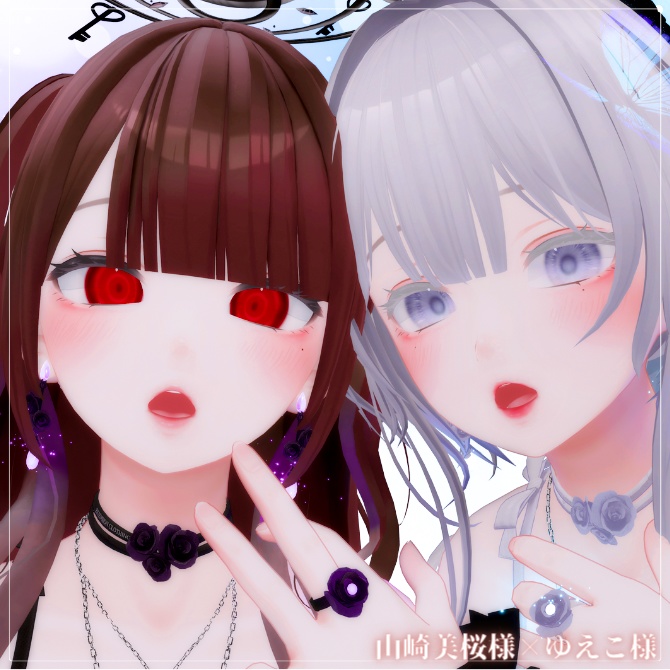
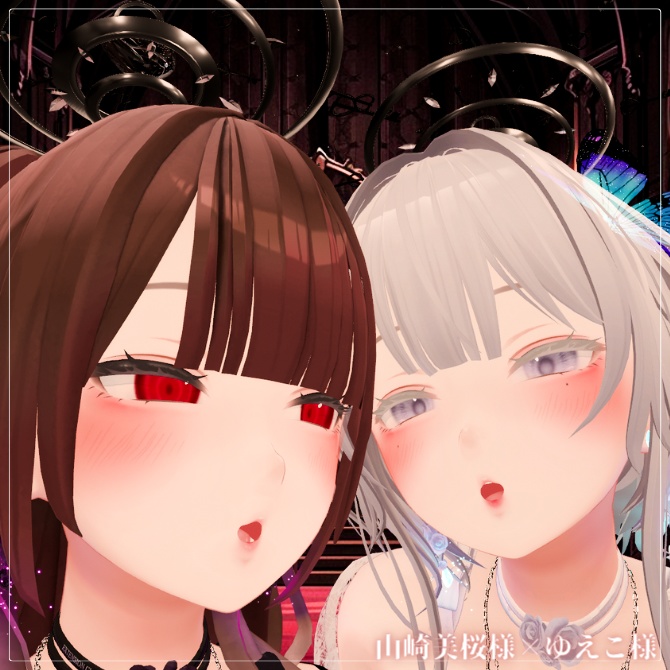
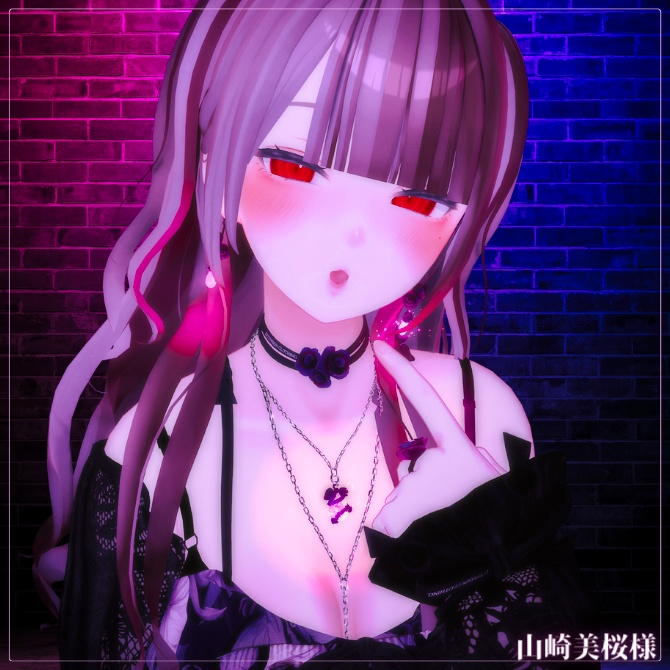
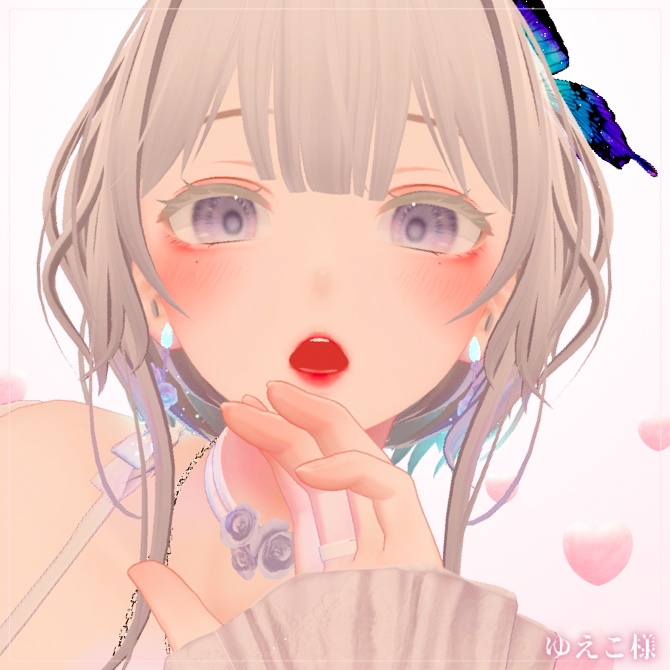
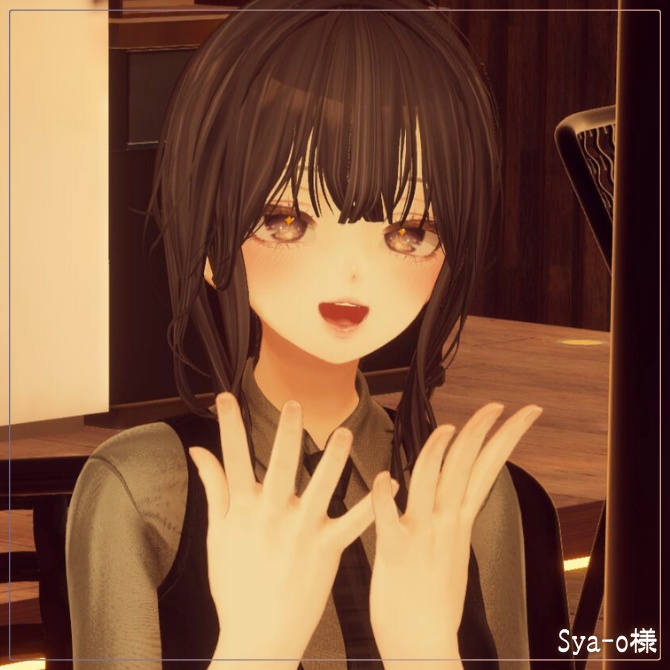
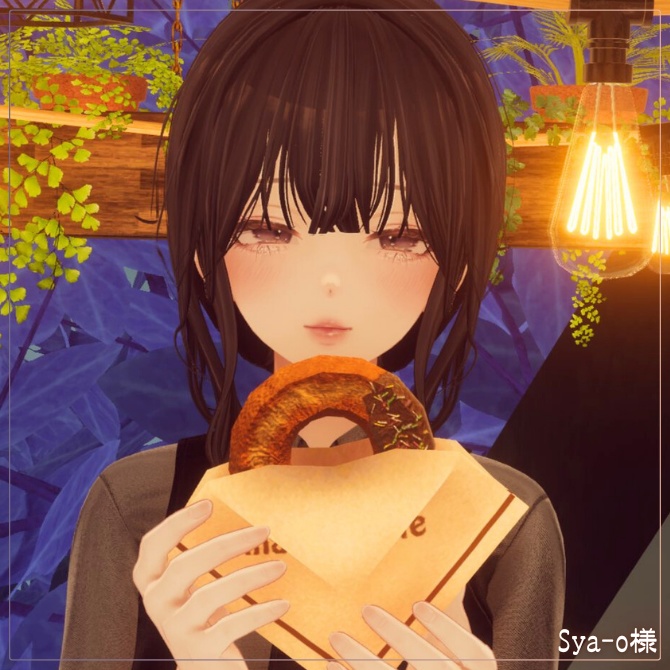
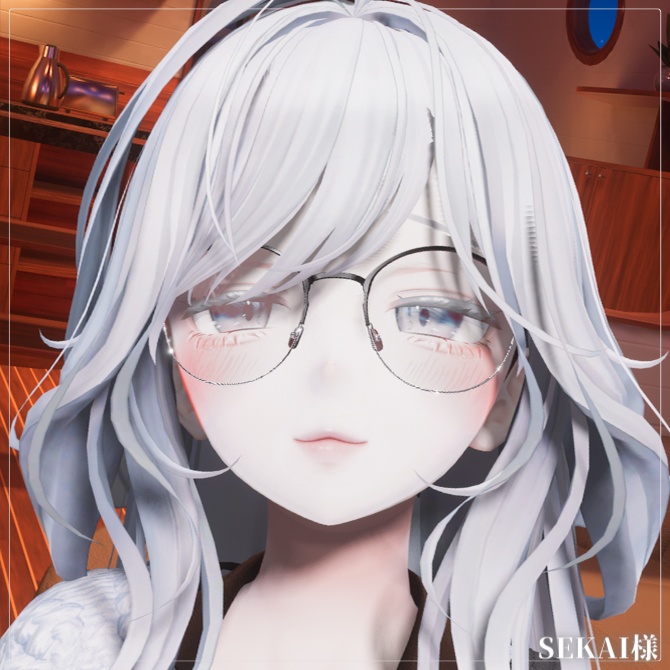
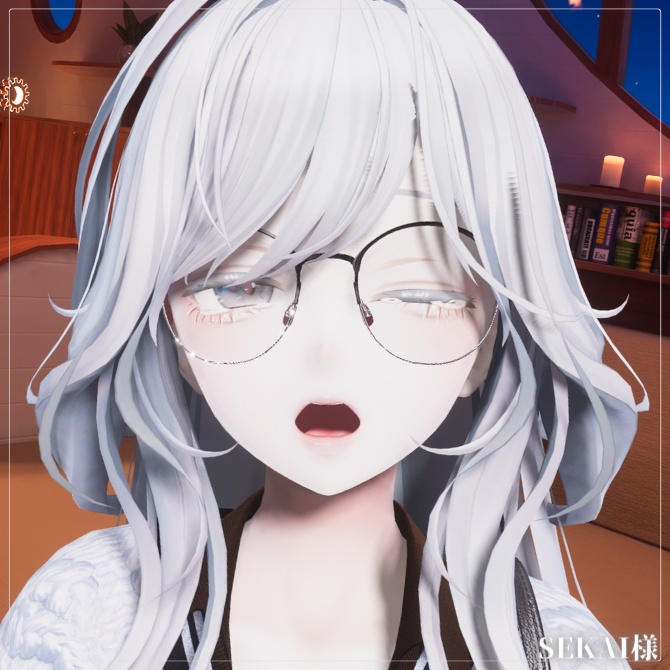
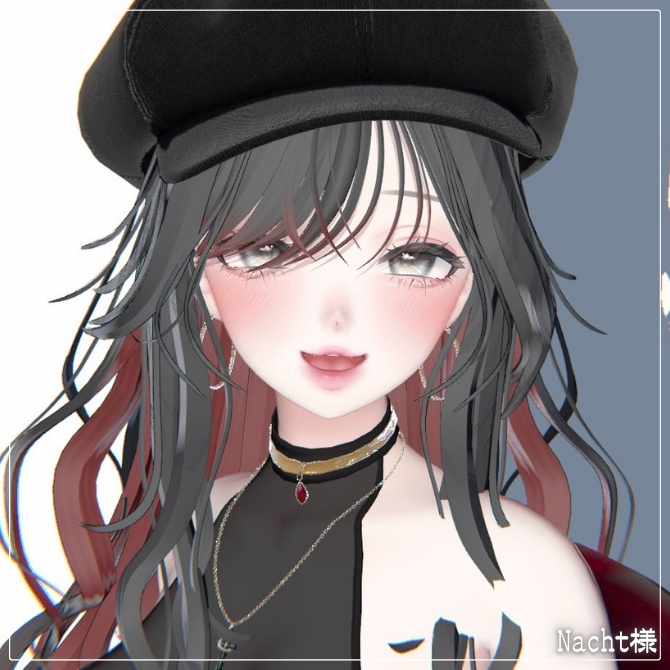
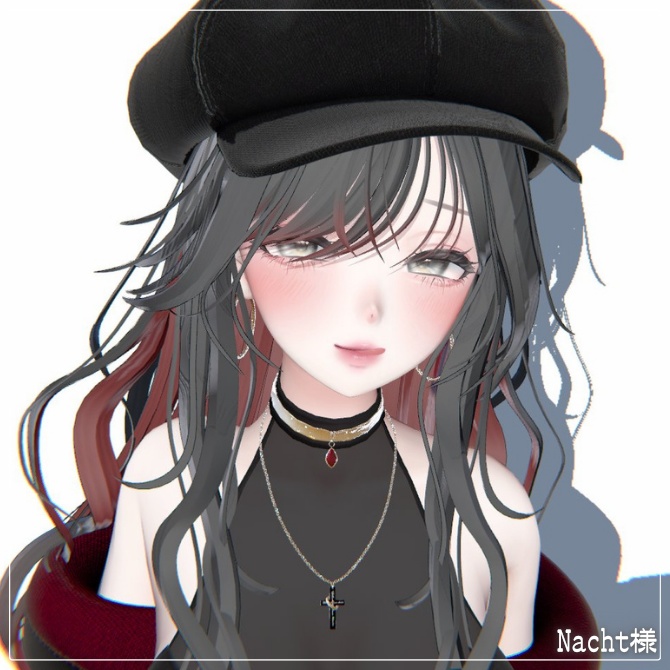
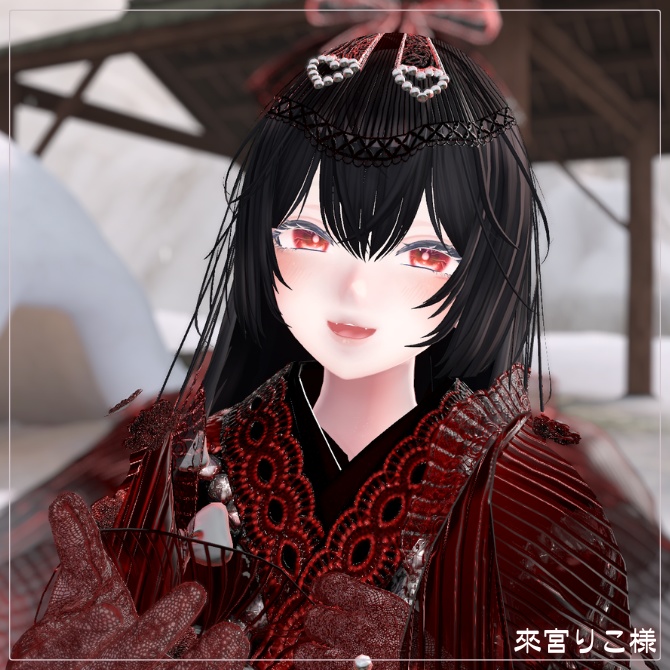
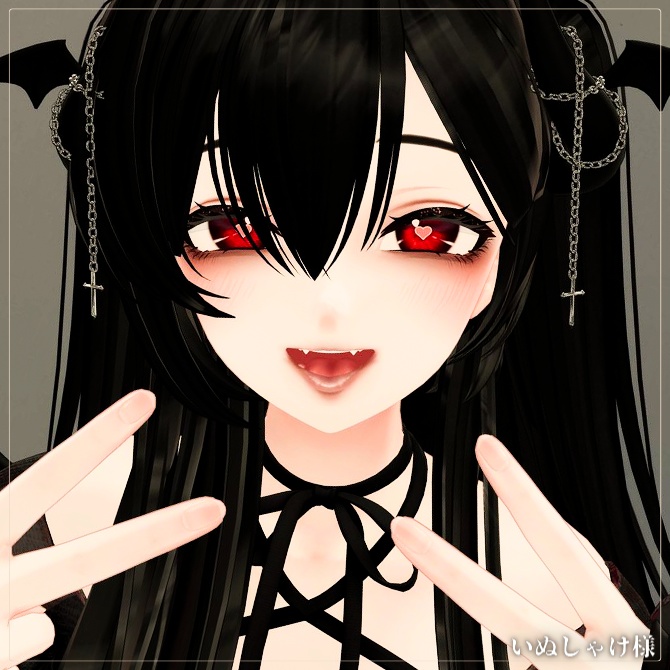


╔═════════ ✦【 𝐋𝐈𝐌𝐈𝐓𝐄𝐃 𝐅𝐑𝐄𝐄 】✦ ═════════╗ ≫ ≫ 10.1 24:00 JSTまで50個無料配布 ╠═════════ ✦【 𝐍𝐞𝐱𝐭 𝐅𝐫𝐞𝐞 𝐁𝐨𝐧𝐮𝐬 】═════════╣ ♥3500 → 🎁 Get FREE-FACE50!Next Goal《 410 》 ╚══════════════════════════════════╝ ✦【 𝐔𝐩𝐝𝐚𝐭𝐞 𝐈𝐧𝐟𝐨𝐫𝐦𝐚𝐭𝐢𝐨𝐧 】✦ 2026年内にショップ全商品を順次アップデート予定 ≫ アップデート履歴 2026/10/23|商品ページ・FACE・POSEデータ更新 ● フェイスアニメーションについて、各種導入ツールとの互換性を考慮し、リップシンク・まばたき等への干渉を軽減するよう調整済み。 ● 商品ページについても、導入方法や注意事項をより分かりやすくお伝えできるよう、説明文の見直しや解説動画の追加など、内容を充実させました。
🖤 𝐀𝐯𝐚𝐭𝐚𝐫 & 𝐈𝐭𝐞𝐦𝐬 🖤
▌𝐀𝐯𝐚𝐭𝐚𝐫 オリジナル3Dモデル「森羅」 https://booth.pm/ko/items/4707634 こちらのデータは森羅-Shinraで使える表情アニメーションです。 ▌𝐈𝐭𝐞𝐦𝐬 - 関連商品 専用Textureとの組み合わせもおすすめ ˖⁺ https://shapeshiftercl.booth.pm/items/5232036
🖤 𝐎𝐰𝐧𝐞𝐫'𝐬 𝐂𝐡𝐨𝐢𝐜𝐞 🖤
▌𝐅𝐑𝐄𝐄 𝟐𝟎𝟎 𝐈𝐭𝐞𝐦𝐬 ⬆ ✦【 𝚂𝚎𝚕𝚎𝚌𝚝 】✦✦ https://select-ssc.booth.pm/ ✦【 𝙼𝚊𝚒𝚗 】✦✦ https://shapeshiftercl.booth.pm/ ▌𝐓𝐚𝐭𝐭𝐨𝐨 ✦【 FREE - 商用OK 】✦✦ 悪&光堕ち∔3TouchMysticTattoo↝《MA対応》 https://shapeshiftercl.booth.pm/items/6660949 ▌𝐏𝐎𝐒𝐄 ✦【 FREE - 商用OK 】✦✦ 撮影向けPoseAnimation ❮ ⁺Max1500 ❯ ├ 第1弾【女性-Female】 https://shapeshiftercl.booth.pm/items/6485829 ├ 第2弾【女性-Female】 https://shapeshiftercl.booth.pm/items/8064843 └ 第3弾【男性-Male】 https://shapeshiftercl.booth.pm/items/8751702 ≫ Pair Pose / Hand Pose / Motion...Coming in 2027 ▌𝐌𝐚𝐭𝐂𝐚𝐩-𝐈𝐥𝐥𝐮𝐬𝐭 ✦【FREE - 商用CC0】✦✦ 手描き⁺500種-Liltoon MatCap ❮ ⁺Max1000 ❯ ├ 第1弾 https://shapeshiftercl.booth.pm/items/7100790 └ 第2弾 https://shapeshiftercl.booth.pm/items/7614401
🖤 JP 🖤
▌導入方法 1. 導入後、[∔Shapeshifter Clinic∔] フォルダがProject内に作成されます。 2. 表情アニメーションの設定には、以下のツールなどを推奨しております。 ① FaceEmo https://booth.pm/ja/items/4915091 ② VRCAvatarEditor beta https://booth.pm/ja/items/1258744 ~表情設定時の注意事項~ ・Idle(待機状態)には表情を設定しないでください。表情が切り替わらなくなる場合がございます。 ・アバターによって項目名が異なるため、Idleに相当する項目も同様にご注意ください。 ・Hand Gesture(手の形)に合わせて表情を割り当てると、より直感的に操作できます。 ・説明動画ではHAOLANを使用しておりますが、基本的な設定手順は共通です。 ③ AvaPo! https://helium.booth.pm/items/7249970 上記ツールは必須ではございません。 アバター独自の表情制御システムがある場合は、公式の導入手順を優先してください。 ▌まばたきアニメーションの導入方法(FaceEmo使用例) 1. FaceEmoを起動し、Inspector →「まばたき設定」→「まばたき用のアニメーションクリップを指定する」にチェックを入れます。 2. 本商品のまばたきAnimationを設定欄へドラッグ&ドロップします。 3. ウインクや目を閉じる表情(例:笑顔・照れなど)は「まばたき無効」にチェックを入れることを推奨します。 4. アバターのVRC Avatar Descriptor > BlinkをNoneに設定し、VRChat側の自動まばたきとの重複を防ぎます。 5. 「アバターに適用」を押し、動作確認後にアップロードすれば完了です。 ▌ 推奨設定 / 破綻対策 ● まばたき有効:OFF(ウインク・目を閉じる表情) 自動まばたきとの干渉を防ぎ、まぶたのめり込みや表情崩れを軽減します。 ● リップシンク:OFF(口を大きく開く・舌を出す・歯を見せる表情) 発話時のリップシンクとの競合による、歯茎の露出や口元の破綻を軽減できます。 OFFにすると、その表情中のリップシンクは停止します。 ● 口変形キャンセルシェイプキーの追加(例:mouth_close) 対応するアバターでは、口元の不要な変形を抑え、表情を安定させられる場合がございます。 上記は推奨設定の一例です。 アバターの仕様や改変環境に合わせて調整してください。 リップシンクをOFFにすると、発話時の口の動きが制限される場合がございます。 説明動画ではMANUKAを使用しておりますが、基本的な設定手順は共通です。 ▌説明 ● 表情のシェイプキーについて ・各アバターのデフォルト状態を基準に制作しております。 ・改変によって表情が崩れる場合は、Animation内のシェイプキーを微調整してください。 ● ご購入前の確認・サポートについて ・有料版をご購入いただく前に、無料版での動作確認を推奨しております。 ・本商品はAnimationデータの販売となり、外部ツールの操作方法や個別のUnity環境・改変内容に関する導入サポートは行っておりません。 ・外部ツールやギミックとの競合など、すべての改変環境での動作を保証するものではございません。 ● アバターのバージョンアップについて ・本商品は制作時点のアバターバージョンに対応しております。 ・公式アップデートによる仕様変更で正常に動作しなくなった場合は、ショップメッセージよりお知らせください。 ・確認後、別バージョンの追加を検討いたしますが、対応にはお時間をいただく場合がございます。 ▌内容物 ・Full “Max100”⁺Blink … 表情100種類+まばたき2種類 ・Face50Type … 表情50種類 ・Blink Animation … まばたき2種類 ▌利用規約 ・自作発言、無断配布、再販売、転売禁止 ・政治/宗教利用、誹謗中傷、公序良俗に反する用途の使用禁止 ・改変可(改変後のAnimationデータの再配布は禁止) ・第三者へのAnimationデータの譲渡・共有禁止 ・使用・改変に関するトラブルは自己責任 ・クレジット表記は任意
🖤 KR 🖤
▌설치 및 적용 방법 1. 패키지를 임포트하면 Unity 프로젝트의 Project 창에 [∔Shapeshifter Clinic∔] 폴더가 생성됩니다. 2. 표정 애니메이션 설정에는 다음 도구를 권장합니다. ① FaceEmo https://booth.pm/ja/items/4915091 ② VRCAvatarEditor beta https://booth.pm/ja/items/1258744 ~표정 설정 시 주의사항~ ・Idle(대기 상태)에는 표정을 지정하지 마세요. 표정이 정상적으로 전환되지 않을 수 있습니다. ・아바타에 따라 항목 이름이 다를 수 있으므로, Idle에 해당하는 항목에도 동일하게 주의해 주세요. ・Hand Gesture(손 제스처)에 맞춰 표정을 할당하면 더욱 직관적으로 조작할 수 있습니다. ・설명 영상에서는 HAOLAN 아바타를 사용하지만, 기본적인 설정 절차는 동일합니다. ③ AvaPo! https://helium.booth.pm/items/7249970 위 도구들은 필수 사항이 아닙니다. 아바타에 자체적인 표정 제어 시스템이 있는 경우, 해당 아바타 제작자가 제공하는 공식 적용 방법을 우선적으로 따라 주세요. ▌눈 깜빡임 애니메이션 적용 방법 (FaceEmo 사용 예시) 1. FaceEmo를 실행한 후, Inspector의 눈 깜빡임 설정(Blink Settings)에서 눈 깜빡임용 애니메이션 클립을 직접 지정하는 옵션을 활성화합니다. 2. 본 상품에 포함된 눈 깜빡임 애니메이션(Blink Animation)을 해당 설정란에 드래그 앤 드롭합니다. 3. 윙크하거나 눈을 감는 표정(예: 웃는 표정, 부끄러워하는 표정 등)에는 눈 깜빡임 비활성화(Disable Blinking) 옵션을 활성화하는 것을 권장합니다. 4. 아바타의 VRC Avatar Descriptor에서 Blink 항목을 None으로 설정하여 VRChat의 자동 눈 깜빡임 기능과 중복되지 않도록 합니다. 5. FaceEmo의 아바타 적용(Apply to Avatar) 기능을 실행한 후, 정상 작동 여부를 확인하고 업로드하면 완료됩니다. ※ FaceEmo의 버전이나 언어 설정에 따라 실제 메뉴 및 옵션 이름이 다를 수 있습니다. 해당 도구의 공식 안내도 함께 확인해 주세요. ▌권장 설정 / 표정 깨짐 방지 ● 눈 깜빡임 활성화: OFF (윙크하거나 눈을 감는 표정) 자동 눈 깜빡임과의 충돌을 방지하여 눈꺼풀이 얼굴 안으로 파고들거나 표정이 깨지는 현상을 줄일 수 있습니다. ● 립싱크: OFF (입을 크게 벌리거나 혀 또는 치아를 드러내는 표정) 말할 때 작동하는 립싱크와의 충돌로 인해 잇몸이 과도하게 노출되거나 입 주변의 형태가 깨지는 현상을 줄일 수 있습니다. OFF로 설정하면 해당 표정이 활성화된 동안 립싱크가 중지됩니다. ● 입 모양 변형을 상쇄하는 셰이프 키 추가 (예: mouth_close) 해당 기능을 지원하는 아바타에서는 불필요한 입 주변 변형을 억제하여 표정을 더욱 안정적으로 유지할 수 있습니다. 위 내용은 권장 설정의 예시이며, 모든 아바타에 동일하게 적용되는 것은 아닙니다. 사용 중인 아바타의 사양과 개조 환경에 맞게 조정해 주세요. 립싱크를 OFF로 설정하면 해당 표정이 적용된 동안 말할 때의 입 움직임이 제한될 수 있습니다. 설명 영상에서는 MANUKA 아바타를 사용하지만, 기본적인 설정 절차는 동일합니다. ▌상품 안내 ● 표정 셰이프 키 안내 ・각 아바타의 기본 상태를 기준으로 제작되었습니다. ・아바타를 개조한 후 표정이 깨지거나 의도와 다르게 표시되는 경우, Animation에 포함된 셰이프 키 값을 조정해 주세요. ● 구매 전 확인 및 지원 범위 ・유료 버전을 구매하기 전에 무료 버전으로 정상 작동 여부를 확인하는 것을 권장합니다. ・본 상품은 애니메이션 데이터 상품입니다. 외부 도구의 사용 방법이나 개별 Unity 환경 및 아바타 개조 내용에 관한 설치·설정 지원은 제공하지 않습니다. ・외부 도구 또는 다른 기능과의 충돌 등으로 인해 모든 개조 환경에서 정상 작동하는 것을 보장하지 않습니다. ● 아바타 버전 업데이트 안내 ・본 상품은 제작 당시의 아바타 버전을 기준으로 제작되었습니다. ・아바타의 공식 업데이트로 인해 사양이 변경되어 정상적으로 작동하지 않는 경우, BOOTH 샵 메시지로 알려 주세요. ・문제를 확인한 후 다른 버전에 대한 추가 지원을 검토할 수 있으나, 대응까지 시간이 소요될 수 있으며 업데이트 제공이 보장되는 것은 아닙니다. ▌상품 구성 ・Full “Max100”⁺Blink … 표정 100종 + 눈 깜빡임 애니메이션 2종 ・Face50Type … 표정 50종 ・Blink Animation … 눈 깜빡임 애니메이션 2종 ▌이용 약관 ・본인이 직접 제작했다고 주장하는 행위, 무단 배포, 재판매 및 전매를 금지합니다. ・정치적 또는 종교적 목적의 이용, 비방 및 명예훼손, 공공질서와 미풍양속에 반하는 용도로의 사용을 금지합니다. ・데이터 수정 및 개조는 허용하지만, 수정·개조한 애니메이션 데이터의 재배포는 금지합니다. ・제3자에게 애니메이션 데이터를 양도하거나 공유하는 행위를 금지합니다. ・본 상품의 사용 및 개조로 인해 발생하는 문제에 대한 책임은 사용자 본인에게 있습니다. ・크레딧 표기는 선택 사항이며 필수가 아닙니다.
🖤 EN 🖤
▌Installation & Setup 1. After importing the package, a folder named [∔Shapeshifter Clinic∔] will be created in your Unity project's Project window. 2. We recommend the following tools for setting up facial expression animations. ① FaceEmo https://booth.pm/ja/items/4915091 ② VRCAvatarEditor beta https://booth.pm/ja/items/1258744 ~Important Notes for Facial Expression Setup~ ・Do not assign a facial expression to the Idle (default resting state) slot, as this may prevent expressions from switching properly. ・Slot names may vary depending on the avatar. Please take the same precaution with any slot equivalent to Idle. ・Assigning facial expressions to Hand Gestures can make them easier and more intuitive to control. ・The tutorial video uses the HAOLAN avatar, but the basic setup procedure is generally the same for other avatars. ③ AvaPo! https://helium.booth.pm/items/7249970 The tools listed above are recommendations, not requirements. If your avatar has its own facial expression control system, please prioritize the official setup instructions provided by the avatar creator. ▌How to Set Up Blinking Animations (FaceEmo Example) 1. Open FaceEmo and locate the blinking settings in the Inspector. Enable the option to manually assign an animation clip for blinking. 2. Drag and drop the Blink Animation included with this product into the designated animation clip field. 3. For expressions that involve winking or closed eyes (such as smiling or blushing), we recommend enabling the option to disable blinking for those expressions. 4. In your avatar's VRC Avatar Descriptor, set Blink to None to prevent conflicts with VRChat's automatic blinking system. 5. Use FaceEmo's Apply to Avatar function, verify that everything works correctly, and then upload your avatar. ※ Menu names and options may differ depending on the FaceEmo version and language settings. Please also refer to the tool's official documentation. ▌Recommended Settings / Preventing Expression Issues ● Blinking: OFF (For winking or closed-eye expressions) Disabling automatic blinking for these expressions can help prevent conflicts, eyelid clipping, and unwanted facial deformation. ● Lip Sync: OFF (For expressions with a wide-open mouth, visible tongue, or exposed teeth) Disabling lip sync for these expressions can help prevent conflicts with speech-driven mouth movements, such as excessive gum exposure or distorted mouth shapes. When set to OFF, lip sync will stop while the affected expression is active. ● Add a Corrective Mouth Shape Key (e.g., mouth_close) For compatible avatars, adding a corrective shape key may help reduce unwanted mouth deformation and improve expression stability. These are recommended settings only and may not be suitable for every avatar. Please adjust them according to your avatar's specifications and customization setup. Please note that disabling lip sync may prevent the mouth from moving in response to speech while the affected expression is active. The tutorial video uses the MANUKA avatar, but the basic setup procedure is generally the same for other avatars. ▌Product Information ● Facial Expression Shape Keys ・All expressions are created based on each avatar's default, unmodified state. ・If an expression becomes distorted or does not display as intended after customizing your avatar, please adjust the relevant shape key values in the Animation clips. ● Before Purchasing / Support Policy ・We recommend testing the free version to confirm compatibility before purchasing the paid version. ・This product contains animation data. We do not provide individual installation or configuration support for third-party tools, specific Unity environments, or custom avatar modifications. ・Compatibility with every customized avatar setup cannot be guaranteed, particularly when conflicts with third-party tools, systems, or avatar features occur. ● Avatar Version Updates ・This product is designed for the avatar version available at the time of its creation. ・If an official avatar update introduces changes that prevent the animations from working correctly, please contact us through BOOTH shop messages. ・After reviewing the issue, we may consider adding support for another avatar version. However, this may take time, and future compatibility updates are not guaranteed. ▌Package Contents ・Full “Max100”⁺Blink … 100 Facial Expressions + 2 Blinking Animations ・Face50Type … 50 Facial Expressions ・Blink Animation … 2 Blinking Animations ▌Terms of Use ・Claiming the product as your own creation, unauthorized redistribution, resale, or transfer for resale is prohibited. ・Use for political or religious purposes, harassment, defamation, or activities contrary to public order and accepted standards of conduct is prohibited. ・Modifications are permitted. However, redistribution of the animation data, including modified versions, is prohibited. ・Sharing or transferring the animation data to third parties is prohibited. ・Users are responsible for any issues arising from their use or modification of this product. ・Credit attribution is appreciated but not required.
🖤 集会コラボ情報novelty 🖤
イベント参加者限定ノベルティをGet! 集会終了時にパスワードをお伝え致します。 ■ 森羅ちゃん集会 主催者____ まりか様 Twitter(X) __ https://x.com/marika_0713 Group ____ https://vrc.group/SHINRA.6136 【2026/10/23 配布終了】 ノベルティをご希望の方は、ショップメッセージよりご連絡ください。
🖤 Credit 🖤
ヨメポックル様┊ https://x.com/pokkuruunko ripLiNT/リプリント様┊ https://x.com/riplint 楠 楓様┊ https://x.com/kaedeVRC09 Reika様┊ https://x.com/R_F_vr5 山崎美桜様┊ https://x.com/Mio_RB26 ゆえこ様┊ https://x.com/yuyululuyueko Sya-o様┊ https://x.com/Syao_VRC SEKAI様┊ https://x.com/sekqiv Nacht様┊ https://x.com/_DreamLily_ 來宮りこ/Lycoris様┊ https://x.com/Lycoris_sigoto いぬしゃけ🐶様┊ https://x.com/Inusyake_vr