
3Dたい焼き「.obj」
- ダウンロード商品¥ 3,975
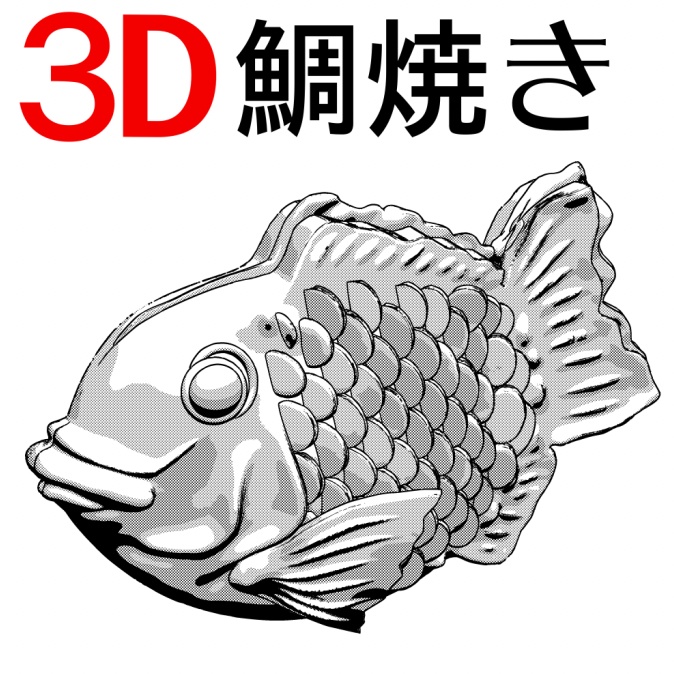
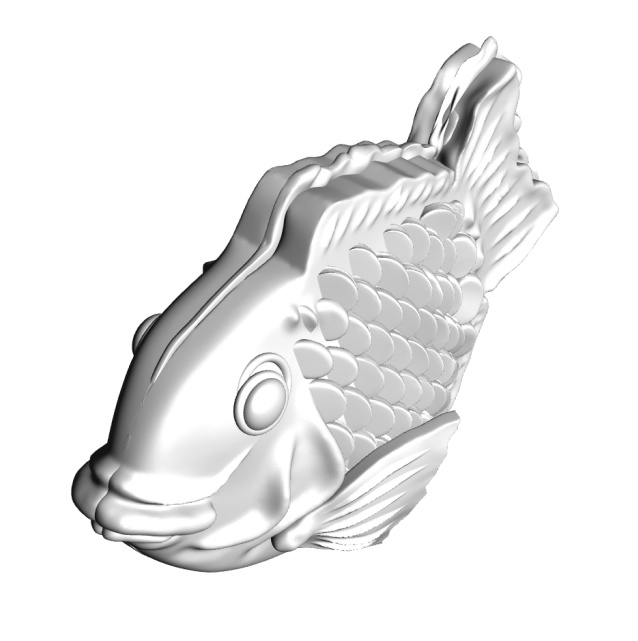
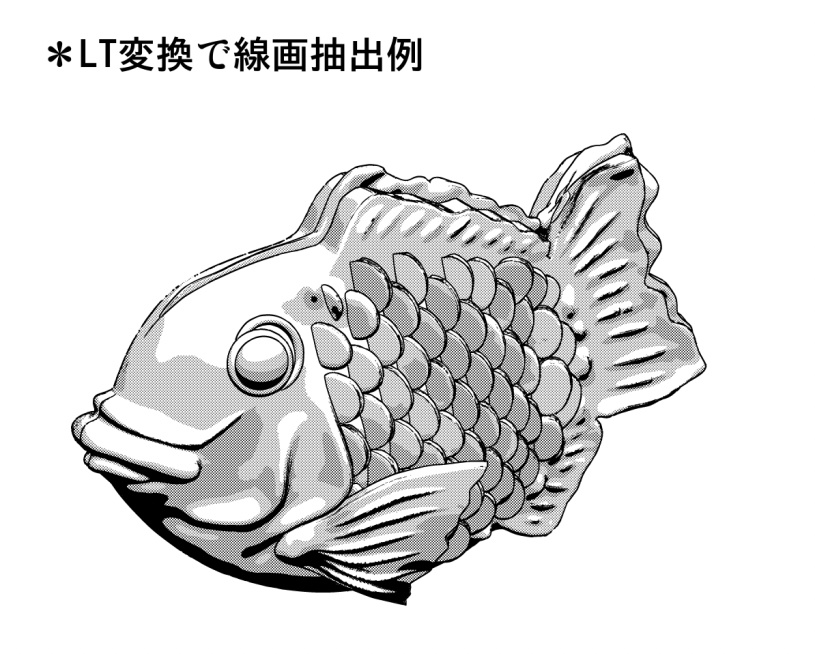

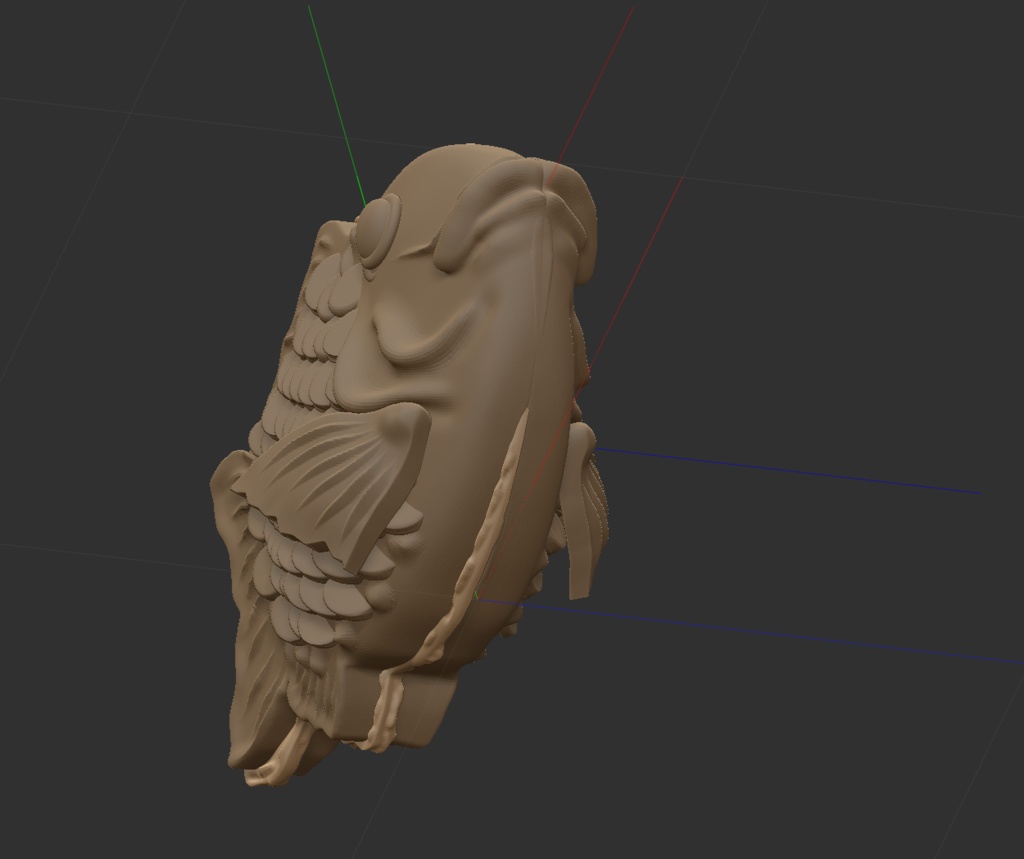
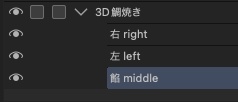
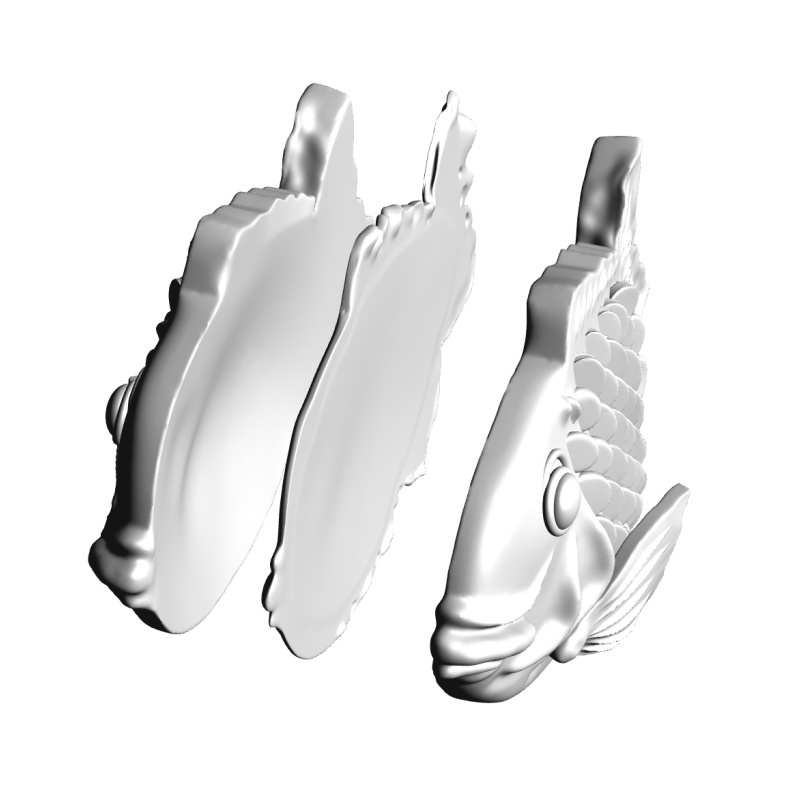


女学生が大好きなお菓子「たいやき」 外国人の一番知っている和菓子「Taiyaki」 某人気ゲームの影響で、うぐぅ・・・オタク界隈に 一番人気な可愛いアイテム「たい焼き」 鱗を一枚一枚描くのは大変だから、3Dモデルで LT変換しただけで完成する画期な素材です。 本素材は左、餡、右の3枚に分かれています。 うぐぅ・・・ (CLIP STUDIOの場合) LT変換による線画抽出後に線を綺麗にする手入れ、あるいは 3D素材を ラスタライズ→ライン抽出 でもオッケーです。 二次元で加筆、減筆はオッケー、ご自由に自分の オリジナルデザインに してください。 * データは汎用性の高い「 .obj」 フォーマットです。 CLIP STUDIO EX/PROに読み込むことができます。 *二次配布禁止 *ClipStudioPaintに素材登録する方法: 無償のClipStudioModelerをインストールして ClipStudioModelerで本素材の中の「.csmo」ファイルを 開き→ファイル→新規素材に登録…からClipStudioPaintの 素材ライブラリに好きな分類に登録してください。 A Favorite Treat of Schoolgirls: Taiyaki Taiyaki is one of the best-known Japanese sweets among foreigners. Thanks to the influence of a certain popular game, taiyaki has also become one of the cutest and most popular items in the otaku community. Drawing every single scale by hand is a lot of work, so this is a practical 3D material that lets you create clean line art simply by using LT Conversion. The material is divided into three separate models: left, filling, and right. Uguu… For CLIP STUDIO After extracting the line art using LT Conversion, you can clean up and refine the lines as needed. Alternatively, you can also use the following method: Rasterize the 3D material → Extract Lines Either method works perfectly fine. You are free to add or remove details in 2D and customize the model to create your own original design. Data & Usage * The data is provided in the highly versatile .obj format. * It can be imported into CLIP STUDIO PAINT EX/PRO. * Redistribution is prohibited. How to Register the Material in CLIP STUDIO PAINT 1. Install the free CLIP STUDIO MODELER. 2. Open the .csmo file included with this material in CLIP STUDIO MODELER. 3. Go to File → Register as New Material… 4. Register it in your preferred category in the CLIP STUDIO PAINT Material Library. Enjoy creating your own taiyaki!