
SamMi's Stacked Slices | Blender Addon スタックド・スライサー・ツール
- SamMi's Stacked Slicesダウンロード商品¥ 200
- 石油王 (内容物同じ)ダウンロード商品¥ 400
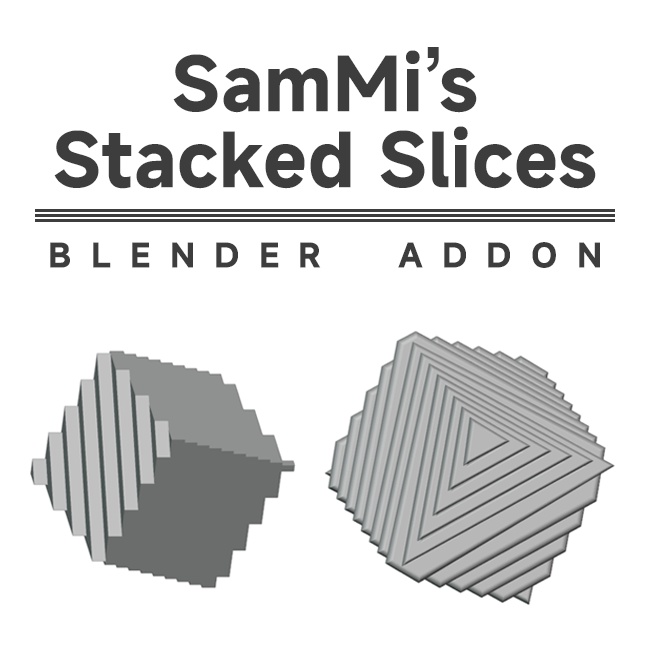
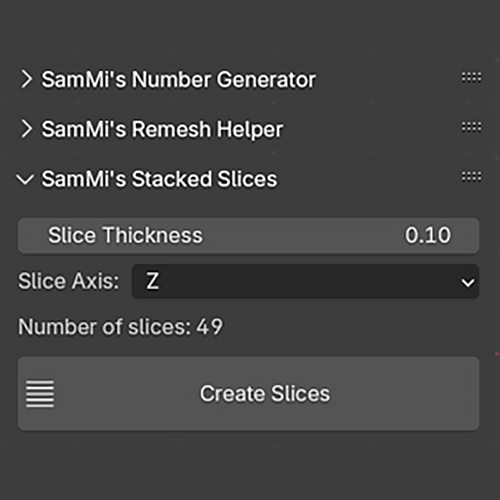


使用方法: 1. 3Dビューポートでメッシュオブジェクトを選択します。 2. ツールパネルで「SamMi's Stacked Slices」セクションを見つけます。 3. スライスの厚さと軸を調整し、「Create Slices」ボタンをクリックしてスライスのアウトラインを生成します。 ご購入ありがとうございます! Instructions: 1. Select a mesh object in the 3D viewport. 2. Find the "SamMi's Stacked Slices" section in the Tool panel. 3. Adjust the slice thickness and axis, then click the "Create Slices" button to generate slice outlines. Thank you for your purchase!