

Heart Rate System for VRChat
- ダウンロード商品¥ 300
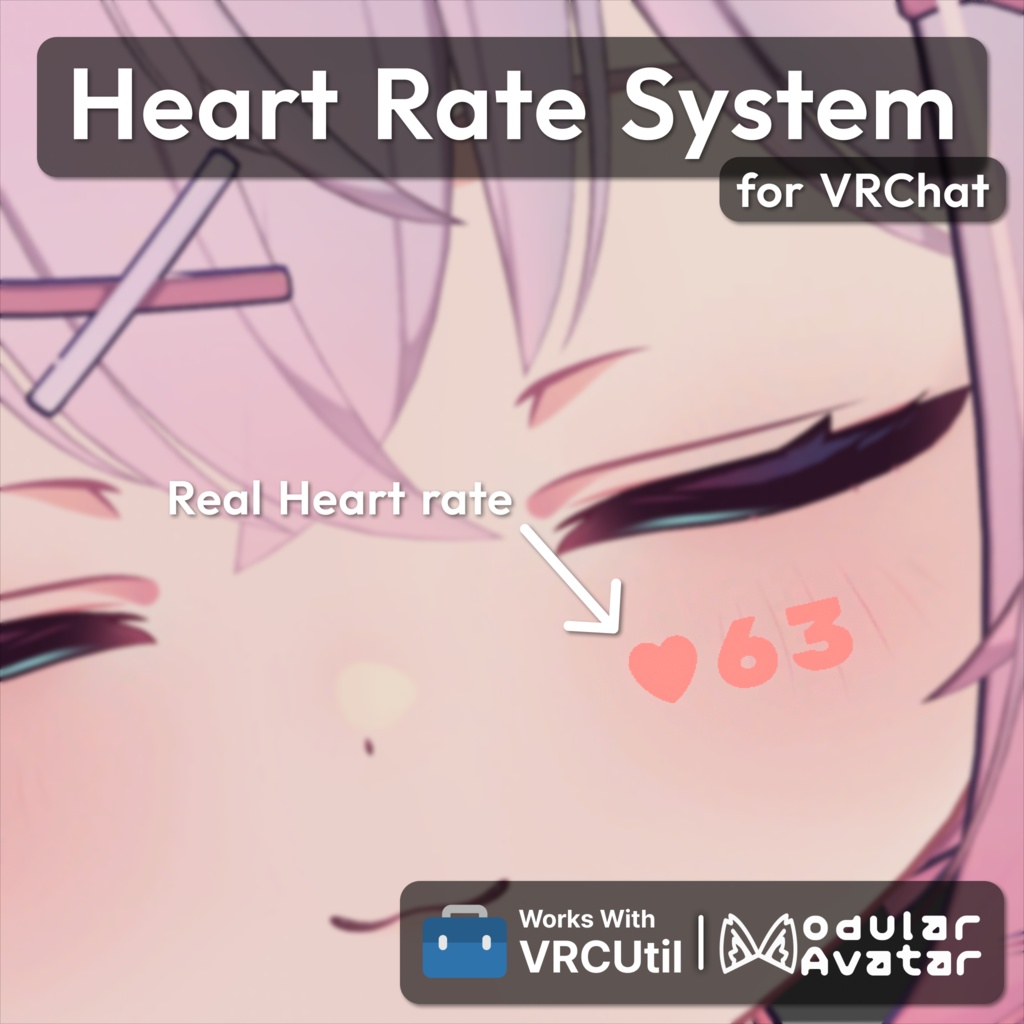
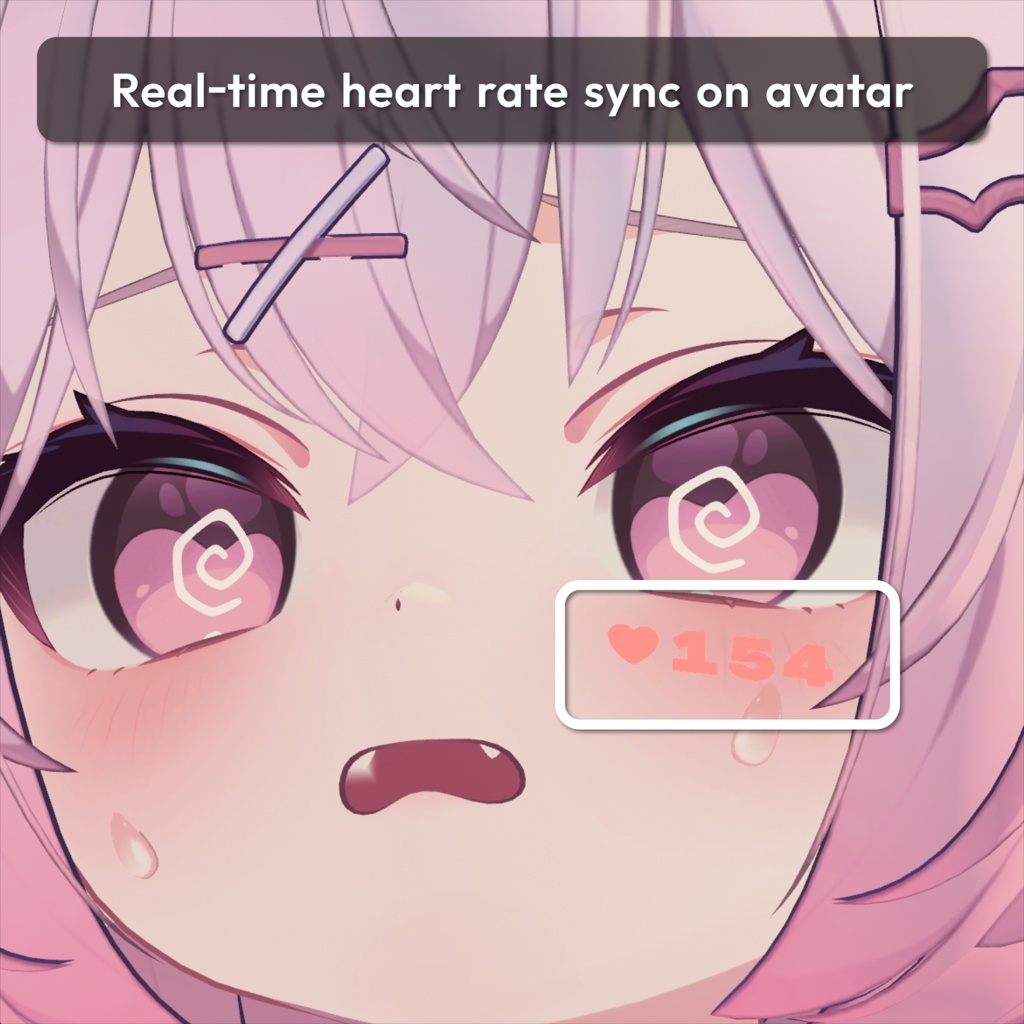
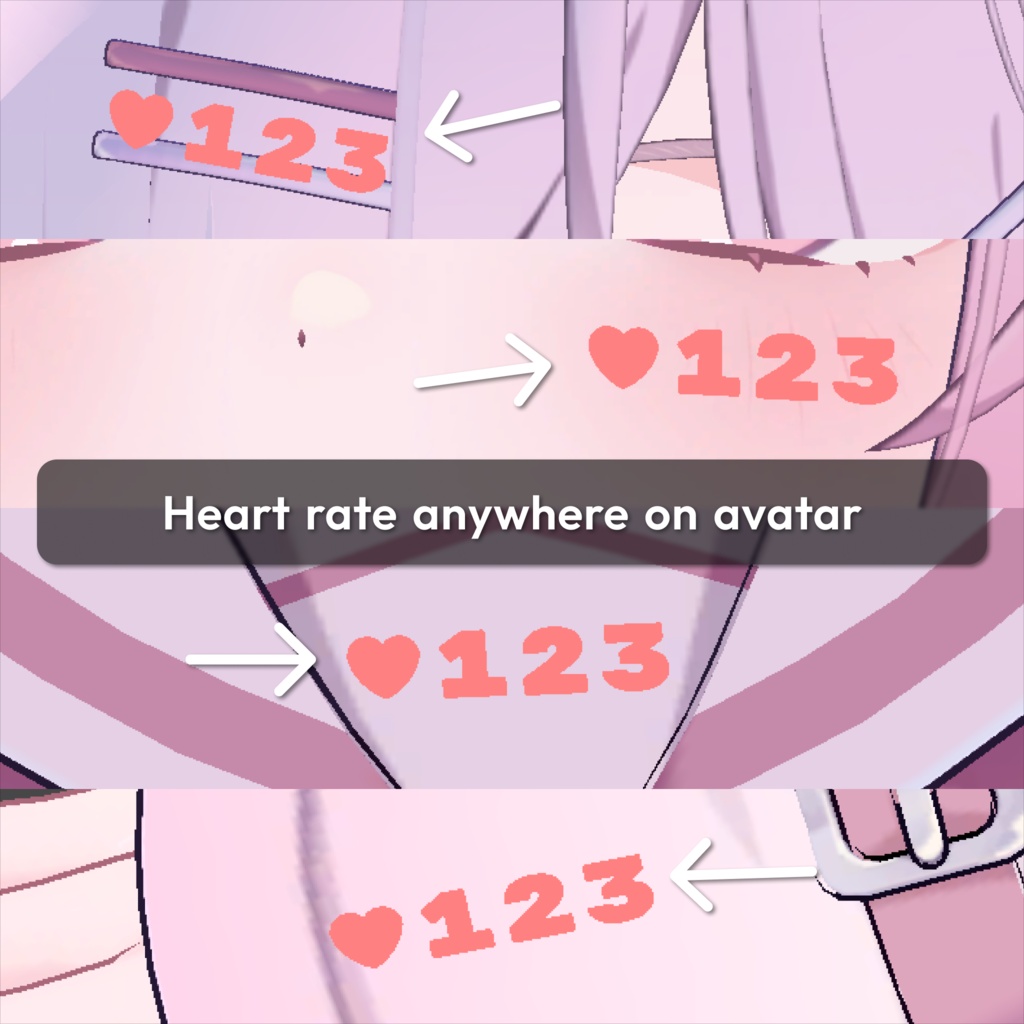
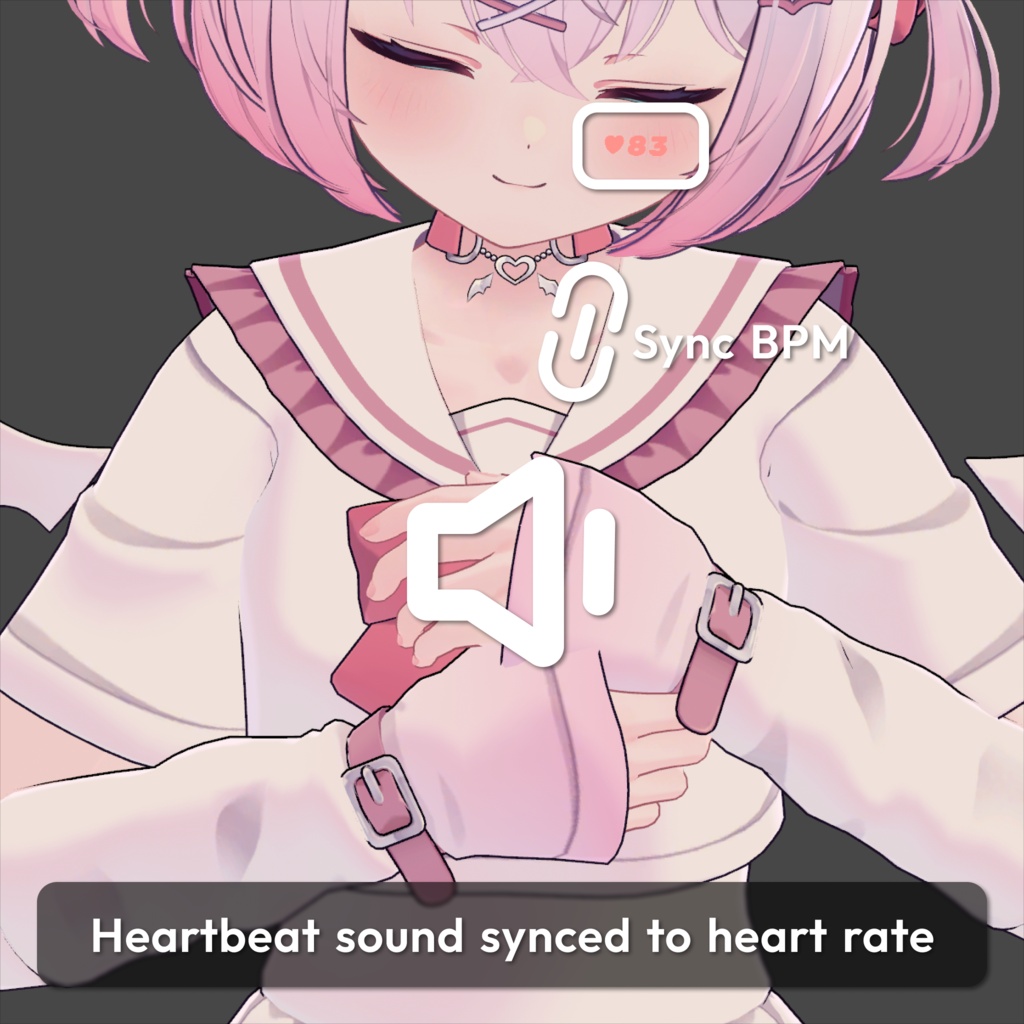
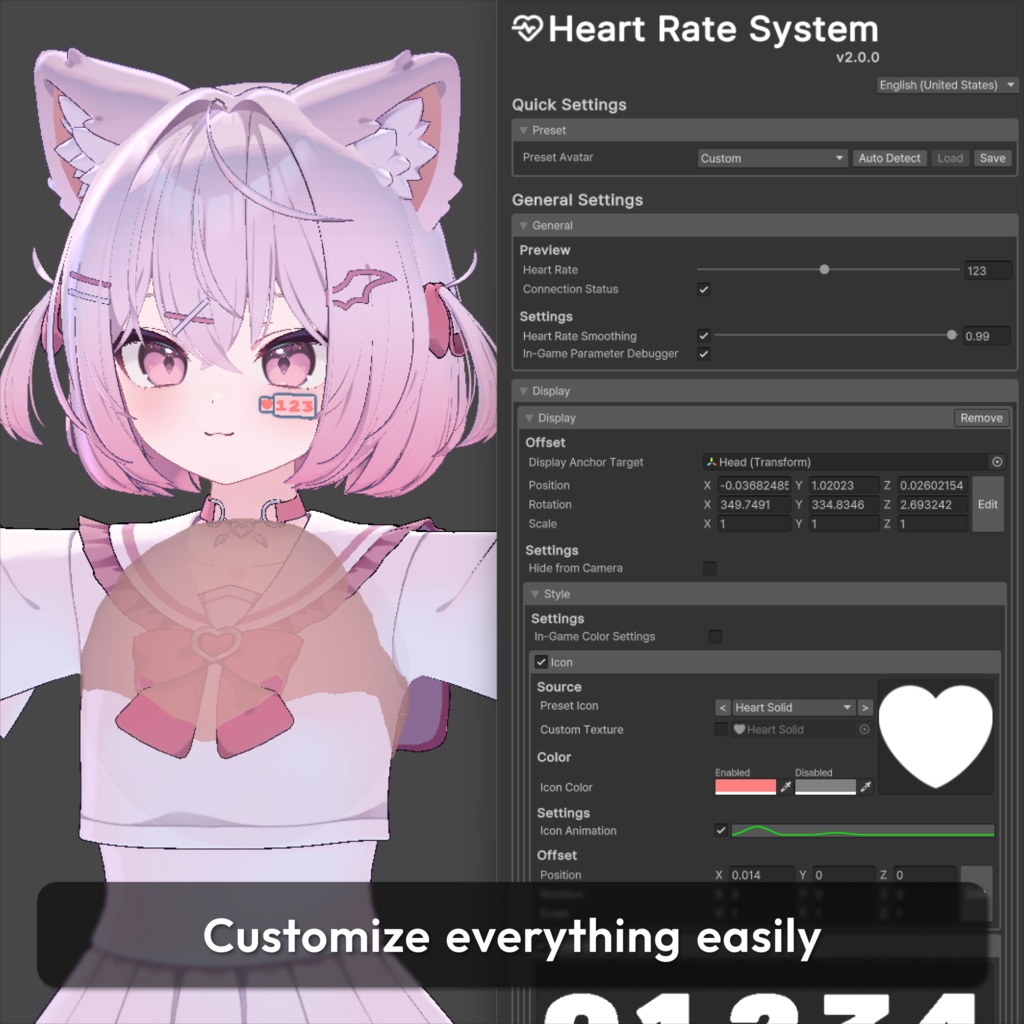
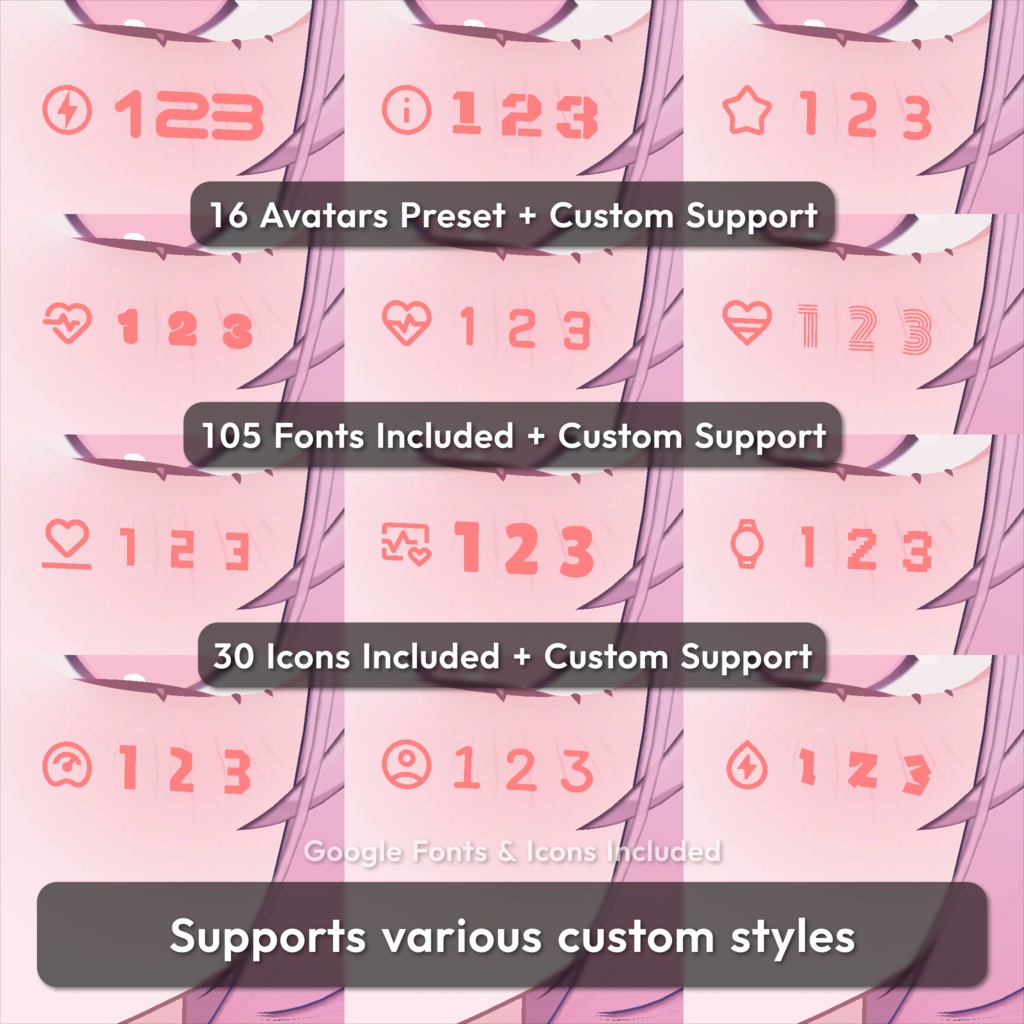
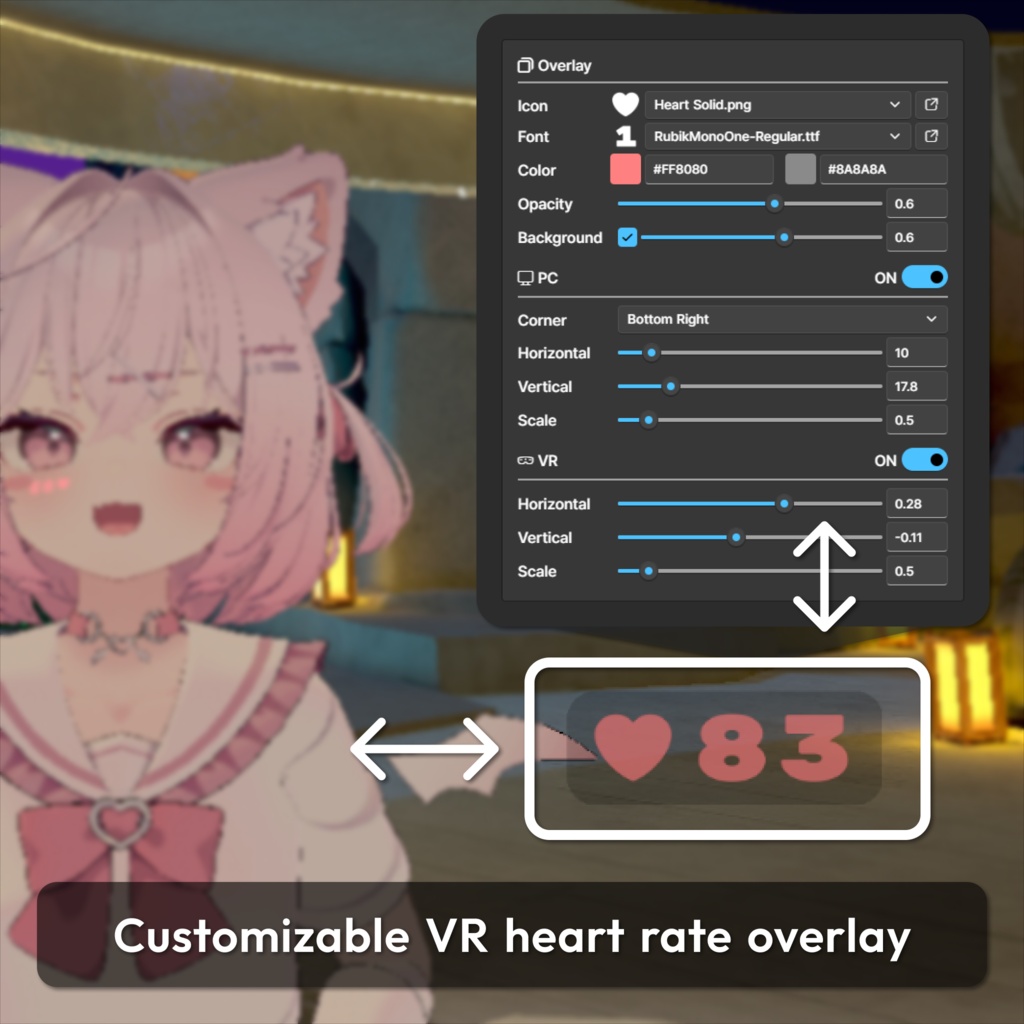
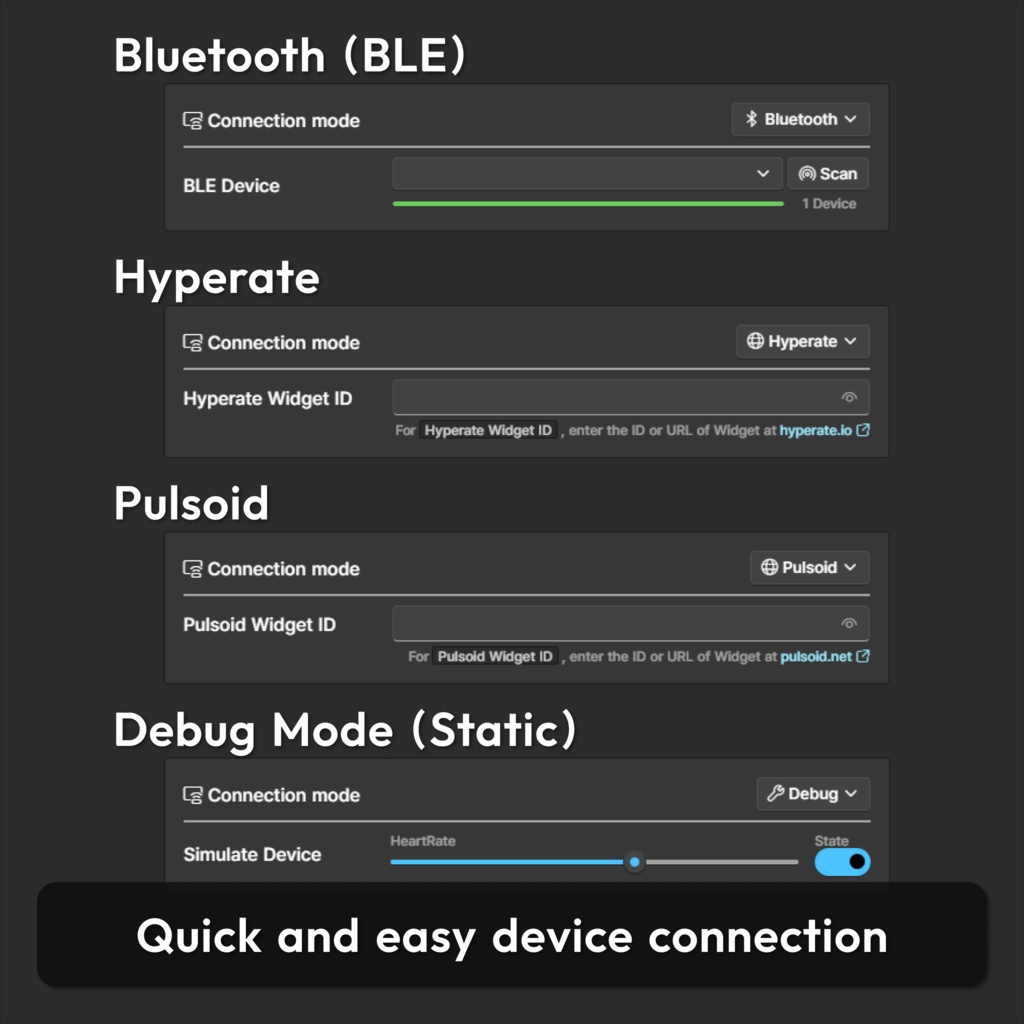
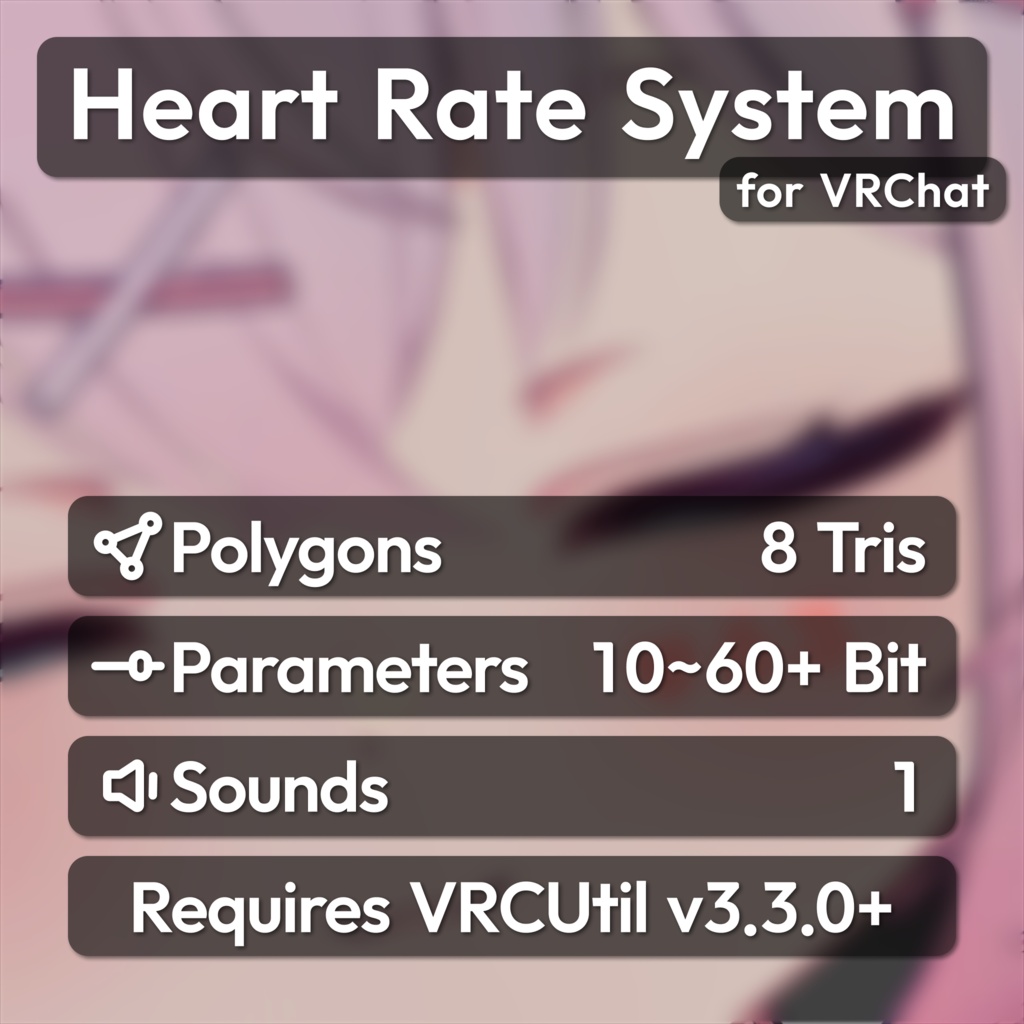


📌 VRChatでの使用を想定した心拍数システムです。 ✉️ エラーや使い方でお困りの際は、お気軽にお問い合わせください。 📌 VRChat에서 사용을 상정한 심박수 시스템입니다. ✉️ 에셋에 문제가 있거나 사용에 어려움이 있는 경우 편하게 문의 주세요. 📌 This is a HeartRate System designed for use in VRChat. ✉️ If you have any issues or questions, feel free to contact me.
📘 アセット情報 / 에셋 정보 / Asset Info
⭐ アバターに心拍数を制限なく表示できます ⭐ 心拍数を自然に見えるようスムージング処理します ⭐ OpenVRオーバーレイで心拍数を表示し、自由にカスタマイズできます ⭐ 心拍数に連動した心拍音を再生します ⭐ 心拍数に応じたアイコンアニメーションを簡単に設定できます ⭐ 心拍数をカメラに表示されないように非表示にできます ⭐ セットアップツールで数回のクリックだけで簡単に適用できます ⭐ ゲーム内で一部設定を変更できます ⭐ デフォルトアイコンとフォントが付属し、簡単にカスタマイズできます ⭐ OSCで心拍数を受信するVRCUtil専用モジュールが付属しています ⭐ 아바타에 심박수를 개수 제한 없이 표시할 수 있습니다 ⭐ 심박수를 자연스럽게 보이도록 스무딩 처리합니다 ⭐ OpenVR 오버레이로 화면에 심박수를 표시하며 커스터마이즈할 수 있습니다 ⭐ 심박수에 연동된 심박음을 재생합니다 ⭐ 심박수에 따른 아이콘 애니메이션을 쉽게 설정할 수 있습니다 ⭐ 심박수가 카메라에 표시되지 않도록 숨길 수 있습니다 ⭐ 설정 툴을 통해 몇 번의 클릭만으로 간편하게 적용할 수 있습니다 ⭐ 게임 내에서 일부 설정을 변경할 수 있습니다 ⭐ 다양한 기본 아이콘과 폰트를 제공하며, 간편하게 커스터마이즈할 수 있습니다 ⭐ OSC로 심박수를 수신하는 VRCUtil 전용 모듈이 포함되어 있습니다 ⭐ Displays heart rate on the avatar with no limit on instances ⭐ Smooths heart rate values for a more natural appearance ⭐ Displays heart rate on-screen using an OpenVR overlay, fully customizable ⭐ Plays heartbeat sound synced with heart rate ⭐ Easily configure icon animations based on heart rate ⭐ Option to hide heart rate from the camera ⭐ Quick and easy setup with just a few clicks ⭐ Allows certain settings to be adjusted in-game ⭐ Includes a variety of default icons and fonts for easy customization ⭐ Includes a dedicated VRCUtil module for receiving heart rate via OSC
⚙️ 依存性 / 의존성 / Dependency
🔗「VRCUtil」- https://haruna5718.booth.pm/items/6516021 🔗「Modular Avatar」- https://modular-avatar.nadena.dev/ 🔗「Pulsoid」- https://pulsoid.net/ (Optional) 🔗「Hyperate」- https://hyperate.io/ (Optional)
🚹 対応アバター / 지원 아바타 / Preset Avatar
🔗「シフォン」Chiffon - https://booth.pm/ja/items/5354471 🔗「ショコラ」Chocolat - https://booth.pm/ja/items/6405390 🔗「輝夜」Kaguya - https://booth.pm/ja/items/8562330 🔗「カリン」Karin - https://booth.pm/ja/items/3470989 🔗「桔梗」Kiyko - https://booth.pm/ja/items/3681787 🔗「キプフェル」Kipfel - https://booth.pm/ja/items/5813187 🔗「こごみ」Kogomi - https://booth.pm/ja/items/8779825 🔗「ラサ」Lasa - https://booth.pm/ja/items/8671148 🔗「ラシューシャ」Lasyusha - https://booth.pm/ja/items/4825073 🔗「ラテ」Latte - https://booth.pm/ja/items/8733827 🔗「真冬」Mafuyu - https://booth.pm/ja/items/5007531 🔗「まめひなた」Mamehinata - https://booth.pm/ja/items/4340548 🔗「マヌカ」Manuka - https://booth.pm/ja/items/5058077 🔗「舞夜」Maya - https://booth.pm/ja/items/3390957 🔗「邪竜メルヴィ」Melvii - https://booth.pm/ja/items/8727844 🔗「ミシェラ」Michella - https://booth.pm/ja/items/8916626 🔗「ミルフィ」Milfy - https://booth.pm/ja/items/6571299 🔗「萌」Moe - https://booth.pm/ja/items/4667400 🔗「もなと」Monato - https://booth.pm/ja/items/8779624 🔗「ネメシス」Nemesis - https://booth.pm/ja/items/5986971 🔗「るもか」Rumoka - https://booth.pm/ja/items/8495741 🔗「ルティ」Ruty - https://booth.pm/ja/items/8699929 🔗「セレナ」Selena - https://booth.pm/ja/items/8545785 🔗「シロア」Shiroa - https://booth.pm/ja/items/8425617 🔗「セレスティア」Selestia - https://booth.pm/ja/items/4035411 🔗「シプ」Siipu - https://booth.pm/ja/items/8849109 🔗「スノゥ」Snow - https://booth.pm/ja/items/8787842 🔗「うささき」Usasaki - https://booth.pm/ja/items/3550881 🔗「悠莉」Yuri - https://booth.pm/ja/items/8670449 ℹ️ リストにないアバターも、位置を調整すれば使用できます ℹ️ 목록에 없는 아바타도 위치에 맞게 조정하면 사용할 수 있습니다 ℹ️ Avatars not in the list can still be used by adjusting their position
💡 導入方法 / 적용 방법 / How to Apply
1️⃣ Hierarchyでアバターを右クリックします。 2️⃣ Haruna5718 > Heart Rate System を選択します。 3️⃣ 追加されたアセットでプリセットを読み込み、設定します。 4️⃣ 同梱のモジュールをインストールし、心拍デバイスと接続します。 1️⃣ Hierarchy에서 아바타를 우클릭 합니다. 2️⃣ Haruna5718 > Heart Rate System 을 선택합니다. 3️⃣ 추가된 에셋에서 프리셋을 불러와 설정합니다. 4️⃣ 동봉된 모듈을 설치하고 심박 기기와 연결합니다. 1️⃣ Right-click the avatar in the Hierarchy. 2️⃣ Select Haruna5718 > Heart Rate System. 3️⃣ Load a preset from the added asset and configure it. 4️⃣ Install the included module and connect your heart rate device.
🛠️ 更新履歴 / 업데이트 내역 / Update History
📝 [ 2025-01-22 ] Heart Rate System v1.0.0 / HeartRate2OSC v1.0.0 📝 [ 2025-05-25 ] Heart Rate System v1.1.0 / HeartRate2OSC v2.0.0 ・ Counter font now configurable via font file. ・ Fixed issue with incorrect tool UI scaling on some devices. ・ Fixed counter number distortion when viewed from afar. ・ Added HUD transparency option ・ Icon remake ・ Updated terminology in the menu ・ Added preset avatar (Milfy) ・ Updated for compatibility with VRCUtil v2.0.0 📝 [ 2026-04-03 ] Heart Rate System v2.0.0 / HeartRate2OSC v3.0.0 ・ Introduced a new tool system. ・ Moved overlay from asset to OpenVR ・ Improved icon quality ・ Added sound range settings ・ Added icon animation settings ・ Added a debug mode ・ Added connection methods (Hyperate, Bluetooth) ・ Fixed GUID-related issues ・ Added preset avatar (Lasyusha, Chocolat, Nemesis) ・ Updated for compatibility with VRCUtil v3.0.0 📝 [ 2026-04-28 ] Heart Rate System v2.0.1 ・ Switched Editor to EasyKaihenEditor ・ Bug fixes 📝 [ 2026-04-28 ] Heart Rate System v2.0.2 ・ Localization bug fix 📝 [ 2026-05-18 ] HeartRate2OSC v3.0.1 ・ Adjusted UI layout ・ Connection parameter sync bug fix ・ Added background opacity 📝 [ 2026-06-19 ] Heart Rate System v2.0.3 ・ Fix Heartrate 510 bug when WD off 📝 [ 2026-06-23 ] HeartRate2OSC v3.0.2 ・ Refine Bluetooth connection handling ・ Optimize module initialization performance 📝 [ 2025-07-05 ] Heart Rate System v2.0.4 / HeartRate2OSC v3.1.0 ・ EasyKaihenEditor update ・ Added Selena preset ・ Added auto detect anchor target ・ Cleaned up preset data ・ Fixed certificate issue ・ Remove requests dependency ・ Added PC Overlay 📝 [ 2026-07-15 ] Heart Rate System v2.0.5 ・ Added Kaguya preset 📝 [ 2026-07-17 ] HeartRate2OSC v3.1.1 ・ Optimize overlay rendering ・ Limit overlay image cache growth 📝 [ 2026-07-21 ] Heart Rate System v2.0.6 ・ Fixed color adjustment issues ・ Fixed an issue with MA Scale Adjuster 📝 [ 2026-07-22 ] Heart Rate System v2.0.7 ・ Fixed Counter texture missing after avatar upload 📝 [ 2026-07-25 ] Heart Rate System v2.0.8 ・ Added Rumoka preset 📝 [ 2026-08-20 ] Heart Rate System v2.0.9 ・ Fixed Sound bpm speed issue ・ Added Melvii preset 📝 [ 2026-08-22 ] Heart Rate System v2.0.10 ・ Added Latte preset 📝 [ 2026-08-31 ] Heart Rate System v2.0.11 ・ Added Ruty preset 📝 [ 2026-09-22 ] Heart Rate System v2.1.0 ・ Added ECG graph option ・ Added Kogomi, Lasa, Siipu, snow, Yuri preset 📝 [ 2026-10-18 ] Heart Rate System v2.1.1 / HeartRate2OSC v3.2.0 ・ Fixed Cull value issue ・ Added Michella, Monato, Shiroa preset ・ Added OSC Parameters presets ・ Improved Bluetooth connection handling