

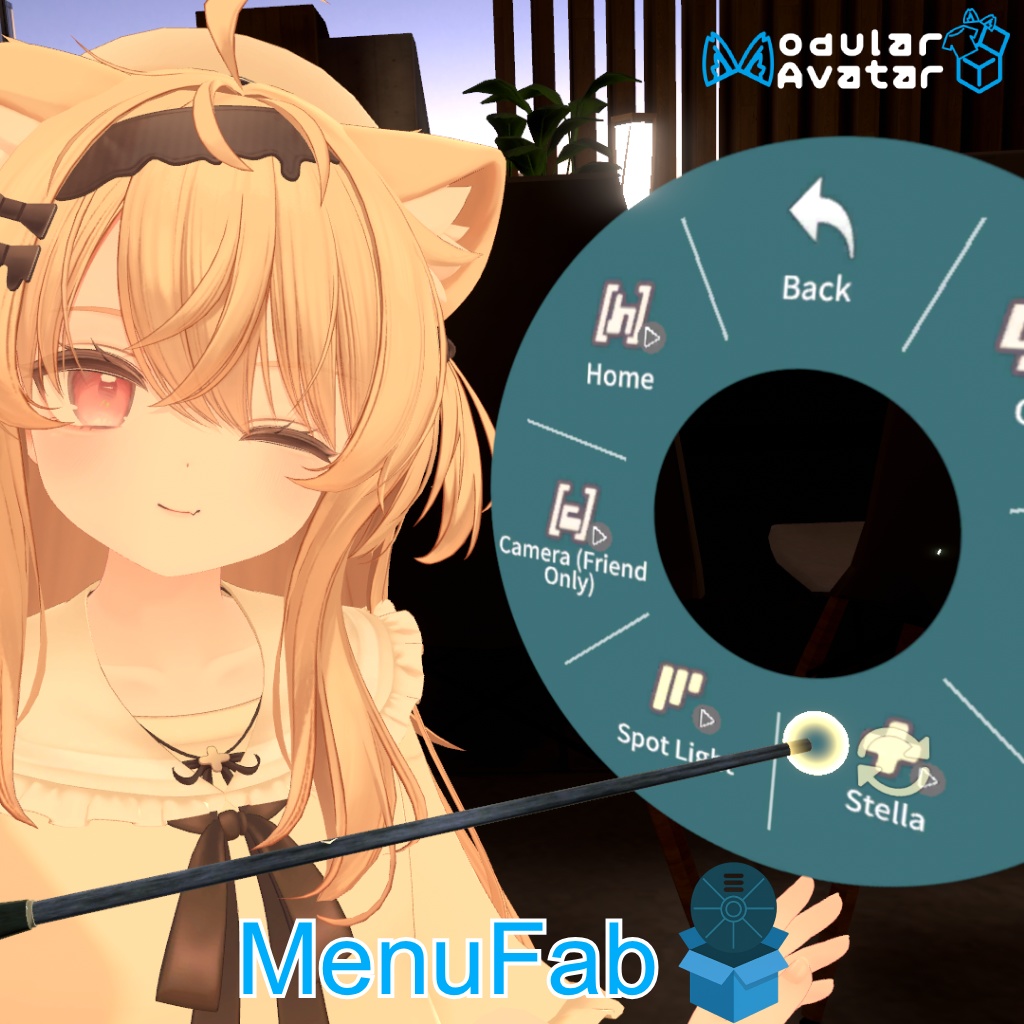
MenuFab - あなたのメニューをワールド内に召喚! Summon your menu in the world!
- ダウンロード商品¥ 500


若遇到任何 BUG,欢迎反馈~ Found a bug? Let us know!
日本語
MenuFab - あなたのメニューをワールド内に召喚! ワールド内に設置可能なメニューを自動生成し、誰でも操作できます! セットアップは簡単で、Modular Avatar によるモジュール化された導入・削除に対応しています。 導入手順: 0. Modular Avatar をインストール (Non-Destructive Modular Framework 1.8.0 以降が必要です。古いプロジェクトに導入する場合は、必ずバージョンを確認してください) 1. VCC リポジトリを導入: [https://docs.hai-vr.dev/docs/products/listing](https://docs.hai-vr.dev/docs/products/listing) 2. VCC で最新版の Animator As Code V1 と Animator As Code V1 - VRChat をインストール 3. TextMeshPro コンポーネントをインポート: "Window" > "TextMeshPro" > "Import TMP Essential Resources" 4. MenuFab.unitypackage をインポート 5. Assets/sunset/MenuFab/MenuFabInstaller.prefab をアバターにドラッグ&ドロップ 6. 位置を確認し、手に配置されていない場合は MenuFabPB を動かして調整 7. Enjoy! 除外項目の設定: 他人に操作されたくないメニュー(パスワードメニューやプライベートスイッチなど)がある場合、「Show Exclude Selector On Build」にチェックを入れると、ビルド時に除外メニューを選択するウィンドウが表示されます。選択内容は保存されます。 メニューの位置、名前、タイプが変更されると、以前の設定は無効になります。その場合は再度「Show Exclude Selector On Build」にチェックを入れて選択し直してください。 特記事項: VRCFury のパラメータ圧縮(または同様の機能を持つプラグイン)を使用している場合は、「Mark Local Only Toggles」オプションのチェックを外してください。 コンポーネント占有量 同期パラメータ: 11 (sunset.menufab.menuIndex の同期を手動でオフにすると、8 パラメータ節約できます。ただし、リモートプレイヤーの指の動きが速すぎる場合、ローカルの表示と一致しなくなる可能性があります) Contact Receiver: 11 Contact Sender: 1 PhysBone: 3 VRC Constraint: 1
更新履歴
2026/03/05 - v1.1.0 除外設定機能を追加 2025/11/18 - v1.0.2 メニューを閉じた際にPhysBoneがオフにならない問題を修正 2025/10/21 - Beta v1.0.1
简体中文
MenuFab - 在世界中召唤你的菜单! 自动生成可以放置在世界中的菜单,任何人都可以操作! 安装简单,支持 Modular Avatar 模块化安装/卸载 安装步骤: 0. 安装 Modular Avatar (需要 Non-Destructive Modular Framework 1.8.0 及以上。若在旧项目中导入,请务必检查版本) 1. 导入 VCC 源: https://docs.hai-vr.dev/docs/products/listing 2. 在 VCC 中安装最新版 Animator As Code V1 和 Animator As Code V1 - VRChat 3. 导入 TextMeshPro 组件: "Window" > "TextMeshPro" > "Import TMP Essential Resources" 4. 导入 MenuFab.unitypackage 5. 将 Assets/sunset/MenuFab/MenuFabInstaller.prefab 拖到您的 Avatar 中 6. 检查位置,若未放置于手上,移动 MenuFabPB 调整 7. Enjoy! 配置排除项: 您可能不希望有些菜单被其他人操控(密码菜单、私密开关等)。勾选 Show Exclude Selector On Build,即可在构建时弹出排除菜单选择项。您的选择会被记住。 当菜单的位置、名字和类型改变后,原有的匹配将会失效,需要重新勾选 Show Exclude Selector On Build 进行选择。 特别注意: 若您使用了 VRCFury 参数压缩(或其它任意相同功能的插件),请取消勾选 "Mark Local Only Toggles" 选项。 组件占用 同步参数: 11 (可以手动取消勾选 sunset.menufab.menuIndex 的同步,节省 8 个参数。不过当远程玩家手指移动过快时,可能导致远程玩家和本地显示不一致) Contact Receiver: 11 Contact Sender: 1 动骨: 3 VRC 约束: 1
更新信息
2026/03/05 - v1.1.0 增加可排除项配置 2025/11/18 - v1.0.2 修复关闭菜单时动骨未关闭的问题 2025/10/21 - Beta v1.0.1
English
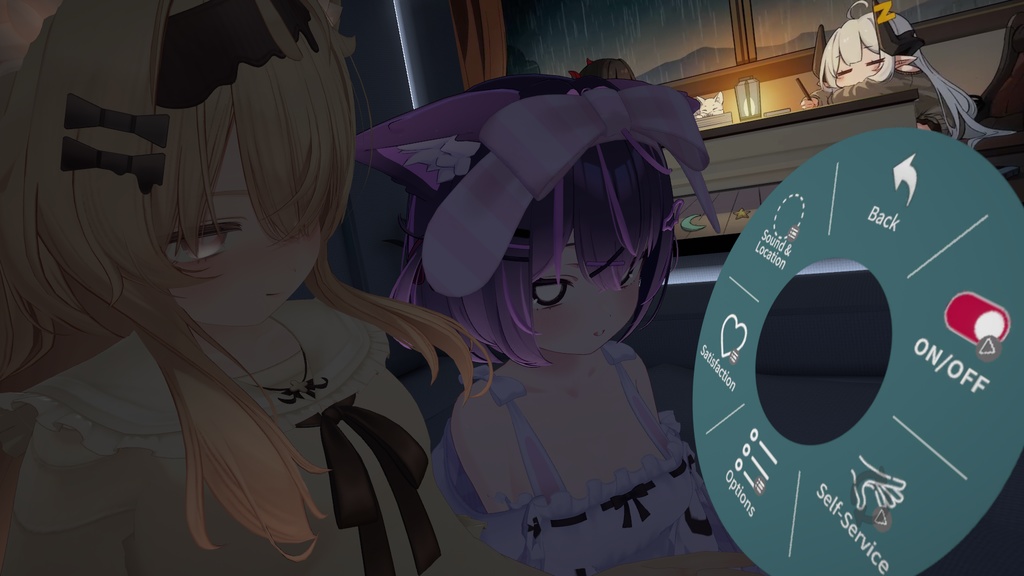
MenuFab - Summon your menu in the world! Automatically generate a menu that can be placed in the world — anyone can interact with it! Easy to install — supports Modular Avatar modular installation and uninstallation. Installation Steps: 1. Install Modular Avatar (Requires Non-Destructive Modular Framework 1.8.0 or higher. If importing into an existing project, please make sure to check the version. ) 2. Add the VCC source: https://docs.hai-vr.dev/docs/products/listing 3. In VCC, install the latest versions of Animator As Code V1 and Animator As Code V1 - VRChat 4. Import TextMeshPro from "Window" > "TextMeshPro" > "Import TMP Essential Resources" 5. Import MenuFab.unitypackage 6. Drag Assets/sunset/MenuFab/MenuFabInstaller.prefab into your avatar 7. Check the position — if it’s not on your hand, move the MenuFabPB object to adjust it 8. Enjoy! Exclusion Settings To protect specific menus (e.g., passwords, private toggles) from external control, enable Show Exclude Selector On Build, a selection window will appear during the build process. Your choices will be saved. Note: If a menu's position, name, or type changes, previous matches will become invalid. You will need to re-enable Show Exclude Selector On Build to update your selections. Important Note: If you are using VRCFury parameter compression (or any other plugin with a similar function), please uncheck the option "Mark Local Only Toggles". Component Usage: Synced Parameters: 11 (You can manually disable syncing for sunset.menufab.menuIndex to save 8 parameters. However, this may cause display inconsistencies between local and remote players if the remote player's finger moves too quickly.) Contact Receivers: 11 Contact Senders: 1 PhysBones: 3 VRC Constraints: 1
Update information
2026/03/05 - v1.1.0 Add exclude config. 2025/11/18 - v1.0.2 Fixed PhysBone not disabling with MenuFab. 2025/10/21 - Beta V1.0.1
Terms and Conditions
1. 禁止二次分发、销售本商品的任何内容(包括但不限于 unitypackage、源代码等) 2. 禁止基于本商品的源代码修改后再发布 3. 允许在公开虚拟形象中使用 4. 注意:若保持功能开启,可能导致某些不良行为发生。作者不为使用本工具造成的任何损害负责 5. 若遇到 BUG,可以向作者发送私信联系。 1. Redistribution or resale of any part of this product (including but not limited to unitypackage, source code, etc.) is prohibited. 2. Modification of the source code and re-release based on this product is prohibited. 3. Use in public Avatars is allowed. 4. Note: Keeping certain functions enabled may lead to unintended or undesirable behaviors. The author is not responsible for any damages caused by the use of this tool. 5. If you encounter any bugs, you can contact the author via direct message. 1. 本商品のいかなる内容(unitypackage、ソースコード等を含みますが、これらに限定されません)の二次配布、販売を禁止します。 2. 本商品のソースコードを改変した上での再配布を禁止します。 3. パブリックアバター(Public Avatar)での使用を許可します。 4. 注意:機能を有効にしたままにすると、迷惑行為につながる恐れがあります。本ツールの使用によって生じたいかなる損害についても、製作者は一切の責任を負いません。 5. バグ報告などは製作者へDMでご連絡ください。
Credits
Some icons from VRC-Gesture-Manager: https://github.com/BlackStartx/VRC-Gesture-Manager Animator As Code: https://github.com/hai-vr/av3-animator-as-code Avatars in pictures: Eku - https://booth.pm/en/items/7328764 Chocolat - https://booth.pm/en/items/6405390