

【複数アバター対応】Neon Tech Parka / サイバーパンクパーカー
- Full Packダウンロード商品¥ 990
- Manukaダウンロード商品¥ 590
- Shinanoダウンロード商品¥ 590

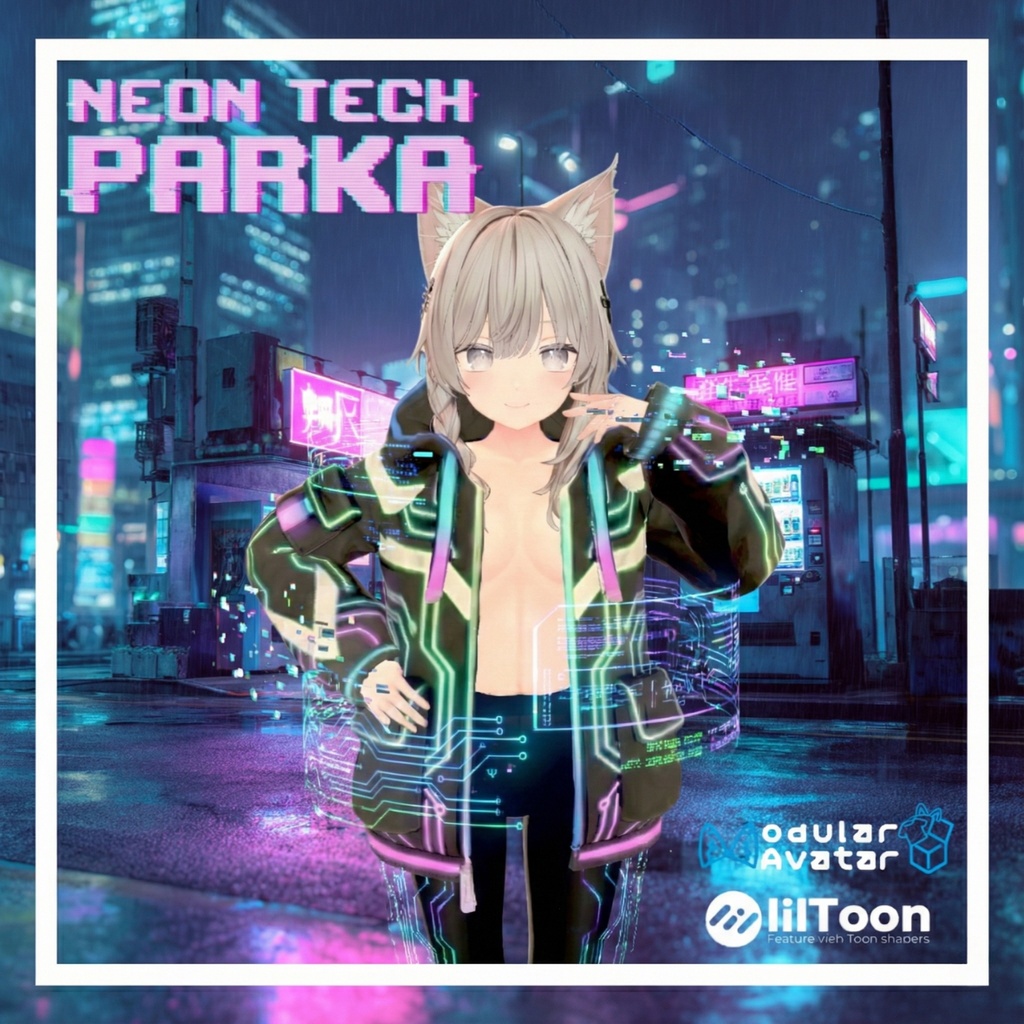


暗闇で鮮やかなネオンラインと、テックウェア要素を融合させたサイバーパンク・パーカーです。 Modular Avatarに対応しており、ドラッグ&ドロップだけで簡単に導入可能です。 【対応モデル】 本製品は以下のアバターに合わせて調整されています。 ・オリジナル3Dモデル「マヌカ」 (JINGO CHANNEL様) https://booth.pm/ja/items/5058077 ・オリジナル3Dモデル「しなの」 (ポンデロニウム研究所様) https://booth.pm/ja/items/6106863 【製品仕様】 ・ポリゴン数:約 20,000 tris ・シェーダー:lilToon (要事前インポート) ・導入ツール:Modular Avatar 対応 ・Unity Ver:2022.3.22f1 動作確認済み ・DLサイズ:約 25MB (アバター装着時目安) 【内容物】 ・Unitypackage - セットアップ済みPrefab (Modular Avatar設定込) - FBXモデルデータ - テクスチャ (JPG形式) - マテリアル設定済みデータ 【導入手順】 本製品は Modular Avatar を使用した非破壊導入を推奨しています。 1. 事前準備 以下のツールをプロジェクトにインポートしてください(最新版推奨)。 ・lilToon https://booth.pm/ja/items/3087170 ・Modular Avatar https://modular-avatar.nadena.dev/ja 2. パッケージのインポート 本製品のUnitypackageをUnityプロジェクトへインポートしてください。 3. アバターへの装着 「Prefabs」フォルダ内にあるPrefabを、Hierarchy上のアバターへドラッグ&ドロップしてください。 Modular Avatarの機能により、アップロード時に自動的に着せ替え処理が行われます。 -------------------------------------------------- [English Description] Neon Tech Parka A cyberpunk parka fusing vivid neon lines that glow in the dark with techwear elements. Fully compatible with Modular Avatar, allowing for easy drag-and-drop installation. 【Supported Models】 This product is adjusted for the following avatars: ・Original 3D Model "Manuka" (JINGO CHANNEL) https://booth.pm/ja/items/5058077 ・Original 3D Model "Shinano" (Ponderonium Laboratory) https://booth.pm/ja/items/6106863 【Product Specifications】 ・Polygon Count: Approx. 20,000 tris ・Shader: lilToon (Import required beforehand) ・Tool: Modular Avatar supported ・Unity Ver: 2022.3.22f1 tested ・DL Size: Approx. 25MB (Estimate when attached) 【Contents】 ・Unitypackage - Pre-configured Prefab (Modular Avatar settings included) - FBX Model Data - Textures (JPG format) - Material Data 【Installation】 We recommend non-destructive installation using Modular Avatar. 1. Preparation Please import the latest versions of the following tools into your project beforehand. ・lilToon https://booth.pm/ja/items/3087170 ・Modular Avatar https://modular-avatar.nadena.dev/ja 2. Import Package Import the Unitypackage of this product into your Unity project. 3. Setup Drag and drop the Prefab located in the "Prefabs" folder onto your target avatar in the Hierarchy. Modular Avatar will automatically handle the dressing process upon upload.
利用規約
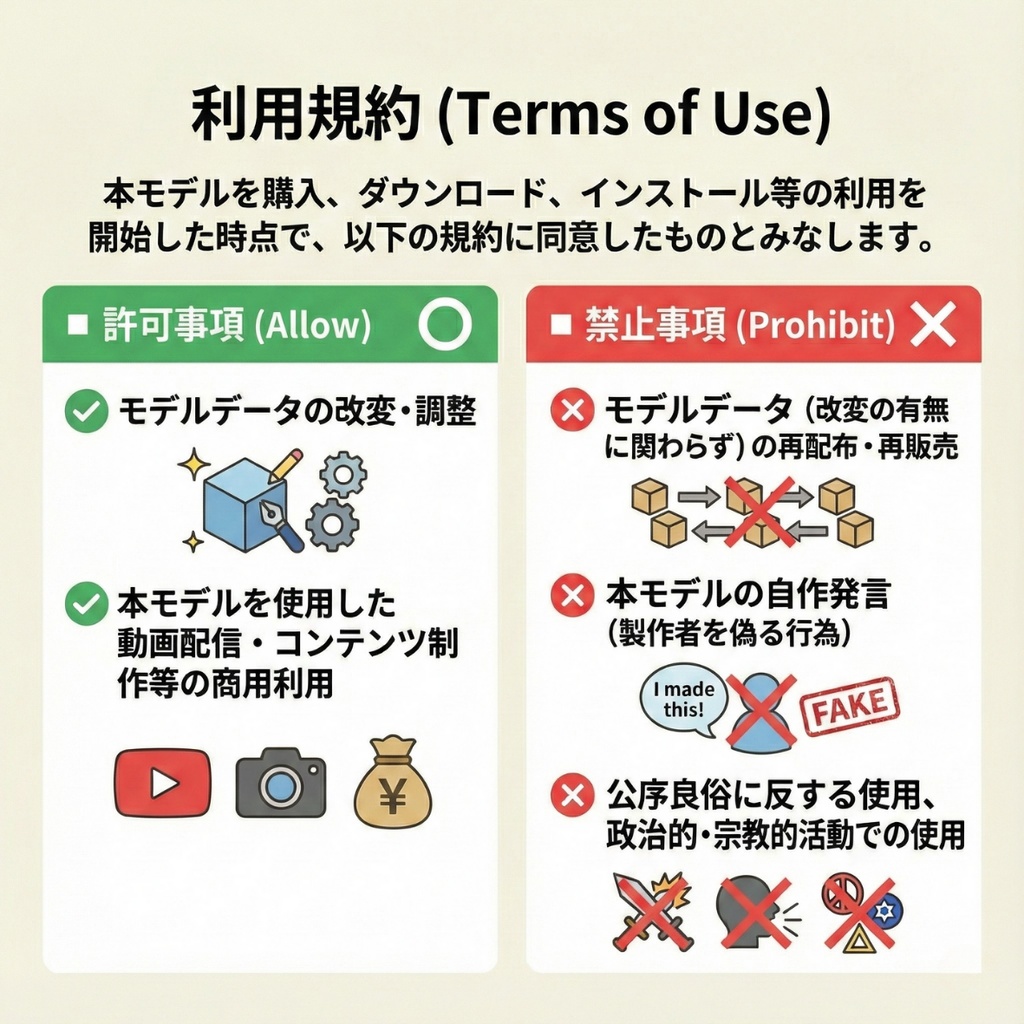
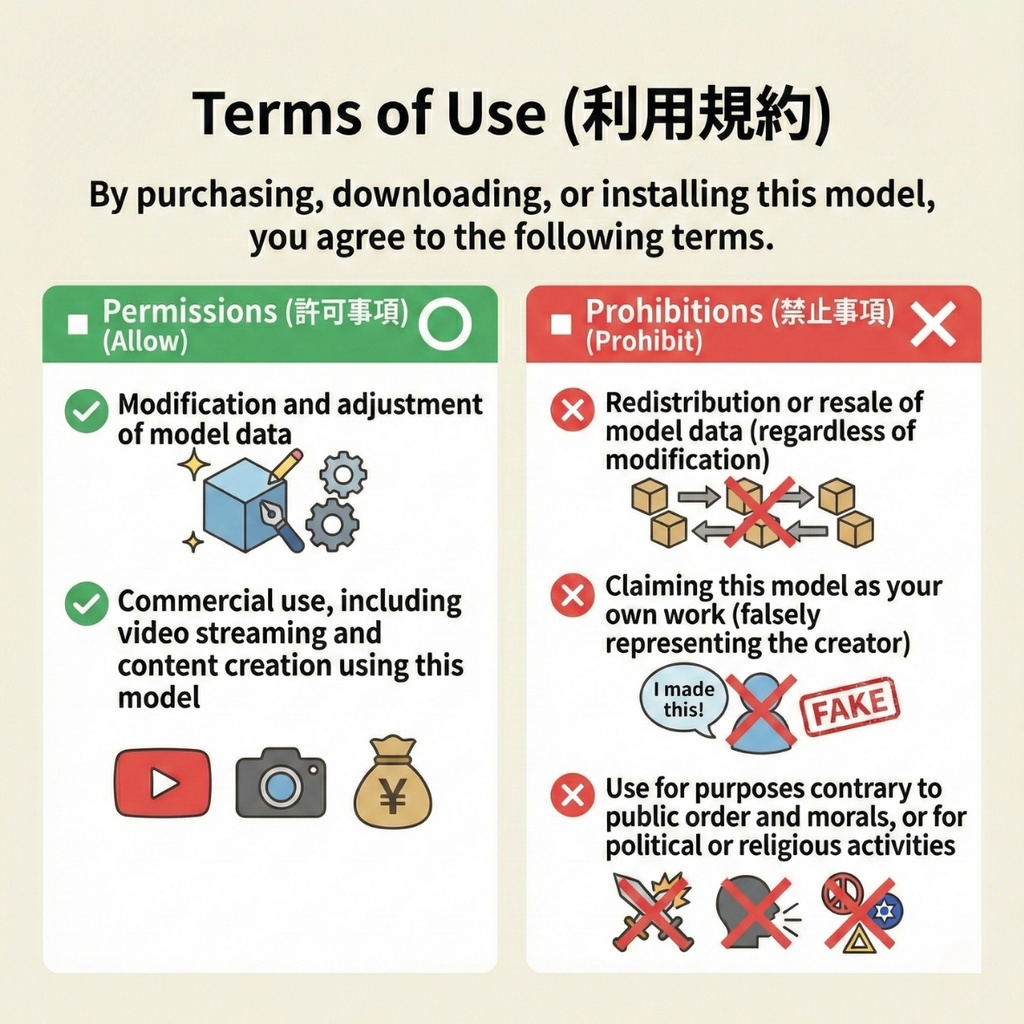
【利用規約】 本モデルを購入、ダウンロード、インストール等の利用を開始した時点で、以下の規約に同意したものとみなします。 ■ 許可事項 (Allow) ⭕️ モデルデータの改変・調整 ⭕️ 本モデルを使用した動画配信・コンテンツ制作等の商用利用 ■ 禁止事項 (Prohibit) ❌ モデルデータ(改変の有無に関わらず)の再配布・再販売 ❌ 本モデルの自作発言(製作者を偽る行為) ❌ 公序良俗に反する使用、政治的・宗教的活動での使用
ご注意事項
・本商品にアバター本体は付属しません。 ・製品の仕様は予告なく変更される場合があります。 ・本モデルの使用によって生じた何らかのトラブル・損失について、製作者は一切の責任を負いません。
更新履歴
2025/12/31 販売開始
【重要】AI生成技術の使用および権利に関する表記
本商品は、制作プロセスの一部(テクスチャ生成・メッシュの基礎生成など)において、画像生成AIおよび3D生成AI技術を使用しております。 ■権利侵害に関する宣言 生成にあたっては一般的な概念を表すプロンプトのみを使用しており、特定のクリエイター様の作品や画風を意図的に模倣した事実は一切ございません。 生成されたデータは、制作者(お父さんクリエーション)の手によりBlender/Unity等を用いて修正・最適化・セットアップを行ったオリジナルの成果物です。 安心してお使いいただけるよう、権利関係には細心の注意を払って制作しております。 [Important] Notice Regarding AI Usage and Intellectual Property Rights This product utilizes image generation AI and 3D generation AI technologies for parts of the production process, such as texture generation and base mesh creation. ■ Declaration of Non-Infringement and Originality We strictly utilize prompts representing general concepts only. We do NOT intentionally mimic, rely on, or copy any specific creator's works or artistic styles. The final data is an original work that has been manually modified, optimized, and set up by the creator (Otosan Creation) using tools such as Blender and Unity. We pay the utmost attention to intellectual property rights to ensure that you can use our products with peace of mind.