

Cozy Sweater (OG Hobkin Base)
- ダウンロード商品¥ 900
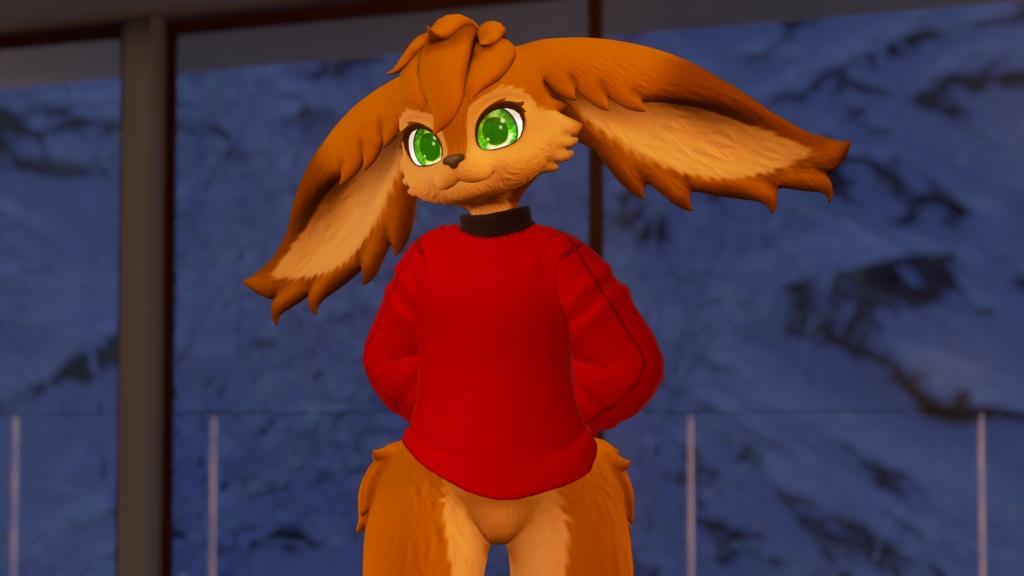
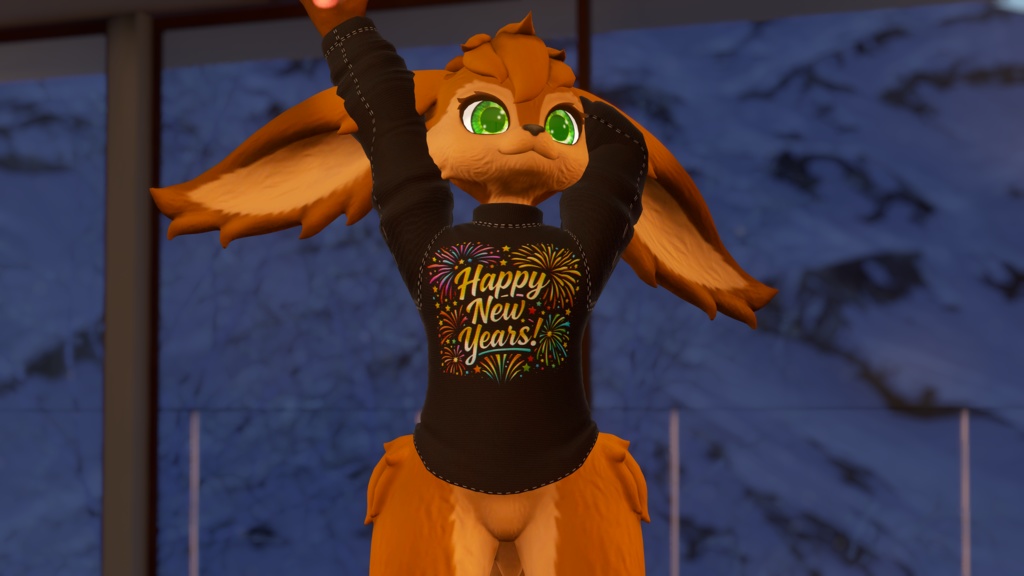
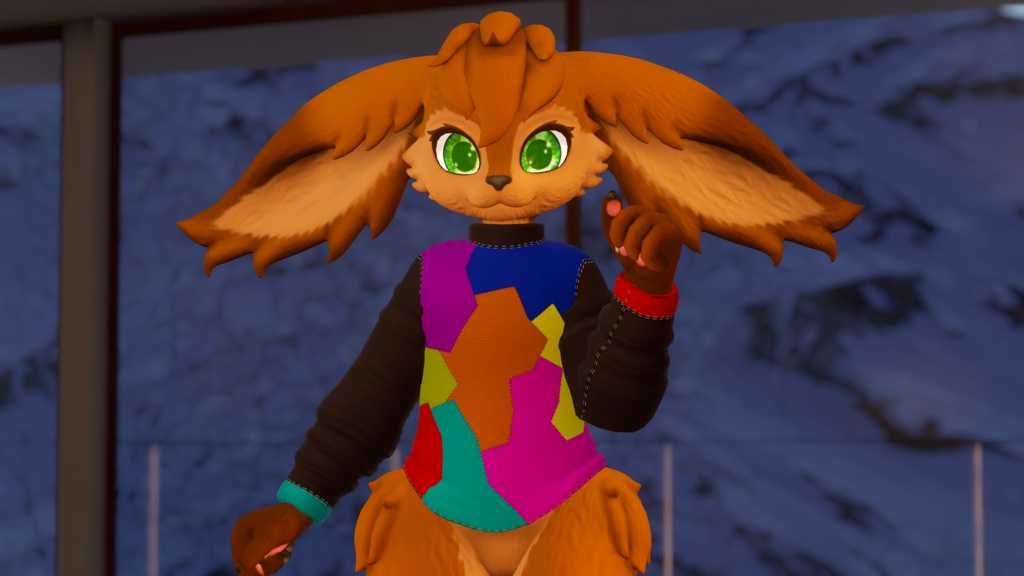
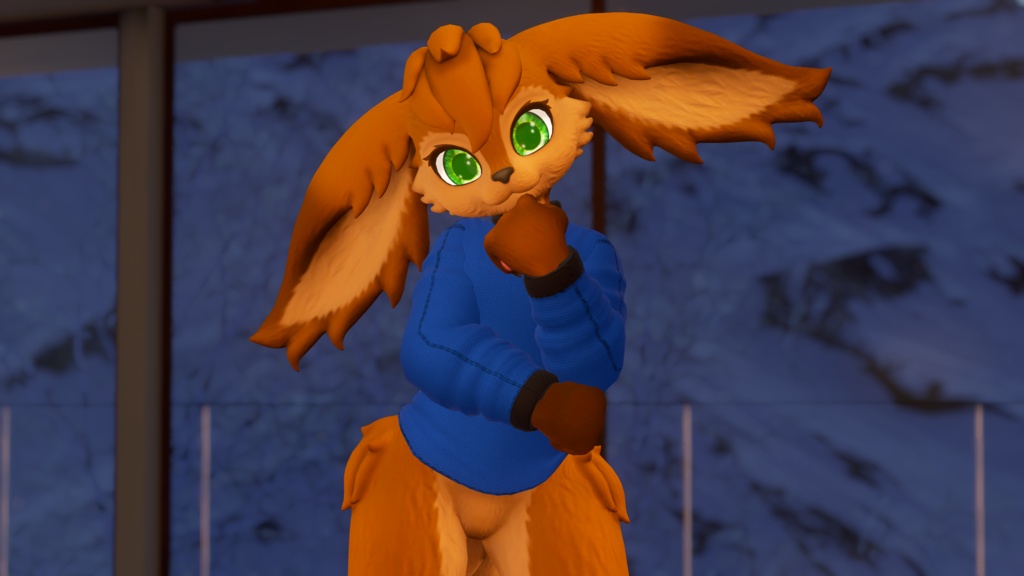
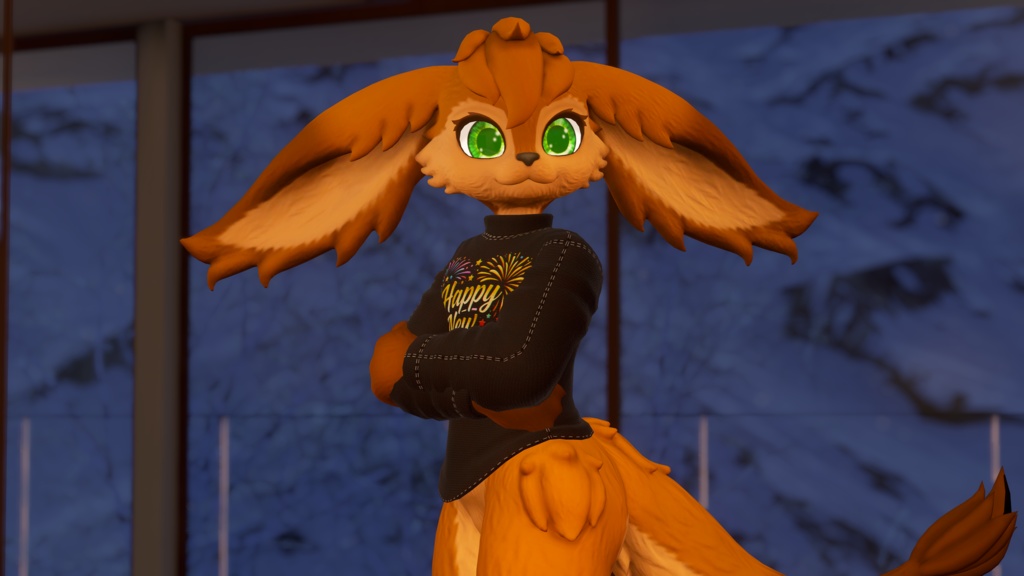
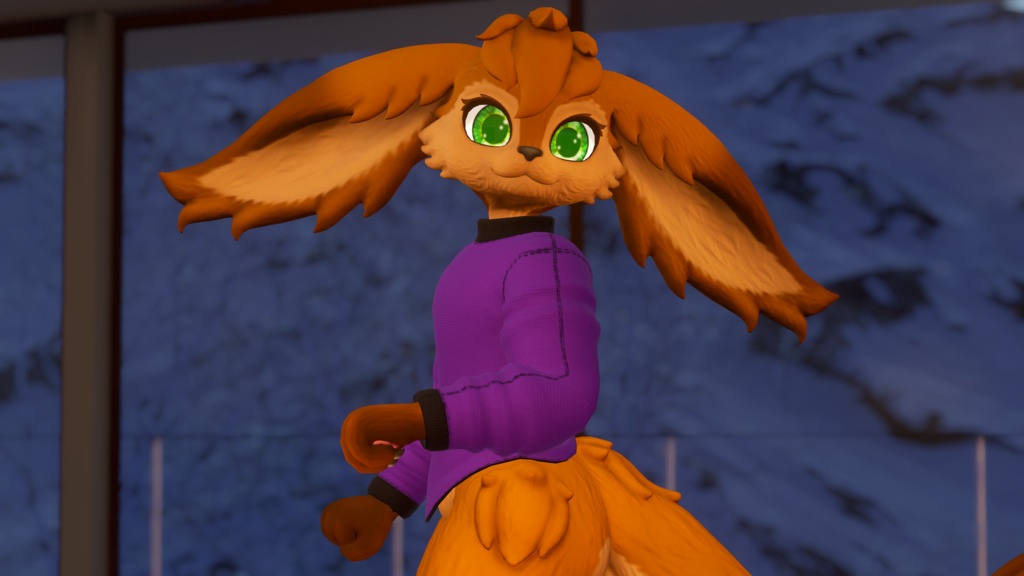
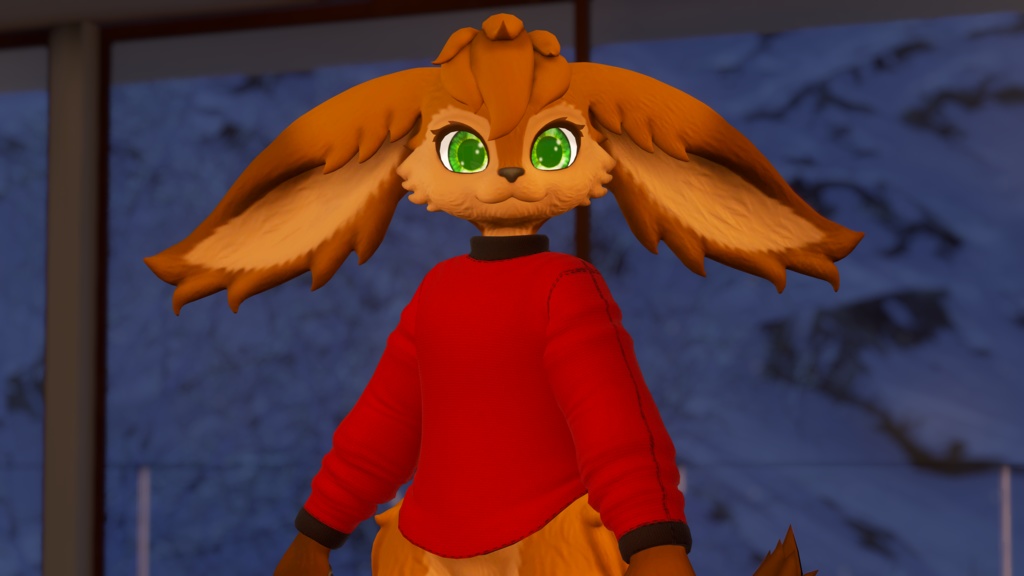
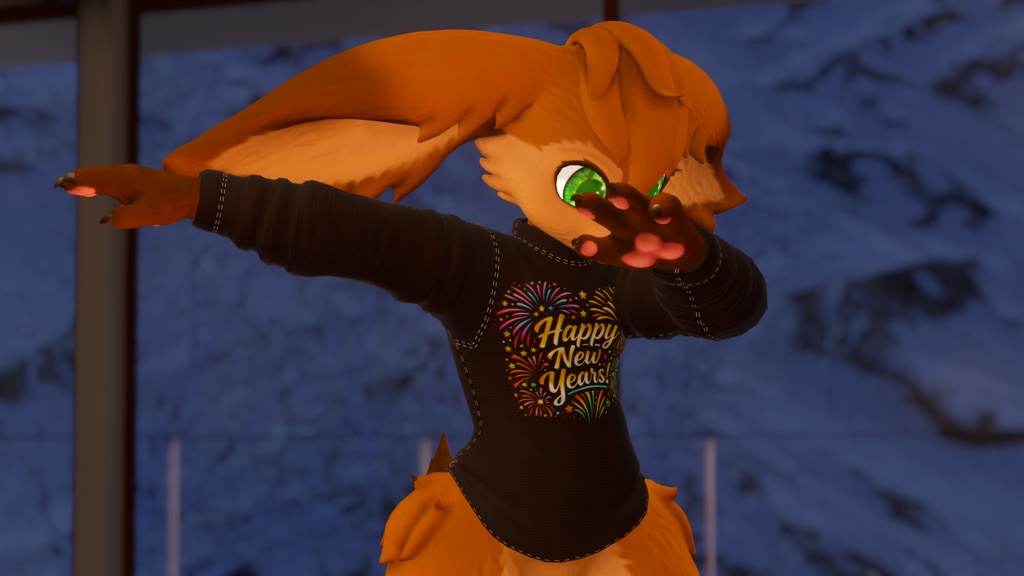


Cozy Turtleneck Sweater for OG Hobkin Base
This clothing has been made for the OG Hobkin Base via an edited version of the model I put out that supports clothing. This clothing is only intended to be used with this version of the Hobkin, but the updated Hobkin is completely free and is quick and easy upload.
My main store page is over on Jinxxy if you want to stay up to date with everything I do! https://jinxxy.com/Wolfy527 This prefab REQUIRES VRCFury and is a simple drag and drop onto the avatar! If you want to try out the clothing I have a public version of an avatar that has the clothing on it!
Prefab Stats
Triangles: 3,864 Skinned Meshes: 1 Materials: 1 - 2 (if you use the material swap prefabs) Memory (Parameter) Allocation: 2 - 15 Bits (depending on customization settings) VRAM Usage: 14.31 MiB (2 material prefab 22.31 MiB, 2 material New Years prefab 23.64 MiB)
What you get
Unity package Substance Painter Project texture files Blender project with FBX Base red and black textures, New Years decal, and a multicolor texture Material swap toggle Turtleneck toggle Lighting multiplier slider Lighting add slider
License:
Do not resell or claim ownership of this content, even if modified in any form. Do not distribute to anyone in any form, except as described below. This content may be shared between two parties only if both parties have gained access to this content legitimately. If you wish to use this content in a manner not allowed by this license, please contact me.
Credits:
Modeling, textures, and Unity setup all done by me!
Instructions:
I highly recommend watching the video tutorial as it is easy and quick to follow along with! Import the "Cozy Sweater" Unity package The different prefabs can be found under the folder location "Assets/Wolfy_527/Sweater/Prefabs" and dropped onto the avatar under the "Hobkin/VRCFury/3. Misc (Clothing, accessories, anims etc)" game object in the avatar's hierarchy There are four different prefabs: "00 Optimized Prefab Sweater" has the original red fabric texture but you can easily drop in whichever material is your favorite and roll with that instead! All of the relevant toggles and sliders will still work no matter which material you drop in! This option is intended for people who just want a single material and texture and would like to stay optimized as well <3 "01 Full Prefab Sweater" has the base red, base black, and the multicolor texture! "02 Optimized Prefab New Years Sweater " is identical to the first optimized prefab, but it also includes the New Years decal for the sweater as well! "03 Full Prefab New Years Sweater" is identical to the base full prefab, but this one includes the New Years decal too! The clothing also comes with the ability to drag and drop menu prefabs onto it depending on what customization you want. These menu prefabs can be found under the folder location "Assets/Wolfy_527/Sweater/Prefabs/Menu Prefabs" and dropped into the "VRCFury" game object that is under the "Sweater" prefab you have chosen to drop onto your avatar. If you want to use the blendshapes for your clothing in game make sure the avatar base also has them installed as the clothing options are tied to the body's blendshape sliders. They can be located under "Assets/02 VRCFury customisations/3. Misc (Clothing, accessories, anims etc)/Body Sliders" folder and all you have to do is drag and drop them into the "3. Misc (Clothing, accessories, anims etc)" game object on the Hobkin base. If you have any questions or concerns please email me via "wolfy527cs@gmail.com" or join my discord server "https://discord.gg/sZydgrnPkV" with any problems you are having and I'll do my best to help solve them!