

ARKit ツールセット 「Blender アドオン」
- ダウンロード商品¥ 1,500
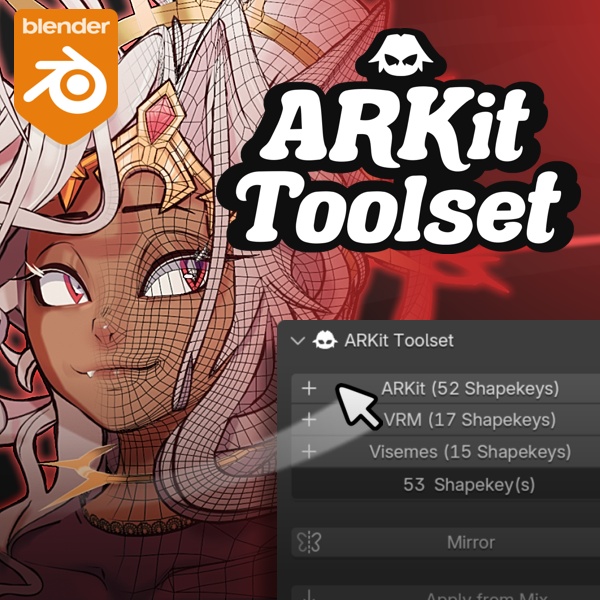


⚠️ 英語から日本語への自動翻訳ですので、ご注意ください。誤りがありましたら申し訳ございません。⚠️ ------------------------------------------------------------------------------------------------------ アーマチュアとリグの面を気にする必要はありません。 式を直接実行するだけです。 信じてください、それはあなたが思っているよりも速いです...正しいツールを使えば! Don't bother with armature and rig faces. Just do your expressions directly ! Trust me, it's faster than you think ... with the correct tool !
利用可能な翻訳 • Translations Available 🇯🇵 🇫🇷 🇪🇸
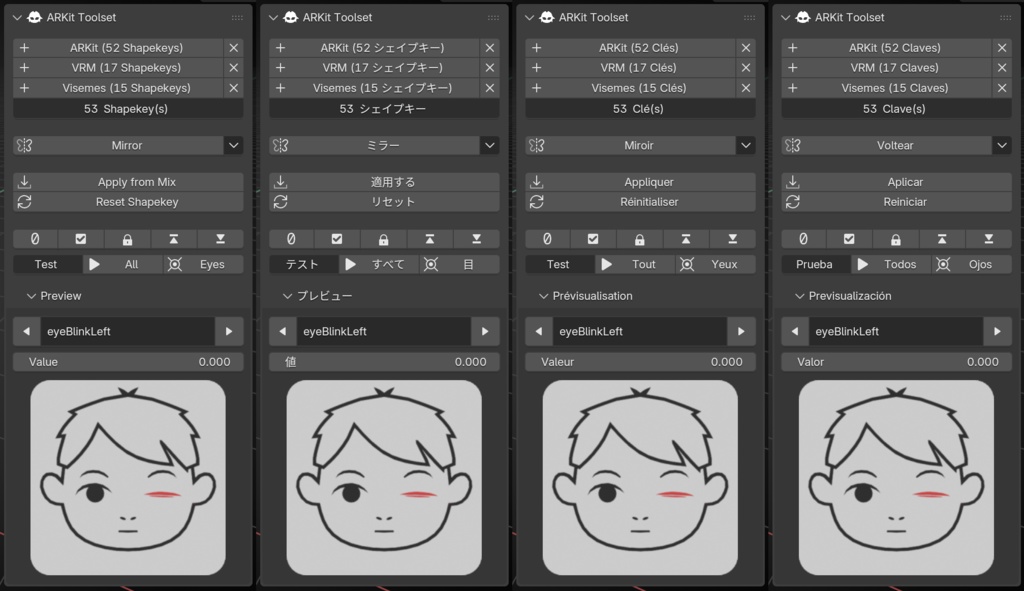
アドオンは自動翻訳と部分校正により日本語、フランス語、スペイン語に翻訳されています。間違いがあった場合はご連絡ください。 The addon is translated in Japanese, French & Spanish from automatic translation and with partial proofreading. Please, contact me if I've made a mistake.
プロセス • Process
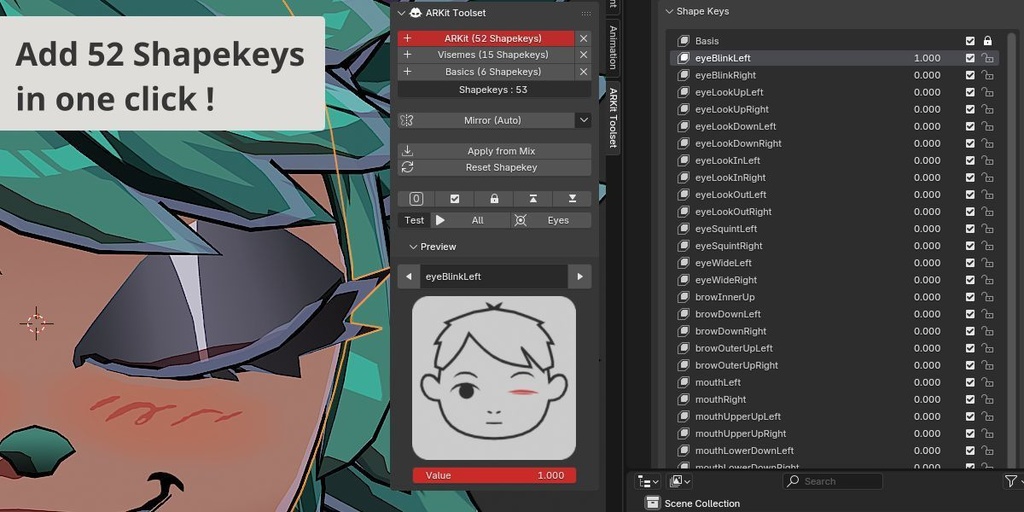
1.「ARKit(52シェイプキー)」を押します。 2. 表示されたプレビューに従ってシェイプキーを編集します 3. 完了したら、「ミラー (自動)」を押します (有効な場合)。 4. プロセスを繰り返します。 1. Press "ARKit (52 Shapekeys)" 2. Edit the shapekey by following the preview displayed 3. Once done, press "Mirror (Auto)" (if enable) 4. Repeat the process !
シェイプキーの追加 • Add Shapekeys (ARKit, VRM, Visemes)
以前のシェイプキーを上書きせずに、すでに名前が付けられているシェイプキーを取得します。 Get your shapekeys already named without overriding your previous shapekeys !
シェイプキーのプレビュー • Shapekey Previews
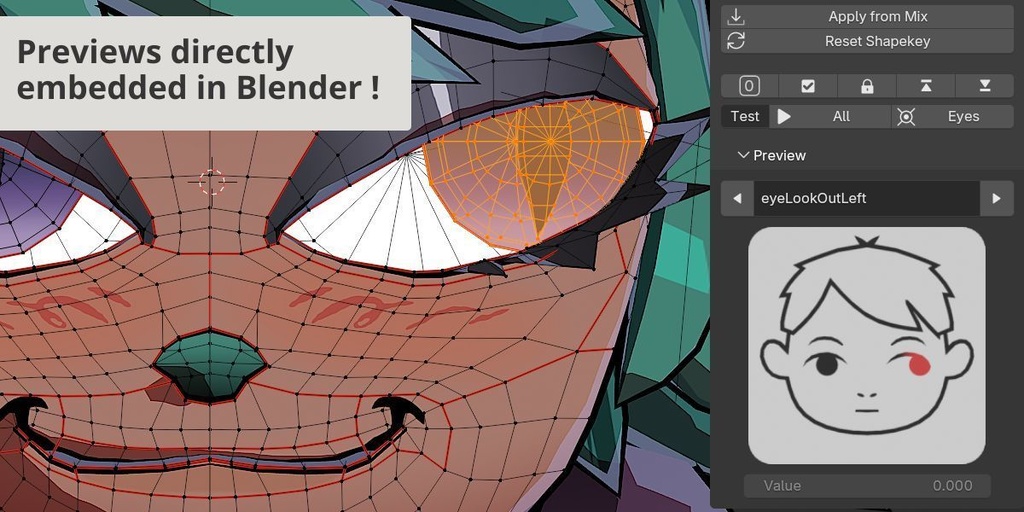
外部の指示に従う必要はありません。Blender 内に直接埋め込まれています。各 ARKit シェイプキーには画像プレビューがあります。 No need to follow the instructions externally, it's directly embedded inside Blender ! Each ARKit shapekey have an image preview.
ミラーとチェック • Mirror & Checks
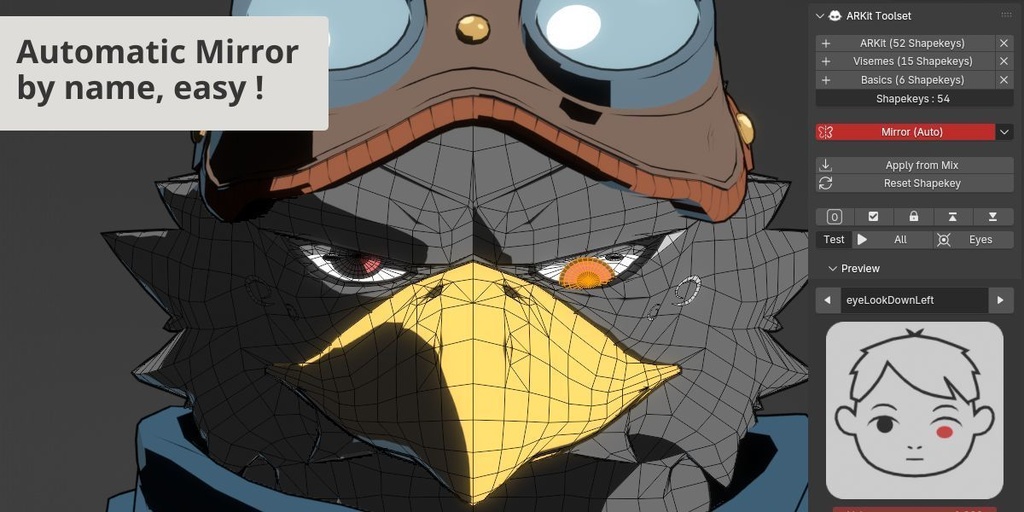
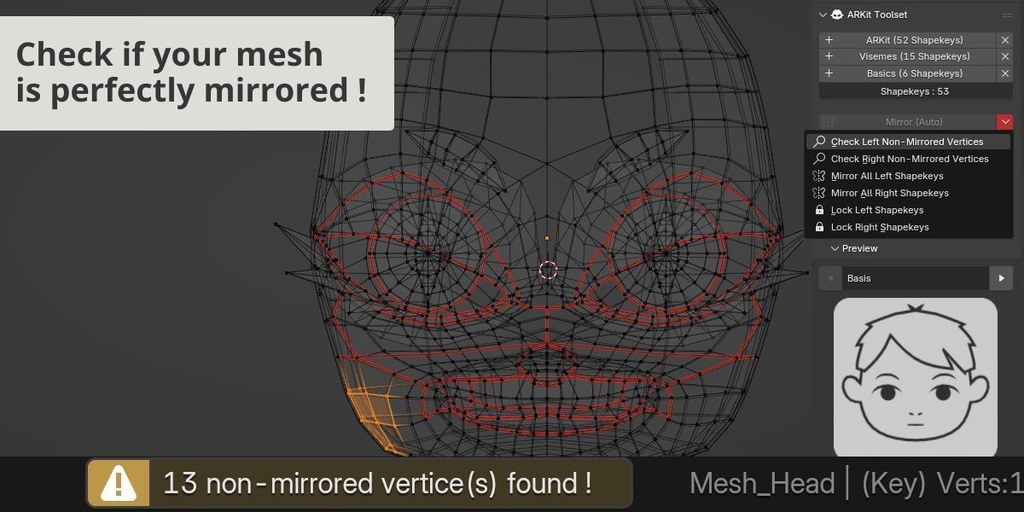
名前でサイドを検出し、それに応じてミラーリングします。 「左右チェック」機能により、自分の顔が完全に鏡になっているかどうかも確認できます。 Detect the side by name and mirror accordingly ! You can also check if your face is perfectly mirror, thanks to the "Check Left/Right Side" features.
すべてのシェイプキーと目をテストする • Test All Shapekeys & Eyes
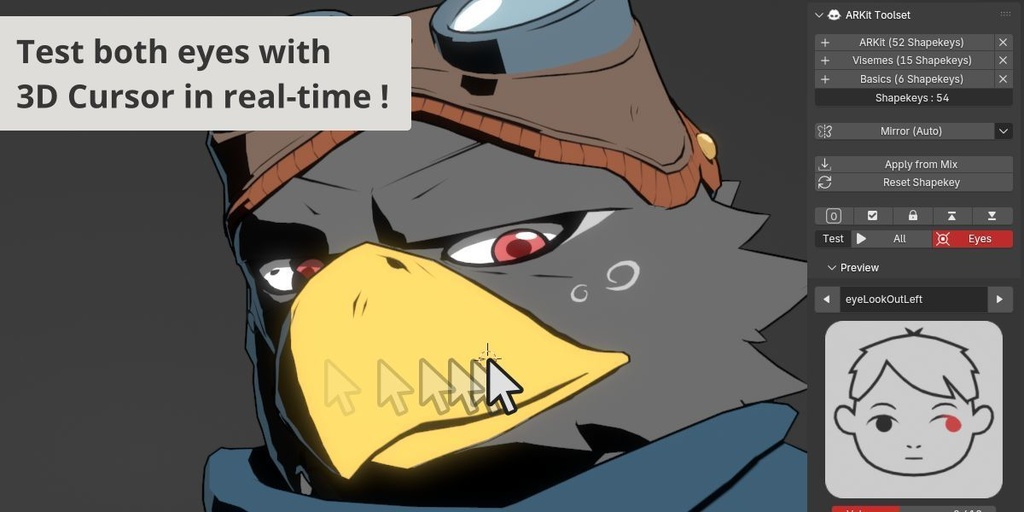
あらかじめ作成されたアニメーションを再生して、ARKit シェイプキーをすべてチェックしてください。ただし、3D カーソルを使用して目を動的に動かすこともできます。 Play a pre-made animation and check all your ARKit shapekeys ! But you can also dynamically move the eyes with the 3D Cursor !
ミックスから適用してリセット • Apply From Mix & Reset
一部のシェイプキーでは、前のシェイプキー間の混合のみが必要です。混合を取得して適用してください。結果が気に入らない場合は、リセットしてもう一度試してください。 Some shapekeys only need a mix between previous shapekeys, get your mix and apply it ! And if the result doesn't suits you, just reset it and try again.
バージョン • Versions
• 1.1 - Refactor & Add Visemes/Basics (2025-09-24) • 1.2 - TestAll, TestEyes Features (2025-10-03) • 1.3 - Compatibility Blender 2.83 (2025-10-11) • 1.4 - Blender 5.0 Update, Fixes & Improvements (2026-01-05)