
【Photoshop】かわいい💖レイヤースタイル2【Layerstyle】
- ダウンロード商品¥ 770


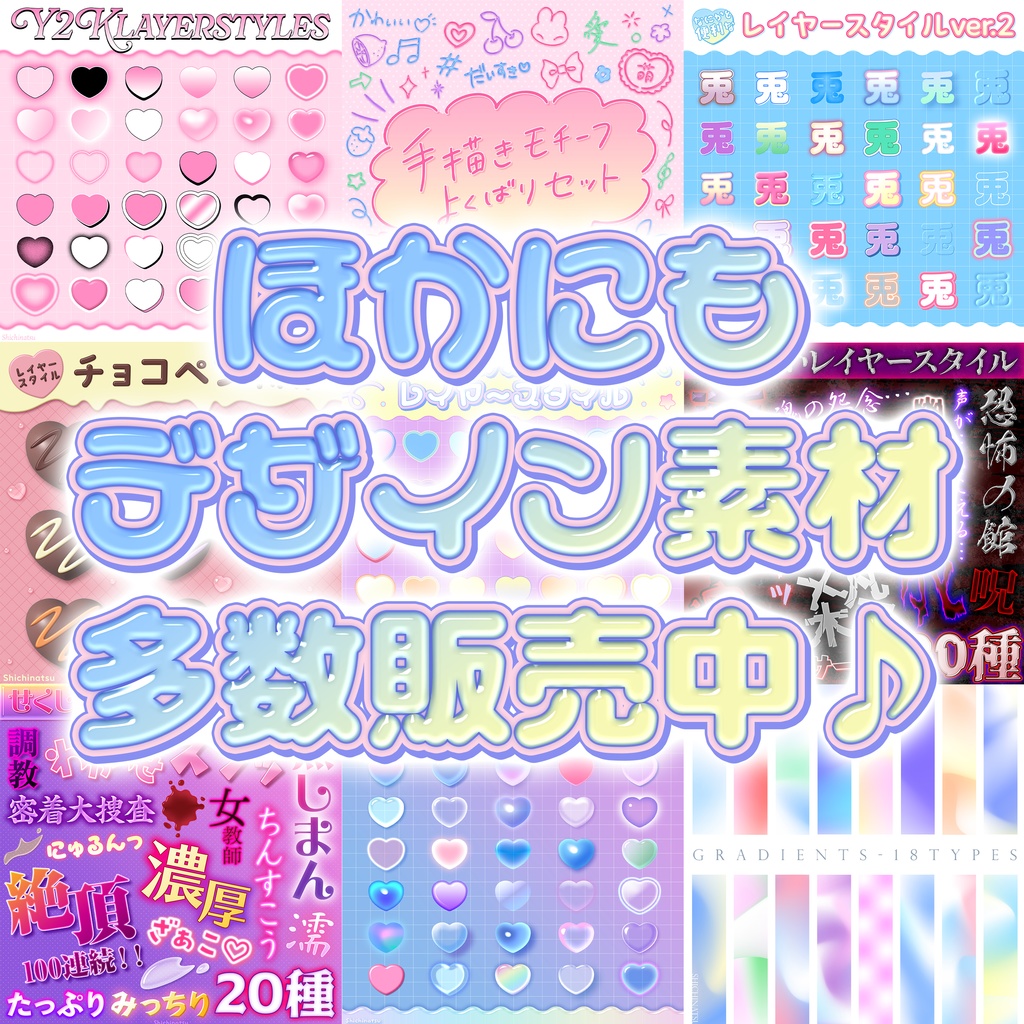


フォトショユーザー必見❣️ 「かわいい💖レイヤースタイル2」を出品いたしました✨ スマートオブジェクトで編集もラクラク♡どんな文字もシェイプも一発でかわいくなります♡ タイトルやロゴなど、ワンポイントで目を引きたいときにオススメです🌟 是非ダウンロードしてください🐰 A must-see for Photoshop users!❣️ We've released "Kawaii 💖 Layer Style"!✨ Easy to edit with Smart Objects!♡ Make any text or shape cute in an instant!♡ Recommended for adding a touch of eye-catching flair to titles, logos, and more!🌟 Please download it!🐰 💖他のデザインはこちら♬↷ https://sansoshichinatsu.booth.pm/item_lists/rDyTGp0w ※※※注意事項※※※ !!!ダウンロード前にご一読下さい!!! ・ZIPファイルを解凍してからお使いください。 ・素材の再配布厳禁。 ・商用利用可。 ・本商品はスクリーンの効果を適用しているものもあるため、背景が白では見えない場合があります。その場合、背景に着色してお使いください。 ・Photoshopファイルとなっておりますので、Photoshopで読み込んで直接レイヤースタイルを抽出してください。 ・ダウンロードしたデータを、他人に共有しないでください。データの共有は再配布に抵触します。 ・スマートオブジェクトにレイヤースタイルがかけられていますので、イラレ上でスマートオブジェクトを編集してそのまま使用することも可能です。 ・フォントデータは含まれておりませんので、お使いのパソコンのフォントを使用して編集してください。 ・グループ化された文字などは、スマートオブジェクトで編集するほうが簡単にできるかと思います。 ・素材に関して何か質問がありましたら気軽にお尋ねください。 ※※※Caution※※※ !!! Please read before downloading!!! - Please unzip the ZIP file before use. - Redistribution of materials is strictly prohibited. - Commercial use is allowed. - Some of the products have screen effects applied, so they may not be visible on a white background. In that case, please color the background before use. - This is a Photoshop file, so please load it in Photoshop and extract the layer style directly. - Do not share the downloaded data with others. Sharing data violates redistribution. - Since the smart object has a layer style applied, you can edit the smart object in Illustrator and use it as it is. - Font data is not included, so please edit using the font on your computer. - It may be easier to edit grouped characters with smart objects. - If you have any questions about the materials, please feel free to ask. ........................... 🐰Follow me ₍ᐢ.ˬ.⑅ᐢ₎ https://twitter.com/_shichinatsu_?s=09 🍒レイヤースタイル https://sansoshichinatsu.booth.pm/item_lists/rw9TW0kL 💙レイヤースタイルセット売り https://sansoshichinatsu.booth.pm/item_lists/r27TE4qk 🌟デザイン素材 https://sansoshichinatsu.booth.pm/item_lists/rw9TW0kL 🍓レイヤースタイル使い方徹底解説note https://note.com/shichinatsu/n/n9cf4031a8d22 🍒レイヤースタイル使い方徹底解説動画 https://www.youtube.com/watch?v=bNMsg_sww_Y&t=1s