

【複数アバター対応】うごく!海のアイテクスチャ【無料版あり】
- 無料版(Free Ver)ダウンロード商品¥ 0
- 通常版(Paid Ver)ダウンロード商品¥ 100
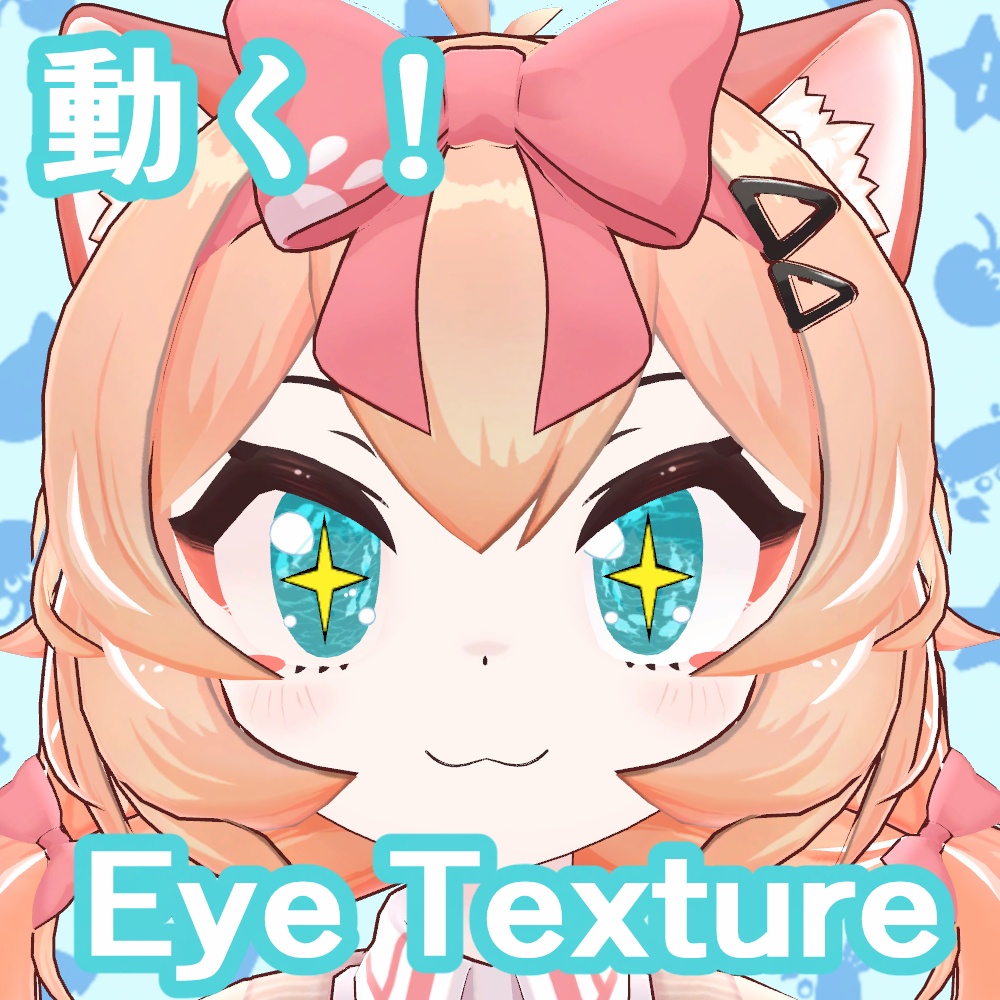

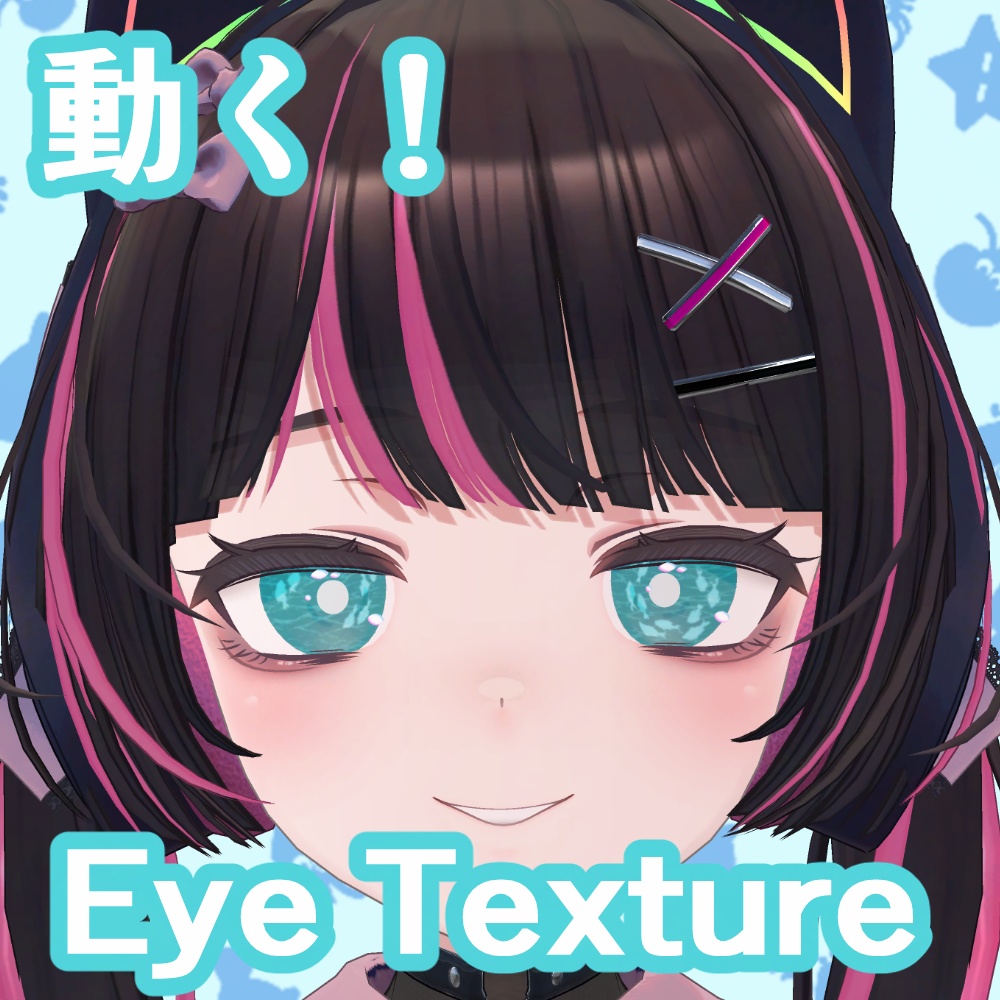
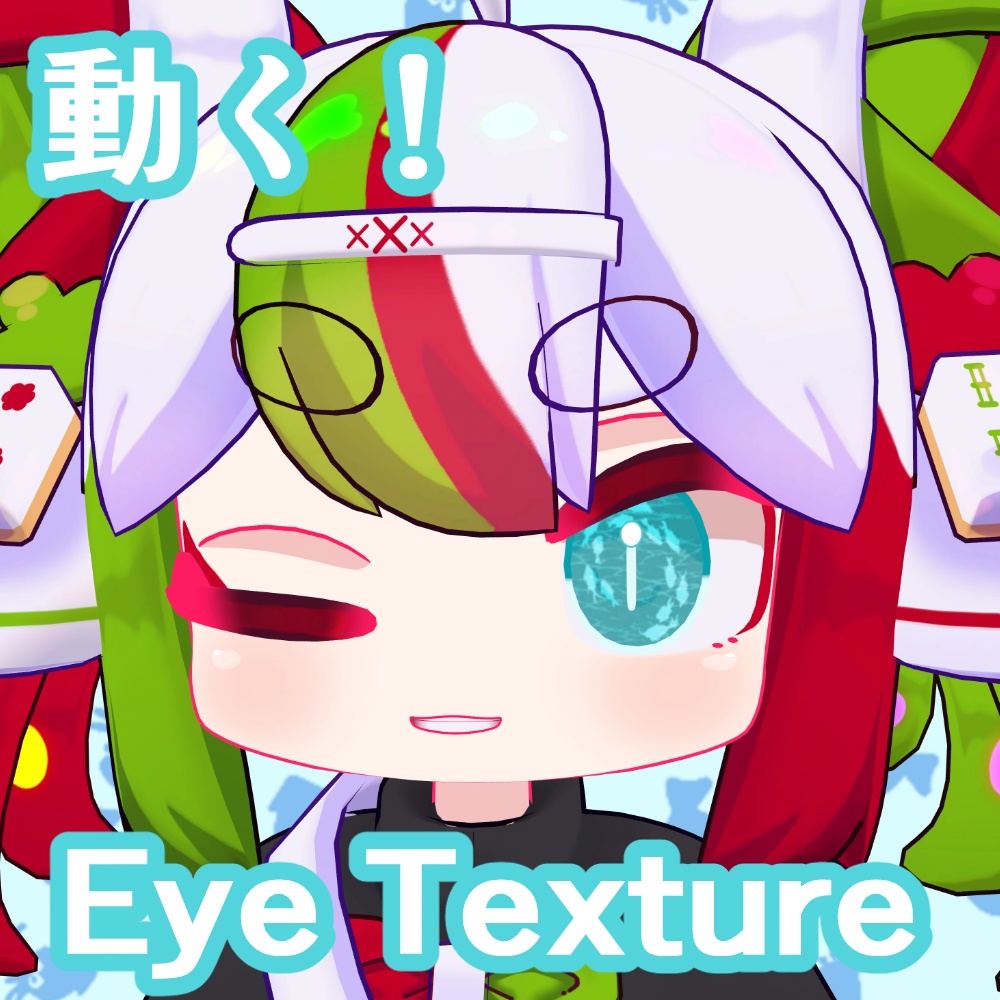
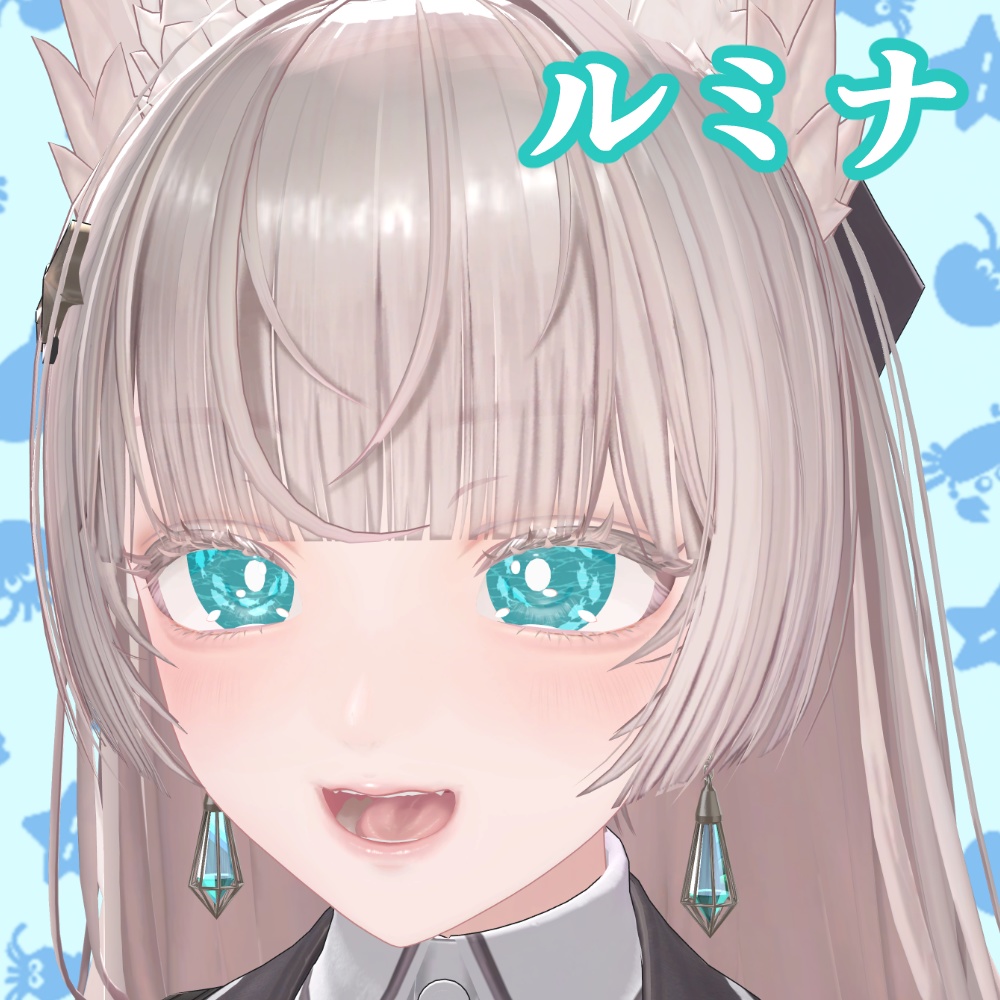


お魚が動くアイテクスチャです。基本無料です。 通常版を購入して頂けると連番画像が付属します。 2枚目の画像をクリックすると動きが確認できます。 GIFアイテクスチャを作ってみたかったので、試しに作ってみました。 (対応アバター) サクラマルチバース様 山月マウ YAMATSUKI MAU https://booth.pm/ja/items/8661057 FLASTORE様 Maon まおん https://booth.pm/ja/items/7800632 段ボールでできた店様 イーシャン Yixiang https://booth.pm/ja/items/7648079 EXTENSION CLOTHING様 ルミナ - LUMINA https://booth.pm/ja/items/7502898
利用規約(Team of use)
以下のページに記載されております。 ご確認よろしくお願いします。 https://hiahiapark.booth.pm/items/7519807 Please check the terms of use at the following URL. https://hiahiapark.booth.pm/items/7519807 请在以下网址查看使用条款。 https://hiahiapark.booth.pm/items/7519807
内容物(Product)
(無料版/Free version) Free_SeaEye_hiahiapark ・readme.txt ・Eye texture.gif(2000×2000pixel) (支援版/Paid Version) SeaEye_hiahiapark ・readme.txt ・Eye texture.gif(2000×2000pixel) ・連番画像(Sequential images)png
導入方法(How to install textures)
・liltoonのメインカラー2ndに適用→GIFを変換 ・(推奨)FPSを下げる!そのままだと高速です。 ・(推奨)テクスチャのMax Sizeを4096に設定 GIFアイテクスチャの導入方法について、こちらの解説記事が分かりやすいです。ぜひ参考にしてみてください! https://note.com/leraxarel/n/n7b0c241f8767 ・Apply liltoon's main color 2nd → Convert to GIF ・(Recommended) Lower the FPS! It's fast as is. ・(Recommended) Set the texture's Max Size to 4096 This article explains how to use GIF eye textures in a simple way. Please take a look! https://note.com/leraxarel/n/n7b0c241f8767 lilToon https://lilxyzw.github.io/lilToon/
更新履歴
2026/01/14 公開 2026/01/29 Maonちゃん対応追加 2026/08/09 山月マウちゃん対応追加