

【VRChat】Pocket OS – みんなのスマホ・Pocket TV付き|Phone for VRChat Worlds (PC/Quest/iOS)
- ダウンロード商品¥ 999
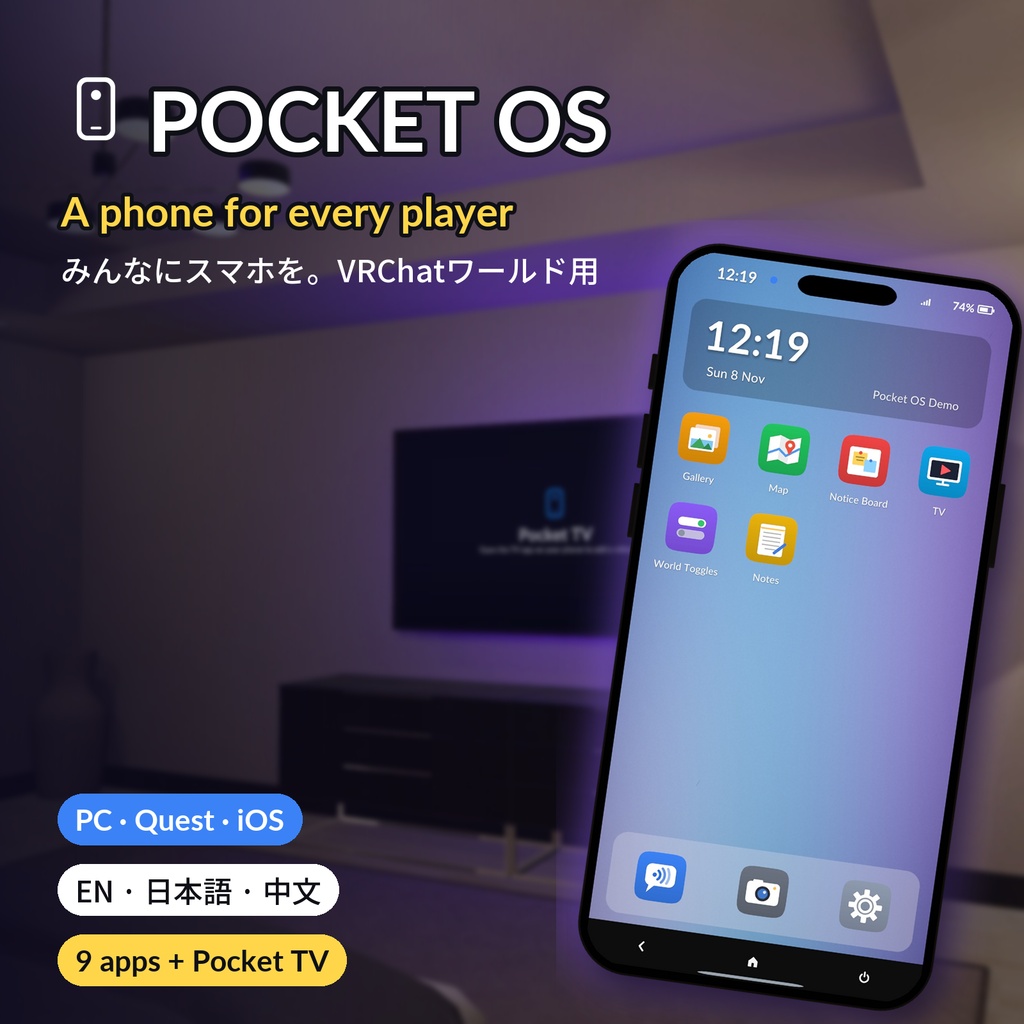
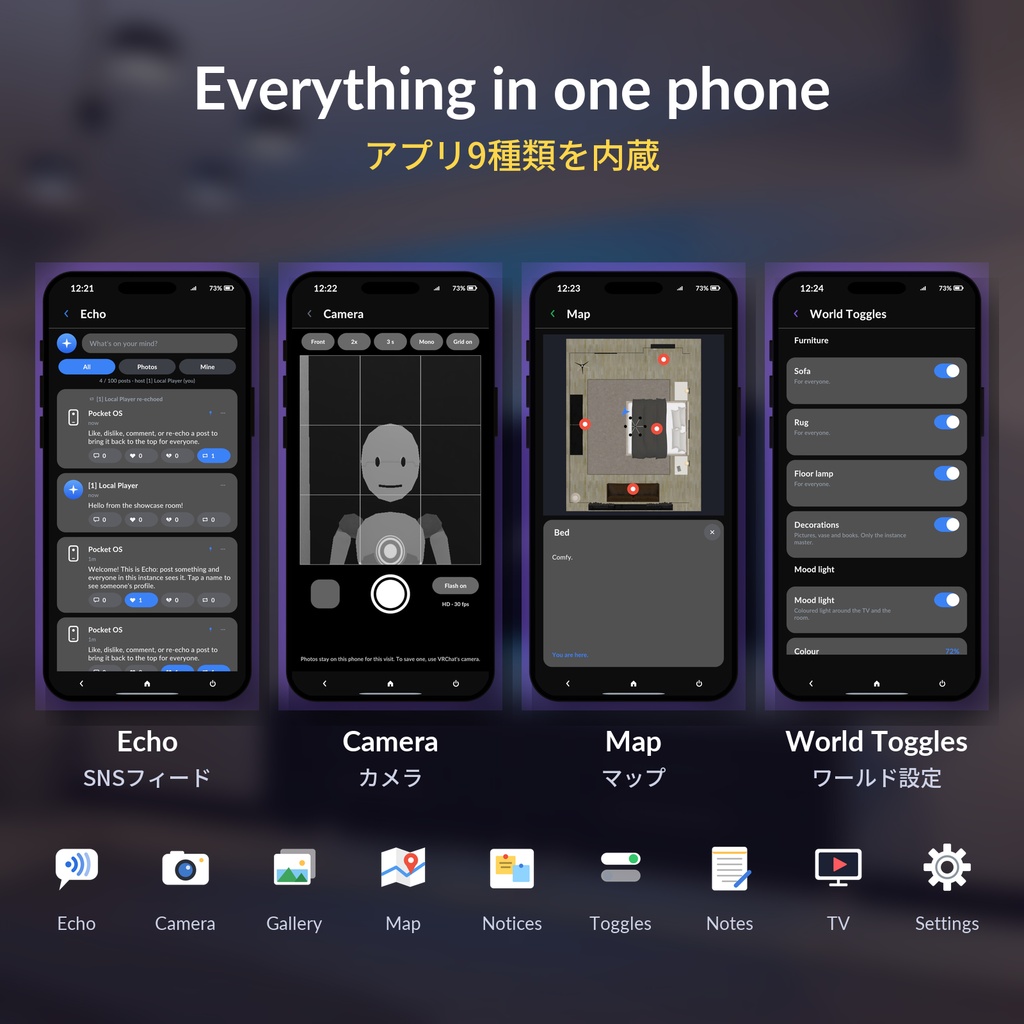
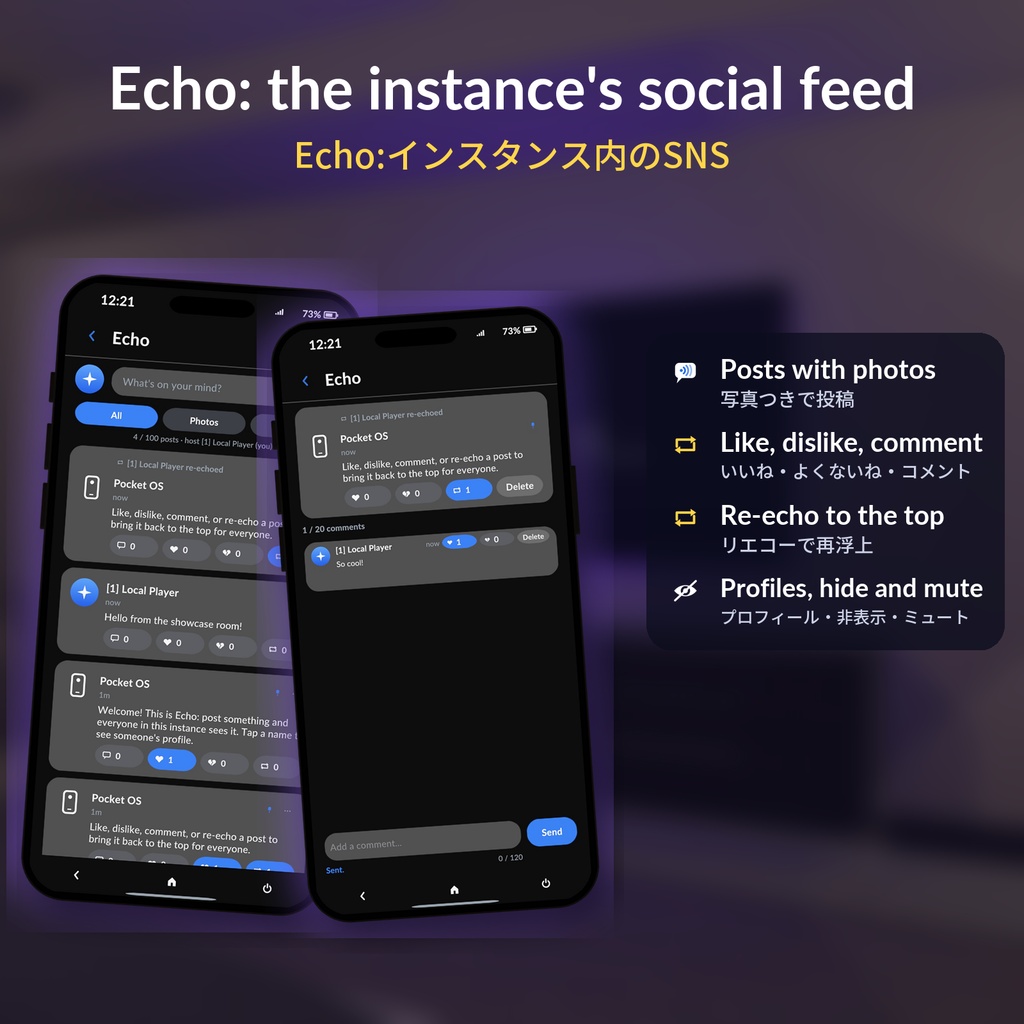
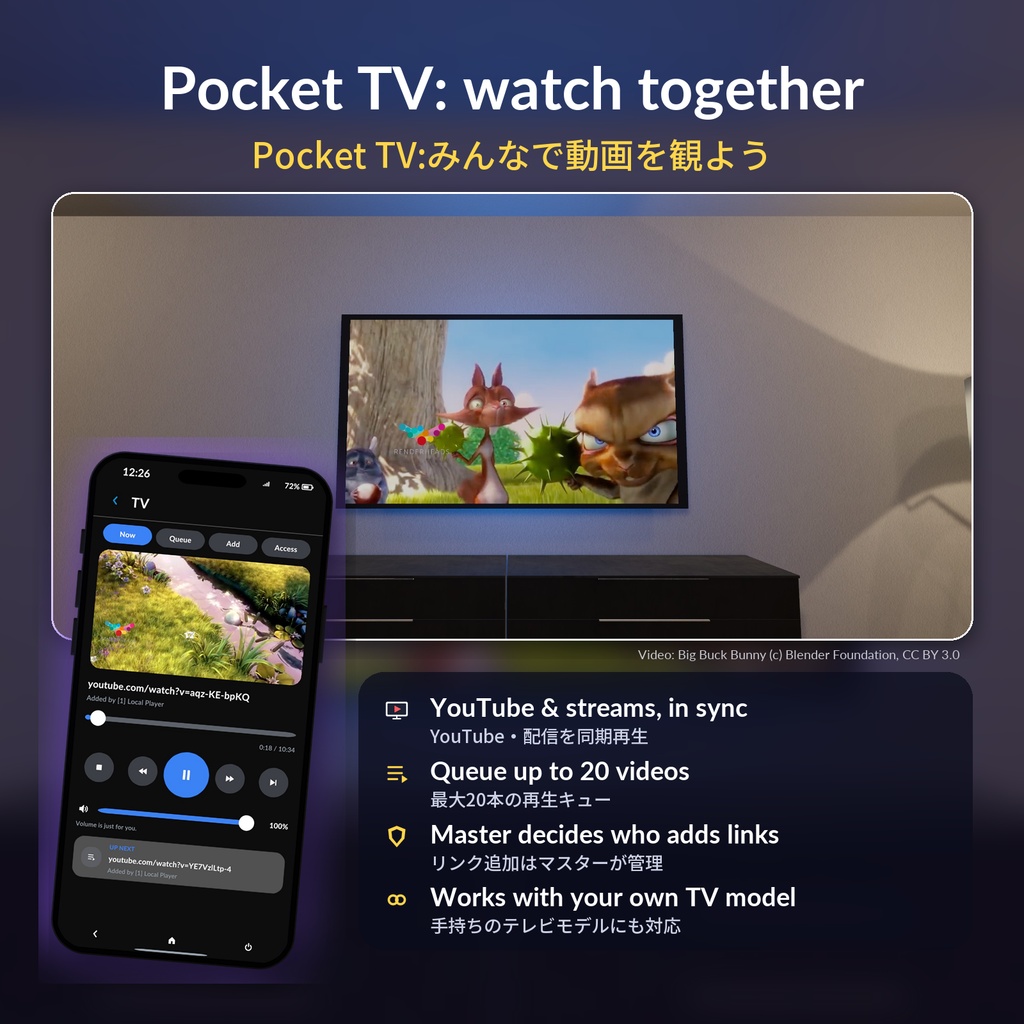
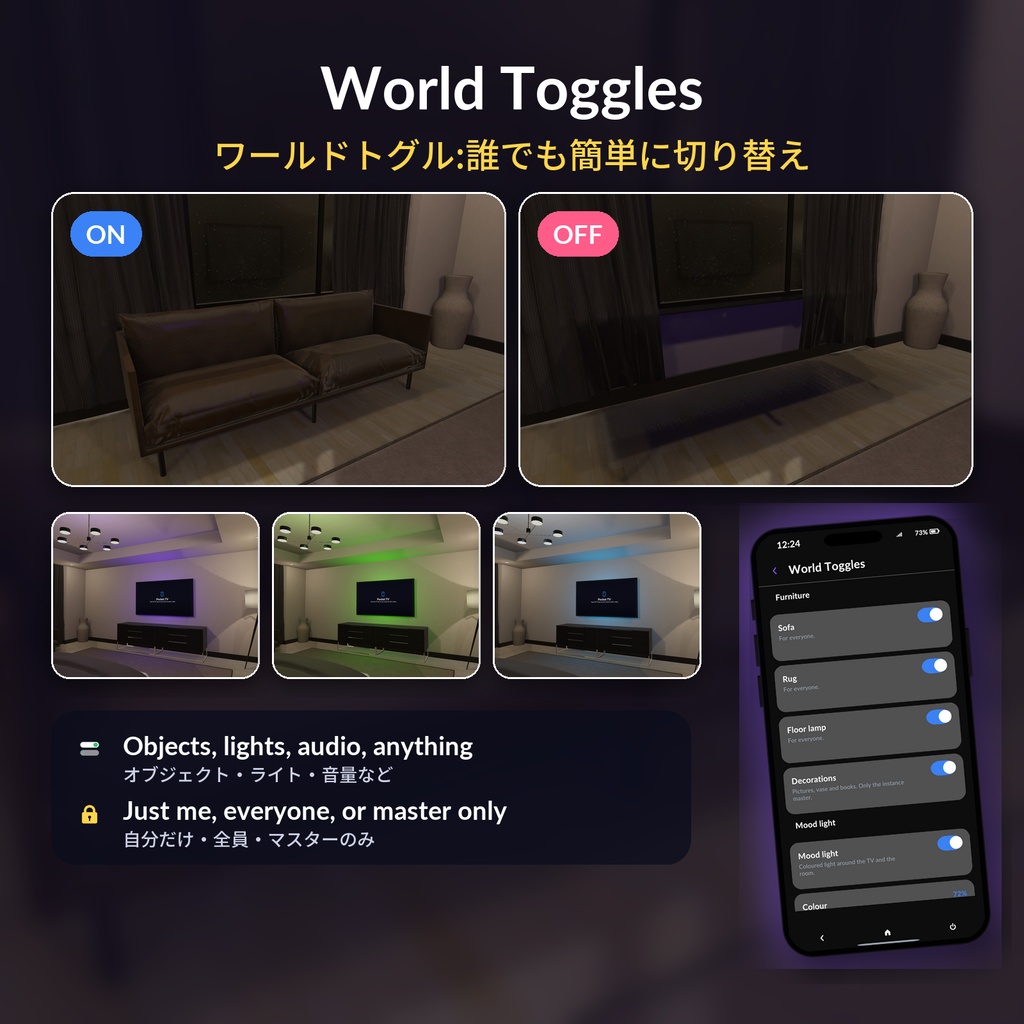
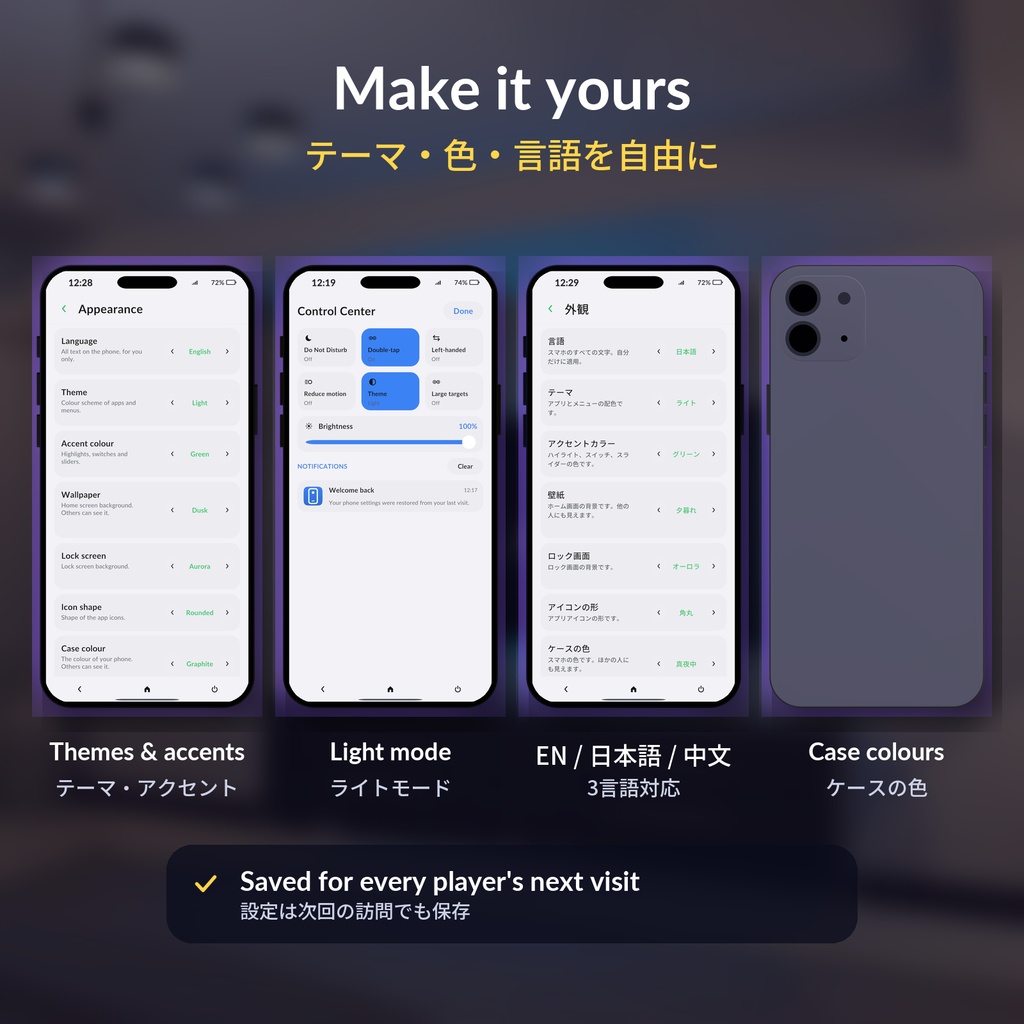
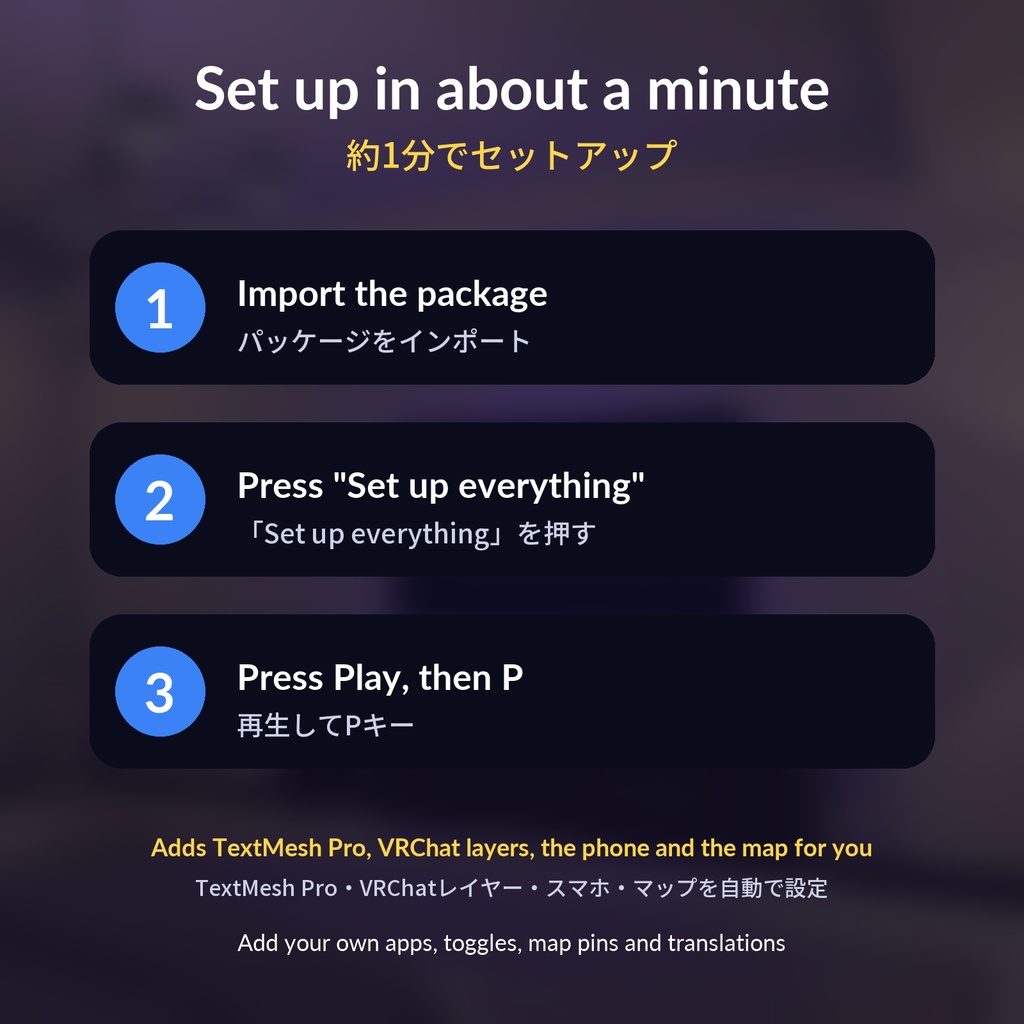
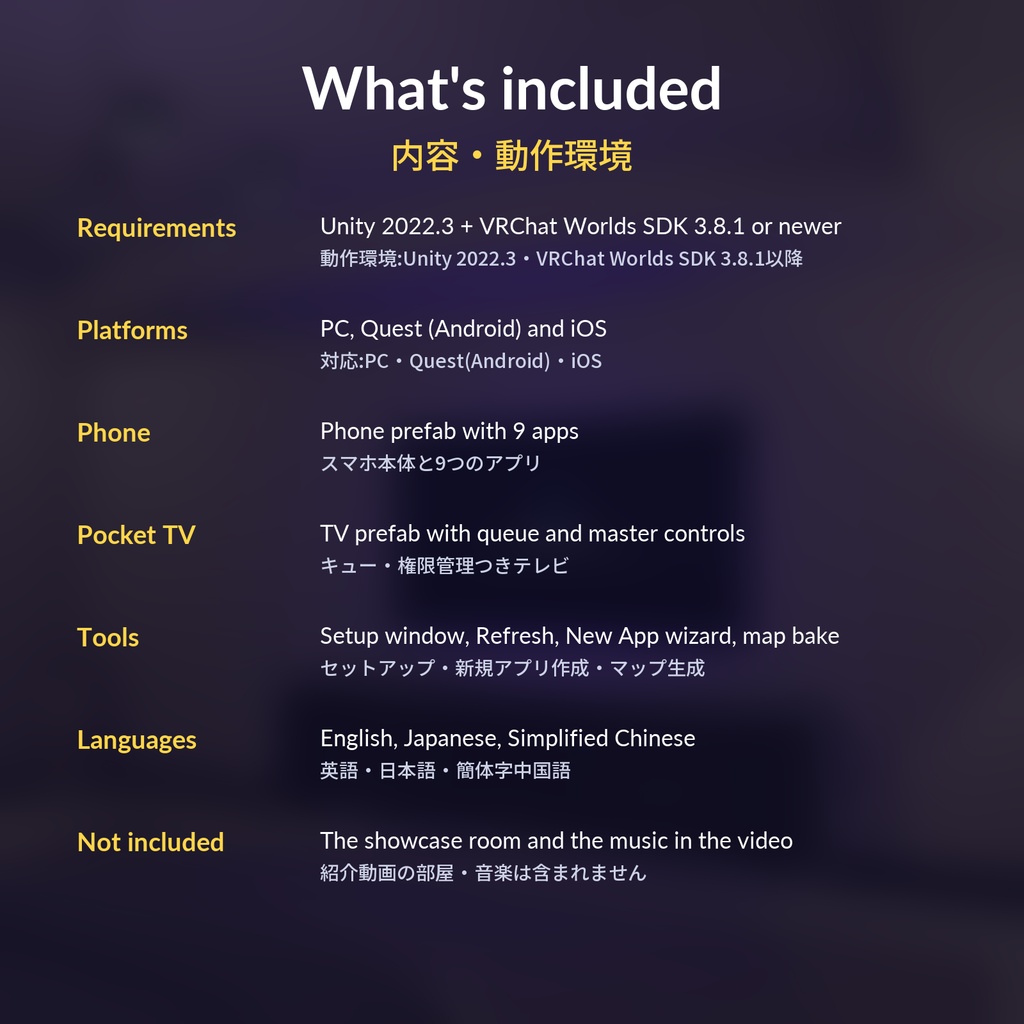


Pocket OS: a phone for every player in your VRChat world. Works on PC, Quest and iOS. CONTROLS - Desktop: press P - VR: press both triggers together, twice - Phone or tablet: tap the round button 9 BUILT-IN APPS - Echo: a social feed for the instance (photo posts, likes and dislikes, comments, re-echo, profiles) - Camera and Gallery: selfie, zoom, timer, filters - Map: live "you are here" arrow and pins (the map picture is made for you) - Notice Board: events, rules, news - World Toggles: objects, lights, audio and more, for just me, everyone, or master only - Notes: your world's info (copyable) and each player's own notes, saved for next time - TV: a remote for the Pocket TV - Settings: theme, accent colour, wallpaper, case colour, text size, language POCKET TV - YouTube and live streams, in sync for everyone - A queue of up to 20 videos (5 per player) - The instance master decides who can add links: everyone, people they allow, or only them, and can block players - Use it on your own TV model with one right-click ALSO - English, Japanese and Simplified Chinese, picked from each player's VRChat language - Settings and notes saved per player - A template to write your own apps SETUP (ABOUT A MINUTE) 1. Import the package 2. Press "Set up everything" in the window that opens 3. Save, press Play, then P Add the TV with Tools > Pocket OS > Add TV. REQUIREMENTS - Unity 2022.3 - VRChat Worlds SDK 3.8.1 or newer (UdonSharp included) INCLUDED - PocketOS-1.0.unitypackage: the phone, 9 apps, Pocket TV, setup tools, README The showcase room and the music in the video are not included. Video: https://youtu.be/cJYSp8E5Rl4 Try it: https://vrchat.com/home/launch?worldId=wrld_dabdb703-0833-4df1-8bb3-c86b2b1a99d2 ■ Terms of use - Use it in your own VRChat worlds: public, private or commercial. - Edit it as much as you like. - Do not redistribute, resell or share the files, edited or not. - Credit is optional (and appreciated). - The included fonts (Lato, Noto Sans) are under the SIL Open Font License. - The author is not responsible for any damage from using this asset. 【Pocket OS – みんなにスマホを】 ワールドに来た全員に、自分だけのスマホを。 PC・Quest・iOS対応のVRChatワールド用スマホシステムです。 ■ 操作 ・デスクトップ:Pキー ・VR:両手のトリガーを同時に2回 ・スマホ・タブレット:画面の丸ボタン ■ 内蔵アプリ(9種類) ・Echo:インスタンス内のSNS(写真投稿・いいね・よくないね・コメント・リエコー・プロフィール) ・カメラ/ギャラリー:自撮り・ズーム・タイマー・フィルター ・マップ:現在地とピン(マップ画像は自動生成) ・お知らせ:イベント・ルール・ニュース ・ワールドトグル:オブジェクト・ライト・音量などを切り替え(自分だけ/全員/マスターのみ) ・メモ:ワールドの情報(コピー可)と個人メモ(次回も保存) ・TV:Pocket TVのリモコン ・設定:テーマ・アクセントカラー・壁紙・ケースの色・文字サイズ・言語 ■ Pocket TV ・YouTube・配信を全員で同期再生 ・最大20本の再生キュー(1人5本まで) ・リンクを追加できる人をインスタンスマスターが管理(全員/許可した人/自分だけ・ブロック) ・手持ちのテレビモデルにも右クリックで対応 ■ 特徴 ・英語・日本語・簡体字中国語対応(VRChatの言語設定に合わせて自動切替) ・設定とメモはプレイヤーごとに保存 ・自分でアプリを追加できるテンプレート付き ■ 導入(約1分) 1. パッケージをインポート 2. 自動で開くセットアップ画面で「Set up everything」を押す 3. シーンを保存して再生、Pキー テレビは Tools > Pocket OS > Add TV で追加できます。 ■ 動作環境 ・Unity 2022.3 ・VRChat Worlds SDK 3.8.1以降(UdonSharp同梱) ・PC・Quest(Android)・iOS ■ 内容 ・PocketOS-1.0.unitypackage(スマホ本体・9アプリ・Pocket TV・セットアップツール・README) ※紹介動画の部屋・音楽は含まれません。 ■ 紹介動画 [YouTubeの https://youtu.be/cJYSp8E5Rl4] ■ お試しワールド [ワールド名・ https://vrchat.com/home/launch?worldId=wrld_dabdb703-0833-4df1-8bb3-c86b2b1a99d2 ] ■ 利用規約 ・購入者ご自身のVRChatワールド(公開・非公開・営利目的を含む)で使用できます。 ・改変は自由です。 ・データの再配布・転売・共有は、改変の有無にかかわらず禁止です。 ・クレジット表記は任意です(あると嬉しいです)。 ・同梱のフォント(Lato・Noto Sans)はSIL Open Font Licenseです。 ・本アセットの使用による損害について、作者は責任を負いません。