

ルネ・アドバンスV2 / Lune advance V2【VRC想定3Dアバター】
- ダウンロード商品¥ 1,500
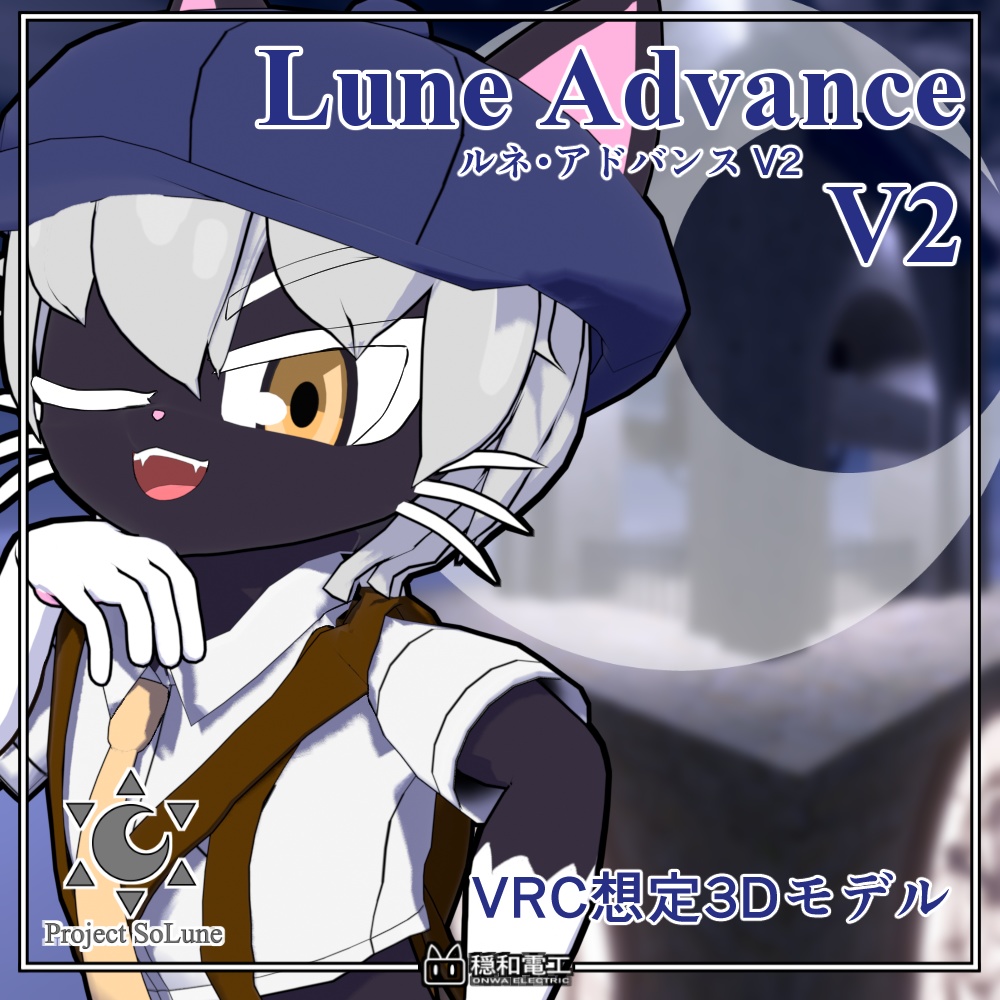
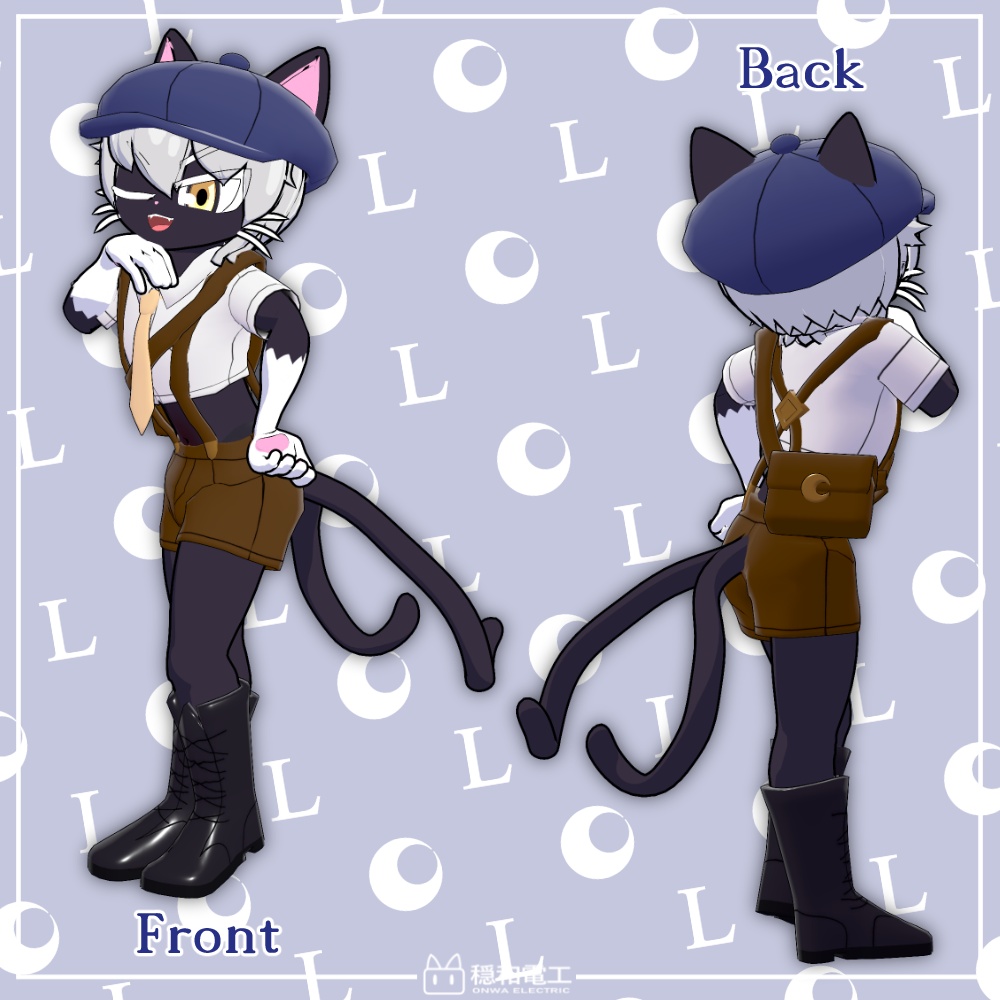
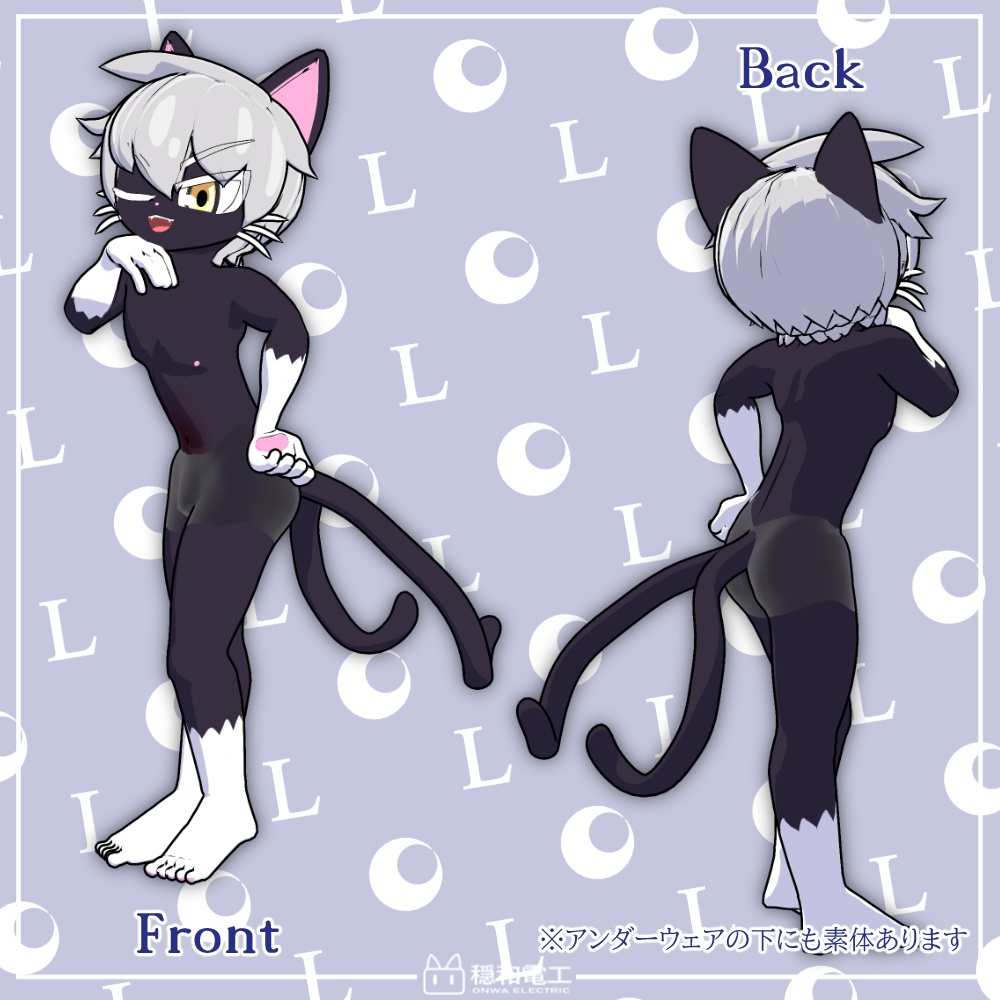
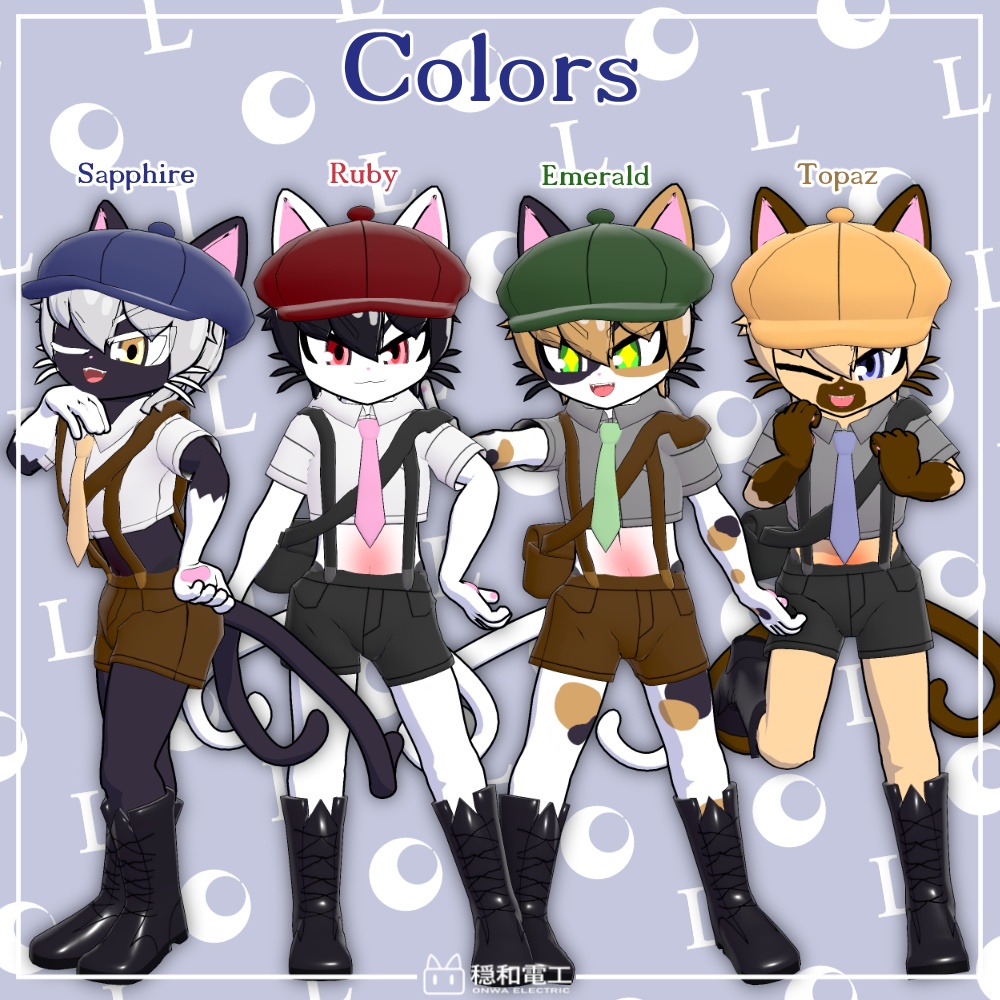
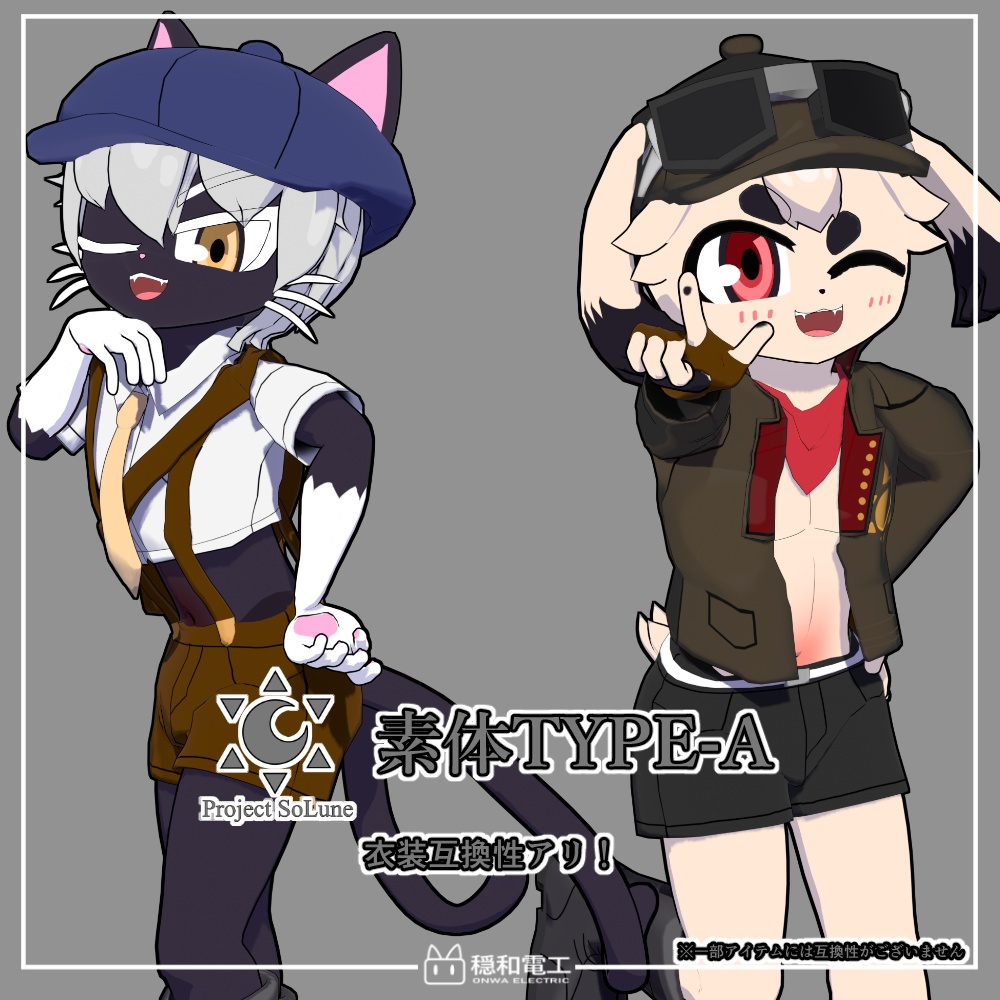
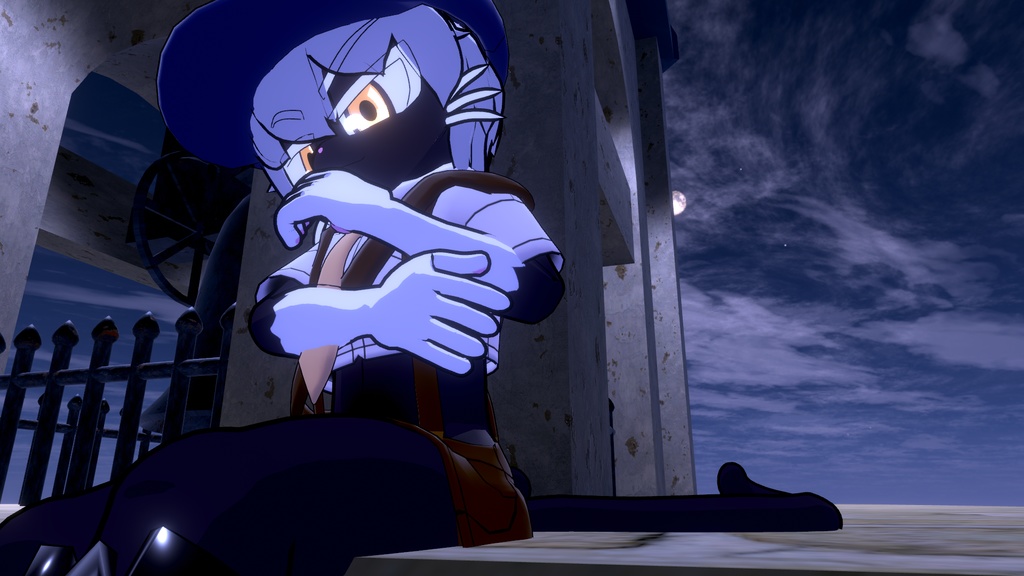


より可愛くなって新登場! 本モデルはUnityのHumanoid形式に対応した3Dモデルです。 VRChatでの利用を想定しており、アバター3.0に対応しています。 このキャラクターはProject SoLune TYPE-Aシリーズのキャラクターです。 同シリーズのキャラクターとの衣装互換性があります。 ※一部アイテムには互換性がございません。 Now even cuter and newly released! This model is a 3D model compatible with Unity's Humanoid format. It is designed for use in VRChat and is compatible with Avatar 3.0. This character is part of the Project SoLune TYPE-A series. It shares costume compatibility with other characters in the same series. ※Some items are not compatible.
・アバター仕様/spec
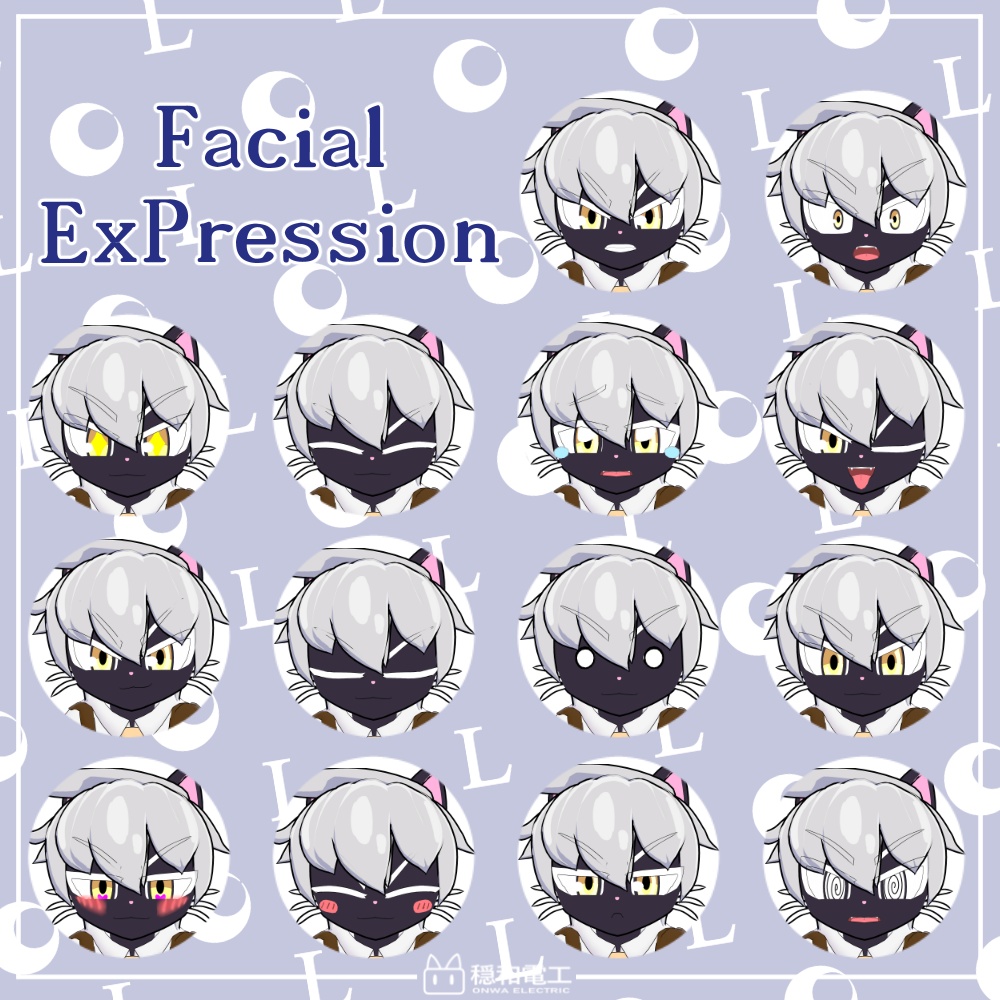
ポリゴン数(通常版):△76332 ポリゴン数(Lite版):△63776 ポリゴン数(モバイル版):△10524 設定済み表情:14種 表情用シェイプキー:57種(a/e/i/o/u含む) +フェイストラッキング用シェイプキー 使用シェーダー(モバイル版除く):liltoon (https://lilxyzw.github.io/lilToon/ ) polygons (normal edition): △76332 polygons (lite edition):△63776 polygons(mobile edition):△10524 Preconfigured expressions: 14 Shape keys for expressions: 57 (including a/e/i/o/u) + for Face Tracking Shader (without mobile): liltoon (https://lilxyzw.github.io/lilToon/ ) 同梱衣装:タイムズボーイコーデ ポリゴン数:△16620 Included Outfit: Times Boy Code Polygons: △16,620
・試着/try-on
https://vrchat.com/home/avatar/avtr_f23c8691-c66f-4307-bbd7-96e8973b0842
・導入方法/introduction
・本モデル導入にあたってVRChat Creator Companion (VCC)を予めインポートして下さい https://www.vrchat.net/home/download lilToonシェーダーはこちらよりダウンロードできます。 事前にインポートをしておいてください。 https://lilxyzw.booth.pm/items/3087170 ※VRCSDK2.0については動作しません。 【VRChat導入方法】 1.Unityのプロジェクトを作成し、VRCSDK3.0とLiltoonをあらかじめインポートする。 (VRCSDKのバージョンは必ず3.7.2以上のバージョンをご利用ください。) 2.プロジェクトを開いた状態で同梱のunitypackageをインポート。 3.インポート後Assetsの中にキャラ名のフォルダーができるので Onwa_Denko/キャラ名/prefab のフォルダからお好みのカラーのprefabをHierarchyにドラッグ&ドロップ。 4.その後、VRChat SDKからVRChatにログイン、アップロード作業をしたら完了です。 【Lite版・モバイル版について】 prefabフォルダ直下のLite及びquestフォルダのprefabは特殊な設定を施した軽量版です。 LiteフォルダのprefabはPC用、questフォルダのprefabはモバイル用のものとなっております。 上記の手順と同様に、任意のprefabをアップロードしてください。 Lite版及びモバイル版には以下の制約があります。 ・expression menuから衣装の着脱ができません ・(モバイル版のみ)簡略化により一部見た目が変わります ・(モバイル版のみ)一部physbonesが省略されています Installation Guide Before importing this model, please ensure you have the VRChat Creator Companion (VCC) installed. https://www.vrchat.net/home/download The lilToon Shader is required. Please download and import it into your project beforehand. https://lilxyzw.booth.pm/items/3087170 Note: This model is not compatible with VRCSDK 2.0. [How to Upload to VRChat] 1.Prepare your Project: Create a new Unity project and import VRCSDK 3.0 and lilToon. (Please ensure you are using VRCSDK version 3.7.2 or higher.) 2.Import the Model: With your project open, import the included .unitypackage file. 3.Setup the Avatar: After importing, a folder named after the character will appear in your Assets. Navigate to the Onwa_Denko/[Character Name]/prefab folder and drag your preferred color variant prefab into the Hierarchy. 4.Upload: Log in to VRChat via the VRChat SDK panel and proceed with the upload process. [Lite and Mobile Versions] The prefabs located in the Lite and Quest subfolders (within the prefab folder) are optimized lightweight versions with special settings. Lite Folder: Optimized for PC. Quest Folder: Optimized for Mobile/Quest. To use these, follow the same upload steps as above using the specific prefab of your choice. Please note the following limitations for Lite and Mobile versions: Outfit toggles via the Expression Menu are unavailable. (Mobile only): Some visual elements may differ due to simplification. (Mobile only): Certain PhysBones have been omitted for optimization.
・衣装導入方法/How to import the clothes
・導入にあたり、アバター側で必須のものに加え、Modular Avatarを事前にインポートしておいてください。 ダウンロードはこちらからできます。 https://modular-avatar.nadena.dev ・衣装はモバイル版非対応です 【衣装の導入方法】 1.通常の方法と同じくアバターのunitypackageをインポート。 2.衣装に同梱されているunitypackageをインポート。 ※アバターに同梱されている衣装は対応したアバターのunitypackageをインポートしてください。 3. Onwa_Denko/キャラ名/prefab/base フォルダーからお好みの色のprefabをHierarchyにドラッグ&ドロップ。 4.Onwa_Denko/clothes/衣装名/prefab フォルダーからお好みの色のprefabをHierarchyのアバター直下にドラッグ&ドロップ。 ※まれに衣装が正しく配置されないことがございます。衣装がアバターの子になっているかご確認ください。 4.その後、VRChat SDKからVRChatにログイン、アップロード作業をしたら完了です。 【Lite版について】 prefabフォルダ直下のLiteフォルダのprefabは特殊な設定を施した軽量版です。 上記の手順と同様に、任意のprefabを配置した後、 衣装直下のbody2のマテリアル「body_replace」を各キャラに対応したbodyマテリアルに変更してください。 bodyマテリアルはOnwa_Denko/キャラ名/mat/カラー名 フォルダーにございます。 なお、必ずアバター側も Onwa_Denko/キャラ名/prefab/lite/base フォルダー内のprefabを使用してください。 Lite版には以下の制約があります。 ・expression menuから衣装の着脱ができません Please ensure you have Modular Avatar imported in addition to the avatar's requirements. You can download it here: https://modular-avatar.nadena.dev This outfit is not compatible with the Mobile (Quest) version. [How to Setup the Outfit] 1.Import your avatar's unitypackage as usual. 2.Import the unitypackage included with the outfit. Note: If the outfit is bundled with the avatar, please ensure you have already imported the compatible avatar's unitypackage. 3.Navigate to the Onwa_Denko/[Character Name]/prefab/base folder and drag the prefab of your preferred color into the Hierarchy. 4.Navigate to the Onwa_Denko/clothes/[Outfit Name]/prefab folder and drag your preferred color prefab directly onto your avatar in the Hierarchy. Note: In rare cases, the outfit may not be positioned correctly. Please double-check that the outfit prefab is parented under the avatar. 5.Log in to VRChat via the VRChat SDK and proceed with the upload. [About the Lite Version] The prefabs in the Lite folder (inside the prefab folder) are optimized lightweight versions with special settings. After placing any prefab as described above, change the “body_replace” material on the body2 component directly under the costume to the corresponding body material for each character. Body materials are located in the Onwa_Denko/Character Name/mat/Color Name folder. Important: Please make sure to use the avatar prefab located in the Onwa_Denko/[Character Name]/prefab/lite/base folder as well. The Lite version has the following limitations: Outfit toggles via the Expression Menu are unavailable.
・内容物/Contents
・Unitypackage ・利用規約・免責事項PDFデータ ・VRMデータ(0.x) ・FBXデータ ・psdデータ ・omake ├2D立ち絵 ├壁紙 └ バナー ・Unitypackage ・Terms of use and disclaimer PDF data ・VRM data (0.x) ・FBX data ・psd data ・omake ├ 2D portrait ├ wall paper └ Banner
・利用規約・免責事項/Terms of Use & Disclaimer
https://drive.google.com/drive/folders/1tW7r5ynVvlJID38tmNv8nXonPuYW4dqt?usp=drive_link 本規約はVN3ライセンスによって作成されています This agreement is made by VN3 License
・連絡先/Contact
・X(旧twitter) @Onwa_INU ・Misskey.io @Onwa_INU@Misskey.io
・更新履歴
ver1.0.0 公開(2026/2/14) ver1.0.1 破損したファイルを修正 設定画をomakeフォルダに追加(2026/6/14) ver1.0.0 published(2026/2/14) ver1.0.1 Repair damaged files Add concept art to the omake folder(2026/6/14)