

【無料/FREE】二口で食べれるチョコレート
- 通常版(Standard version)ダウンロード商品¥ 0
- お菓子代(内容は通常版と同じです) Cost of snacks (contents are the same as the standard version)ダウンロード商品¥ 300
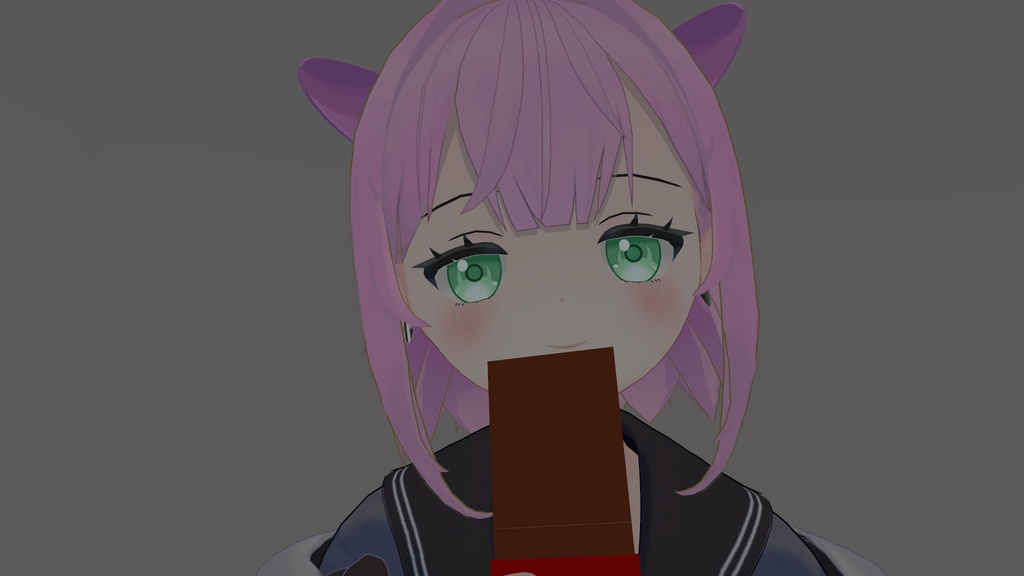
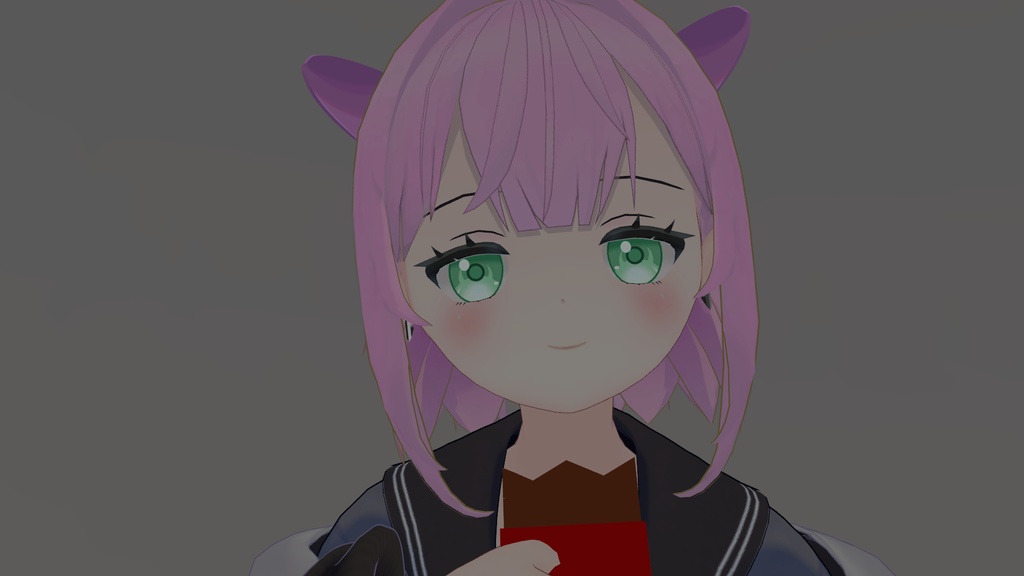


二口で食べるチョコレートのアバターギミックです チョコレート本体のみ付属しています VRChat使用想定 VR使用想定 他の人に対しても食べさせること可能 This is a chocolate avatar gimmick designed to be eaten in two bites. Only the chocolate itself is included. Intended for use in VRChat. Intended for use with VR. You can also feed it to other people. [注意] 動画では、2段階で動いていますが、その仕組でハグが発生したため 一口食べてから時間経過で二口目を食べるように変更いたしました。 [Note] In the video, the process was shown in two stages, but because that setup caused the hugs to occur, we have changed it so that the second bite is taken after a short delay following the first bite. シェーダー(shader):liltoon使用(https://lilxyzw.github.io/lilToon/) ModularAvater使用(https://modular-avatar.nadena.dev/ja)(Using Modular Avatars ) 上の2つを事前に導入しておいてください(Please install the two items above in advance.) サンプルワールド(sample world) https://vrchat.com/home/content/worlds/wrld_27b70d5c-e6b6-4fb6-a37b-59ec63e3f453/edit
内容物(Contents)
Unitypackage
導入方法(How to Install)
unitypackageファイルをUnityにインポート Assets/Ringoame196/chocolate内にある、chocolate.prefabをアバターにD&D chocolateの位置を調整してください Import the .unitypackage file into Unity. Drag and drop chocolate.prefab from Assets/Ringoame196/chocolate onto the avatar. After adding it, adjust the position of chocolate as needed.
使用方法(Instructions for Use)
1. エクスプレッションメニューの「チョコレート/召喚」をクリックすると、右手にチョコレートが表示されます。 2. デフォルト(トリガーボタンのみ押した状態)の手の形で チョコレートの近くに頭を近づけるとギミックが発動します。 ※手の形を変更すると、チョコレートは消えます。 3. エクスプレッションメニューの「チョコレート/表示」をクリックすることで、無限にチョコレートが表示されます 4. バグった場合は、エクスプレッションメニューの「チョコレート/リセット」をクリックを押してください 1.Click 「チョコレート/召喚」 in the Expression Menu to display the chocolate in your right hand. 2.With the default hand gesture (trigger button pressed only), bring your head close to the chocolate to activate the gimmick. If you change the hand gesture, the chocolate will disappear. 3.Click 「チョコレート/表示」 in the Expression Menu to display an unlimited number of chocolates. 4.If the gimmick becomes stuck or behaves unexpectedly, click 「チョコレート/リセット」 in the Expression Menu to reset it.
使用した音素材(Sound clips used)
使用した音素材:OtoLogic(https://otologic.jp)
サムネに使用させて頂いたアバター(The avatar I used for the thumbnail)
結城めさぐv2(https://asagiiro-design.booth.pm/items/5684968)
VN3ライセンス(共通利用規約) License
https://drive.google.com/drive/folders/1kPUbbyUB4xratPIWIoLUVkNv6VSzMDRI?usp=drive_link
更新(Update)
2026/2/2 ギミック公開 2026/2/4 バグ修正したv2公開 2026/2/4 リセットボタン実装v2.1公開