
【配信素材】ふろの日に風呂に入ろう!!【VtubeStudio】
- ダウンロード商品¥ 700
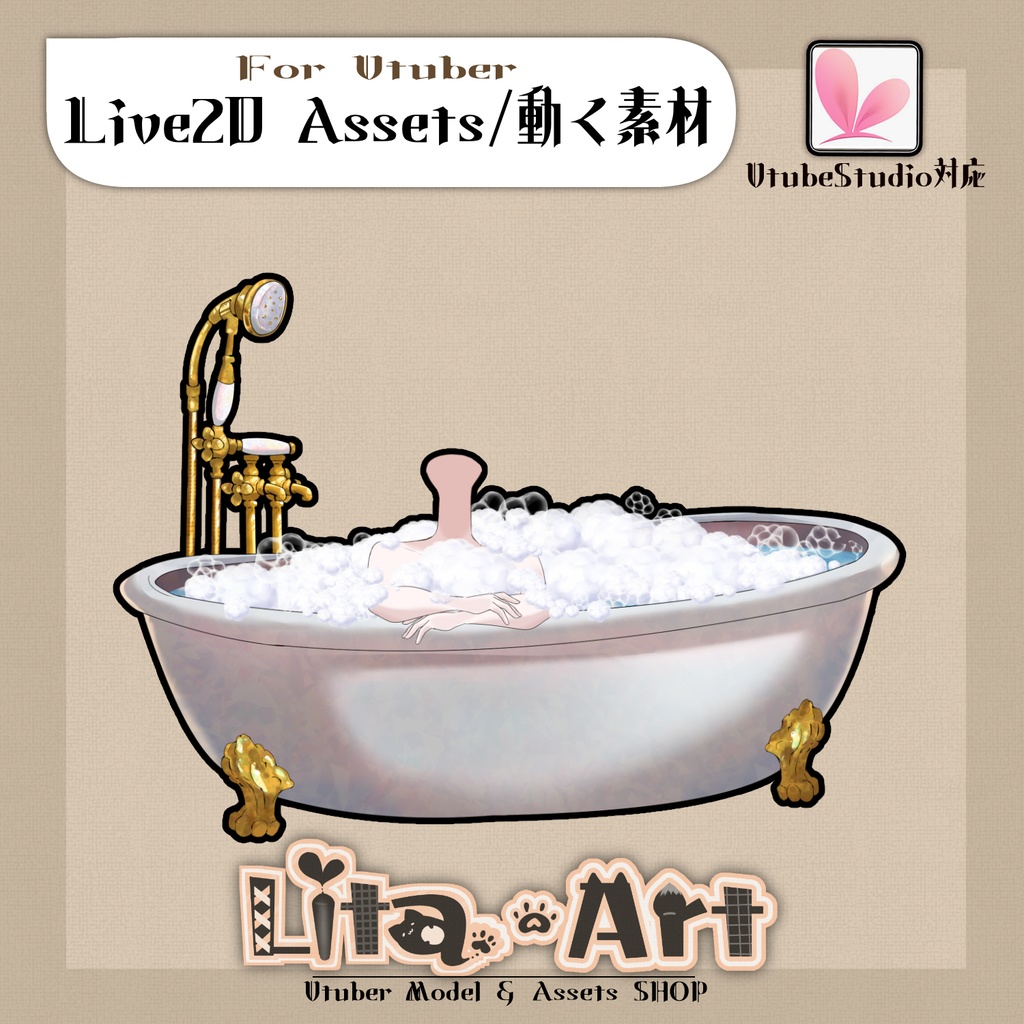

VTube Studioで使える素材! ふろの日に風呂に入ろう!!間に合え!!ギリギリ更新! 動画やらショートやら配信やらにどんどんお使いください! もちろん商用利用可能ですよー! 動くアイテムで配信を盛り上げちゃいましょう!! リスナーさんと一緒に楽しんでもらえたら本望です。 こちらのページで販売しているのは アイテムのみです。 モデルは含みません。 モデルは販売しておりますので、私の公式Website、NIZIMA、あるいは汎用モデルであればBoothにも出品しています。 ✅ 商用利用・編集可能ですが、著作権は放棄していません。 ✅ クレジット表記は任意です。宣伝してもらえると喜んでLitaが見にいくかもしれません。 ご利用の際は、下記URL記載の 利用規約 に同意したものとみなします。 🔗 https://lita-art.square.site/terms-of-sale ⚠️ 成人向けコンテンツへの使用規制はしていませんが、常識の範囲内でご使用ください。 個別具体的な質問にはお答えできませんのでご了承ください。 ☆★☆★☆★☆★☆★☆★☆★☆★☆ 色変更可能箇所 肌色(SkinColor) 表情ファイルエディターにて調整が可能です。 Colorと書いてあるパラメータをいじって遊んでみてください 色変更パラメータ: 🟡 Color1 – 乗算明暗 🔴 Color2 – 乗算カラー 🔵 Color3 – スクリーン明暗 🟢 Color4 – スクリーンカラー 設定方法の詳細は、こちらをご覧ください! 🔗 https://note.com/litaruismart/n/ncb10f7c36e94 ーーーーーーーーーーーー ☆★☆★☆★☆★☆★☆★☆★☆★☆ キーバインド設定 🎮 【B+V】体OFF 🎮 【B+N】腕OFF 🎮 【B+C】シャボン玉ON 🎮 【B+X】シャボン玉OFF 首の太さ変更が表情パラメータから変更できます! Neck_Size のパラメータを触ってみてください。 ☆★☆★☆★☆★☆★☆★☆★☆★☆★☆★☆★☆ 質問・イラスト制作・モデリングのご相談はDMにて受付中! お気軽にご連絡ください✨ 🔹 LitaのX(Twitter): https://twitter.com/LitaVtuber 🔹 Litaのホームページ: https://lita-art.net/ ☆★☆★☆★☆★☆★☆★☆★☆★☆★☆★☆★☆☆★☆★☆★☆★ 🎥 Animated Asset for VTube Studio! Bath day means bath time!! Hurry—just barely made it in time for the update! Use these freely for videos, Shorts, streams, and more! Of course, commercial use is allowed. Liven up your streams with animated items! If you can enjoy them together with your listeners, that would make me truly happy. Important Notes This page sells items only. Models are not included. Models are available separately on my official website, NIZIMA, and for general-purpose models, also on Booth. Usage & License ✅ Commercial use and editing are allowed, but copyright is not waived. ✅ Credit is optional. If you do share it, Lita might happily come check it out! By using this product, you are deemed to have agreed to the Terms of Service at the URL below: 🔗 https://lita-art.square.site/terms-of-sale ⚠️ There are no restrictions on use in adult-oriented content, but please use it within reasonable and common-sense limits. We cannot answer individual or specific questions regarding usage—thank you for your understanding. Color Customization Editable color area: Skin Color (SkinColor) You can adjust this in the Expression File Editor. Try playing around with the parameters labeled “Color”. Color Parameters: 🟡 Color1 – Multiply (brightness) 🔴 Color2 – Multiply (color) 🔵 Color3 – Screen (brightness) 🟢 Color4 – Screen (color) For detailed setup instructions, please see: 🔗 https://note.com/litaruismart/n/ncb10f7c36e94 Key Bind Settings 🎮 [B + V] Body OFF 🎮 [B + N] Arms OFF 🎮 [B + C] Bubbles ON 🎮 [B + X] Bubbles OFF You can also adjust neck thickness via expression parameters. Try changing the Neck_Size parameter! Contact For questions, illustration work, or modeling commissions, feel free to DM me anytime ✨ 🔹 Lita’s X (Twitter): https://twitter.com/LitaVtuber 🔹 Lita’s Website: https://lita-art.net/