
【VRoid 10Color】メルティ・ショコラハット – Melty Chocolat Hat
- A Standard Ver.ダウンロード商品¥ 500
- A Boost ver. (内容は同一・個人用組み込みラインセンダウンロード商品¥ 1,200
- B Standard Ver.ダウンロード商品¥ 500
- B Boost ver. (内容は同一・個人用組み込みラインセンダウンロード商品¥ 1,200
- Corporate Ver.(全バリエーション含 企業・団体向け)ダウンロード商品¥ 2,500
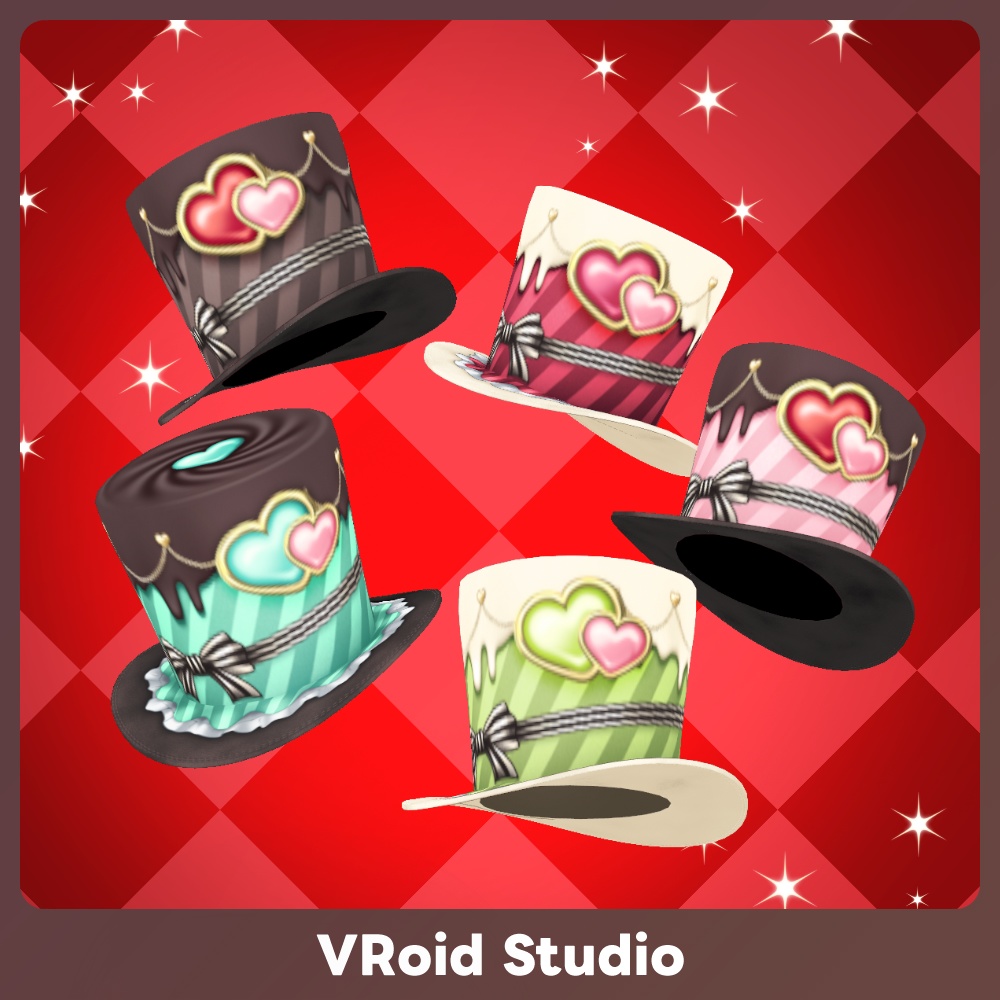
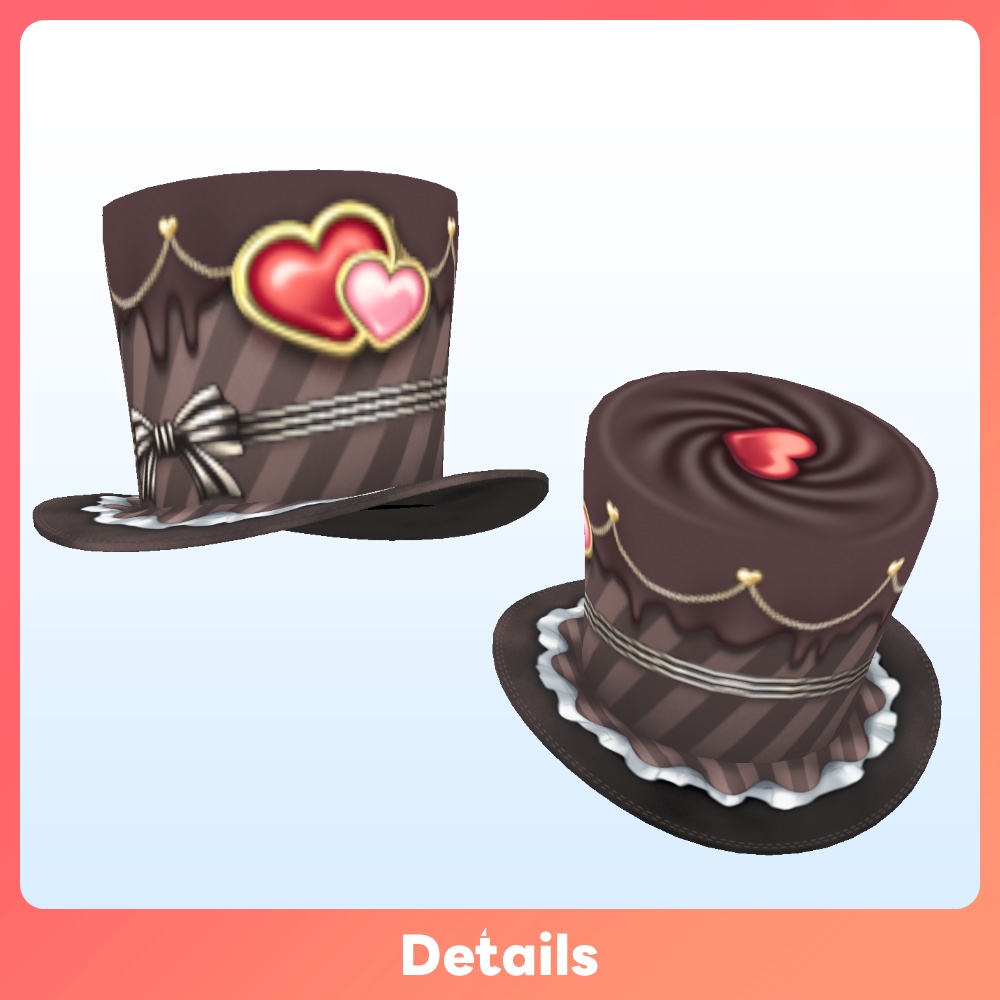
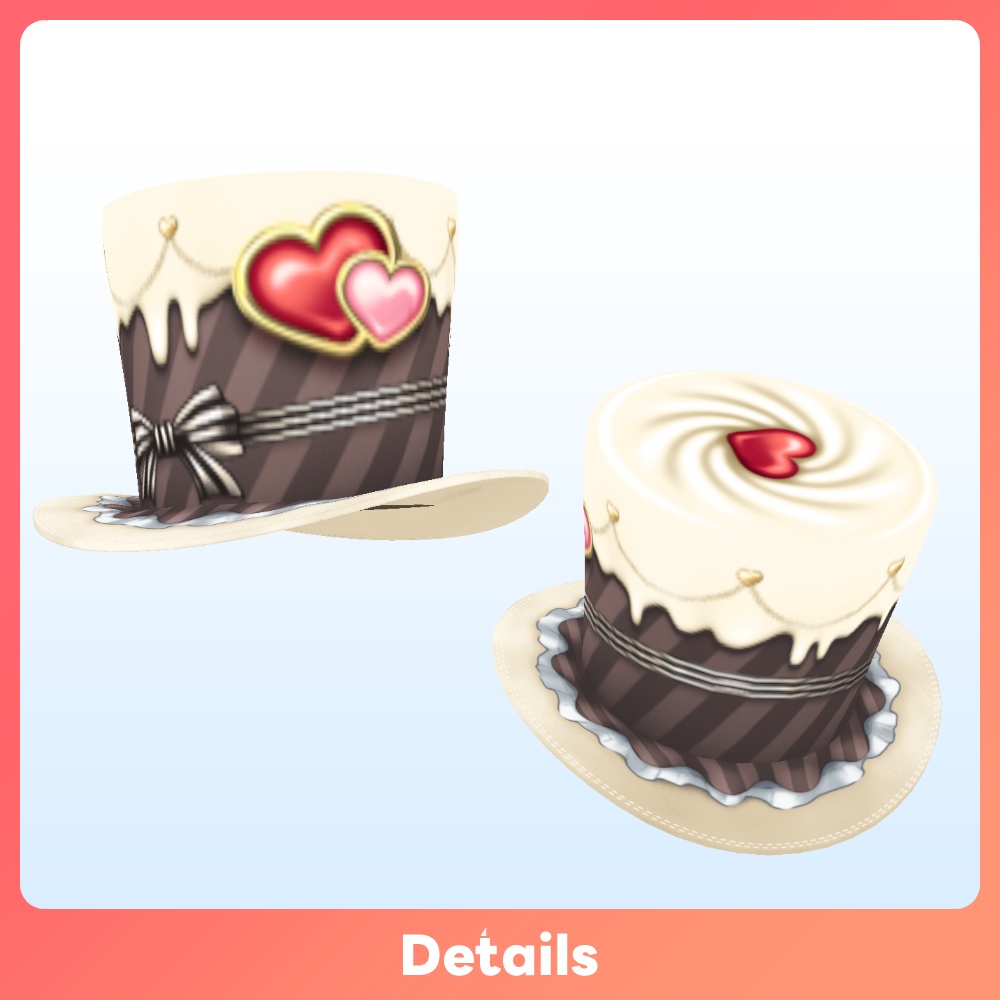
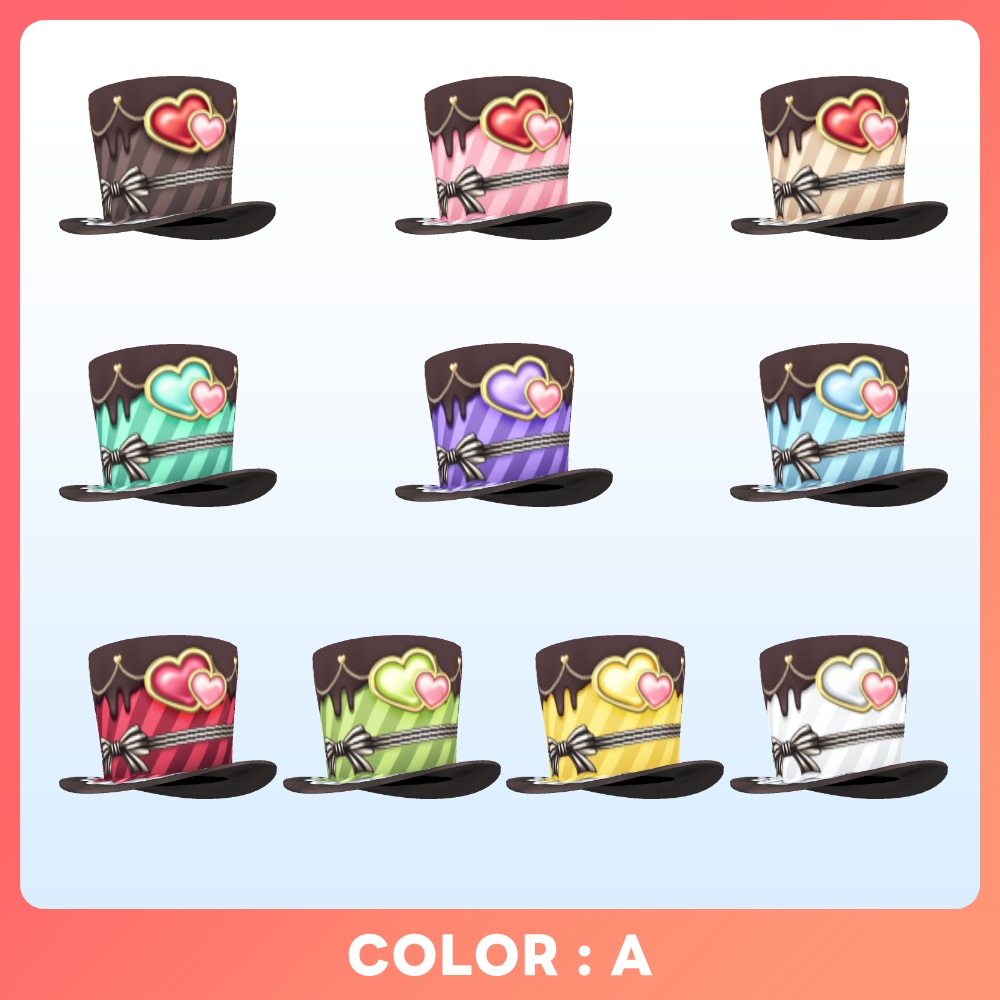
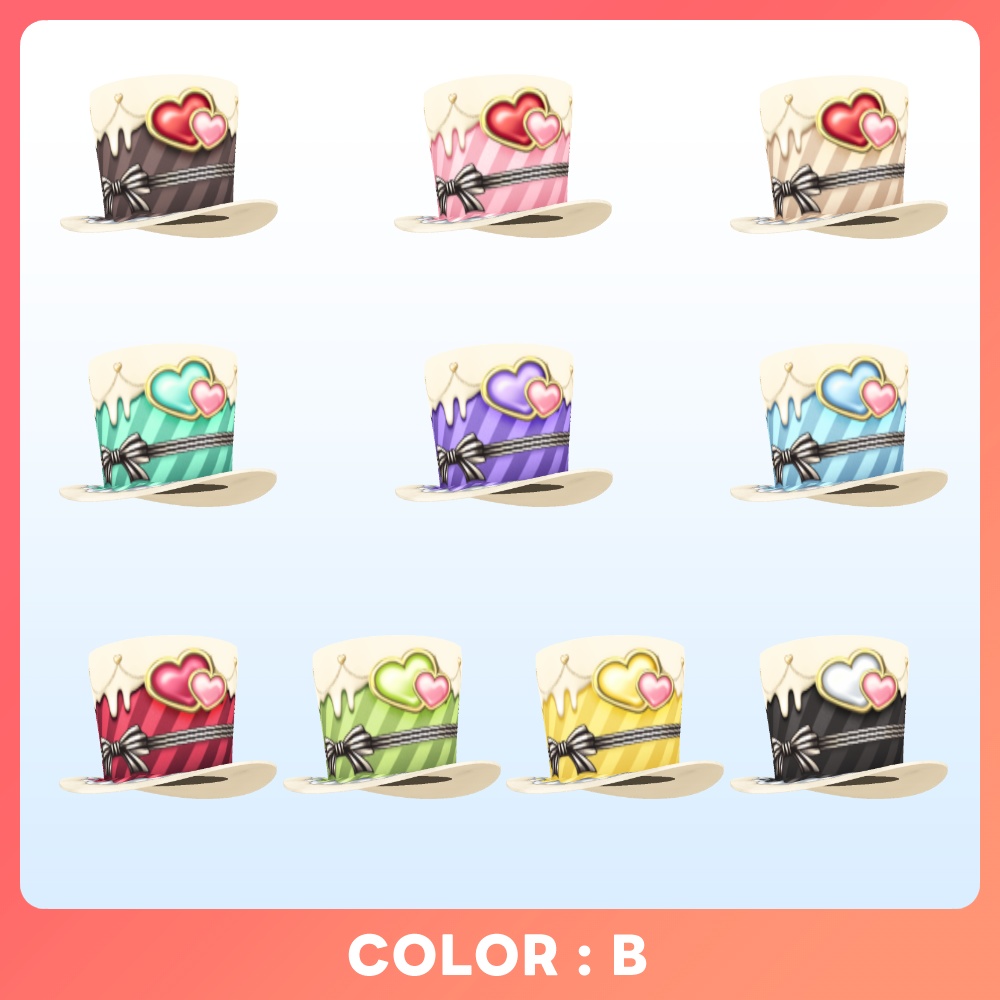


【VRoid 10Color】メルティ・ショコラハット – Melty Chocolat Hat VRoid Studio 2.4.0にて、ついにアクセサリーにシルクハットが実装! バレンタインの季節にぴったりなチョコレートをモチーフにしたハットをご用意しました🍫 カカオカラー・ホワイトチョコがベースの2種類を展開❗️ カラーはそれぞれ10色をラインナップ🎨 ◆バリエーションについて Standard Ver. →通常の商品です 個人による画像や動画の投稿、配信・VRプラットフォームでの活動などに利用できます。私的・営利利用が可能です。 Boost Ver. →内容が同一の支援バージョンです 可能であれば応援していただけると励みになります✨️ また、アプリ・ゲーム等への組み込みが可能となります。 ※個人によるソフト・ゲーム等への組み込みに利用する場合はこちらをご購入ください。必ず規約にある利用条件をご確認ください。 Corporate Ver. →全てのバリエーションが同梱された、法人などの企業や団体で利用できるバージョンです。 ※企業や団体などの組織内での使用や共有および組み込み用途で利用する場合は、こちらをご購入ください。また、利用事例の報告義務はありませんが、どのように活用いただけるか教えていただけると嬉しいです。 ◆内容 ※カスタムアイテムはVRoid Studioバージョン2.10.0以降に対応 ・本体テクスチャ x 10 (型紙:シルクハット) ・カスタムアイテムx10 ・XWear アクセサリー x10 ◆使用方法 [VRoid Studio] VRoid ー> アクセサリー "カスタムアイテムをインポート"より同梱のカスタムアイテムを読み込んでください 必要に応じて拡大縮小や回転、移動などを使って位置合わせを行ってください。 [手動で導入する場合] "アクセサリー"タブに移動後、アクセサリーを追加→帽子→シルクハットを選択しアクセサリーを追加してください。 ◆Melty Chocolat Hat for VRoid We’ve prepared a chocolate-themed hat that’s perfect for the Valentine’s season 🍫 Available in two base variations: rich cacao and white chocolate ❗️ Each version comes in 10 color options 🎨 ◆About Variations Standard Ver. → This is the regular product. Boost Ver. → This is a support version with identical content. Your support would be greatly appreciated if possible! ✨️ Please purchase this version if you are an individual using it for embedding in software, games, etc. Corporate Ver. → This version includes all variations and is intended for use within corporations or organizations. If you plan to use, share, or embed it within a company, organization, or similar entity, please purchase this version. ◆What's included Custom items are supported in VRoid Studio version 2.10.0 or later Top hat Textures x 10 (Template:Top Hat) Customitems x 10 (Template:Top Hat) XWear accessories x10 ◆How to use [VRoid Studio] Go to VRoid → Accessories, then select “Import Custom Item” and load the included custom item file. Adjust the size, rotation, and position as needed to properly align the item.
利用規約
購入およびダウンロード前に下記のリンク先にある利用規約をご確認ください。 『F/Aインダストリーズ』配布・販売データに関する利用規約 - pixivFANBOX → https://faindustries.fanbox.cc/posts/3586042
Terms of Use
Please review the Terms of Use available at the following link before purchasing or downloading. [ENG]Terms of Use for "F/A Industries" Distribution and Sales Assets - pixivFANBOX → https://faindustries.fanbox.cc/posts/3863268
