

オリジナル3Dモデル"Mei"
- FBX Fileダウンロード商品¥ 0
- Unity Game Packageダウンロード商品¥ 2,000
- VRChat + VRM Fileダウンロード商品¥ 3,000
- Warudo Fileダウンロード商品¥ 3,000
- All Filesダウンロード商品¥ 7,000
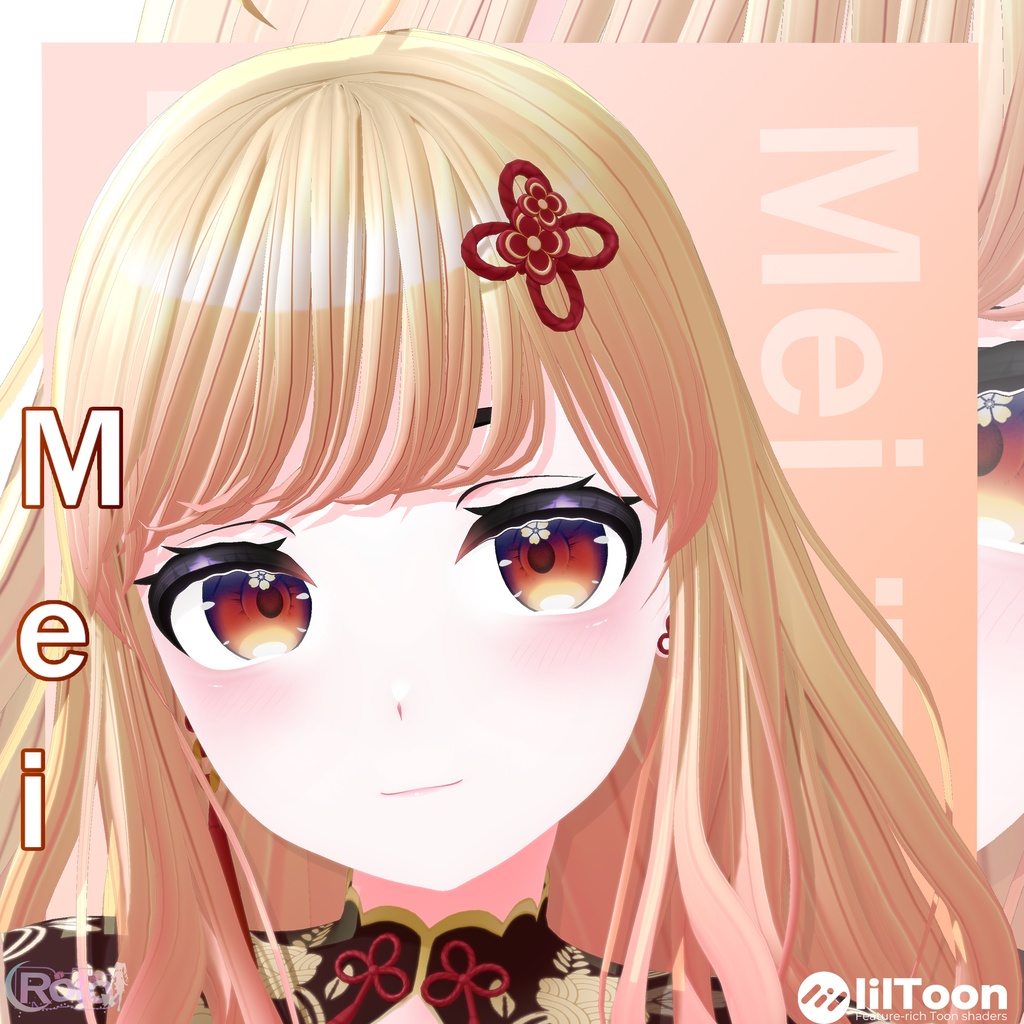
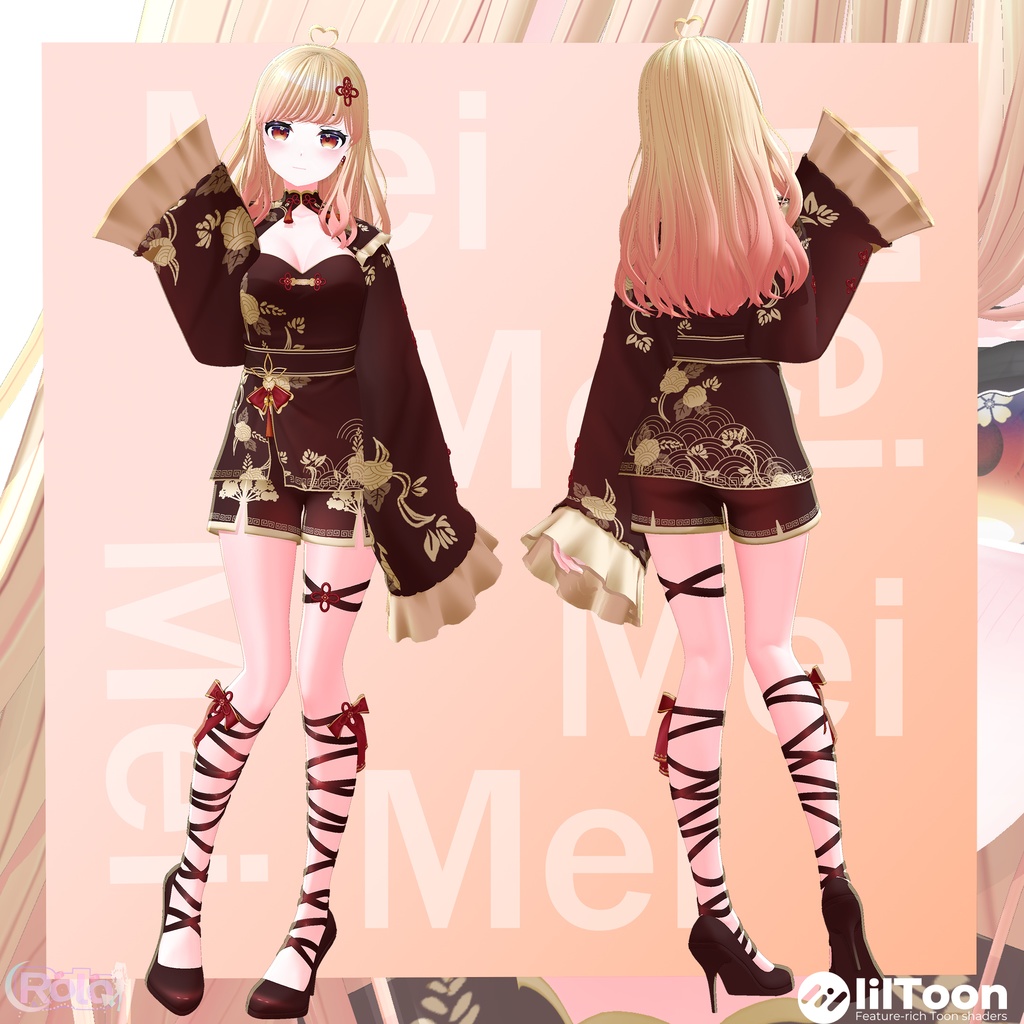
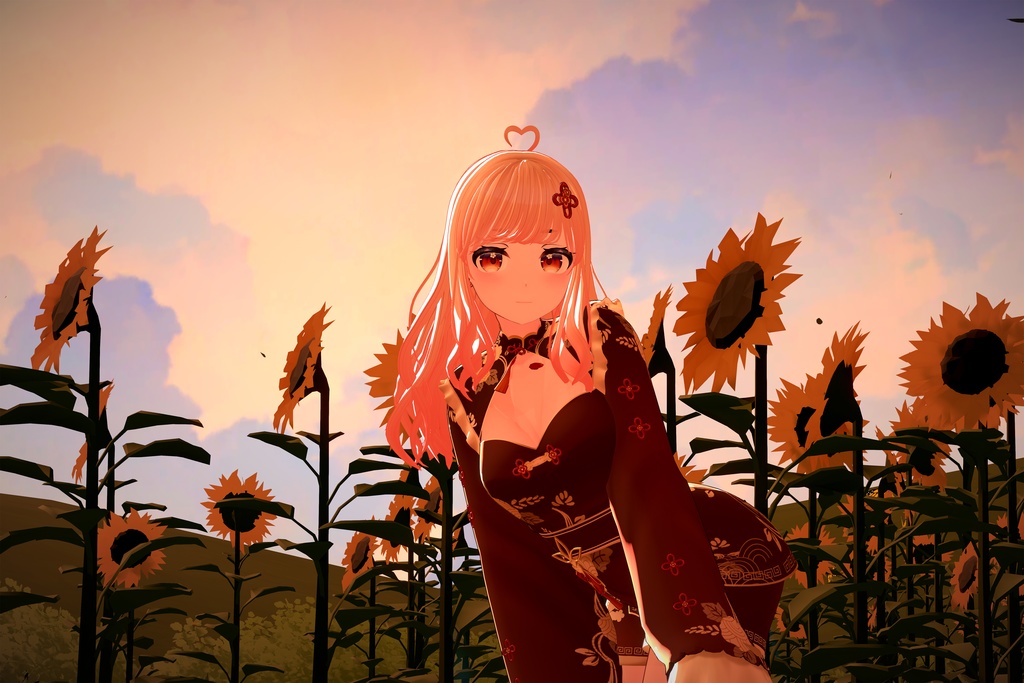
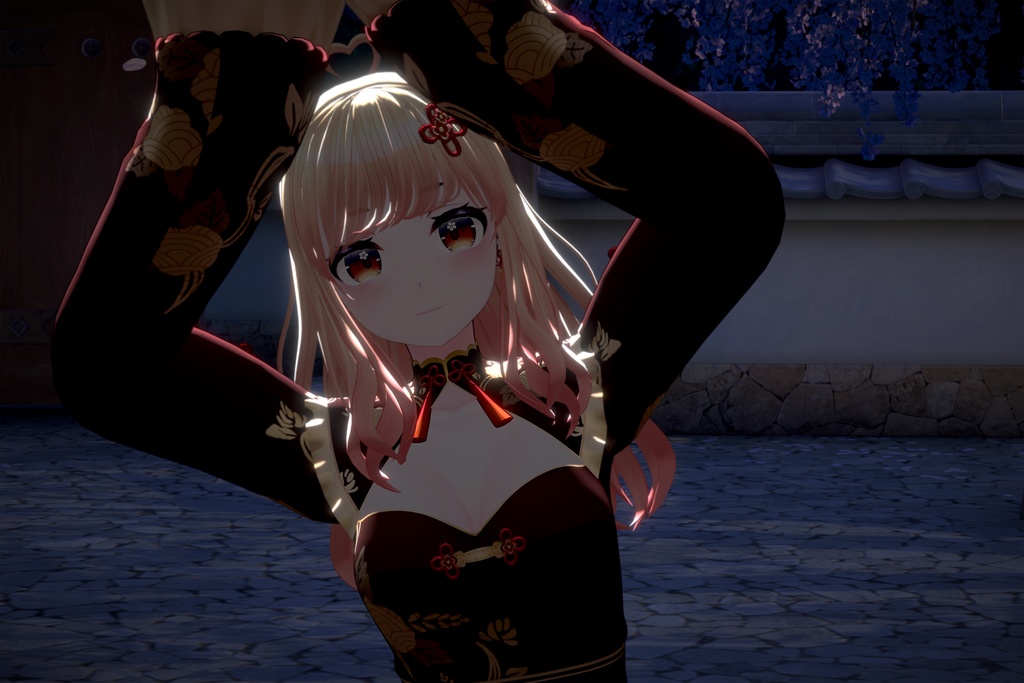
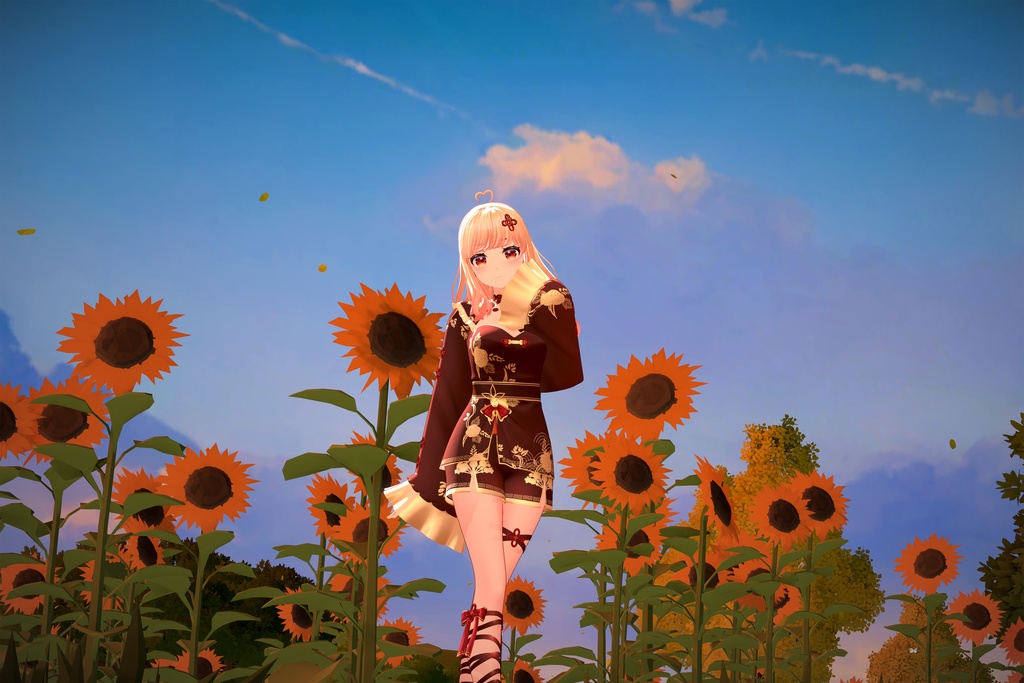
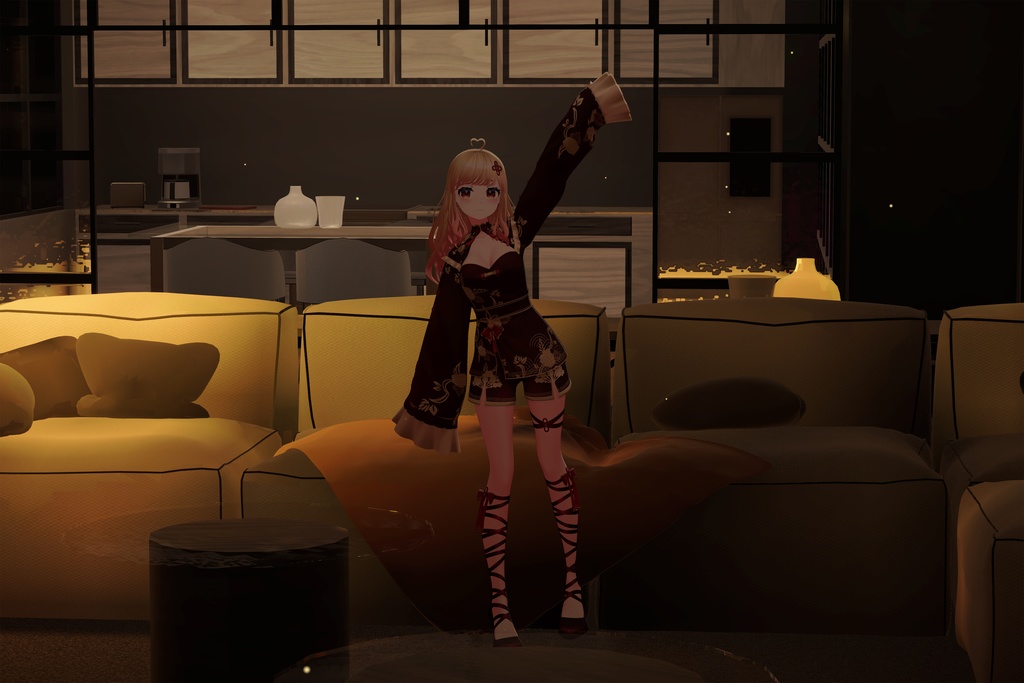
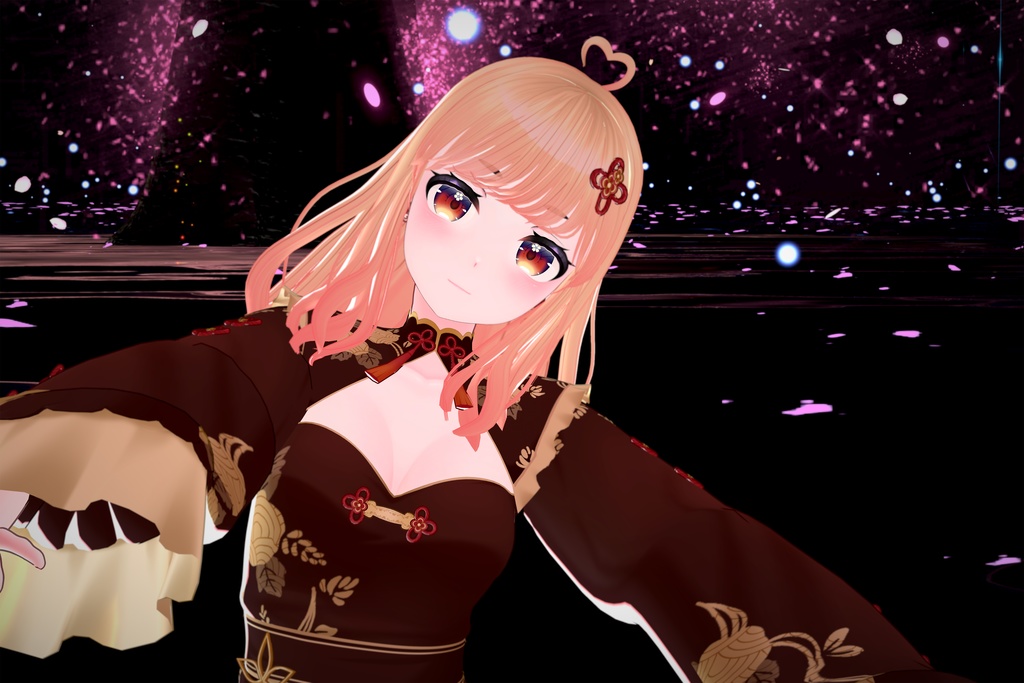


This Model was created in Blender ver 4.5. Photoshop, Clip Studio Paint and Substance Painter was used during the texturing process. Please read the product description & terms of use carefully! 3D Model Showcase(3Dモデルショーケース): https://youtu.be/oKEd1ZBpj94
✮Original 3D Model "Mei"
This Character is setup with Magica Cloth 2 for Hair & Cloth physics, if you don't have magica cloth 2 you will not be able to use realtime physics. Two prefabs are provided for each use case: one with magica cloth 2 setup & other with just basic constraints setup. Facial Expressions (Blendshapes/Shape Keys): Total 128 Blendshapes. Facial Expressions are provided as Blendshapes (Shape keys). There are lots of Blendshapes for each Elements of the face which you can use to make any expression you like. Comes with 52 ARKit iPhone Blendshapes, Basic MMD Blendshapes, VRChat Visemes & Eye Look Blendshapes, Many other Blendshapes for Face expressions etc. Animations: Supports all kinds of Mixamo animations or any other Humanoid based animation. Support: Unity 2021.3 or Later Pipeline: All Render Pipelines Supported (Built-in, URP, HDRP). A Readme file is provided inside the package, please make sure to read & follow the necessary instructions before using the asset. For any requests or issues, contact me on: Twitter/X or email me at contactroloart@gmail.com
✮3D Model Information
Polygons: 221K Vertices: 117K Texture Resolution: 2K-4K Textures Texture Maps: Base Texture, Outline Mask Texture, Alpha Textures & Matcap Shader: Lil Toon Shader, Shader included with the package (https://github.com/lilxyzw/lilToon). Materials: Nine Materials Prefabs: Two Rigged: Yes (Humanoid Rig) UV Mapping: Yes
✮Usage Instructions
●VRChat Upload▶ •Use Unity 2022.3.22f1 or as recommended by VRChat. https://creators.vrchat.com/sdk/upgrade/current-unity-version/ •Download & Import VRC SDK (https://vrchat.com/home/download) & Liltoon shader(https://github.com/lilxyzw/lilToon/releases). •Now, Import Mei VRChat Unity Package. •Go to the Mei scene inside folder, "Roloart>Mei". •Select the Mei_VRChat in the scene and at the top select VRChat SDK>Show Control Panel>Builder>Fill in the details>Upload. Make sure to always upload as private. ●Game Package Importing▶ •Use Unity 2021.3 or above •If you want to use physics then purchase magica cloth 2 & import it into your project. The package works even if you don't import magica cloth 2 but you will not be able to use advance physics & Collisions. https://assetstore.unity.com/packages/tools/physics/magica-cloth-2-242307 •This package uses lil toon shader but this is included with the package so no need to import the shader. •Import the Mei Unity Game Package, open the demo scene and check if everything is working. •To use URP or HDRP package, follow the same steps as above and then do the following: 1. First install the render pipeline from package manager and create/assign the necessary pipeline assets. 2. Once the render pipeline has been switched and in use, close unity & reopen. Now go to this asset's URP/HDRP package and install it. 3. Open/Reopen the demo scene inside the asset and check if everything looks and works good, you are done. 4. If the materials doesn't look right or still appears pink/blue, try deleting both folders, "lilToon" & "Mei"> import again & repeat the above steps carefully.
✮Terms of Use and Contact Information
This product & its related files are provided under Royalty-Free License. Please read the terms carefully before using. For bugs/issues related to this model, email me at contactroloart@gmail.com For other requests/inquires: Linktree: https://linktr.ee/roloart Twitter/X: https://x.com/RoloArt_
✮Version & Update History
2026/03/09: Release Ver 1.00