

【Kipfel / キプフェル対応】ふわっとマフラー 2色(PC / Quest 対応)
- ダウンロード商品¥ 500
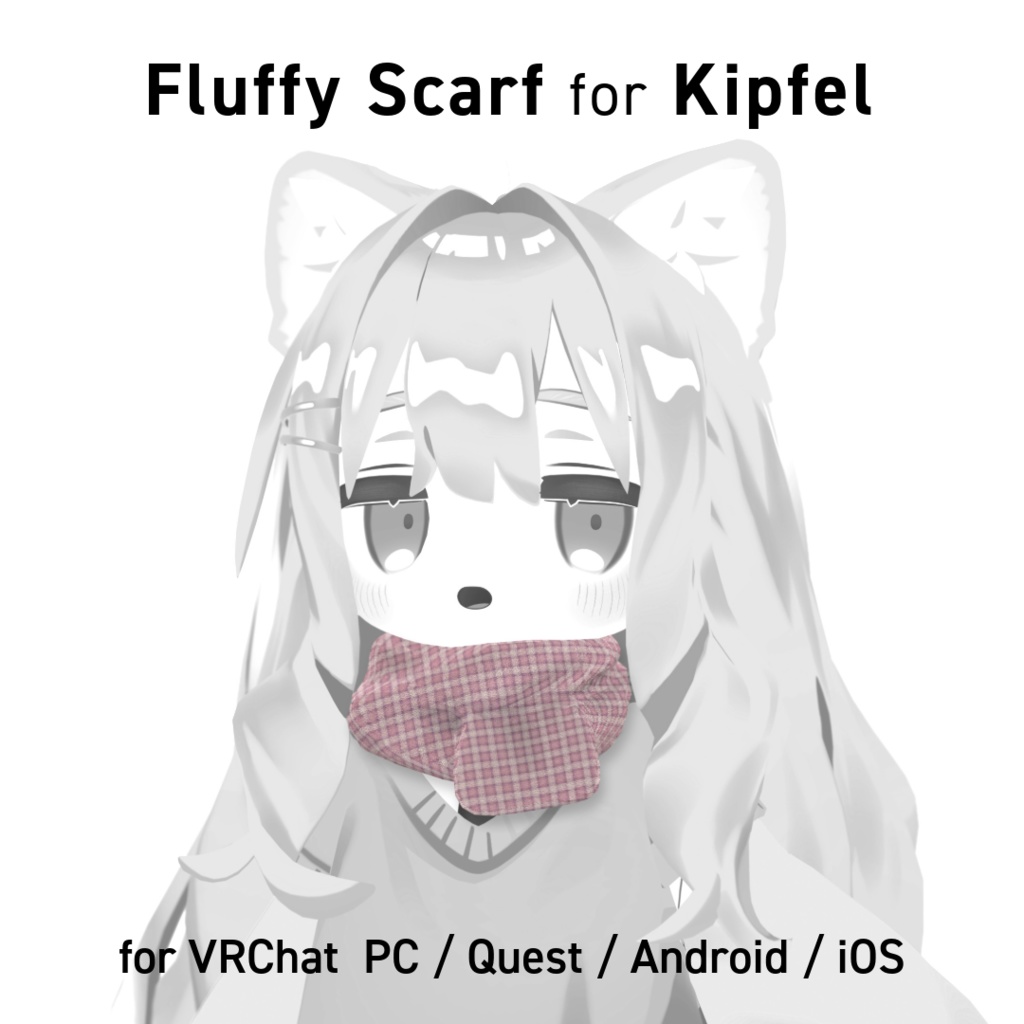
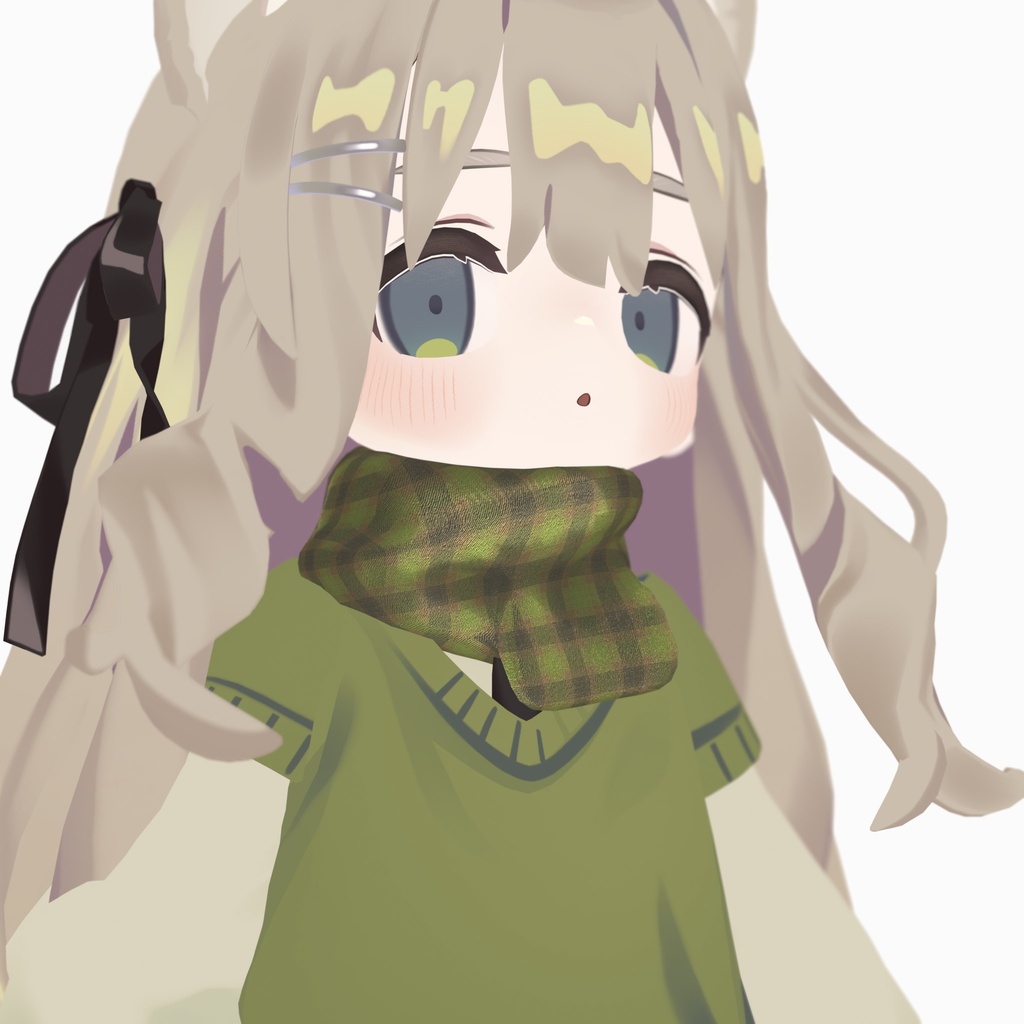
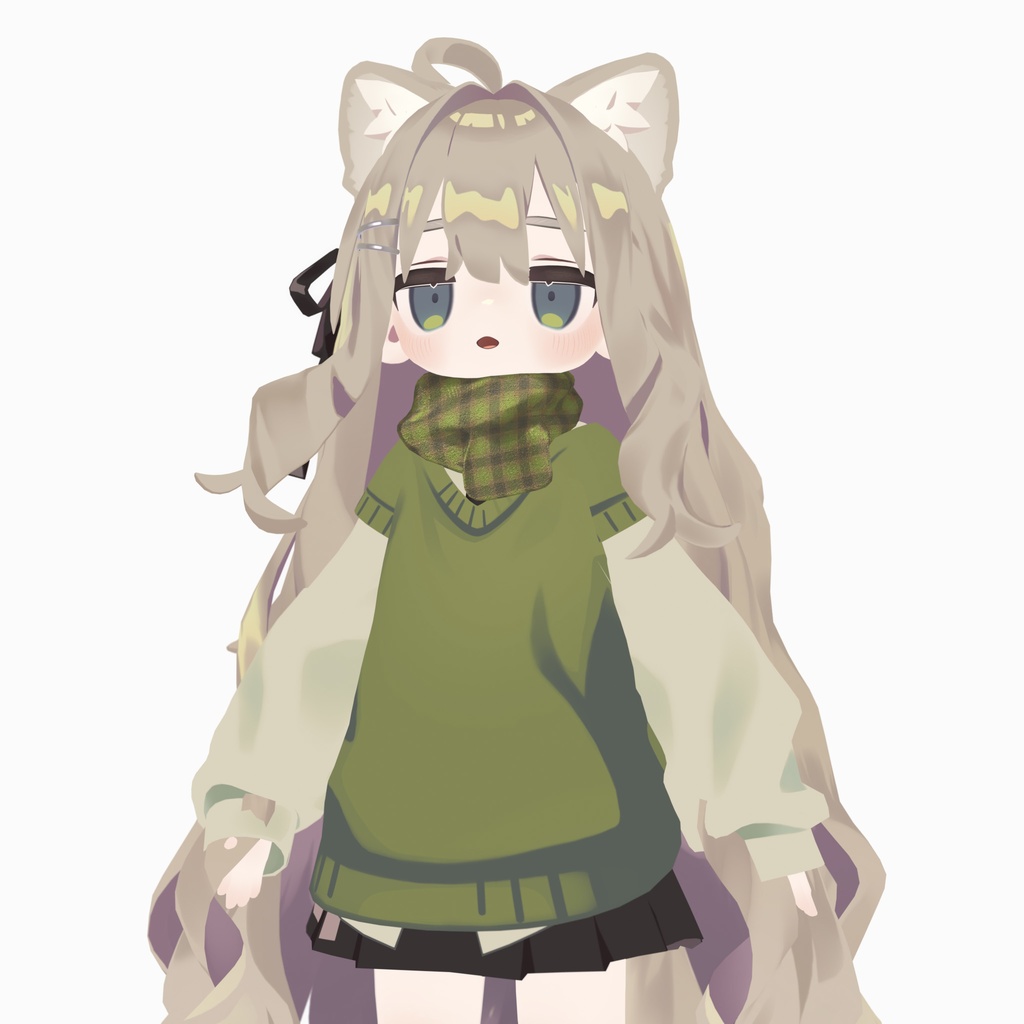
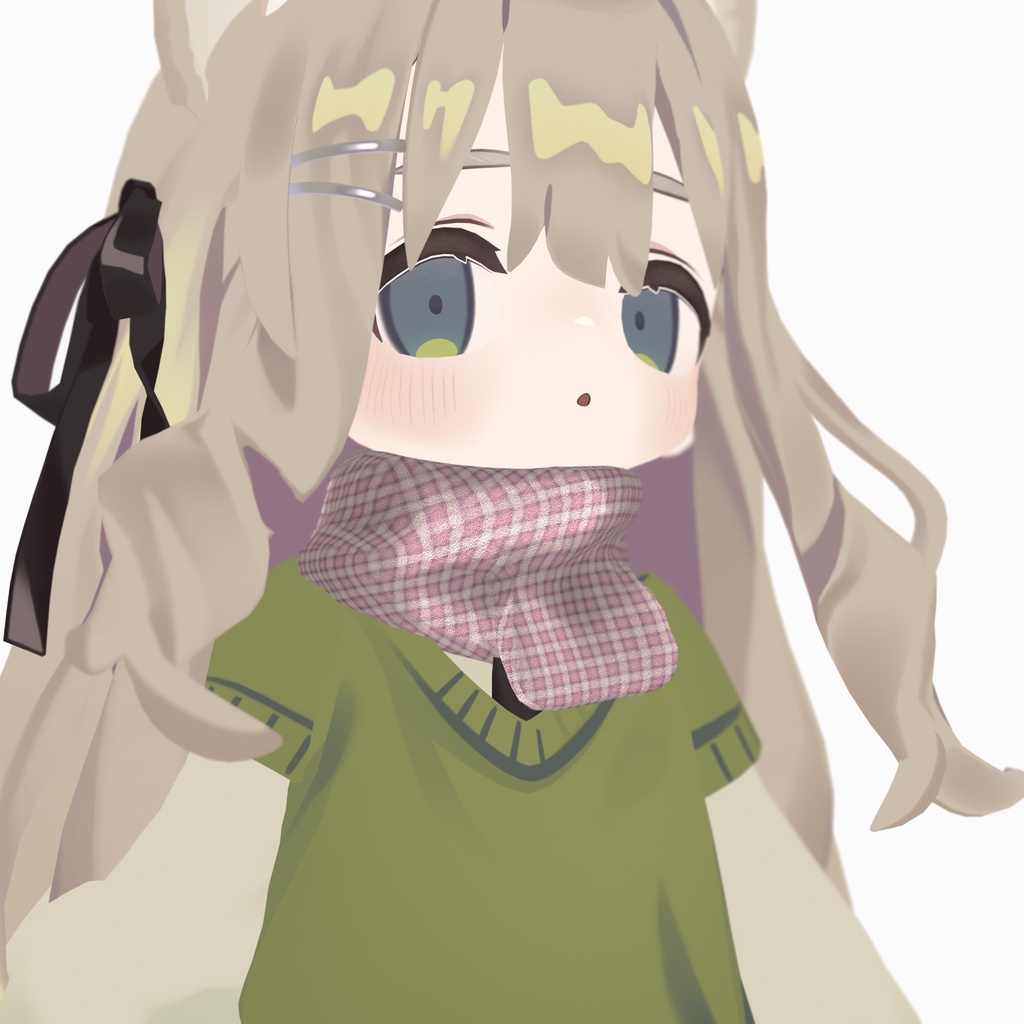
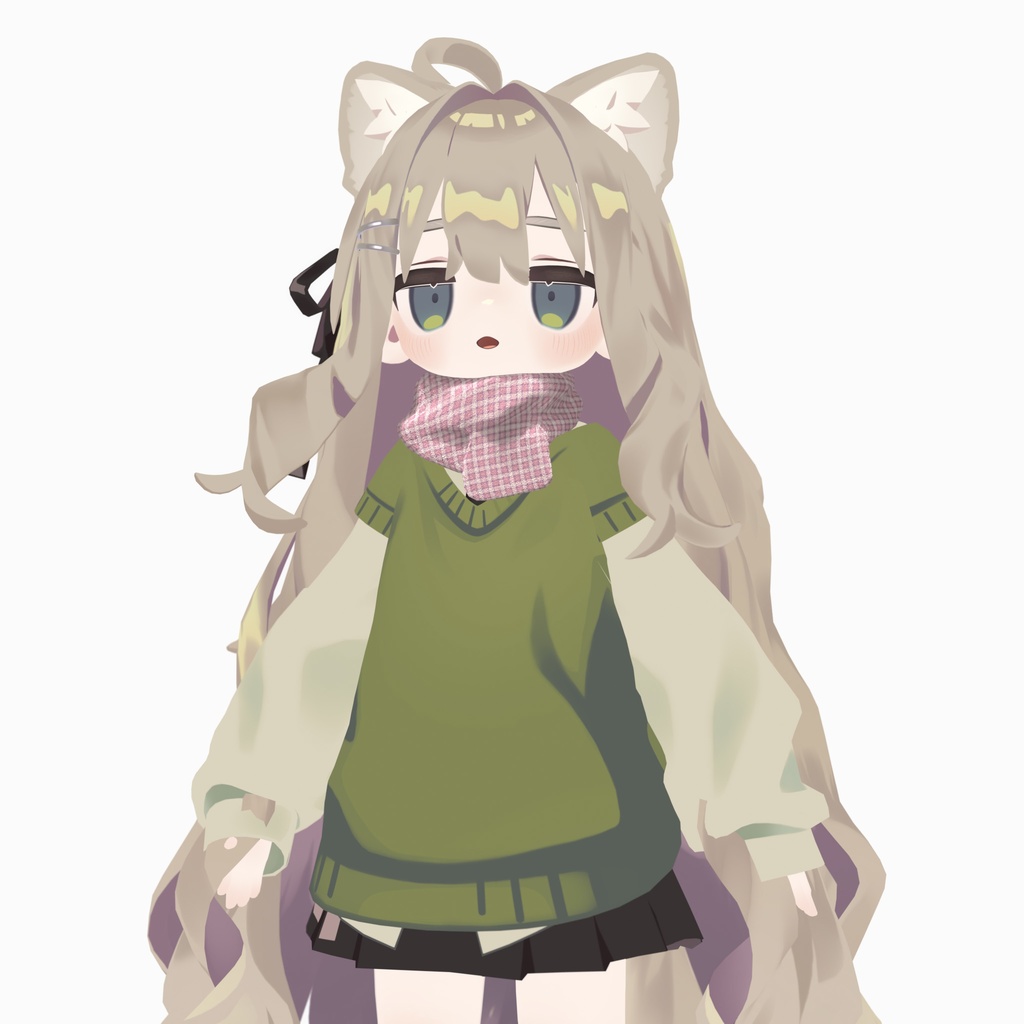
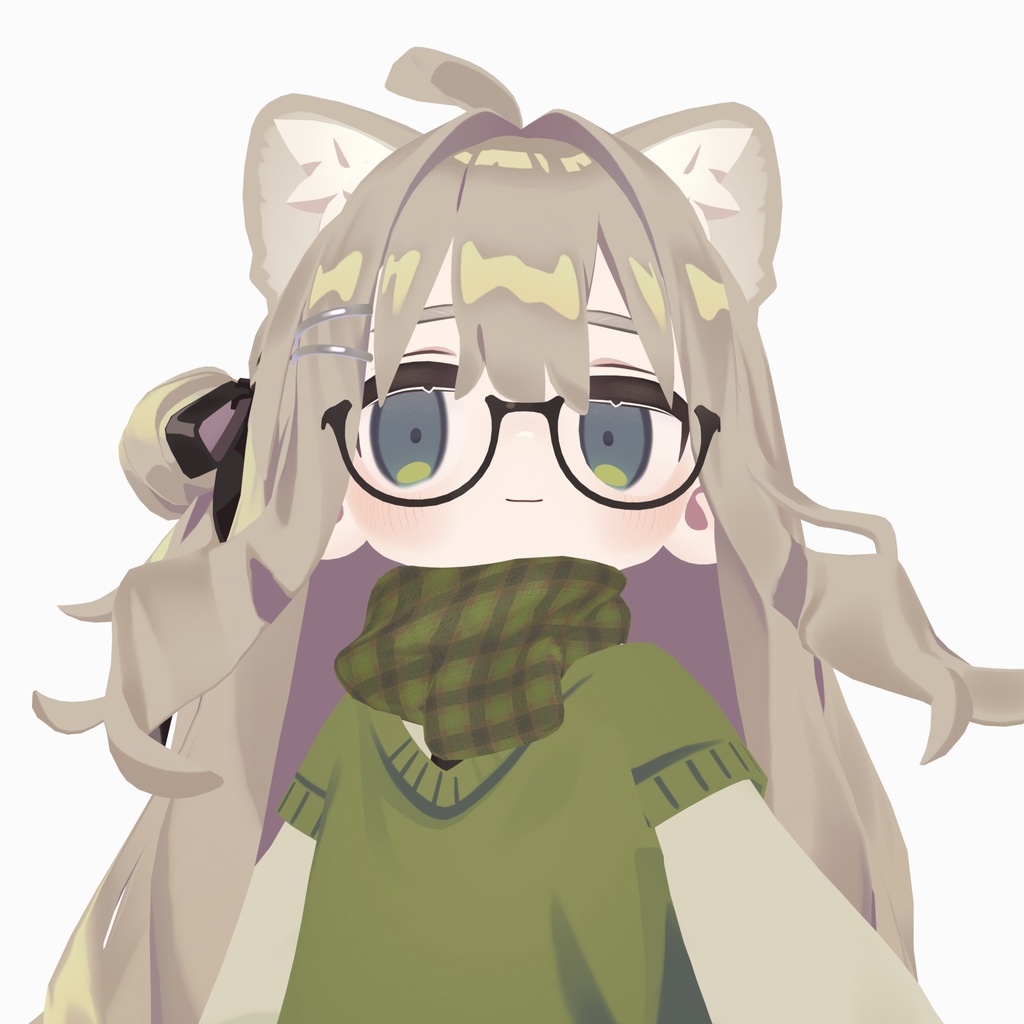
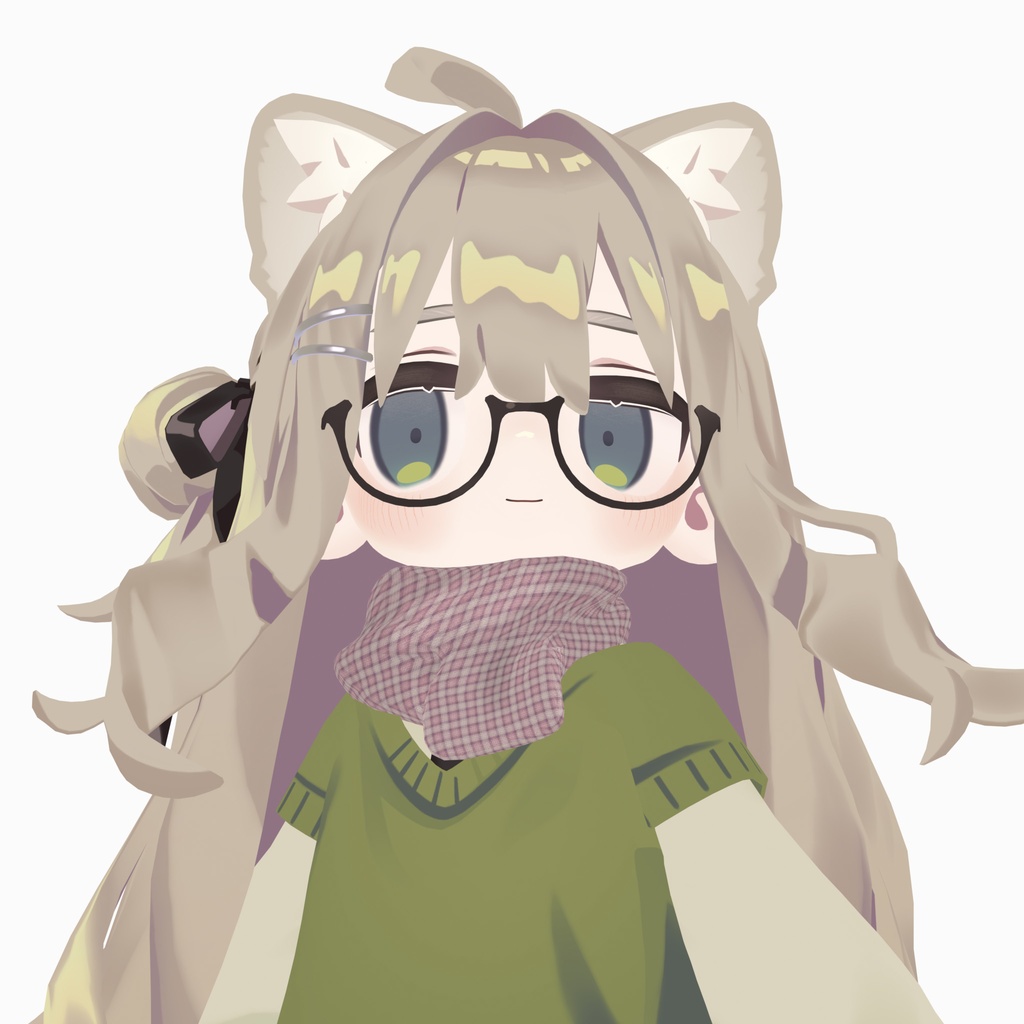
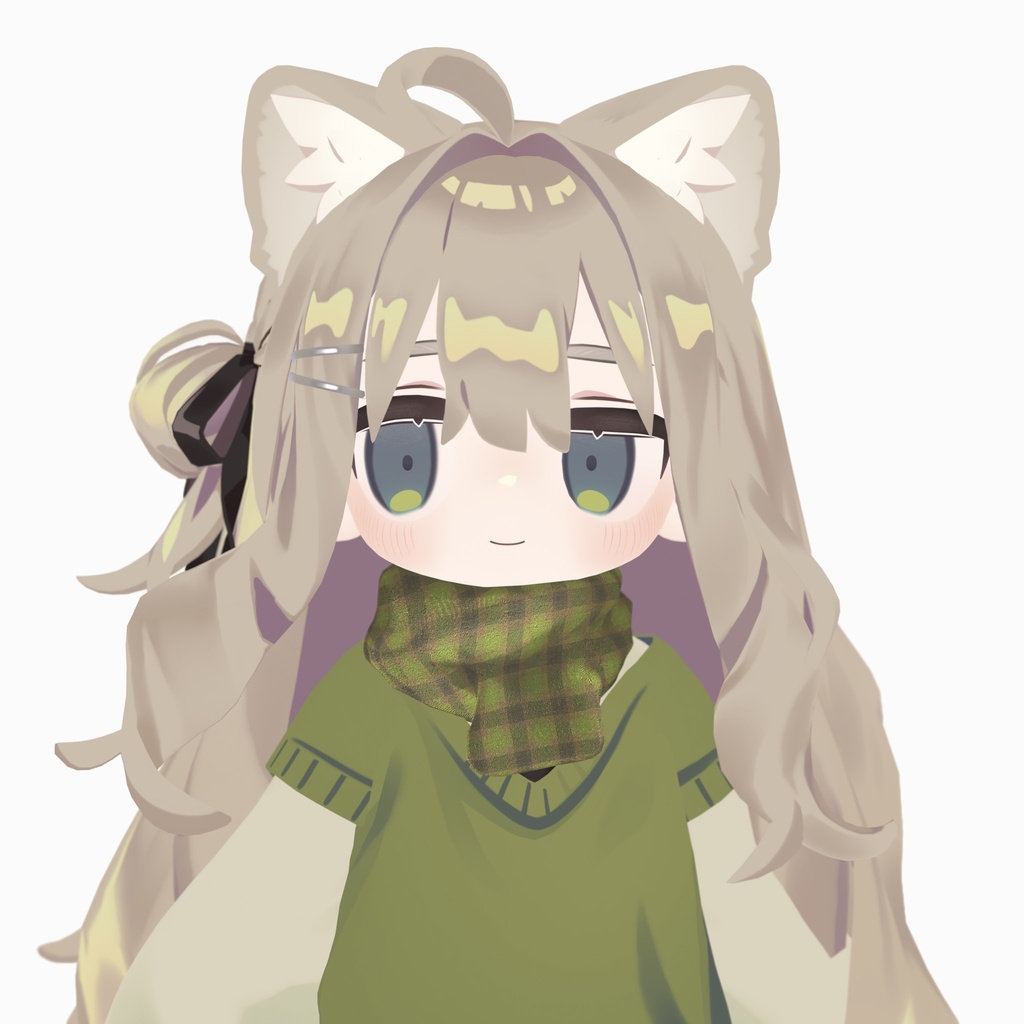
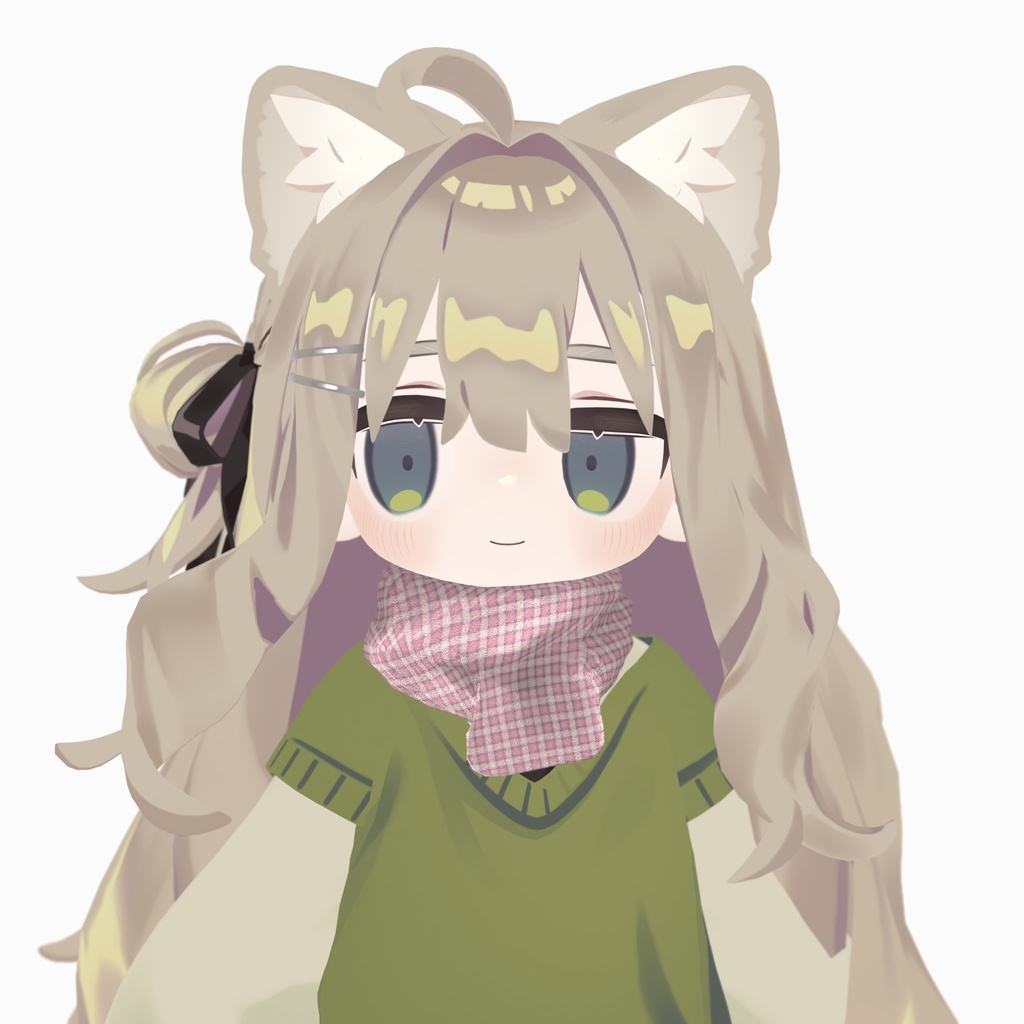
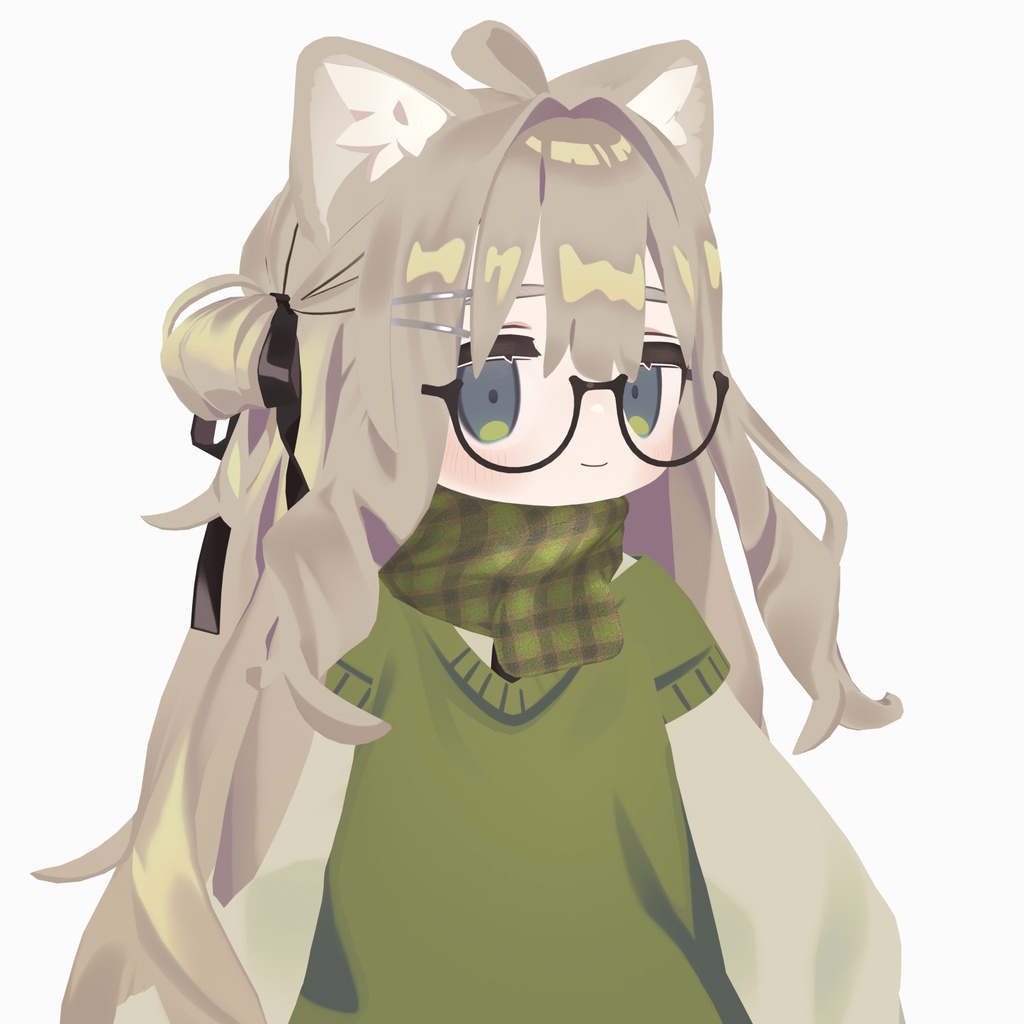
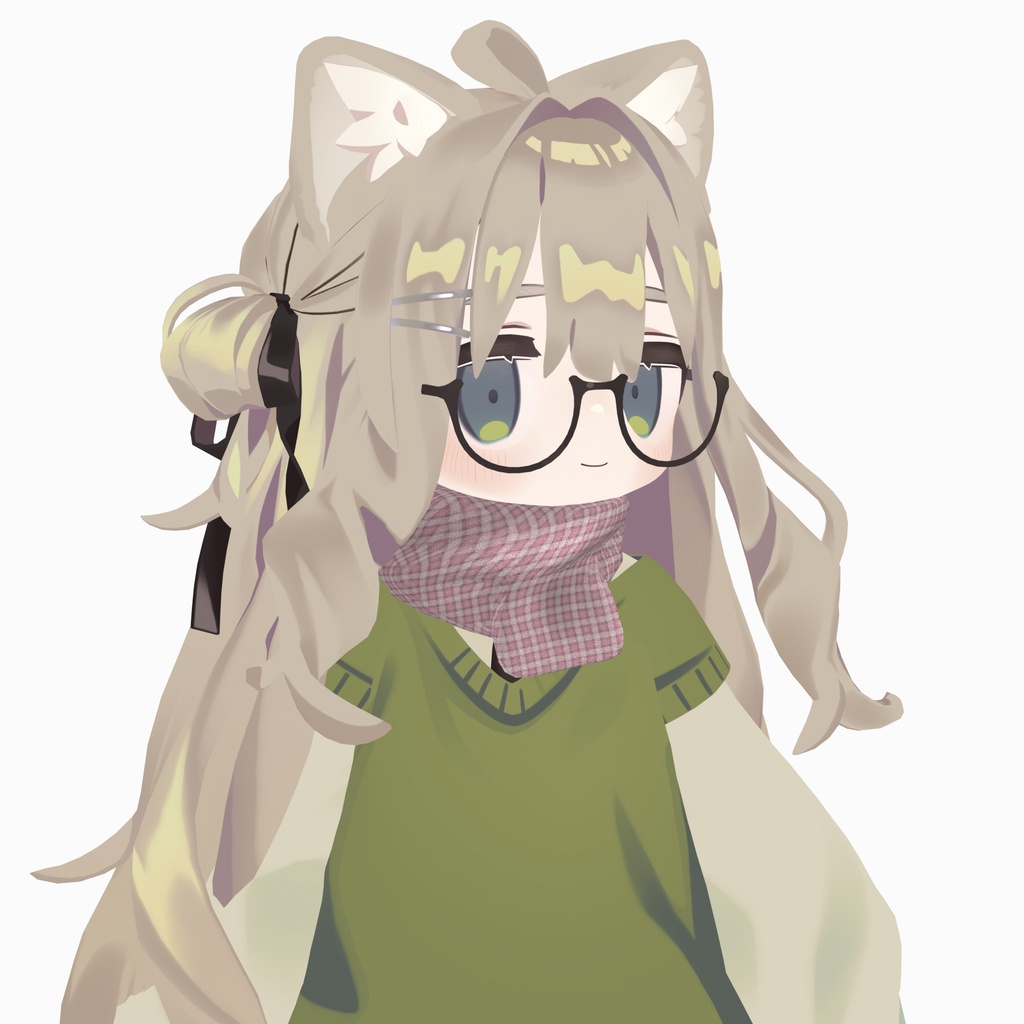
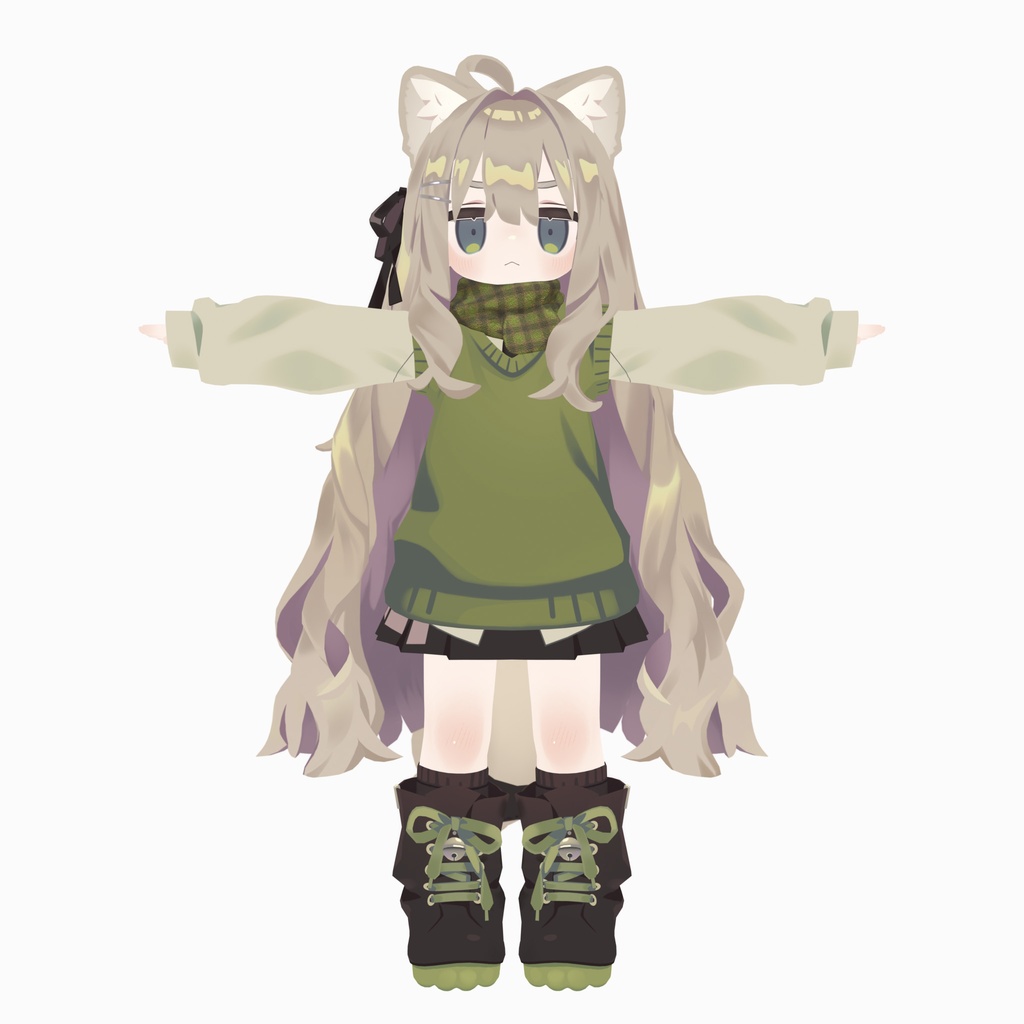
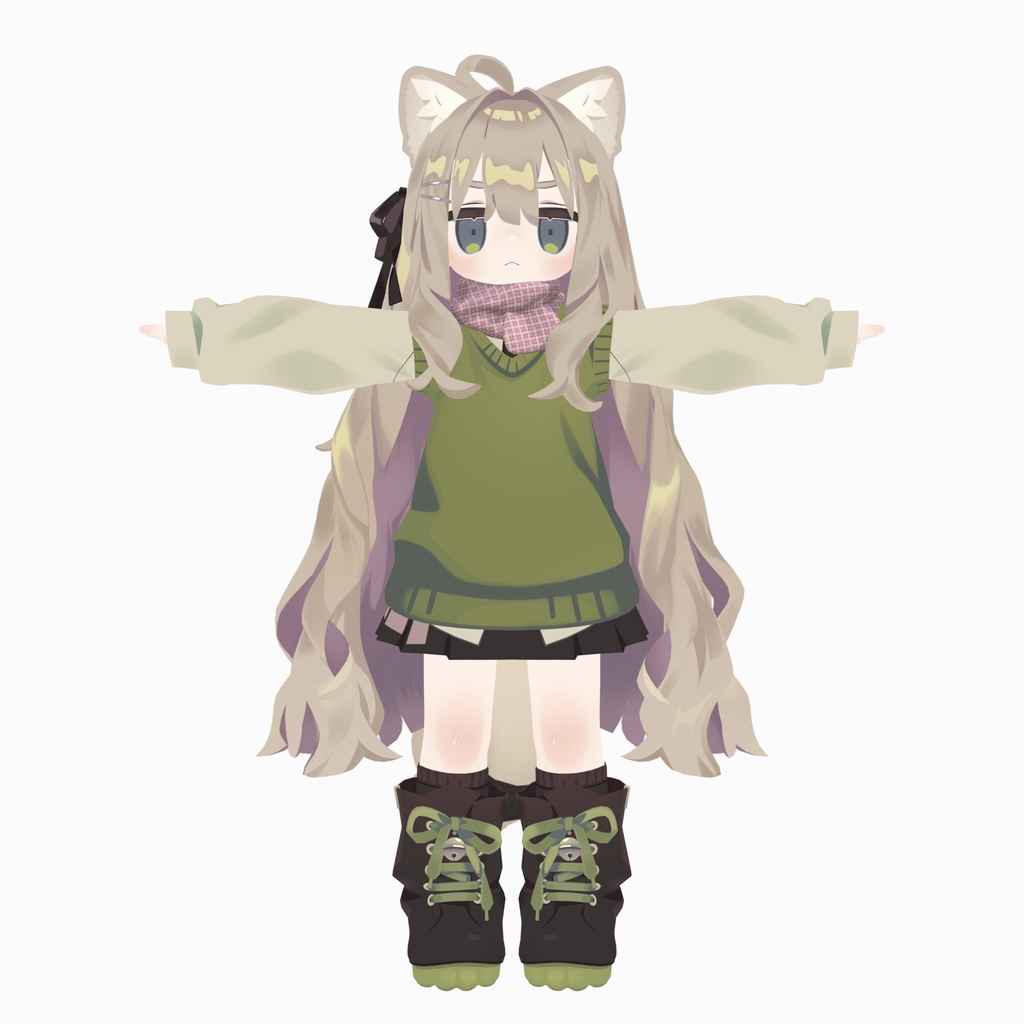


3Dモデル「キプフェル」専用にデザインした、ふわっと首元を優しく包み込むシルエットのマフラー2色セットです。 キプフェルのデフォルト衣装に自然に馴染むよう、全体のボリューム感やカラーリングにこだわって制作しました。 コーデに一枚プラスするだけで、今日のスタイリングが完成します。 カラーバリエーション(2色同梱) Pink Check :ポップで可愛らしい、ピンク基調のチェック柄。甘めのコーデにもカジュアルにもぴったり。 Calm Green :シックで落ち着いたトーンのグリーンチェック。どんなお洋服にも自然に馴染む、使いやすい一色。 対応アバター https://booth.pm/ja/items/5813187 対応プラットフォーム PC用 / モバイル用(Quest・Android) それぞれの環境に合わせたセットアップ済みのPrefabを同梱しています。 ※ アバターは付属しません。 ご質問・ご不明点はお気軽にメッセージをどうぞ🙌
商品仕様
ポリゴン数:△1198 (PC)、△660 (Mobile) マテリアル数:各1 内容: Unity Package(セットアップ済みPrefab同梱) 対応環境: PC / Mobile (Quest / Android / iOS) 両対応 シェーダー: lilToon (PC版) / VRChat Mobile Toon Standard (モバイル版) セットアップ: Modular Avatar 対応
内容物
- UnityPackageファイル - FBXモデルデータ - テクスチャ(PNG) - ReadMe - 利用規約
導入方法
1. Unityプロジェクトを開き、上記の「必要アセット」がインポートされていることを確認します。 2. 本商品のUnityPackageをインポートします。 3. Projectフォルダ内の [MN_design] > [Scarf_2603] > [Prefab] を開きます。 用途に合わせて Prefab を選択してください。 ・PC用: [PC] と記載のあるもの ・Quest/Android/iOS用: [Mobile] と記載のあるもの(軽量化設定済み) 4. 選択したPrefabを、アバターの階層(Hierarchy)の中(アバター直下)にドラッグ&ドロップします。
利用規約
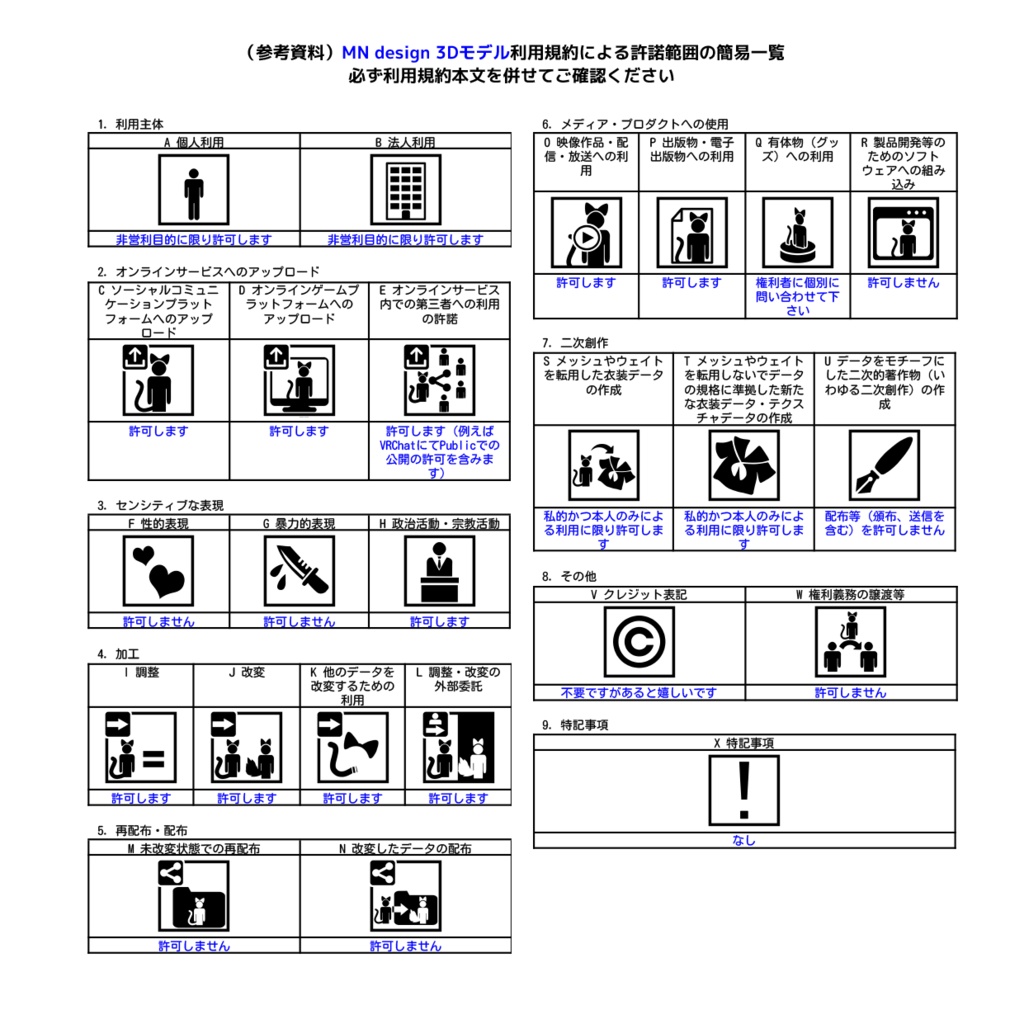
本モデルの利用規約は、VN3ライセンス( https://www.vn3.org/ )に準拠します。 詳細な規約内容は、同梱のPDFファイルをご確認ください。 ・日本語: Terms of Use/VN3license_JA.pdf ・English: Terms of Use/VN3license_EN.pdf 規約全文を確認した上で、本モデルをご使用ください。
更新履歴
2026/03/08 Ver 1.0 リリース
English Description
Designed exclusively for the 3D avatar "Kipfel," this fluffy scarf gently wraps around the neck with a cozy silhouette. The volume and color palette were carefully crafted to blend seamlessly with Kipfel's default outfit. Just add this single piece to effortlessly complete your look for the day. Color Variations (2 Colors Included) Pink Check: A cute, pop-inspired pink plaid. Perfect for both sweet and casual outfits. Calm Green: A chic, muted green plaid. A highly versatile color that naturally complements any look. Supported Avatar https://booth.pm/ja/items/5813187 Supported Platforms PC / Mobile (Quest, Android, iOS) Includes pre-setup Prefabs optimized for each environment. Note: The avatar itself is not included. If you have any questions or concerns, feel free to send a message! 🙌
Product Specifications
Polygons: △1198 (PC) / △660 (Mobile) Materials: 1 per Prefab Details Format: UnityPackage (Pre-setup Prefabs included) Compatibility: PC & Mobile (Quest / Android / iOS) Shader: lilToon (PC) / VRChat Mobile Toon Standard (Mobile) Setup: Modular Avatar supported Contents - UnityPackage file - FBX model data - Textures (PNG) - Readme - Terms of Use
Installation Guide
Installation Guide Open your Unity project and ensure the required assets (e.g., lilToon, Modular Avatar) are imported. Import the included UnityPackage. Navigate to the [MN_design] > [Scarf_2603] > [Prefab] folder in your Project window. Choose the Prefab that matches your platform: For PC: Prefabs labeled [PC] For Quest/Android/iOS: Prefabs labeled [Mobile] (Optimized) Drag and drop the selected Prefab directly under your avatar in the Hierarchy.
Terms of Use
This model's terms of use are based on the VN3 License ( https://www.vn3.org/ ). Please refer to the included PDF files for the full details: Japanese: Terms of Use/VN3license_JA.pdf English: Terms of Use/VN3license_EN.pdf Please ensure you have read and agreed to the full terms before using this model.