
音飛び検知・緩和ツール strip-zsnd
- GUI Ver. (Browser-based)ダウンロード商品¥ 0
- CLI for Windowsダウンロード商品¥ 0
- CLI (Python Source Package)ダウンロード商品¥ 0
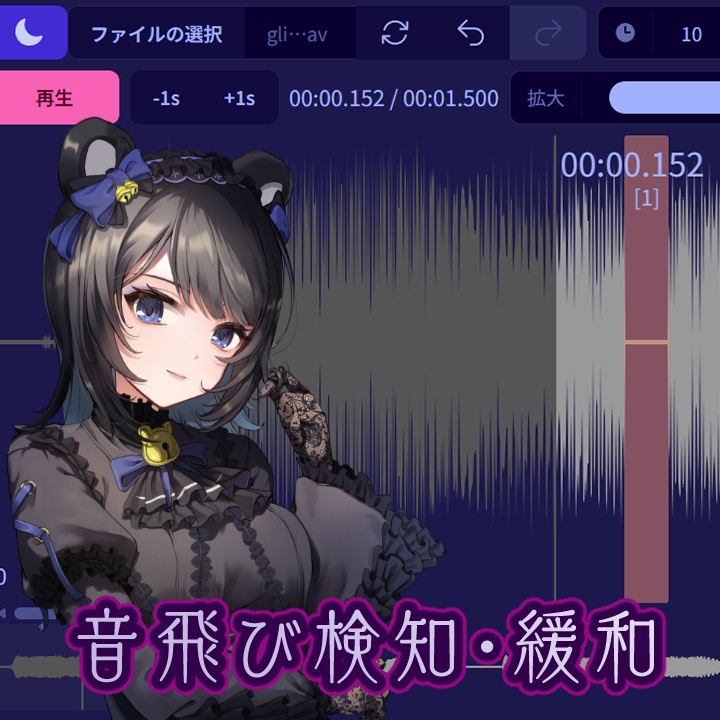

WAVファイル内の一定の音飛び区間を検知・除去し、録音時に生じたバッファアンダーフローを緩和します。 Chromium系ブラウザ上で動作確認したGUI版は、以下のURLからも利用できます: https://do.symphonic.lol/app.php/strip-zsnd/ Safariじゃ動かないんじゃないかな、どうかな。 詳しい説明は Wiki をご覧ください。 https://github.com/YamimakiReru/strip-zsnd/wiki/%E6%97%A5%E6%9C%AC%E8%AA%9E リリース記事 https://symphonic.lol/music/2603-strip-zsnd-1-0-1 MITライセンスなので利用上の制限はほとんどないです。 【商品ページサムネイルについて】 VTuber立ち絵 糸式のこり様 https://x.com/mitunairito VTuberキャラデザ 井ノ内様 https://x.com/inocheese
制限
- モノラルWAV形式のみのサポートです。 - このツールは一定の音飛びを 緩和 しますが、ある程度以上の長さの音源については 完全な修復 は困難なことが多いです。詳しくは Wiki をご参照ください。 - 音飛びが検出された場合は、可能であれば録音環境を見直してリテイクしたほうが良いです。
基本的な使い方
1. 「ファイルの選択」 ボタンをクリックし、WAVファイルを読み込みます - 音飛びはファイル読み込み時に自動で検出されます 2. 音飛びを一つ一つ確認して消すか、もしくは🌙メニューの**「全ドロップアウトを除去」**で一括処理できます。 3. 🌙メニューの 「保存」 ボタンを押下すると処理結果をダウンロードできます。
English Description
This tool detects and strips audio skips in WAV files to mitigate audio issues such as buffer underflow during recording. You can run the GUI version of this application in the browser at: https://do.symphonic.lol/app.php/strip-zsnd/ See Wiki for more details. https://github.com/YamimakiReru/strip-zsnd/wiki
Limitations
- Only mono .wav files are supported. - This tool can mitigate audio skips, but in many cases it cannot fully restore audio glitches. See the Wiki. - Unfortunately, when audio glitches are detected, it’s better to re-record the damaged audio, if possible, rather than try to fix it.
Basic Usage
1. Click "Choose File" button and open a .wav file. - Dropouts are automatically detected when opening the file. 2. Remove dropouts individually, or select "Trim all dropouts" from the 🌙 menu. 3. Select "Save" from the 🌙 menu to export the processed file.
Tested Environments
GUI version: - Google Chrome - Microsoft Edge CLI version: - Windows 11 - Python 3.12 (venv) on Ubuntu 24.04 (WSL), Windows 11 host
GitHub repo
https://github.com/YamimakiReru/strip-zsnd