
(VRChat Gimmick) Horurock - Whistle Sound
- ダウンロード商品¥ 0
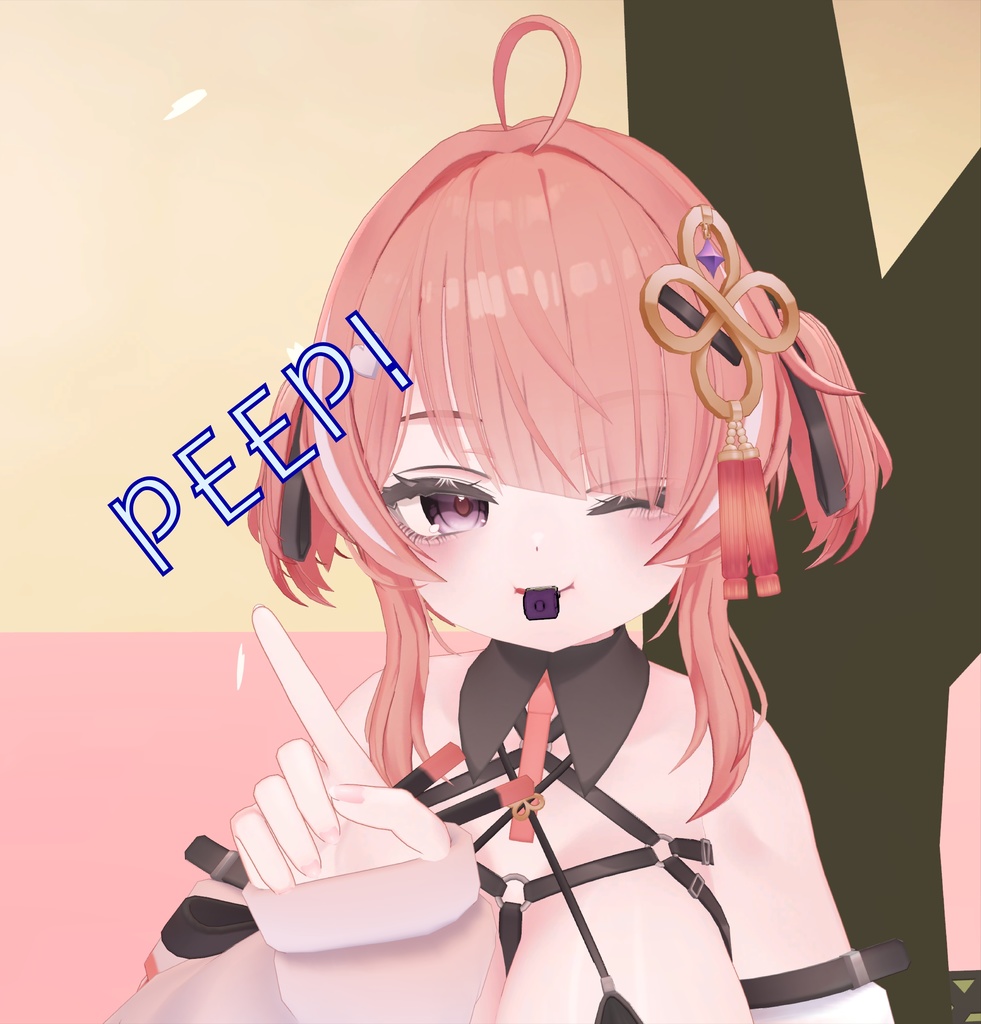

특정 제스쳐에 호루라기 소리를 내는 간단한 기믹입니다. It's a simple gimmick that makes a whistle sound on a particular gesture. 特定のジェスチャーでホイッスル音を出すシンプルなギミックです。 사용법은 한글PDF로 첨부하였습니다. I attached the instructions in PDF (Korean Only) 説明書をPDFで添付します(韓国語のみ) 호루라기 모델은 yisto님의 허락을 받아 사용하였습니다. The whistle model was used with the permission of yisto. ホイッスルモデルはyistoの許可を得て使用されました。 https://yisto.booth.pm/items/3988323 --------------- 사용법 및 기믹 수정방법 (한글은 PDF를 참고하세요.) How to use it and how to modify the gimmick 使い方、ギミック修正方法 How to use it and how to modify the gimmick (using a translator) 1. Download Asset and put it in Project and insert Prefeb into Avatar 2. Uncheck reverse condition check box for MA Object Doggle in Whistle and align 3. Check the check box again after adjusting the position 4. If the whistle doesn't move with your head, change the target of Whistle_Mount's MA Bone Proxy to the headbone of your avatar cycle ++++ Add animation and change gestures such as ball bbang bbang (see photo on page 2 of PDF) 1. If you double-click on Asset's Whistle_FX_MA_Controller, there are plays and holds for each gesture, and you can add an animation to each play. Animation is safe after recording. You can make the desired cheekbread or facial expression by changing the key. No need to put it in the hold. 2. Click the arrow to (Fist, Victory, Thumb) Play, hold, and Idle for each gesture If you do this, conditions will show a conditional statement, and you can change it, for example, Changing GestureLeft from 1 to 2 will trigger HandOpen. (For 0-7 refer to the bottom of page 3 of pdf). Idle → play does not change the WhistleEnabled conditional statement, only GestureLeft You can change it. After that, you need to change the Hold → Idle as well. If you want to strengthen the conditional statement, put GestureRight through +. Right hand, left hand All of these can only be triggered when they are set gestures. 1. アセットをダウンロードしてプロジェクトに入れ、アバターにPreferbを挿入します 2. [MA Object Doggle in Whistle and align] の [reverse condition] チェックボックスをオフにします 3. 位置を調整した後、再度チェックボックスをオンにします 4. ホイッスルが頭で動かない場合は、Whistle_MountのMA Bone Proxyのターゲットをアバターのヘッドボーンに変更します 周期 ++++ アニメーションを追加し、ボールパンパンなどのジェスチャーを変更します(PDFの2ページの写真を参照) 1. Asset's Whistle をダブルクリックします。_FX_MA_Controllerでは、ジェスチャーごとにプレイとホールドがあり、各プレイにアニメーションを追加することができます。 録画後のアニメーションは安全です キーを変えることで、希望の頬パンや表情を作ることができます。 ホールドに入れる必要はありません。 2. 矢印をクリックして(拳、勝利、親指)、再生、保留、およびアイドル状態にします これを実行すると、条件に条件文が表示され、たとえば、条件文を変更できます ジェスチャの左を1から2に変更すると、HandOpenが起動します(0~7はpdfの3ページの下部を参照) Idle → play は WhistleEnabled 条件文を変更せず、GestureLeft だけを変更します 変更できます。 その後、Hold → Idle も変更する必要があります。 条件文を強化したい場合は、GestureRightを+にします。 右手、左手 これらはすべて、ジェスチャーが設定されている場合にのみトリガーできます。