
Image Frame.1【イメージフレーム.1】
- ダウンロード商品¥ 500
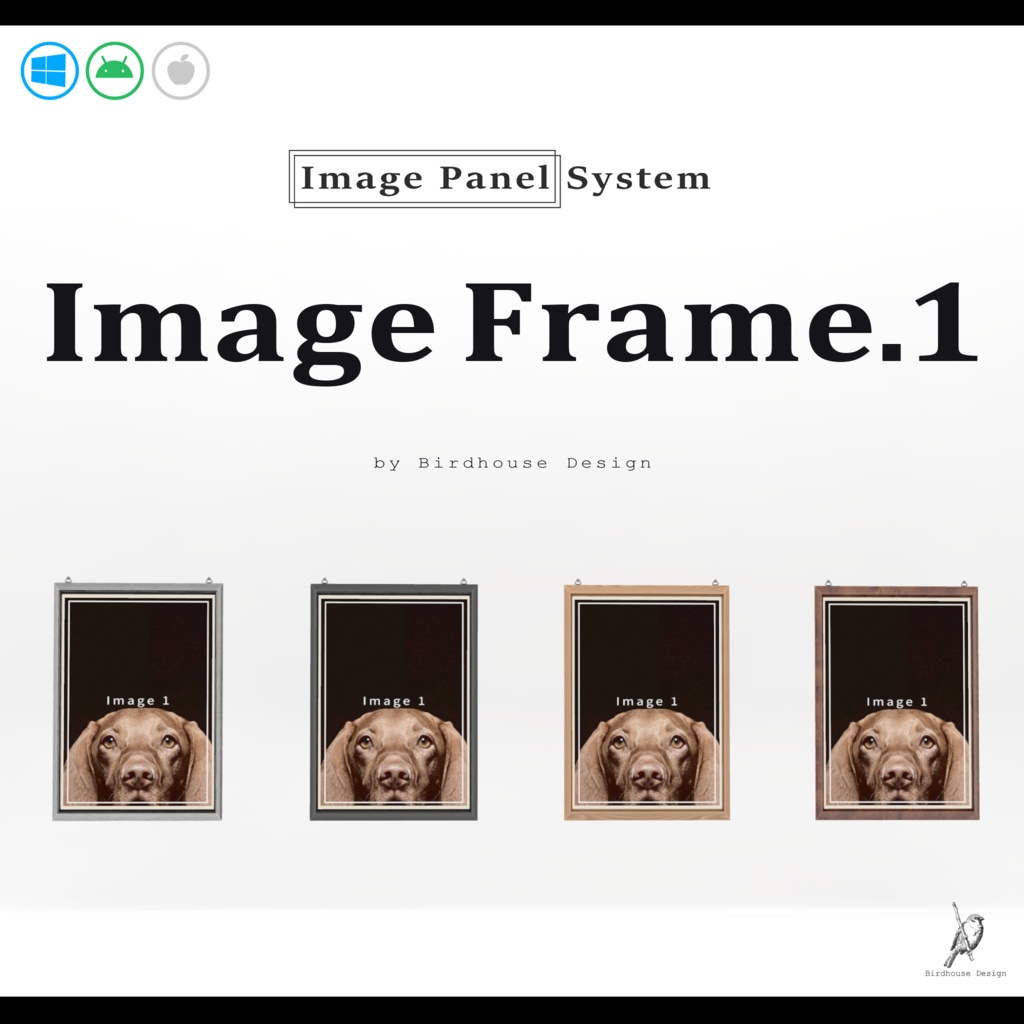
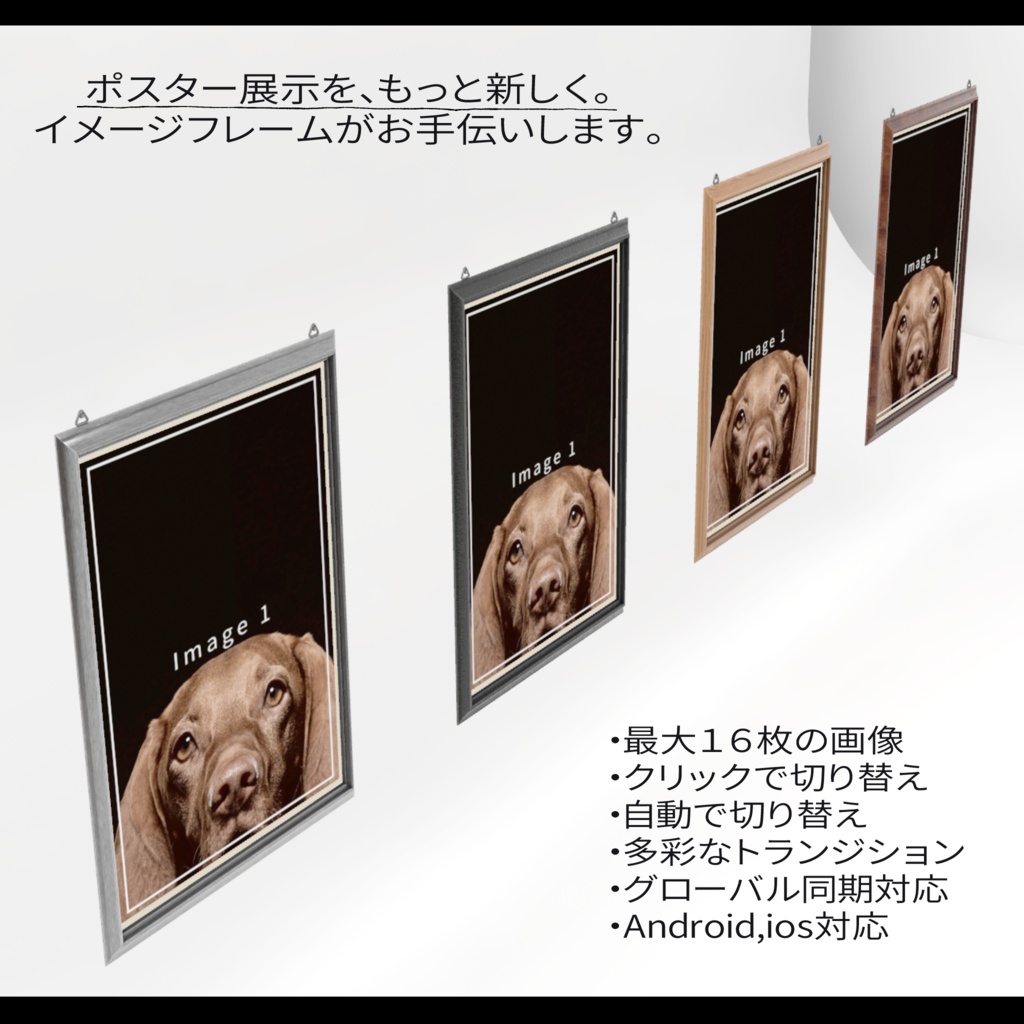
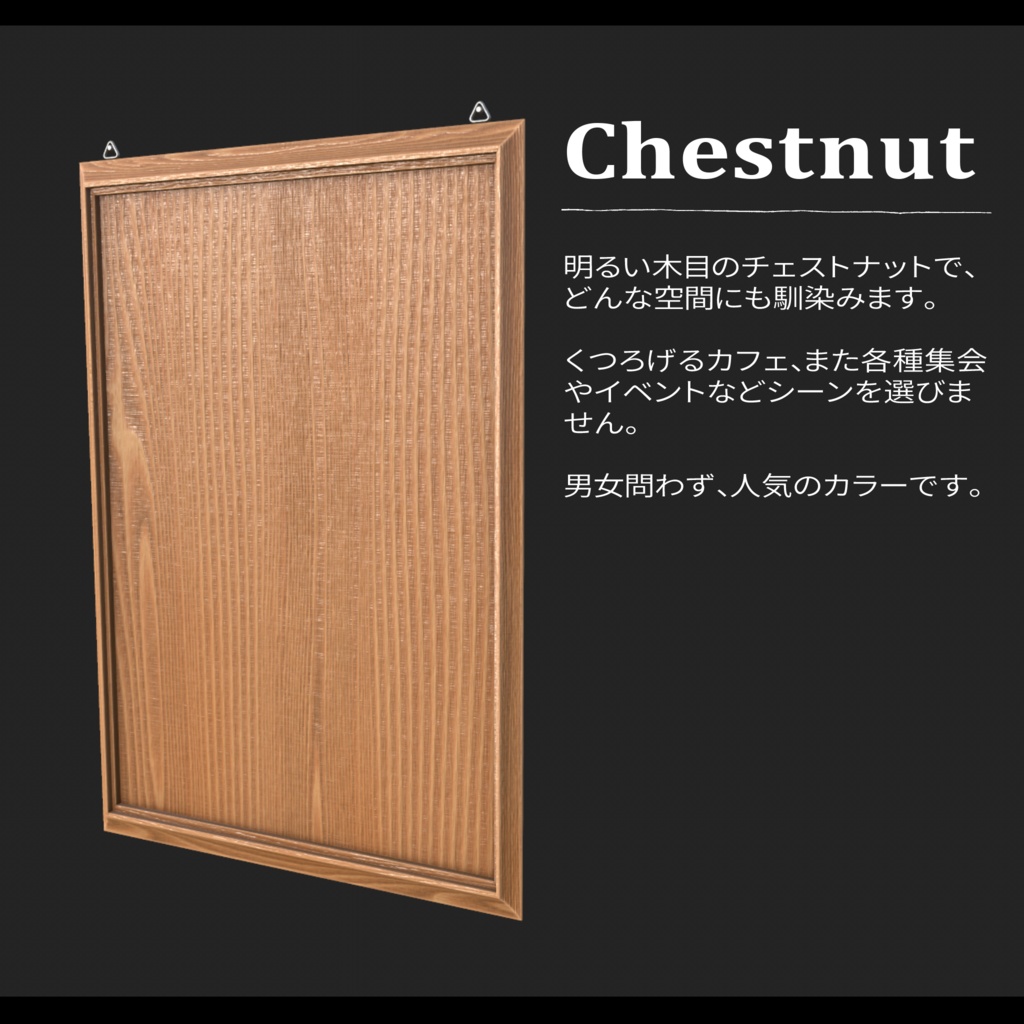
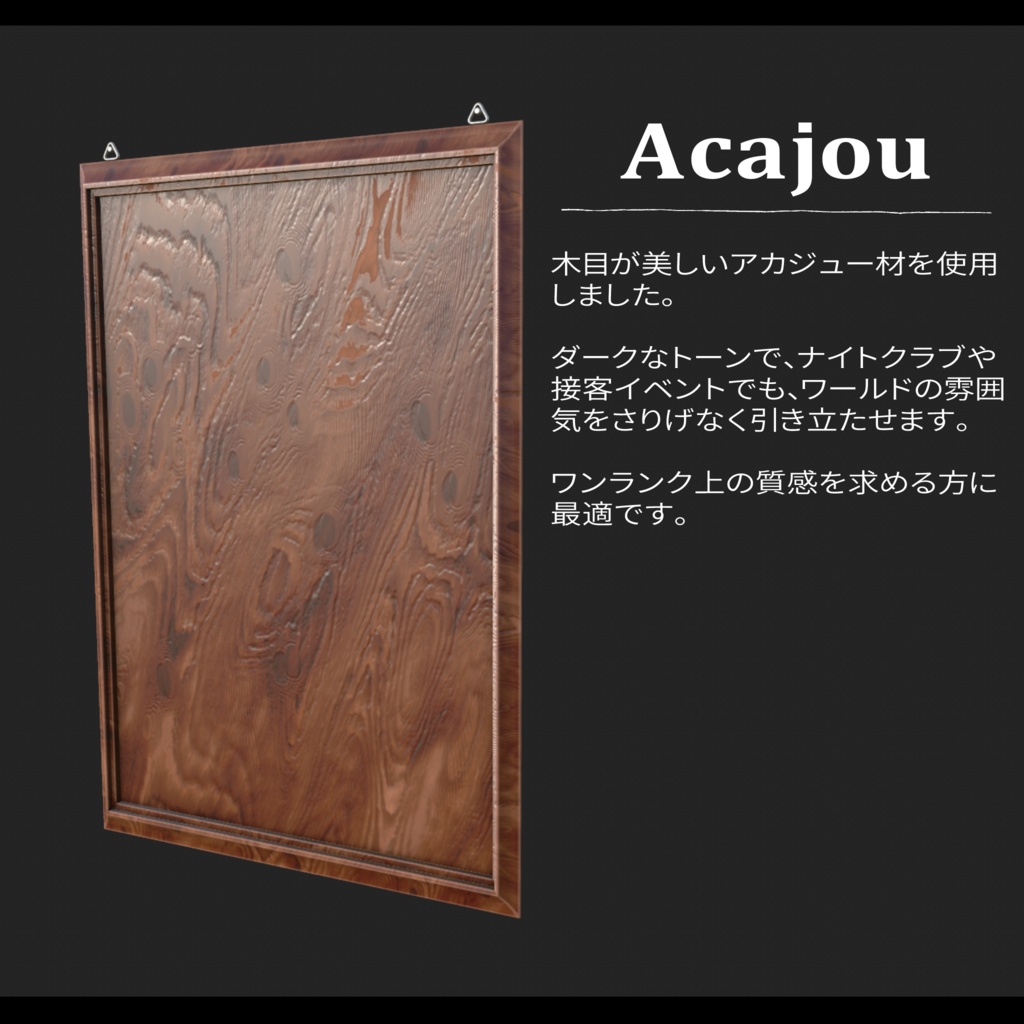
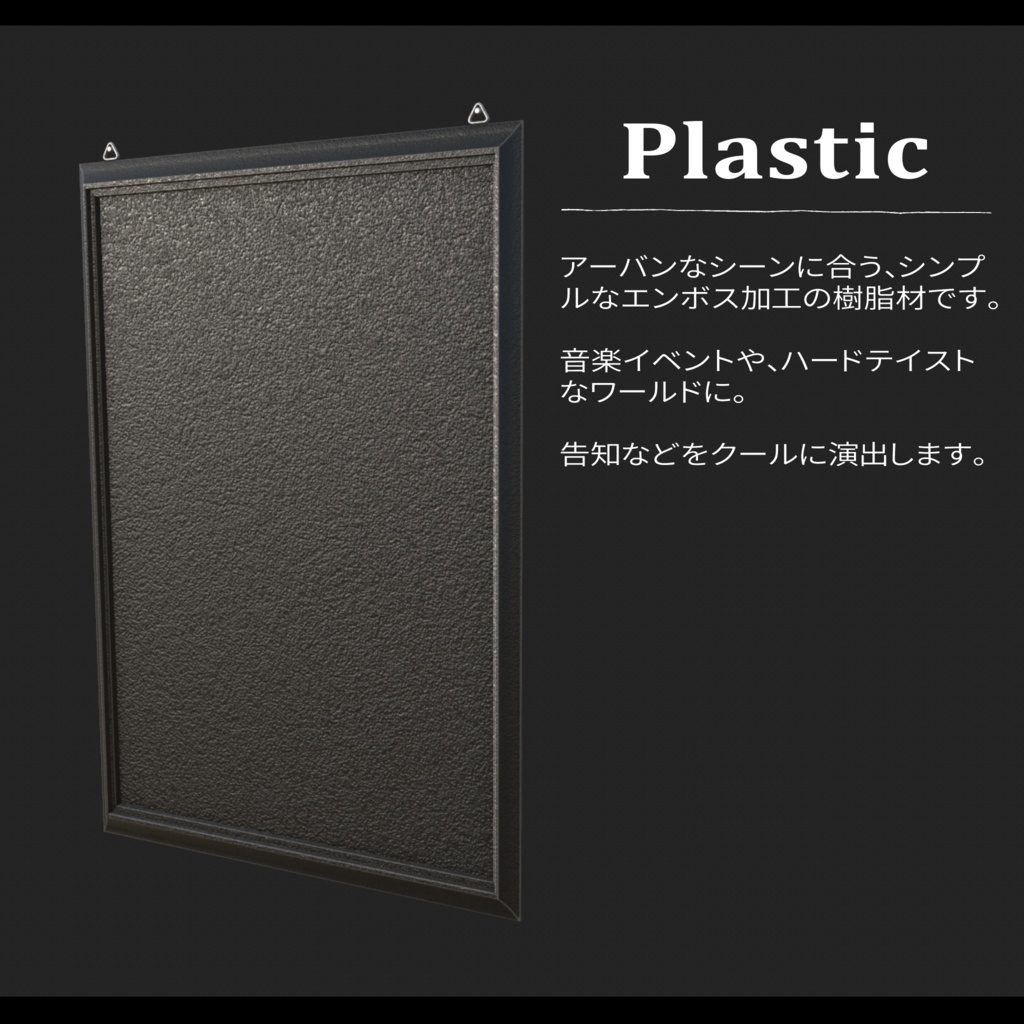
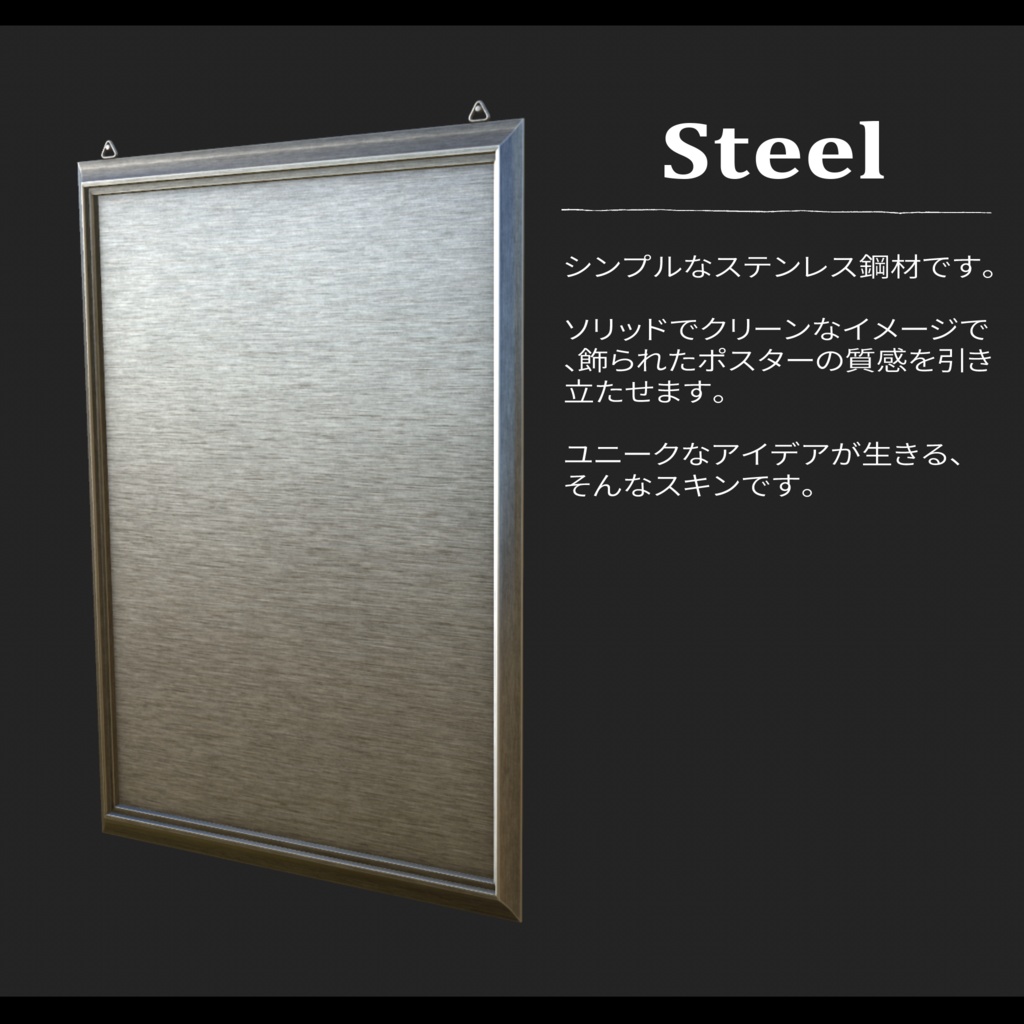
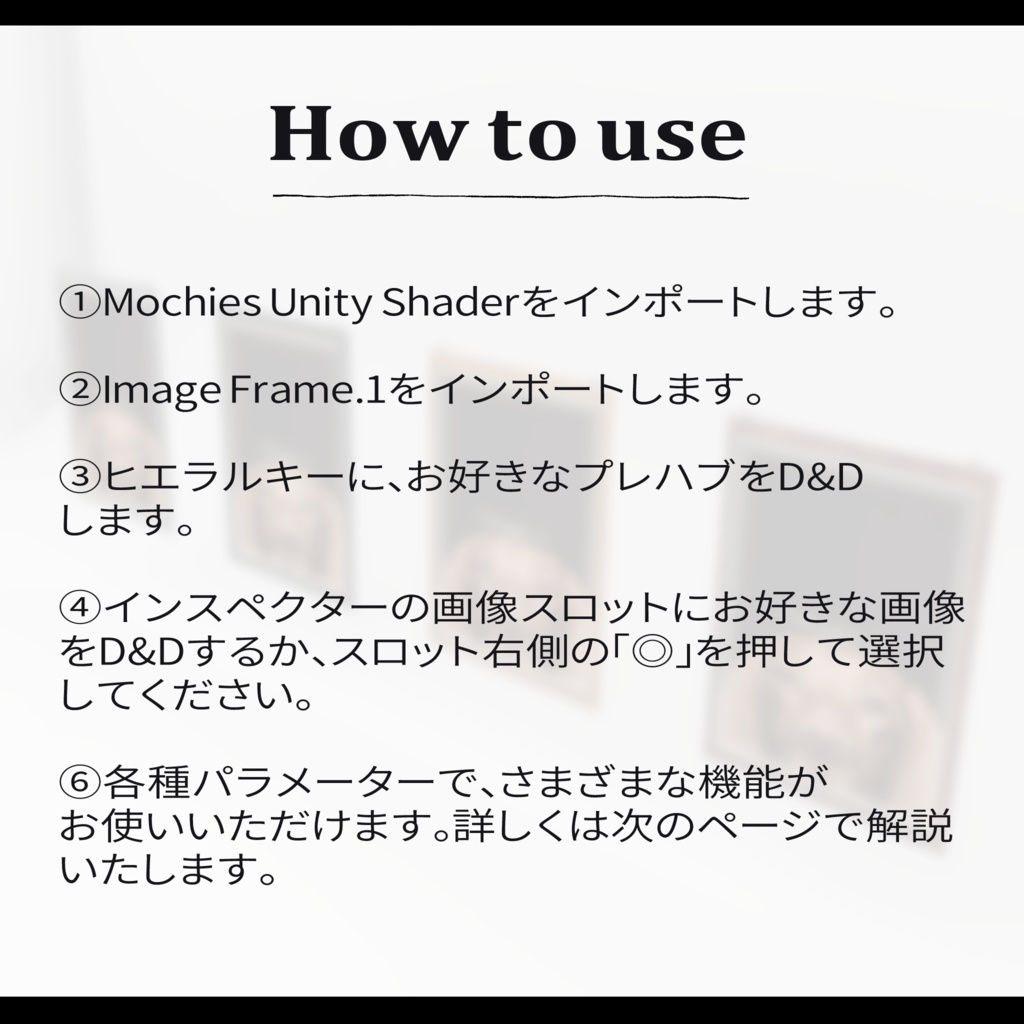
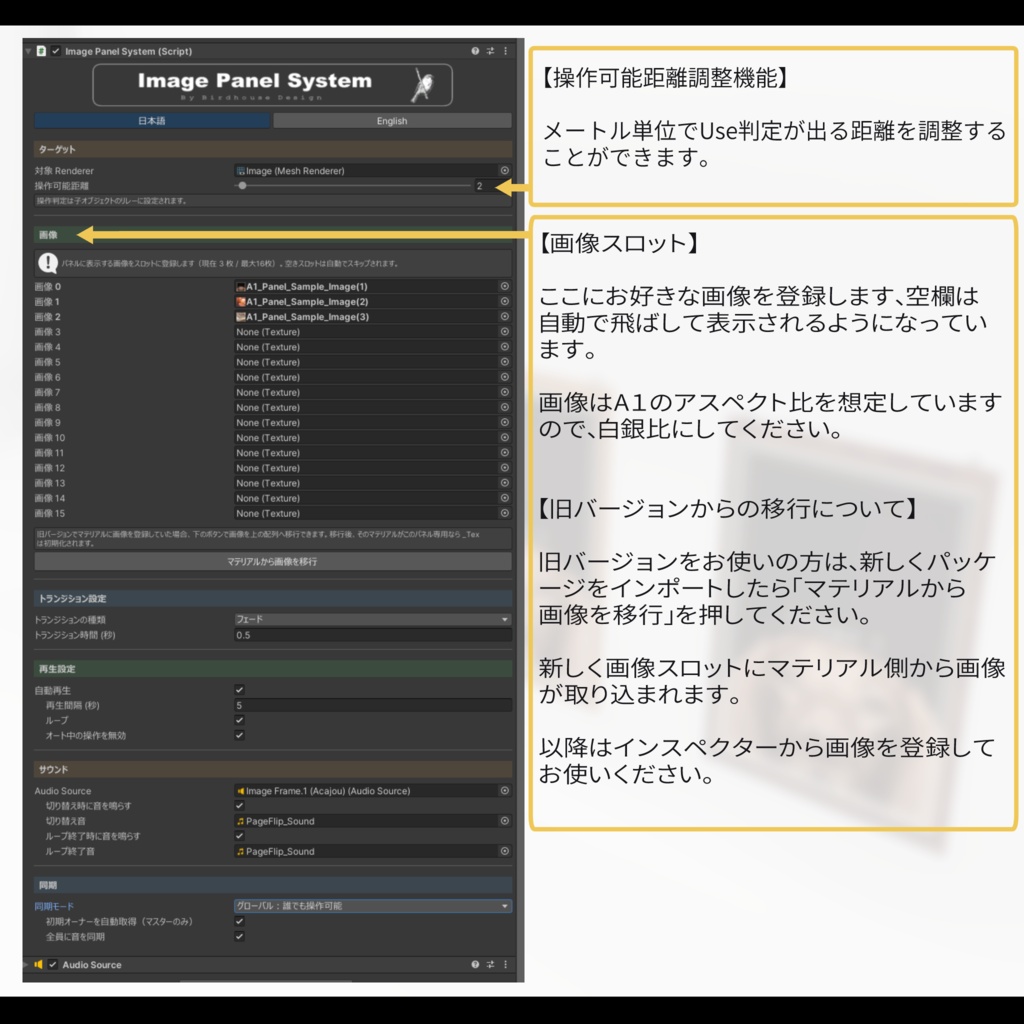


VRChatの新しい展示標準システム「Image Panel System」 は、クリックだけでページがめくれる【グローバル同期対応】の高機能パネルシステムです。 「Image Frame.1」はさらに少ないスペースでも、ポスター展示をしやすく設計された後継モデルとなります。 【表現力の高い多彩なトランジション】 フェード、カット、横スライド、縦スライドなどに対応。 【全プレイヤー向けグローバル同期】 イベント中でも ワールド内の全参加者が同じタイミング、同じページを見られます。 【軽量・パーソナル表示も可能】 もちろん軽量設計で、ローカル表示にも対応。 【VRChat全環境対応】 PC、Quest (Android)、iOS すべてに対応済み。 増えてしまって場所に困るイベントポスターの一元化、接客イベントでの案内表示、商品サムネイルの宣伝広告、またイラストや漫画、小説の展示など、多岐にわたるシーンでご活用いただけます。 お使いにあたって、使用感など確かめられるワールドも公開中です。 【展示ワールド】 https://vrchat.com/home/launch?worldId=wrld_a0028755-9591-485e-af98-bab2294d77a1 ------------------------------------------------------------------ 【使用前のご注意】 本アセットはUnity2022.3.22f1で制作されています。 ※「Mochies-Unity-Shaders」が必要となります。下記リンクよりダウンロードしてください。 ------------------------------------------------------------------ 【Mochies-Unity-Shaders】 by MochiesCode https://x.com/MochieShaders ↓↓↓ https://github.com/MochiesCode/Mochies-Unity-Shaders ------------------------------------------------------------------ Github内の緑色のボタン「<>Code」の下部からZIPファイルをダウンロード、シェーダーの入ったフォルダをUnityにインポートしてください。 ーーーーーーーーーーーーーーーーーー Image Frame.1 — The Next-Generation Display System for VRChat The Image Panel System is VRChat's new standard for exhibitions — a fully-featured, globally synchronized panel system that lets you flip through pages with a single click. Image Frame.1 is its successor, designed to make poster displays even easier in tighter spaces. ✦ Expressive Multi-Transition Effects Supports fade, cut, horizontal slide, vertical slide, and more. ✦ Global Sync for All Players Even during live events, every participant in the world sees the same page at the same time. ✦ Lightweight & Personal Display Support Built with performance in mind — local display mode is also supported. ✦ Full VRChat Platform Compatibility Works across PC, Quest (Android), and iOS. Perfect for a wide range of use cases: consolidating event posters, displaying guides at hosted events, showcasing product thumbnails, or exhibiting illustrations, manga, and novels. A demo world is available so you can try it out before purchasing. [Demo World] https://vrchat.com/home/launch?worldId=wrld_a0028755-9591-485e-af98-bab2294d77a1 ⚠ Before You Begin This asset was created with Unity 2022.3.22f1. ※ Mochies-Unity-Shaders is required. Please download it from the link below. Mochies-Unity-Shaders by MochiesCode — https://x.com/MochieShaders 🔗 https://github.com/MochiesCode/Mochies-Unity-Shaders Click the green "<> Code" button on the GitHub page and download the ZIP file from the dropdown. Then import the shader folder into Unity.
利用規約
・政治利用および宗教や特定の思想を目的とした使用を禁止します。 ・内部データの二次配布および販売を禁止します。 ・内部データの譲渡を禁止します。 ・パブリック化ワールドでの使用の際には著しく著作物の品位を貶める改変を禁止します。 ・撮影の際の映り込みなどは、自由に公開していただいて構いません。
更新履歴
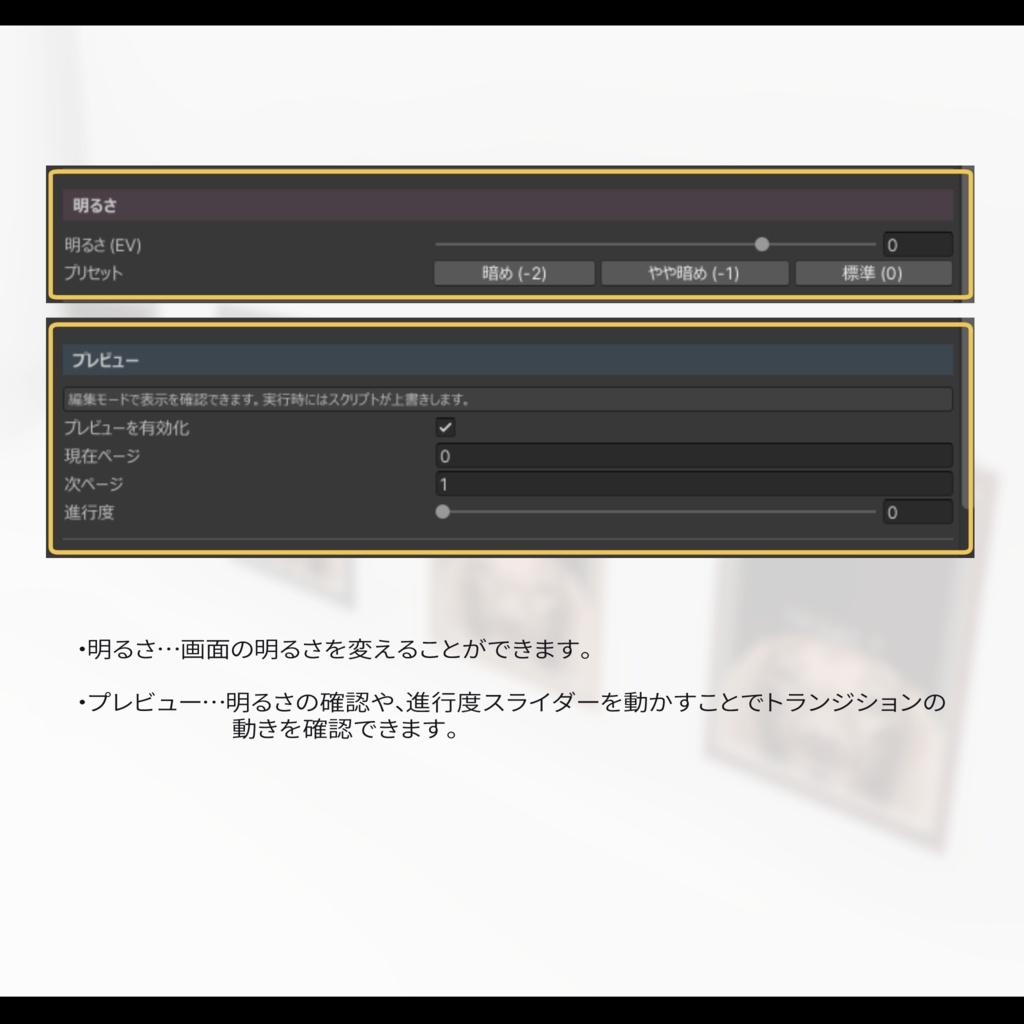
2026.03.31 Ver.1.0 公開 2026.03.31 Ver.1.0 シェーダーのバグを修正 2026.05.27 Ver2.0 公開 ・画像をインスペクターから編集可能に ・最大枚数を16枚に ・インタラクト距離を調整可能に ・旧バージョンから移行しやすい機能の実装 ・全面的にUIを変更して操作しやすく刷新 2026.07.20 ver 2.1 公開 ・プレビュー機能を追加 ・明るさ調整機能を追加
