
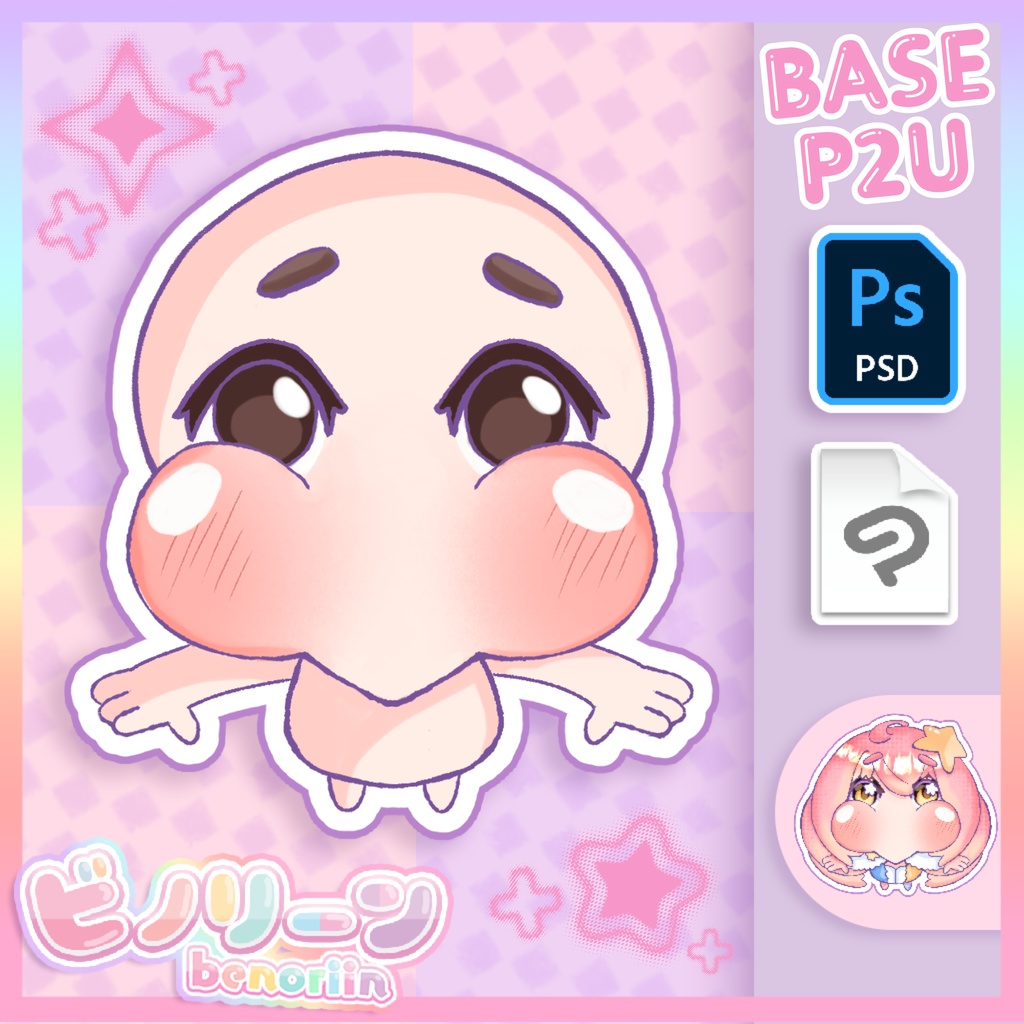
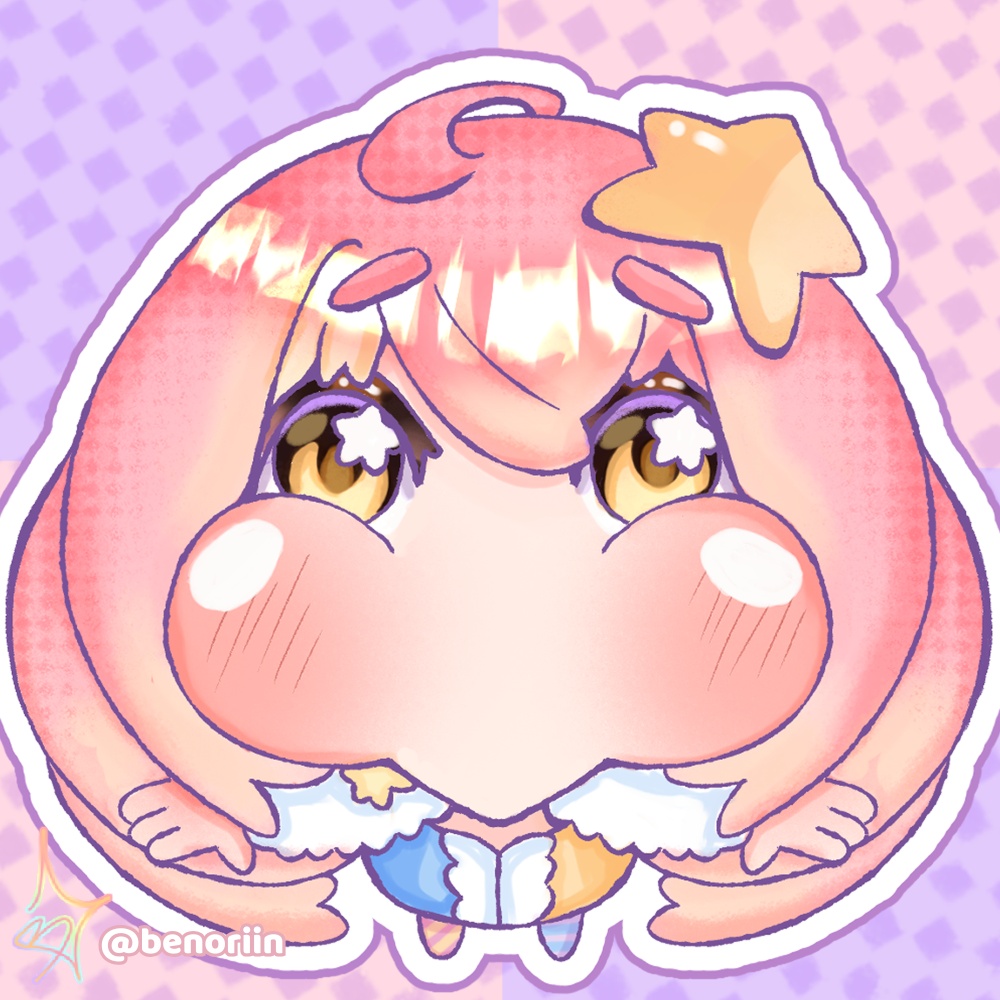
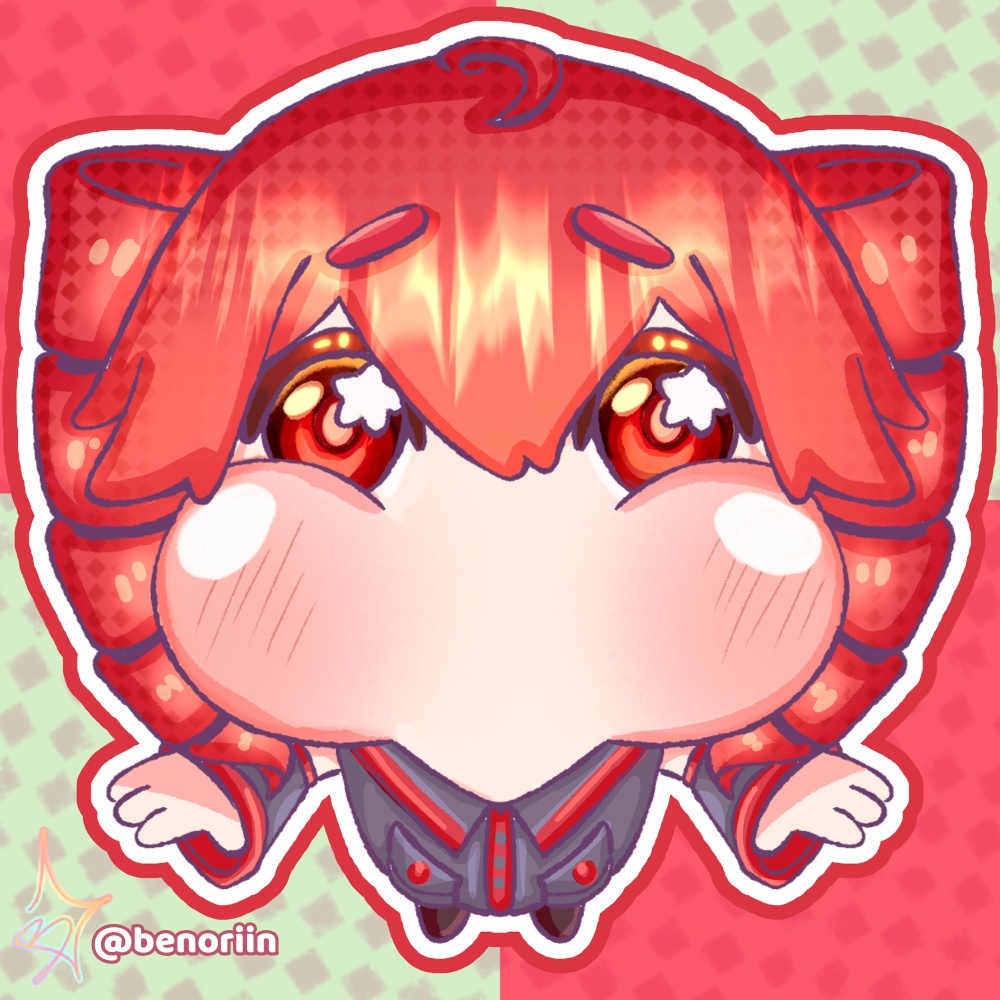
🎨 Chubby Chibi YCH Base | P2U Line Art & Coloring Base
- ダウンロード商品¥ 1,200
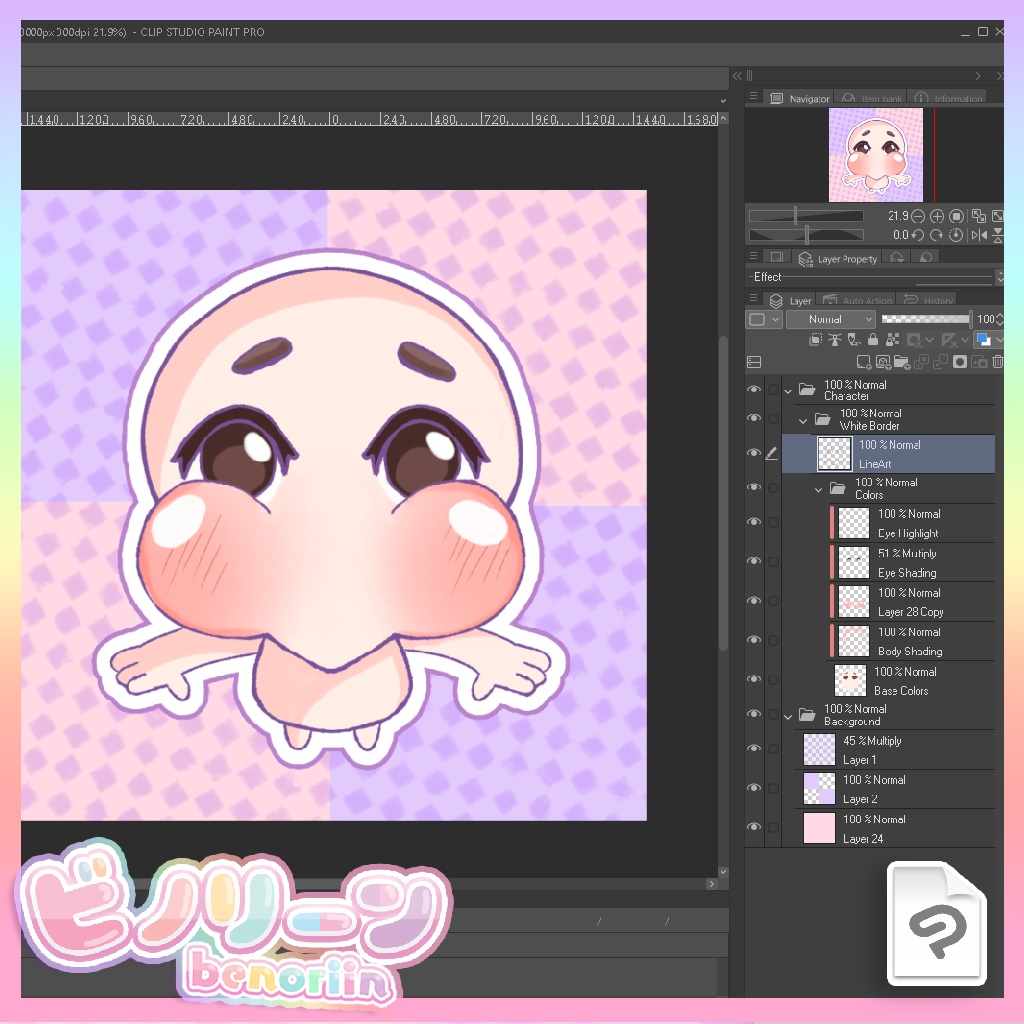
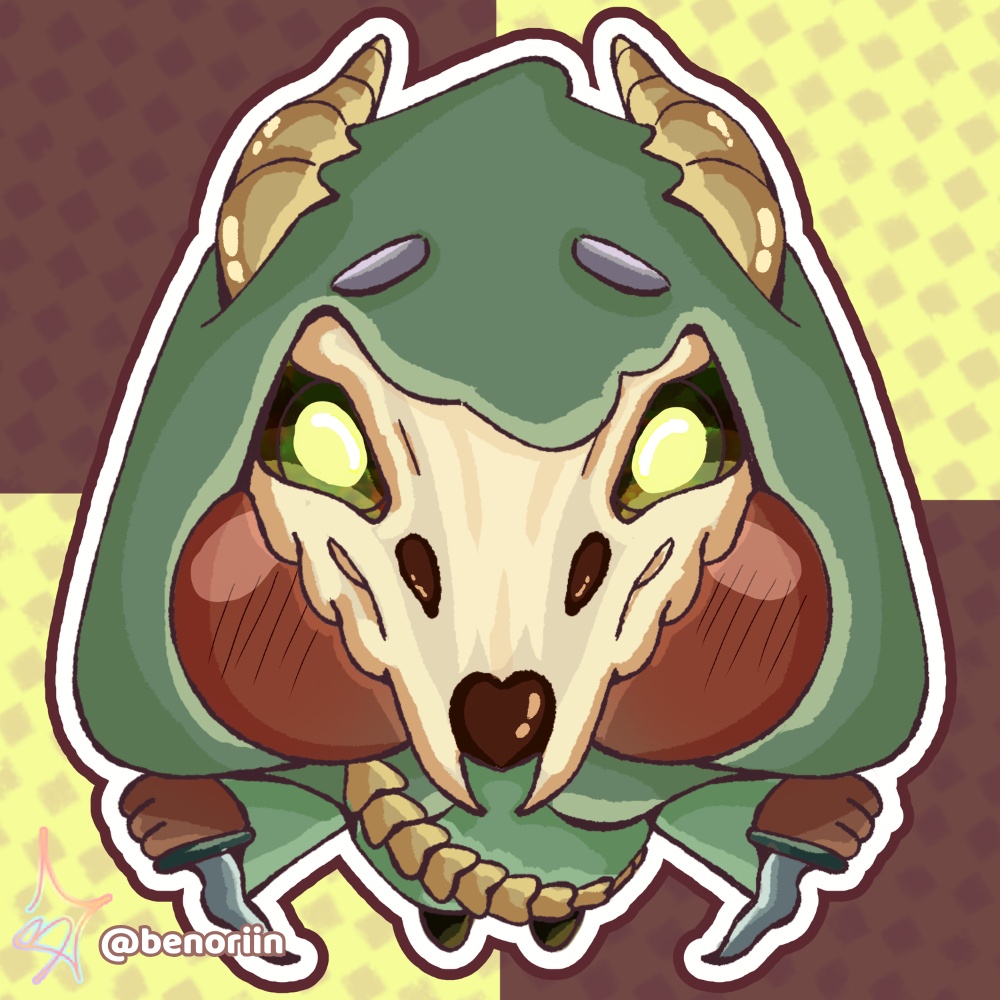
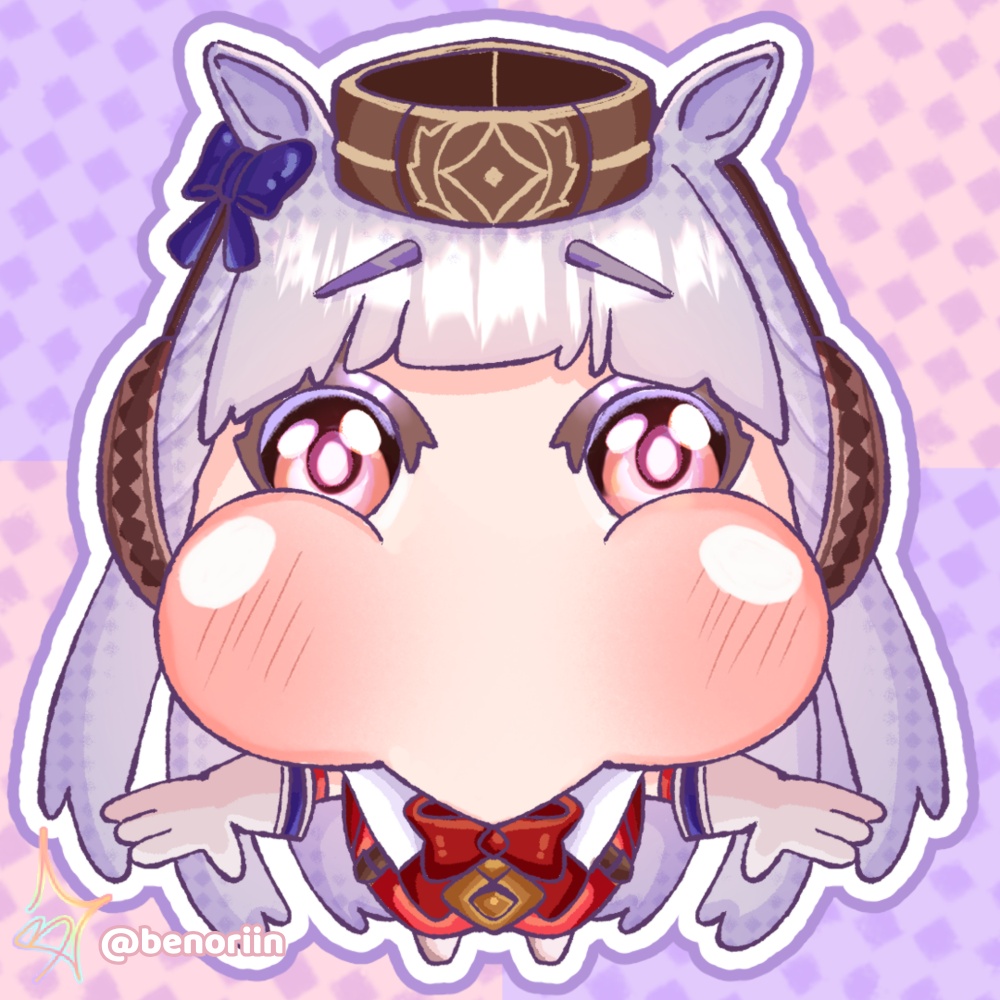
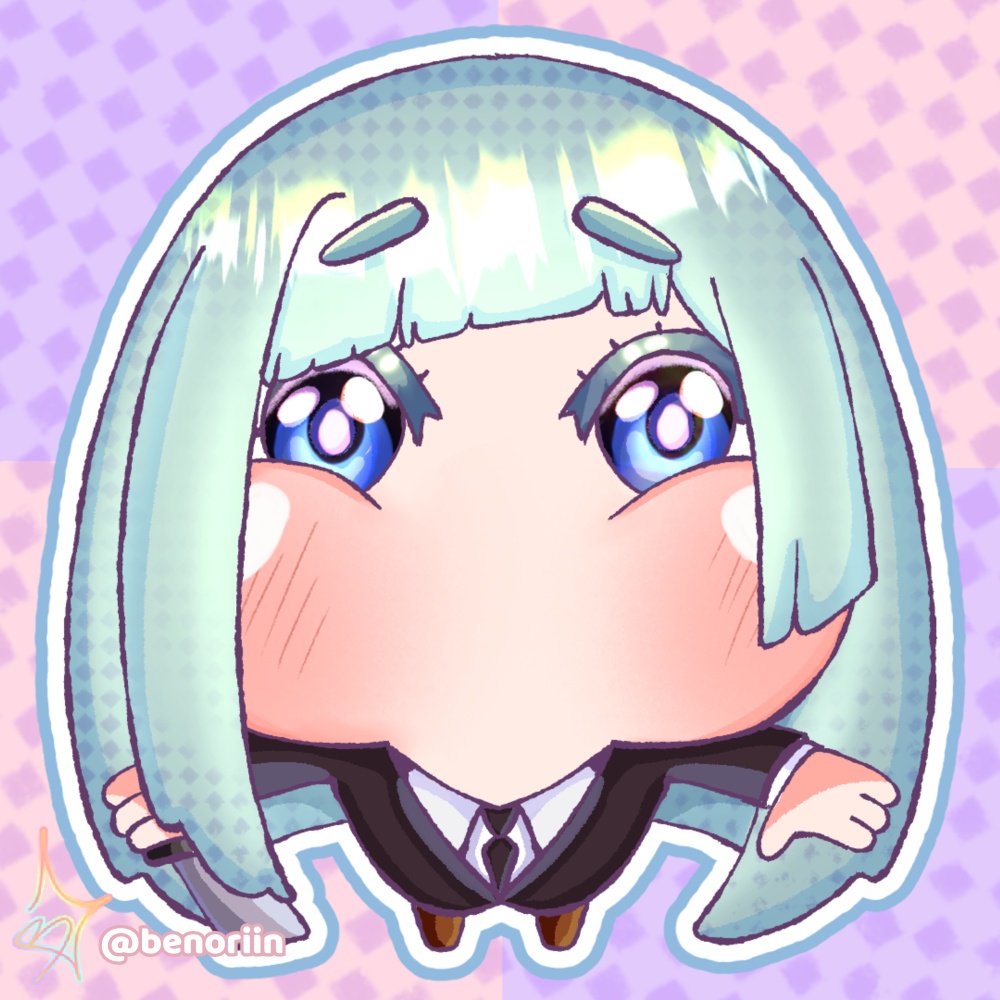


🛠️ How to use Unzip the file with 7zip, WinRar, or your default extractor, then open it in Clip Studio, Photoshop, Procreate, or whatever you draw in The Character folder has the line art, base color, and clipped shading layers. The Background folder has the background color, squares, and checker pattern, hide it if you want a transparent PNG Sketch, color, trace, change the expression, adjust the lines, make it yours ⚠️ Terms of Service (Please Read!) ✅ You can Use for your own OCs, fanart, or gifts for friends Use the finished art as personal pfps, headers, icons Use it for Twitch/Discord emotes, badges, alerts, overlays Use it in monetized YouTube thumbnails, videos, promo graphics Sell physical merch (stickers, keychains, prints) using the colored base ❌ You cannot Resell, redistribute, or share the raw .PSD/.CLIP files Use it for factory scale mass production without contacting me first Request a refund once purchased, digital items are final sale 🛠️ 使い方 7zipやWinRarなどで解凍し、Clip Studio、Photoshop、Procreateなどお好きなソフトで開いてください キャラクターフォルダーには線画、ベースカラー、影のレイヤーが入っています。背景フォルダーには背景色、色四角、チェック柄が入っています。透過PNGにしたい場合はこのフォルダーを非表示にしてください 自由に色を塗ったり、トレスしたり、表情を変えたり、線を調整したりしてお楽しみください ✅ できること 自分のオリジナルキャラクター、ファンアート、友人へのプレゼント制作 完成イラストをアイコン、ヘッダー、プロフィール画像として使用 Twitch/Discordのエモート、バッジ、アラート、配信オーバーレイとして使用 収益化されたYouTubeのサムネイル、動画、宣伝用グラフィックとして使用 色を塗ったベースを使ったグッズ(ステッカー、キーホルダー、プリントなど)の販売 ❌ できないこと 未加工の.PSD/.CLIPファイルをそのまま再配布・転売すること 事前連絡なしに工場規模での大量生産・商業流通に使うこと 購入後の返金対応(デジタル商品のため)
[ENG]
A soft, chubby chibi base ready for you to color, customize, and make your own. 📁 What you get Specs: 3000x3000px, 144dpi, crisp and stream ready 1x .PSD file (Photoshop) 1x .CLIP file (Clip Studio Paint) Transparent, pre cropped, ready to draw over
[日本語]
むちむちで可愛いミニキャラベースです。自由に色を塗って、自分だけのキャラクターにアレンジできます。 📁 内容物 仕様:3000×3000px、144dpi(配信・デジタル用に高解像度) .PSDファイル(Photoshop用)1点 .CLIPファイル(Clip Studio Paint用)1点 透過済み・カット済みで、すぐに色塗りを始められます
