
Group Page Stand.2【グループページスタンド.2】
- ダウンロード商品¥ 800
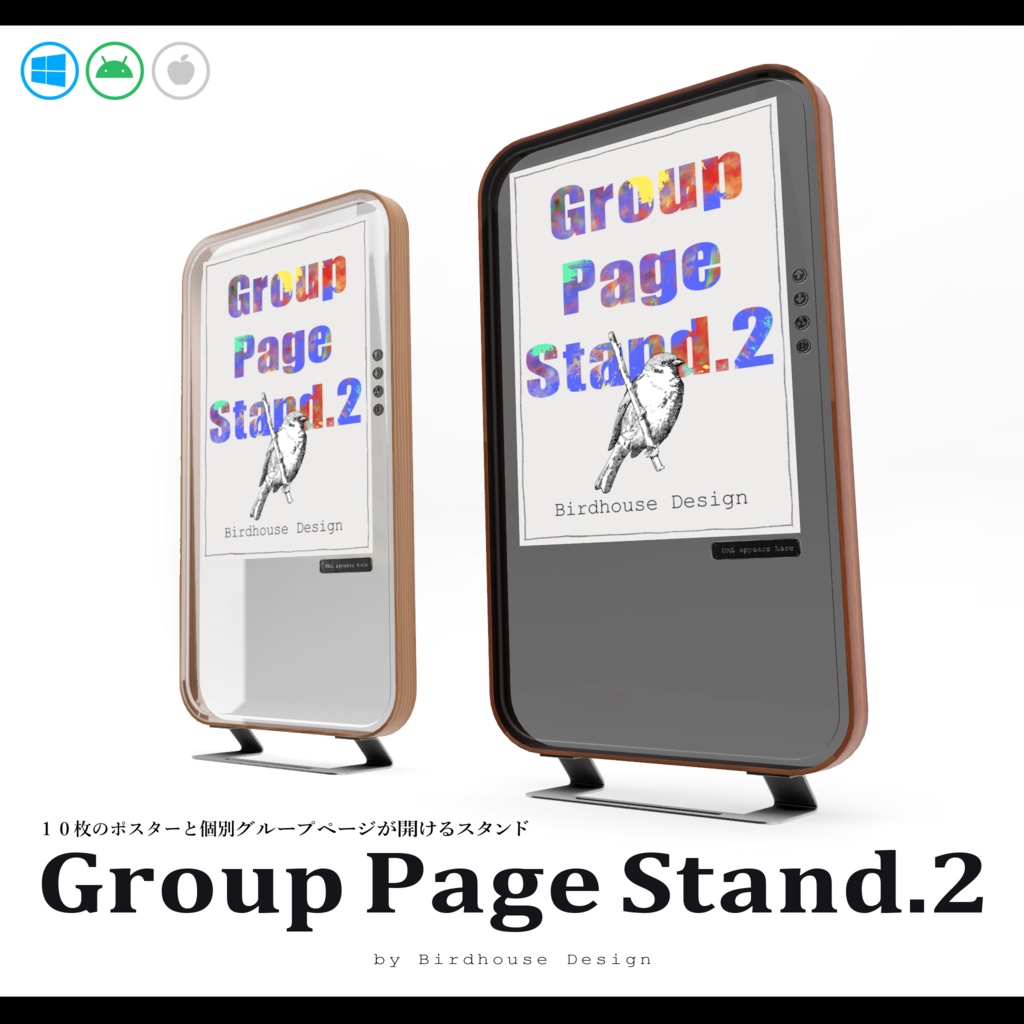
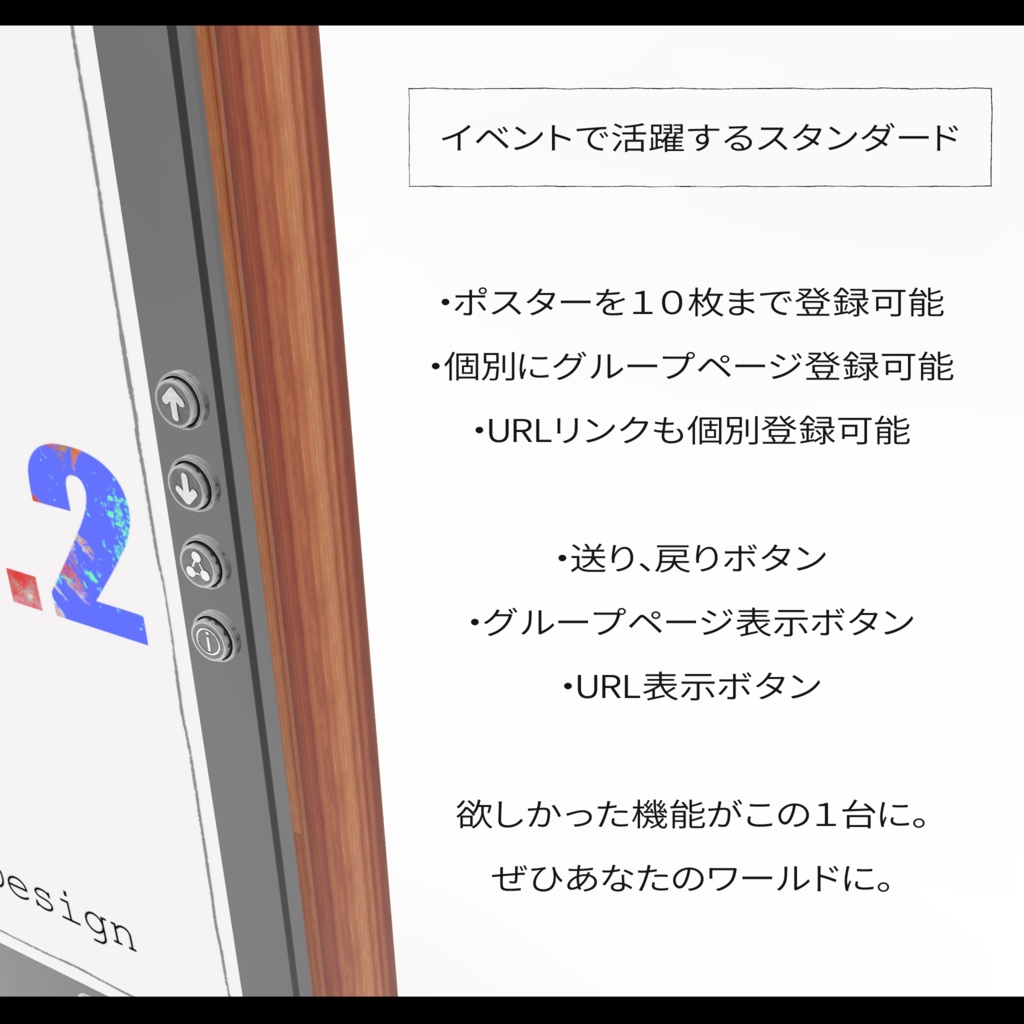
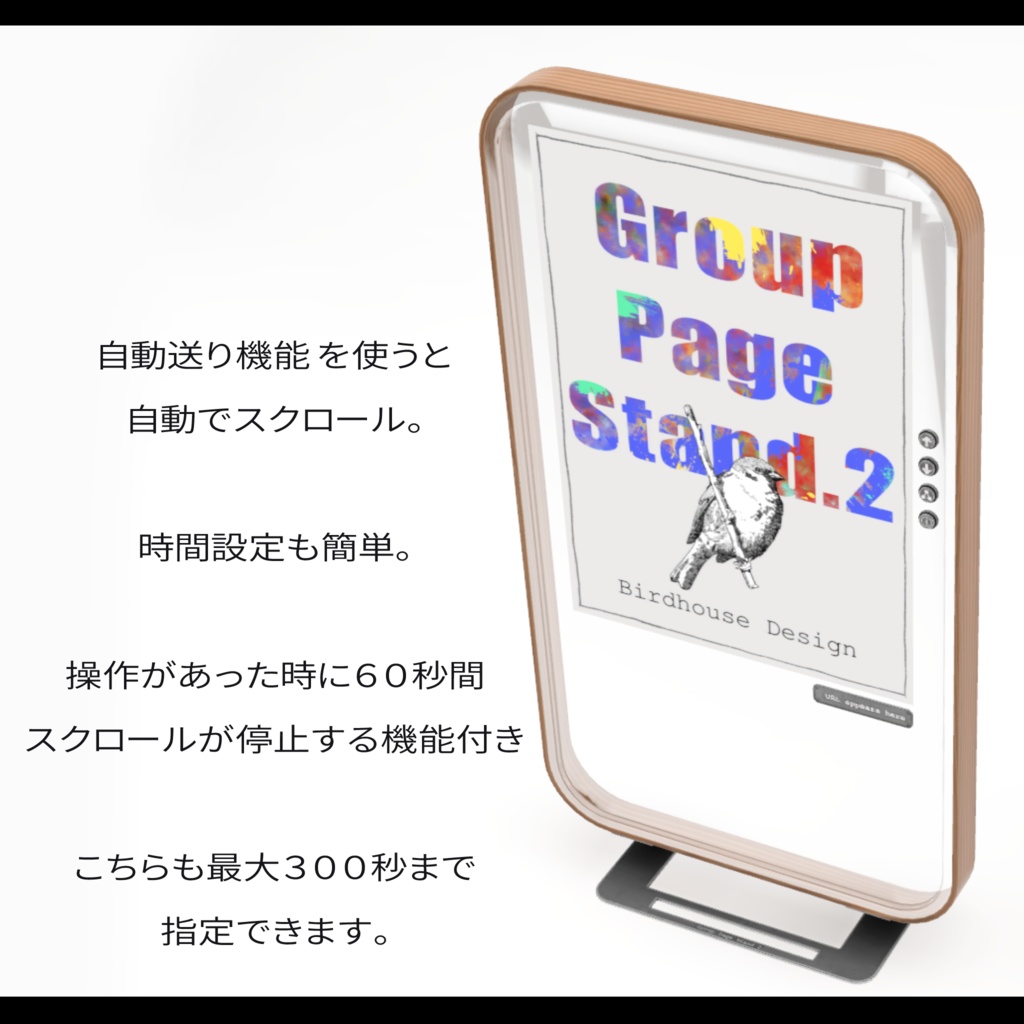
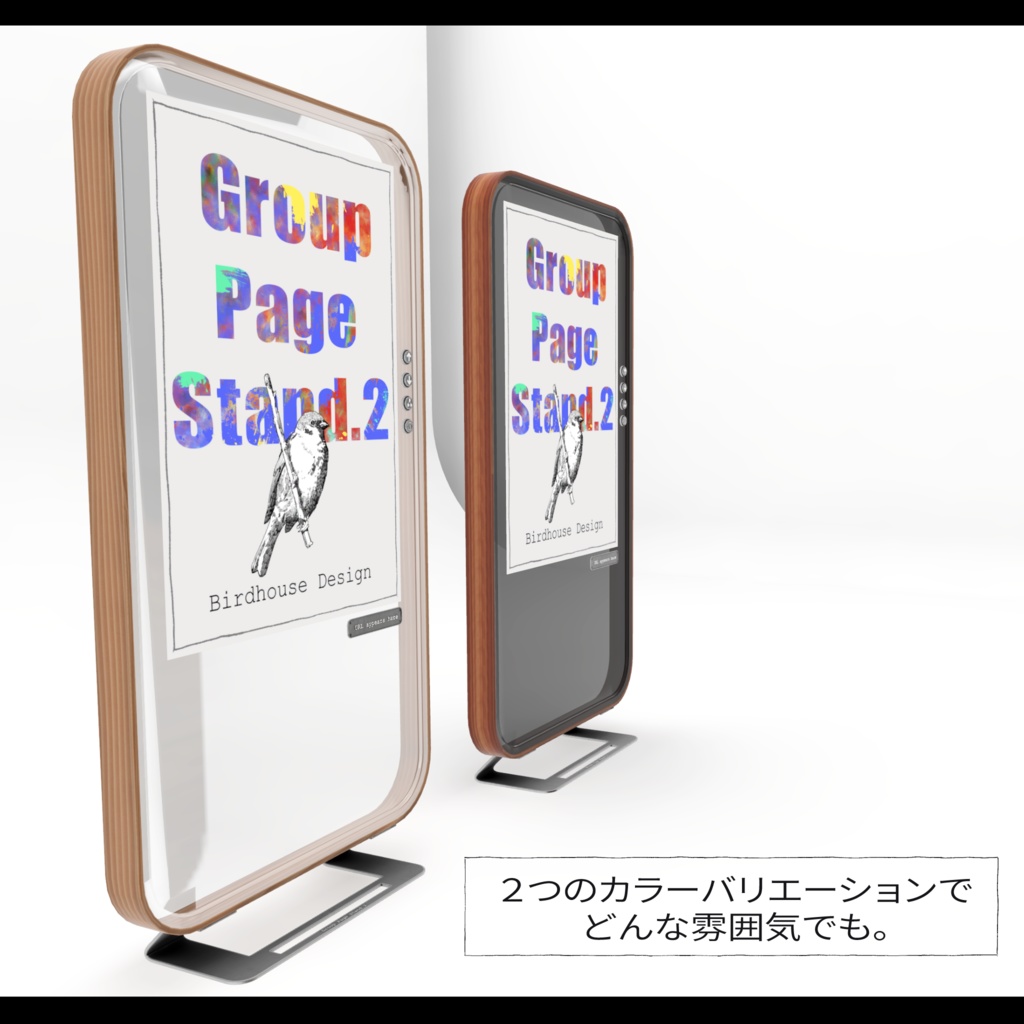
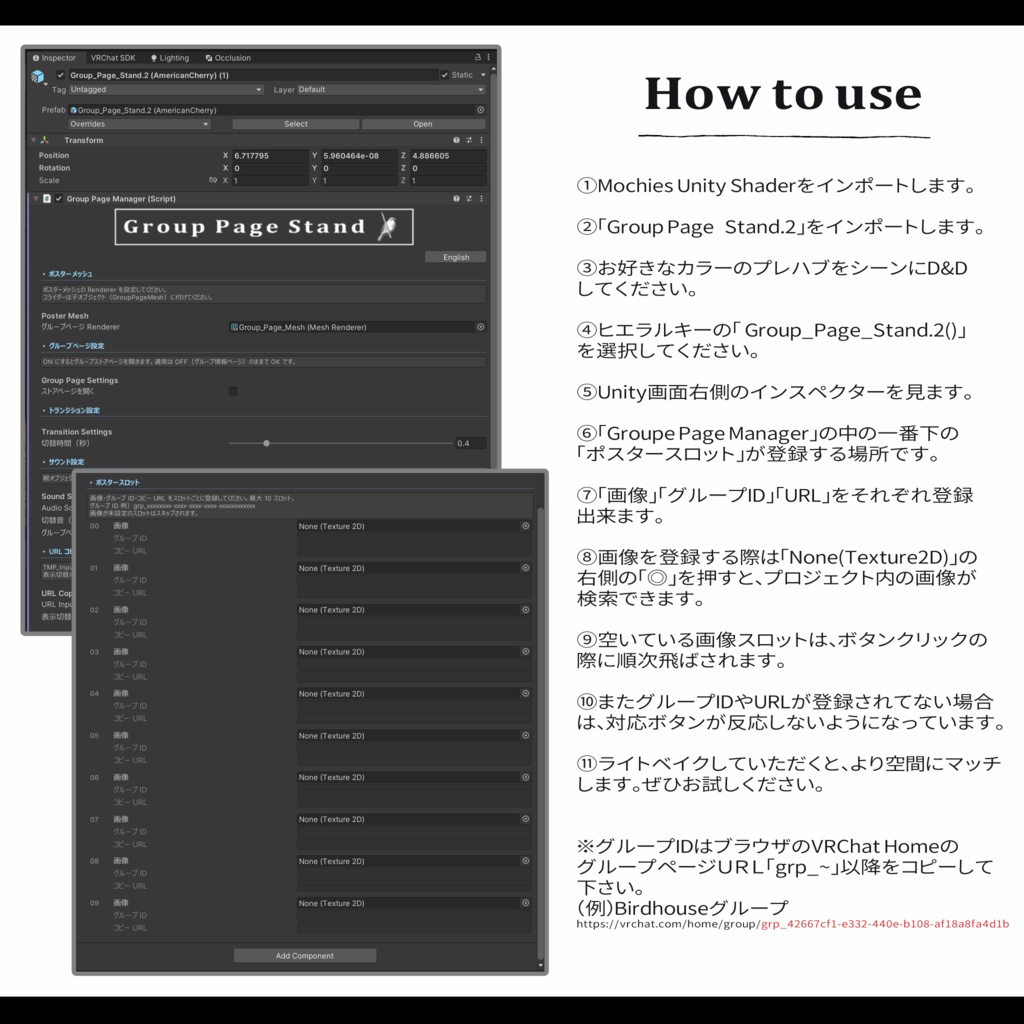


ーーーーーーーーーーーーーーーーーーーー 「グループページスタンド.2」は、イベントや新商品のポスター展示のために設計されました。 ーーーーーーーーーーーーーーーーーーーー 〇イベントでポスターを見かけて、グループに参加したいけど・・・ 〇この商品、Boothでなんて検索したら・・・ ーーーーーーーーーーーーーーーーーーーー いま表示されているポスターのグループページやURLがスイッチ一つですぐに表示されます。 カラーバリエーションを2種ご用意しています、お好きなプレハブをシーンにD&Dして、簡単な設定ですぐにお使いいただけます。 またインスペクターでは日本語と英語に切り替え対応しています。 ぜひ、あなたのワールドアイテムとしてご活用ください。 また、以下のワールドで実際に製品をお試しいただけます。 👇👇展示ワールド👇👇 https://vrchat.com/home/launch?worldId=wrld_a0028755-9591-485e-af98-bab2294d77a1 ーーーーーーーーーーーーーーーーーーーー ------------------------------------------------------------------ 【使用前のご注意】 本アセットはUnity2022.3.22f1で制作されています。 ※「Mochies-Unity-Shaders」が必要となります。下記リンクよりダウンロードしてください。 ------------------------------------------------------------------ 【Mochies-Unity-Shaders】 by MochiesCode https://x.com/MochieShaders ↓↓↓ https://github.com/MochiesCode/Mochies-Unity-Shaders ------------------------------------------------------------------ Github内の緑色のボタン「<>Code」の下部からZIPファイルをダウンロード、シェーダーの入ったフォルダをUnityにインポートしてください。 ーーーーーーーーーーーーーーーーーー "Group Page Stand.2" is designed for poster displays at events and new product announcements. 〇 You spotted a poster at an event and want to join the group, but... 〇 You want to find this product on Booth, but not sure what to search for... With a single button press, the group page or URL of the currently displayed poster appears instantly. Two color variations are available — simply drag & drop your preferred prefab into the scene and you're ready to go with minimal setup. The Inspector supports both Japanese and English — switch languages with one click. Make it a staple item in your world. 👇👇 Demo World 👇👇 https://vrchat.com/home/launch?worldId=wrld_a0028755-9591-485e-af98-bab2294d77a1 【Before Use】 This asset was created with Unity 2022.3.22f1. ※ "Mochies-Unity-Shaders" is required. Please download it from the link below. 【Mochies-Unity-Shaders】 by MochiesCode https://x.com/MochieShaders ↓↓↓ https://github.com/MochiesCode/Mochies-Unity-Shaders Click the green "‹› Code" button on the GitHub page and download the ZIP file from the dropdown. Then import the shader folder into Unity. Sonnet 4.6
利用規約
・政治利用および宗教や特定の思想を目的とした使用を禁止します。 ・内部データの二次配布および販売を禁止します。 ・内部データの譲渡を禁止します。 ・パブリック化ワールドでの使用の際には著しく著作物の品位を貶める改変を禁止します。 ・撮影の際の映り込みなどは、自由に公開していただいて構いません。
更新履歴
2026.04.08 Ver 1.0 販売開始 2026.04.08 自動送り機能を追加
