

【Mayo対応】アイテクスチャ+メイクテクスチャ+Blendshapes
- ダウンロード商品¥ 800
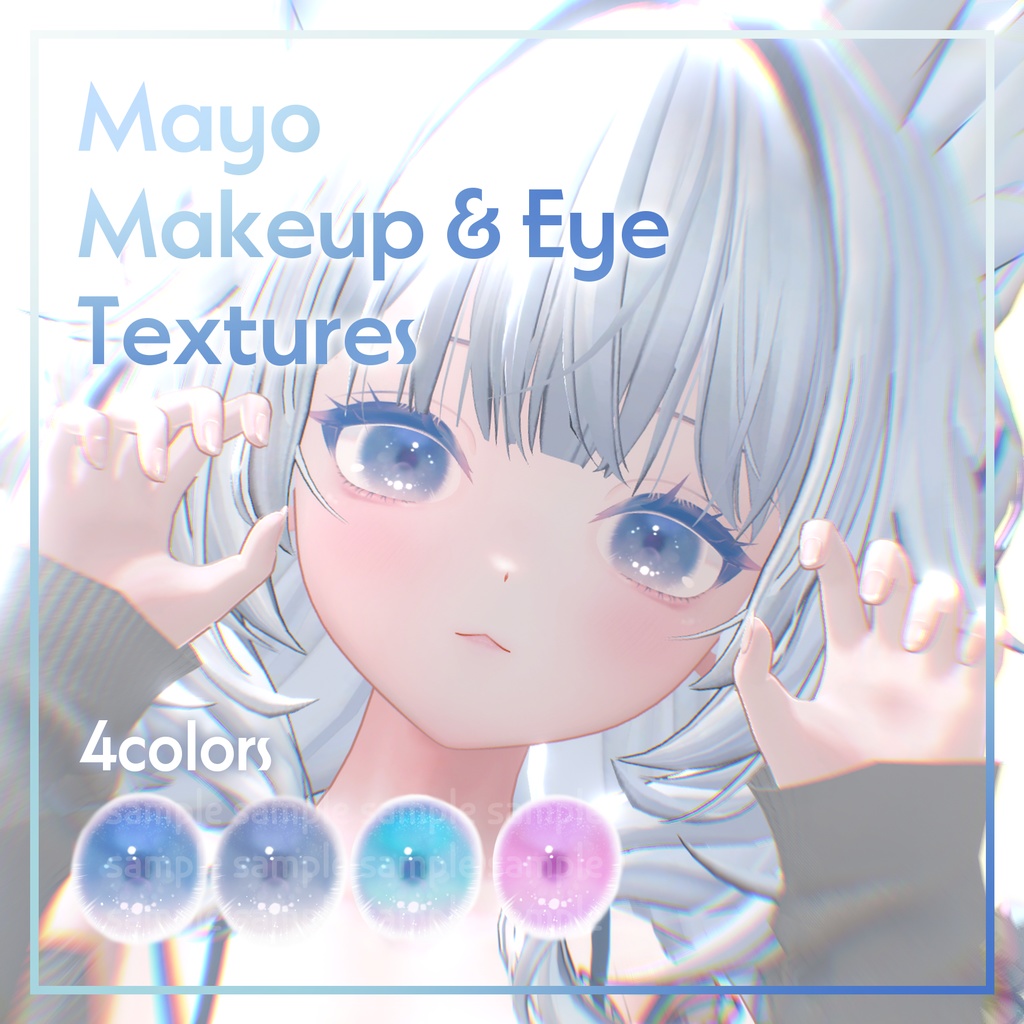
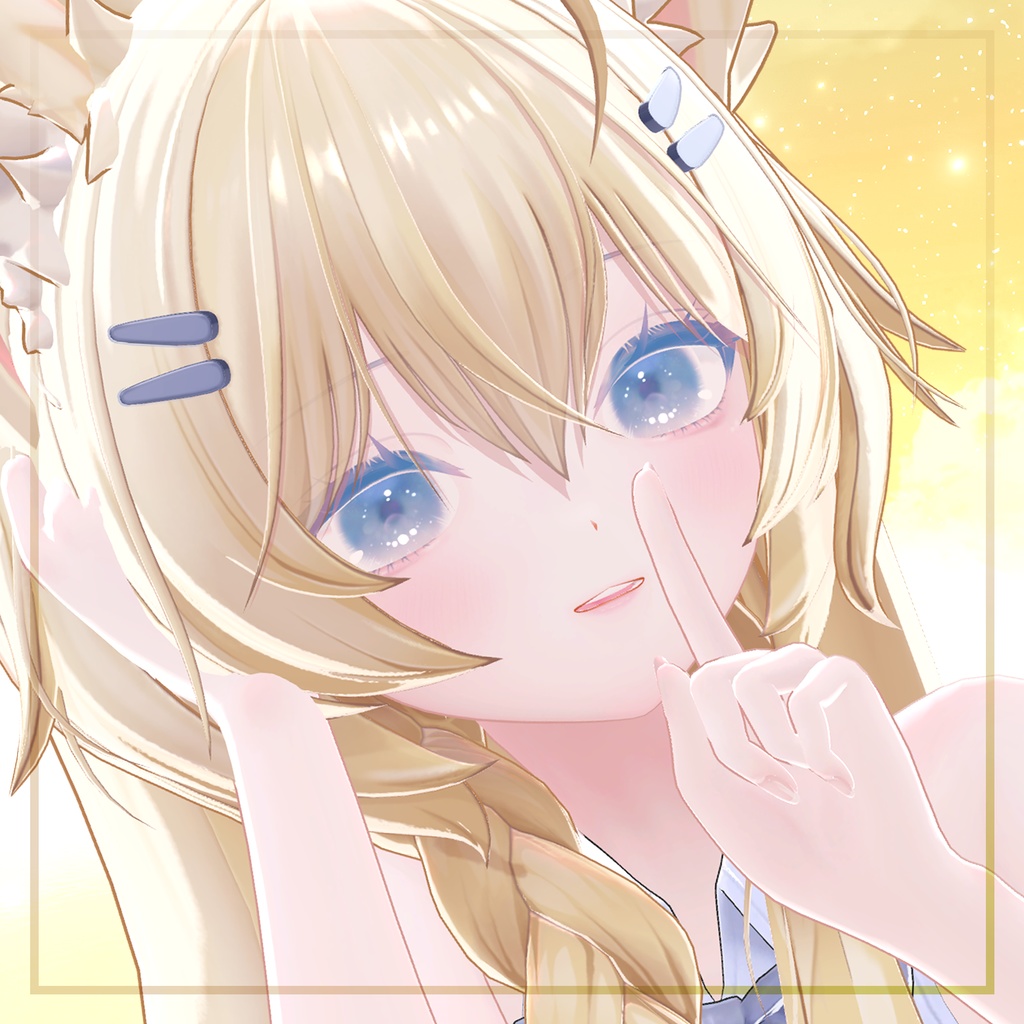
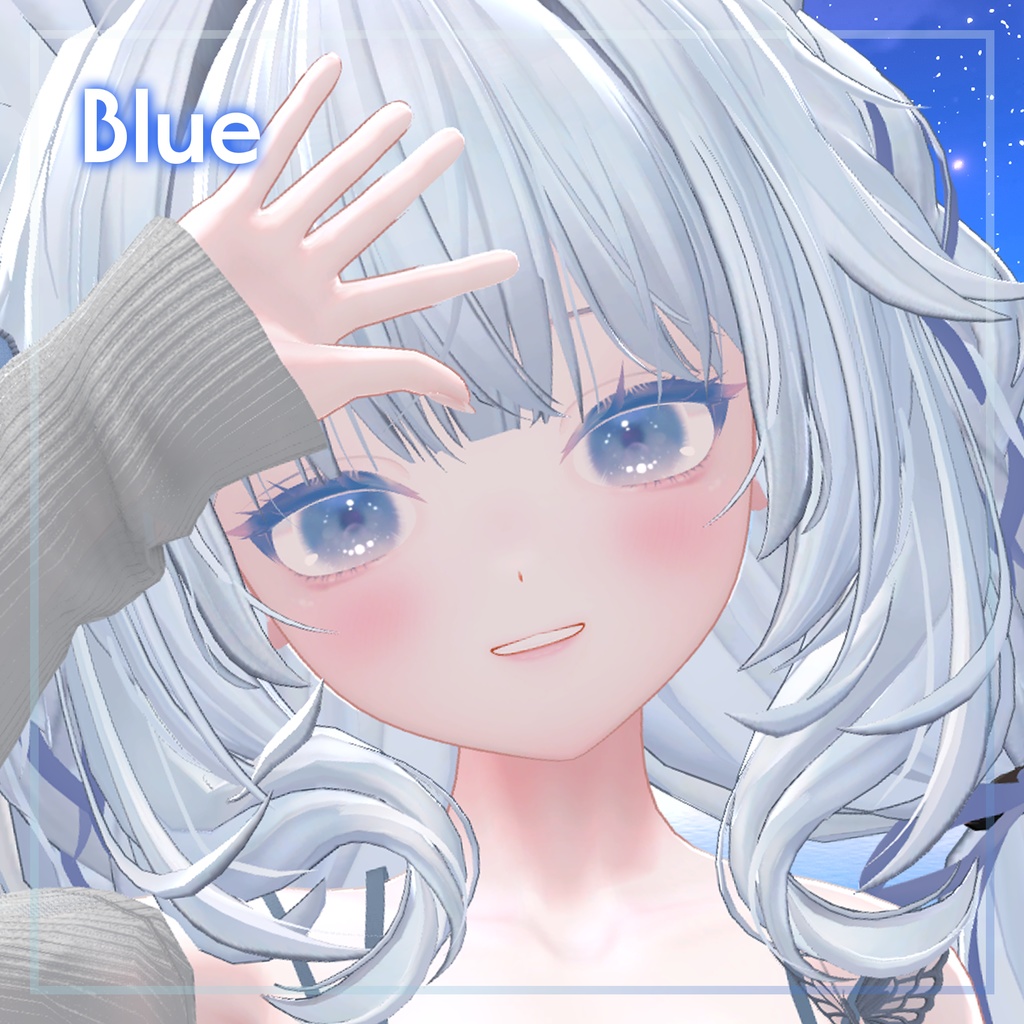
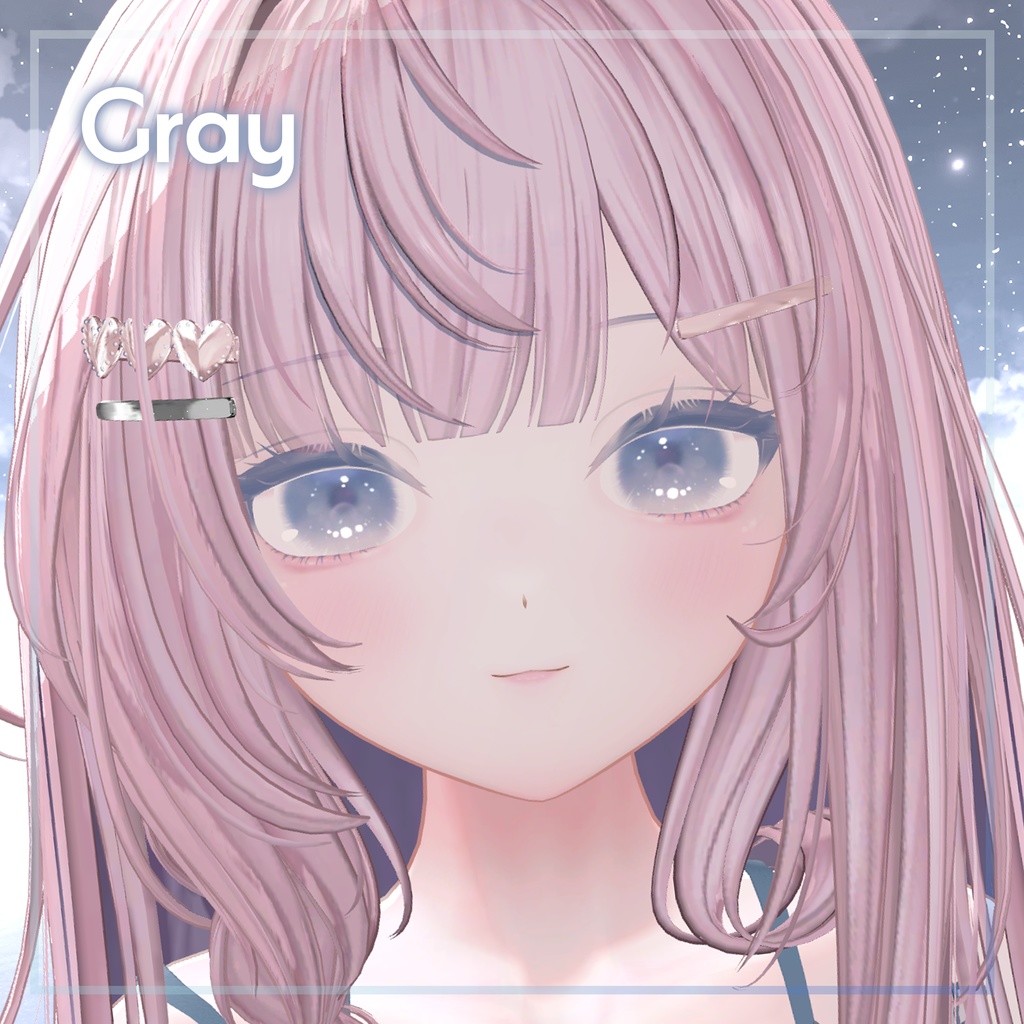
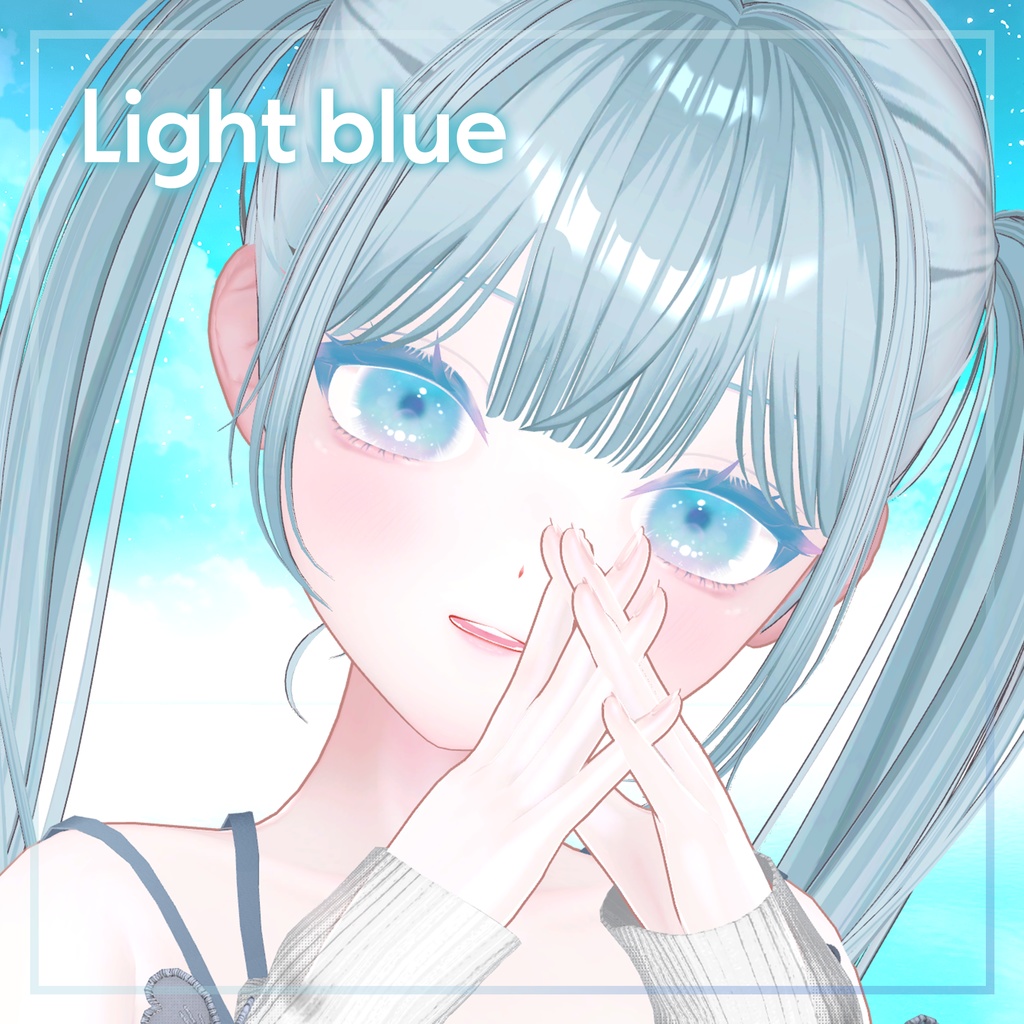
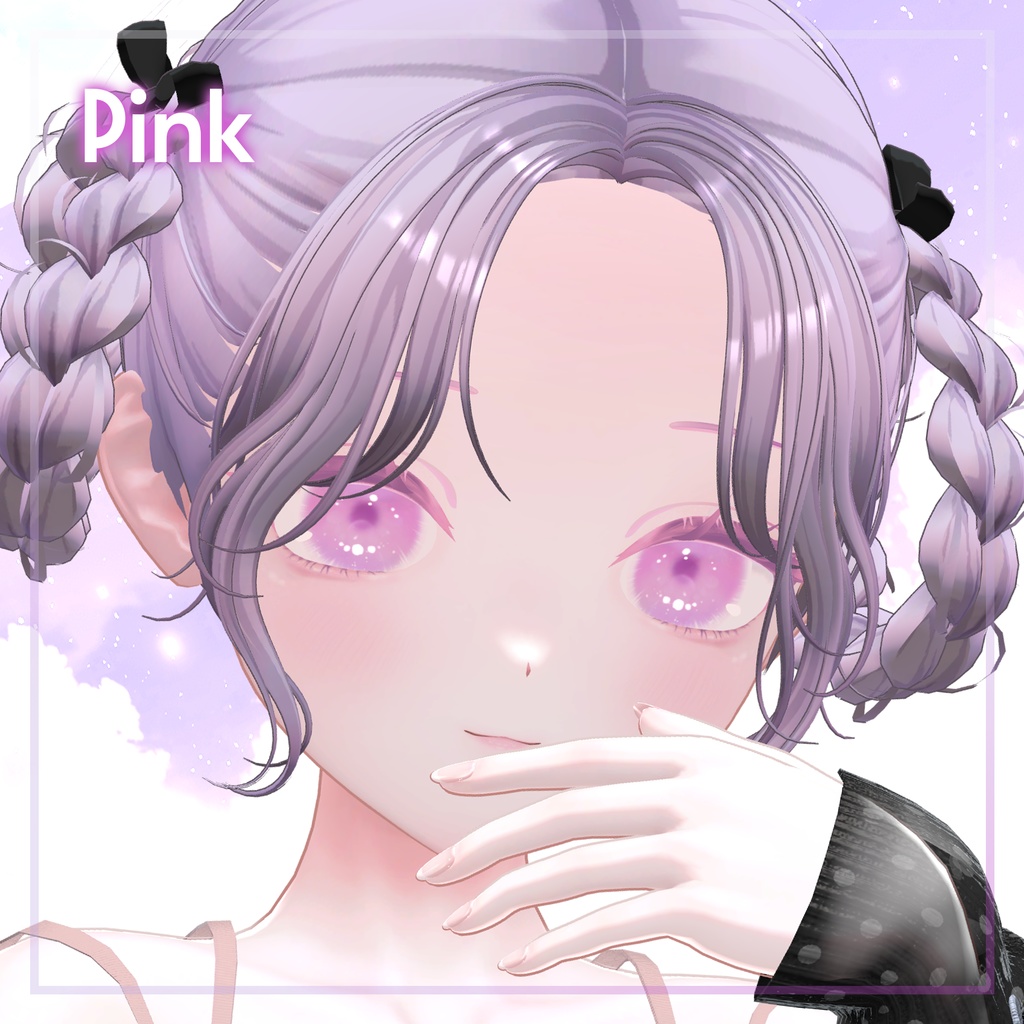
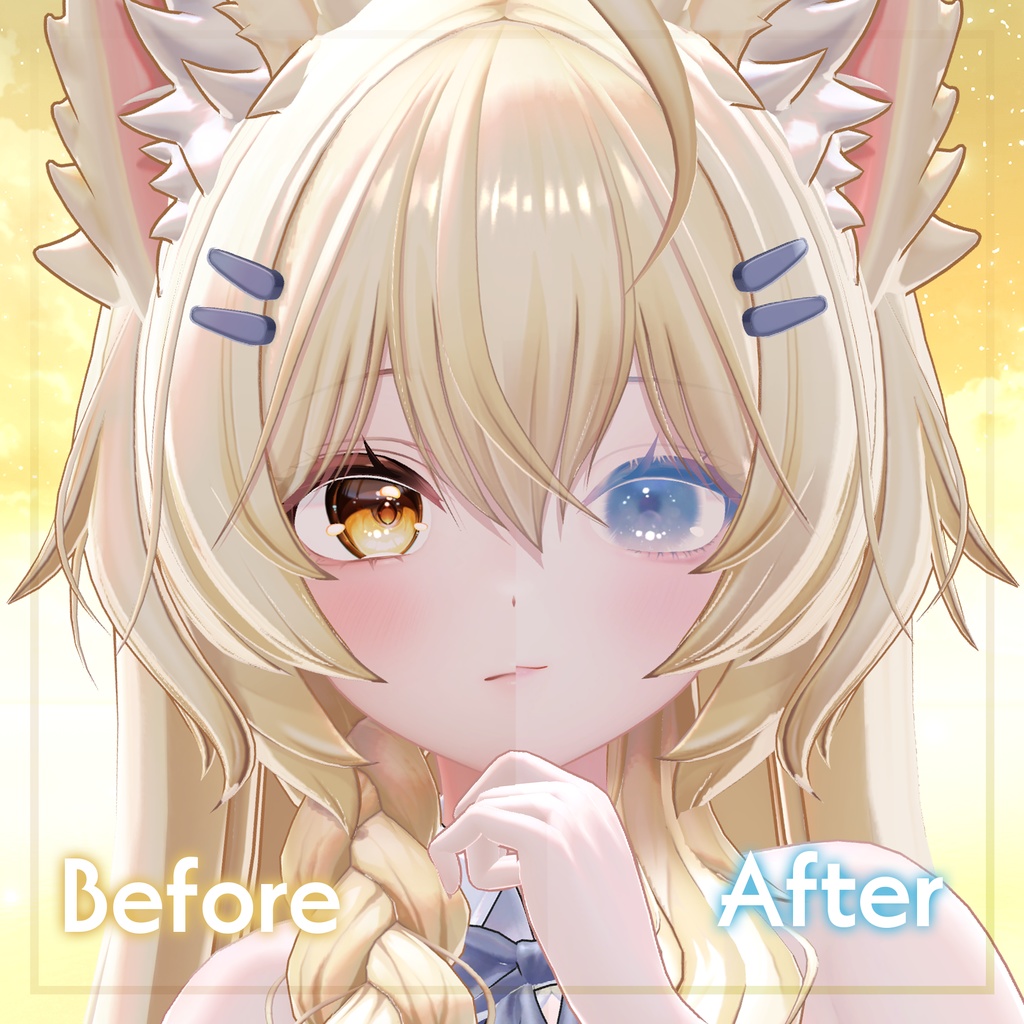
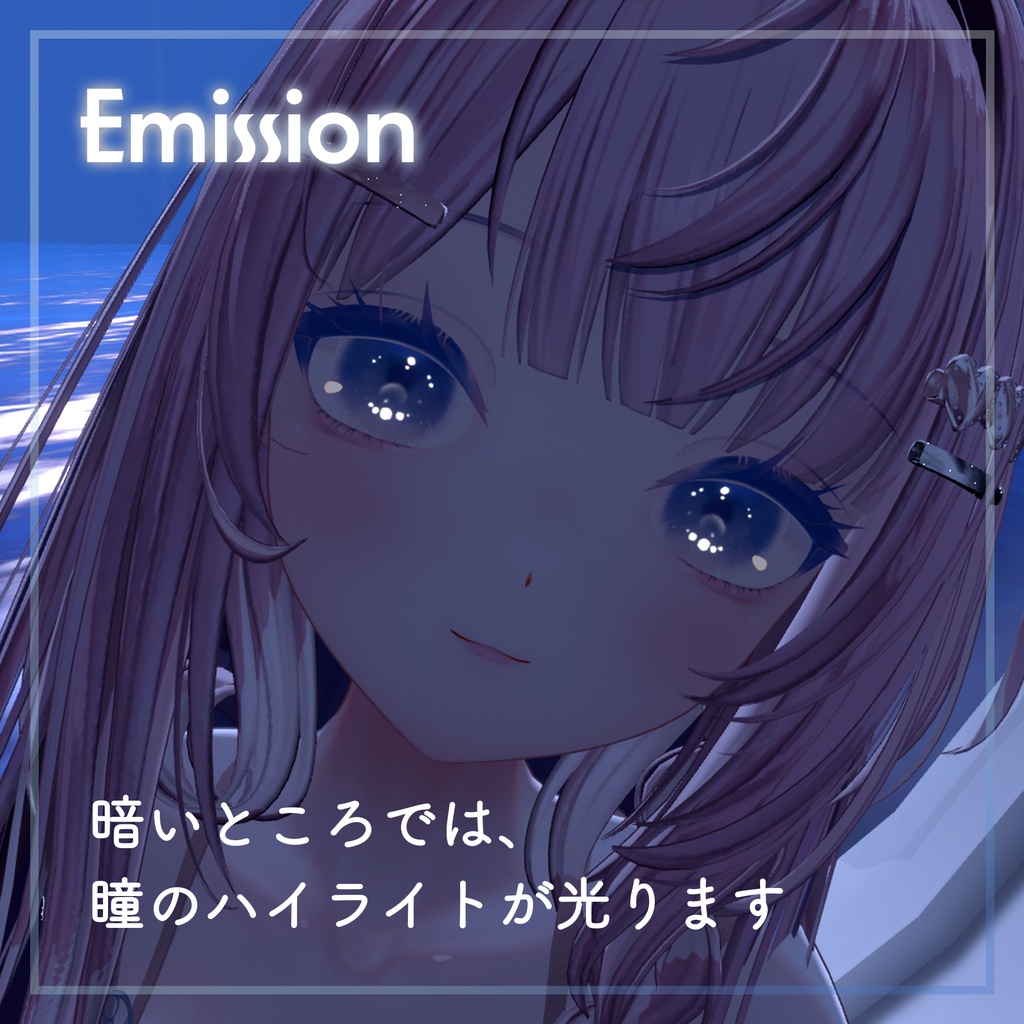
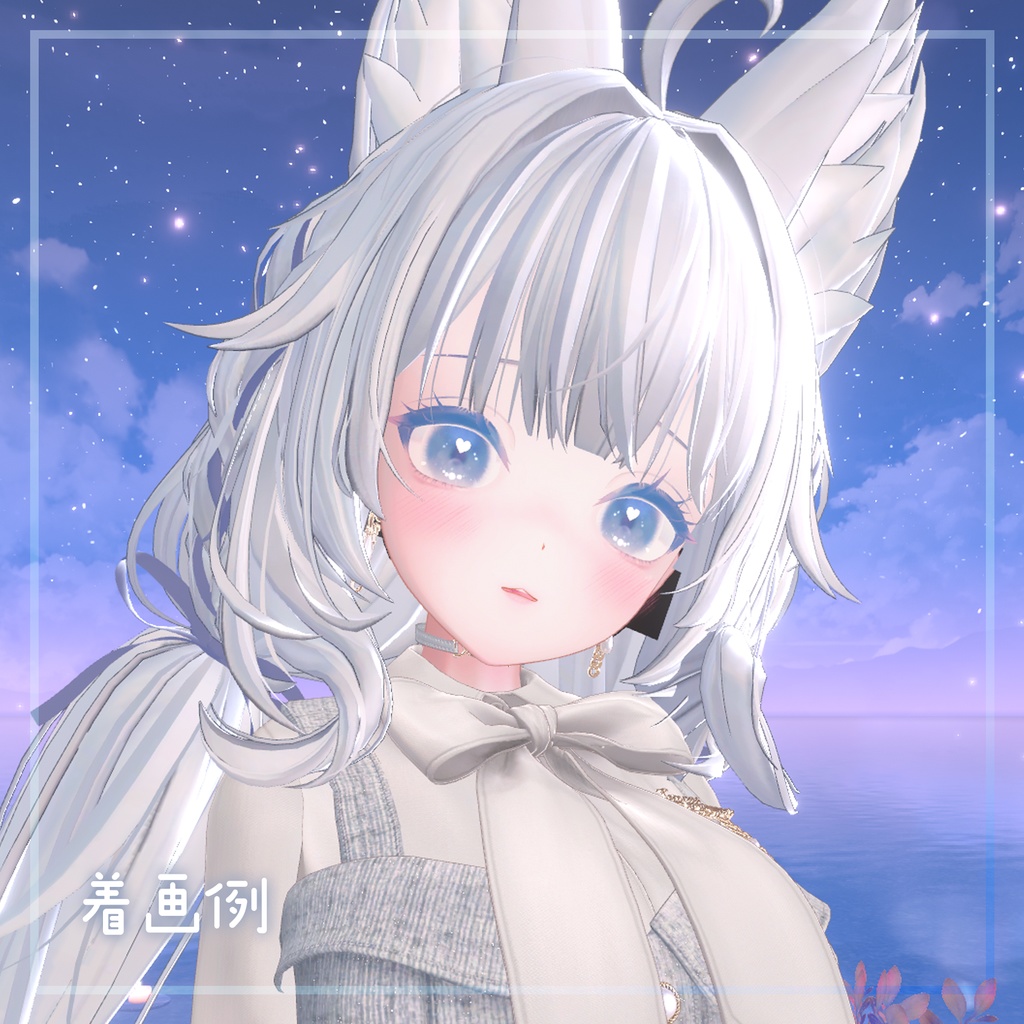
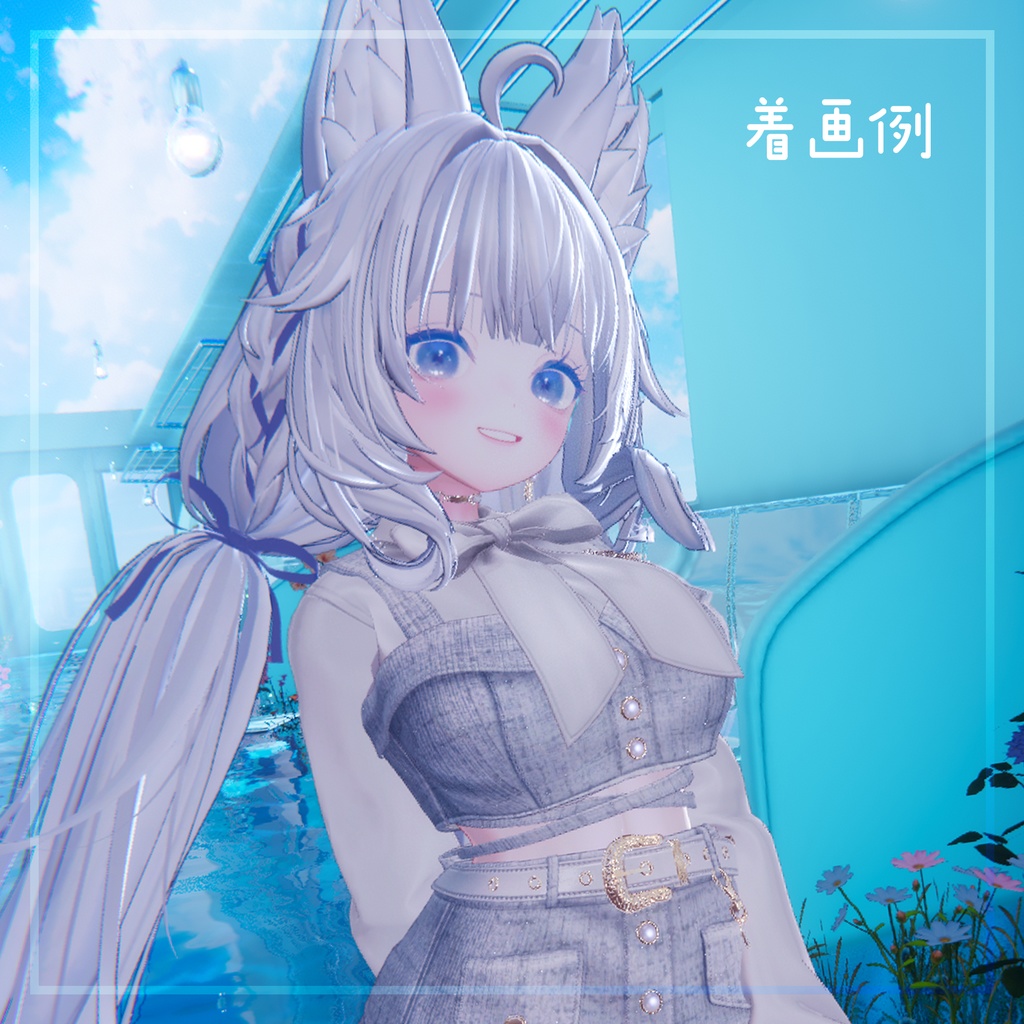
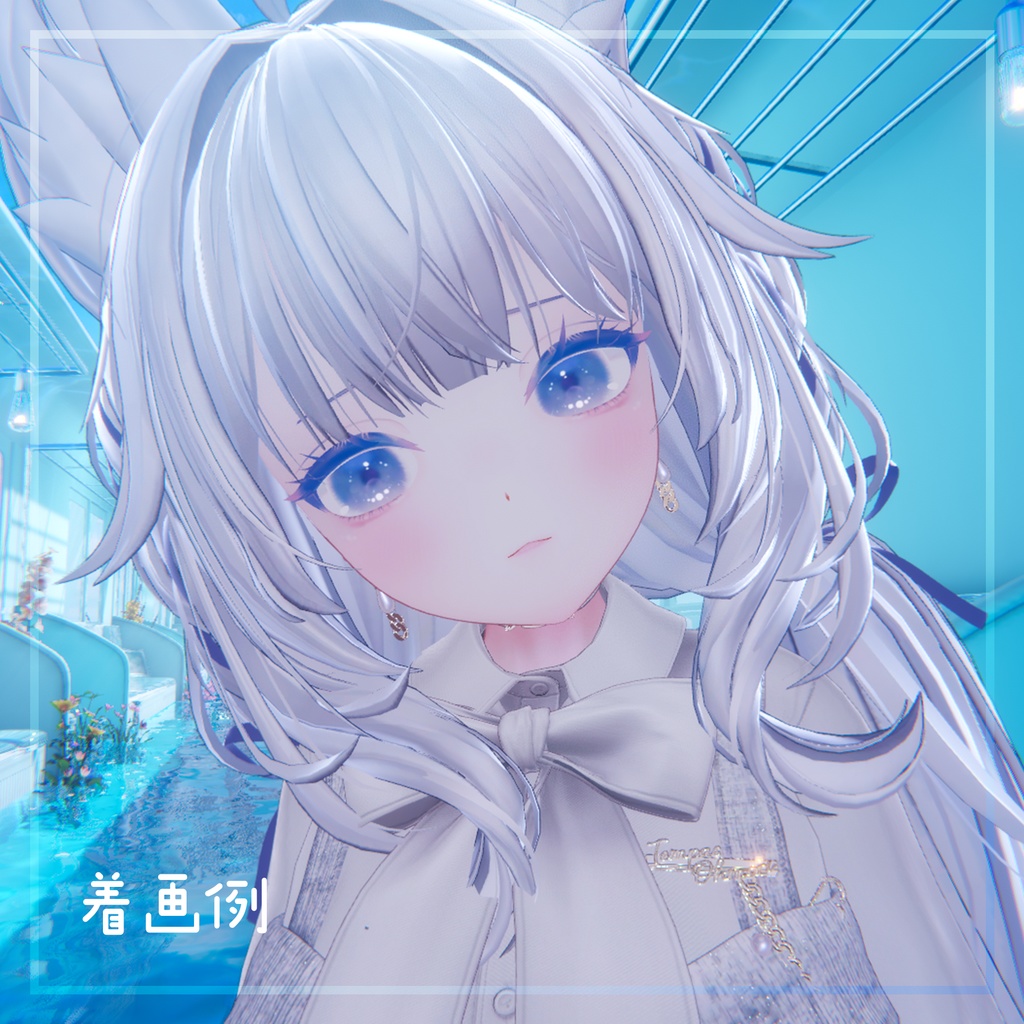


透明感のある空をイメージした透明感のある青系のメイク+アイテクスチャのセットです。 一括で簡単に統一感のある改変ができます。 whiteやyanなど一部のコミカルな表情にも対応しています。 -Make up + EyeTexture (.png) 4colors -EyeTexture (.png) 4colors -Emission Mask Texture (.png) -Blend shapes -おまけのBody Texture (.png) 主に色調整 ※上記記載以外のアバターや衣装、髪型などは付属しません。 本テクスチャのメイクアップには、PSDファイルは付属しておりません。 This texture's makeup does not include a PSD file. 対応アバター 【オリジナル3Dモデル】 Mayo / まよ https://chocolaterice.booth.pm/items/8122803
使用方法(Unity内)
1. InspectorからBodyに設定されてあるMAYO_Face(material)を選択し、 色設定>メインカラー>すでに入っているテクスチャ(Face_base.png)から、 付属のメイク+アイテクスチャにドラッグ&ドロップで差し替え 同様に、Face_base_Otherでも行う。 2. (InspectorからBodyに設定されてあるMAYO_Face(material)を選択し、) 色設定>発行設定>発行設定2nd> 付属のマスクをドラッグ&ドロップで差し込み> 不透明度 0.6などお好みで設定 3. InspectorからBody_2に設定されてあるMAYO_Body(material)を選択し、 色設定>メインカラー>すでに入っているテクスチャ(Base_body.png)から、 付属のボディテクスチャにドラッグ&ドロップで差し替え 4. InspectorからBody>Blendshapesの設定 Pupil_OFF :100 推奨 Catchlight_OFF2:100 表情により推奨 Blendshapeについてはスクリーンショットをまとめた画像を付属しています。お好みでご使用ください。 --------------------------------------------------------
利用規約
テクスチャは自由に改変可能です。 二次配布や自作発言は禁止です。 当製品を使用、改変した際に発生したトラブルは当方は一切の責任を負いません。また、ダウンロード商品の性質上、返品・返金は一切行いません。 以上の内容をご了承の上、ご購入お願いします。 本利用規約は予告なく変更、改訂する場合があります。ご了承ください。
English explanation
-------------------------------------------------------- How to Use (In Unity) -------------------------------------------------------- 1. Change the Face Texture In the Inspector, select MAYO_Face (material) assigned to Body. Go to: Color Settings > Main Color Replace the existing texture Face_base.png and Face_base_other by dragging and dropping one of the included makeup + eye textures. 2. Apply the Mask Texture (Emission Setting) In the Inspector, select MAYO_Face (material) assigned to Body. Go to: Color Settings > Emission Settings > Emission Settings 2nd Drag and drop the included mask texture into the slot. Then adjust the opacity to your preference (recommended around 0.6). 3. Change the Body Texture In the Inspector, select MAYO_Body (material) assigned to Body_2. Go to: Color Settings > Main Color Replace the existing texture Base_body.png by dragging and dropping one of the included body textures. 4. Recommended BlendShapes Settings In the Inspector, open: Body > BlendShapes Recommended settings: Pupil_OFF: 100 Catchlight_OFF2: 100 Feel free to adjust the rest according to your preference. This includes reference images for blend shapes. -------------------------------------------------------- Terms of Use -------------------------------------------------------- ● Use of this asset on Streaming and Social Media platforms IS permitted ● Use on personal avatars IS permitted ● Use on Public Avatars is NOT permitted ● Modification of asset IS permitted, provided it is done within reasonable limits. ● Redistribution of assets in any way Including if it has been modified is NOT permitted ● Redistribution of asset on a completed product is NOT permitted (Ex. On an Avatar for Sale) ● Using this asset as a base to create your own product is NOT permitted ● Claiming the product is your own creation is NOT permitted. ● The creator is NOT responsible for any issues or troubles caused by using or modifying this product. ● Due to the nature of digital download products, refunds and returns are NOT available. ● YOU MAY NOT use any part of this asset to train generative AI Please purchase only after agreeing to the terms above.These terms may be changed or revised without prior notice