

Lunar Monolith Earrings ☾ MA Compatible ☽
- ダウンロード商品¥ 500
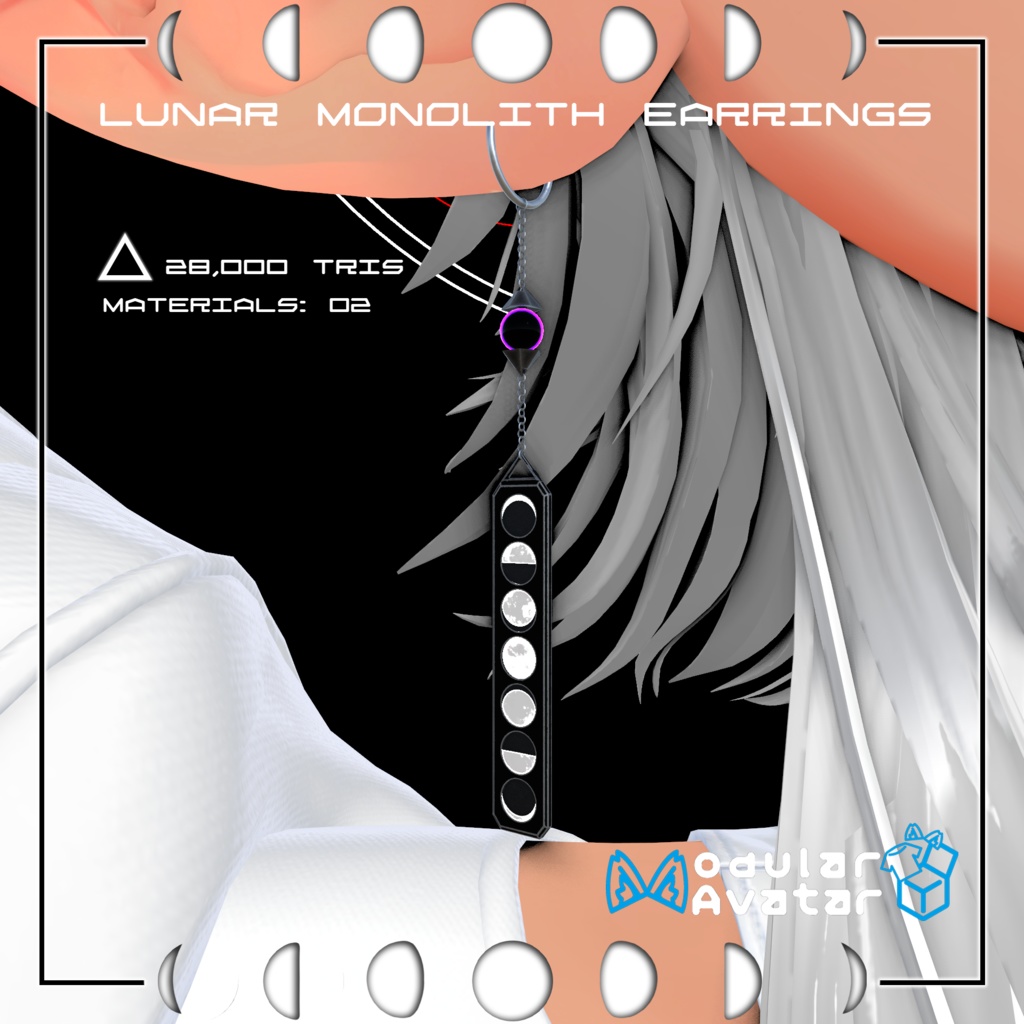
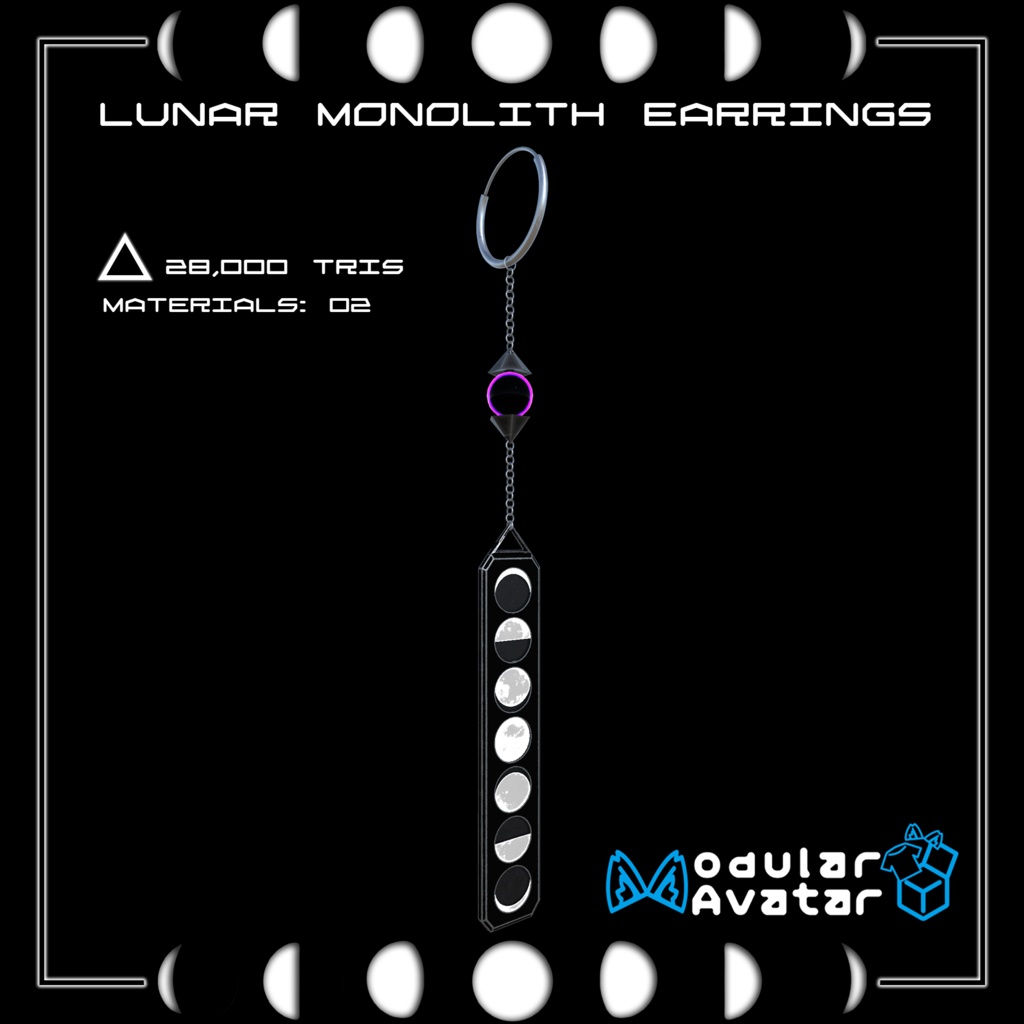
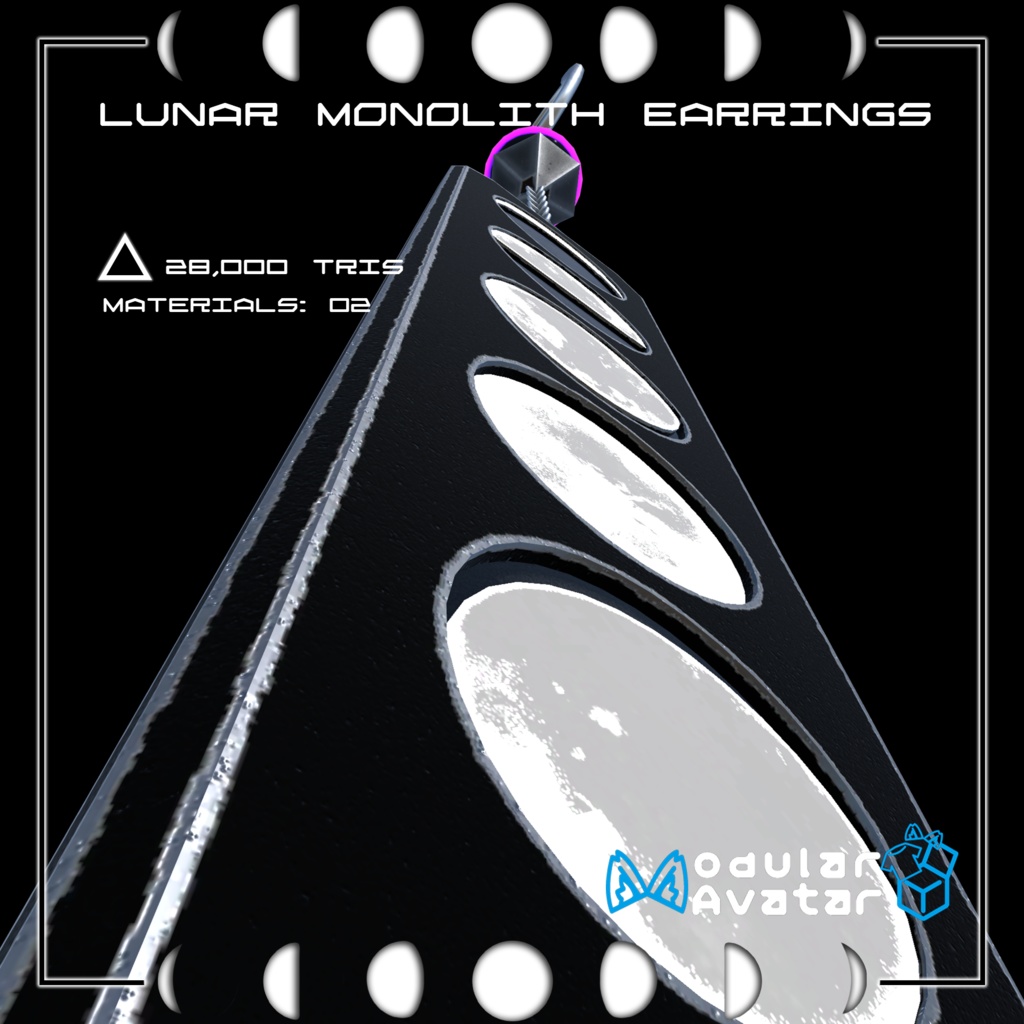
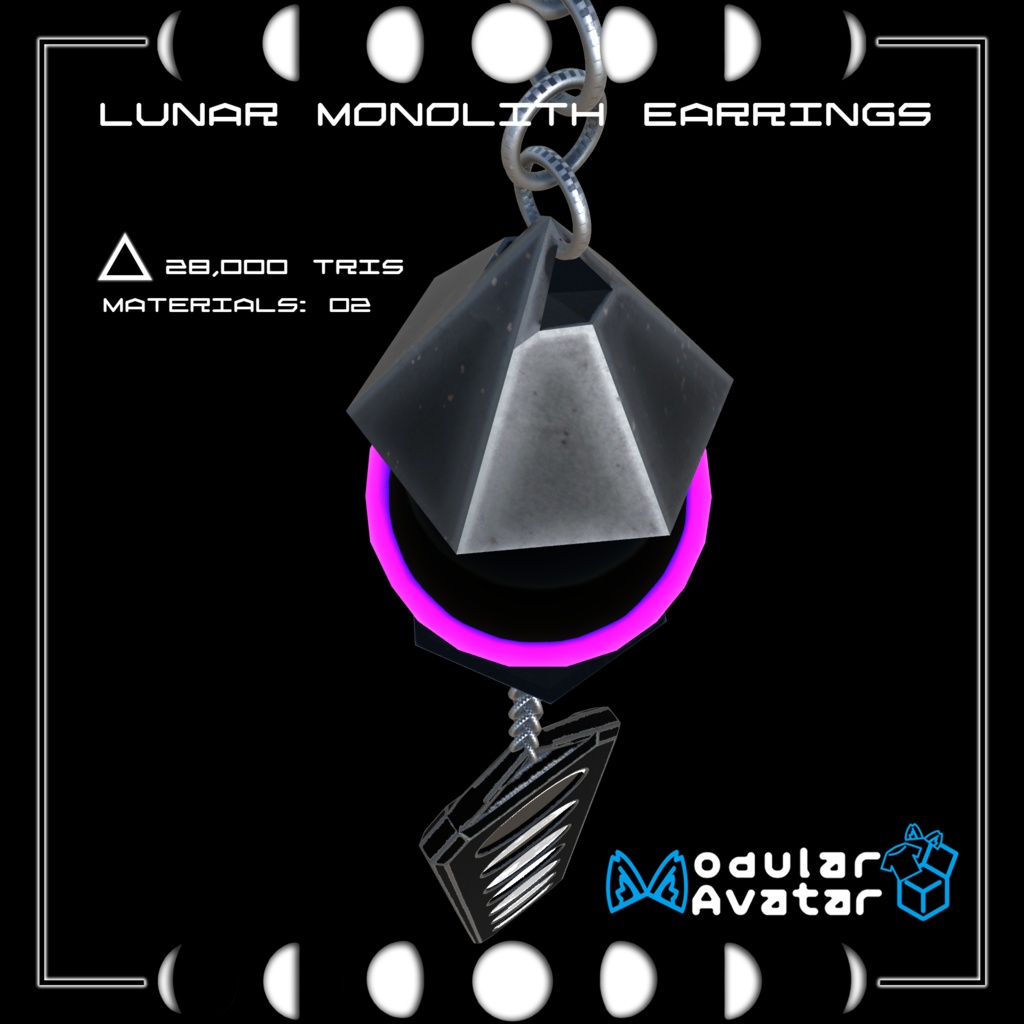


✦ Lunar Monolith Earrings ✦ [Specifications] ☾ Polygon Count: △28,000 ☾ Materials: 2 Slots ☾ Shader: lilToon Shade [Features & Customization] ☾ Modular Avatar Support: Automatically connects to the avatar head bone. ☾ Universal Compatibility: Works with any avatar model. ☾ Transformable: Move or scale the prefab in the hierarchy to fit either the left or right ear. [How to Install] 1. Drag the [Lunar Monolith] prefab into your avatar's hierarchy. 2. Position the earring on the left or right ear. 3. Scale the prefab as needed to match your model. 4. The earring will automatically parent to the Head bone via Modular Avatar. [Requirements] ☾ Modular Avatar: [ https://modular-avatar.nadena.dev ] ☾ lilToon Shader: [ https://lilxyzw.github.io/lilToon/ ] ✦ ルナ・モノリス ピアス ✦ **[製品仕様]** ☾ ポリゴン数:△28,000 ☾ マテリアル数:2 ☾ 使用シェーダー:lilToon **[特徴とカスタマイズ]** ☾ **Modular Avatar対応:** アバターのHeadボーンに自動的に設定されます。 ☾ **全アバター対応:** どのアバターモデルでも使用可能です。 ☾ **調整可能:** ヒエラルキー内のPrefabを移動・スケール調整するだけで、左右どちらの耳にも自由に取り付けられます。 **[導入方法]** 1. [Lunar Monolith] Prefabをアバターのヒエラルキーにドラッグ&ドロップします。 2. ピアスを左右の耳の好きな位置に配置します。 3. モデルに合わせてサイズ(Scale)を調整します。 4. Modular Avatarにより、アップロード時に自動でHeadボーンへ親子付けされます。 **[必要ツール]** ☾ Modular Avatar: [ [https://modular-avatar.nadena.dev](https://modular-avatar.nadena.dev) ] ☾ lilToon Shader: [ [https://lilxyzw.github.io/lilToon/](https://lilxyzw.github.io/lilToon/) ]