
【VRChat】LuxeSuite 家具無しver.
- ダウンロード商品¥ 1,000
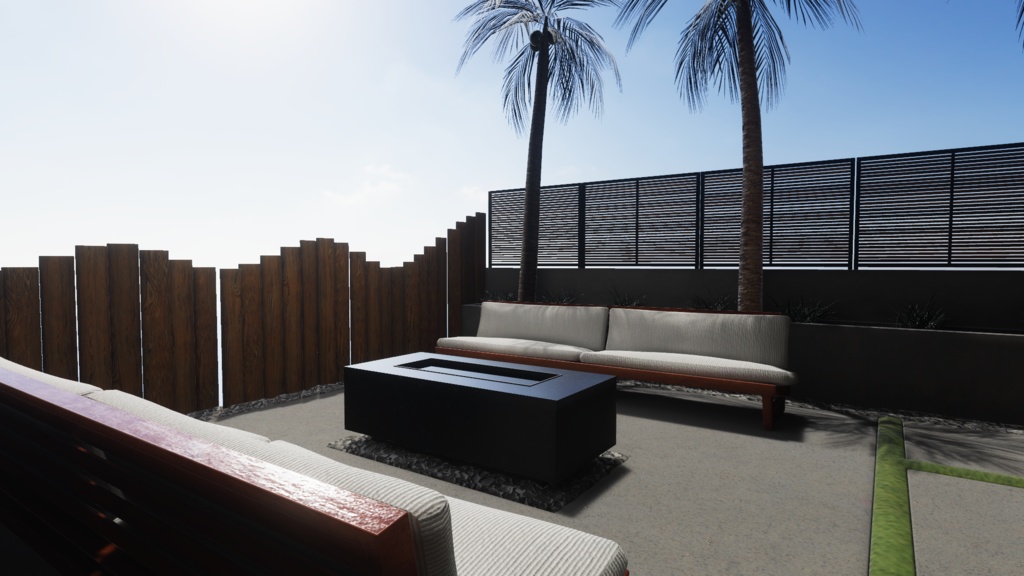
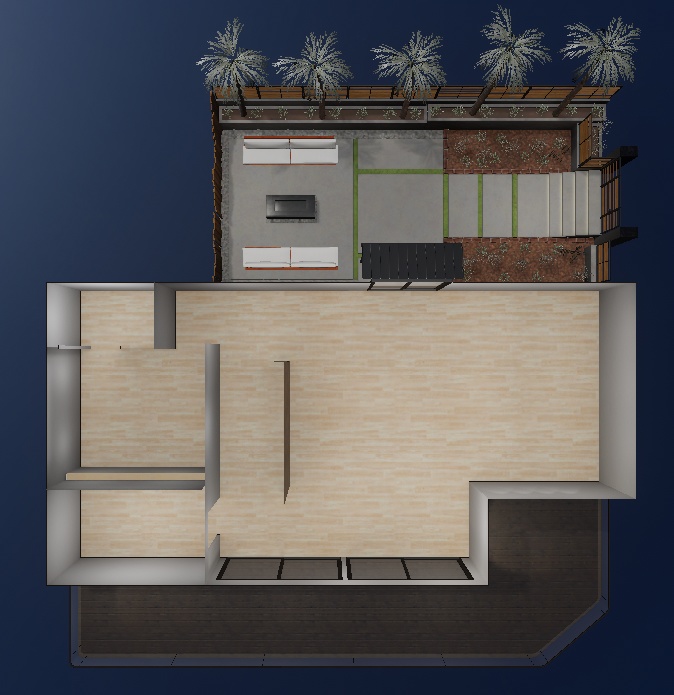
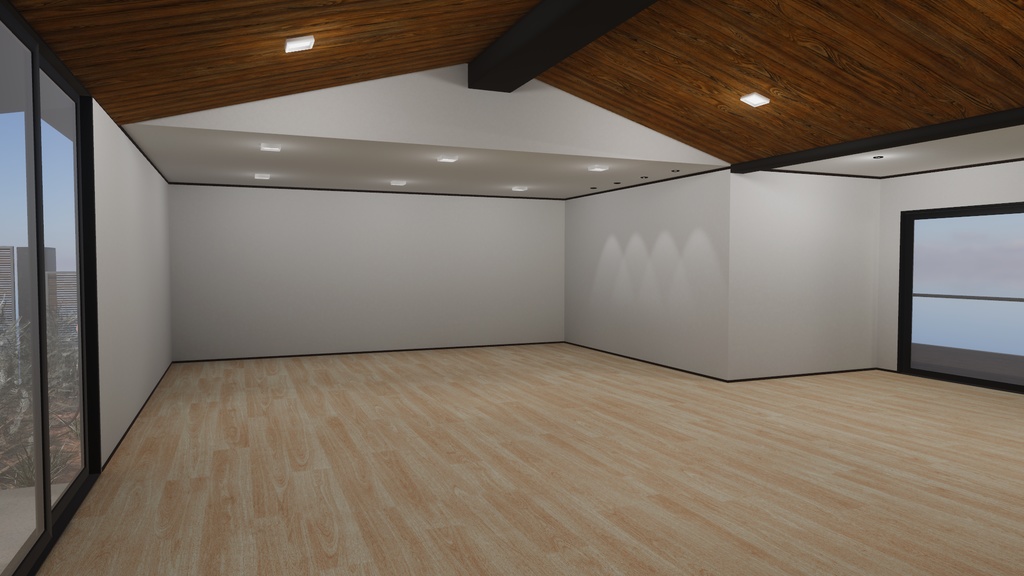
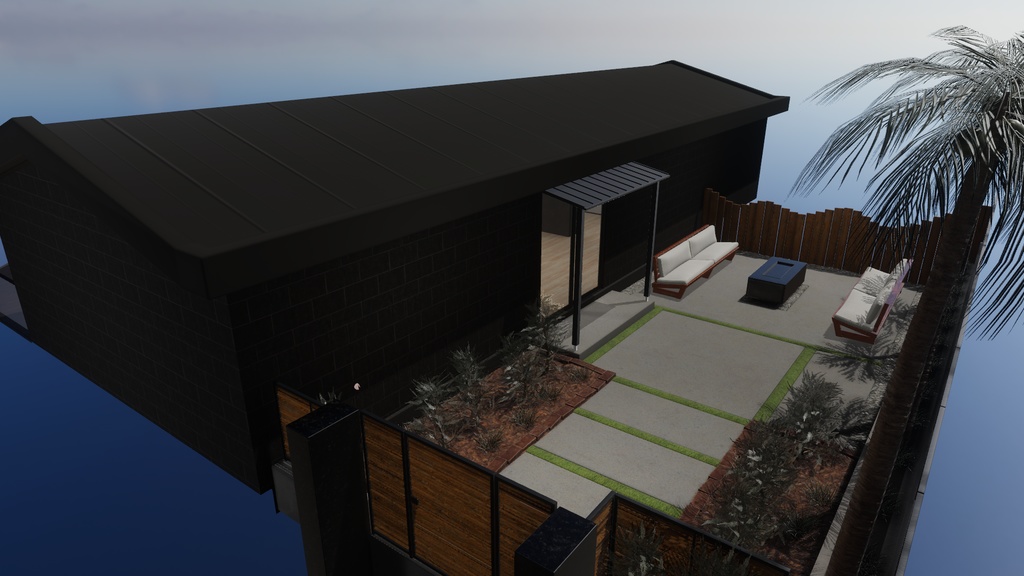
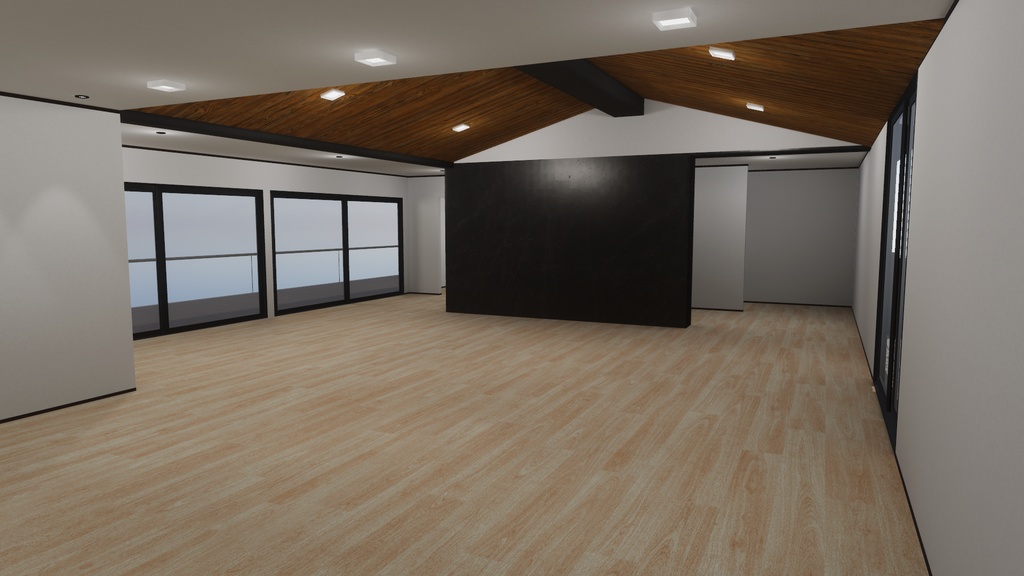
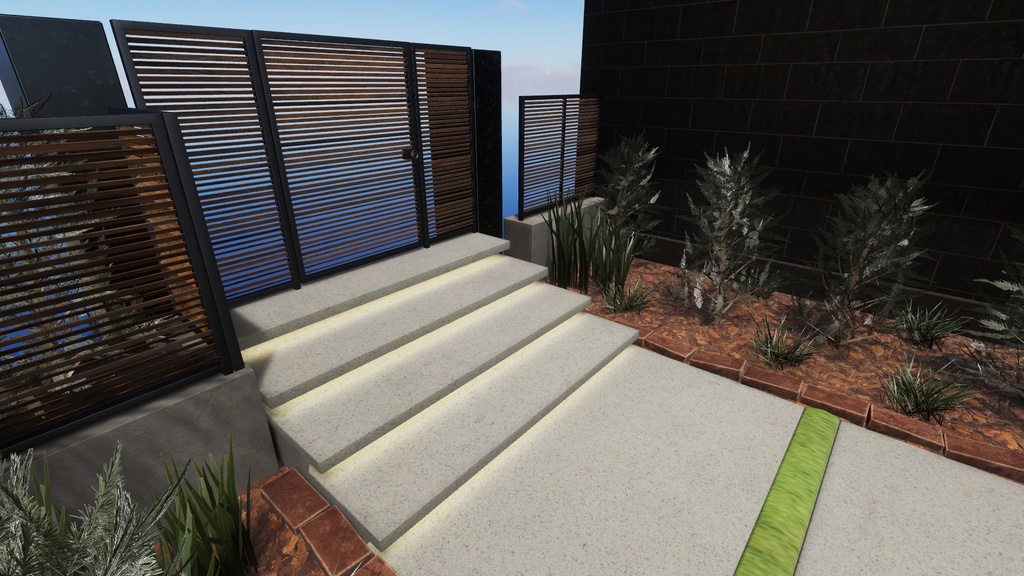
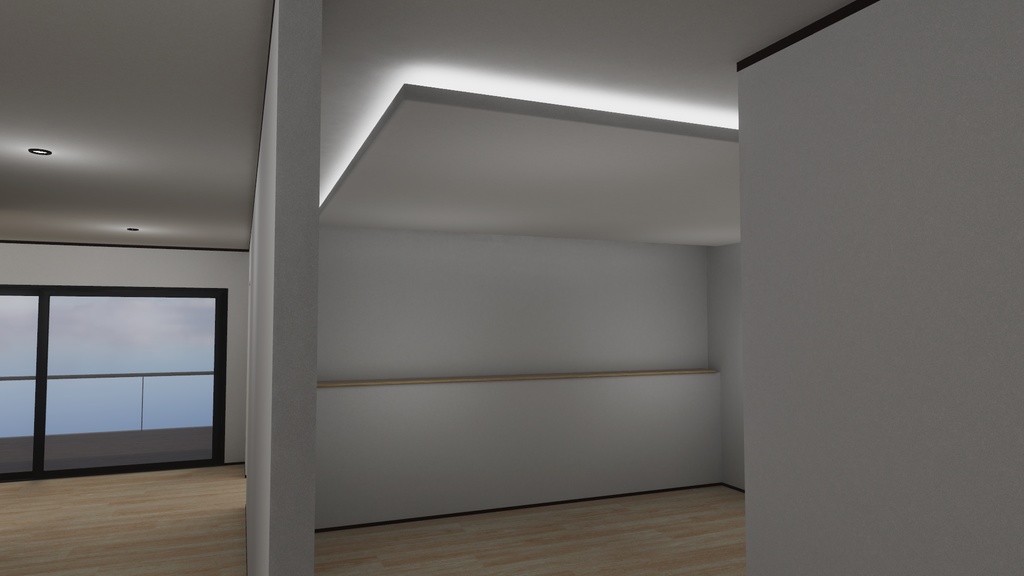
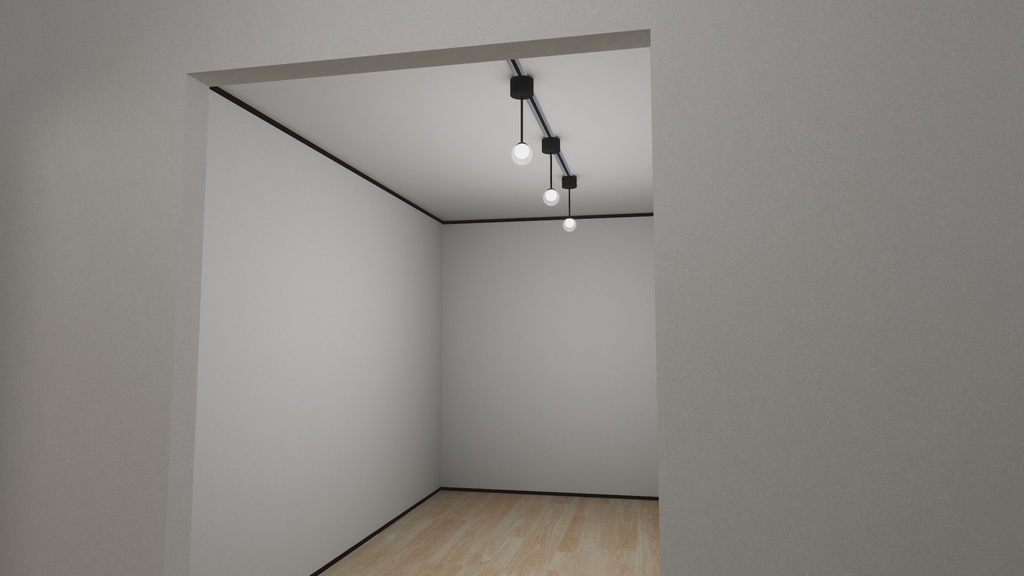
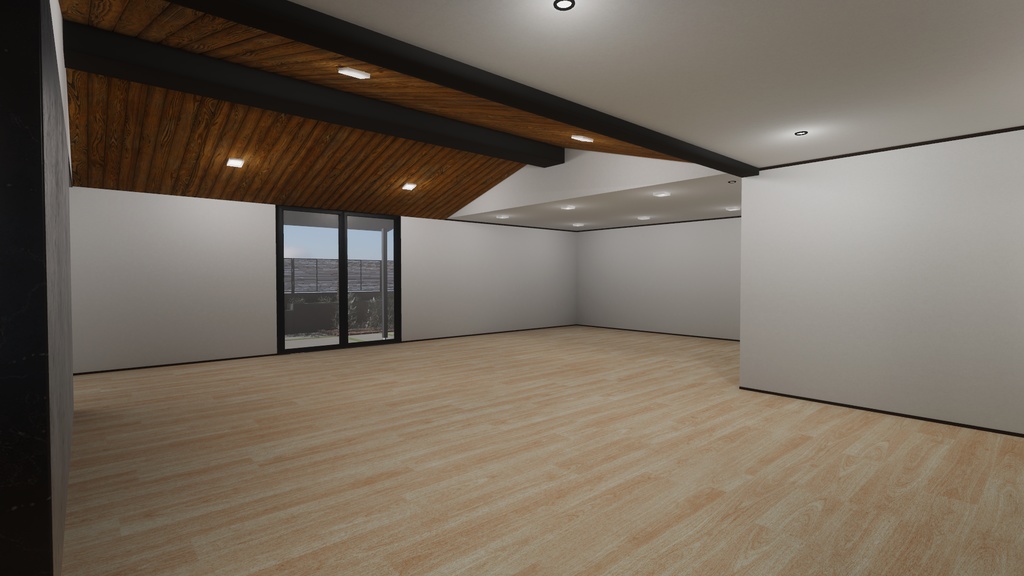
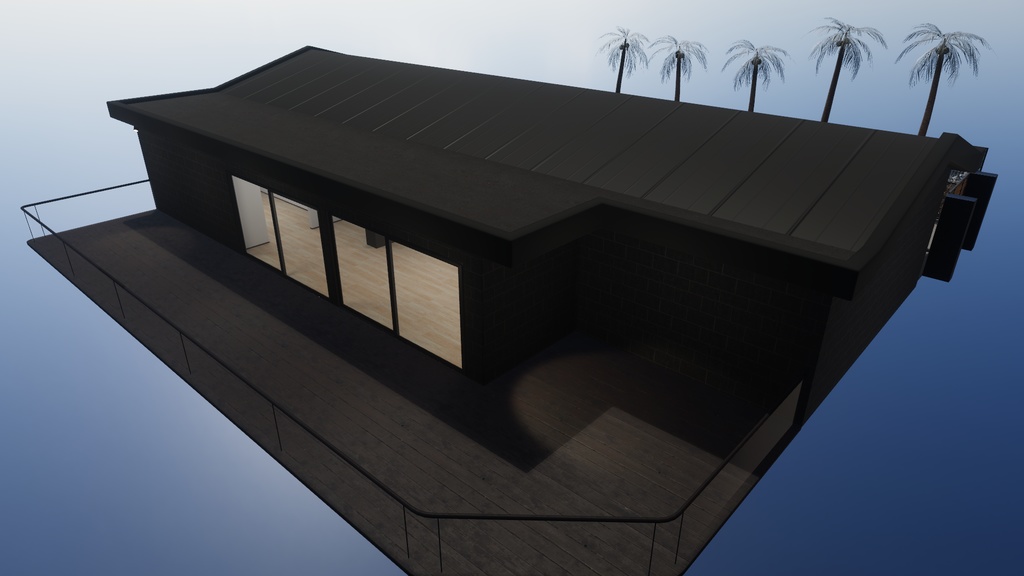
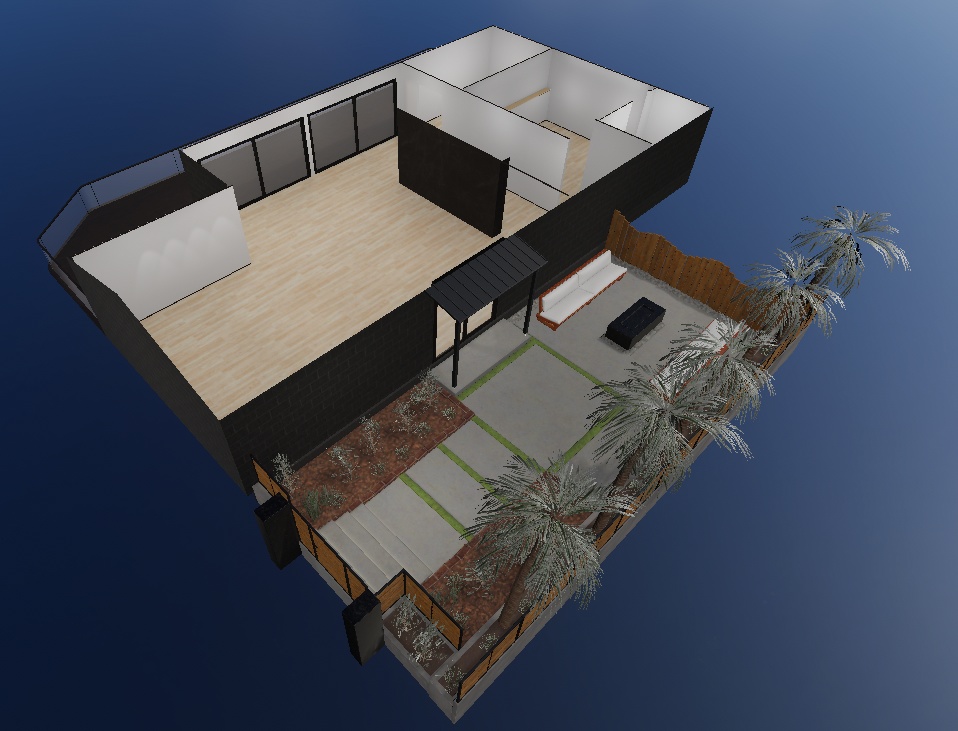
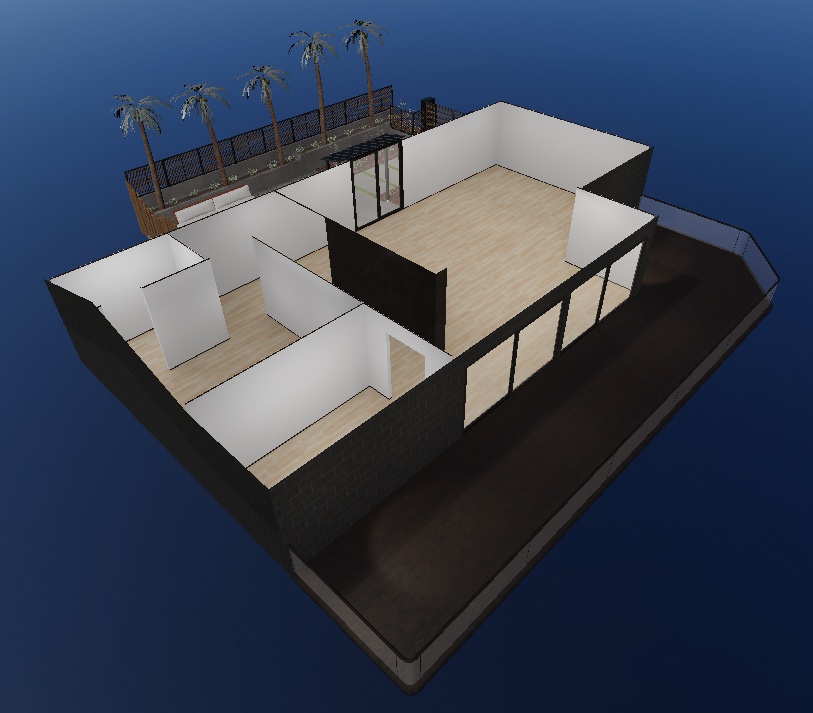


--------------------------------------------------------------------- この商品は、ホームワールド【LuxeSuite】の家具無し廉価版です。 https://kiei.booth.pm/items/8234745 --------------------------------------------------------------------- コンセプトは 『西海岸の高級住宅』 ・開放感のある日差しを感じるガーデン はそのままに、室内はユーザー様に自由にカスタマイズしていただけます。 フルスクラッチで制作しています。 スタンダードなデータ設計なので改変しやすく、 またUnity標準機能でライトベイクしており、改変後の再ライトベイク調整もしやすくなっています。 初めてのホームワールドにもおすすめです。 データを購入してすぐアップロードして使えます。 ------------------------------------------------------------ This product is the unfurnished, budget version of Homeworld [LuxeSuite]. https://kiei.booth.pm/items/8234745 The concept is “A Luxury Home on the West Coast.” ・While preserving the open, sun-drenched garden, the interior can be freely customized by the user. This is a completely custom-built project. The data is designed using standard formats, making it easy to modify. Additionally, lighting has been baked using Unity's standard features, so it's easy to adjust the lighting after making changes. It's also recommended for first-time Home World users. You can purchase the data, upload it, and start playing right away.
概要
・VRChat対応(PC) ・フルスクラッチの建築、庭など ・主要オブジェクトにUV2設定済み ・Unity標準機能でのライティング設定済み ・リフレクションプローブ、ライトプローブ設定済み ・PostProcess設定済み ・SkyBox設定済み ・アップロード時 約51MB ------------------------------------------------------------ ・VRChat compatible (PC) ・Fully custom-built architecture, gardens, and more ・UV2 mapping applied to major objects ・Lighting configured using Unity's standard features ・Reflection probes and light probes configured ・Post-processing configured ・Skybox configured ・File size upon upload: approx. 51 MB
サンプルワールド
Sample World https://vrchat.com/home/launch?worldId=wrld_eeac644f-8fcf-4d02-ae21-0b6231f15fe3
ワールド導入方法
ワールド導入に関して個別・無償の対応は行っておりませんが、一般的なワールド導入手順で導入いただけます。 以下に一般的な手順をご紹介します。 ①VRChat Creator Companion(VCC)を起動して、右上のCreate New Project をクリック ↓ Unity2022 World Projectを選択して、プロジェクト名と保存場所を指定してCreate Projectをクリック ②Unityが起動したら、Projectウインドウ上に購入いただいたUnitypackageファイルをドラッグアンドドロップ。インポートをクリック。 ③データがインポートされるので、 kiei/LuxeSuite_Simple/Scene/LuxeSuite_Simple.unity (Unityの四角いアイコンで表示されるシーンデータです)をhierarchy上にドラッグアンドドロップ。 ④【重要】hierarchy上に最初からあるVRCDefaultWorldSceneという名前のシーンを右クリックして、シーンを削除。 VRCワールドは1つのシーンしかアップロードできないため、デフォルトで存在するシーンを削除しなければなりません。 ⑤改変等が終わったら UnityメニューのVRChatSDK → ShowControlPanelからワールドをアップロード。 ------------------------------------------------------------ We do not provide individual, free support for world installation, but you can install the world by following the general installation procedure. The general steps are outlined below. ① Launch VRChat Creator Companion (VCC) and click “Create New Project” in the upper-right corner. ↓ Select “Unity 2022 World Project,” specify a project name and save location, then click “Create Project.” ② Once Unity launches, drag and drop the purchased Unitypackage file onto the Project window. Click Import. ③ Once the data is imported, drag and drop `kiei/LuxeSuite_Simple/Scene/LuxeSuite_Simple.unity` (the scene data displayed as a square icon in Unity) onto the Hierarchy. ④ [Important] Right-click the scene named “VRCDefaultWorldScene” that is already in the Hierarchy and select “Delete Scene.” Since only one scene can be uploaded to a VRC world, you must delete the default scene. ⑤ Once you have finished making any modifications, upload the world via the Unity menu: VRChat SDK → Show Control Panel.
利用規約
改変を問わず、購入したワールドをPublicでアップロードOK 本ショップの規約はVN3ライセンス(https://www.vn3.org/)を利用しています。 ---利用規約(JP)--- https://drive.google.com/file/d/1xls4hpp8AivUhoaudnYBYuONnCu83oT9/view?usp=sharing ---Terms of use(EN)--- https://drive.google.com/file/d/1QEJNN99U65SQS5NYiHexYrririIMpakg/view?usp=sharing ---이용규약(KO)--- https://drive.google.com/file/d/17jMLXCik1sXdaaYg9IgVCwlBZc7HZSDk/view?usp=sharing ---使用条款(ZH)--- https://drive.google.com/file/d/17ySrIchW4na2brQmU5G8FVLuWUEGGpF4/view?usp=sharing ダウンロード商品の特性上、返品返金は致しかねます。 No refunds. 환불 불가. 不能退款 ※利用規約は予告なく変更する場合があります。 ※当データは、予告なく一時的または長期的にデザイン・内容当を変更する事があります。 ※当データは、予告なく一時的または長期的に配信を中止する場合がございます。 ※この製品を利用して発生したトラブルに関しては製作者は一切の責任を負いません。
クレジット
【Filamented Standard for Unity】 権利者:Silent 様 booth :https://booth.pm/ja/items/3250389
更新履歴
2026/4/24 v1.0 販売開始
