

Magic Conch Shell for VRCHAT
- MagicConchShell v1.0ダウンロード商品¥ 0
- a little snacks for meダウンロード商品¥ 200
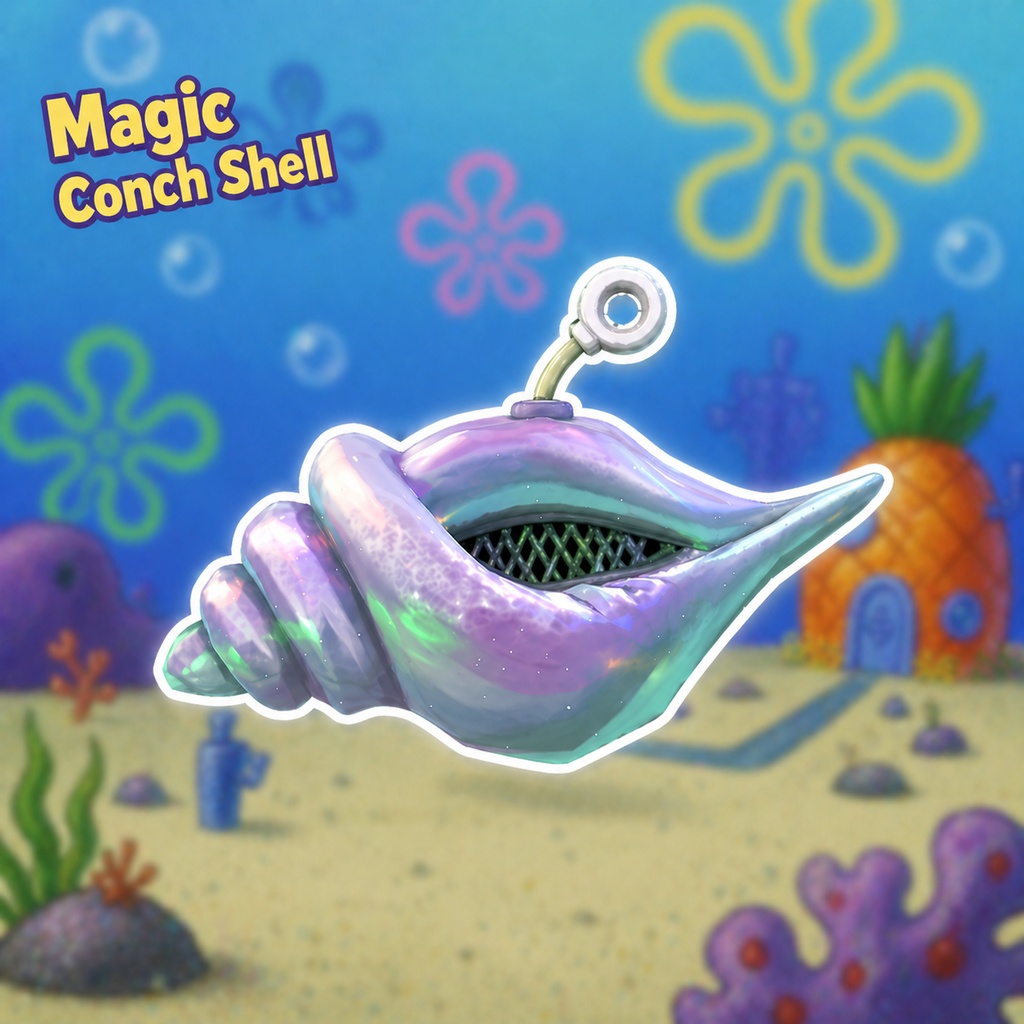
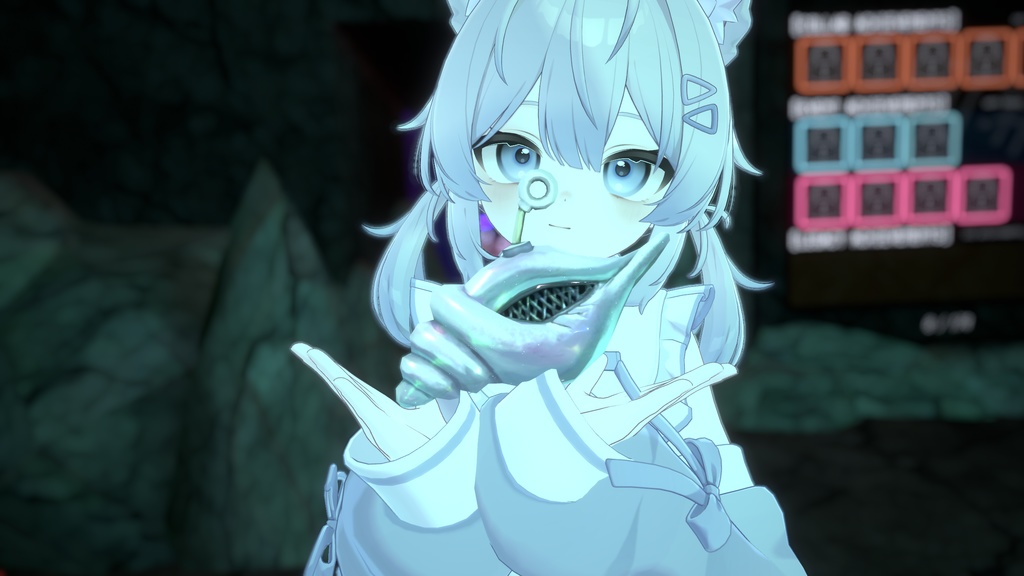


A magic conch shell inspired by TON, with around 70 voice lines. Made with VRC PhysBone and Write Defaults ON, just a simple little fun toy. You can switch it between left and right hand, drop it in the world, or put it on your head (it sits on your head by default in desktop mode). I'm a big fan of spongebob and TON,so i made this stuff. model:https://sketchfab.com/3d-models/magic-conch-shell-spongebob-fan-art-8a6fbc9fb3b041c4be4fef706654eb59
Install
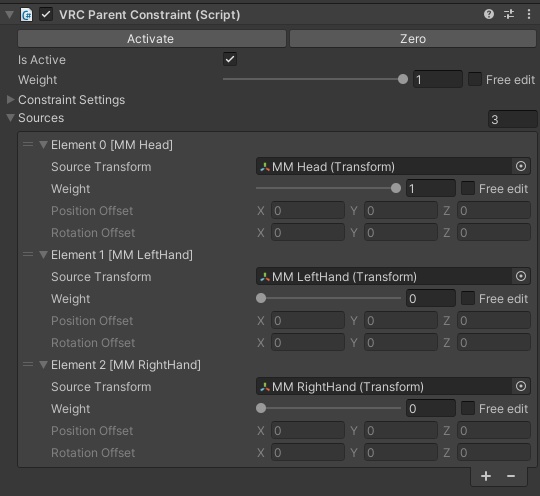
After importing the unitypackage, drag the prefab from the folder into your avatar. Then select MM and locate the VRC Parent Constraint in the Inspector. First, set MM Head weight to 1 and all others to 0. Move the MM Head object to align it with your avatar’s head. Next, set MM LeftHand weight to 1 and all others to 0, then adjust the MM LeftHand object to match your left hand position. Do the same for MM RightHand. Once all positions are properly adjusted, the setup is complete and ready to use.
Problem
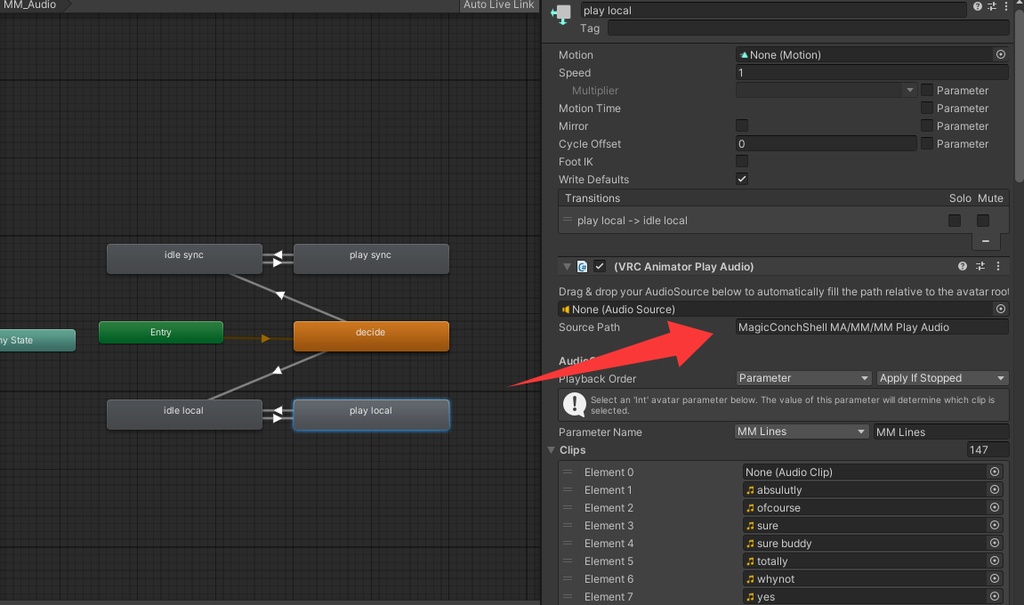
If the conch has no audio Go to the Animator of MM and found the layer(MM_Audio). Check the following states: play sync play local Make sure the Source Path in VRC Animator Play Audio is correctly assigned. If it’s incorrect, drag the MM Play Audio object from the prefab into the Source Path field. And probably set your avatar to WD on.