

【VRChatアバター向け】Voice Expression Controller|音声で表情・衣装・アイテム操作
- [DEMO] VRC_VoiceExpressionControllerダウンロード商品¥ 0
- VRC_VoiceExpressionControllerダウンロード商品¥ 1,500
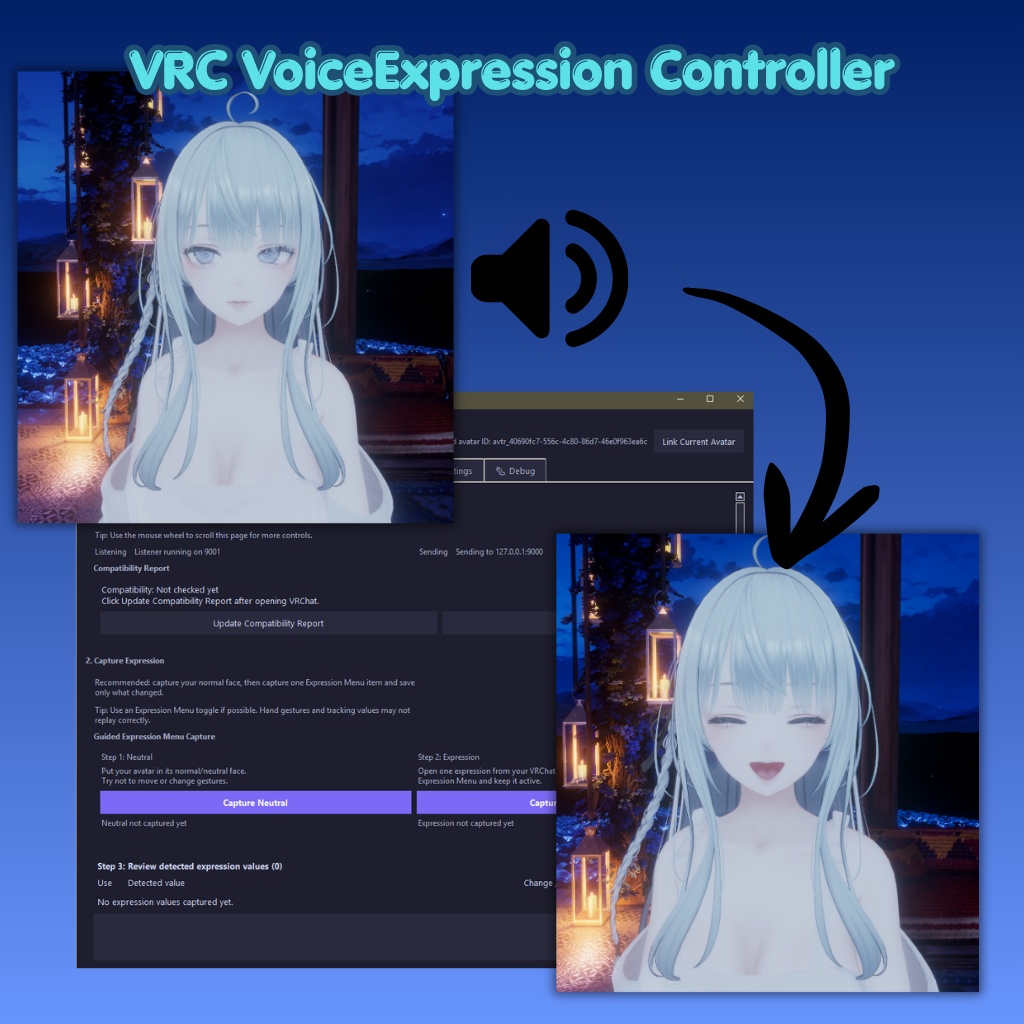

話すだけで、アバターの表情・衣装・ハンドアイテムを操作。 VRC Voice Expression Controlは、音声キーワードでVRChatアバターの表情、アクション、衣装切り替え、ハンドアイテムなどを操作できるツールです。 VRChat OSCを使用してAvatar Parameterを操作し、Expression Menuに設定された表情・衣装・アイテムなどを、撮影・配信・ロールプレイ中でも手を使わずに切り替えることができます。 ◆ Features ・音声キーワードで表情変更 ・音声で衣装 / 服装の切り替え ・Expression Menu内のハンドアイテム操作 ・VRChat OSC対応 ・Bool / Int / Float Parameter対応 ・キーワードとParameterを自由に設定可能 ・配信 / 撮影 / ロールプレイ / VTuber風演出におすすめ ◆ Requirements ・Windows PC ・VRChat ・OSC対応Avatar ・Microphone ・操作したい項目に対応したAvatar Parameter / Expression Menu設定 ※本ツールはVRChat公式とは関係ありません。 ◆ 重要なお知らせ / Early Development 本ツールは現在 Early Development 版です。 マイク環境、周囲の音、VRChatの設定、アバターの構成によっては、予期しない動作や不具合が発生する場合があります。 音声認識は環境によって安定しない場合があり、ノイズが多い環境や発音によっては正しく反応しないことがあります。 不具合を見つけた場合、セットアップで困った場合、または改善してほしい点がある場合は、お気軽にご連絡ください。 いただいたフィードバックは今後のアップデートの参考にさせていただきます。 ==================================== Change your avatar’s expression, outfit, or handheld item just by speaking. VRC Voice Expression Control is a tool that lets you control VRChat avatar expressions, actions, outfits, and handheld items using voice keywords. By using VRChat OSC, it controls Avatar Parameters and allows you to trigger items from your Expression Menu hands-free during recording, streaming, roleplay, or regular VRChat sessions. ◆ Features ・Change expressions with voice keywords ・Switch outfits or clothing toggles by voice ・Equip or trigger handheld items from the Expression Menu ・Supports VRChat OSC ・Supports Bool / Int / Float Parameters ・Fully customizable keywords and Parameters ・Recommended for streaming, recording, roleplay, and VTuber-style performances ◆ Requirements ・Windows PC ・VRChat ・OSC-compatible Avatar ・Microphone ・Avatar Parameters / Expression Menu set up for the actions you want to control ※ This tool is unofficial and is not affiliated with VRChat. ◆ Important Note / Early Development This tool is currently in early development. Some bugs or unexpected behavior may occur depending on your microphone, audio environment, VRChat settings, or avatar setup. Voice recognition may not always be perfectly stable, especially in noisy environments or with unclear pronunciation. If you find any bugs, have trouble setting it up, or want to request improvements, please feel free to contact me. Feedback is very welcome and will help improve future updates. ====================================