
【VTuber向け Live2Dアイテム】パジャマ / Pajama|RGB 色|アニメーション付き|VTS対応
- ダウンロード商品¥ 500
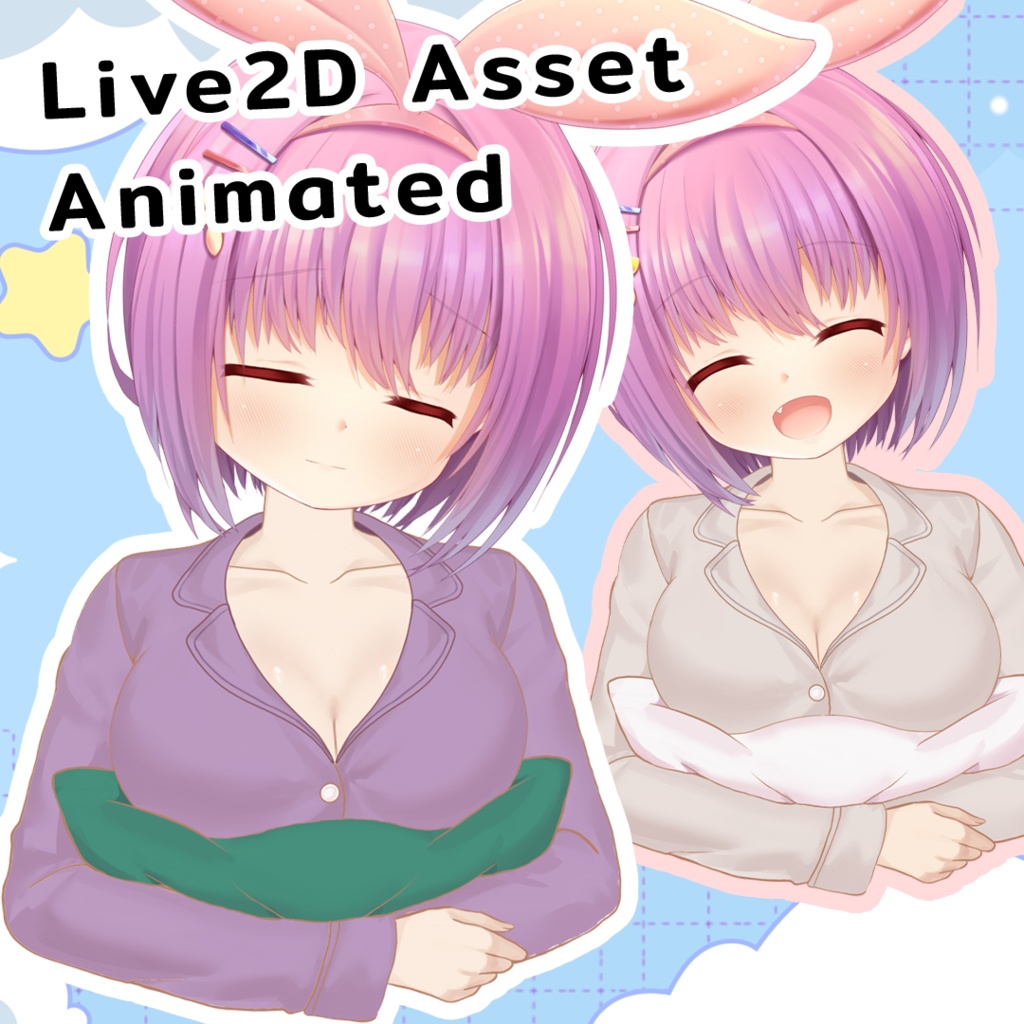
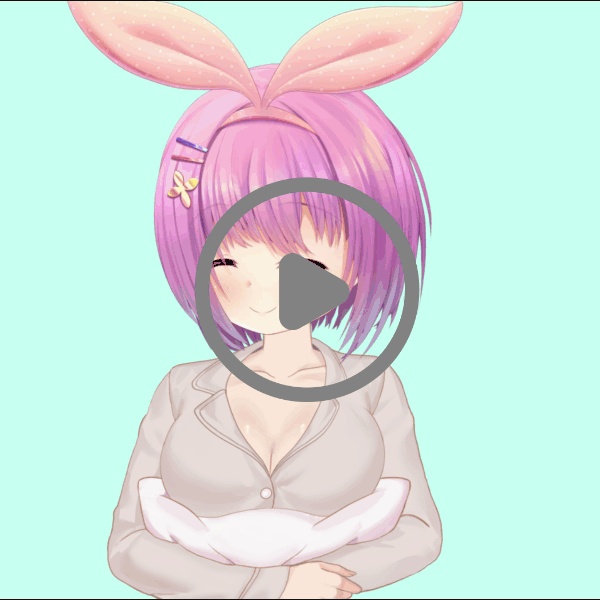
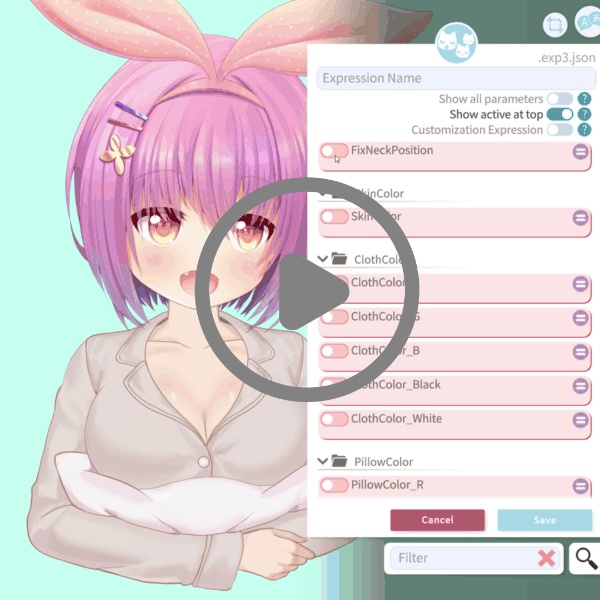
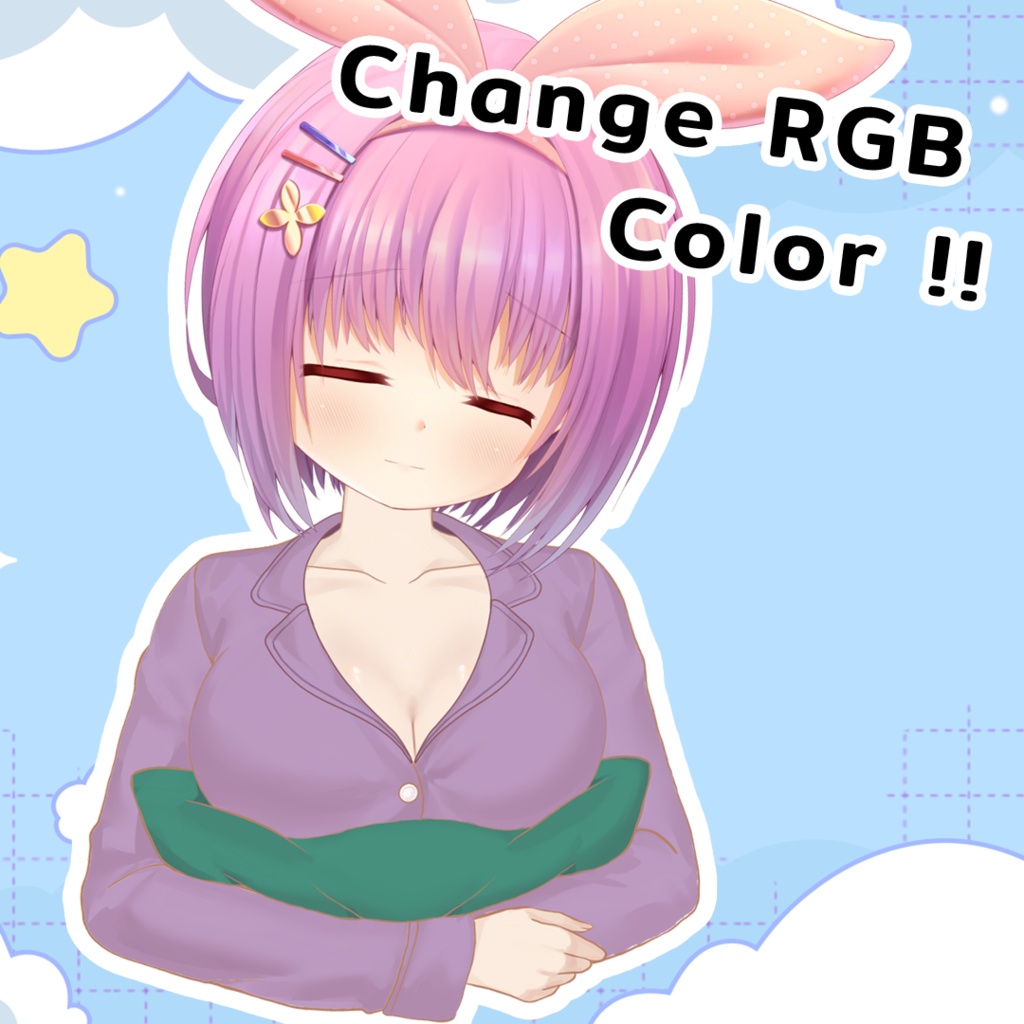
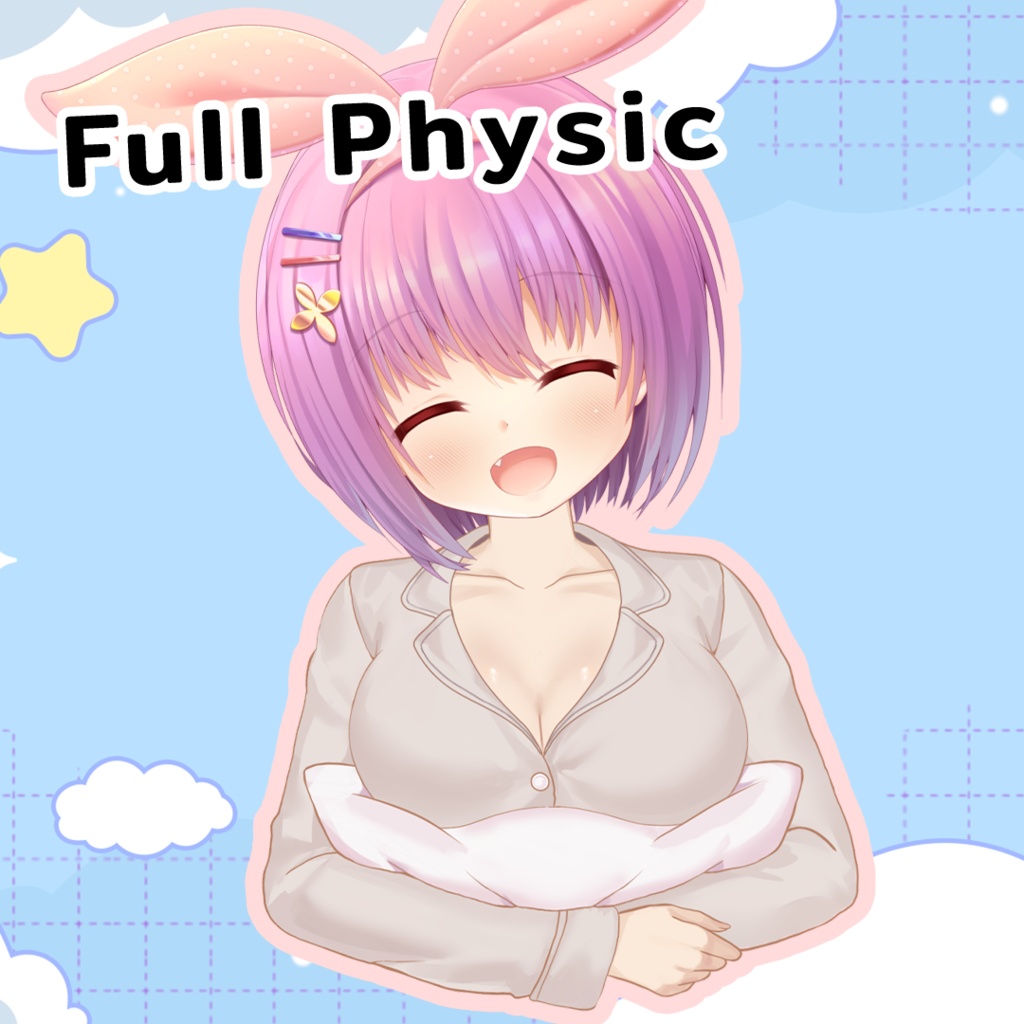


✨ 【VTuber向け Live2Dアイテム】パジャマ / Pajama — VTube Studio & nizima LIVE 対応 Live2D アイテム このアイテムで配信をアップグレードしよう! フェイストラッキングに連動して自然に動く、物理演算搭載の Live2D アイテムです。 追加設定は不要。どんなモデルにも、どんな雰囲気にも合わせられます。 💫 ━━━━━━━━━━━━━━━━━━━ 📦 同梱内容 ━━━━━━━━━━━━━━━━━━━ → カラーバリエーション [X] 種類 → VTube Studio & nizima LIVE 対応 → 物理演算搭載(頭の動き・トラッキングに連動) → [備考欄 — 例:「片耳・両耳バージョン付き」など] ━━━━━━━━━━━━━━━━━━━ 🎬 チュートリアル動画あり(VTube Studio 向け) ━━━━━━━━━━━━━━━━━━━ すぐに使い始められる、ステップごとの解説動画を用意しています。 ▸ Part 1 — モデルのセットアップ方法(アセットに合わせた準備) ▸ Part 2 — アセットの位置調整 & ピン留め方法 ▸ Part 3 — エモートの設定と作成方法 (カラー変更・首元の位置調整など) 初心者の方もご安心ください! Live2D アイテムが初めてでも、すぐに配信で使えるようになります 🎉 ━━━━━━━━━━━━━━━━━━━ ⚙️ 対応環境 ━━━━━━━━━━━━━━━━━━━ ✅ VTube Studio(PC・スマートフォン) ✅ nizima LIVE ✅ あらゆる Live2D モデルに対応 ━━━━━━━━━━━━━━━━━━━ 📜 利用規約 ━━━━━━━━━━━━━━━━━━━ ✅ 商用利用可 (配信・YouTube・VTuber 活動・収益化コンテンツ — すべて OK!) ✅ クレジット記載は任意ですが、記載いただけると嬉しいです (例:「アセット:[ショップ名]」) ❌ テクスチャファイルの改変・編集は禁止 ❌ 再販・再配布・第三者へのファイル提供は禁止 ❌ 著作権は制作者に帰属します(譲渡不可) ━━━━━━━━━━━━━━━━━━━ 📥 導入方法 ━━━━━━━━━━━━━━━━━━━ フォルダを VTube Studio の Items フォルダにコピーしてください: 📁 ...VTube Studio_Data/StreamingAssets/Items 詳しい手順はチュートリアル動画をご覧ください 🎥 ━━━━━━━━━━━━━━━━━━━ 💌 ご質問・お問い合わせ ━━━━━━━━━━━━━━━━━━━ お気軽にメッセージをお送りください! あなたの配信環境も見てみたいです — タグ付けや配信のシェア、大歓迎です 🫶 https://x.com/Gentine404 ✨ 【VTuber向け Live2Dアイテム】パジャマ / Pajama — Live2D VTuber Item for VTube Studio & nizima LIVE Upgrade your stream with this asset! This fully physics-based Live2D item moves naturally with your face tracking — no extra setup needed. Works with any model. Fits any vibe. 💫 ━━━━━━━━━━━━━━━━━━━ 📦 WHAT'S INCLUDED ━━━━━━━━━━━━━━━━━━━ → [X] color variants → Compatible with VTube Studio & nizima LIVE → Physics-enabled (reacts to head movement & tracking) → [Any extra notes about the asset — e.g. "Single + mirrored version included"] ━━━━━━━━━━━━━━━━━━━ 🎬 VIDEO TUTORIALS INCLUDED ━━━━━━━━━━━━━━━━━━━ I've prepared step-by-step video guides so you can get started right away: ▸ Part 1 — How to prepare your model to work with this asset ▸ Part 2 — How to position and pin the asset to your model ▸ Part 3 — How to set up and create emotes (color switching, adjusting attachment position, etc.) Beginner-friendly! Even if you're new to Live2D items, you'll be set up and streaming in no time. 🎉 ━━━━━━━━━━━━━━━━━━━ ⚙️ COMPATIBILITY ━━━━━━━━━━━━━━━━━━━ ✅ VTube Studio (PC & Mobile) ✅ nizima LIVE ✅ Works with any Live2D model ━━━━━━━━━━━━━━━━━━━ 📜 TERMS OF USE ━━━━━━━━━━━━━━━━━━━ ✅ Commercial use allowed (streaming, YouTube, VTuber activities, monetized content — all OK!) ✅ Credit not required, but always appreciated (e.g. "Asset by [Your Shop Name]") ❌ Do NOT modify or edit the texture files ❌ Do NOT resell, redistribute, or share files with others ❌ Copyright remains with the creator ━━━━━━━━━━━━━━━━━━━ 📥 HOW TO INSTALL ━━━━━━━━━━━━━━━━━━━ Copy the folder into your VTube Studio Items folder: 📁 ...VTube Studio_Data/StreamingAssets/Items Full video tutorial included with your purchase! 🎥 ━━━━━━━━━━━━━━━━━━━ 💌 QUESTIONS? ━━━━━━━━━━━━━━━━━━━ Feel free to message me anytime! I'd also love to see your setup — feel free to tag me or share your stream. 🫶 https://x.com/Gentine404