

オリジナル3Dモデル『どこにでもあるドア』
- 通常版ダウンロード商品¥ 1,500
- ご支援版(商品は変わりません)ダウンロード商品¥ 500
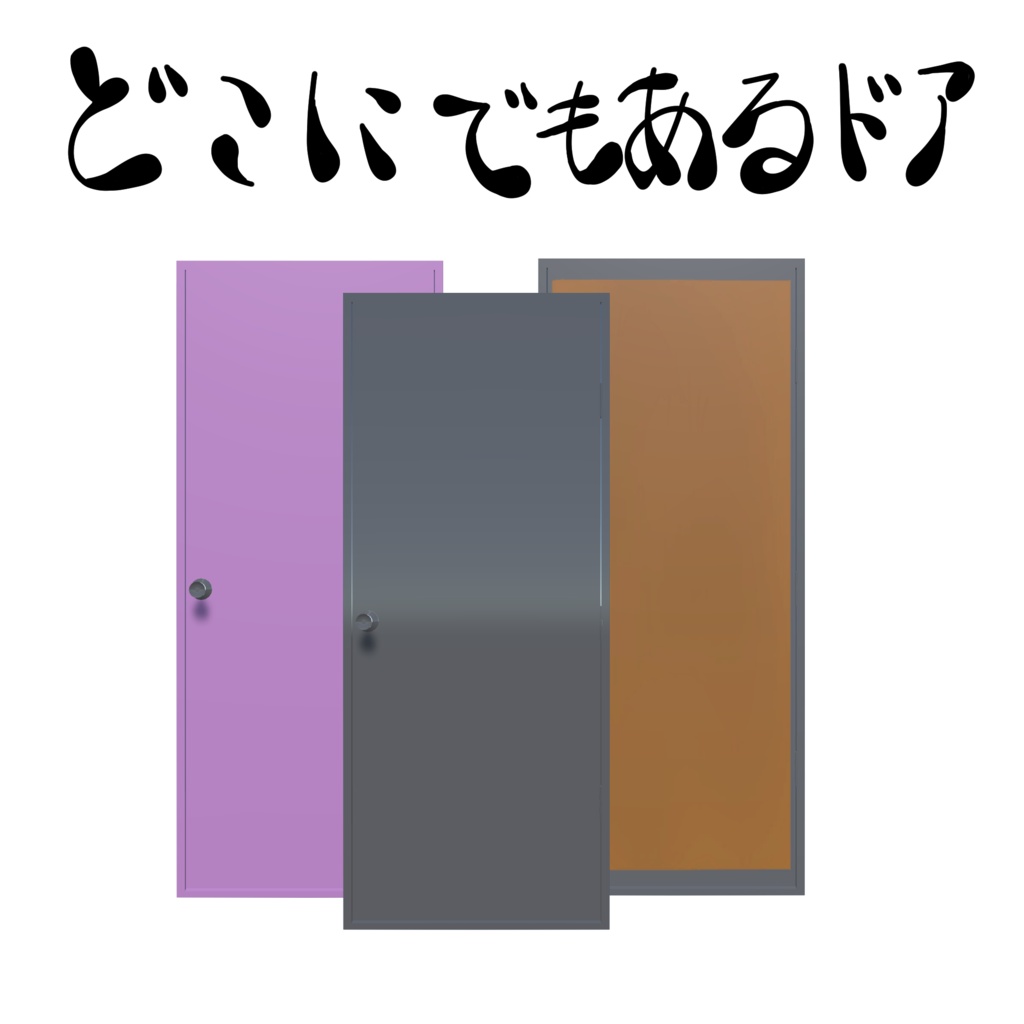
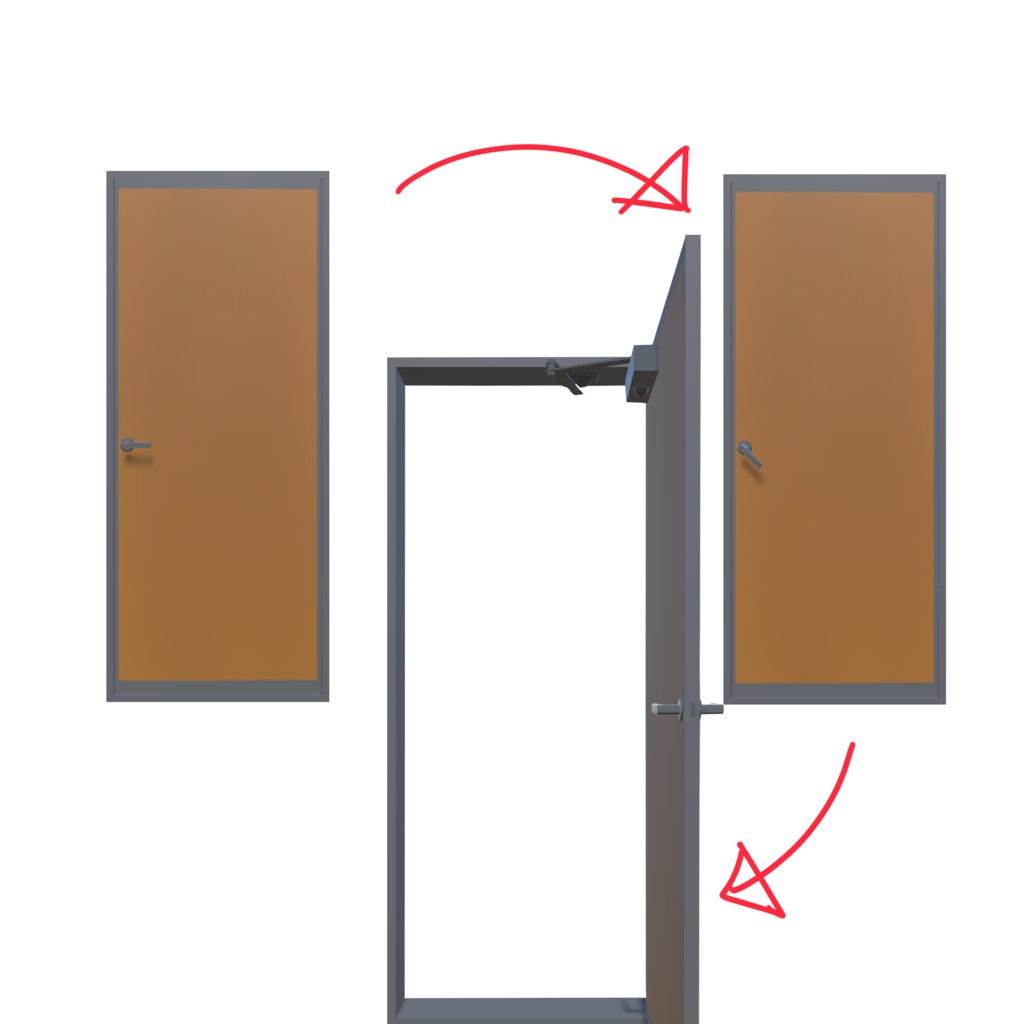
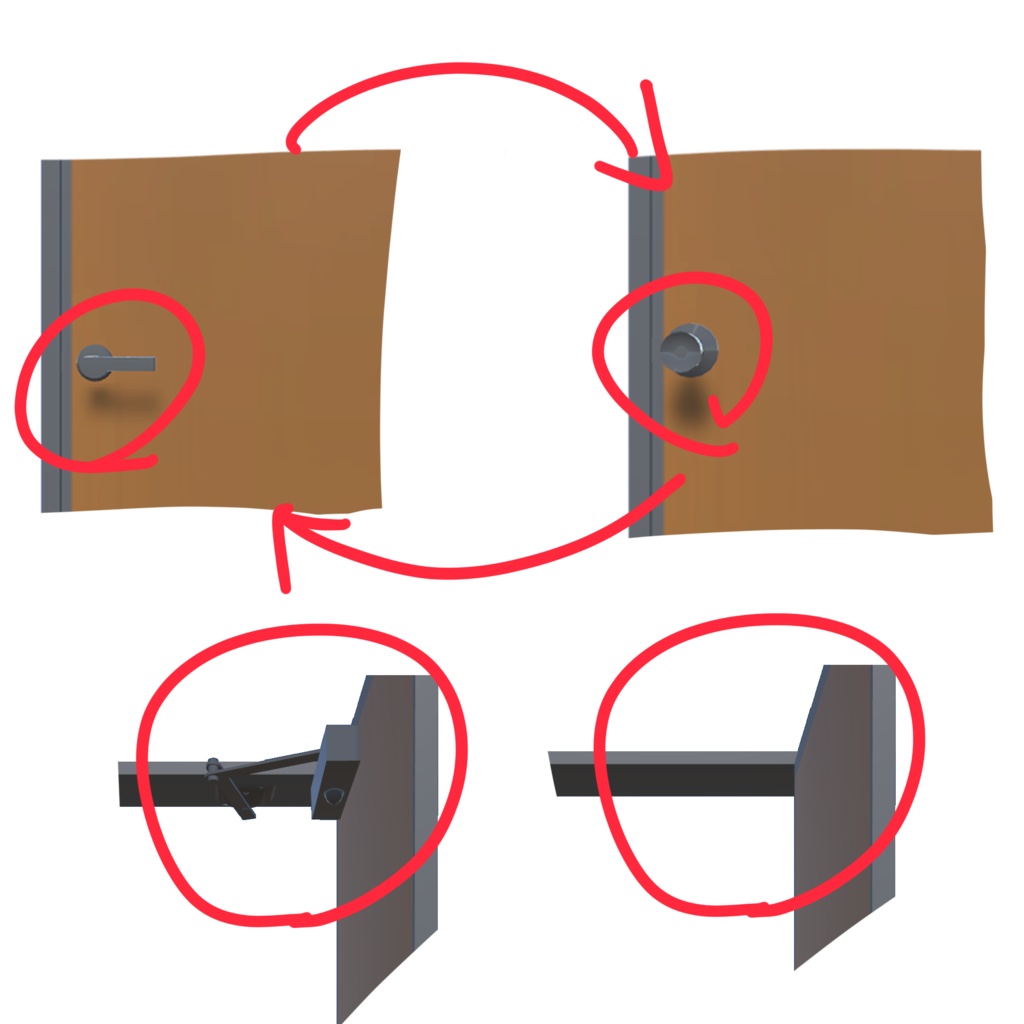
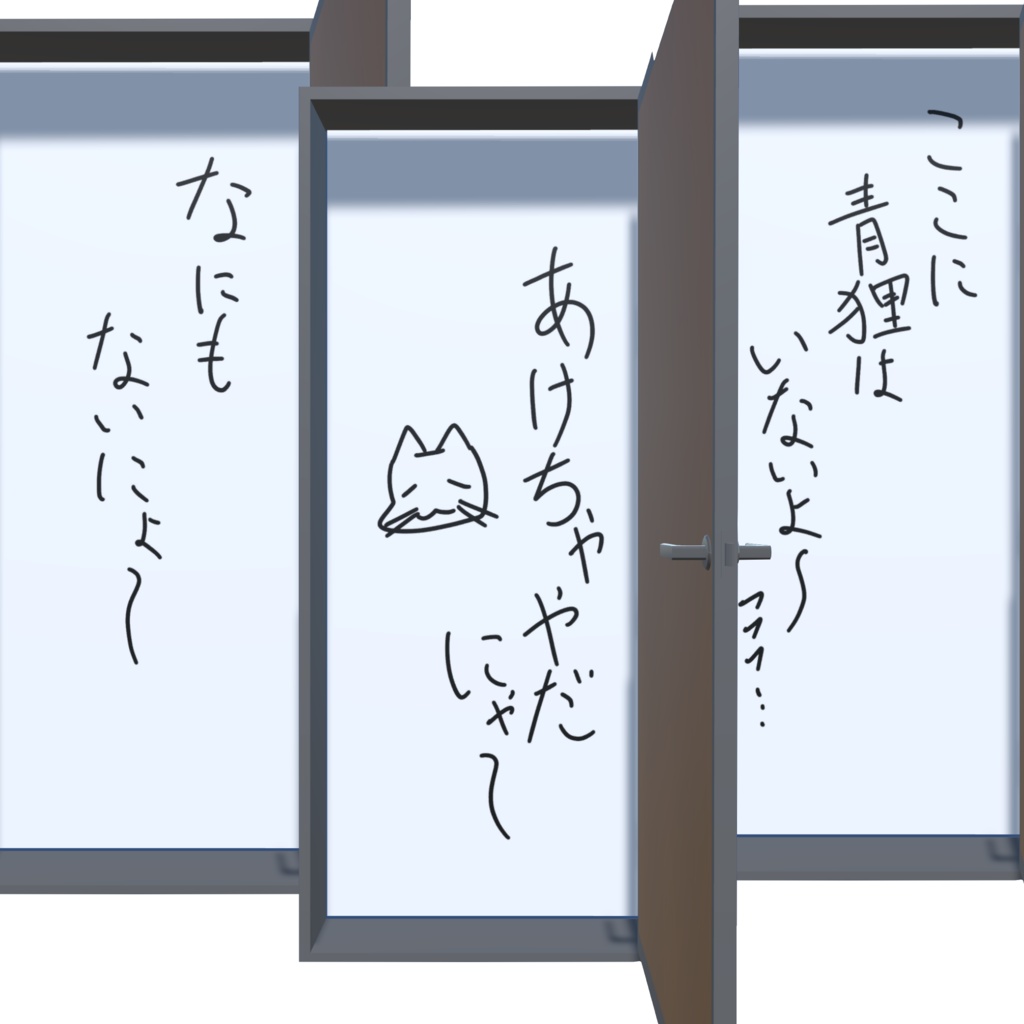


2026/5/20 50DL突破!!ダウンロードしていただきありがとうございます。 【日本語】 【商品説明】 VRChat専用アバターです。 リアルな扉をアバターとしてVRCで実装することに面白さを見出し制作しました。 Expression Menuに四種類のギミックを追加しています。 1.見た目チェンジ 見た目を3択から変更できます。 2.扉開閉ギミック ・ドアノブの部分をHand・Fingerのタグが付いたアバターで触れて離れることで扉の開け閉めができます。 ・扉の開け閉めをMenuでも同じようにボタンによって管理できます。 3. ギミックの表示、非表示、切り替えギミック ・ドアノブを二種類の中から切り替えできるようにしています。 ・ドアクローザーを表示と非表示の切り替えができるようにしました。 4. 開けた時のテクスチャーの切り替え ・三種類のボタンを切り替えることによって扉を開いたときに表示されるテクスチャーを切り替えれらます。 素敵なアバター同士の交流や、その他写真撮影などでお楽しみください。 【内容】 ・door_0005 mobile UnityPackage ・door_0005 PC UnityPackage (Prefab/テクスチャ/マテリアルなどを含みます。) ・license(利用規約) ・read_me.txt(導入方法) ・credit.txt ・door_sample.png 【仕様/Specifications】 ・PC対応 ・Quest対応 ・IOS対応 【導入方法】 1.Unityでプロジェクトを開く 2.UnityPackageをインポート 3.VRChat SDKでアップロード 【対応環境】 ・Unity2022.3 ・VRChat SDK3 【利用規約】 ・個人利用:OK ・改変:OK ・再配布:禁止 ・本データ単体での再販売:禁止 【注意】 ・不具合があればBOOTHメッセージにてご連絡ください。 ・一部ネタ要素が含まれます。寛容な方のみお使いください。 [English] [Product Description] This is an avatar designed exclusively for VRChat. I created this because I found it interesting to implement a realistic door as an avatar in VRC. I have added four types of interactive features to the Expression Menu. 1. Appearance Change You can choose from three different appearances. 2. Door Opening/Closing Mechanism ・You can open and close the door by touching and releasing the doorknob with an avatar equipped with the “Hand” or “Finger” tags. ・You can also control opening and closing the door via buttons in the Menu. 3. Gimmick Display, Hide, and Switch Gimmick ・You can switch between two types of doorknobs. ・You can toggle the door closer on and off. 4. Texture Switch When Opened ・By switching between three types of buttons, you can change the texture displayed when the door is opened. Please enjoy this for interactions between lovely avatars or for photo shoots. 【Contents】 ・door_0005 mobile UnityPackage ・door_0005 PC UnityPackage (Includes Prefabs, textures, materials, etc.) ・license (Terms of Use) ・read_me.txt (Installation Instructions) ・credit.txt ・door_sample.png 【Specifications】 ・PC compatible ・Quest compatible ・iOS compatible 【Installation Instructions】 1. Open the project in Unity 2. Import the UnityPackage 3. Upload via the VRChat SDK 【Supported Environments】 ・Unity 2022.3 ・VRChat SDK 3 【Terms of Use】 ・Personal use: OK ・Modification: OK ・Redistribution: Prohibited ・Resale of this data alone: Prohibited 【Note】 ・If you encounter any issues, please contact me via BOOTH messages. ・Contains some humorous elements. Please use only if you are open-minded.