

PackMapUtil v1.1
- ダウンロード商品¥ 0
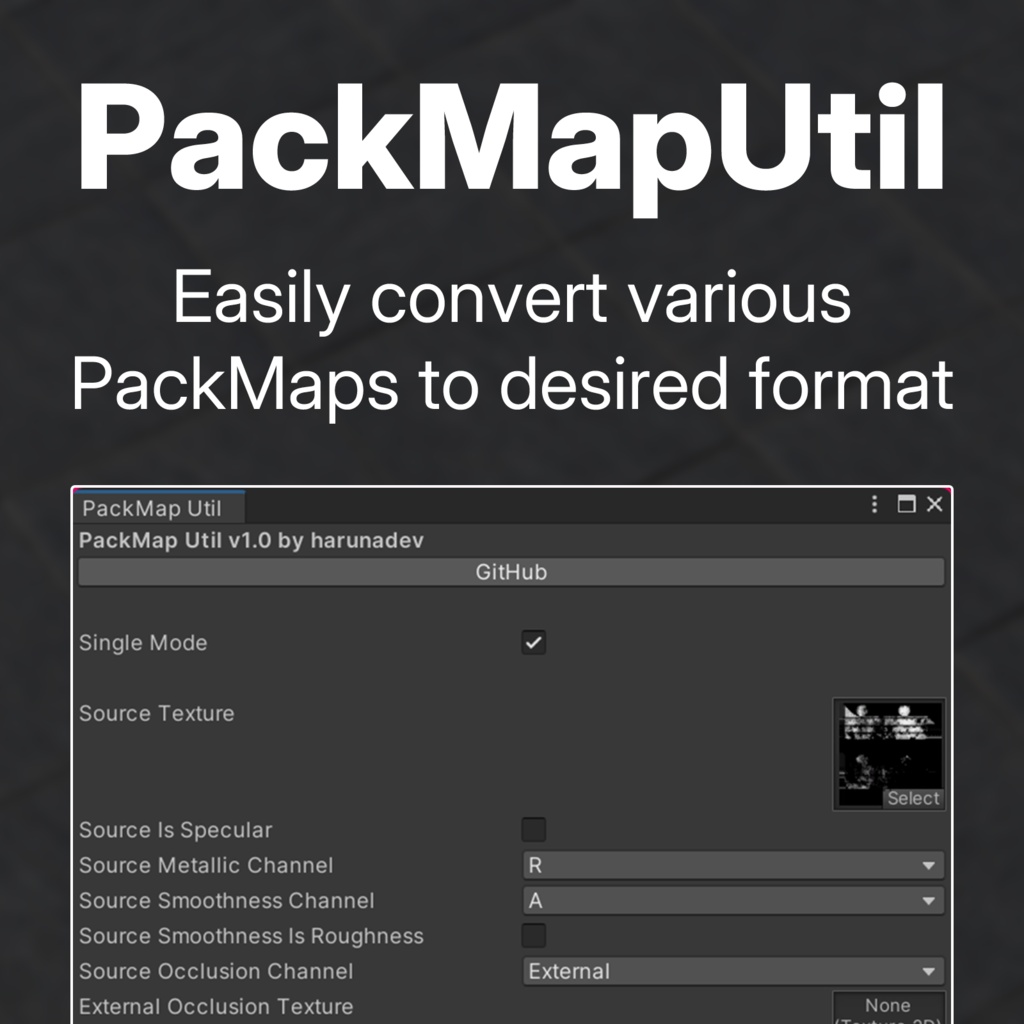


A simple lazy utility that makes PackMap cross-conversion easy.
What scenario would make this useful?
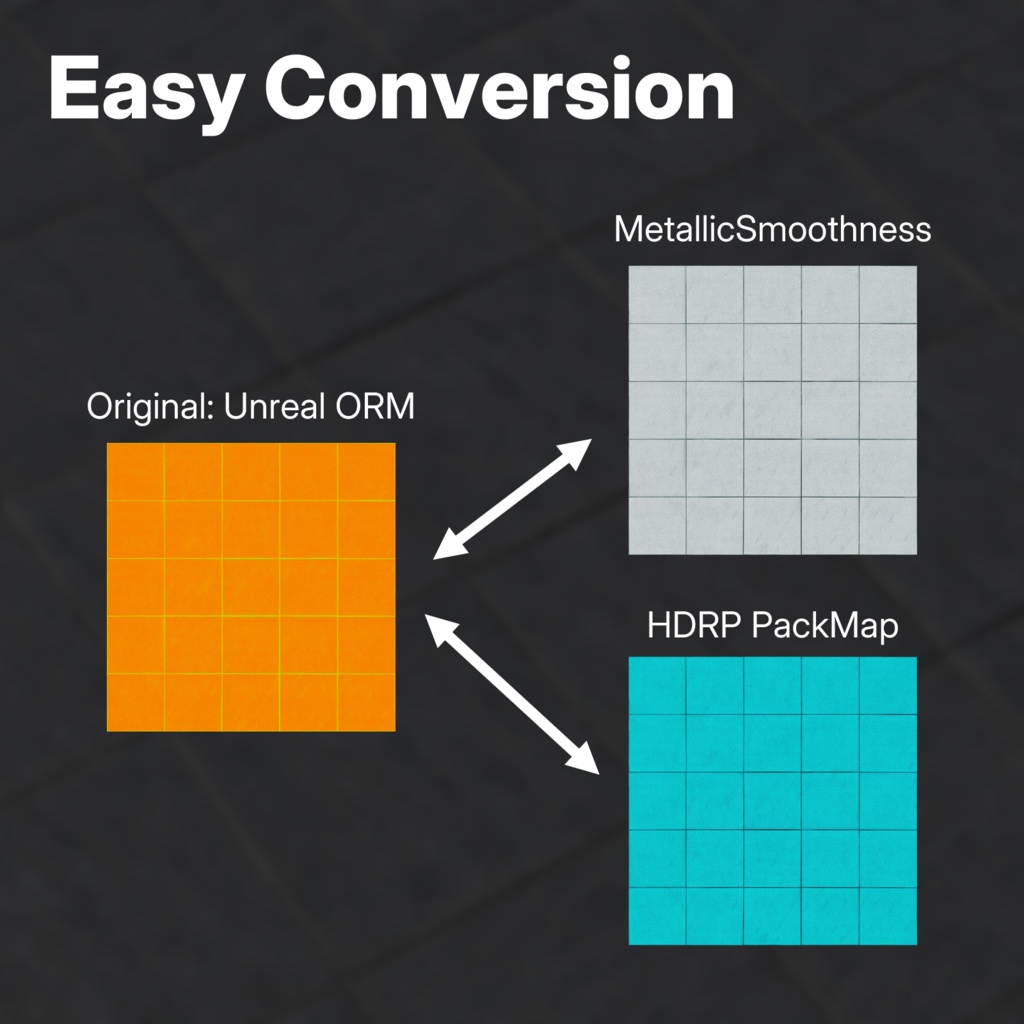
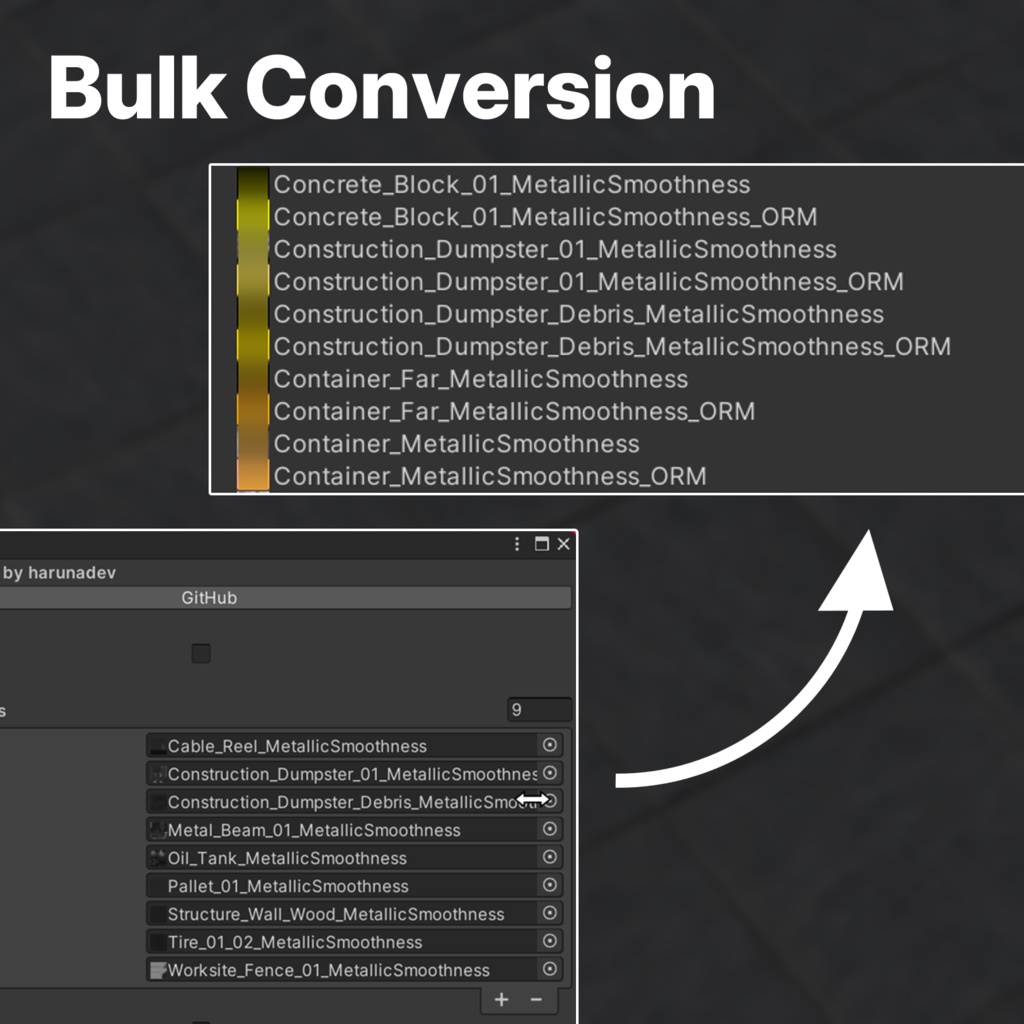
Convert HDRP PackMaps to ORM - 3rd party PBR shaders like Mochie and orels supports PackMaps, but configuring them to support each map would be time consuming, especially if you have too many materials. You can use this utility to unify all the PackMap to have single format and have streamlined workflow. Convert Specular Maps to ORM - Specular map have special format, where RGB value determines specularity (similar to metallic) and A as smoothness. This is sometimes not supported for 3rd party shaders, or either have to use other shaders that breaks multi-edit. You can use this utility to convert Specular maps to (imperfect) ORM maps. Too many textures to process by using other software - Sometimes, if you get a random model from the web, there might be too many PackMap textures to convert from/to. You can use this utility to mass-convert PackMaps to desired format. Extract each channel as a separate texture - When you use Non-PBR shaders on the PBR-intended models, but want to have metallic/smoothness maps for matcap or so, you can use this utility to extract a single channel as a mask map, and use that on your shader.
How to install
1. Download the latest release. 2. Import Unitypackage to your project.
How to use
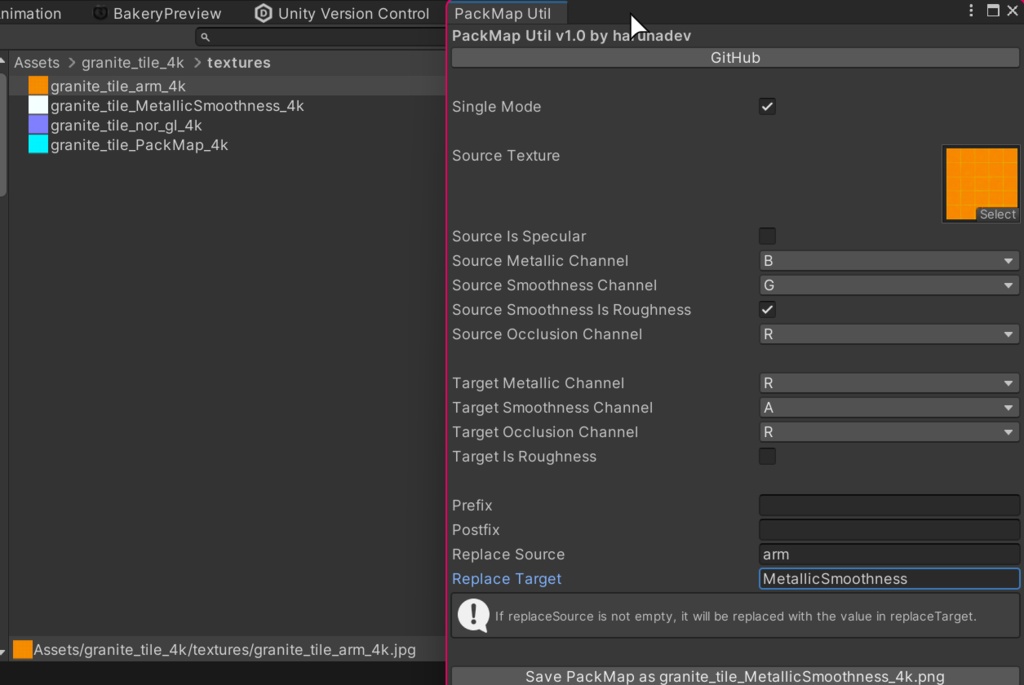
1. On your top menu bar, open 'harunadev > PackMap Util' 1-1. or you can select texture first and then open PackMap Util 1-2. or you can also multi-select textures and then open PackMap Util 2. Select what channels does the original textures are using for each elements. 2-1. Example: if the original texture is HDRP PackMap, then source metallic: R, smoothness = A, smoothness is roughness = false, occlusion = G 3. Select what channels would the new output texture are going to use for each elements. 3-1. Example: if the result texture needs to be Unreal ORM, then target metallic: B, smoothness = G, smoothness is roughness = true, occlusion = R 4. (Optional) Use prefix/postfix/replace to customize the output texture file name. 5. Press "Save PackMap" button to process 6. Check the result and enjoy.
License
MIT License. This project is also available in GitHub: https://github.com/github-harunadev/PackMapUtil
Requirements
- Unity 2022 3.22f1 or later (not guaranteed to work on other versions) - Windows (not guaranteed to work on other environments)