
【VRoid用テクスチャ】🐰うさぎきらきら瞳テクスチャ💖 / Bunny Sparkle Eye Texture
- ダウンロード商品¥ 0
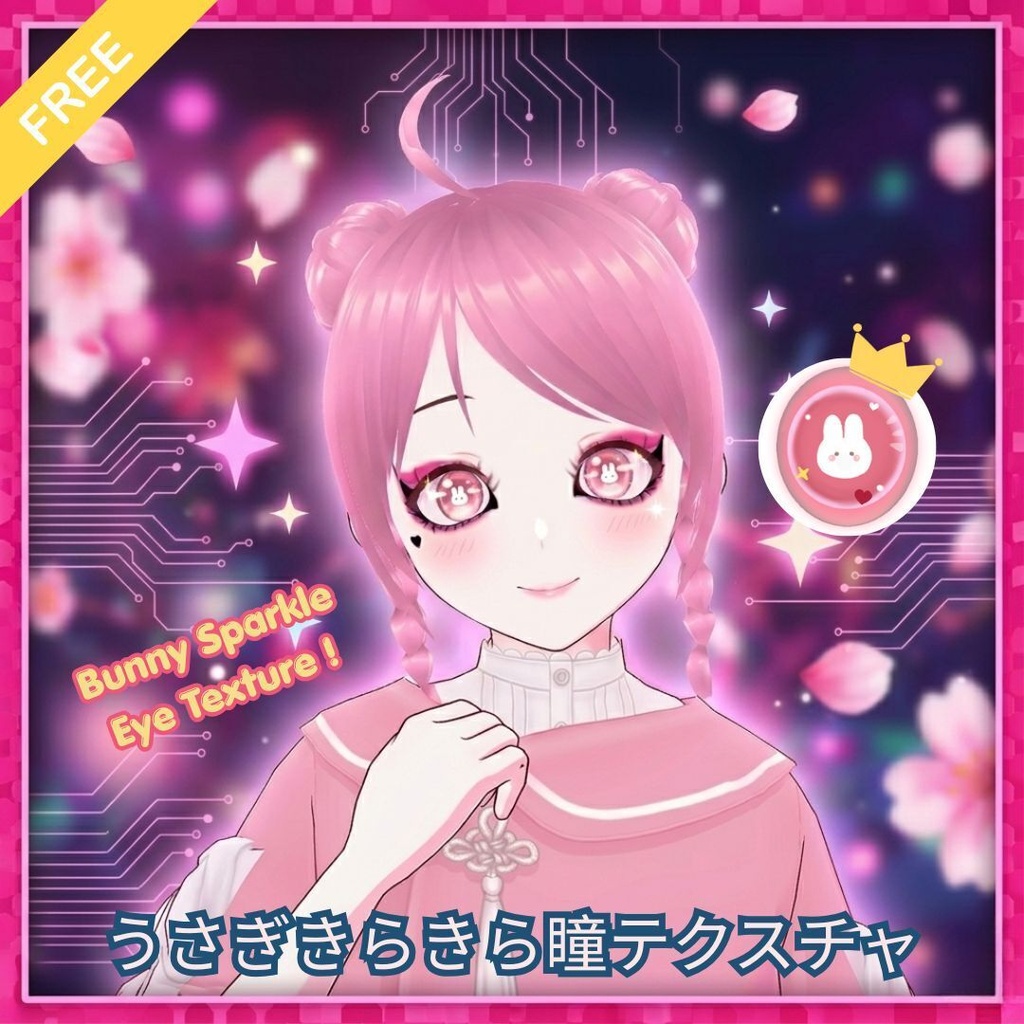
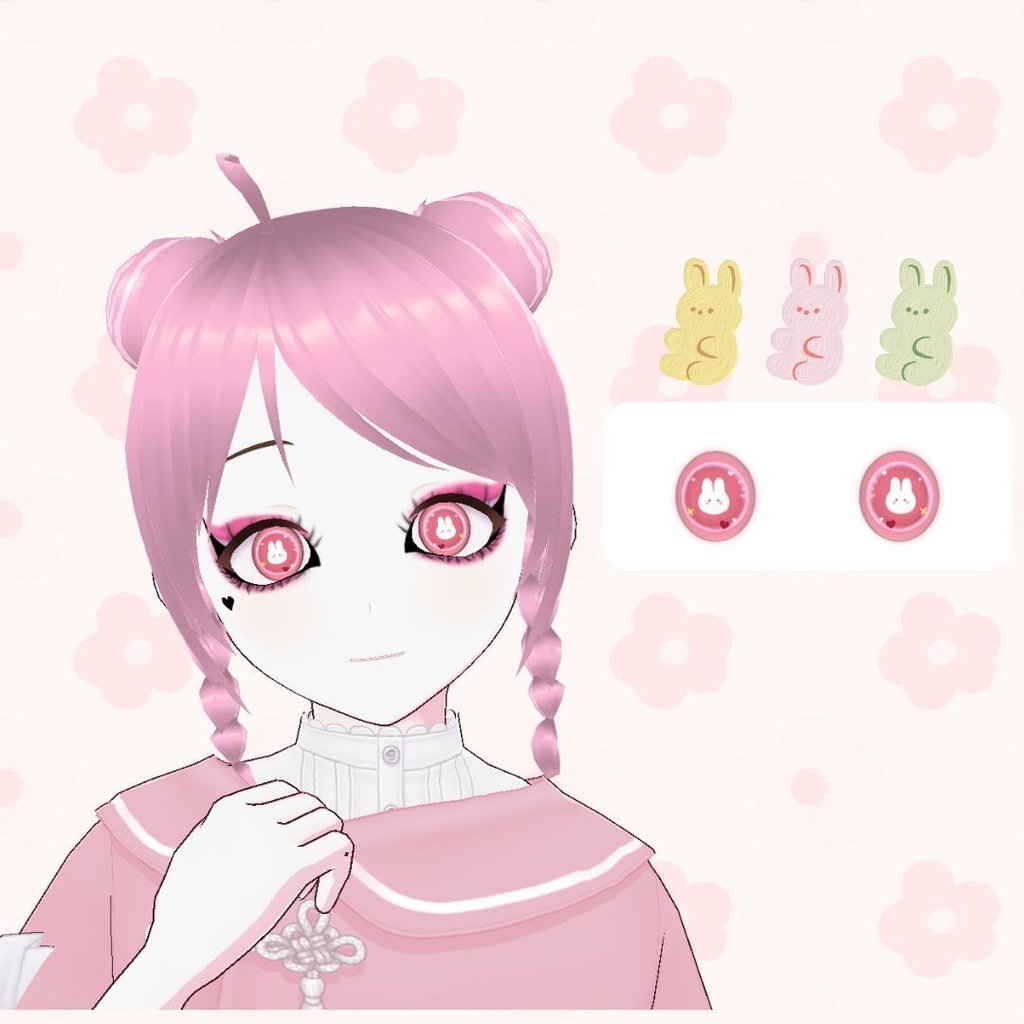
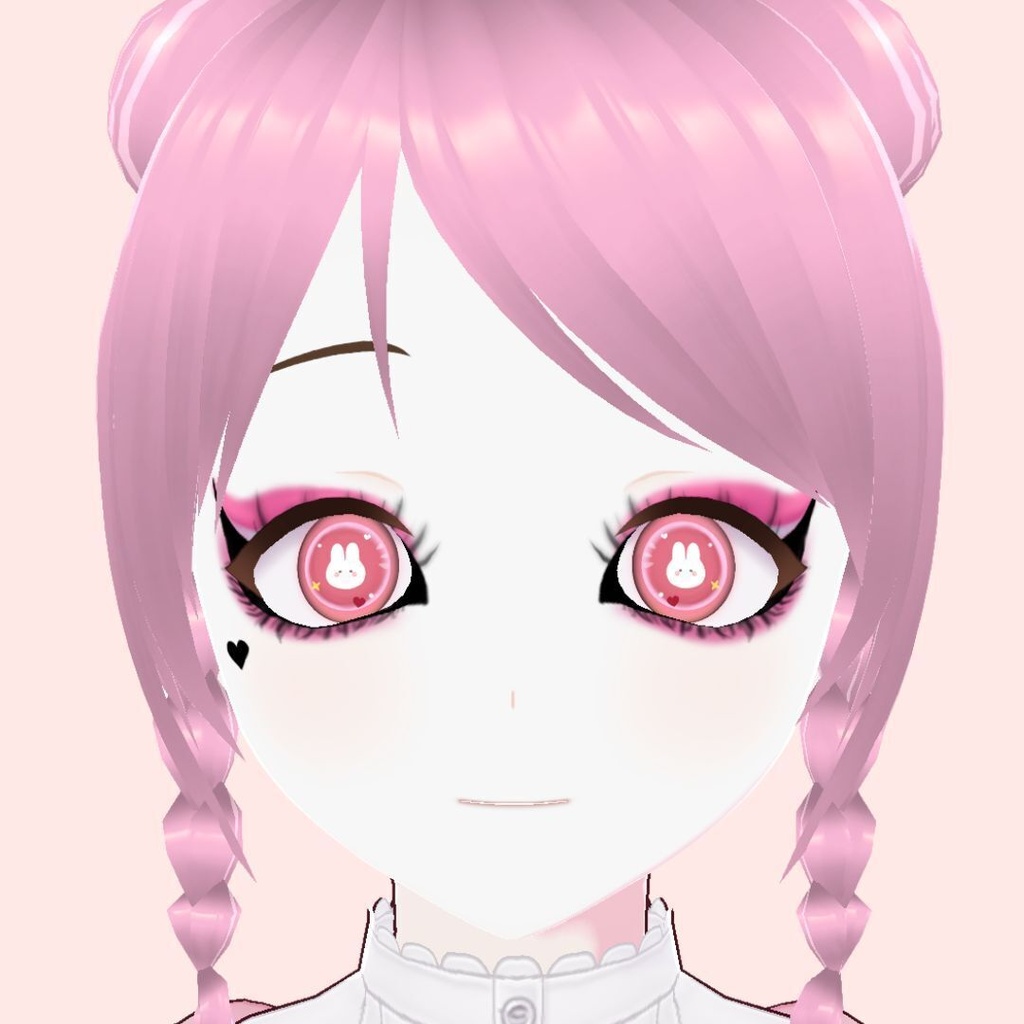


Give your avatar the ultimate cute upgrade with this sparkly bunny iris texture! Featuring a sweet rabbit silhouette inside the lens, it creates a mesmerizing, glassy doll-eye effect perfect for any anime or sweet look. 🐇 --------------------------------------------- うるうる輝くうさぎの瞳テクスチャで、あなたのアバターを最高にキュートにアップグレード!レンズの中に小さなうさぎのシルエットが入った、ドールのようにきらきらと輝く甘いデザインです。アニメ調や可愛い系アバターの表情にぴったり!🐇
✦ 使用方法 / How to Use (VRoid Studio)
1. VRoid Studioを開き、アバターの編集画面に進みます。 (Open VRoid Studio and open your avatar project.) 2. 左上のメニューから「カスタムアイテムをインポート」を選択し、本製品のファイル(.vroidcustomitem)を読み込みます。 (From the top-left menu, select Import Custom Item and load this product file.) 3. 上部メニューから「顔」を選び、左側のリストから「瞳」を選択します。 (Select Face from the top menu, then choose Iris from the left sidebar.) 4.「カスタム」タブ内に追加されたアイテムを選択・着用すれば完了です! (Go to the Custom tab, select the newly added item to wear it, and you're all set!)
