
【白 灰色 黒】ペールアイラインテクスチャ まつげ・まぶた・白目セット【VRoid】
- 通常版 normal ver.ダウンロード商品¥ 550
- 企業版 corporate ver.ダウンロード商品¥ 850
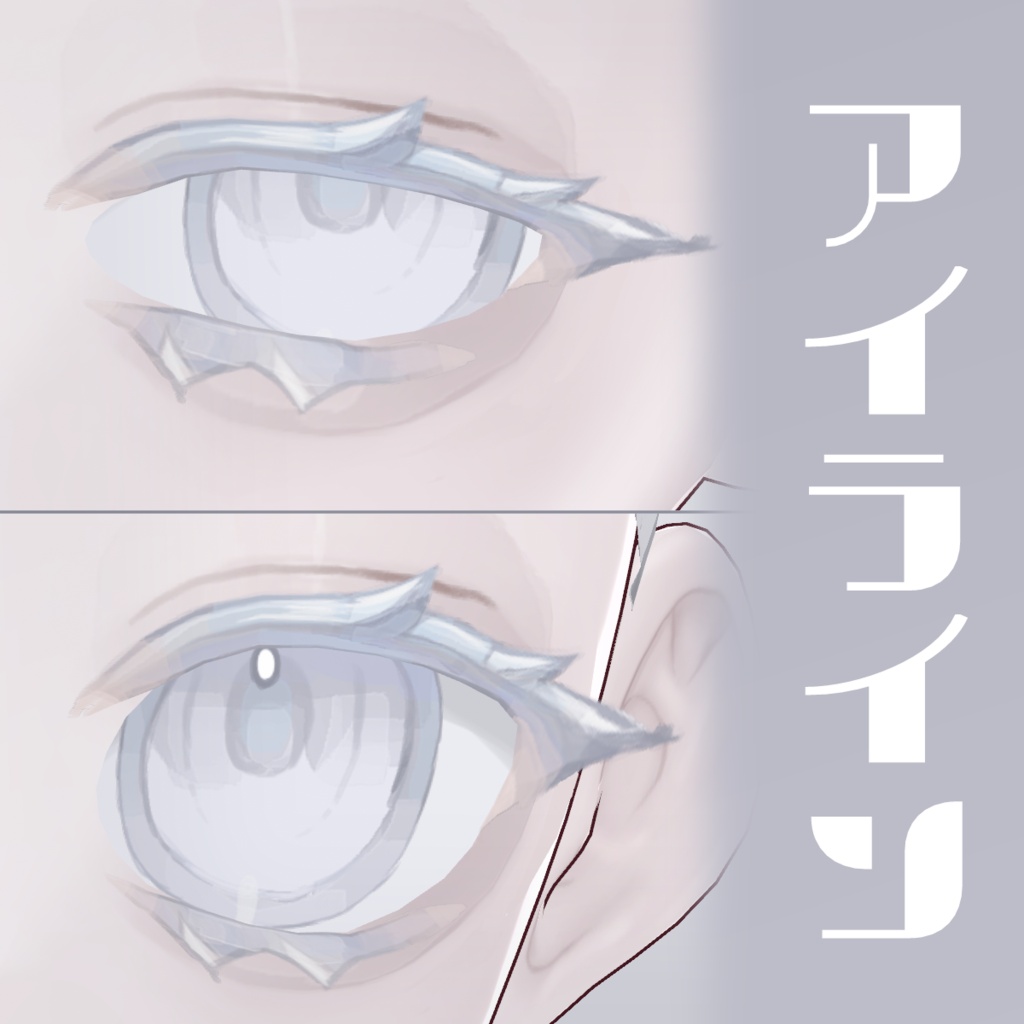
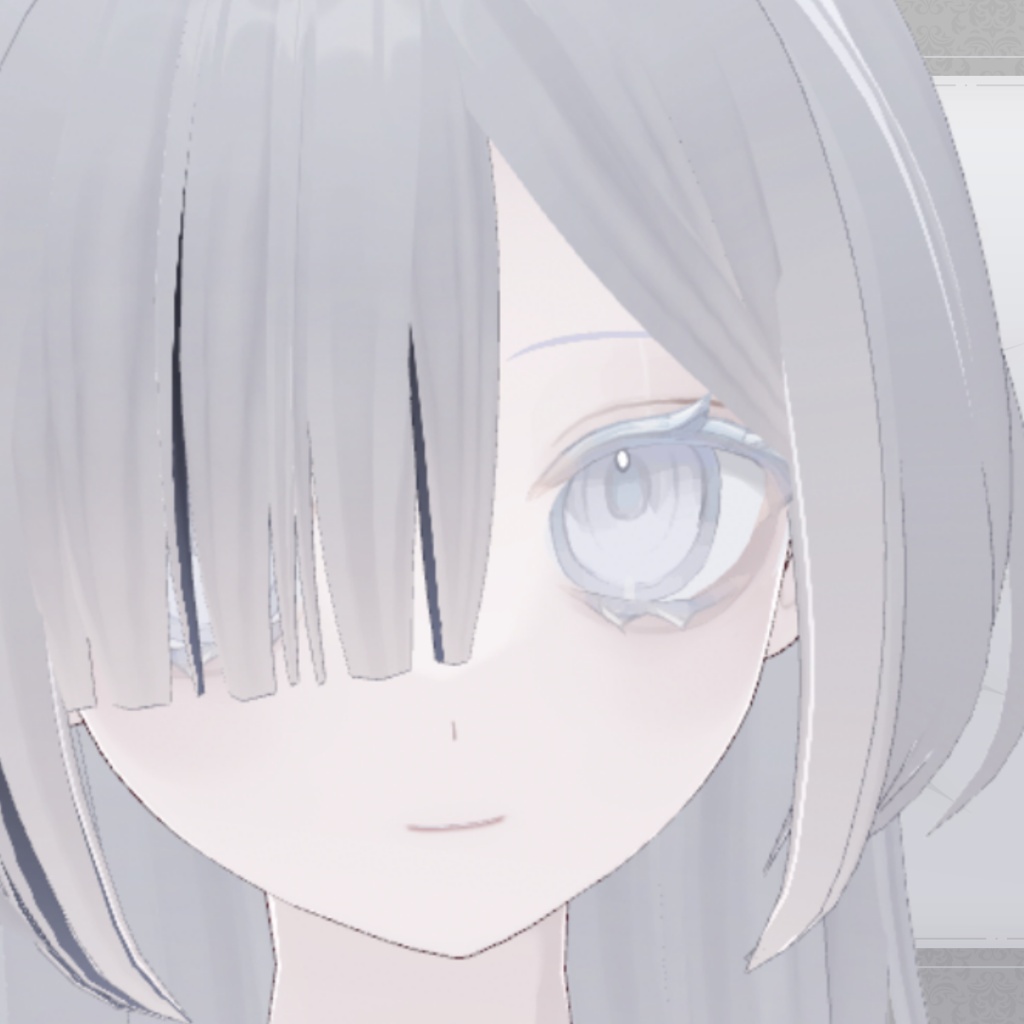
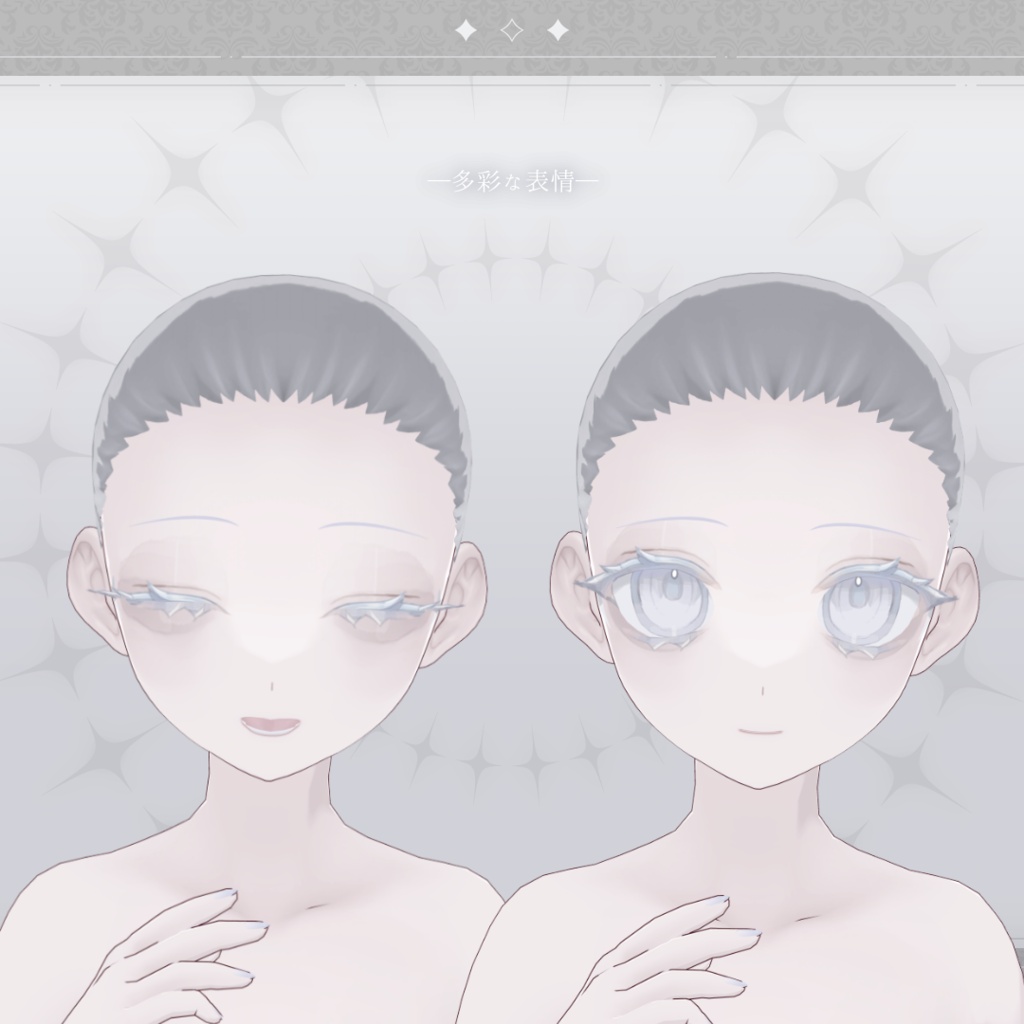
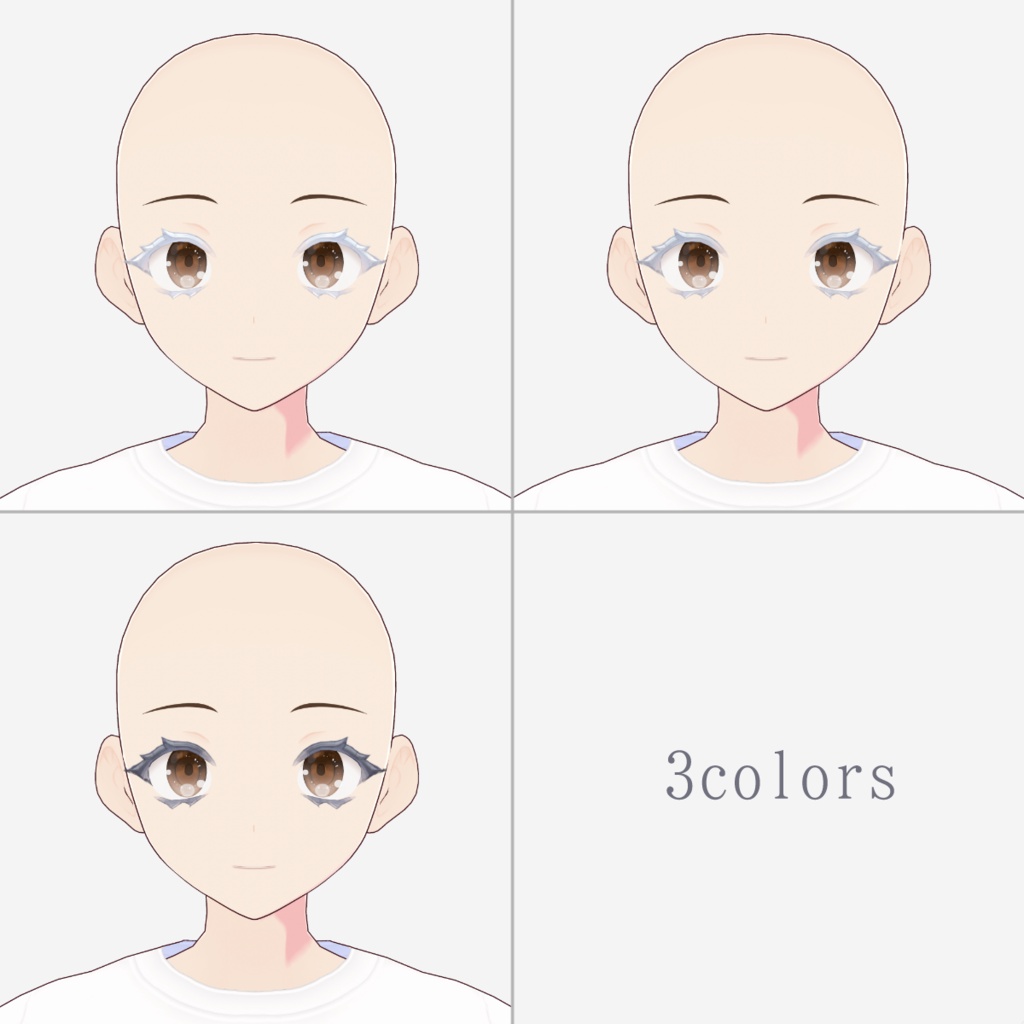


※こちらはテクスチャのみで、モデルデータは含まれません。 *This is texture for VRoid and character models are not included. pale eyeliner and eyelids texture compatible for the VRoid 淡い水彩調のアイラインになります。 白・灰色・黒の3色展開。 ★商品画像のモデルも販売中!! バラバラで各アイテムを買うよりも、セットになっているのでモデルを買う方がお得です!! https://akumu-h.booth.pm/items/7841455 ★商品画像で使用したアイテクスチャも販売中! The eye texture used in the product image are also on sale! https://akumu-h.booth.pm/items/8449187 【利用規約】 https://akumu-byouin.fanbox.cc/posts/4576755 【Terms of Use】 https://akumu-byouin.fanbox.cc/posts/9058081 【内容】-Contents- ・ペールアイライン 白・灰色・黒 (pale eyeliner white & gray &black) ・ペール まぶた (pale eyelids) ・ペール 白目 (pale scleras) 【使い方】 「顔」の「アイライン」の「テクスチャの編集」を選択します。 「+」から新しいレイヤーを追加し、右クリックでテクスチャをインポートしてください。 色が薄い場合は、右クリックでレイヤーを複製し、複製したレイヤーの描画モードを右下から「乗算」にしてください。 【How to use】 ①Choose "Edit Texture" of "Eyeliner" of "Face". ②Add a layer with click "+". ③Right click the layer and import the texture. *If the color is light, right-click to duplicate the layer, and set the Drawing mode of the duplicated layer to "Multiply" from the bottom right. ★よかったら #あくむ病院 のタグもご使用ください。