
【AI搭載】超高画質化ツール (High Quality Image Upscaler) - クリエイター・同人作家向け
- ダウンロード商品¥ 500
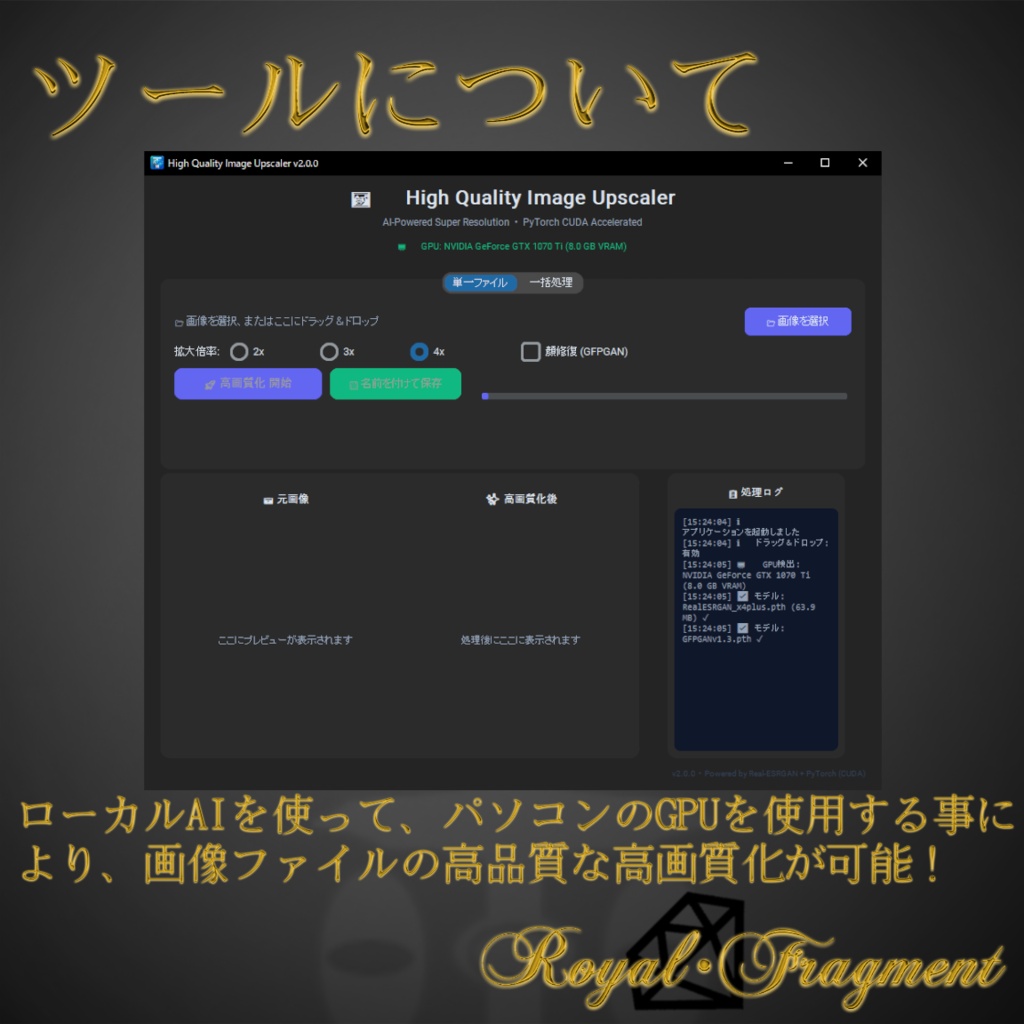
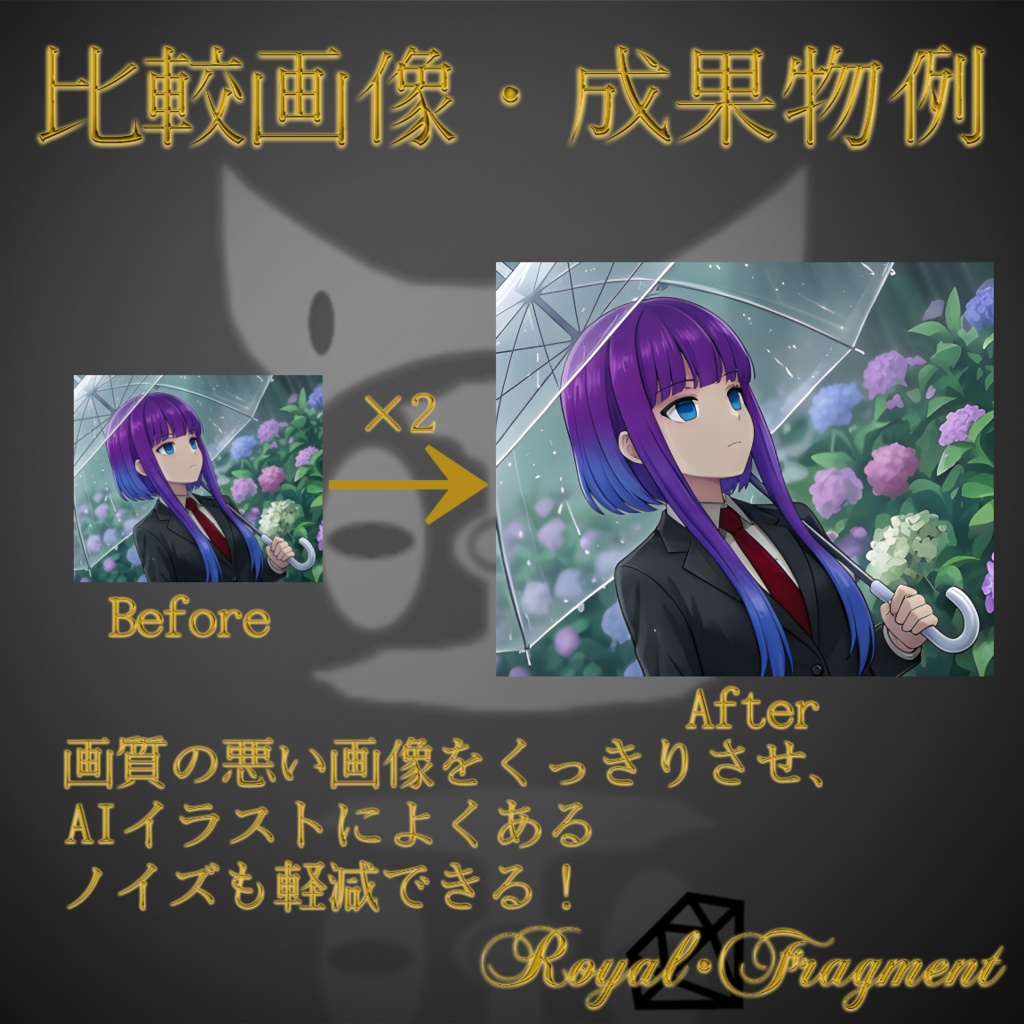
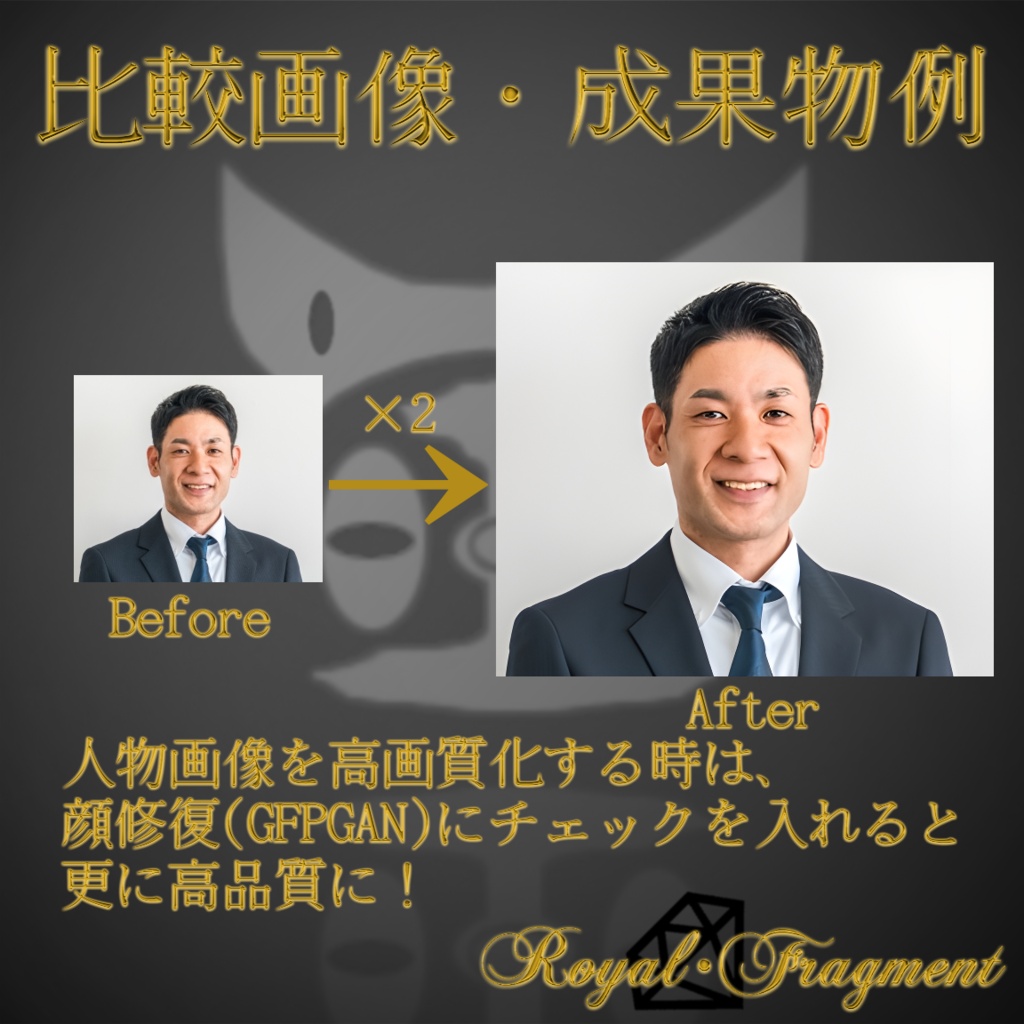
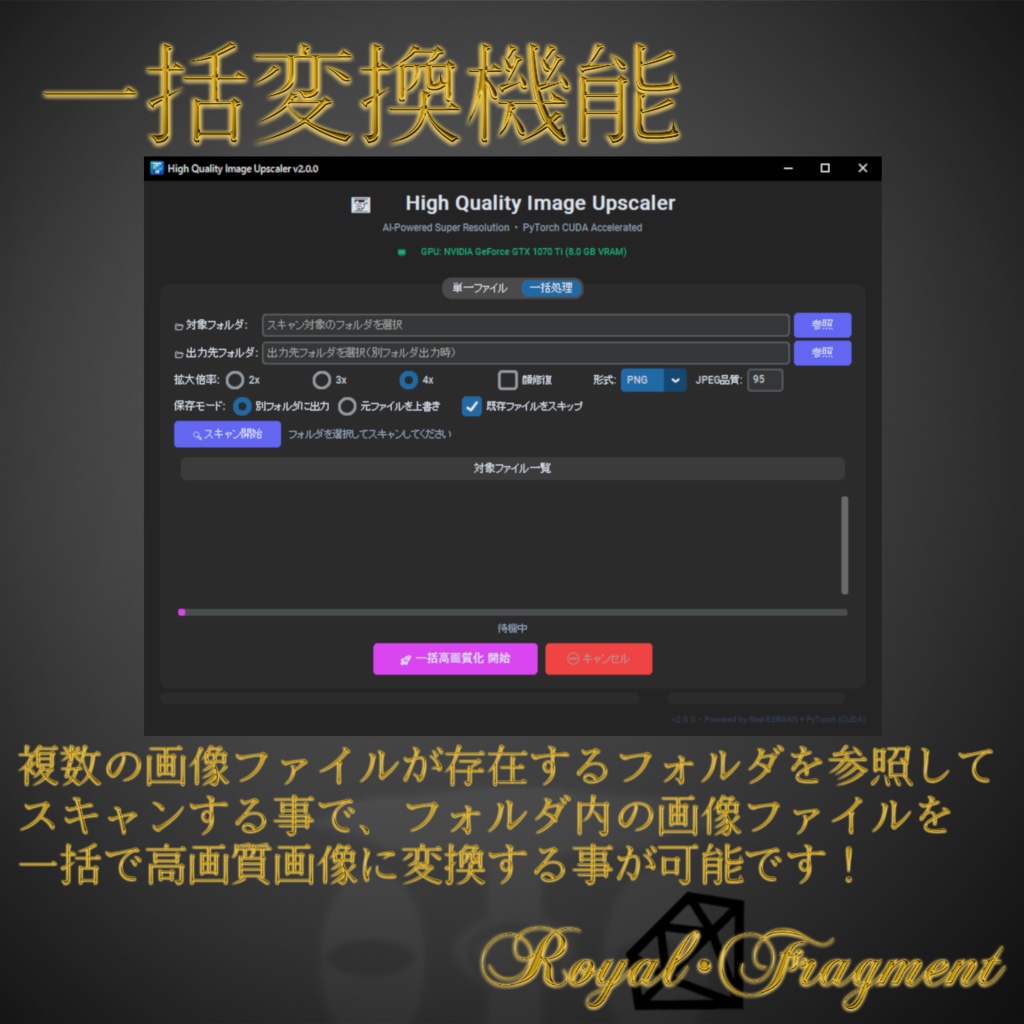


-------------------------------------------------------------------- 『High Quality Image Upscaler』 利用規約 -------------------------------------------------------------------- この度は、『High Quality Image Upscaler』をご覧頂き誠に有難うございます。 本ツールをご利用の際は以下にご注意ください。 -------------------------------------------------------------------- ■ 動作環境について 推奨環境: ・OS: Windows 10 / Windows 11 ・GPU: NVIDIA製GPU(VRAM 8GB以上推奨)※CUDA対応により高速処理が可能 ・メモリ: 8GB以上推奨 ※本ツールはWindows環境での動作を想定して作成されています。 -------------------------------------------------------------------- ■ ツール仕様 本ツールは、解像度の低い画像や荒れたイラストをAI技術(Real-ESRGAN / GFPGAN)を用いて高品質にアップスケーリング(高画質化)するクリエイター向けユーティリティです。 【主な機能】 ・ドラッグ&ドロップによる直感的な画像読み込み対応! ・拡大倍率の選択(2x, 3x, 4x) ・顔修復機能(GFPGAN)搭載により、人物の顔も自然に綺麗に補正 ・複数画像の一括処理(バッチ処理)対応 ・Before / After が一目でわかるリアルタイムプレビュー機能 過去の粗い素材のリマスターや、AI生成イラストの高画質化、同人誌の印刷用データ作成などに幅広くご活用いただけます。 -------------------------------------------------------------------- 【ダウンロードと解凍方法について(重要)】 本ツールはAIモデルを含みファイルサイズが大きいため、2つのRARファイル(.part1.rar, .part2.rar)に分割して配布しております。 ご利用の際は、以下の手順で解凍を行ってください。 1. 2つの分割ファイル(.part1.rar と .part2.rar)を両方ともダウンロードし、必ず同じフォルダに保存してください。 2. Windows標準の機能では解凍できないため、無料の解凍ソフト「7-Zip」などをご利用ください。 3. 2つのファイルが同じフォルダに揃った状態で、最初のファイル(.part1.rar)を右クリックし、「7-Zipで展開(解凍)」を選択してください。自動的にpart2も読み込まれ、ツール本体が展開されます。 ※ファイルの一部が欠けていると解凍エラーになりますのでご注意ください。 -------------------------------------------------------------------- 【注意事項】 ・原則サポートなし(現状渡し)となります。個人制作ツールのため、バグ対応や機能追加要望などはベストエフォート(可能な範囲での対応)となりますので、あらかじめご了承ください。 ・本ツールを使用したことによって生じた、データの破損、PCの不具合、その他いかなるトラブルや損害に関しても、当方は一切の責任を負いません(念のため元データのバックアップを取ってからご使用ください)。 ・本ツールの二次配布、無断転載、自作発言、および本ツール自体を再販売する行為は固く禁止いたします。 ・本ツールを用いて作成・変換した画像データの商用利用は全面的に可能です。ご自身のビジネスや同人活動等で自由にご活用ください。 ・特定の個人や団体を誹謗中傷する目的でのツール利用、及び公序良俗に反する行為への利用を禁止します。 ・今後のOSアップデート等により、予告なくツールが動作しなくなる場合があります。恒久的な動作を保証するものではありませんのでご了承ください。 -------------------------------------------------------------------- ■ 制作者について ・MKT革命 Twitter: @68636538 メール: nizigenjyasinmkt@gmail.com ==================================================================== "High Quality Image Upscaler" - For Creators & Doujin Authors -------------------------------------------------------------------- "High Quality Image Upscaler" Terms of Use -------------------------------------------------------------------- Thank you for your interest in the "High Quality Image Upscaler". Please read the following carefully before using this tool. -------------------------------------------------------------------- - System Requirements Recommended Environment: - OS: Windows 10 / Windows 11 - GPU: NVIDIA GPU (VRAM 8GB or more recommended) *CUDA support enables high-speed processing - Memory: 8GB or more recommended * This tool is designed to run on Windows environments. -------------------------------------------------------------------- - Tool Specifications This tool is a utility for creators that uses AI technology (Real-ESRGAN / GFPGAN) to upscale (improve image quality) low-resolution images and rough illustrations to high quality. [Key Features] - Intuitive image loading via drag-and-drop! - Selectable magnification ratio (2x, 3x, 4x) - Equipped with face restoration function (GFPGAN) to naturally and beautifully correct human faces - Batch processing support for multiple images - Real-time preview function to see the Before/After at a glance It can be widely used for remastering past rough materials, upscaling AI-generated illustrations, and creating data for printing doujinshi. -------------------------------------------------------------------- - Download and Installation Instructions This tool has a large file size, so it is distributed in two split RAR files (.part1.rar, .part2.rar). 1. Save both downloaded files (.part1.rar and .part2.rar) in the same folder. 2. Use a free extraction tool like "7-Zip", right-click the first file (.part1.rar), and select "Extract" (Both files will automatically combine and extract into a single folder). 3. Double-click the installer (.exe file) in the extracted folder to run it. 4. Follow the on-screen instructions to complete the installation. 5. After installation, you can launch the tool from the shortcut on your desktop or start menu. * Security software like Windows Defender may show a warning. If this happens, click "More info" and then "Run anyway". -------------------------------------------------------------------- [Notes] - This tool is provided "as is" with no technical support in principle. As it is a personal project, bug fixes and feature requests will be handled on a best-effort basis. - We assume no responsibility for any data corruption, PC malfunction, or other troubles or damages caused by using this tool. (Please back up your original data just in case.) - Secondary distribution, unauthorized reproduction, claiming authorship, and reselling this tool itself are strictly prohibited. - Commercial use of image data created/converted using this tool is fully permitted. Feel free to use it for your business or creative activities. - Using the tool for the purpose of slandering specific individuals or groups, or for acts contrary to public order and morals, is prohibited. - Please note that the tool may stop working without notice due to future OS updates. We do not guarantee permanent operation. -------------------------------------------------------------------- - About the Creator - MKT Kakumei Twitter: @68636538 Email: nizigenjyasinmkt@gmail.com ====================================================================
