

Mochifitter Profile - Z Raptor
- ダウンロード商品¥ 0
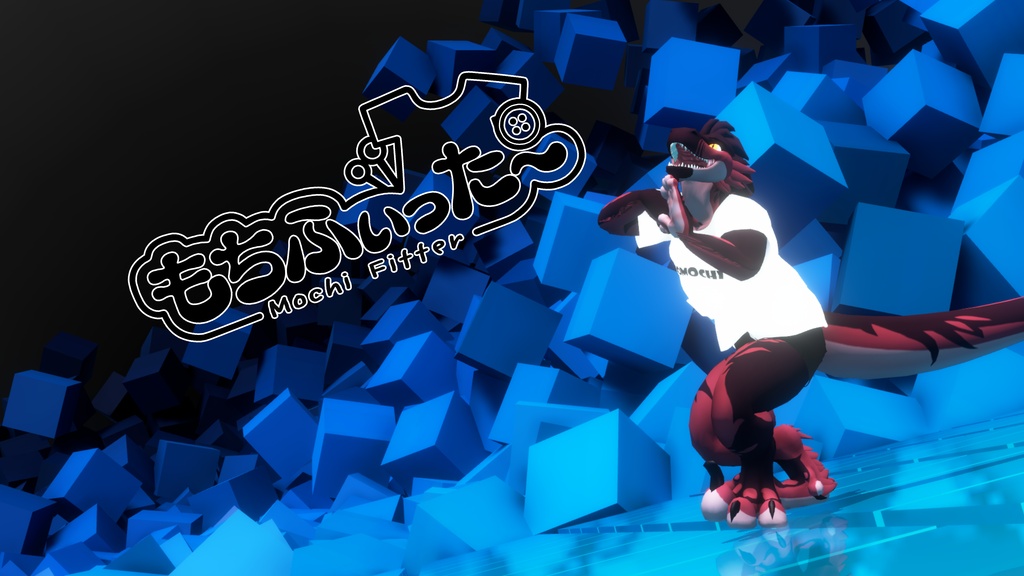

Mochifitter Target profile for the Zairiza Raptor
Mochifitter Add-On
This product is a community add-on for the Mochifitter outfit retargeting system and requires base Mochifitter to run. Mochifitter can be purchased on Booth at https://booth.pm/ja/items/7657840
Description
This is a Mochifitter target profile for the Mochifitter outfit retargeting system. When used with the Mochifitter Unity plugin, it will allow you to reshape and reweight clothing FROM other Mochifitter compatable avatars TO the Z Raptor; this currently includes a significant portion of assets available on Booth.pm . This profile currently is just for the standard z raptor body type. To fit with different body blendshapes, please use a blendshape transfer tool on the output such as https://github.com/neongm/RinvosBlendshapeTransfer This is an experimental beta profile. There is a possibility of small weighting and clipping errors, particularly near the head, hand, and feet. Additionally, extreme blendshape setting may require some manual configuration. These errors should be minor and can be addressed with small adjustments in blender, or with use of avatar optimization tools such as AAO or MeshDeleter.
Prerequisites
Mochifitter requires valid ownership of the source outfit and target avatar to operate. Retargetted outfits require either VRCFury or ModularAvatar to use. Mochifitter: https://booth.pm/ja/items/7657840 Z Raptor 2: https://zairiza.gumroad.com/l/RaptorTime VRCFury: https://vrcfury.com/download/ ModularAvatar: https://modular-avatar.nadena.dev/
Instructions
Import Mochifitter into your Unity project Import this profile into your Unity project If needed, also import the profile for the other source/target avatar, searchable on the English discord https://discord.gg/9dTMRsucVv Open Mochifitter via Tools > Mochifitter If necessary, click "install blender" in the top right. This may take some time. Drag the prefab or FBX for your desired outfit into the "Outfit to Convert" field. Make sure the "Target Avatar" and "Source Avatar" are set correctly. Click "Execute Retargeting" and wait for completion. Drag & Drop the "finalized_..._.prefab" output onto your avatar and add a VRCFury or ModularAvatar Armature link. Add A VRCFury or ModularAvatar Blendshape link between the avatar and each outfit component
Credits
This is a community project and is not affiliated with Zairiza/RaptorTime or NINE GATES/Mochifitter. Thank you to those creators for their wonderful products. Thank you to the Mochifitter_EN UNOFFICIAL community for their work in translating the Mochifitter tools and identifying best practices for using them with western & furry avatar archetypes. You can join the community to learn more & access English language documentation at: https://discord.gg/9dTMRsucVv