
【Windows版PCゲーム】STEAM CAGE
- ダウンロード商品¥ 180

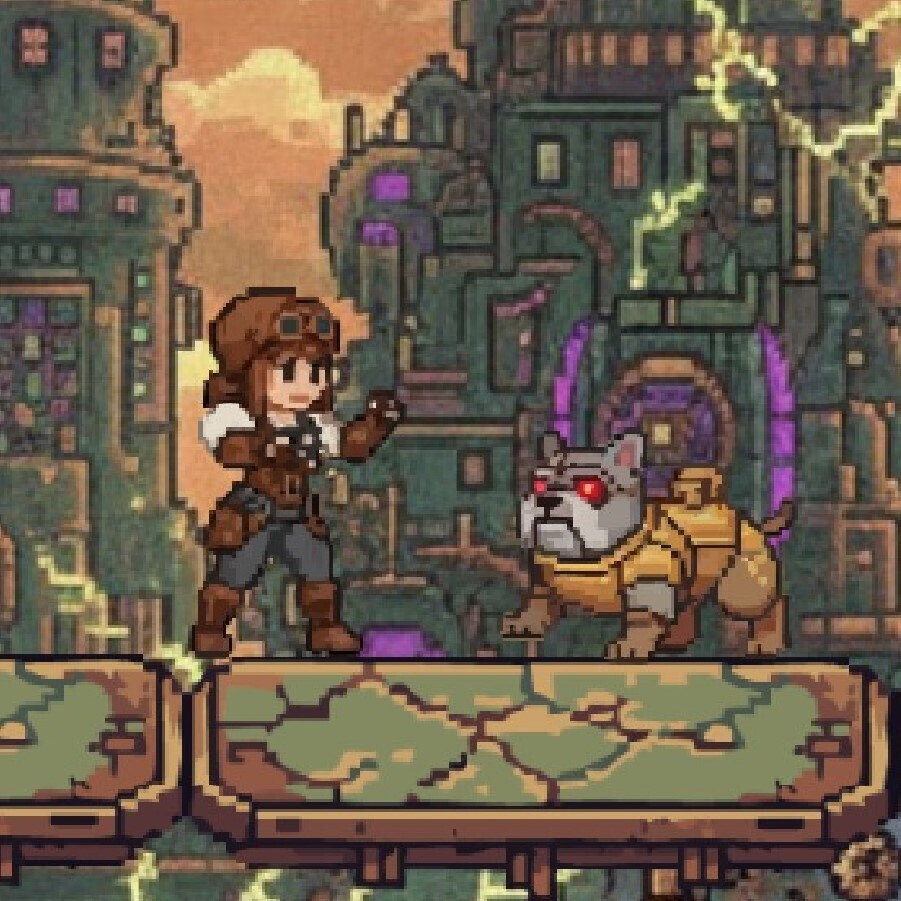


【ゲーム概要】 2Dアクションゲーム『STEAM CAGE』のPC(Windows)版です! 個性豊かなキャラクターと世界観を、PCの大画面で手軽に、そして熱くお楽しみいただけます。 【操作方法】 移動: 十字キー(または画面のタッチ操作) アクション: スペースキー(または画面のタッチ操作) ※キーボード操作とタッチパネル、どちらの環境でもそのままプレイ可能です。 【Windowsでの起動に関するご注意】 ダウンロードした .exe ファイルを初めて起動する際、Windowsの仕様により「WindowsによってPCが保護されました」という青い警告画面(SmartScreen)が表示される場合があります。 こちらは個人開発のファイルに対してシステムが自動で表示する標準的なアラートです。ウイルス等の問題はございませんので、画面内の「詳細情報」⇒「実行」の順にクリックしていただくことで、安全にゲームが起動いたします。 【お問い合わせ・規約】 本ゲームの無断転載・商用利用を禁じます。 不具合やご意見などがございましたらご連絡ください。 [Game Overview] This is the PC (Windows) version of the 2D action game "STEAM CAGE"! Dive into a unique world with simple yet thrilling action. [Controls] ・Movement: Arrow Keys (or Touch Screen) ・Action: Spacebar (or Touch Screen) *Playable on both keyboard and touch panel environments. [Notice for Windows Startup] When launching the .exe file for the first time, a blue warning screen ("Windows protected your PC" / SmartScreen) may appear due to Windows security settings. This is a standard automatic alert for indie software. There is no security issue. You can safely launch the game by clicking "More info" and then selecting "Run anyway." [Contact & Terms] Unauthorized reproduction or commercial use of this game is prohibited.