

SkyRoud【VRC用眼鏡】
- ダウンロード商品¥ 580
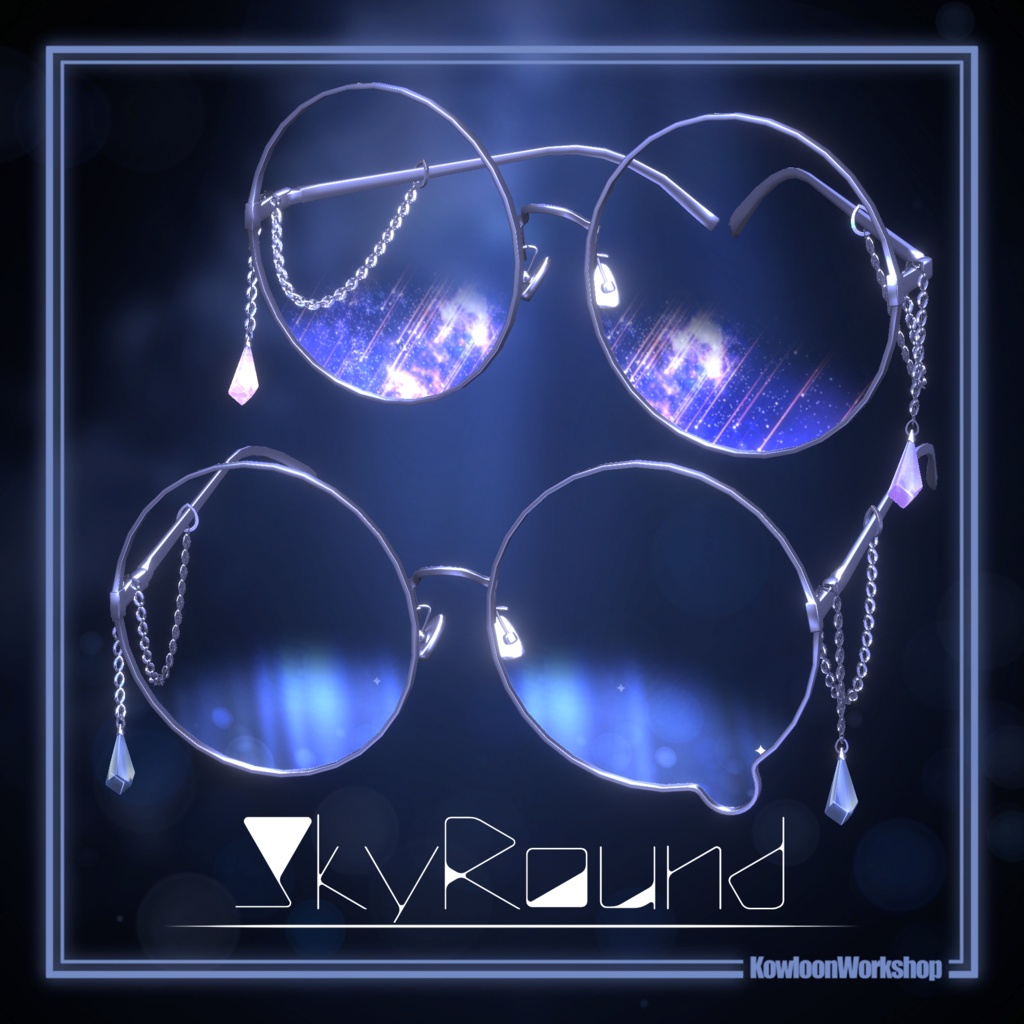
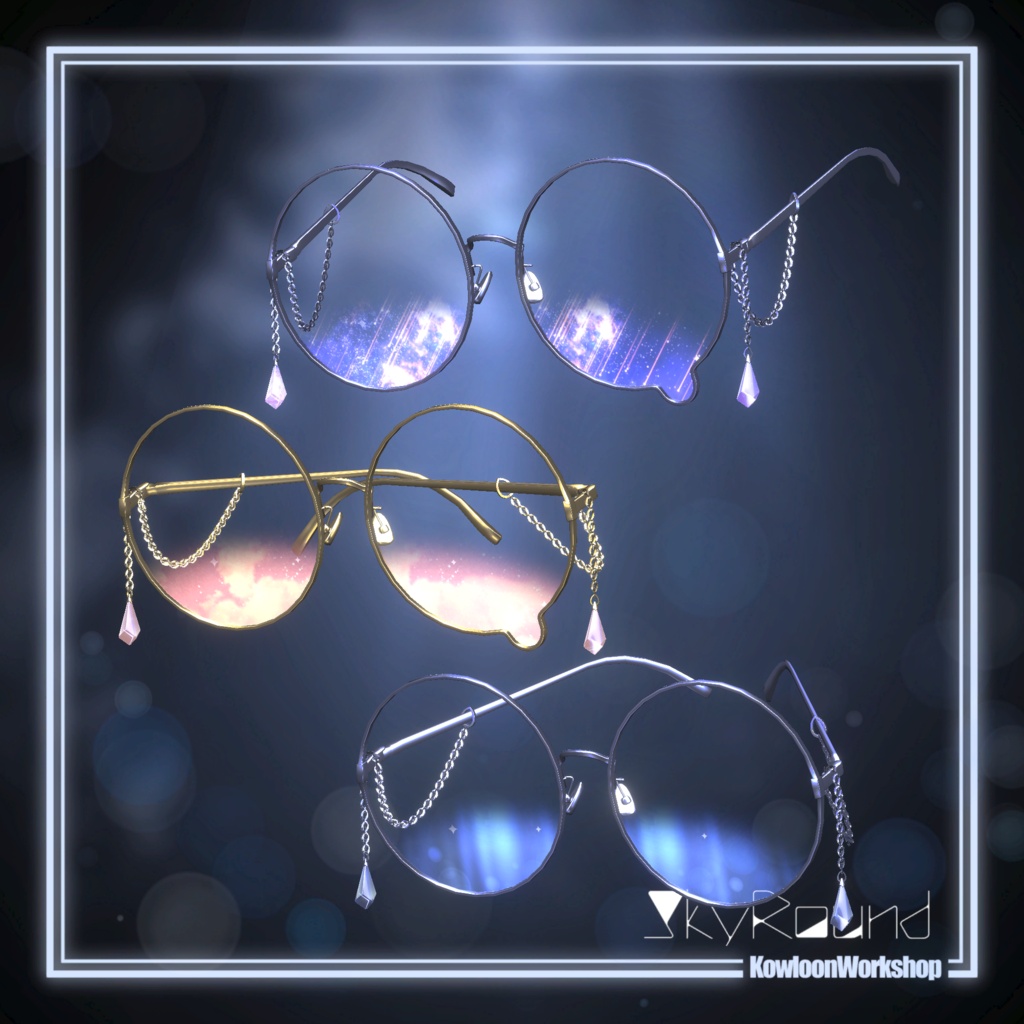
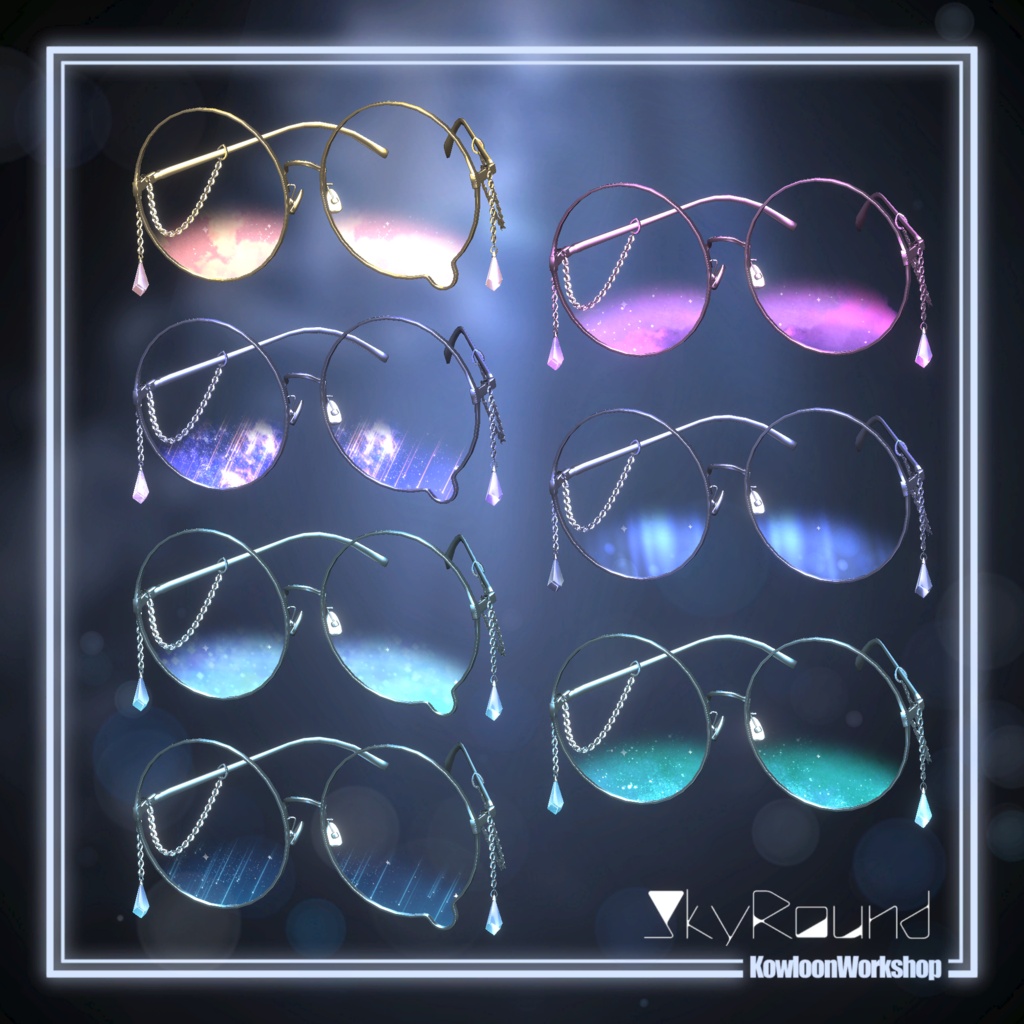
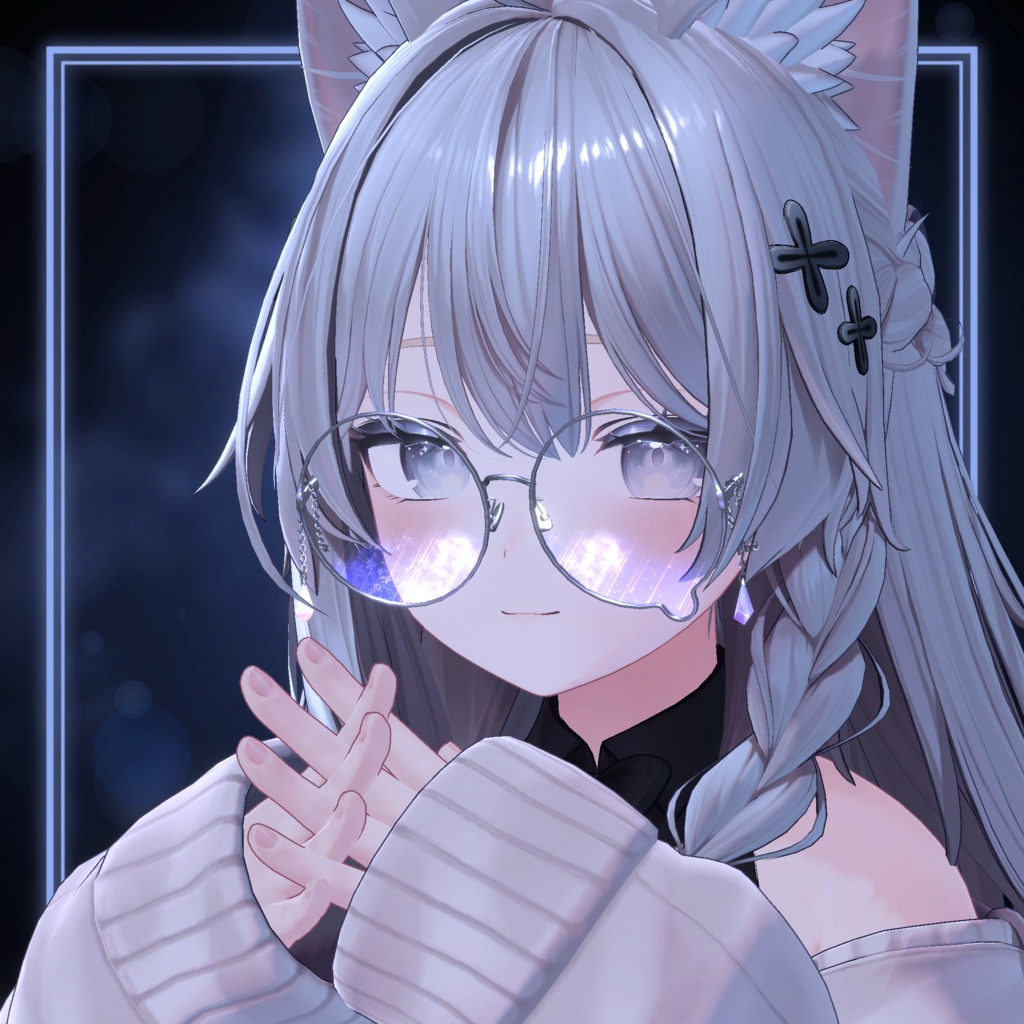


販売開始セール 販売開始~7/24まで ¥580 ▶ ¥480 涙のついた大きな丸眼鏡に「空」を閉じ込めました。 揺れるチェーンにはクリスタルをあしらい、動くたびにきらりと輝きます。💎 鼻あての位置やツルの角度・長さは細かく調整可能。 さまざまなアバターに自然にフィットするよう仕上げています。 涙付きの丸眼鏡と涙のないシンプルな丸眼鏡の2パターンを用意してみました。お好みの方をお使いください。 ✦シェーダーはliltoonを使用しています。✦ ↓liltoonはこちらから↓ https://lilxyzw.booth.pm/items/3087170 ✦この装飾品の着用にはModularAvatarの使用を推奨しています。✦ ↓ModularAvatarはこちらから↓ https://modular-avatar.nadena.dev/ja/
✦情報✦
✦情報✦ 涙眼鏡 △7,076 マテリアルスロット 4 丸メガネ △6,556 マテリアルスロット 4 色差分 各7パターン PhyBone設定済み 調整用説明書(jp/en) ✦シェーダーはliltoonを使用しています。✦ ↓liltoonはこちらから↓ https://lilxyzw.booth.pm/items/3087170 ✦この装飾品の着用にはModularAvatarの使用を推奨しています。✦ ↓ModularAvatarはこちらから↓ https://modular-avatar.nadena.dev/ja/
✦調整方法について✦
日本語 ●目の間の幅を調整したい場合 眼鏡のメッシュのシェイプキー[Glasses_Big]を変更することで目の間の幅を調整できます。変更後は眼鏡のレンズの大きさが変わるのでご注意ください。 ●ツルの角度を変更したい場合 ツルのボーン[TemplesRoot_L][TemplesRoot_R]のRotationの値を変更して角度を調整してください。 ツルのボーンは[SkyRouond ▶ Armature ▶ Frame]と開いていくとあります。 ●ツルの長さを変更したい場合 眼鏡のメッシュのシェイプキー[Temples_Long][Tmples_Short]の値を変更して調整してください。 ●ツルをたたみたい場合 ツルの関節のボーン[Temples_L][Temples_R]のRotationの値を変更して調整してください。 ツルの関節のボーンは[SkyRouond ▶ Armature ▶ Frame ▶ Temples_LR]と開いていくとあります。 ●ツルを消したい場合 メガネのメッシュの[Tamples_Off]の値を[100]に設定してください。 ●鼻あての調整をしたい場合 眼鏡のメッシュのシェイプキー[Nosepad]で始まるものの値を変更して調整してください。 上下内外奥行きや大きさの変更に加えて縦横の角度を調整できます。 ●鼻あてを消したい場合 眼鏡のメッシュのシェイプキー[Nosepad_Off]の値を[100]に設定してください。 EN(Translated with ChatGPT.) ● Adjusting the distance between the lenses You can adjust the distance between the lenses by changing the [Glasses_Big] shape key on the glasses mesh. Please note that changing this shape key will also affect the size of the lenses. ● Adjusting the angle of the temples To adjust the angle of the temples, change the Rotation values of the [TemplesRoot_L] and [TemplesRoot_R] bones. You can find these bones under: [SkyRound ▶ Armature ▶ Frame] ● Adjusting the length of the temples To adjust the length of the temples, change the values of the [Temples_Long] and [Temples_Short] shape keys on the glasses mesh. ● Folding the temples To fold the temples, change the Rotation values of the [Temples_L] and [Temples_R] bones. You can find these bones under: [SkyRound ▶ Armature ▶ Frame ▶ Temples_LR] ● Hiding the temples Set the [Temples_Off] shape key on the glasses mesh to 100. ● Adjusting the nose pads Adjust the values of the shape keys that begin with [Nosepad] on the glasses mesh. You can adjust the position (up/down, inward/outward, forward/backward), size, and both the vertical and horizontal angles of the nose pads. ● Hiding the nose pads Set the [Nosepad_Off] shape key on the glasses mesh to 100.
✦利用規約 / Terms of Use / 이용약관✦
VN3ライセンスを利用しています。( https://www.vn3.org ) 本モデルを購入、ダウンロード、インストール等の利用の開始時点で本利用規約に同意したものとみなします。 本モデルを利用開始する前に必ず本利用規約を確認してください。 利用規約は最新バージョンのものが適用されます。最新版を確認してから購入してください。最新のバージョンのものはショップのトップページ(https://kowloonworkshop.booth.pm)から確認できます。 他言語との差異が生じた場合は、日本語版の利用規約が適用されます。 jp https://drive.google.com/file/d/1OiL_o7oN8AwSpeibdmTXfNzz7nJ2VJxs/view?usp=sharing en https://drive.google.com/file/d/1k01wNSQqLG0VuFdEPoPHARYZ0irR1gJH/view?usp=sharing ko https://drive.google.com/file/d/1X48JolzP2XYXivS1sFiKD0Om9dz6i6QL/view?usp=sharing ch https://drive.google.com/file/d/1eMKw_y-rfcrJi5Y9oWJWM4K0yy9RZW-c/view?usp=sharing 本データを使用する事で発生したトラブルや損失、損害に対して製作者は一切責任を負いません。 本データのご使用は使用者の責任において行ってください。 本データに不備があった場合はストアのメッセージまでお願いします。 画像は着用サンプルです。アバターは付属しません。 製作:九龍山羊
✦更新履歴✦
2026 7/10 頒布開始