
Haishimizer (Haishima Optimizer)
- ダウンロード商品¥ 2,500
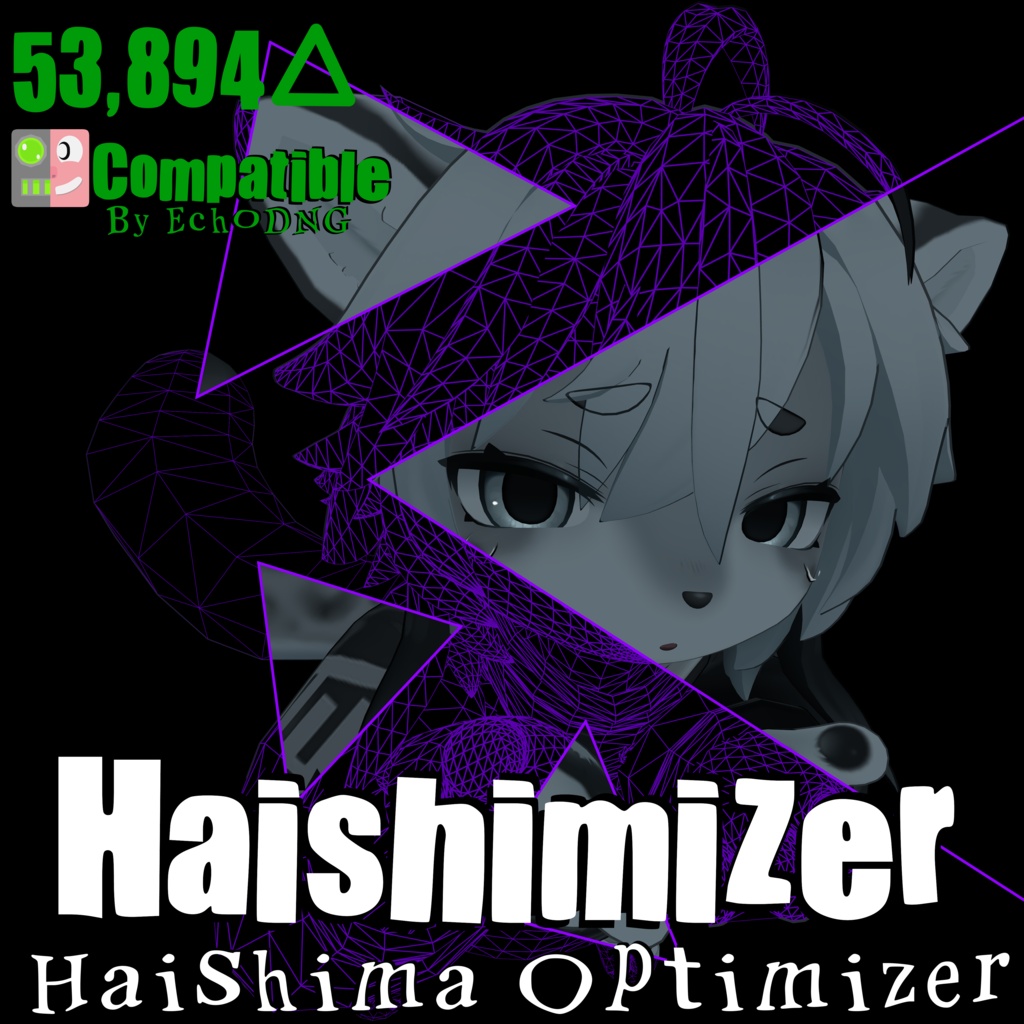
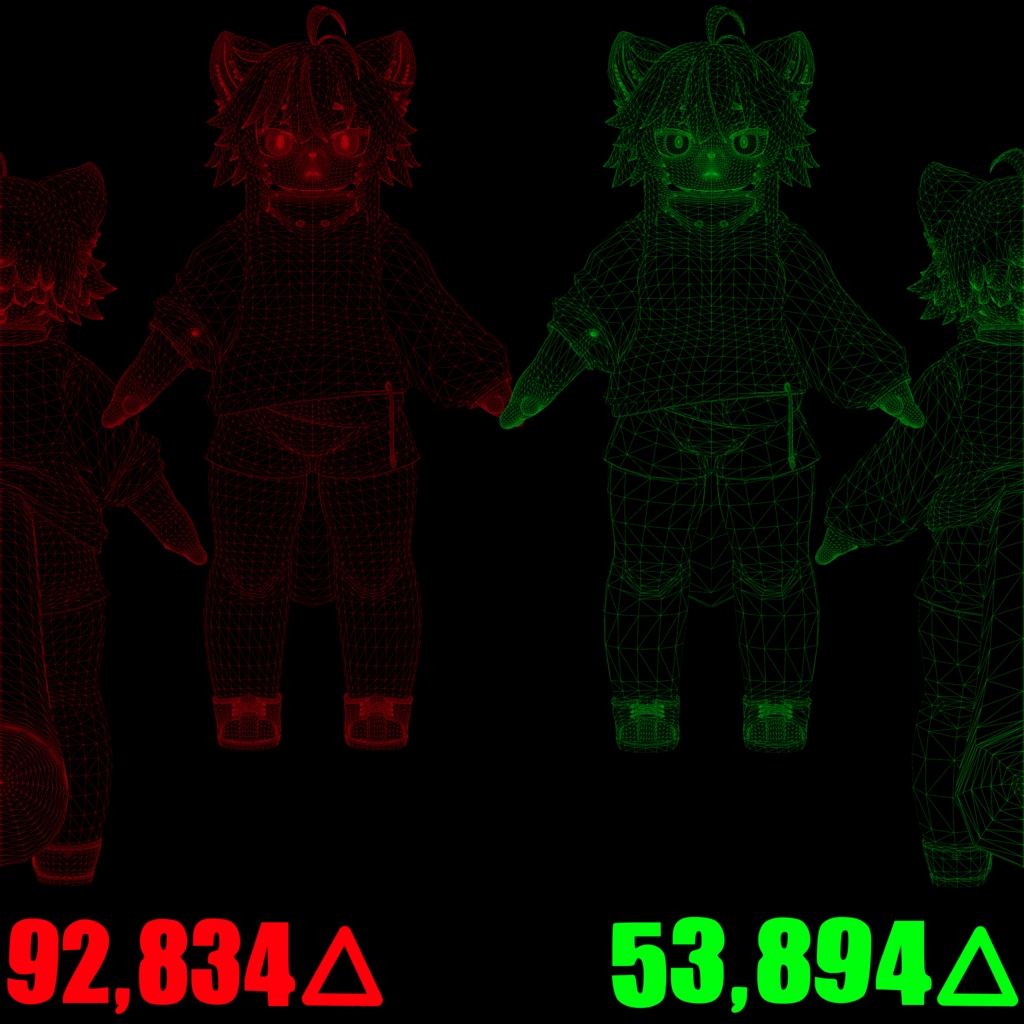
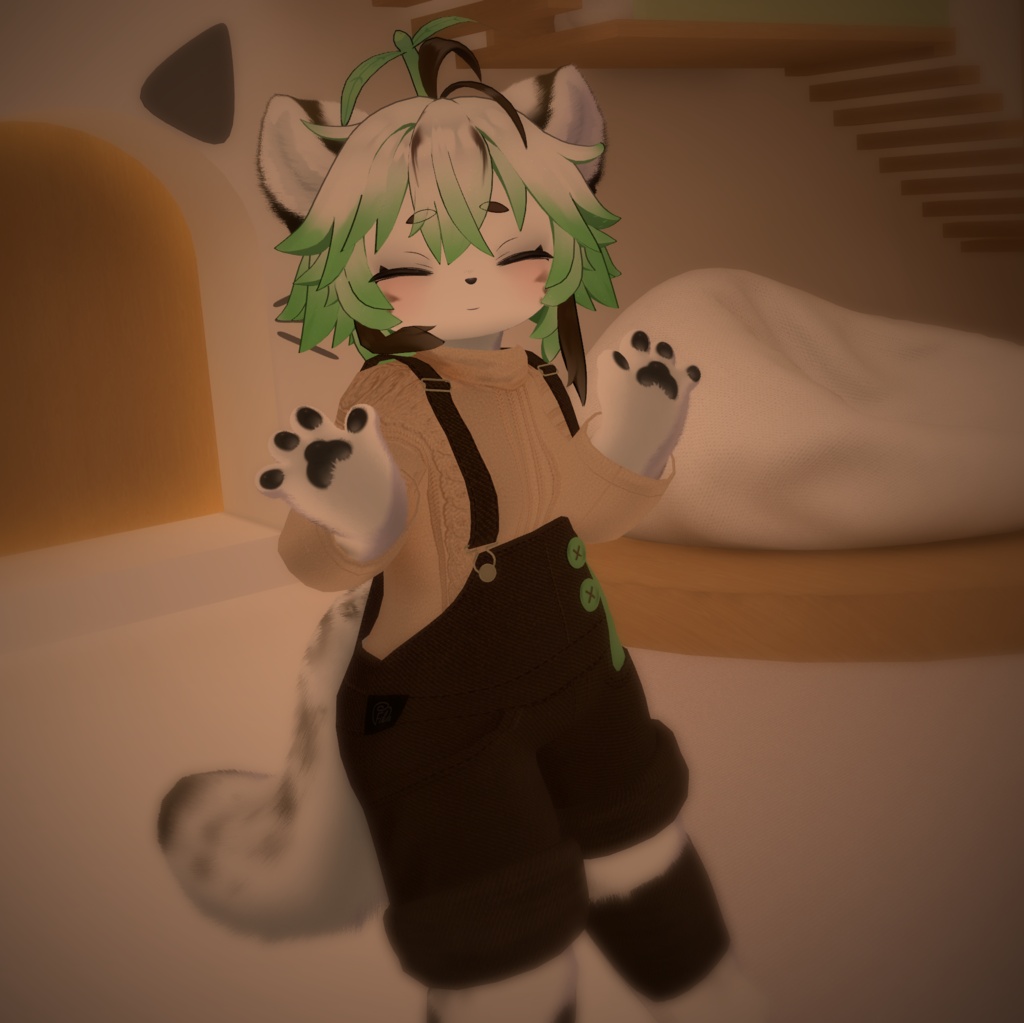


DeepLによる翻訳 Strange Petals による Haishimizer Haishimizer は、Haishima 用のアドオンであり、モデルの完全な動作性を維持しつつ、オリジナルとの違いがほとんど目立たないよう配慮しながら、オリジナルのポリゴン数を削減するものです。これにより、モデルを「Very Poor」ランク以下に抑えてアップロードできるようになり、より多くのイベントに参加できるほか、大規模なインスタンスでも最適化が図れます。これは、エッジループを手作業で解消し、その過程で不具合が生じないよう丹念に確認することで実現されています。「Haishimized」化されたモデルのトライゴン数は54Kをわずかに下回るため、「Very Poor」ランクに達するまでに、アクセサリーや衣装を追加するための16Kの余裕が生まれます。 また、このオプティマイザーには、Haishimaの利便性を向上させる変更も含まれています。例えば、適切な衣装のオン/オフ切り替え機能や、各メッシュにVRCFuryコンポーネントを使用してラジアルメニューからバストサイズを調整できる機能などです。これにより、階層からメッシュを削除するだけで、メニューからトグルを削除できるようになります。 オリジナルモデルのポリゴン数:92,834 △ 「Haishimized」モデルのポリゴン数:53,894 △ オリジナルベースモデルのポリゴン数:68,234 △ 「Haishimized」ベースモデルのポリゴン数:40,903 △ 使用方法 ------------ 1. Haishima の Unity パッケージをプロジェクトにインポートします(Haishima バージョン 1.2 が必要です) https://mofumofumotimoti.booth.pm/items/4701501 [フェイストラッキングを使用しない場合は、手順 2 をスキップしてください] 2. EchoDNG のフェイストラッキングアドオン(バージョン 2)をインポートし、ツールセクション内でパッチを適用してください https://echodng.booth.pm/items/5879758 3. オプティマイザーパッケージをプロジェクトにインポートしてください 4. 「ツール」に移動し、Strange_Petals セクション内のオプティマイザーパッチャーを開いてください 5. 「Patch」をクリックし、プレハブをシーンにドラッグします 6. これでアップロードの準備が整いました! さらに最適化を行う場合は、d4rkc0d3r による d4rkAvatarOptimizer の使用をお勧めします! https://github.com/d4rkc0d3r/d4rkAvatarOptimizer クレジット ------- パッチツール:HashEdits! https://github.com/HashEdits/EditDistributionTools VRCFTテンプレート:Adjerry! https://github.com/Adjerry91/VRCFaceTracking-Templates フェイストラッキング:EchoDNG! https://echodng.booth.pm/items/5879758 VRCFury:Senky! https://vrcfury.com/ Haishima:MofumoMofumoTimoti! https://mofumofumotimoti.booth.pm/items/4701501 liltoon:lillab! https://booth.pm/en/items/3087170 パッケージの再配布や、アバターの公開はご遠慮ください。以下の元の「Haishima」モデルの利用規約をすべて遵守してください! https://mofumofumotimoti.booth.pm/items/4701501 https://uv-license.com/en/license?utf8=%E2%9C%93&pcu=true&ccu=true&ddw=true&dmd=true&seu=true&veu=true&remarks=true さらなるサポートが必要な方は、Discordにご参加ください! https://discord.com/invite/raWNWZvfx4 ooooooooooooooooooooooooooooooooooooooooooooooooooooooooooo English Haishimizer by Strange Petals Haishimizer is a Addon for Haishima that reduces the Tri Count of the original while trying to keep the model fully operable and barely noticeable from the original. This is so that you may upload the model to be not Very Poor to attend more events with it, and be more optimized in larger instances. This is done by manually dissolving edge loops and tediously making sure that nothing is breaking while doing so. The Haishimized Model will sit just under 54K Tris, giving you 16K of legroom to add accessories or clothing before you reach Very Poor Rank. This Optimizer also contains some quality of life changes to Haishima, like proper clothing toggles and a breast size adjustment in the Radial Menu using VRCFury components on the respective Mesh's. This allows you to remove the toggles from the menu by simply deleting the mesh from the hierarchy. Original Model Tri Count: 92,834 △ Haishimized Model Tri Count: 53,894 △ Original Base Model Tri Count: 68,234 △ Haishimized Base Model Tri Count: 40,903 △ Instructions ------------ 1. Import Haishima's Unity Package into your Project (You will need Haishima Version 1.2) https://mofumofumotimoti.booth.pm/items/4701501 [Skip Step 2 if you are not using Face Tracking] 2. Import EchoDNG's Face Tracking Addon (Version 2) and Patch it within your Tools Section https://echodng.booth.pm/items/5879758 3. Import The Optimizer Package into your Project 4. Go to Tools and open up the Optimizer Patcher in the Strange_Petals Section 5. Click Patch and Drag the Prefab Into your Scene 6. You are now Ready to Upload! For Further Optimization, I recommend using d4rkAvatarOptimizer by d4rkc0d3r! https://github.com/d4rkc0d3r/d4rkAvatarOptimizer Credits ------- Patching Tool by HashEdits! https://github.com/HashEdits/EditDistributionTools VRCFT Template by Adjerry! https://github.com/Adjerry91/VRCFaceTracking-Templates Face Tracking by EchoDNG! https://echodng.booth.pm/items/5879758 VRCFury by Senky! https://vrcfury.com/ Haishima by MofumoMofumoTimoti! https://mofumofumotimoti.booth.pm/items/4701501 liltoon by lillab! https://booth.pm/en/items/3087170 Do not Redistribute the Package or Upload the avatar to Public. Please follow all ToS of the original Haishima Model found below! https://mofumofumotimoti.booth.pm/items/4701501 https://uv-license.com/en/license?utf8=%E2%9C%93&pcu=true&ccu=true&ddw=true&dmd=true&seu=true&veu=true&remarks=true Join the Discord for additional support! https://discord.com/invite/raWNWZvfx4
