

【無料あり/FREE】Sightsmith 照準器作成ツール
- 出力画像SAMPLEダウンロード商品¥ 0
- Sightsmithダウンロード商品¥ 550
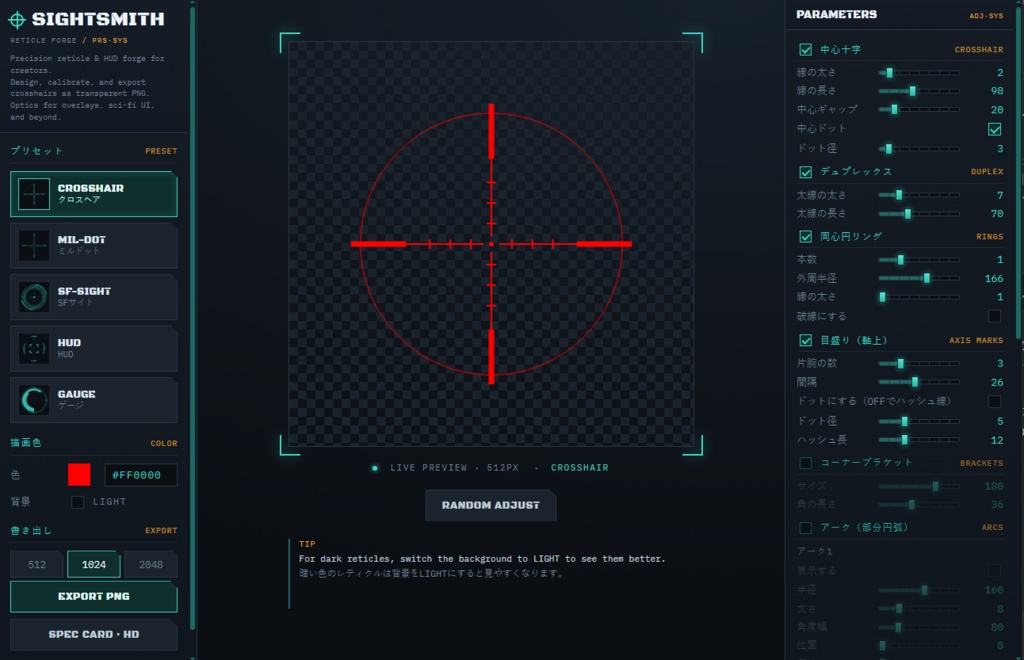
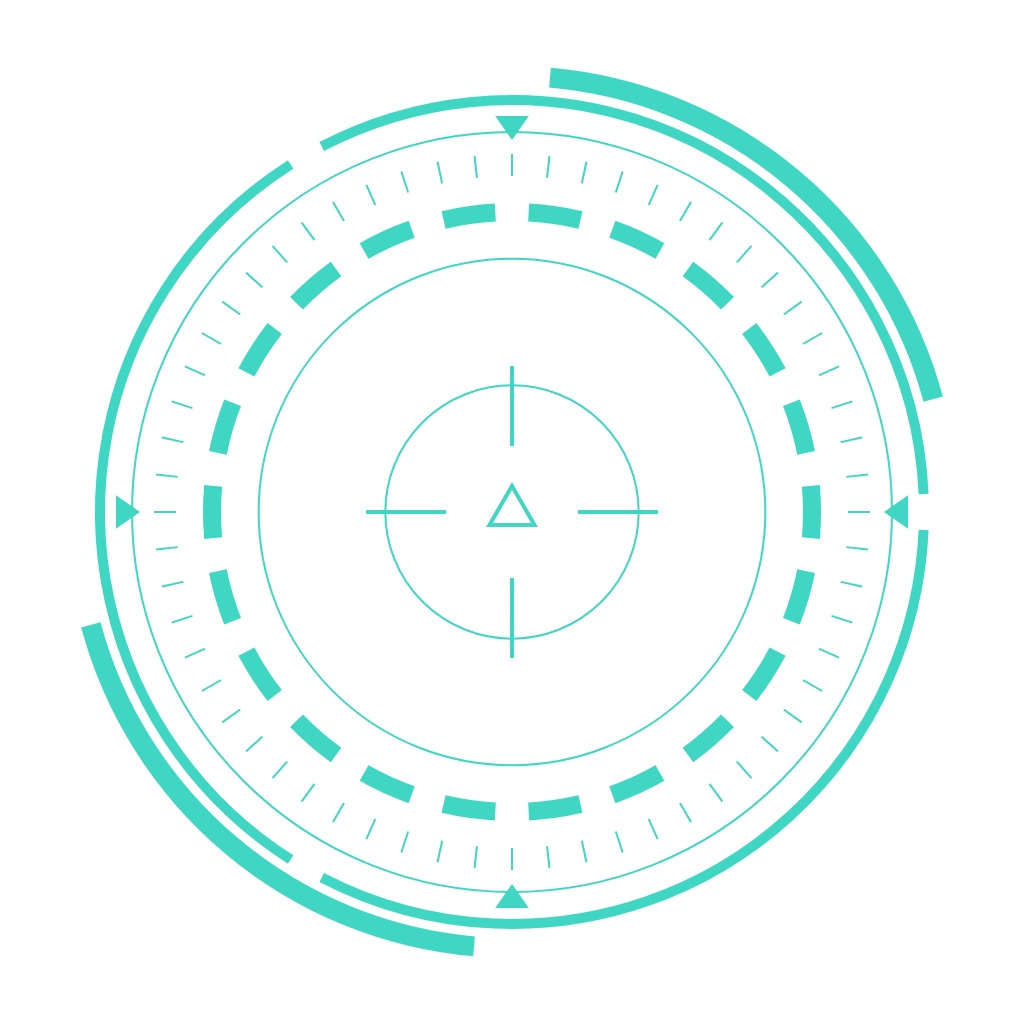
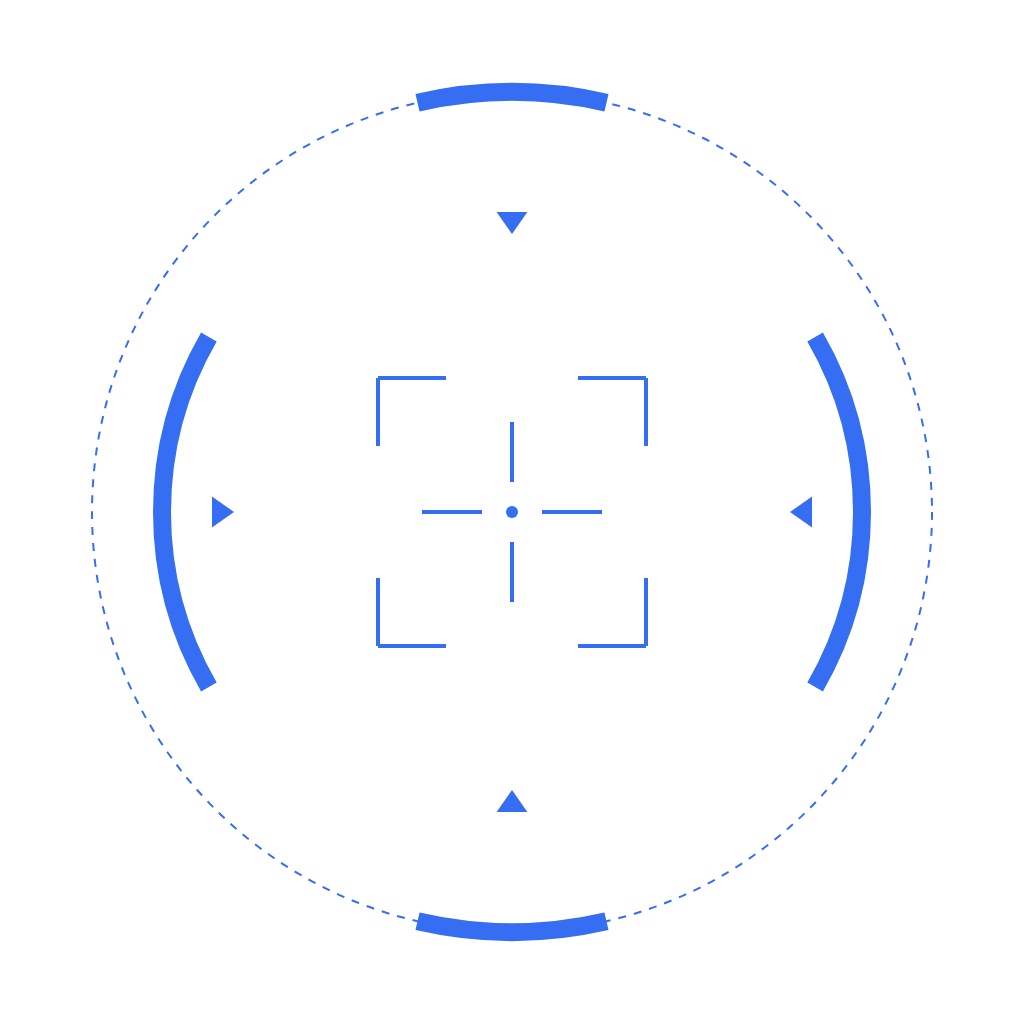



簡単にいい感じのレティクル・HUD・ゲージなどを作れるツールです。手書きで作るのが面倒すぎるし、お絵かきツールでもレイヤー管理が面倒なので作りました。 プリセットを選んで、色やデザインを調整して、透過PNGで出力できます。(サンプルはすべてこのツールで製作しています) 画像素材・テクスチャ・UIパーツなど、用途を選ばず使用OKで商用利用も可です。 ゲームの武器カスタマイズ画面のような操作感で、気軽に遊んでいるうちにぼくのかんがえたさいきょうのしょうじゅんが出来上がりますので、せひ遊んでみて下さい。
■こんな人におすすめ
今のスコープが物足りない方 エイムを鍛えるためにモチベを上げたい方 日常的にキルレを意識されているお仕事の方 VRCユーザー:銃、ギミック、パーティクル、ヘイロー、パリピ砲 配信者・動画編集者:サムネ、背景、待機画像 ゲーム制作者:UI、エフェクト、アニメーション ほかにもご自由にご利用ください! ブラウザで開くだけでインストール不要で気軽に使えるようになっています。 (chromeとedgeで動作確認済)
■主な機能
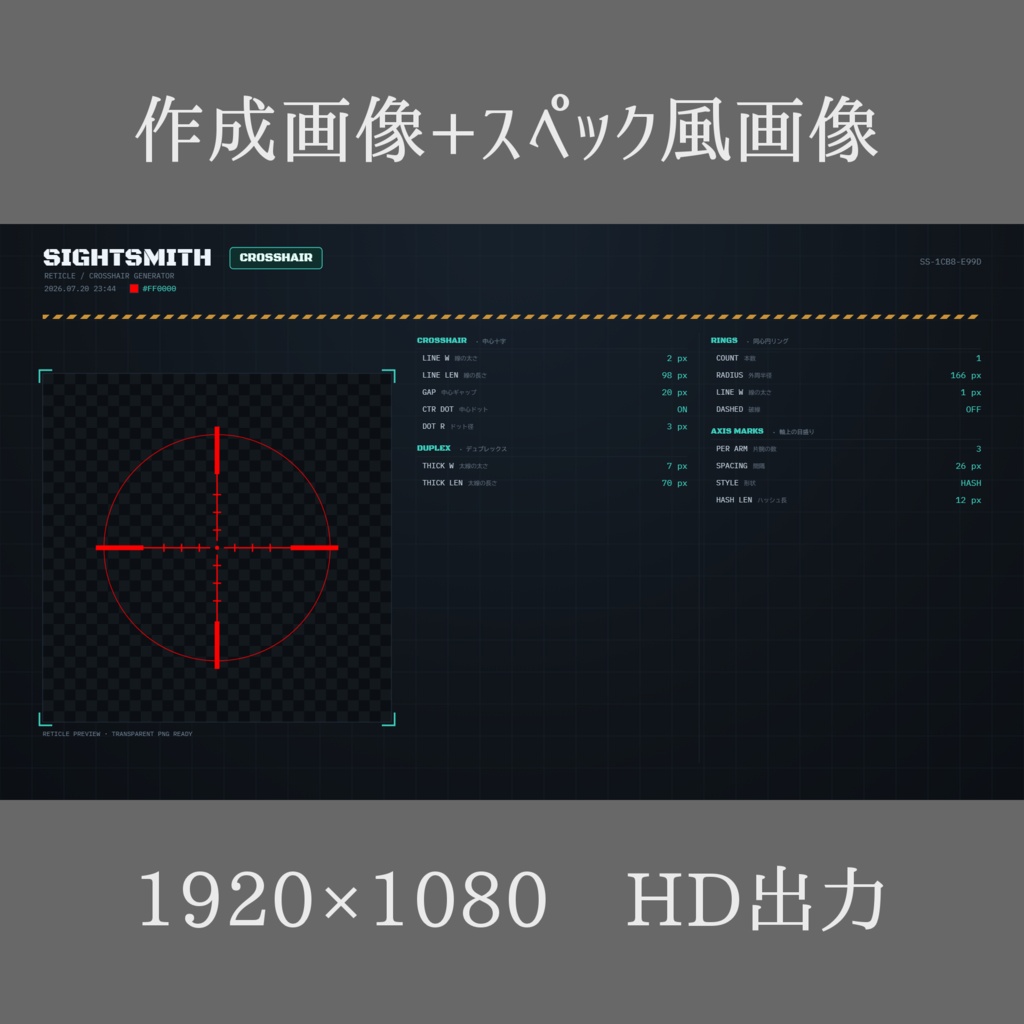
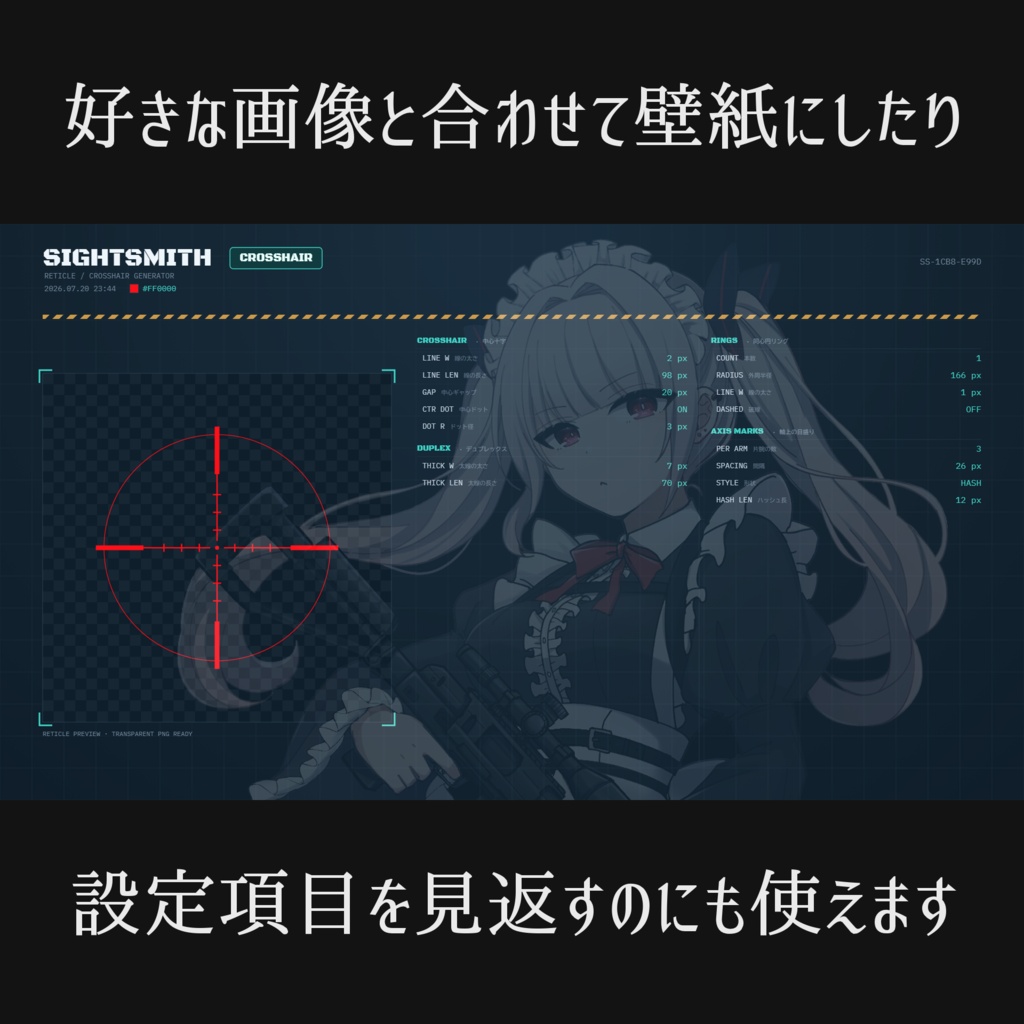
5種のプリセット(クロスヘア/ミルドット/SFサイト/HUD/ゲージ) 十字・同心円・目盛り・コーナーブラケットなどの調整パラメータ 好きなカラーで透過PNG出力(512/1024/2048px) 完全ブラウザ完結・インストール不要 おまけ機能 壁紙風スペック画像出力(1920×1080) 作った照準と、その時の設定パラメータをざっくり確認できる画像が出力できます。
■出力画像SAMPLE
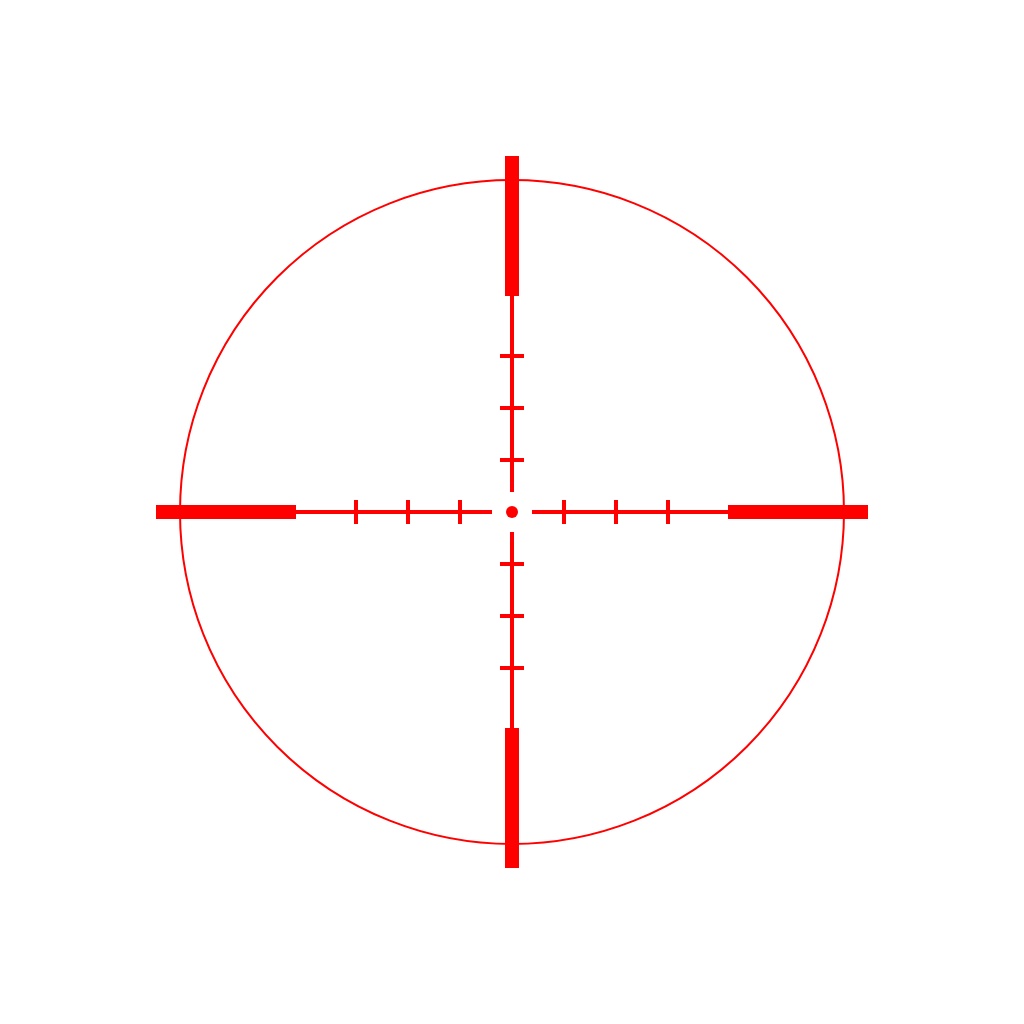
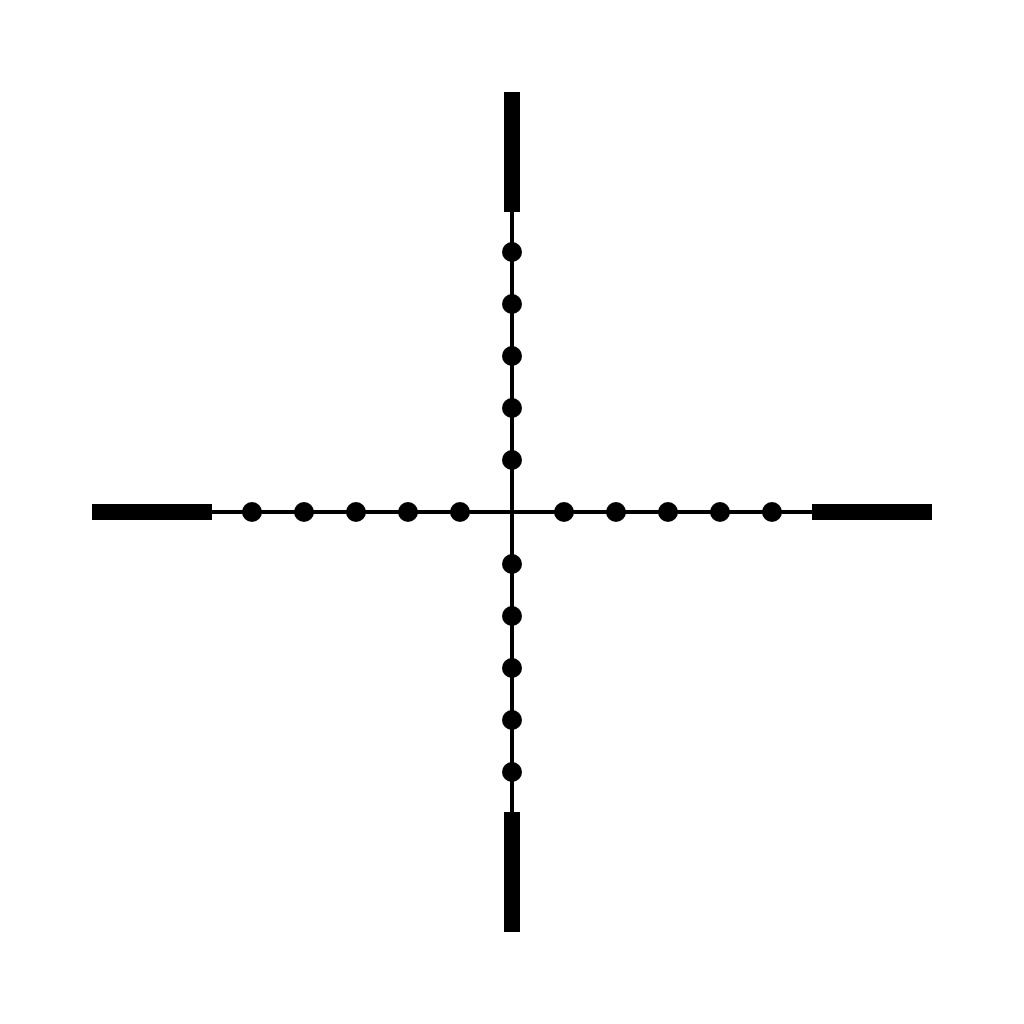
プリセット5種の画像と、壁紙風スペック画像見本です。 フリー素材として使って頂けます。購入前の確認としてもどうぞ。
■利用規約
OK: ツールで作った画像は、テクスチャ・配信・動画・サムネ・同人誌の表紙・グッズなど、個人利用・商用利用問わず自由にお使いいただけます。 ツール自体も、二次配布しなければ改変可能です。 クレジット表記も不要です。 NG: ツール本体そのものの再配布・転売 Webサイト・ブログ等に設置し、第三者が利用できる状態で公開すること サイトのコンテンツ・サービスの一部として提供すること ソースコードの全部または一部を、ご自身のツール・サービスに転用すること ツールはご購入者ご本人がローカル環境(お手元のPC・ブラウザ)で使う前提で提供しています。作った画像は自由に使っていただけますが、ツールそのものを他の人に使わせる形での公開はおやめください。
■免責事項
本ツールは現状有姿で提供され、デジタル商品の性質上、返品・返金はお受けできません。改変後の不具合もサポート・保証の対象外とさせていただきます。
■ Great for
A simple tool for making great-looking reticles, HUDs, gauges, and more. I made this because drawing them by hand is way too much of a pain, and making them in art software means wrestling with layers. Pick a preset, tweak the color and design, and export as a transparent PNG. (Every sample below was made with this tool.) Use them however you like — image assets, textures, UI parts, you name it — personal or commercial use both OK. It handles like a game's weapon-customization screen, so just mess around with it and before you know it you'll have built your very own ultimate reticle. Give it a try! Anyone who wants their own cool custom crosshair VRChat users: guns, gimmicks, particles, halos, party cannons Streamers & video editors: thumbnails, backgrounds, standby screens Game developers: UI, effects, animations ...and anything else you can think of! Just open it in your browser — no installation needed. (Tested on Chrome and Edge.) The same tool is also sold as a paid article on Note, so grab whichever you prefer.
■ Main features
5 presets (Crosshair / Mil-dot / SF-Sight / HUD / Gauge) Adjustable parameters: crosshair, concentric rings, tick marks, corner brackets, and more Transparent PNG export in the color of your choice (512 / 1024 / 2048px) Runs entirely in the browser — no installation
■ Bonus feature
Wallpaper-style spec image export (1920×1080) Shows your finished image alongside the parameter settings you used at the time
■ Sample output
The five preset images plus a wallpaper-style spec image. Free to use as-is — and handy for checking things out before you buy.
■ Terms of Use
OK: Images made with this tool can be used freely for textures, streaming, video, thumbnails, doujinshi covers, merchandise, and more — personal or commercial use, no restrictions. The tool itself may be modified, as long as you do not redistribute it. No credit required. NG: Redistributing or reselling the tool itself Hosting it on a website, blog, or similar in a way that lets third parties use it Offering it as part of a site's content or services Repurposing all or part of the source code for your own tool or service This tool is provided on the basis that the purchaser uses it themselves in their own local environment (your own PC and browser). You're free to use the images you make, but please don't make the tool itself available for others to use.
■ Disclaimer
This tool is provided "as is." Due to the nature of digital products, returns and refunds cannot be accepted. Problems arising after modification are outside the scope of support or warranty.