

The Rapty Vac!
- ダウンロード商品¥ 1,600
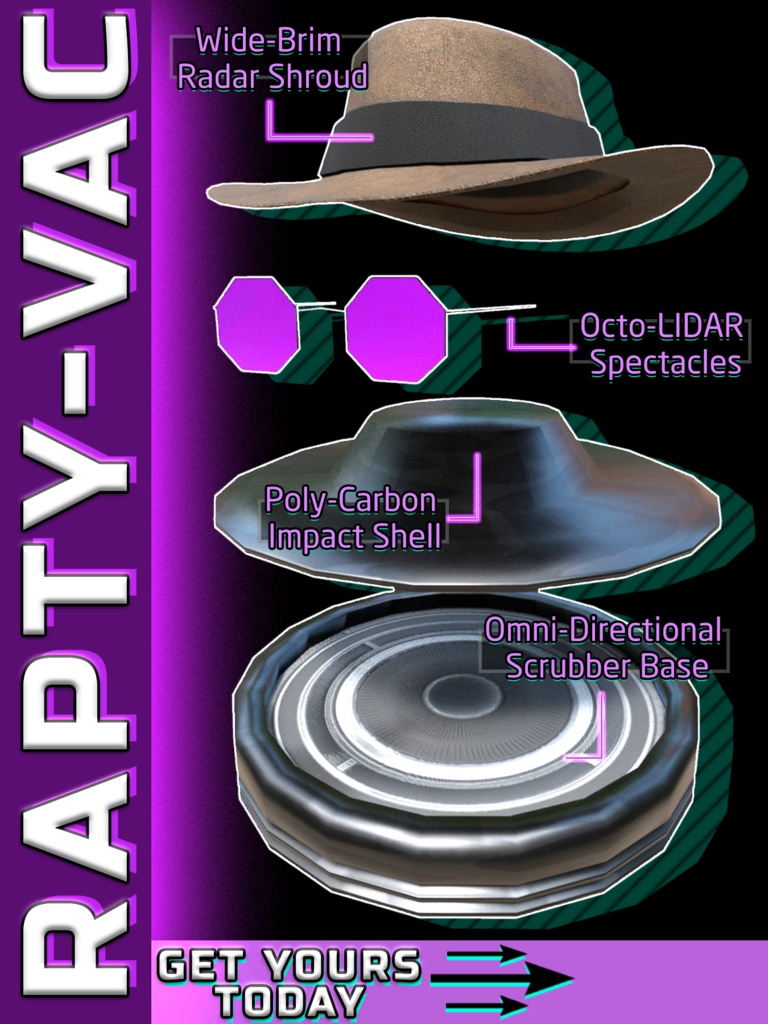
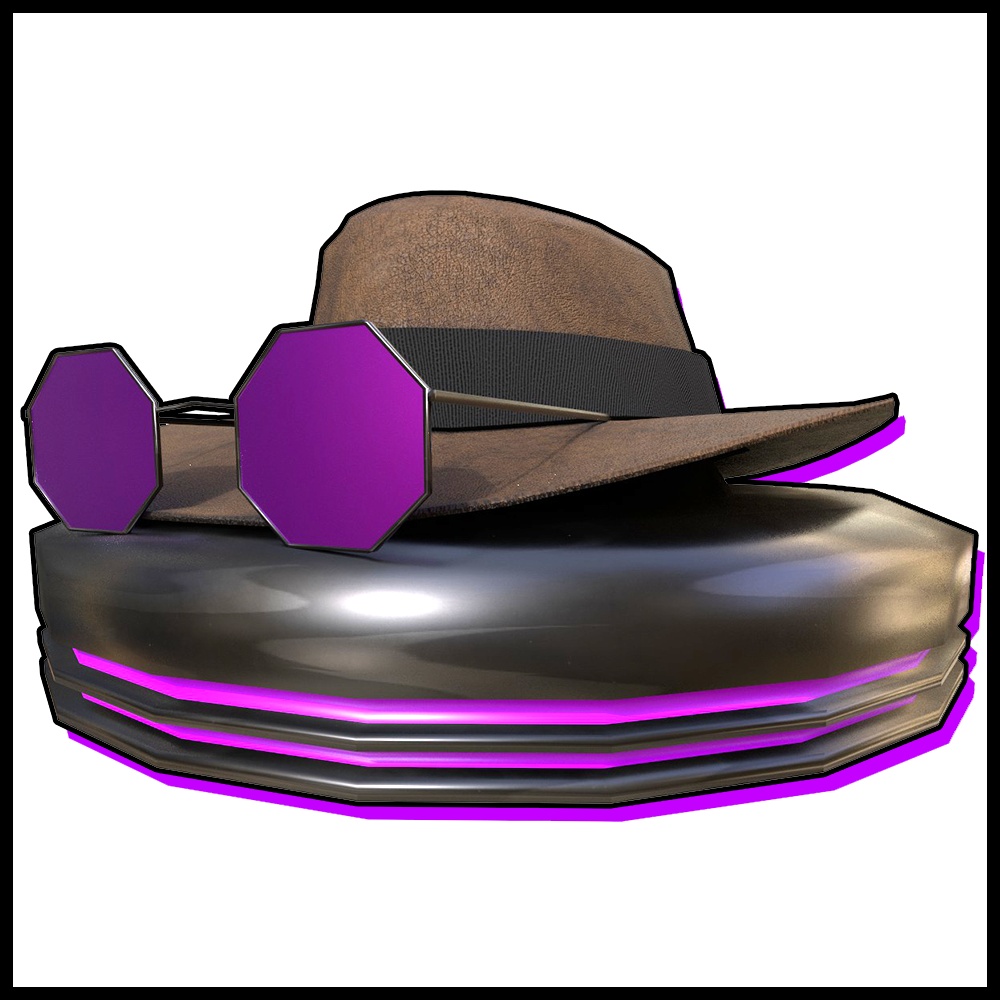
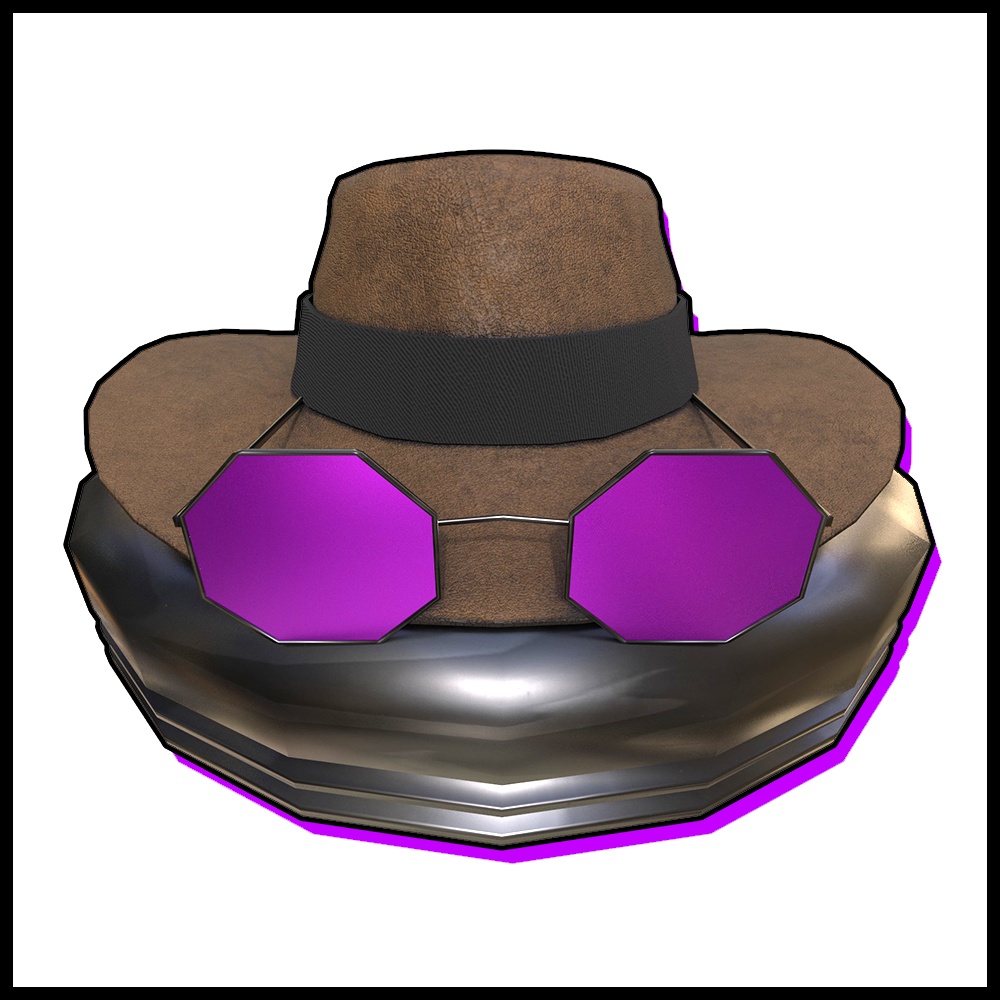
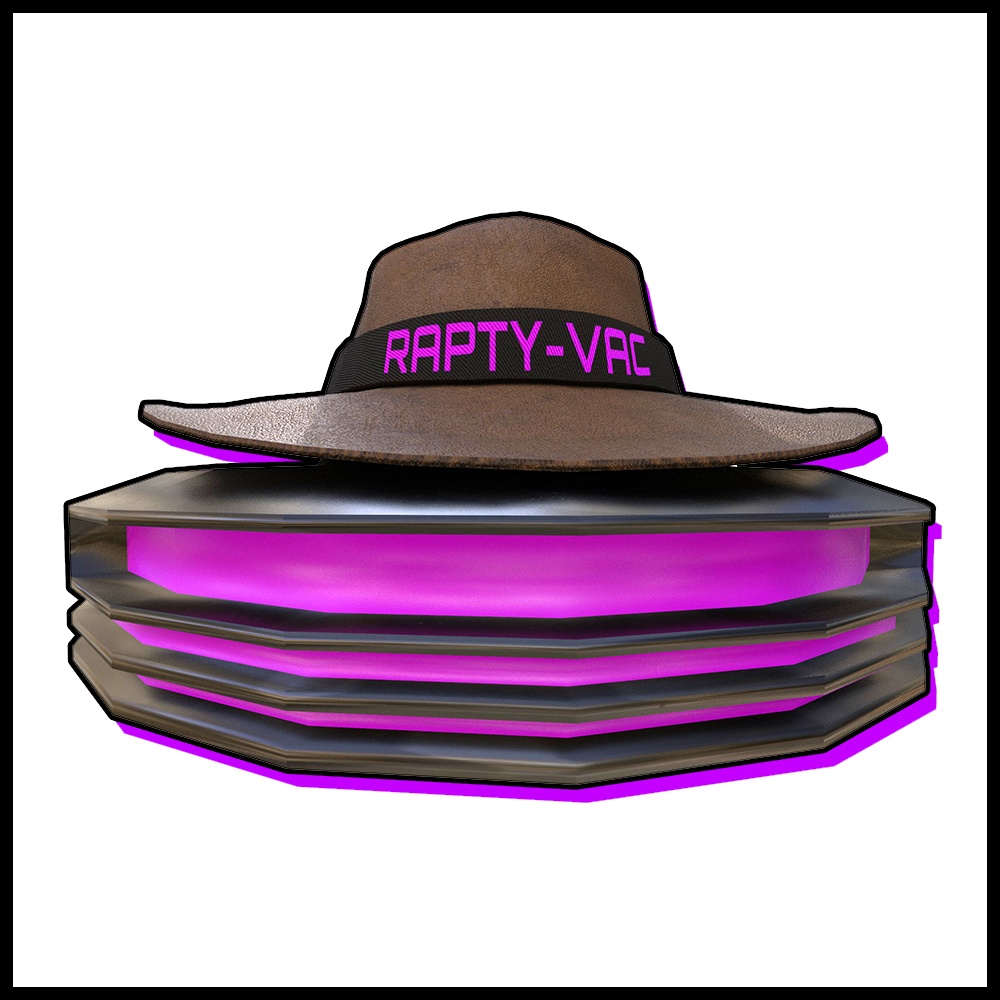



What is the Rapty vac? it's a VRChat follower with over 40 lines! and will interact with other Rapty vacs! hes just a little robo guy who will follow you around! you can also drop him in a location with 3 choice idle animations,
Terms of service
LICENSE AND TERMS OF USE By purchasing and downloading this asset, you agree to the following terms: - Personal Use Only: You may use this asset on your own private avatars. - No Redistribution: You may not share, leak, or redistribute this package or any of its files. - No Resale: You may not sell this asset or claim it as your own work. - No Public Avatars: Do not upload avatars containing this asset as public. - Content Creation: You are welcome to use this asset in videos, streams, and other content.
Read me!
Rapty-Vac Avatar Pet - Installation Guide Thank you for getting the Rapty-Vac! This pet is designed to be lightweight and extremely easy to install. REQUIREMENTS You must have VRCFury installed in your Unity project before importing this package. VRCFury will automatically handle all the menus, parameters, and FX controllers without messing up any of your existing avatar toggles. INSTALLATION STEPS 1. Ensure the VRChat SDK and VRCFury are already in your project. 2. Import the Rapty-Vac unitypackage into your project. 3. Locate the Rapty-Vac prefabs in your project window. You will see two options: a PC prefab and a Mobile prefab. 4. Choose the correct prefab for your avatar build. Add the PC prefab to PC avatars and the Mobile prefab to Mobile avatars. The only difference is the mobile version does not have any audio because VRChat does not allow audio on mobile avatars. 5. Drag and drop your chosen prefab directly onto the root of your avatar in the hierarchy. Make sure to place the prefab at the bottom of your avatar group stack in fear of messing up other full controllers already on the avatar. 6. Upload your avatar. VRCFury will compile everything automatically. FEATURES AND USAGE Drop or Follow Modes: Use your VRChat radial menu to toggle him to follow you, or world-drop him to leave him in a specific spot. Color Customization: You can easily change his color by selecting the material in Unity and adjusting the color tint to match your aesthetic. Social AI: When you are near another player who also has a Rapty-Vac out, they will recognize each other and interact. Voice Lines and Animations: Your pet features multiple idle animations and over 40 randomized, network-synced voice lines for the PC version. LICENSE AND TERMS OF USE By purchasing and downloading this asset, you agree to the following terms: - Personal Use Only: You may use this asset on your own private avatars. - No Redistribution: You may not share, leak, or redistribute this package or any of its files. - No Resale: You may not sell this asset or claim it as your own work. - No Public Avatars: Do not upload avatars containing this asset as public. - Content Creation: You are welcome to use this asset in videos, streams, and other content. Troubleshooting: If the toggles do not appear in-game, ensure VRCFury is fully updated to the latest version before building your avatar.