

Eclipse Celestial Chain Halo【VRChat / PC / MA対応】
- ダウンロード商品¥ 250
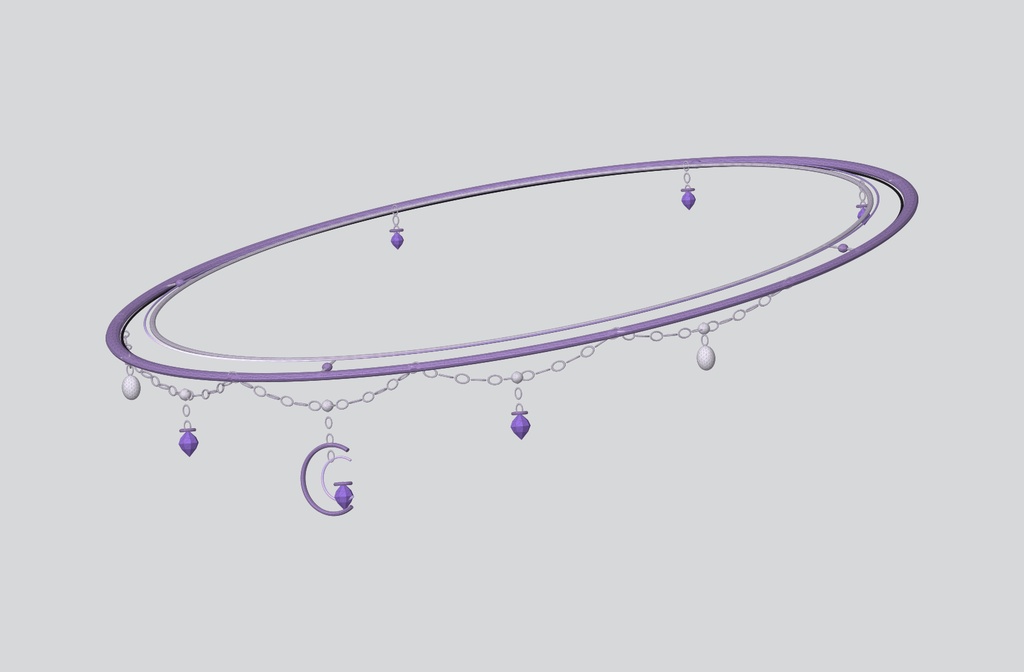
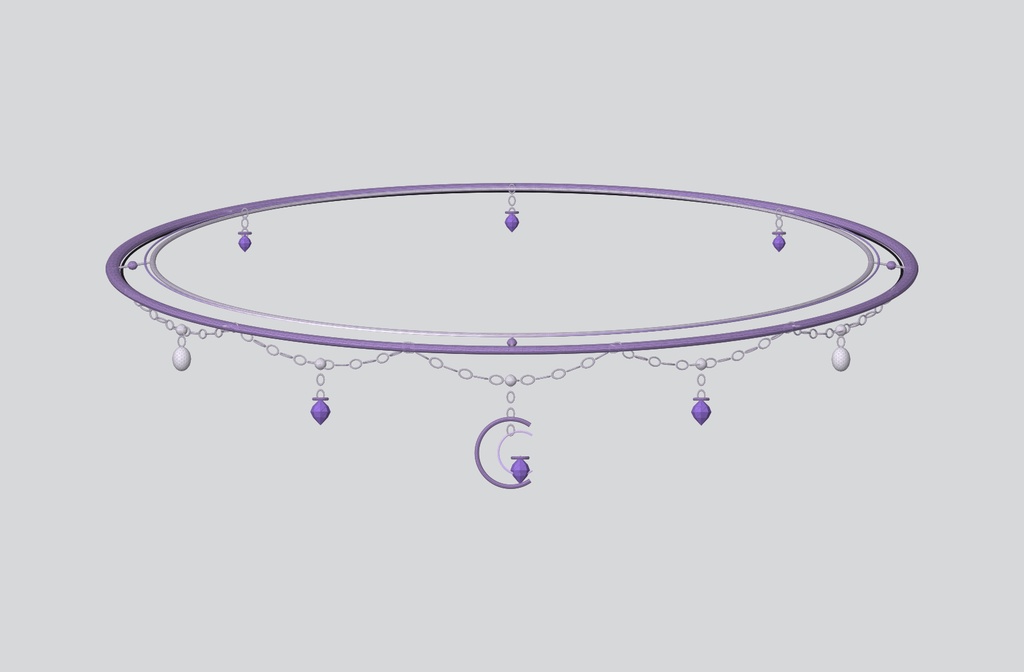
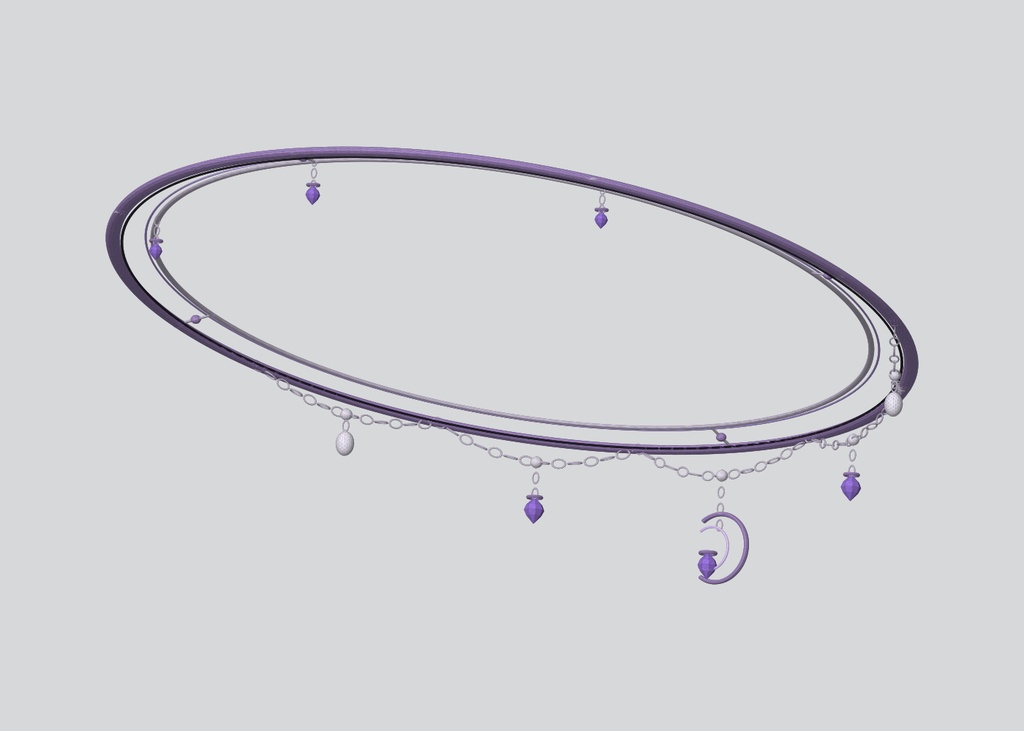
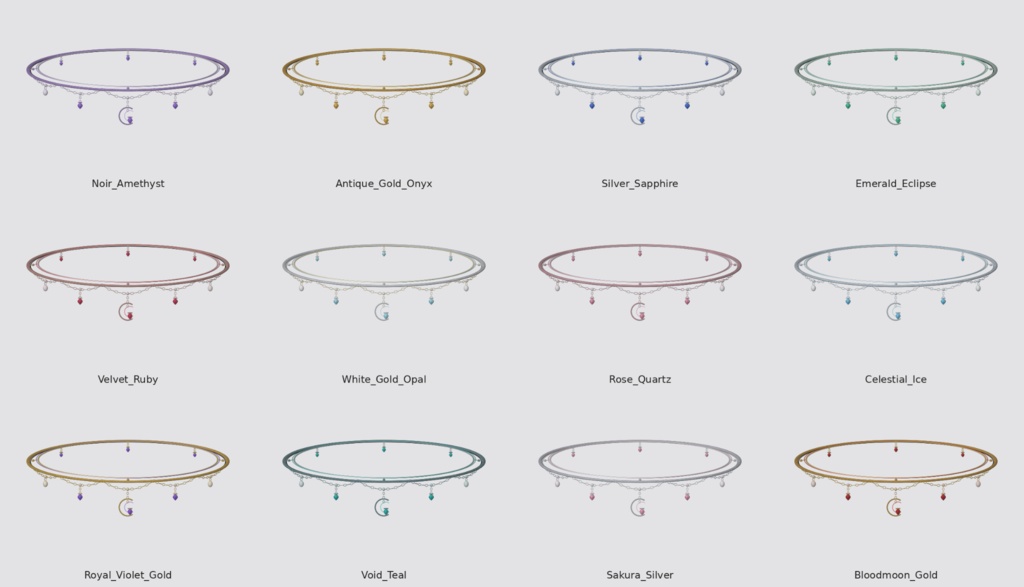
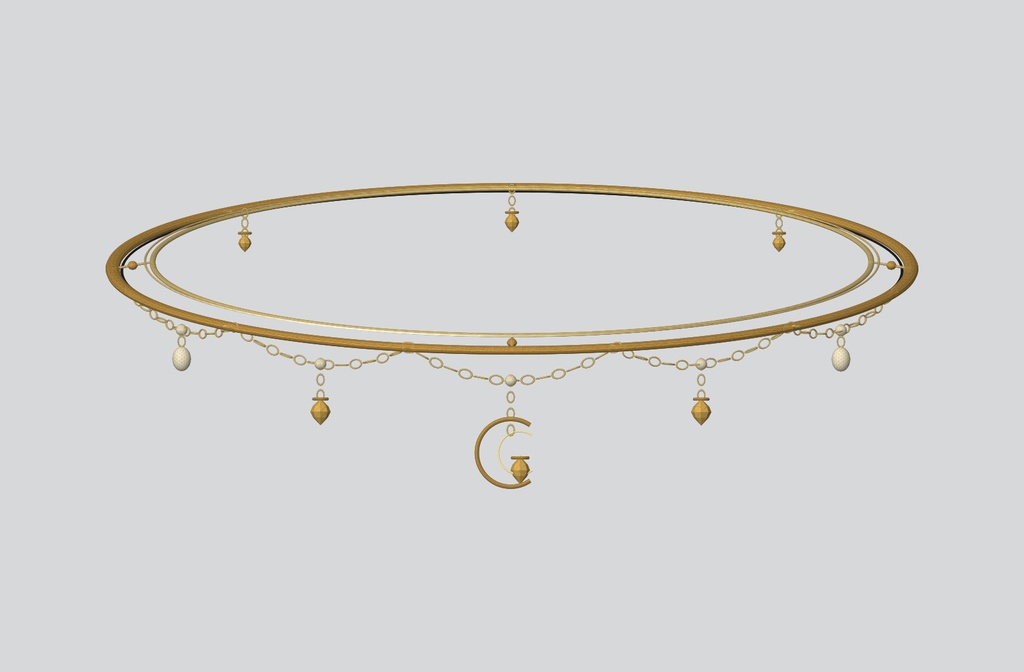
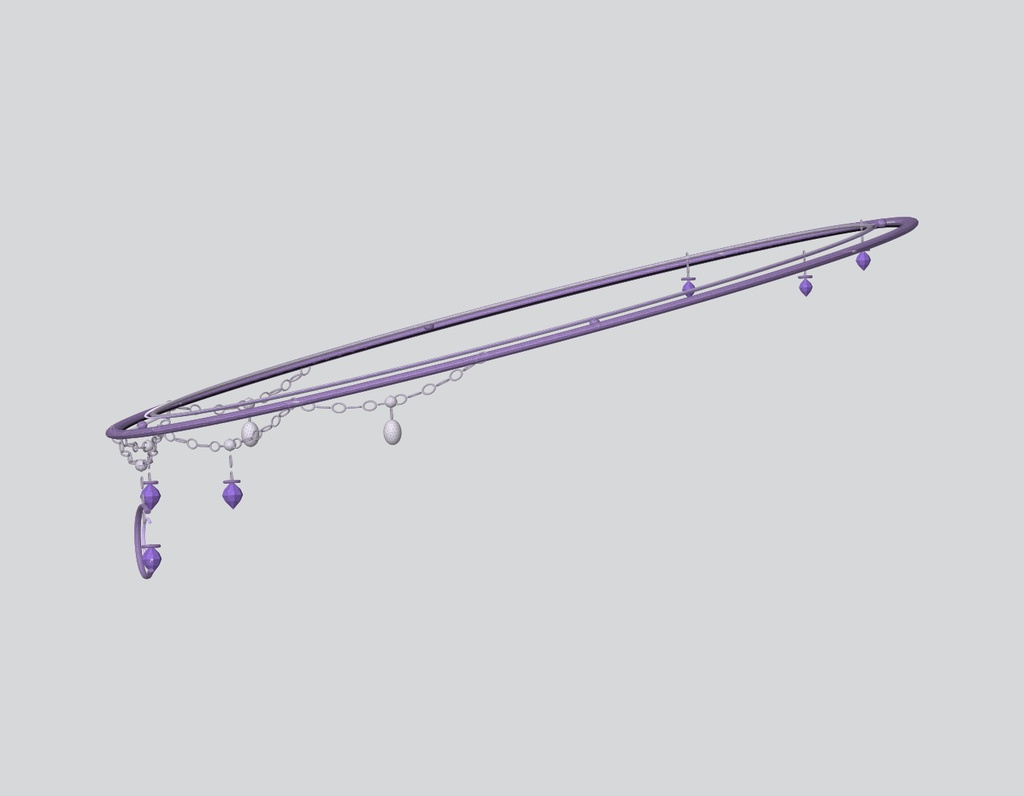
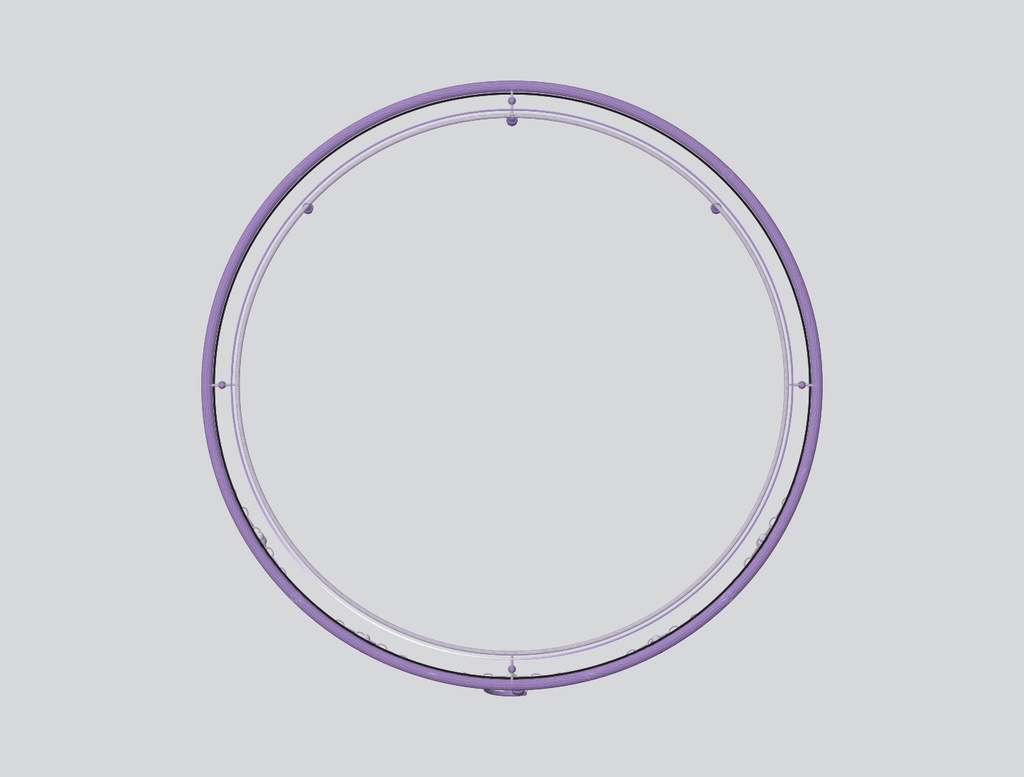


✦ Eclipse Celestial Chain Halo ✦ 【VRChat / PC / 3Dアクセサリー】 月・クリスタル・チェーンをモチーフにした、VRChat PC向けのセレスティアルヘイローです。 繊細なリング、揺れるペンダント、三日月チャーム、発光エフェクトを組み合わせたジュエリー風デザインです。 【特徴】 ・VRChat PC向け ・チェーンドレープ+5つのペンダント ・三日月&クリスタル装飾 ・VRCPhysBone対応 ・Emission / MatCap対応 ・12カラーバリエーション ・Skinned Mesh Renderer:1 ・Material Slot:1 【モデル仕様】 ・Triangles:約33,940 ・Vertices:約17,024 ・Bones:12 ・VRCPhysBone Components:1 ・PhysBone Affected Transforms:11 【内容物】 ・UnityPackage ・GLB 12色 ・OBJ / MTL ・PBR / Emission Textures ・MatCap / Mask ・README 【必要環境】 ・VRChat SDK3 ・Unity 2022.3.22f1 ・lilToon 推奨 ・Modular Avatar ※Flowing Emissionを使用する場合 【導入】 1. VCCでAvatar Projectを作成 2. lilToon / Modular Avatarを導入 3. UnityPackageをインポート 4. アバターを選択 5. Tools > EclipseForge > Celestial Chain Halo V8 > Install 6. 位置・角度・サイズを調整 7. VRChat SDK Build & Testで確認 ※アバターや髪型によって位置・サイズ調整が必要です。 ※Quest / Android版は含まれません。 ※画像内のアバター・髪型・衣装は付属しません。 【利用規約】 許可: ・VRChat等での個人利用 ・モデル / マテリアル / テクスチャの改変 ・スクリーンショット、動画、配信、収益化コンテンツでの利用 ・Public / Private Avatarでの利用 禁止: ・再配布、再販売、ファイル共有 ・改変後データの再配布 / 再販売 ・未購入者への共有 ・他の商品やアバターパッケージへの元データ同梱 ・自作発言 ・AI学習 / データセット / モデル学習への利用 購入により著作権・所有権が移転するものではありません。 デジタル商品のため、購入後の返品・返金には対応できません。 ━━━━━━━━━━━━━━━━━━━━ ✦ Eclipse Celestial Chain Halo ✦ 【VRChat / PC / 3D Accessory】 A celestial jewelry-style halo for VRChat PC avatars, featuring delicate rings, chain drapes, suspended crystals, a crescent-moon charm and subtle emission effects. 【FEATURES】 ・VRChat PC accessory ・Chain drapes + 5 pendant branches ・Crescent moon and crystal ornaments ・VRCPhysBone support ・Emission / MatCap support ・12 color variations ・1 Skinned Mesh Renderer ・1 Material Slot 【MODEL SPECS】 ・Triangles: approx. 33,940 ・Vertices: approx. 17,024 ・Bones: 12 ・VRCPhysBone Components: 1 ・PhysBone Affected Transforms: 11 【INCLUDED】 ・UnityPackage ・12 GLB color presets ・OBJ / MTL ・PBR / Emission Textures ・MatCap / Mask ・README 【REQUIREMENTS】 ・VRChat SDK3 ・Unity 2022.3.22f1 ・lilToon recommended ・Modular Avatar ※Required for the Flowing Emission setup 【INSTALLATION】 1. Create an Avatar Project with VCC 2. Install lilToon and Modular Avatar 3. Import the UnityPackage 4. Select your avatar 5. Run Tools > EclipseForge > Celestial Chain Halo V8 > Install 6. Adjust position, rotation and scale 7. Check with VRChat SDK Build & Test ※PC version only. Quest / Android version is not included. ※Avatar, hair and clothing shown in previews are not included. 【TERMS OF USE】 Allowed: ・Personal use in VRChat and other social VR platforms ・Modification of model, materials and textures ・Screenshots, videos, livestreams and monetized content ・Public or private avatars Prohibited: ・Redistribution, resale or file sharing ・Redistribution / resale of modified files ・Sharing with non-purchasers ・Including source files in another downloadable or commercial asset/avatar package ・Claiming the original model as your own ・AI training, datasets or model training Purchase grants a license to use the asset; copyright and ownership are not transferred. Due to the nature of digital products, refunds or returns are not available after purchase.