

【複数アバター対応】アイドルアイ EyeTexture【15 color】
- ♡fullset♡ダウンロード商品¥ 650
- ♡Shinano♡ダウンロード商品¥ 350
- ♡Sio♡ダウンロード商品¥ 350
- ♡Shinra♡ダウンロード商品¥ 350
- ♡rurune♡ダウンロード商品¥ 350
- ♡Chocolat♡ダウンロード商品¥ 350
- ♡MANUKA♡ダウンロード商品¥ 350
- ♡Milltina♡ダウンロード商品¥ 350
- ♡Lime♡ダウンロード商品¥ 350
- ♡Chiffon♡ダウンロード商品¥ 350
- ♡Kipfel♡ダウンロード商品¥ 350
- ♡Moe♡ダウンロード商品¥ 350
- ♡SELESTIA♡ダウンロード商品¥ 350
- ♡Airi♡ダウンロード商品¥ 350
- ♡ICHIGO♡ダウンロード商品¥ 350
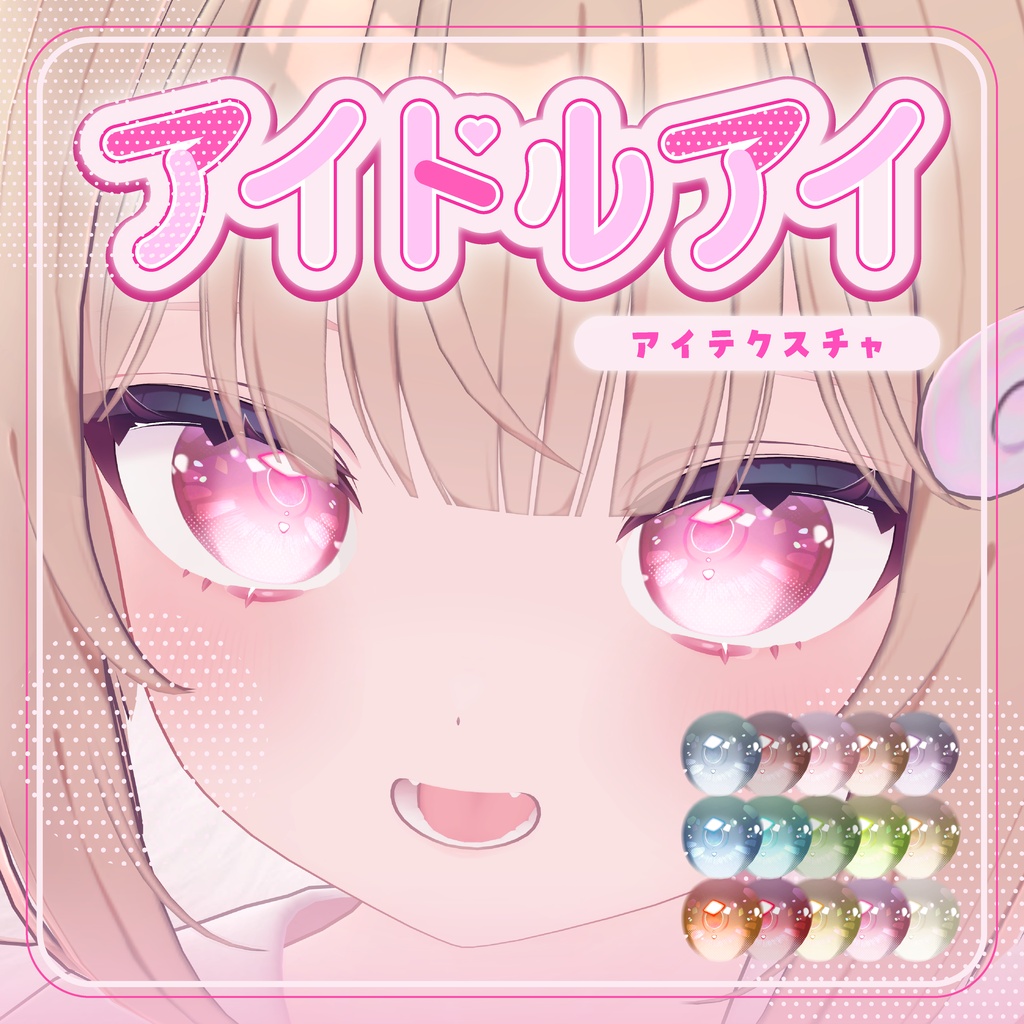
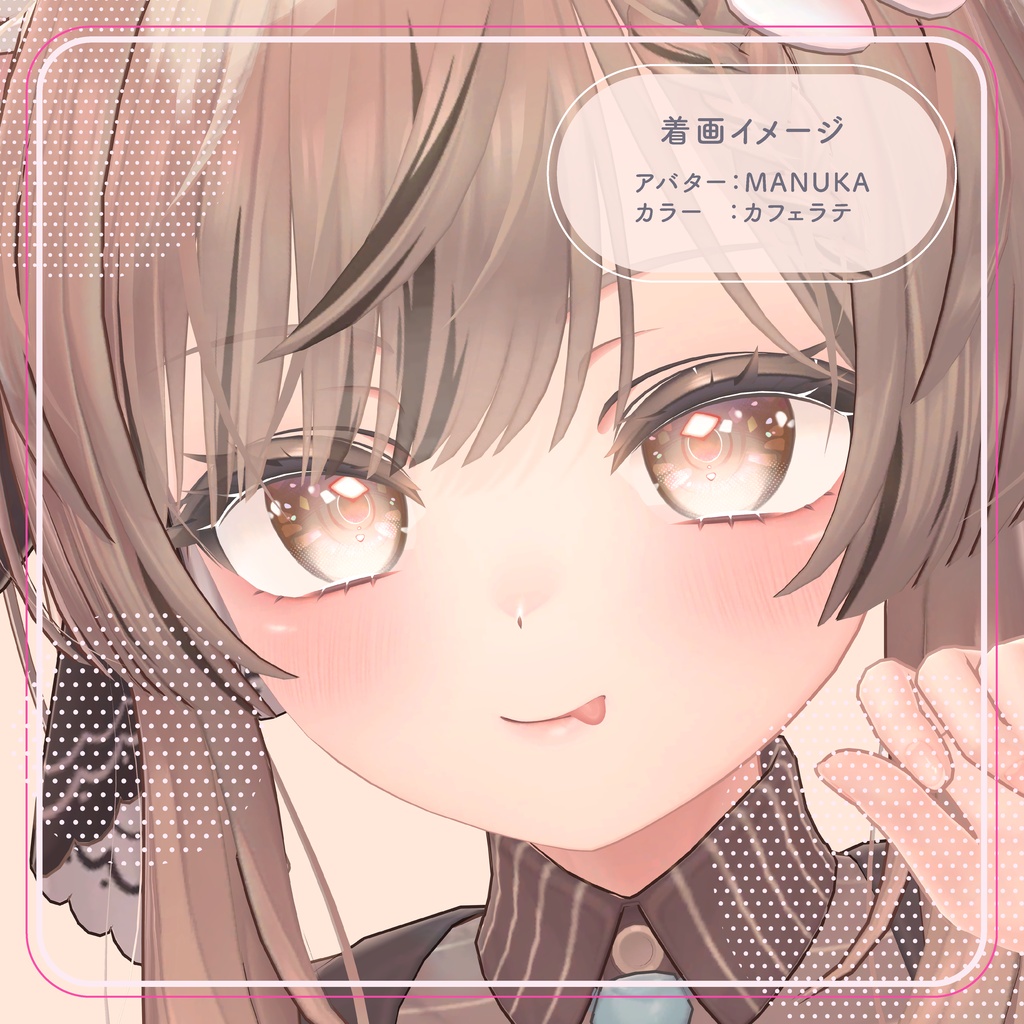
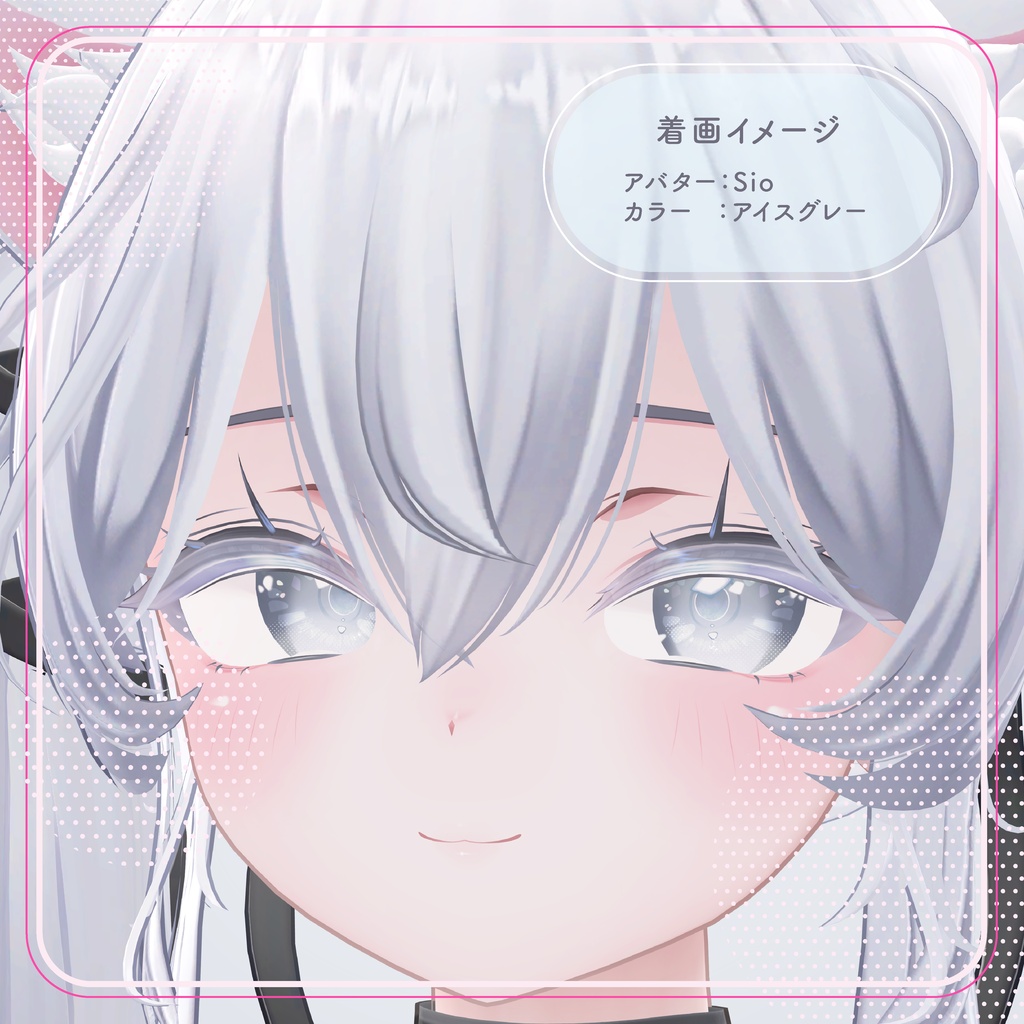
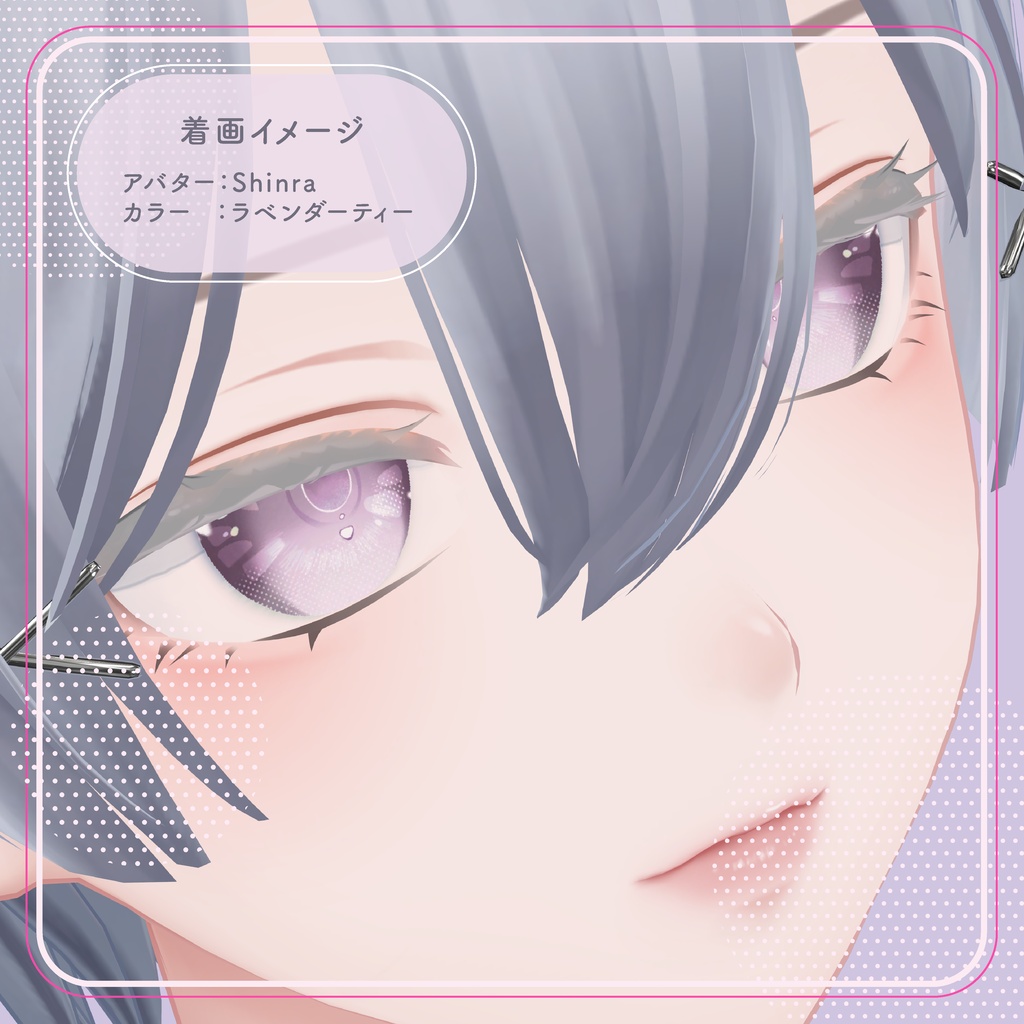
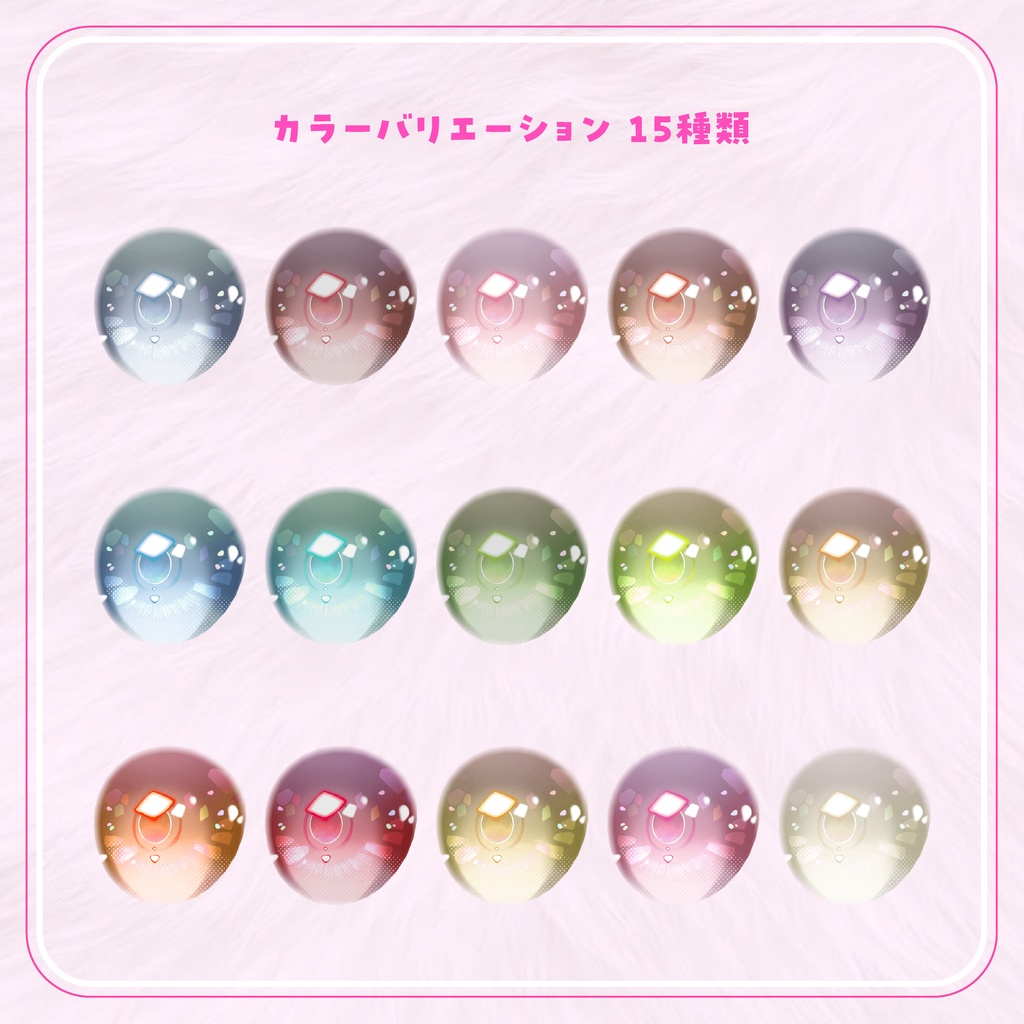


アイドルのようなきらきらな目になれるアイテクスチャです。 日常使いしやすいようなカラコン風に仕上げました👀 カラーは全15色 !! 瞳孔・ハイライト等のBlendShapeはOFF(0)にしてご使用ください!! 【内容物】 ・PNG ・CLIP -------------------------------------------------------- This eye texture gives you sparkling eyes just like an idol’s. We designed it to look like colored contact lenses that are easy to wear every day 👀 Available in 15 colors!! Please set BlendShapes for the pupil, highlights, etc., to OFF (0) before use!! [Contents] ・PNG ・CLIP
対応アバター
しなのちゃん https://booth.pm/ja/items/6106863 ルルネちゃん https://booth.pm/en/items/5957830 ミルティナちゃん https://booth.pm/ja/items/6538026 ショコラちゃん https://booth.pm/ja/items/6405390 ライムちゃん https://booth.pm/ja/items/4876459 愛莉ちゃん https://booth.pm/ja/items/6082686 マヌカちゃん https://jingo1016.booth.pm/items/5058077 森羅ちゃん シフォンちゃん https://booth.pm/ja/items/5354471 キプフェルちゃん https://booth.pm/ja/items/5813187 しおちゃん https://booth.pm/ja/items/5650156 萌ちゃん https://booth.pm/ja/items/4667400 セレスティアちゃん https://booth.pm/ja/items/4035411 イチゴちゃん https://hamini.booth.pm/items/7328789
ご利用方法
1. ダウンロードしたPNGをUnityのAssetsへ入れます。 2. アバターの目に使用しているマテリアルを複製します。 元のマテリアルを残すため、複製したものを使用してください。 3. 複製したマテリアルを目に設定し、lilToonの「メインカラー2nd」を有効にします。 4. 「メインカラー2nd」のテクスチャ欄にPNGを入れます。 5. アバターのBlendShapeから、Pupil・Highlightなどの瞳やハイライトに関係する項目を0にします。 ※名称はアバターによって異なります。 -------------------------------------------------------- 1. Place the downloaded PNG file in Unity’s Assets folder. 2. Duplicate the material used for the avatar’s eyes. Be sure to use the duplicated material so that the original remains intact. 3. Assign the duplicated material to the eyes and enable “Main Color 2nd” in lilToon. 4. Drag the PNG file into the “Main Color 2nd” texture field. 5. In the avatar’s BlendShapes, set the values for items related to the eyes and highlights—such as “Pupil” and “Highlight”—to 0. *Note: The names may vary depending on the avatar. Translated with DeepL.com (free version)
利用規約
フーリエアクセサリーはVN3ライセンス(https://www.vn3.org/)を採用しています。 以下の全文をあらかじめご確認ください。 利用規約 (JP) https://drive.google.com/file/d/10ZyEnz4I_2k9yM5G9Fyb7isrHnPbz5hZ/view?usp=sharing Terms of use (EN) https://drive.google.com/file/d/1OtrmJ5-MRxX6l8uMfvqwKOIaJsYz7CCs/view?usp=sharing 이용규약 (KO) https://drive.google.com/file/d/1xbp3NKHN9BWAgjJLGqsLDAn8QF1P__lh/view?usp=sharing 使用条款 (ZH) https://drive.google.com/file/d/1V-L3FOxuZ2bq1driho9rcmjD2Xx24o9O/view?usp=sharing
お問い合わせ
商品に不具合などがあった場合、BOOTHのメッセージまでご連絡頂けると助かります 導入に関して分からない場合でもお手伝い致しますので気軽にご連絡ください!
お借りしたもの
【オリジナル3Dモデル】 Sio / しお / Chocolate rice 様 https://booth.pm/ja/items/5650156 オリジナル3Dモデル「マヌカ」/ STUDIO JINGO 様 https://booth.pm/ja/items/5058077 シフォン -Chiffon- / オリジナル3Dモデル https://booth.pm/ja/items/5354471