
Palette Lab - カラーラフ・配色探索ツール
- ダウンロード商品¥ 900
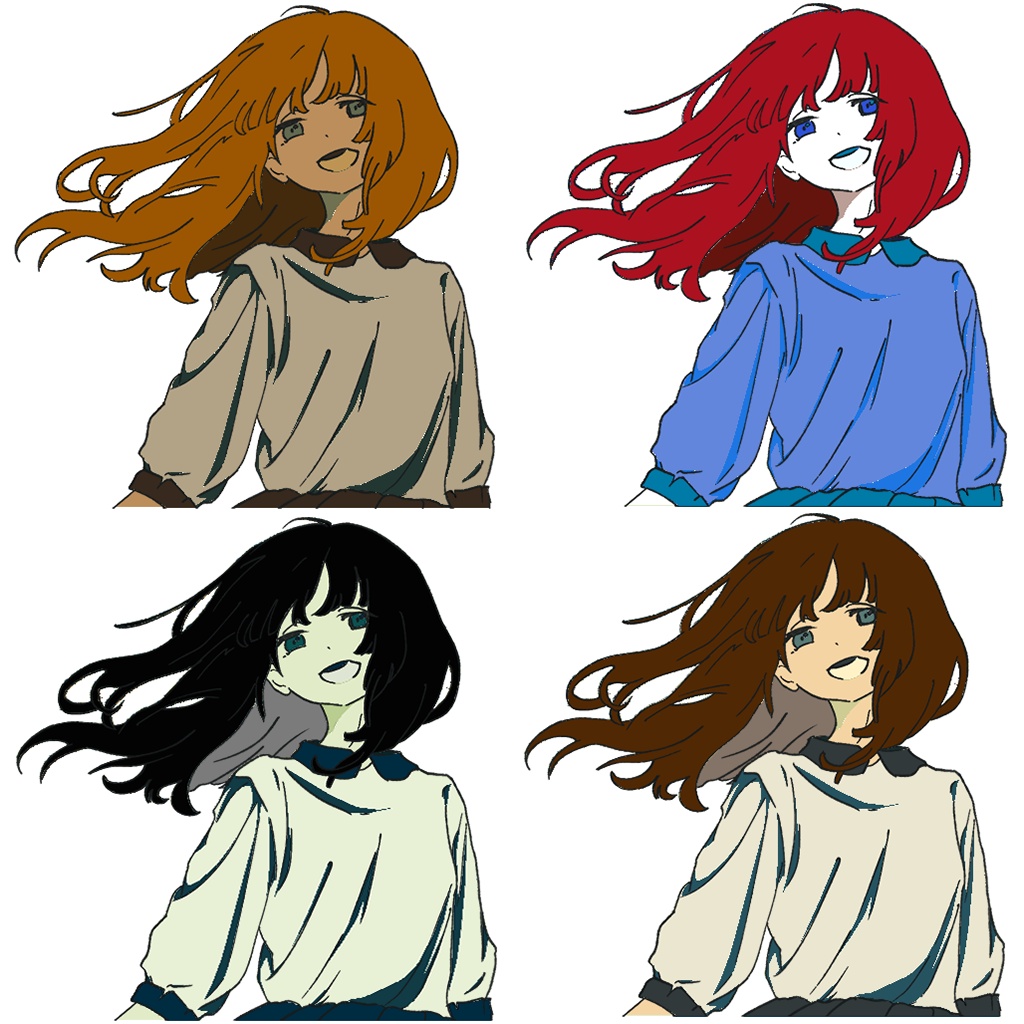
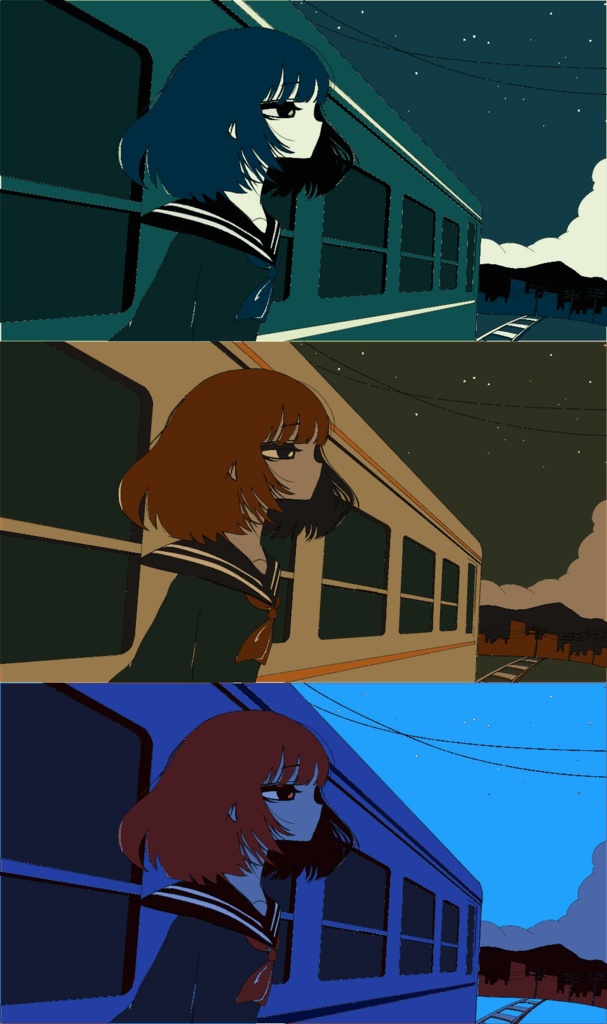
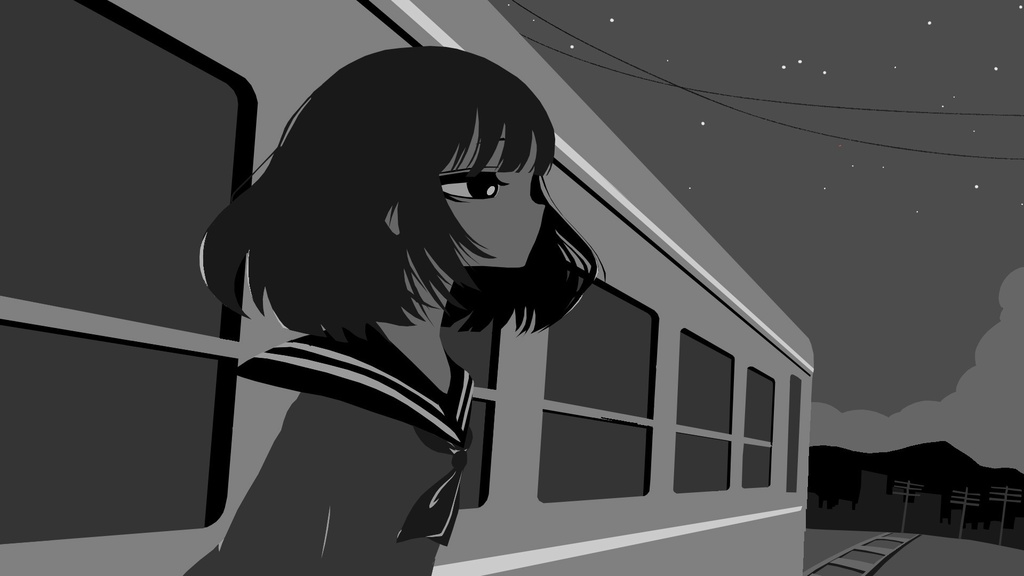
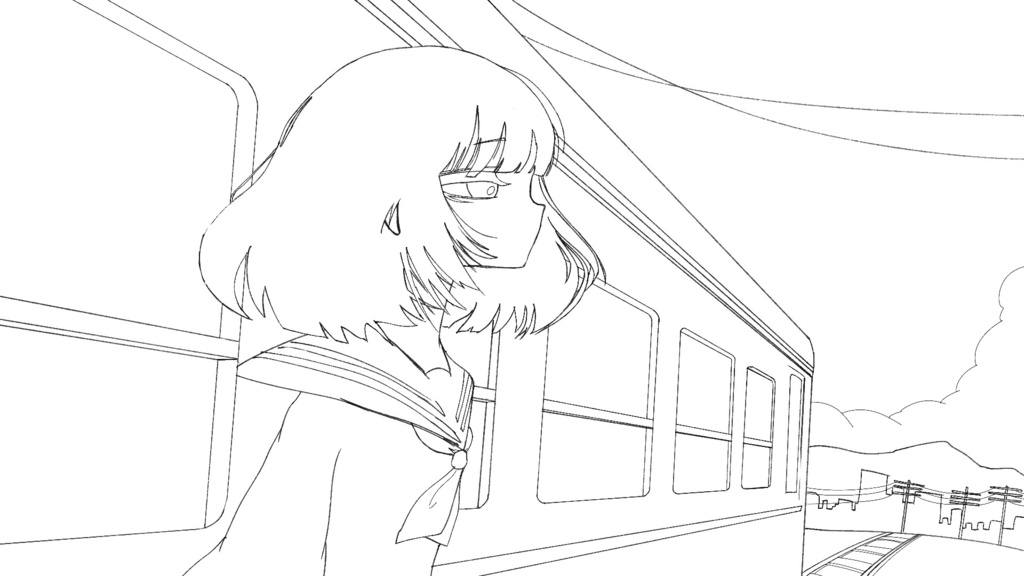


☆Palette Labでできること ・1クリックで、さまざまなパターンのカラーラフを作成 ・ランダム機能で、思いがけないカラーパターンを提案 ・Palette Mixer機能で、複数のパレットを混ぜながら新しい配色を探索 ☆Palette Labの使用に必要なもの ・TouchDesigner(2025.33070) - 無料版・有料版のどちらでも使用できます。 ・線画のPNG画像 - アルファチャンネルを持った線画レイヤーを1枚ご用意ください。 ・グレースケールのPNG画像 - 明度を「90%」「80%」「70%」「60%」 「50%」「40%」「30%」「20%」「10%」「0%」の10段階に分けたグレースケールレイヤーを1枚ご用意ください。 ☆注意事項 ・Palette Labを使用して制作した画像・映像等は、商用・非商用を問わず自由にご利用いただけます。 ・Palette Labを使用して制作した作品への、当方クレジットの記載は必須ではありません。 ・「Palette Lab for BOOTH.toe」、および本商品内のネットワークの全部または一部を流用・改変して作成した .tox 等の再販売を禁止します。 ☆ What You Can Do with Palette Lab Create a variety of color roughs with just one click. Discover unexpected color combinations with the Random feature. Explore new color schemes by blending multiple palettes with the Palette Mixer. ☆ What You Need to Use Palette Lab ・TouchDesigner (2025.33070) Both the free and paid versions are supported. ・Line Art PNG Please prepare one line art layer with an alpha channel. ・Grayscale PNG Please prepare one grayscale layer divided into the following 10 brightness levels: 90%, 80%, 70%, 60%, 50%, 40%, 30%, 20%, 10%, and 0%. ☆ Terms of Use Images, videos, and other works created using Palette Lab may be freely used for both commercial and non-commercial purposes. Credit is not required for works created using Palette Lab. Reselling "Palette Lab for BOOTH.toe", or reselling .tox files or similar products created by reusing or modifying all or part of the networks contained in this product, is prohibited.