

【無料】VRCVideoCacher|VRChatのYouTube動画を安定再生&キャッシュ (SABR対応)
- ダウンロード / Downloadダウンロード商品¥ 0
- 【ちょっと支援】/ Small tipダウンロード商品¥ 500
- 【しっかり支援】/ Bigger tipダウンロード商品¥ 1,000
- 【たくさん支援】/ Generous tipダウンロード商品¥ 2,000
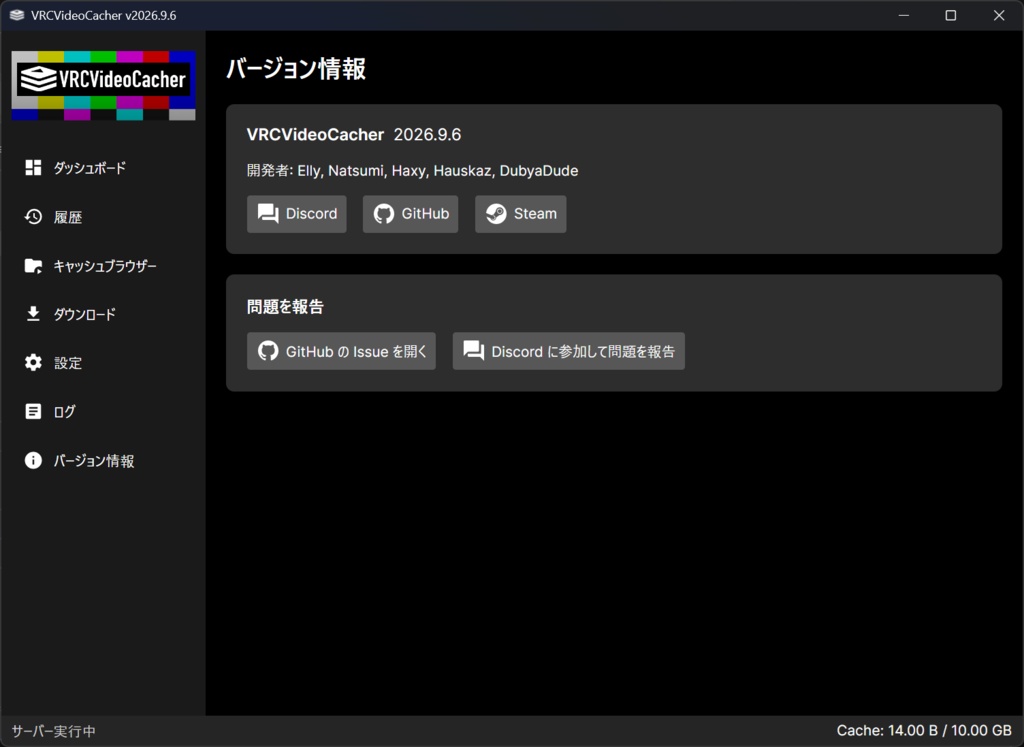
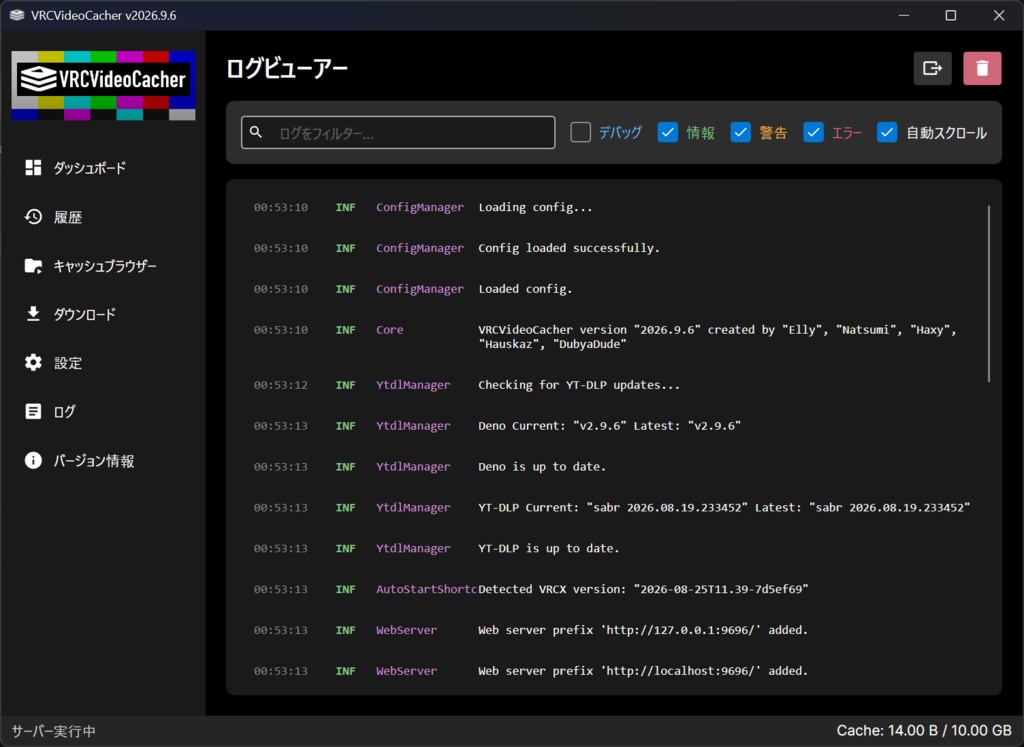
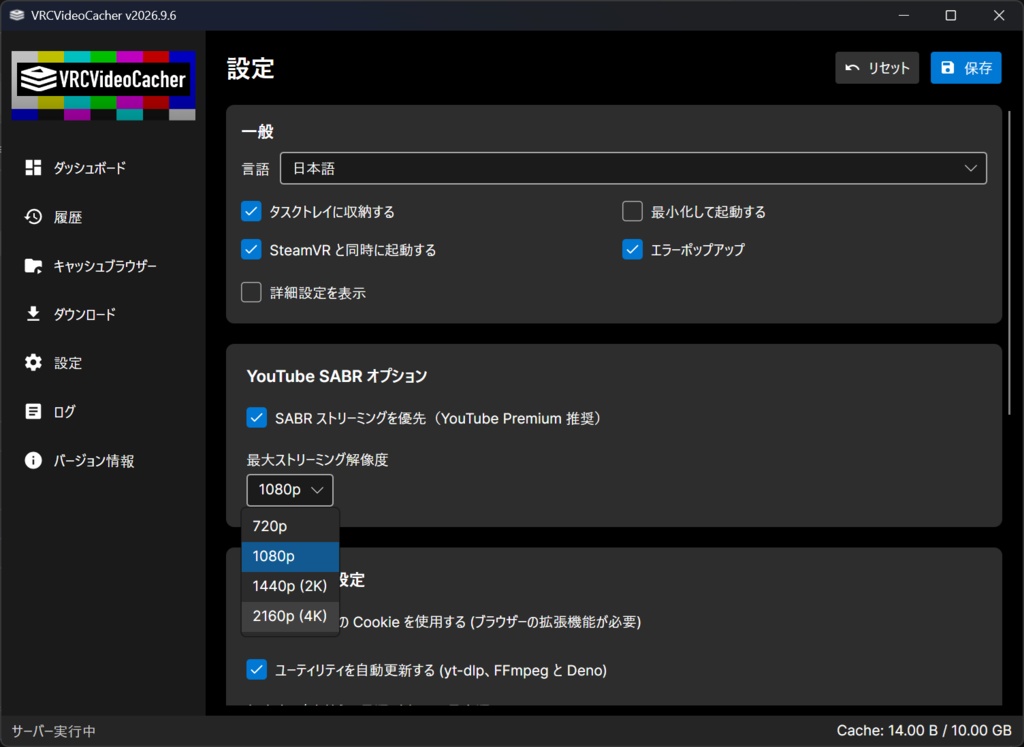
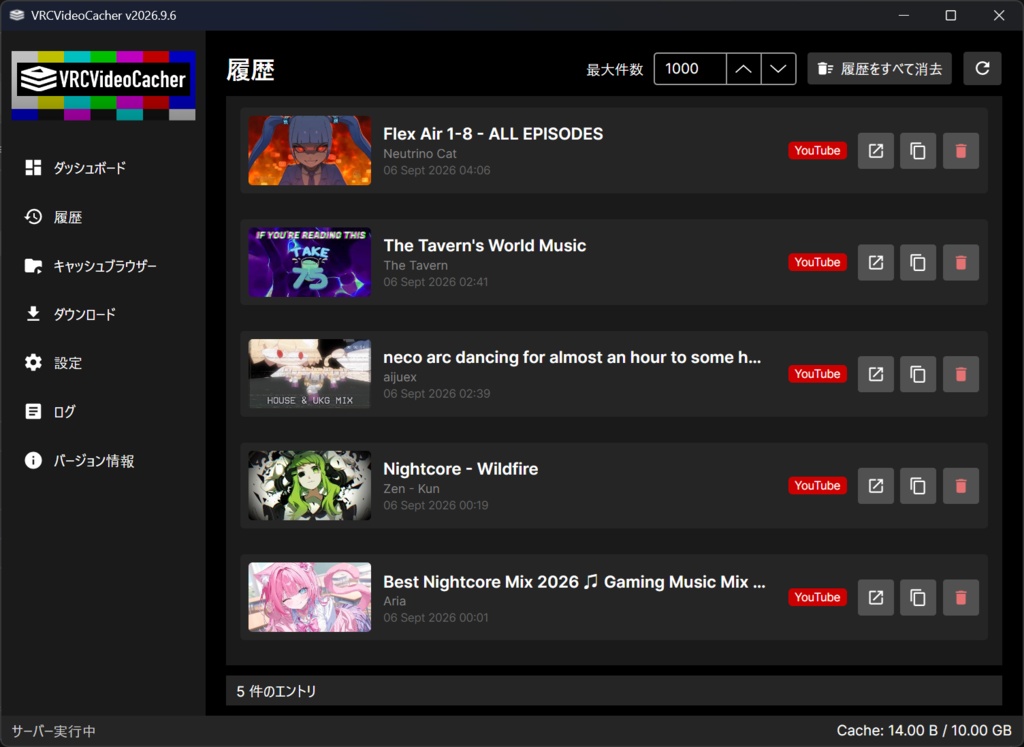
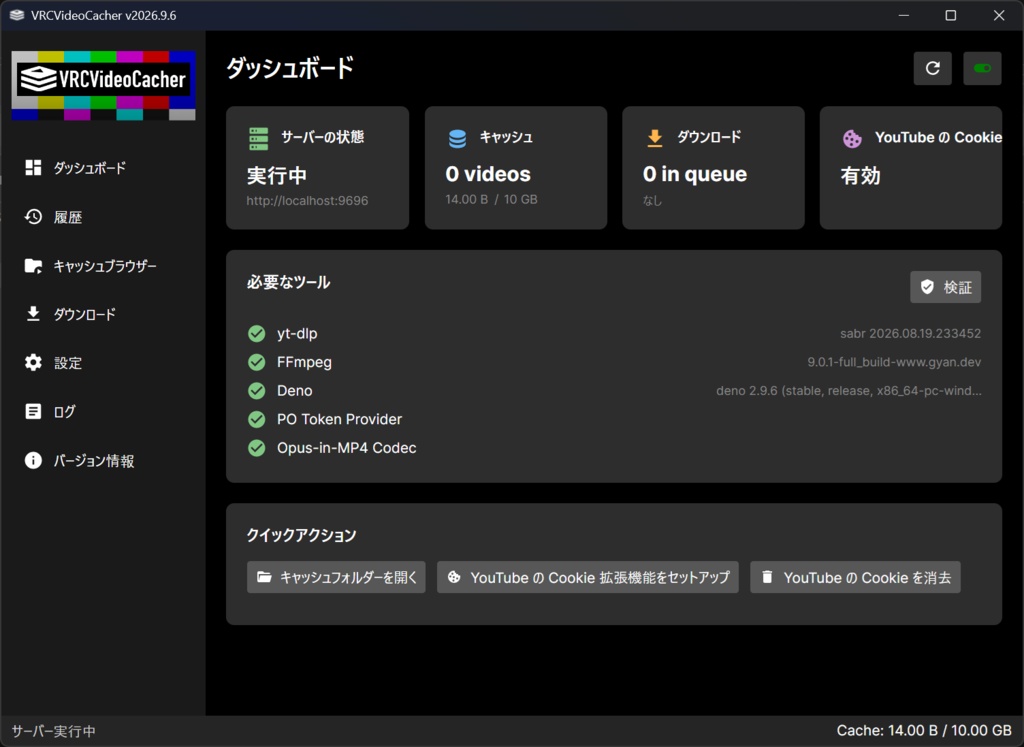
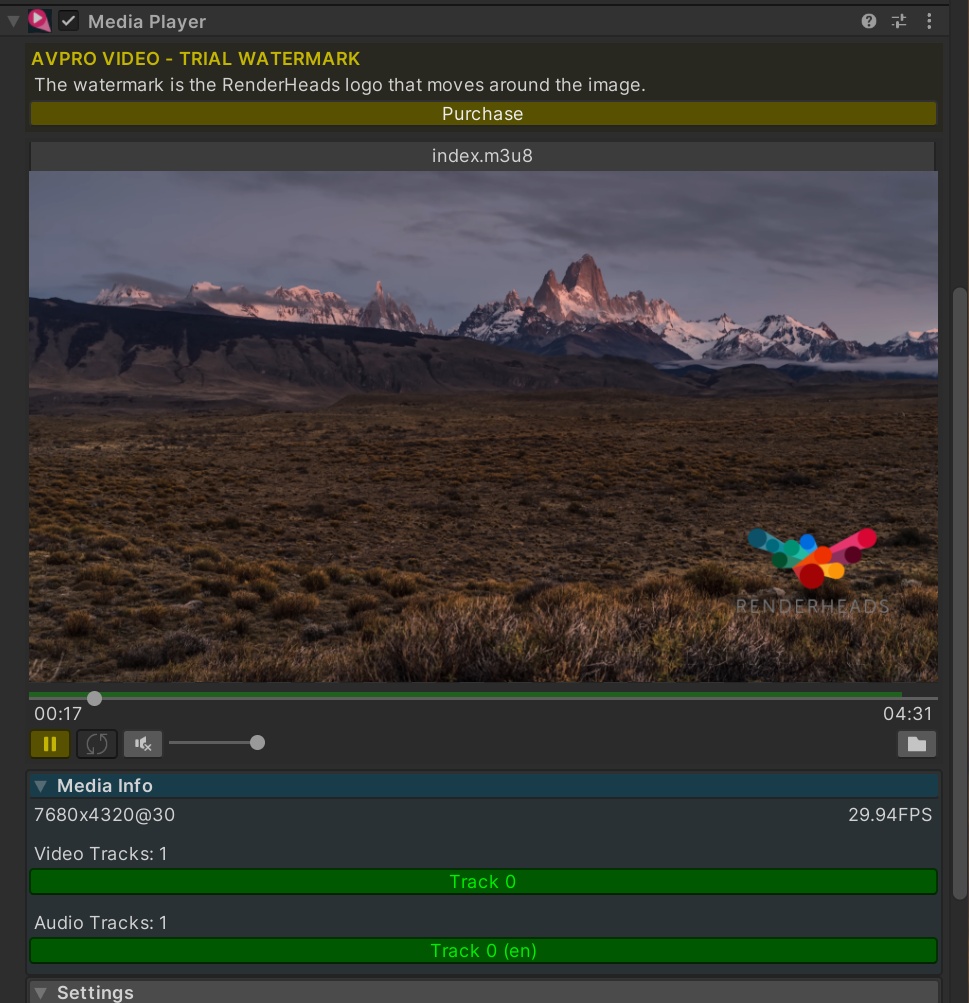
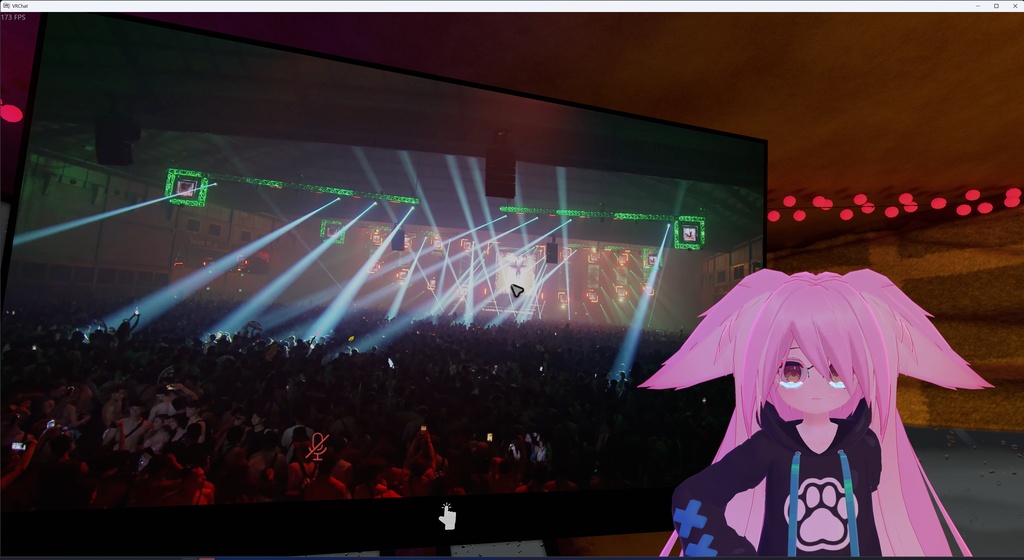
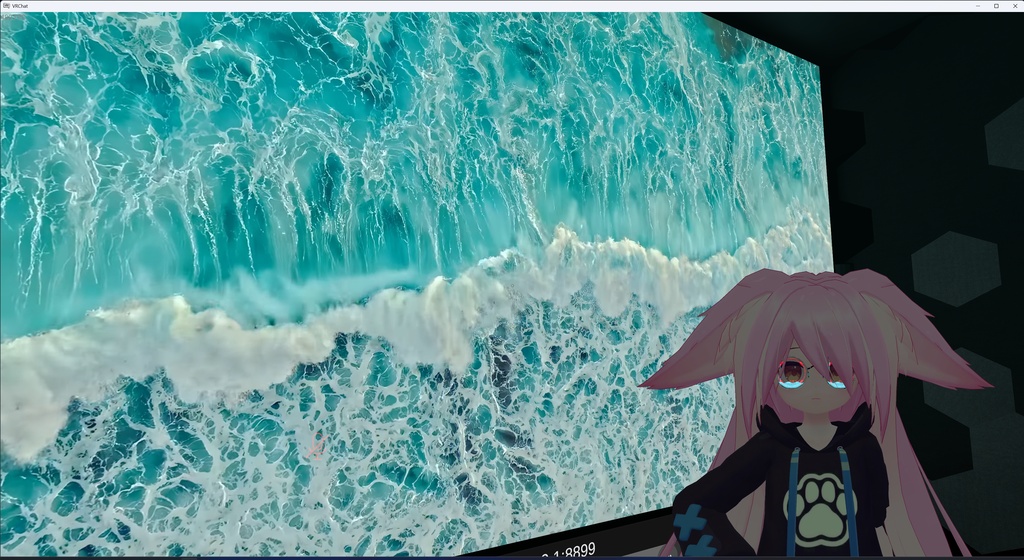
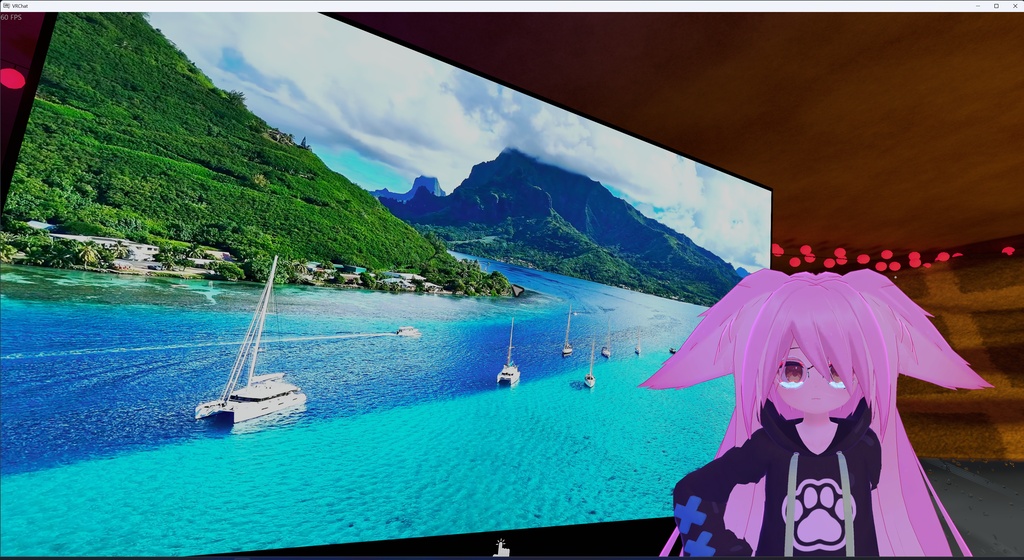


━━━━━━━━━━━━━━━━━━━━━━ VRCVideoCacher VRChatのYouTube動画を「安定して」再生する無料ツール ━━━━━━━━━━━━━━━━━━━━━━ ■ こんな悩みはありませんか? ・ワールドのYouTube動画が読み込まれない/止まる ・「ロボットではないことを確認」で再生できない ・yt-dlp のエラーで動画が映らない VRCVideoCacher はこれらを解決します。 ━━━━━━━━━━━━━━━━━━━━━━ ■ 主な機能 ━━━━━━━━━━━━━━━━━━━━━━ 📺 YouTubeの新方式「SABR」にネイティブ対応 YouTubeが移行中の新しい配信方式にも対応。最大4K・シークバー付きで安定再生します。 🍪 「ロボットではないことを確認」を自動で回避 Cookieと自動管理のPOトークンで、面倒な設定なしにbotチェックを突破します。 💾 動画をローカルにキャッシュ 一度再生した動画は次から瞬時に読み込み。通信量も節約できます。 🖥️ 使いやすいデスクトップアプリ ダッシュボード・キャッシュ管理・再生履歴・ログ表示。トレイに常駐します。 🔄 自動アップデート 本体とyt-dlp / FFmpeg / Deno を自動で最新に保ちます。 🎮 VRChat と Resonite に対応(Windows / Linux) ━━━━━━━━━━━━━━━━━━━━━━ ■ 使い方 ━━━━━━━━━━━━━━━━━━━━━━ 1. アプリを起動(VRChat起動前でもOK・常駐します) 2. ダッシュボードの案内に沿ってYouTube Cookieを設定 3. あとはいつも通りワールドで動画を再生するだけ 詳しい手順はGitHubのREADMEをご覧ください。 ━━━━━━━━━━━━━━━━━━━━━━ ■ ダウンロード / リンク ━━━━━━━━━━━━━━━━━━━━━━ ▼ Steam(推奨・自動更新) https://store.steampowered.com/app/4296960/VRCVideoCacher/ ▼ GitHub(ソース / 最新リリース) https://github.com/EllyVR/VRCVideoCacher ▼ Discord(サポート・不具合報告) https://discord.gg/z5kVNkmQuS ━━━━━━━━━━━━━━━━━━━━━━ ■ 注意事項 ━━━━━━━━━━━━━━━━━━━━━━ ・YouTubeへのアクセスを自動化する性質上、理論上のアカウント面のリスクはゼロではありません。心配な方はサブのGoogleアカウントの利用を推奨します。 (開発者は開発当初からメインアカウントを使用していますが、本ツールに起因するBAN報告はこれまで一件もありません) ・非Premiumアカウントでは、YouTube側のサーバー広告により再生開始が数秒遅れることがあります(設定で回避可能)。 ・本ツールは無料・オープンソースです。 ━━━━━━━━━━━━━━━━━━━━━━ ────────────────────────────── [ENGLISH] VRCVideoCacher — a free tool that keeps YouTube videos playing reliably in VRChat. Are your world videos failing to load, stopping, or stuck on "Sign in to confirm you're not a bot"? VRCVideoCacher fixes it. ■ Features 📺 Native support for YouTube's new "SABR" delivery — stable playback up to 4K with a full seek bar. 🍪 Automatically beats the "not a bot" check using cookies + an auto-managed PO token. No manual setup. 💾 Caches videos locally, so repeat plays load instantly and save bandwidth. 🖥️ Easy desktop app — dashboard, cache manager, play history, logs; lives in the system tray. 🔄 Self-updating (app + yt-dlp / FFmpeg / Deno). 🎮 Works with VRChat and Resonite, on Windows and Linux. ■ How to use 1. Launch the app (it runs in the background). 2. Follow the dashboard wizard to set up your YouTube cookies. 3. Play videos in worlds as normal. ■ Links Steam (recommended, auto-updating): https://store.steampowered.com/app/4296960/VRCVideoCacher/ GitHub: https://github.com/EllyVR/VRCVideoCacher Discord (support): https://discord.gg/z5kVNkmQuS ■ Notes Automating YouTube access carries a theoretical account risk — use an alternate Google account if you want to be cautious. (The developer has used their main account since day one with zero ban reports related to this tool.) Non-Premium accounts may see a few-second startup delay from YouTube's server-side ads (avoidable in settings). Free & open source.
Official Website
https://store.steampowered.com/app/4296960/VRCVideoCacher/
Github
https://github.com/EllyVR/VRCVideoCacher