

Avatar Image Gallery アバター画像ギャラリー fake VRC+ print
- ダウンロード商品¥ 0
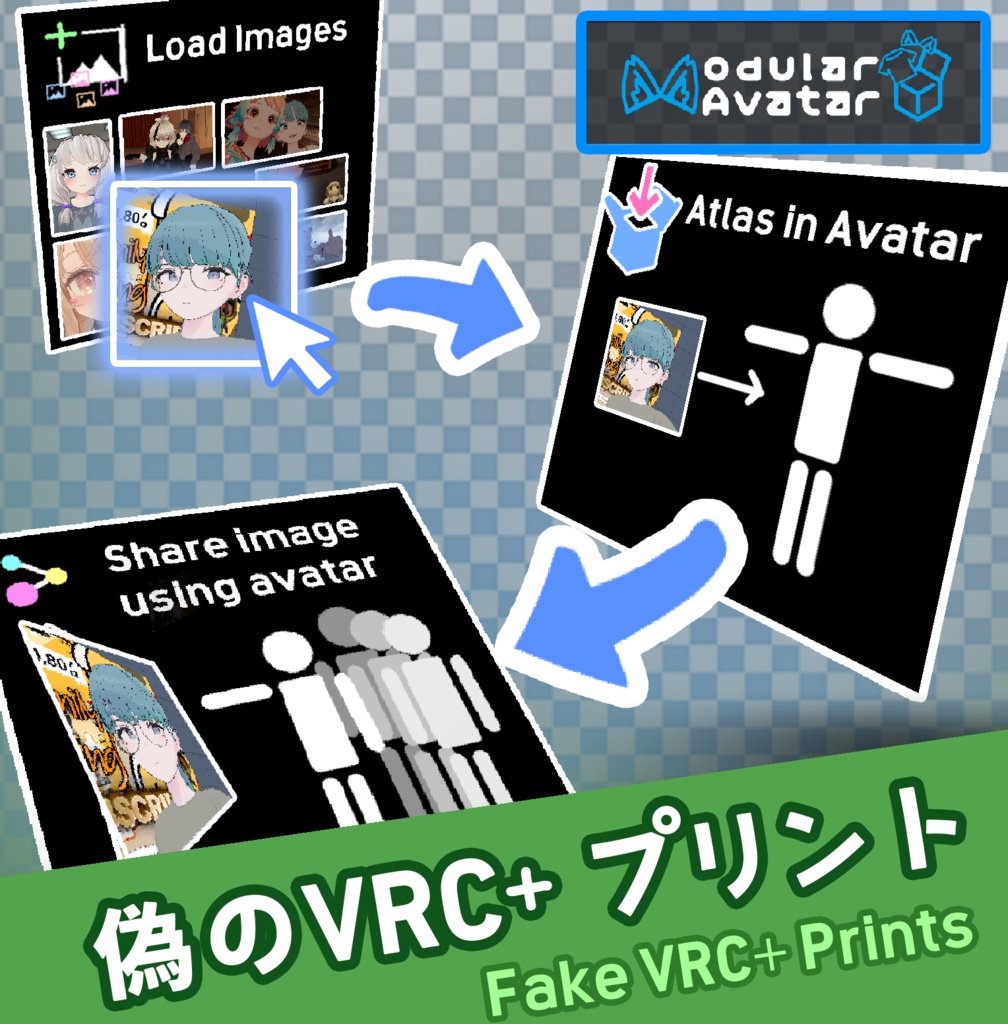
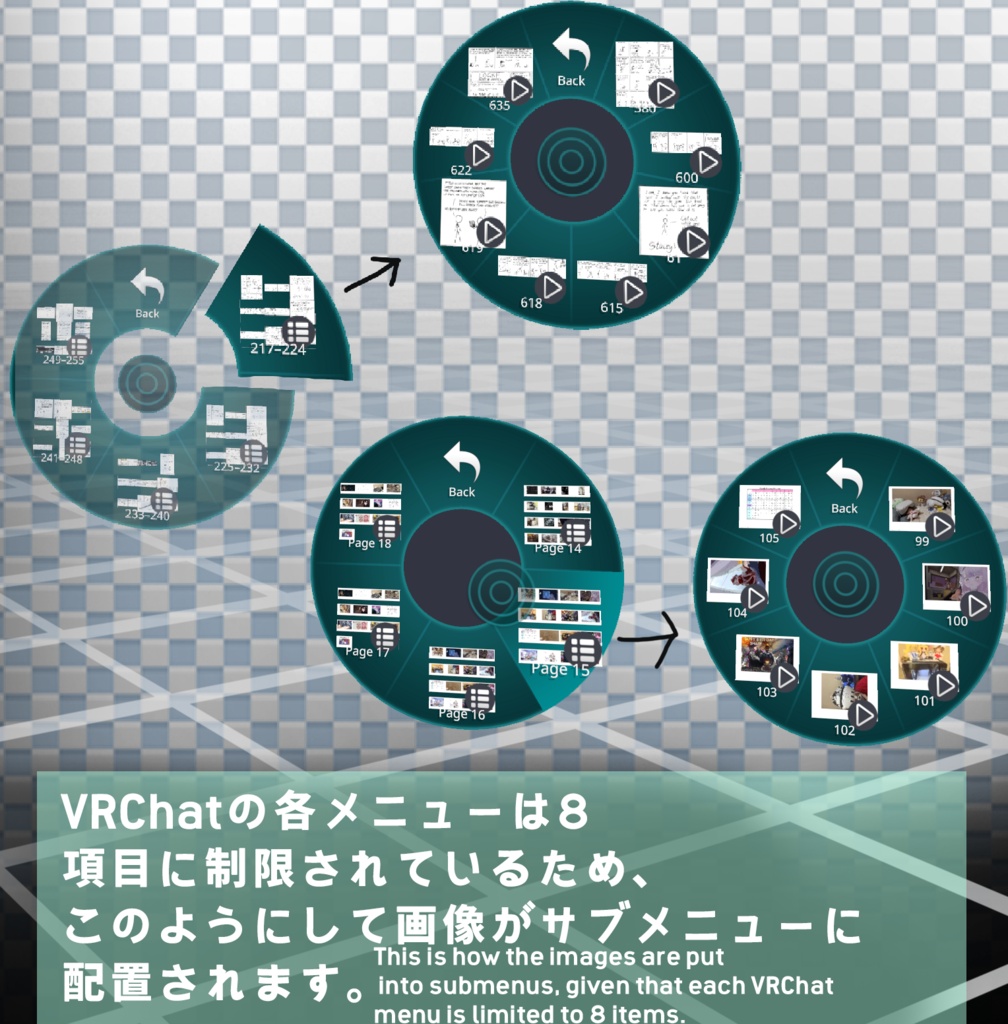
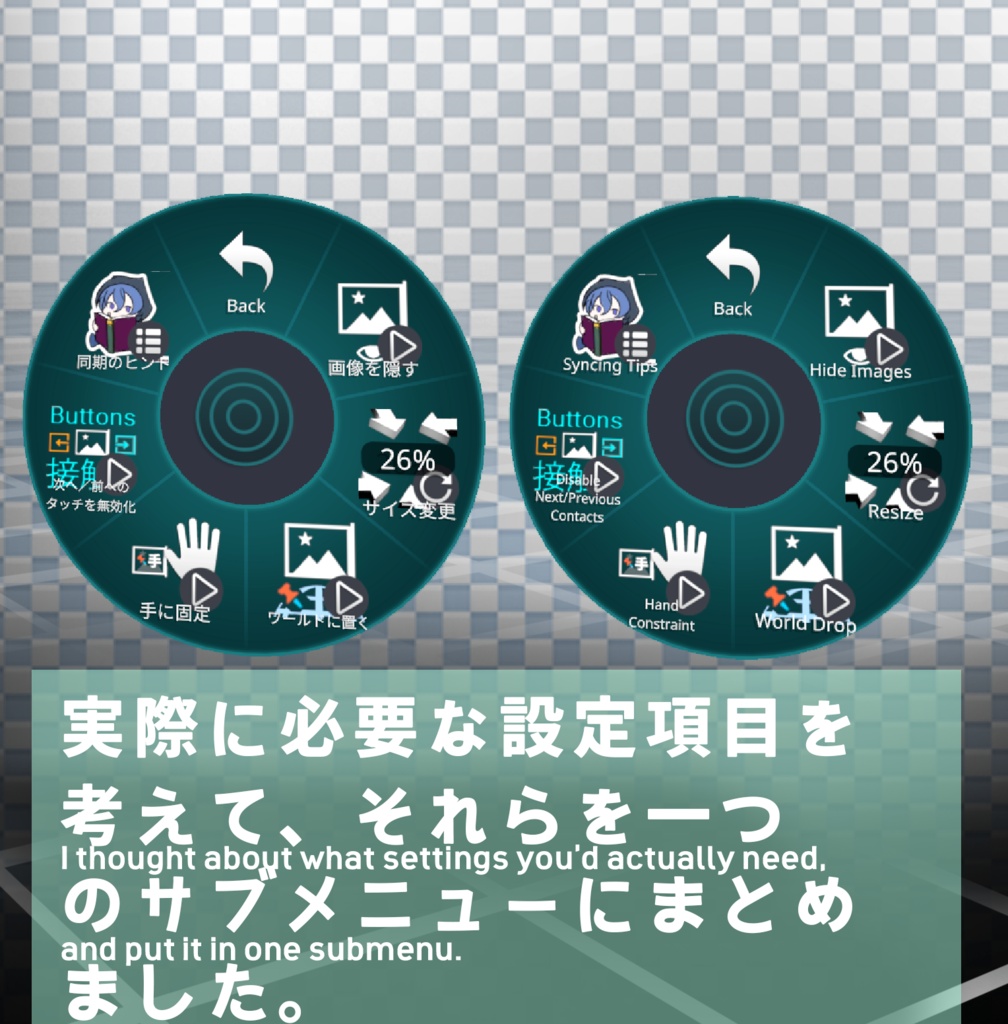
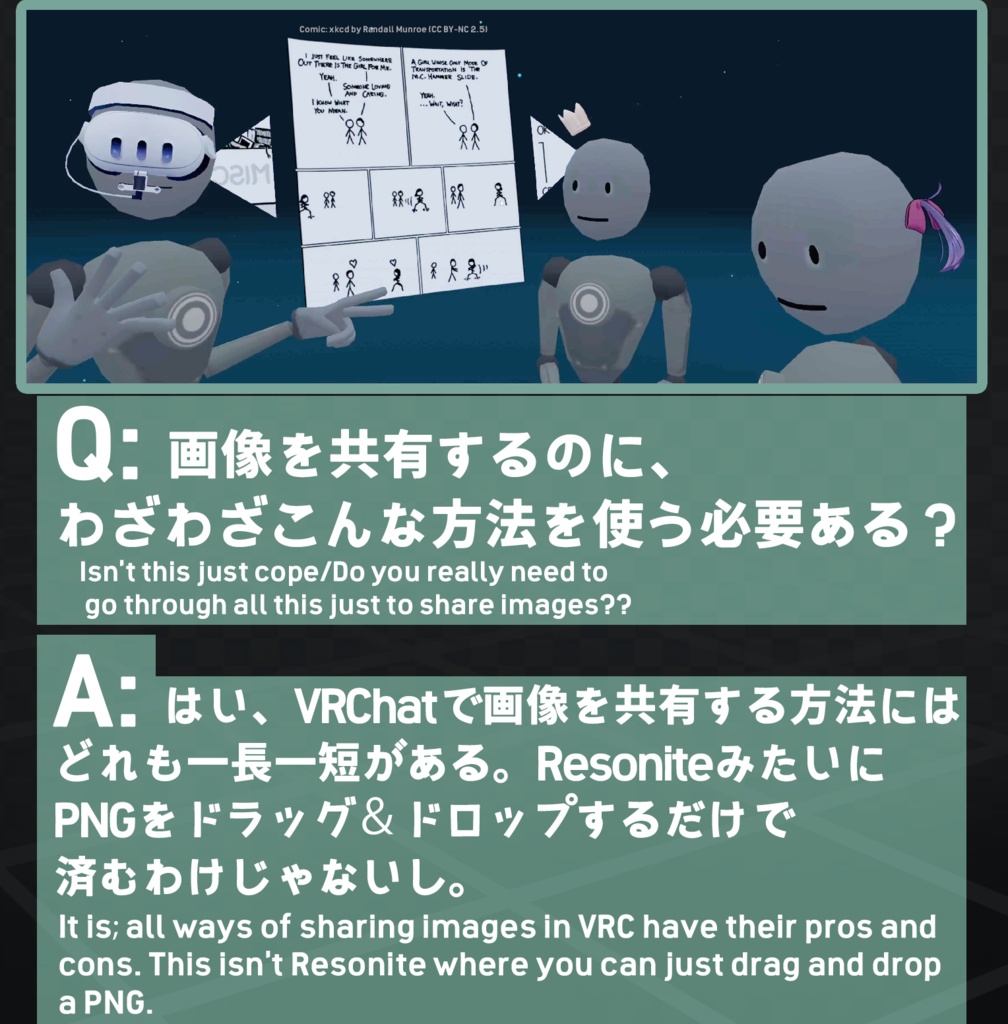
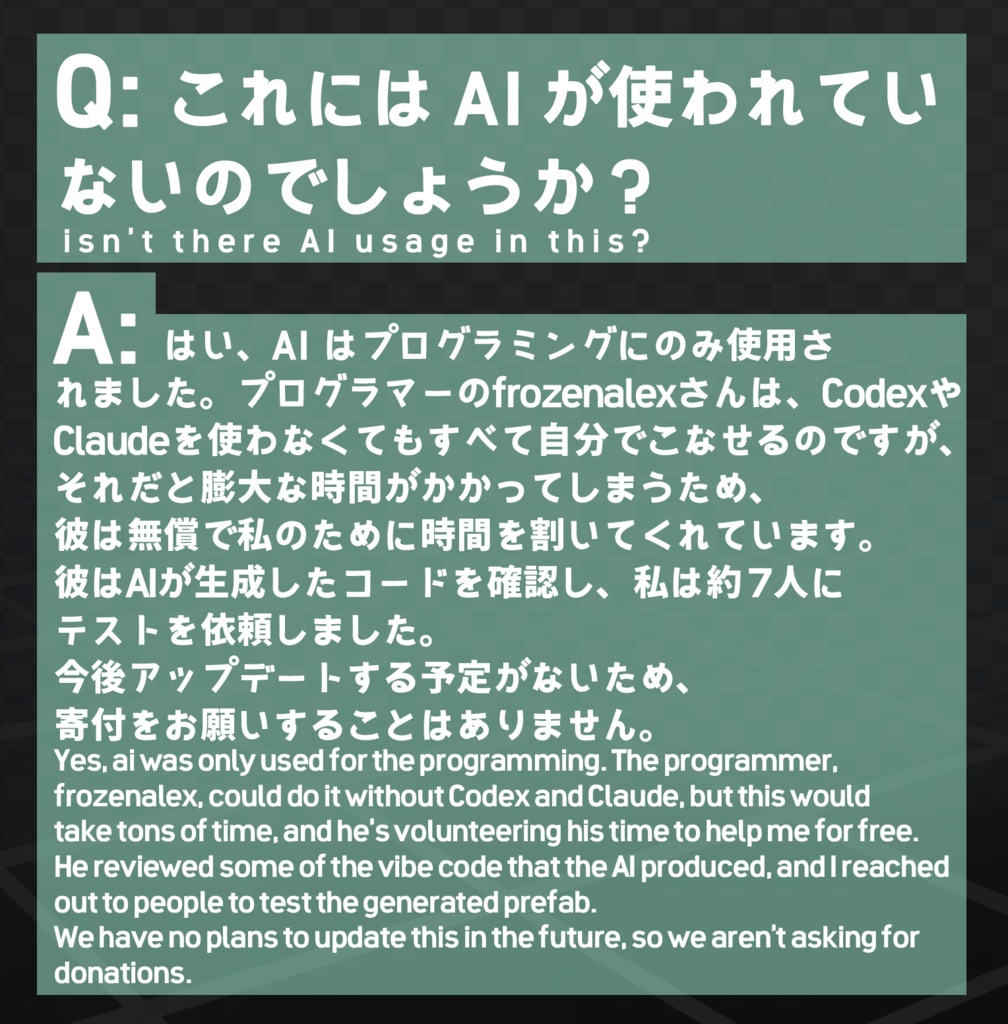
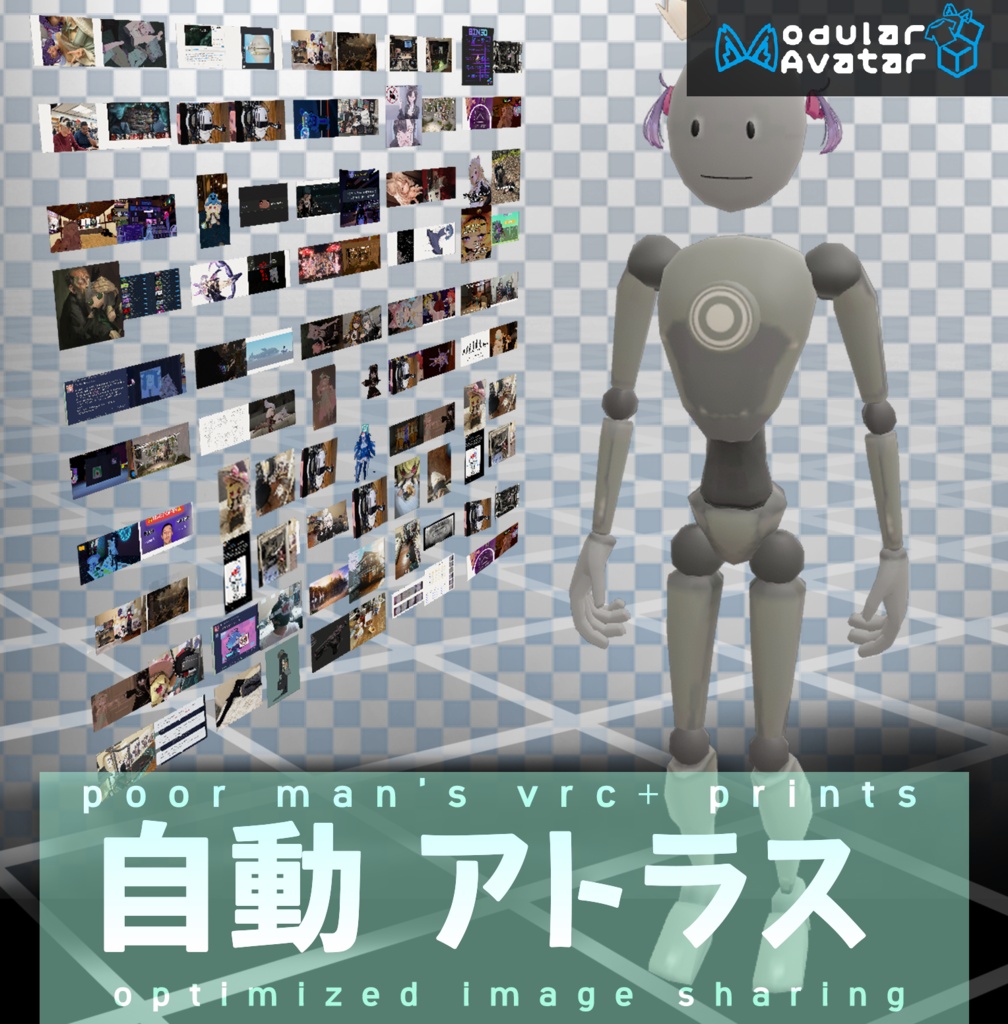


このギャラリーは、VRC+のプリント機能やUdonの画像ローダーが利用できない場合に代用として役立ちます。プレゼン資料、ミーム、インフォグラフィック、実世界の写真など、PCにある画像を最大255枚まで一括でアバターに追加できます!このシステムを使って、VRCの写真やプリントを「コールドストレージ」に保存し、ストレージの空き容量を確保しましょう。 画像はアトラス化され、最適化されます。これは、パフォーマンス制限のあるインスタンスで最適化されたアバターを使用しなければならないユーザーを考慮して設計されました。スクリプトがプレハブを作成するのにかかる時間は、追加する画像の解像度と枚数によって異なります。 https://x.com/FrosteeAlexとの共同開発 Github: FrozenAlex氏がコードの整理を行っていると述べています。後日追加する予定です。 謝辞: モジュラーアバターにおける「ワールドドロップ」の仕組みを理解する上で参考になったこのブログ:https://note.com/kerotama9/n/n486676b75c2c?hl=jp
要件/Requirements:
Modular Avatar: https://modular-avatar.nadena.dev/
使用方法
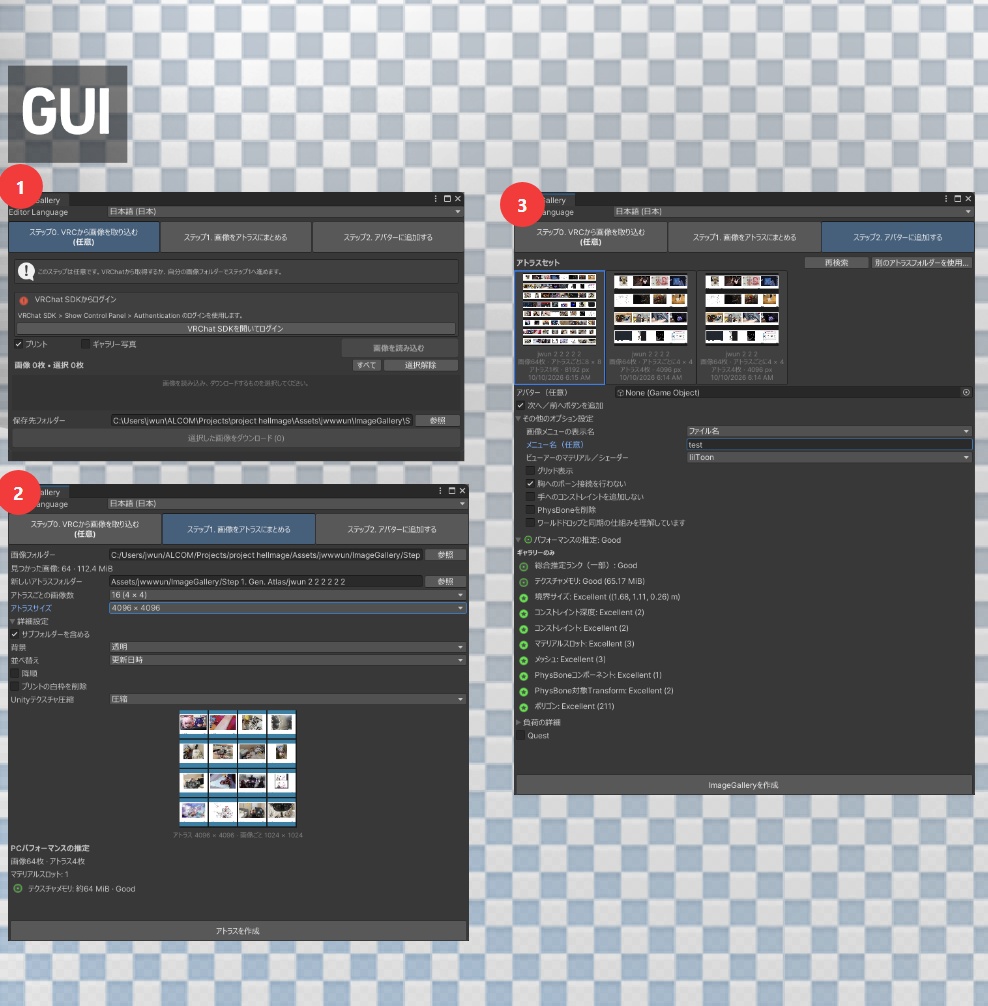
UnitypackageをUnityにインポートし、Unity画面上部の白いバーから「ツール」>「ImageGallery」をクリックし、GUI上で手順0、1、2を実行してください。各操作にはツールチップが表示されます。
English
This gallery helps make do when VRC+ prints and Udon image loaders aren't available. Add up to 255 images on your PC in bulk to your avatar, be it a presentation, memes, infographics, or photos from the real world! Cold storage images from your VRC+ photos and prints by putting them into an avatar to free up space. The images will be atlased, meaning it'll be optimized. This was designed with taking to account people who must use optimized avatars in performance-locked instances. The amount of time the script takes to make the prefab will depend on the resolution and number of the images you put in. Developed in collaboration with https://x.com/FrosteeAlex Github: FrozenAlex said he's cleaning it up, can add later. Acknowledgements: this blog for helping me figure out world drop on modular avatar: https://note.com/kerotama9/n/n486676b75c2c?hl=en
Instructions
Import the Unity package into Unity, click “Tools” > “ImageGallery” from the white bar at the top of the Unity window, and follow steps 0, 1, and 2 in the GUI. Tooltips will appear for each operation.