

17 avatars 対応 / ハートウェイブアイテクスチャ Heartwave eye texture
- Full packダウンロード商品¥ 1,000
- for Kurokiダウンロード商品¥ 300
- for Milfyダウンロード商品¥ 300
- for Kumalyダウンロード商品¥ 300
- for Milltinaダウンロード商品¥ 300
- for Urukiダウンロード商品¥ 300
- for Latteダウンロード商品¥ 300
- for Lapwingダウンロード商品¥ 300
- for Melviiダウンロード商品¥ 300
- for Mafuyuダウンロード商品¥ 300
- for Caprilinaダウンロード商品¥ 300
- for Lilfyダウンロード商品¥ 300
- for SiuSiuダウンロード商品¥ 300
- for Mayoダウンロード商品¥ 300
- for Midarisダウンロード商品¥ 300
- for SILuダウンロード商品¥ 300
- for Manukaダウンロード商品¥ 300
- for MatchaBunダウンロード商品¥ 300
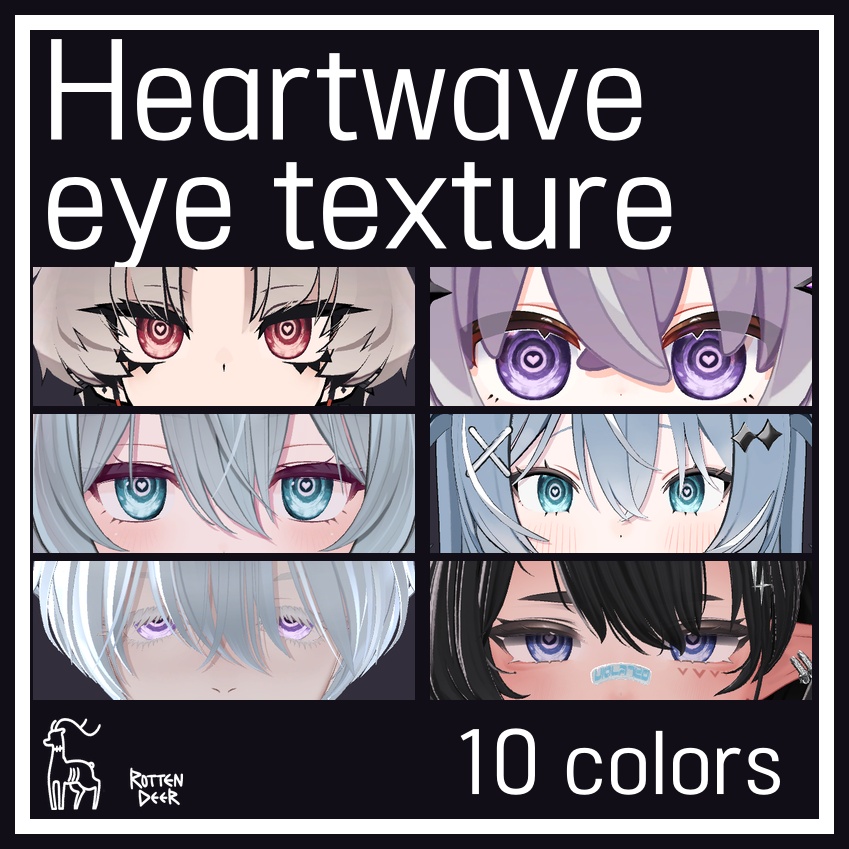


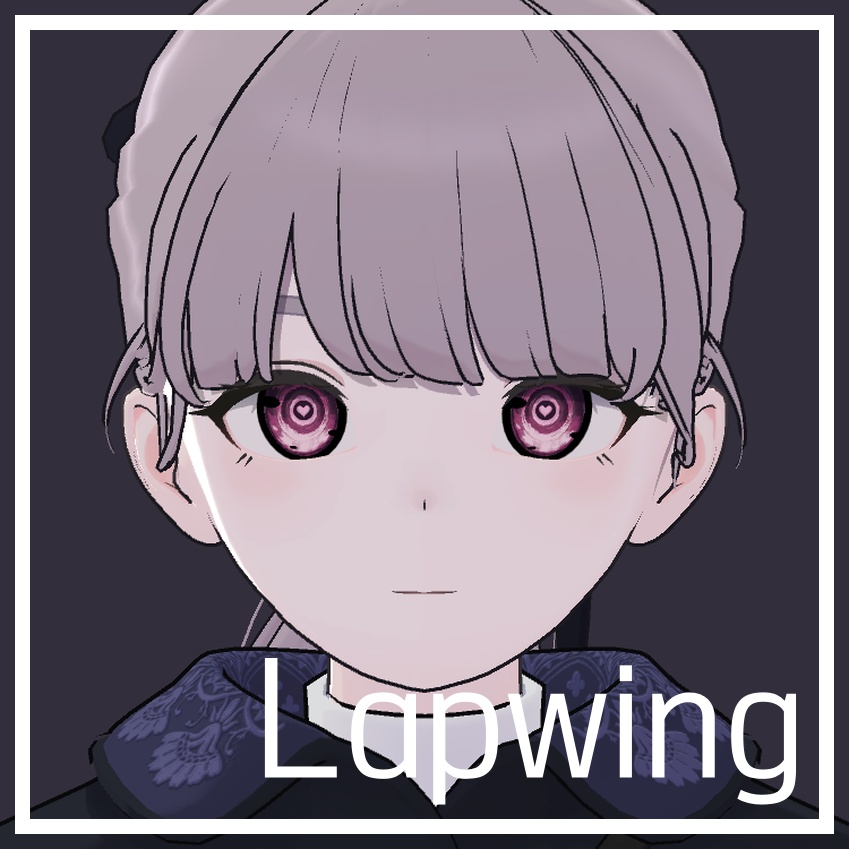
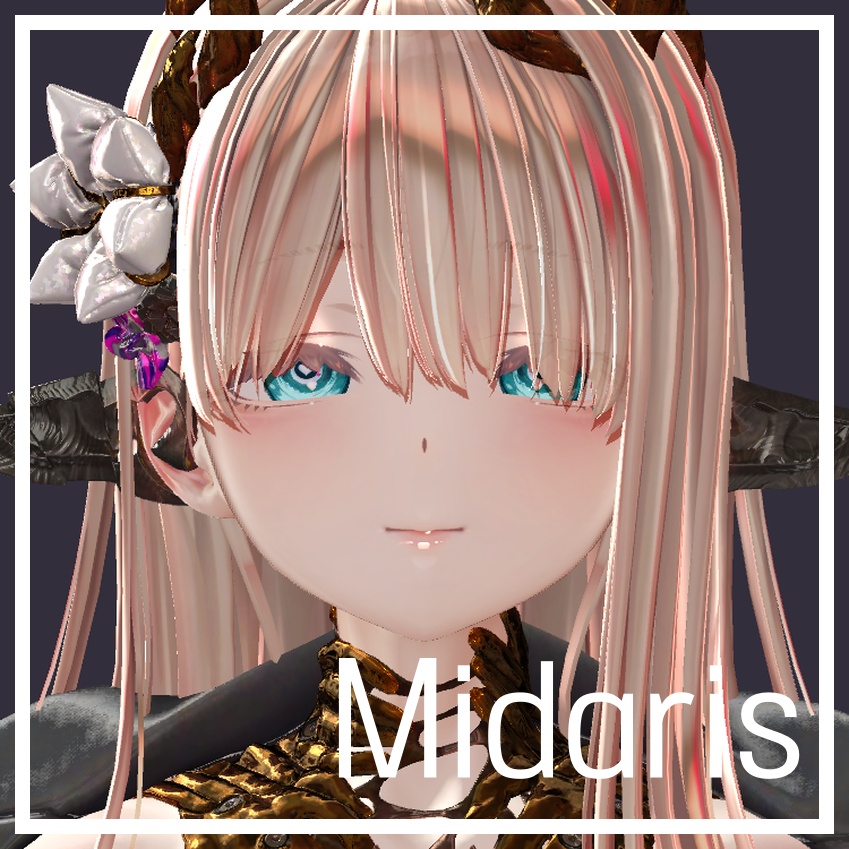
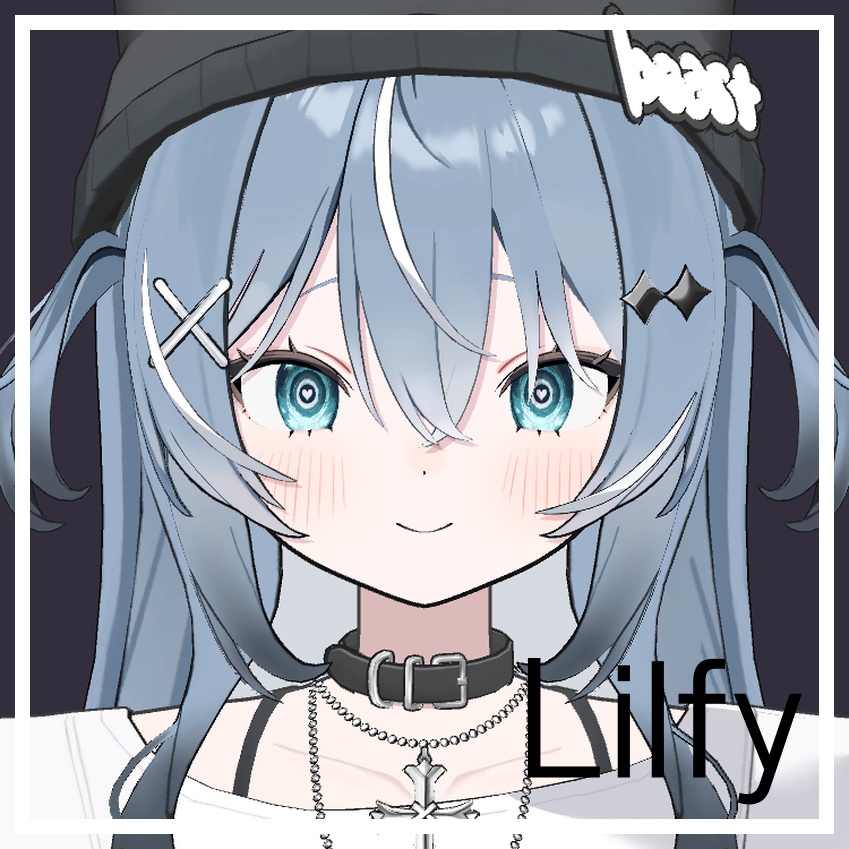
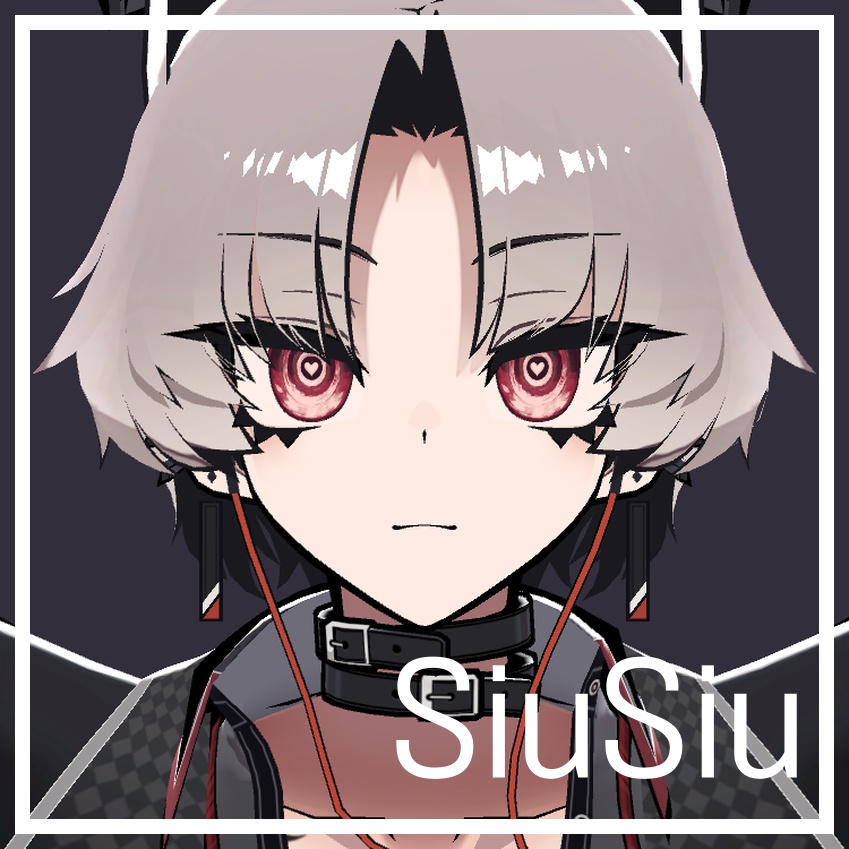
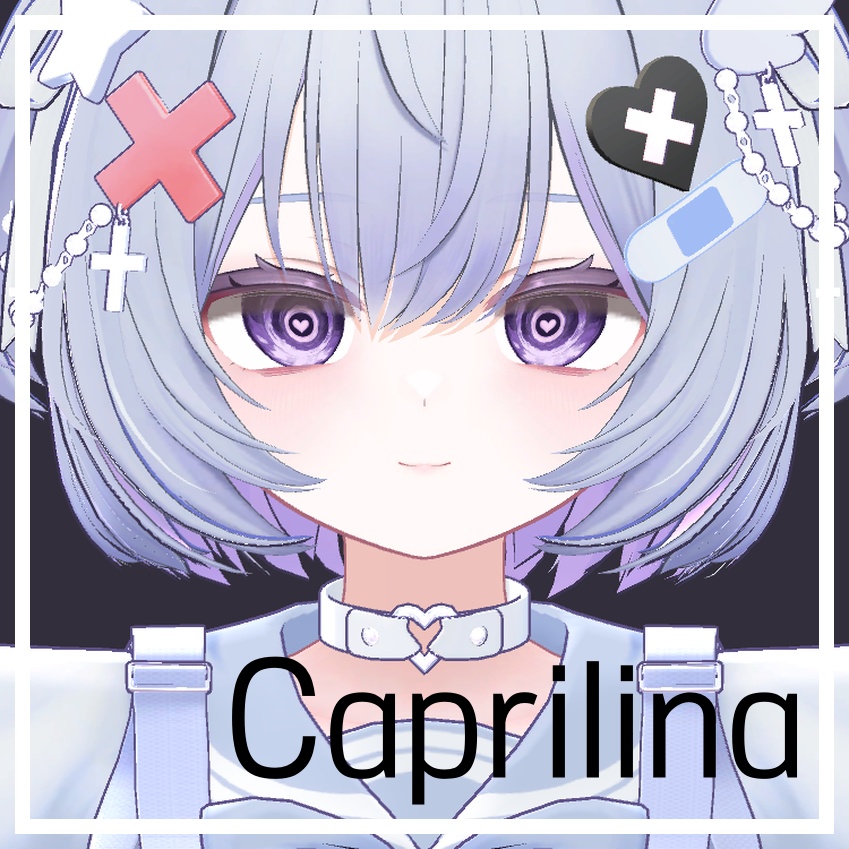
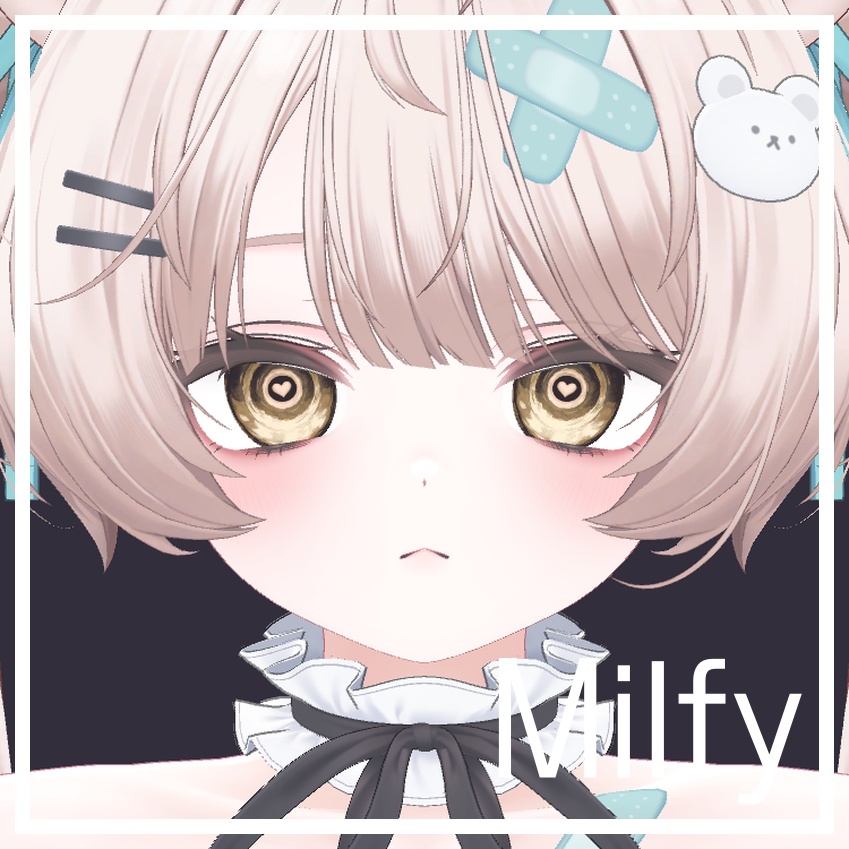
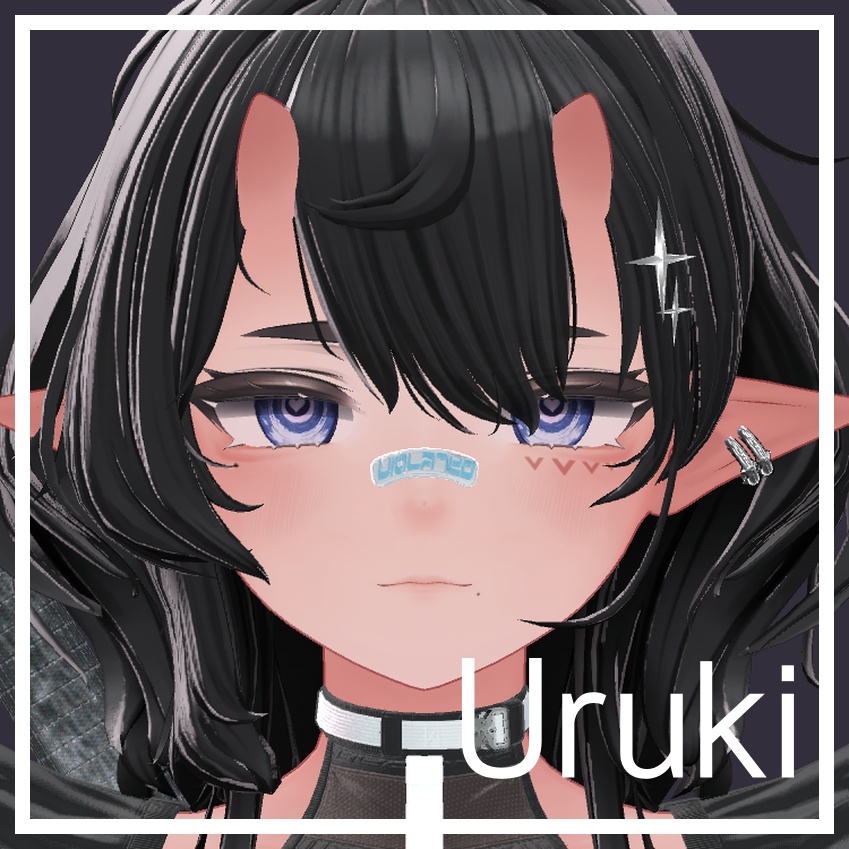
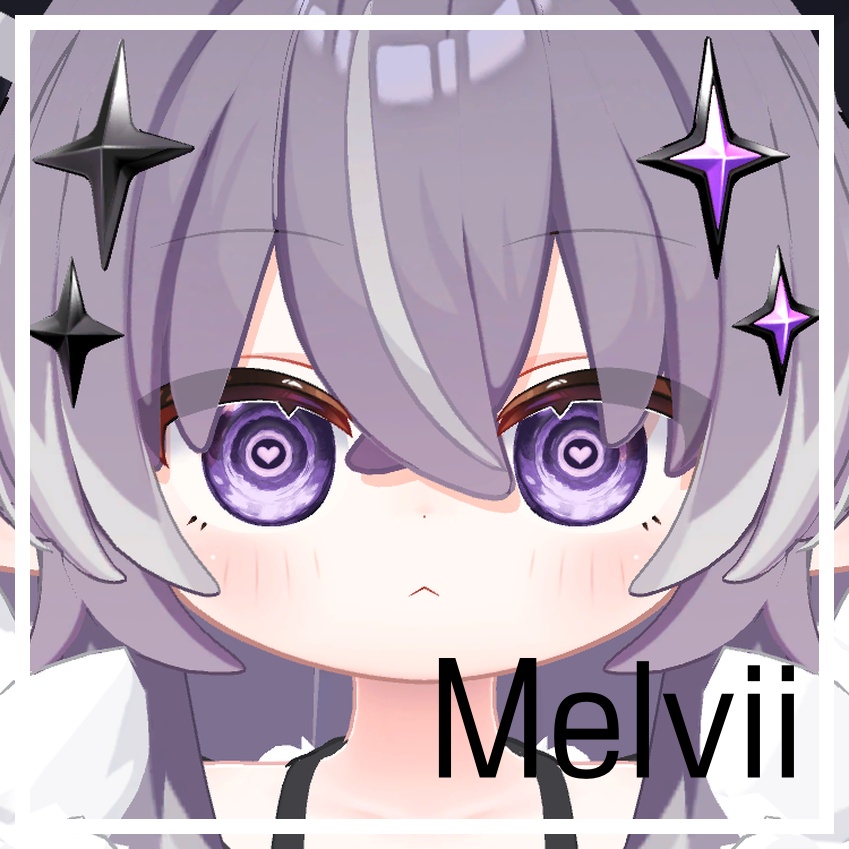

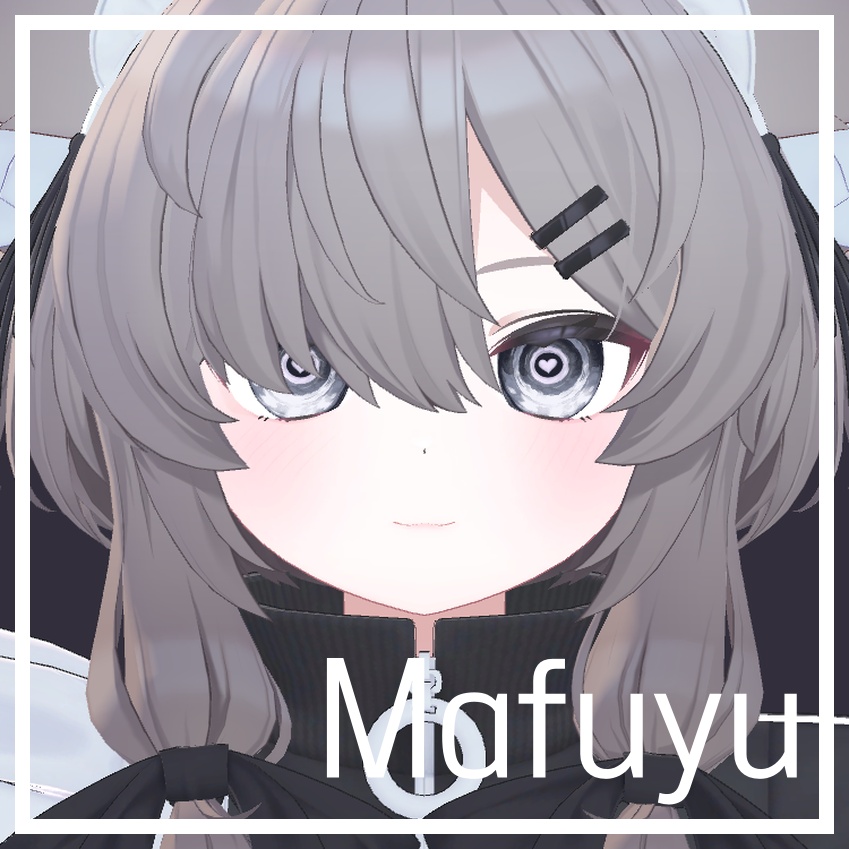
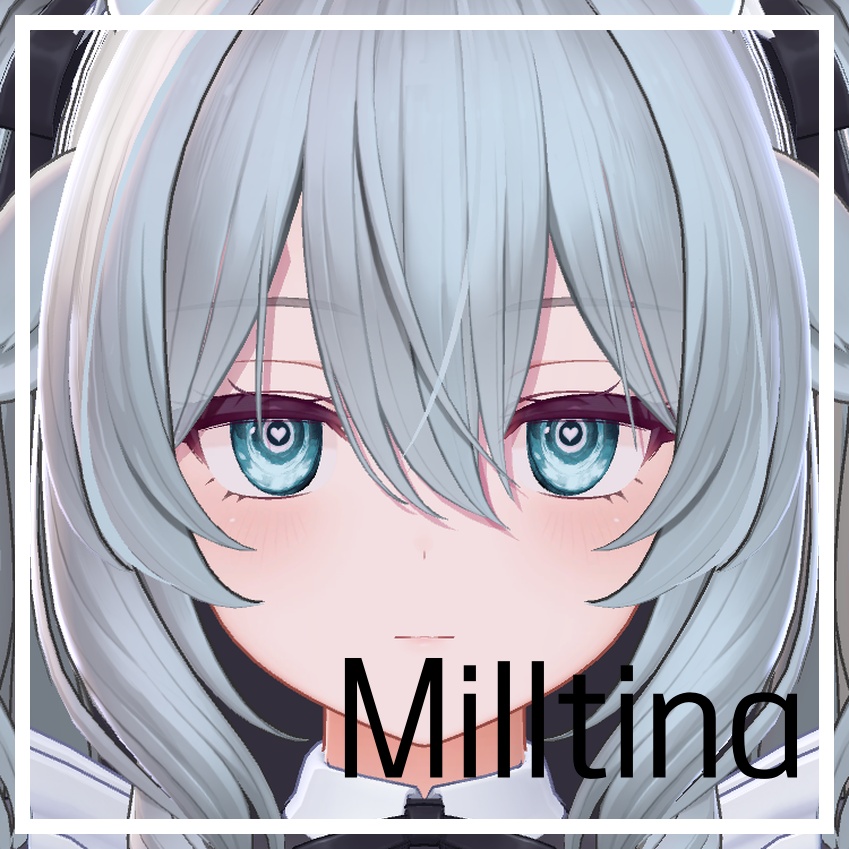
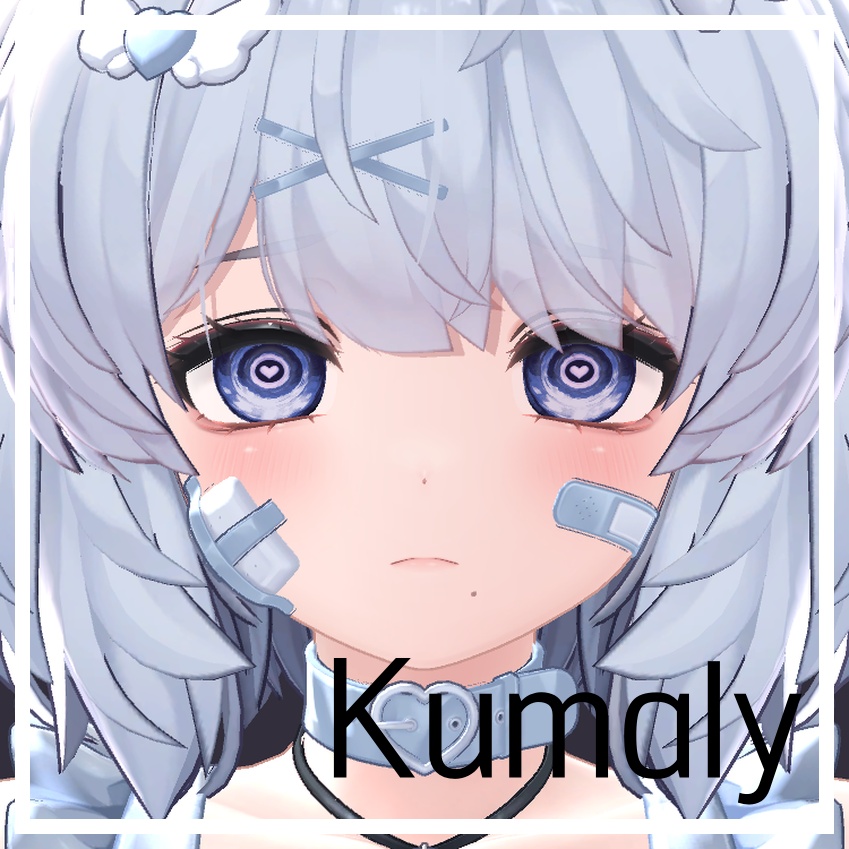


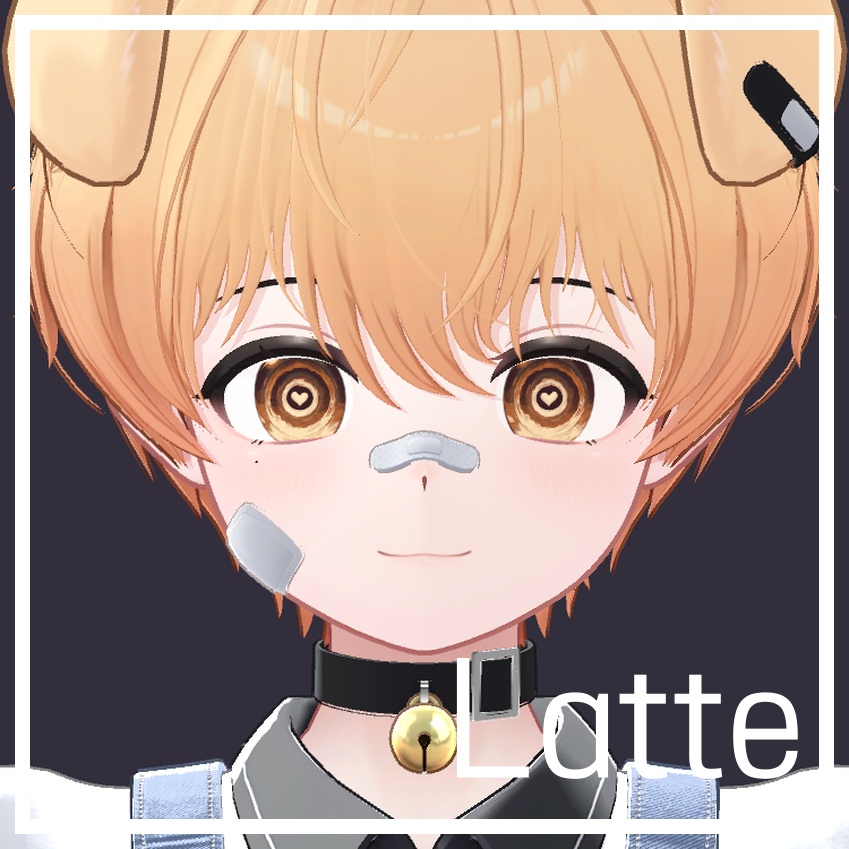
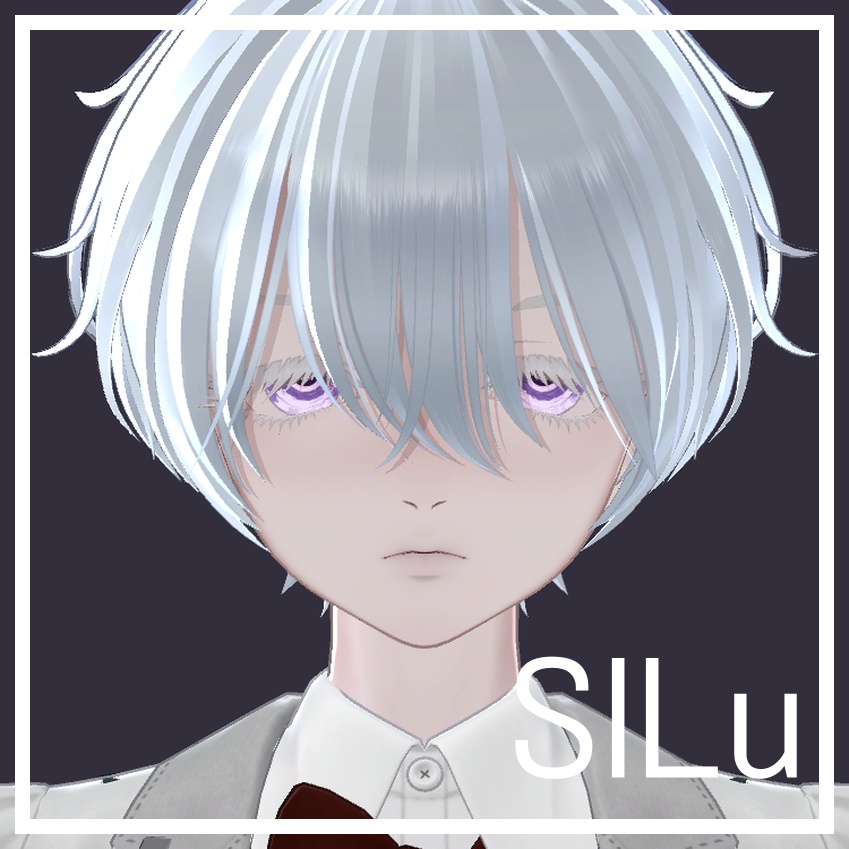
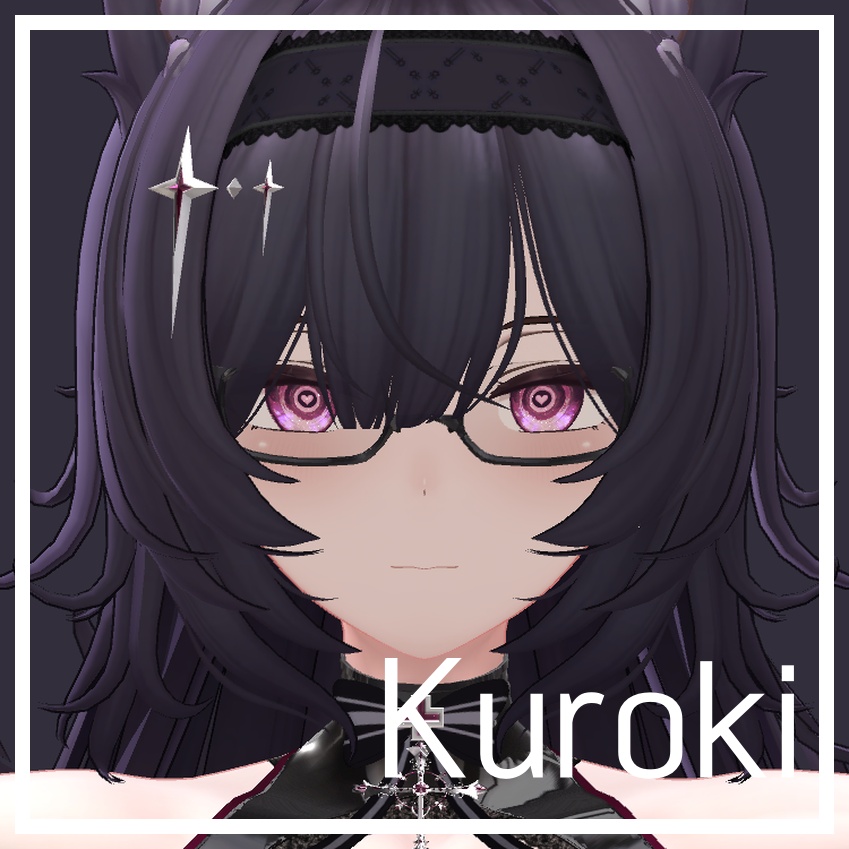


Heartwave eye texture Version 1.1 日本語 ご購入いただきありがとうございます! ハートと波が揺らめくアイテクスチャです。10色入り。 使用方法 1. 対応アバターとlilToonを導入し、使用するアバターのZIPを解凍して中のunitypackageをインポートします。 2. RottenDeer > Heartwave Eye > Applyを開き、HierarchyのアバターをAvatar欄に入れます。 3. Avatar typeとColourを選び、Hide original pupilをONにしてApplyを押します。 4. シーンを保存し、Playモードで動きを確認してください。 アバター標準の目マテリアルから適用してください。目マテリアルは複製して設定されます。 表情アニメーションが目マテリアルや瞳孔・ハイライトを切り替える場合は、そちらの設定も合わせてください。 アバター本体・元のテクスチャ・lilToonは含まれていません。 商用利用・再配布は禁止です。商用目的の場合はお問い合わせください。 本商品の著作権はRotに帰属します。アバター本体の規約もお守りください。 お問い合わせはBOOTHのメッセージ機能からお願いします。 English Thank you for your purchase! Animated eye textures with shimmering hearts and waves. Includes 10 colours. How to use 1. Import the matching avatar and lilToon, unzip your avatar's ZIP and import the unitypackage inside. 2. Open RottenDeer > Heartwave Eye > Apply and put your Hierarchy avatar in Avatar. 3. Choose Avatar type and Colour, enable Hide original pupil, then click Apply. 4. Save the scene and check the animation in Play mode. Start with the avatar's standard eye material. The installer creates a separate material. If expression animations swap eye materials or control pupils/highlights, adjust those settings as well. Avatars, original textures and lilToon are not included. Commercial use and redistribution are prohibited. Please contact me for commercial use. Copyright belongs to Rot. Follow the original avatar's terms as well. For questions, please use BOOTH messages. 한국어 구매해 주셔서 감사합니다! 하트와 물결이 일렁이는 아이텍스쳐입니다. 10색이 들어 있습니다. 사용 방법 1. 대응 아바타와 lilToon을 도입한 뒤 사용할 아바타의 ZIP을 풀고 안의 unitypackage를 가져옵니다. 2. RottenDeer > Heartwave Eye > Apply를 열고 Hierarchy의 아바타를 Avatar 칸에 넣습니다. 3. Avatar type과 Colour를 고르고 Hide original pupil을 켠 뒤 Apply를 누릅니다. 4. 씬을 저장하고 Play 모드에서 움직임을 확인해 주세요. 아바타의 기본 눈 마테리얼에서 적용해 주세요. 마테리얼을 복제해 설정합니다. 표정 애니메이션이 눈 마테리얼이나 동공·하이라이트를 바꾸는 경우 해당 설정도 맞춰 주세요. 아바타 본체·원본 텍스쳐·lilToon은 포함되지 않습니다. 상업적 이용과 재배포를 금지합니다. 상업적인 목적이라면 문의해 주세요. 본 상품의 저작권은 Rot에게 있습니다. 아바타 본체의 약관도 지켜 주세요. 문의는 BOOTH 메시지 기능을 이용해 주세요. 対応モデル / Compatible models / 대응 아바타 Lapwing https://booth.pm/ja/items/4993931 Midaris https://booth.pm/ja/items/8775542 Lilfy https://booth.pm/ja/items/8917655 SiuSiu https://booth.pm/ja/items/8426340 Caprilina https://booth.pm/ja/items/7916420 Milfy https://booth.pm/ja/items/6571299 Uruki https://booth.pm/ja/items/6574516 Melvii https://booth.pm/ja/items/8727844 MatchaBun https://booth.pm/ja/items/7223760 Mafuyu https://booth.pm/ja/items/5007531 Milltina https://booth.pm/ja/items/6538026 Kumaly https://jingo1016.booth.pm/items/7928592 Mayo https://booth.pm/ja/items/8122803 Manuka https://jingo1016.booth.pm/items/5058077 Latte https://booth.pm/ja/items/8733827 SILu https://booth.pm/ja/items/8827036 Kuroki https://booth.pm/ja/items/8822547 更新履歴 / Update History / 갱신 내역 2026-10-26 1.1 — 対応アバター追加 / Added avatar support / 대응 아바타 추가 2026-09-10 1.0 — 販売開始 / Release / 판매 개시