

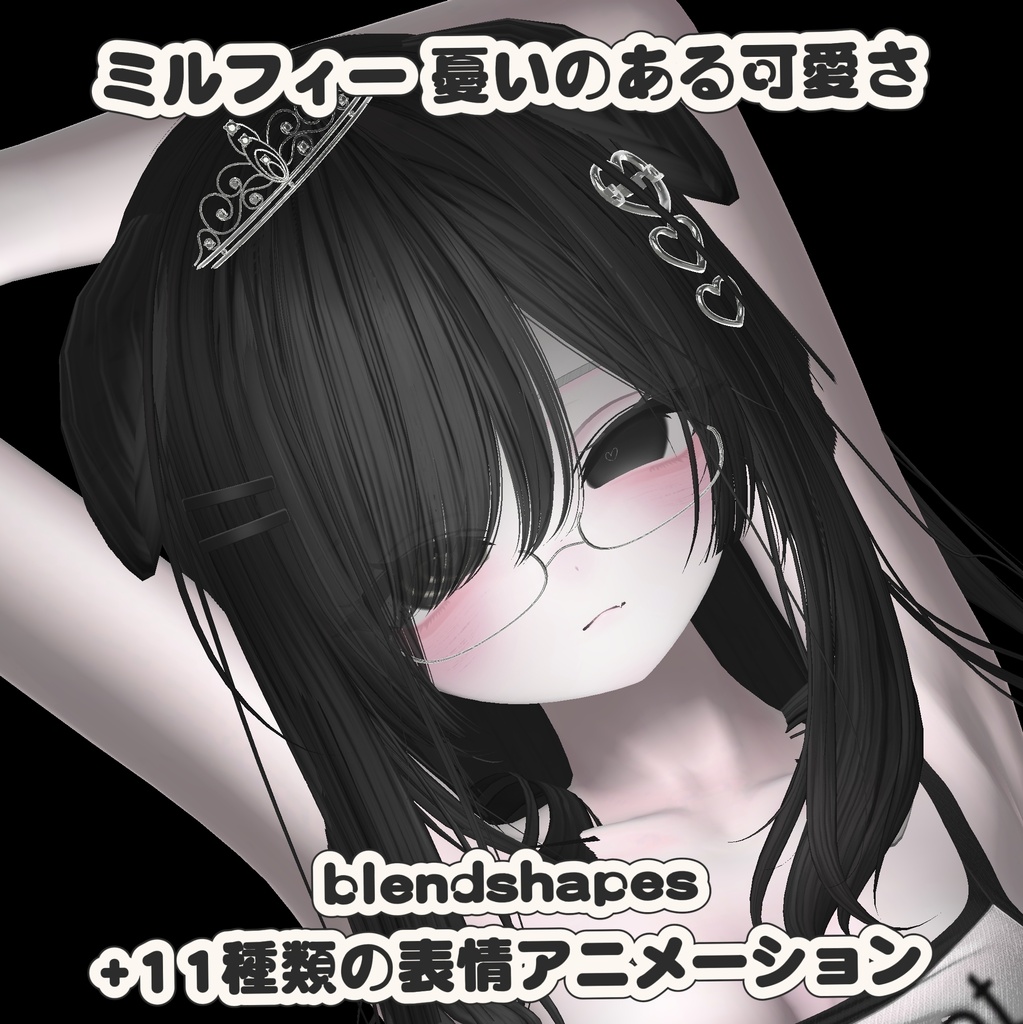
milfy 憂いのある可愛さ blendshapes+表情アニメ-シジン
- ダウンロード商品¥ 300
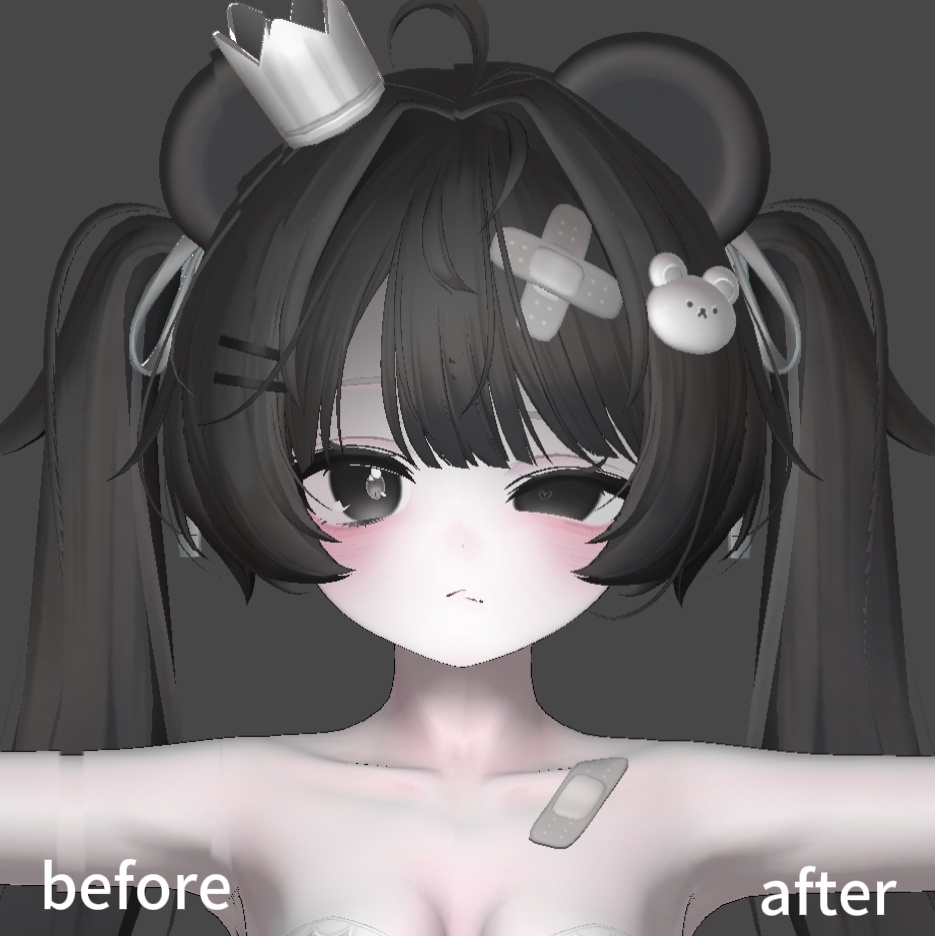
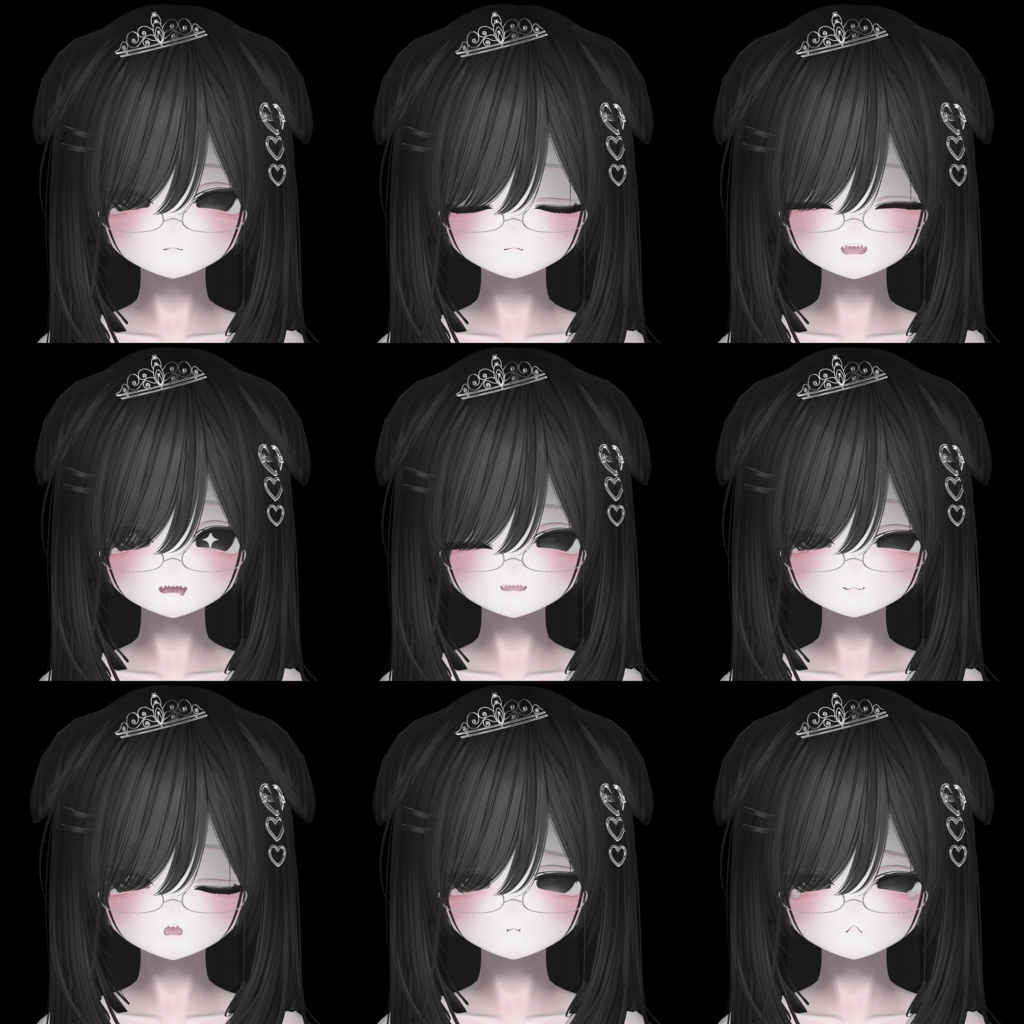


# 商品説明|Product Description > 対応アバター:Milfy(ミルフィ) > 素材クレジット|Material Credits > - アバター本体|Avatar:milfy https://booth.pm/ja/items/6571299 > - メイクテクスチャ|Make‑up texture:https://omameda.booth.pm/items/8679816 > - ヘアー|Hair:https://booth.pm/ja/items/8934515 --- ## ■内容物|Contents **日本語** ベースアニメーション 1種類、表情アニメーション 11種類 **English** 1 base animation and 11 facial‑expression animations --- ## ■使用方法|How to Use **日本語** 1. Unity packageファイルをプロジェクトにインポートします。 2. アニメーションファイルをHierarchy上のmilfyオブジェクトへドラッグ&ドロップします。 3. Avatarを選択し、ベースアニメーションを再生します。 4. 再生中にBodyのブレンドシェイプ(BlendShape)の値をコピーします。 5. 再生モードを終了した後、Bodyに対してコピーしたブレンドシェイプを貼り付けてください。 **English** 1. Import the Unity package file into your project. 2. Drag‑and‑drop the animation files onto the milfy object in the Hierarchy. 3. Select the avatar and play the base animation. 4. While playing, copy the BlendShape values of the Body. 5. Exit play‑mode, then paste the copied BlendShape values back to the Body. --- ## ■注意事項|Notes **日本語** ベースアニメーション適用後、無料プラグインで瞬きの突き抜け(クリッピング)を修正しないと、全ての表情を正常に表示することができません。 修正用プラグイン:『Avatar Blink Fix』表情改変後の目のBlendShapeを修正するツール https://booth.pm/ja/items/7074770 **English** After applying the base animation, you must fix blink clipping with the free plugin, otherwise some expressions will not display correctly. Fix‑plugin: 『Avatar Blink Fix』Tool to correct eye BlendShapes after facial modification https://booth.pm/ja/items/7074770 --- ### BOOTH向け簡約版(コピペ用、商品概要欄に適している) > 【JP】 > ■内容:ベースアニメ×1、表情アニメ×11 > ■対応:Milfy > ■素材クレジット > milfy:https://booth.pm/ja/items/6571299 > メイク:https://omameda.booth.pm/items/8679816 > ヘアー:https://booth.pm/ja/items/8934515 > > 【使い方】 > 1.Unitypackageをインポート > 2.HierarchyのmilfyへアニメをD&D > 3.Avatar選択→ベースアニメ再生、BodyのBlendShapeをコピー > 4.再生終了後Bodyへ貼り付け > > 【注意】 > 適用後は無料ツール「Avatar Blink Fix」で瞬きクリッピング修正が必須 > https://booth.pm/ja/items/7074770 > 【EN】 > ■Contents: 1 base animation,11 facial‑expression animations > ■Compatible with: Milfy > ■Material Credits > milfy:https://booth.pm/ja/items/6571299 > make‑up:https://omameda.booth.pm/items/8679816 > hair:https://booth.pm/ja/items/8934515 > > 【How to use】 > 1.Import Unitypackage > 2.Drag‑drop animations onto milfy in Hierarchy > 3.Select avatar,play base animation and copy Body BlendShape values > 4.Exit play‑mode and paste values to Body > > 【Note】 > You need the free tool「Avatar Blink Fix」to fix blink clipping after applying animations. > https://booth.pm/ja/items/7074770