

【VRChat】タブレット型リズムゲーム MusicGame|ドラッグ&ドロップで即使える
- ダウンロード商品¥ 500
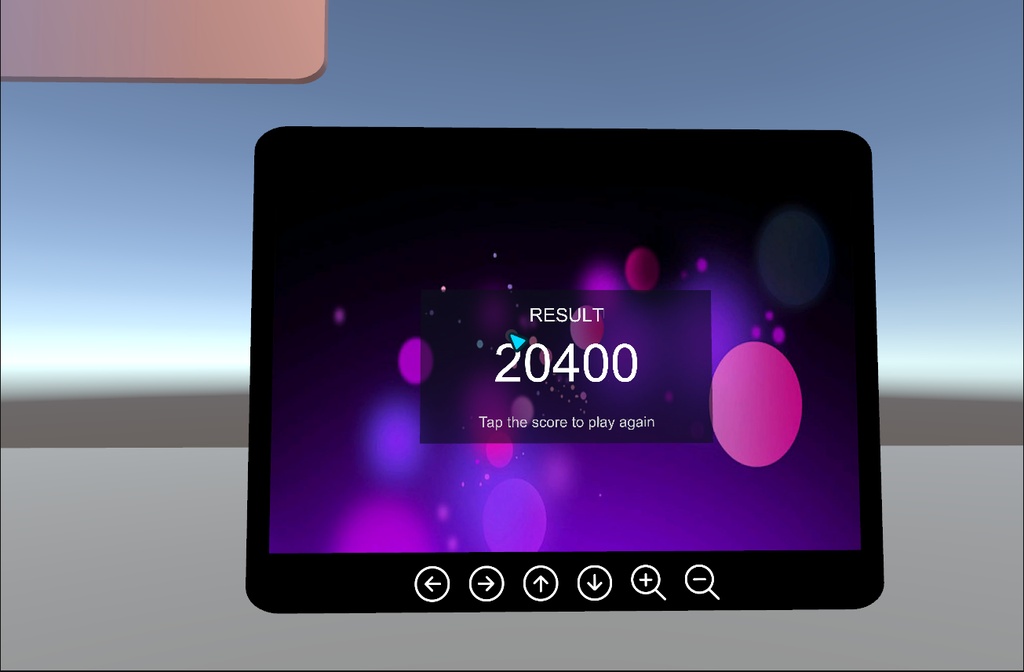
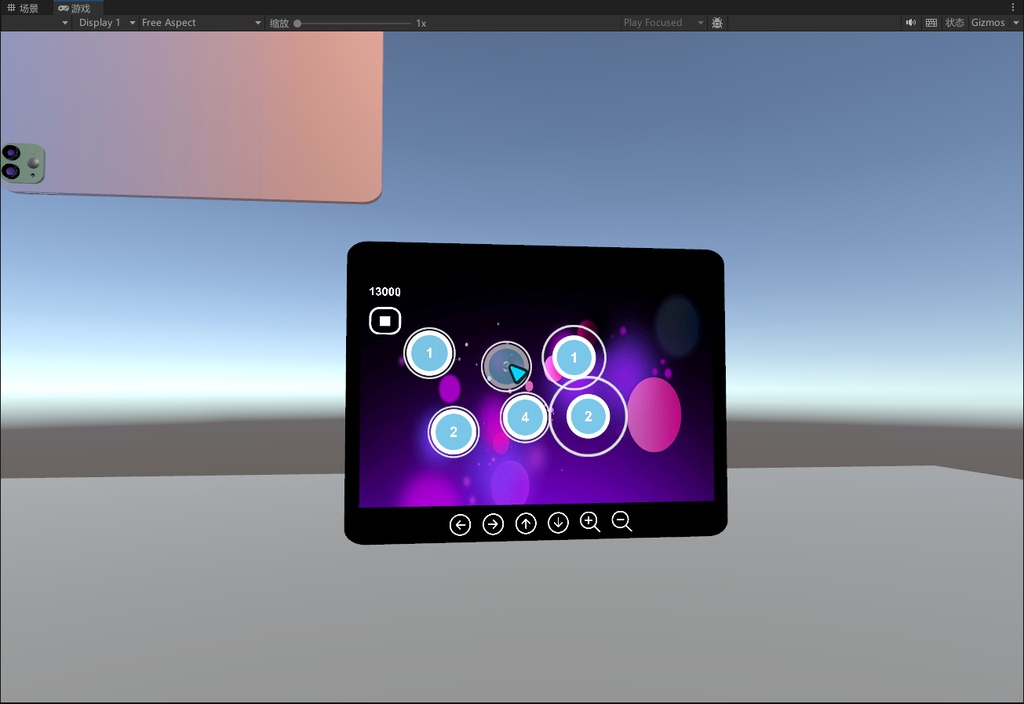
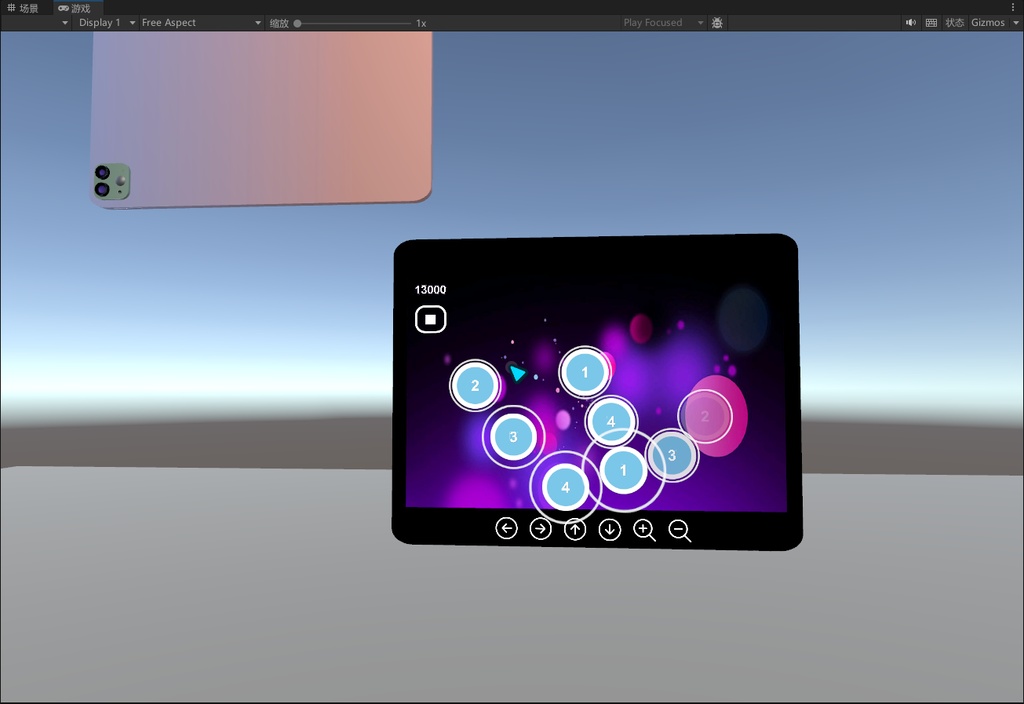
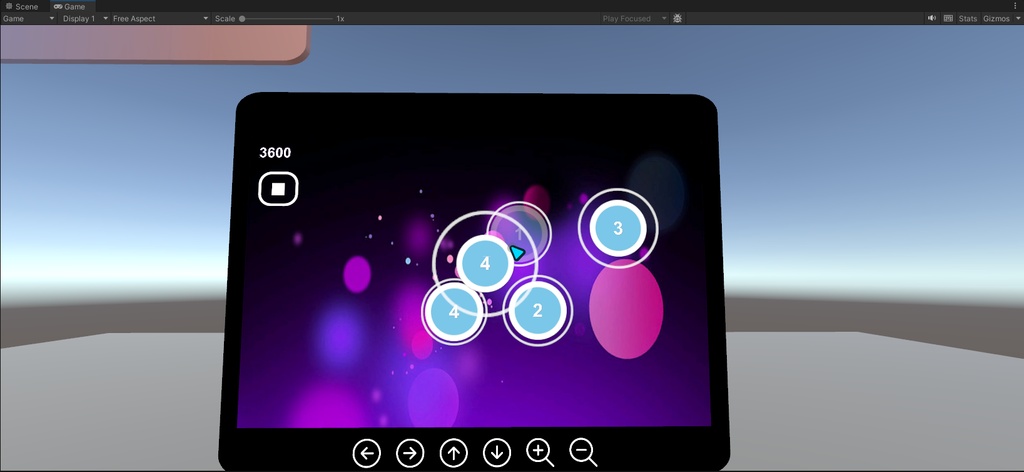
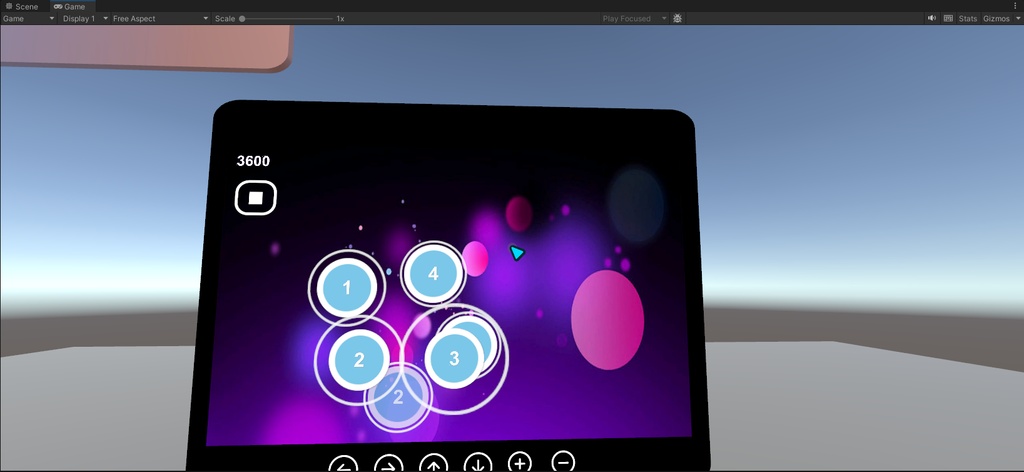
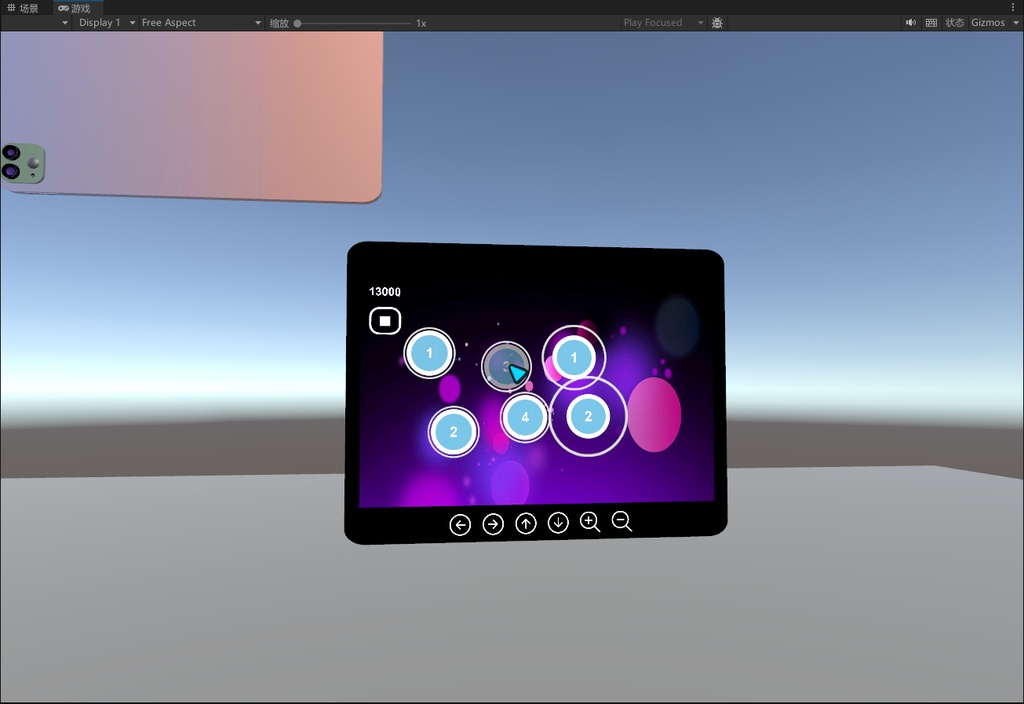
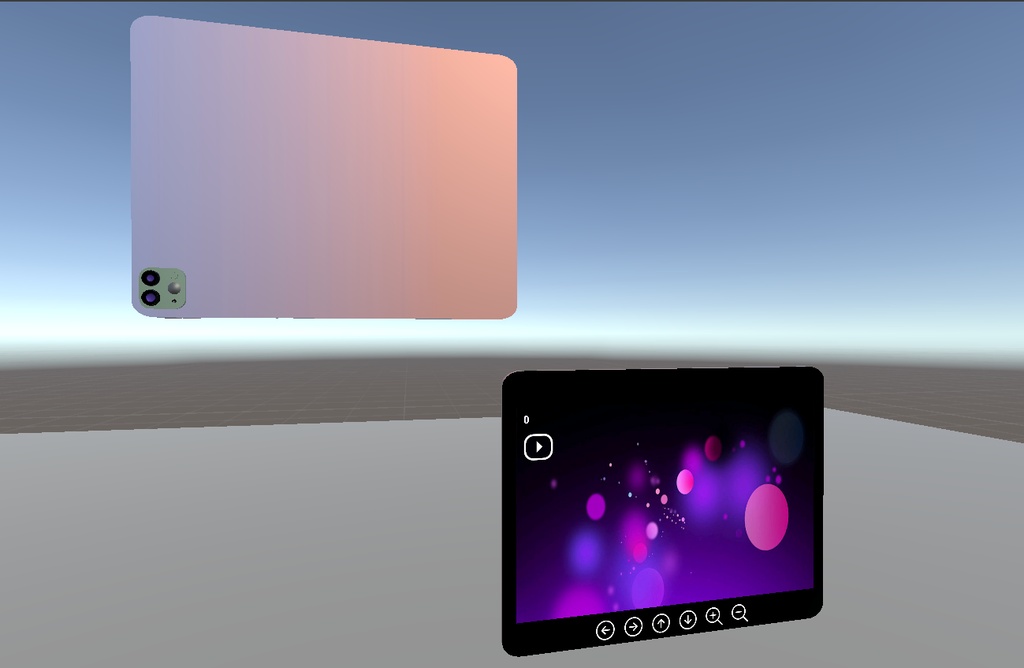
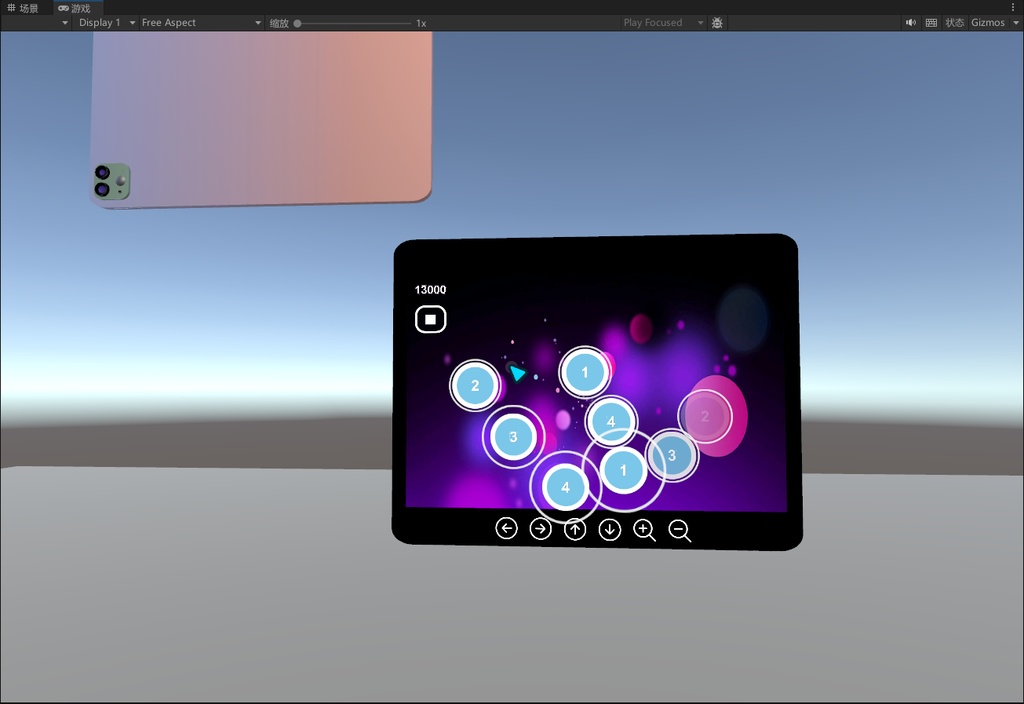


【ひとことで】 VRChat 用の音楽ゲーム「MusicGame」です。 タブレット型のギミックが 1 つのプレハブにまとまっていて、 あなたのシーンにドラッグ&ドロップするだけで遊べます。 コードを書く必要も、Udon を組む必要もありません。 【特長】 ・置くだけ導入:MusicGame.prefab をシーンにドラッグするだけで完了 ・依存なし:モデル・テクスチャ・アイコン・マテリアル・楽曲・譜面・スクリプト すべて同梱。あなたのプロジェクトの他のアセットを一切使いません ・操作はすべてワールド内 UI:開始/一時停止/再開/リザルトは タブレット画面をクリックするだけ ・タブレットは移動も拡大縮小も自由:画面内のアイコン (上下左右 + 拡大/縮小 の 6 ボタン)で操作できます。 シーンに置いたときの大きさがそのまま基準サイズになり、 ボタンではその 0.5×~4× の範囲で拡大縮小できます ・マルチ対応:同じルームの全員が同じプレイ内容を見られます。 始めた人(オーナー)がスコアを獲得し、他の人は観戦になります ・楽曲・譜面の差し替えも簡単:音楽スロットと譜面ファイルを入れ替えるだけ ・譜面は JSON 形式なので、自分で編集したりツールで生成したりできます ・自由にサイズ調整できるので、小さな卓上サイズから壁一面の大画面まで対応 ・デモシーン付き:インポート後すぐに開いて試せます 【遊び方】 ① タブレットの前に立ち、画面の開始ボタンを押す ② ノーツが上から落ちてくるので、判定サークルに重なったタイミングでクリック ③ 外したり早すぎたりすると減点。楽曲が終わるとリザルト画面が出ます ④ スコアをクリックすると、そのまま次のプレイへ 【収録内容】 ・MusicGame.prefab(ゲーム本体のプレハブ) ・ButtonController.prefab(ノーツのプレハブ) ・UdonSharp スクリプト 5 本(メイン制御/音楽/ノーツ/タブレット操作/判定) ・サンプル楽曲 1 曲 + 譜面データ(JSON) ・テクスチャ・アイコン・マテリアル・iPad モデル一式 ・デモシーン(インポート後すぐに動作確認できます) 【導入手順】 1. アセットパッケージをインポート 2. Assets/MusicGame/Prefabs/MusicGame.prefab をあなたのシーンにドラッグ 3. 位置・向き・大きさを調整 → アップロード → 完了 【カスタマイズ】 ・楽曲変更:MusicController の「clip」スロットに音声ファイルを設定 ・譜面変更:GameController の「gameDataFile」スロットに JSON を設定 ・大きさ変更:シーン上で拡大縮小するだけ(置いたサイズが基準になります) 【仕様】 ・対応:VRChat ワールド(SDK3-Worlds / UdonSharp) 【利用規約】※ご購入前に必ずお読みください ○ 許可 ・ご自身の VRChat ワールド/シーンへの組み込み (個人利用だけでなく、ご自身のシーンと合わせての販売も可能です) ・ご自身の作品の魅力アップや集客・成約率向上のための利用 ・外観・サイズ・位置の改変(ご自身のシーンに合わせた調整) × 禁止 ・本アセット単体での転売・再販 (改変の有無を問わず、本アセットそのものを独立した商品として販売することはできません) ・元ファイル(.unitypackage / プロジェクトファイル)の再配布・共有・公開アップロード ・原作者であるとの主張 ※ ひとことで:ご自身の作品の部品として同梱して販売するのは OK、 アセットそのものを再販するのは NG です。 【One-line】 A complete VRChat music rhythm game in a single prefab. Drag it into your world and it just works — no coding, no Udon graph, nothing else to install. 【What it is】 "MusicGame" is a tablet-shaped rhythm game built for VRChat worlds. The whole game — model, screen UI, logic and audio — lives inside one prefab, so adding it to your own scene is a drag-and-drop job. 【Features】 ・Drop-in: drag MusicGame.prefab into your scene and you are done ・Zero dependencies: model, textures, icons, materials, music, chart and scripts are all included. It uses nothing else from your project ・Everything is clicked in-world: Start / Pause / Resume / Result are all handled by buttons on the tablet screen ・Move and resize freely: six on-screen buttons (up / down / left / right, zoom in / zoom out). The size you place it at becomes the base size, and the zoom buttons scale it 0.5x to 4x on top of that ・Multiplayer sync: everyone in the room sees the same run. The player who starts it (the owner) scores; the others watch ・Easy to reskin: swap one audio clip and one chart file to use your own song ・Chart format is plain JSON — edit it by hand or generate it with your own tool ・Scale it to anything: from a small table-top gadget to a wall-sized screen ・Demo scene included — open it and play the game before you build 【How to play】 1) Walk up to the tablet and press Start 2) Notes fall from the top — click them as they hit the judgement circle 3) Miss or click too early and you lose points; the result panel appears when the track ends 4) Click the score to start another run 【What's included】 ・MusicGame.prefab (the game itself) ・ButtonController.prefab (the note prefab) ・5 UdonSharp scripts (main controller, music, note, tablet control, hit indicator) ・1 sample track + matching chart (JSON) ・All textures, icons, materials and the iPad model ・Demo scene (ready to play, for testing) 【Setup — 3 steps】 1. Import the package into your Unity project 2. Drag Assets/MusicGame/Prefabs/MusicGame.prefab into your scene 3. Position / rotate / scale it → upload your world → done 【Customization】 ・Change the song: assign your audio file to the "clip" slot on MusicController ・Change the chart: assign your JSON file to the "gameDataFile" slot on GameController ・Change the size: just scale it in the scene (the placed size becomes the base size) 【Requirements】 ・Unity + VRChat SDK3-Worlds (UdonSharp) ・For use in VRChat worlds 【License】Please read before purchasing Allowed: ・Integrate it into your own VRChat world / scene — for personal use, or sold together with your own world ・Use it as a feature of your world to make your own product more attractive ・Modify the look, size and placement to fit your scene Not allowed: ・Reselling this asset on its own. You may not sell, repackage or redistribute the asset itself as a standalone product (modified or not) ・Redistributing, sharing or publicly uploading the source files (.unitypackage / project files) ・Claiming authorship In short: use it as a part of your own product and sell that — fine. Resell the asset itself — not fine.